

Turn recordings into transcripts and summaries in minutes
Upload audio or video for multilingual transcription, AI notes, and action items
The Complete Guide to Transcript Summarization in 2026: From Messy Recordings to Actionable Meeting Minutes
Most people organize transcripts by opening the file and reading from the first sentence to the last, highlighting as they go. The biggest problem with this approach is that the highlights are usually never looked at a second time.
Because what a meeting really needs to retain isn't "which sentences were beautifully spoken," but three things: what decisions were made, who is responsible, and when it's due. If you capture the wrong points, no matter how clean the transcript is, it's just another document sitting in cloud storage.
I lead a team of 10 and have about 15 meetings a week—weekly meetings, project progress meetings, one-on-ones, cross-department coordination. What used to annoy me most wasn't the meeting itself, but the aftermath: a two-hour meeting, and I'd still have to spend another hour organizing the notes. Later, I broke down "transcript summarization" into a fixed process and used Tinrec as a tool, which cut that time down to under 10 minutes. This article will clarify two things: how to capture key points, and how to choose the right tool.
What Can Transcript Summarization Do for You?
Scenario 1: Get meeting minutes within 10 minutes after the meeting Previously, after a two-hour meeting, my work had just begun. Now, as the meeting ends, Tinrec has already transcribed the transcript and automatically generated a summary, chapters, and action items—who is responsible for what and the deadline, listed out. I just need to review it, add my own judgment, and send it to the team and my boss.
Scenario 2: The boss asks, "What was the conclusion last time?" This used to make me break out in a cold sweat, because I could flip through notes for 3 minutes and still not find it. Now I just ask Tinrec: "What solution did we finally decide on in last week's meeting?" It answers based on the meeting's semantics and provides the corresponding transcript passage. I don't want a keyword search; I want the answer directly.
Scenario 3: Leave a written record of tasks assigned to subordinates The worst fear with verbal instructions is the other person saying "I forgot" two days later. The transcript plus automatically extracted action items means every assignment has a record. I'm not trying to micromanage; I just don't want to spend time going back to confirm "what exactly did I say at the time."
Scenario 4: Interviews, courses, and external meeting materials Whether it's user interviews, expert interviews, or training recordings, Tinrec can convert audio or video files into text and then organize key points and quoted passages. In the past, I often recorded such materials and left them unused because the organization cost was too high; now that the cost has come down, the materials actually get used.
What Are the Core Capabilities of Transcript Summarization?
1. Real-time transcription and bot-free recording The first step of a transcript is "capture the content first." Take Tinrec as an example: the desktop version directly captures the computer's system audio, so when handling online meetings like Zoom, Google Meet, Microsoft Teams, and Webex, you don't need to invite a meeting bot to join as a participant. For offline meetings or interviews, you can directly use your phone or desktop version to record in real time and transcribe as you go.
2. AI summary and chapters: break two hours into a readable structure The most troublesome part of a transcript is that it's long and messy—people talking over each other, with off-topic discussions interspersed. Tinrec automatically generates a summary and divides it into chapters based on the discussion flow, so I can first look at the structure and then decide whether to read the details. What this step saves isn't typing time, but the time to "re-understand the entire meeting."
3. Action item extraction: turn key points into actions This is what I consider the most critical. The key isn't just "what was discussed," but "what needs to be done after the meeting." Tinrec organizes action items from the discussion, especially noticeable in project meetings and client meetings—previously these things were scattered in the conversation, now they're a list you can follow up on.
4. AI conversational query: no need to reread the entire text After transcription is complete, you can directly ask Tinrec questions like "Who mentioned the budget in the meeting?" or "What were the client's concerns about the delivery date?" It answers based on semantic understanding, not keyword matching. In practice, I most often ask "What action items haven't been assigned yet in this meeting?" because that's usually where things get missed.
5. Export and post-processing: turn transcripts into work output The organized key points are only useful if they can be taken away. Tinrec supports multiple export formats and can also export to tools like Notion, Google Docs, OneNote, and Dropbox. It also has Agent post-processing, which can further generate reports, tables, or formal documents from meeting content. From "voice → transcript → meeting minutes → table," this entire line can now be completed in the same workflow.
6. Team space: let key points settle instead of scattering everywhere This is the main reason I later switched to the Tinrec team version. The team version isn't multiple people sharing a personal account, but an independent team space: meeting data belongs to the team, new members can view historical meetings, and action items and post-meeting outputs can be continuously tracked.
Here it's important to distinguish between "roles" and "seats"—roles determine who can manage the team, members, and settings; seats determine who can record, upload, edit, and import/export. Members who are active but have no seat can still view, play, and read team data. This point is easily overlooked when choosing a tool, but it directly affects how you manage your team.
Stop organizing recordings by hand
Upload audio or video and automatically get a transcript, summary, and action items
Practical Application Scenarios
Weekly meetings and project progress meetings I use the Tinrec desktop version to click record before each online weekly meeting starts, and by the time the meeting ends, the transcript and summary are ready. After the meeting, I only do one thing: align action items with responsible parties. This used to take 40 minutes; now it takes about 5 minutes.
One-on-one meetings The content of one-on-ones is sensitive, and the transcript is mainly for my own review—career plans discussed last time, things I promised to handle. Before the next meeting, I ask AI to pull them up. The biggest fear in management isn't forgetting, but "promising something and then forgetting."
Client interviews and requirements meetings Client needs, concerns, and commitments, once organized into a list, can directly become proposal materials for follow-up, and can also be exported to existing document workflows. This is much faster than listening to the recording again.
Cross-language and cross-department meetings Tinrec supports real-time translation during recording, allowing you to view the original text, translation, or bilingual content. The most time-consuming part of cross-department communication isn't the communication itself, but the follow-up and confirmation after communication. For professional terms that frequently appear in the team, you can also maintain team hotwords to improve recognition.
5 Points to Note When Choosing a Transcript Summarization Tool
1. First confirm whether it can "organize," not just "transcribe" Many tools stop at the transcript, but the real time cost is in the subsequent summary, key points, and action items. Tinrec's positioning is exactly in this segment: transcription is just the entry point; AI summary, chapters, action items, and AI Q&A are where it saves you time.
2. How is the meeting recorded? Some tools rely on a meeting bot joining as a participant, which adds an extra attendee on the screen, and some companies or clients may mind. The Tinrec desktop version is user-initiated and captures the computer's system audio, without an extra bot joining. Note that this also means you need to press record yourself; it's not a tool that automatically joins all calendar meetings.
3. Will the audio file be kept? When organizing key points, you'll definitely encounter "what does this sentence mean?" At that point, being able to go back and check the recording is important. Tinrec keeps audio files, and the team version also has an audio recycle bin, where accidentally deleted audio can be restored before permanent cleanup begins (currently the retention period is 30 days).
4. Handling of Chinese and professional terminology If, like me, your meetings are mainly in Chinese with occasional mixed Chinese-English, this point is more critical than price. Tinrec covers Chinese, Traditional Chinese, and multilingual meeting scenarios, and supports team hotwords. But to be honest: don't expect a fixed accuracy rate; actual performance is affected by recording quality, background noise, accents, overlapping speakers, and professional terminology. For important content, I still replay and verify against the transcript timestamps.
5. Team governance capabilities, not just transcription minutes If you want your whole team to use it, you need to look at whether it has members, roles, seats, usage analytics, audit logs, and data handover. The Tinrec team version has team space, member and seat management, usage trends and member details, audit logs, and audio recycle bin. Currently, the team plan's first eligible trial is 7 days, 1 free seat, and 300 minutes of team shared import quota; team monthly is USD 29.80 per paid seat per month, annual is USD 199 per paid seat per year (equivalent to about USD 16.58 per month), and each paid seat provides 2,000 minutes of team shared import quota per month. Under an active team plan and active seat, real-time recording currently does not deduct minutes; file and web imports use the team shared quota. Actual prices, currencies, and promotional content are subject to the official purchase page.
Frequently Asked Questions
Q1: What's the fastest way to summarize a transcript? Let the tool do the structured organization first, and you just make judgments. The specific order is: transcription → summary and chapters → action item list → you add your own judgment. With Tinrec as an example, the first three steps are completed by the end of the meeting, and you only need a few minutes to confirm responsible parties and deadlines.
Q2: Is the free version enough? It depends on how often you have meetings. If you only have two or three meetings a week and mainly want to try the organization process, start with the free version's basic quota for a few meetings—your own experience is the most accurate. For someone like me who has meetings every day, it's more practical to look directly at the paid options for the personal or team version—the time saved far exceeds the cost.
Q3: Can the organized content be taken to other tools? Yes. Tinrec supports multiple export formats and can also export to tools like Notion, Google Docs, OneNote, and Dropbox for further processing. Additionally, Agent post-processing can generate reports, tables, or documents.
Q4: What's the difference between the team version and the personal version? The personal version's data belongs to the individual account; the team version has an independent team space, data belongs to the team, and it adds members, roles, seats, shared benefits, usage analytics, audit logs, and audio recycle bin. When a member leaves or is removed, team resources are handed over to other active members and won't disappear with the personal account.
Q5: Do online meetings require an extra meeting bot? No. The Tinrec desktop version records online meetings by capturing system audio, without an extra bot joining as a participant. But remember, it's currently not an "automatically join all calendar meetings" automation mode; you need to actively initiate recording.
Q6: Can 100% accuracy be guaranteed? It's not recommended to expect that. A more practical statement: Tinrec can greatly reduce the cost of manual note-taking and organization, but for important information, it's still recommended to verify against transcript timestamps and recording playback. Also, please remember to comply with local regulations when recording and transcribing, and obtain participant consent when necessary.
Conclusion
The core of transcript summarization isn't reading the transcript more carefully, but turning "records" into "data that can move forward"—decisions, responsible parties, deadlines, and meeting assets that can be searched, questioned, and handed over.
My approach is simple: use Tinrec to record meetings, let it handle transcription and summarization, and leave action items and judgment to myself. With 15 meetings a week, what's saved isn't accuracy, but an extra hour each day to spend with family. If you have more than 3 meetings a week, start with the free version's basic quota for two or three meetings, and see what your post-meeting process looks like after AI organizes your transcript into meeting minutes.
References
- Yating Transcript
- How to use AI for meeting minutes? How to organize meeting transcripts? | AI speech-to-transcript tutorial | 104 Workplace Power
- 5 tips for quickly converting meeting speech transcripts into perfect article tables with ChatGPT
- How to write a transcript - Ximalaya Mobile
- Transcription typing. For subtitles, find the Speed Typing professional team - How to transcribe by ear
Turn every recording into actionable outcomes
Get 60 free transcription minutes when you sign in. No credit card required.
Related Reading
You might also like

How to Use Apple Voice Memos Transcription in 2026: A 5-Step Guide
Is Apple's built-in Voice Memos transcription enough? This article uses real meeting scenarios from a mid-level manager's perspective to outline 5 decision steps, comparing Apple's built-in transcription, Yating Transcription, Recco, and Tinrec. It explains who each tool is for and where its limits lie, helping you decide which tool to use for post-meeting organization and team knowledge retention.

Tinrec Review 2026: Cantonese Meeting Transcription + AI Summaries & Action Items
Starting from the Cantonese meeting pain points Hong Kong teams face most, this guide covers the key criteria for choosing an AI meeting notes tool, tests Tinrec's performance on Cantonese and mixed Chinese-English transcription, summaries, action items, and team knowledge retention, and briefly reviews other common options to help you quickly decide which solution to use.

4 Meeting Note Apps Tested in 2026: Which Saves More Time Than Gemini?
Gemini's built-in meeting notes are convenient, but cross-platform use, mixed Cantonese-English, and team knowledge retention may fall short. Using Tinrec as an example, this article breaks down what a meeting note app can do, its core capabilities, practical use cases, 5 key considerations, and FAQs to help Hong Kong workers save time on post-meeting organization.
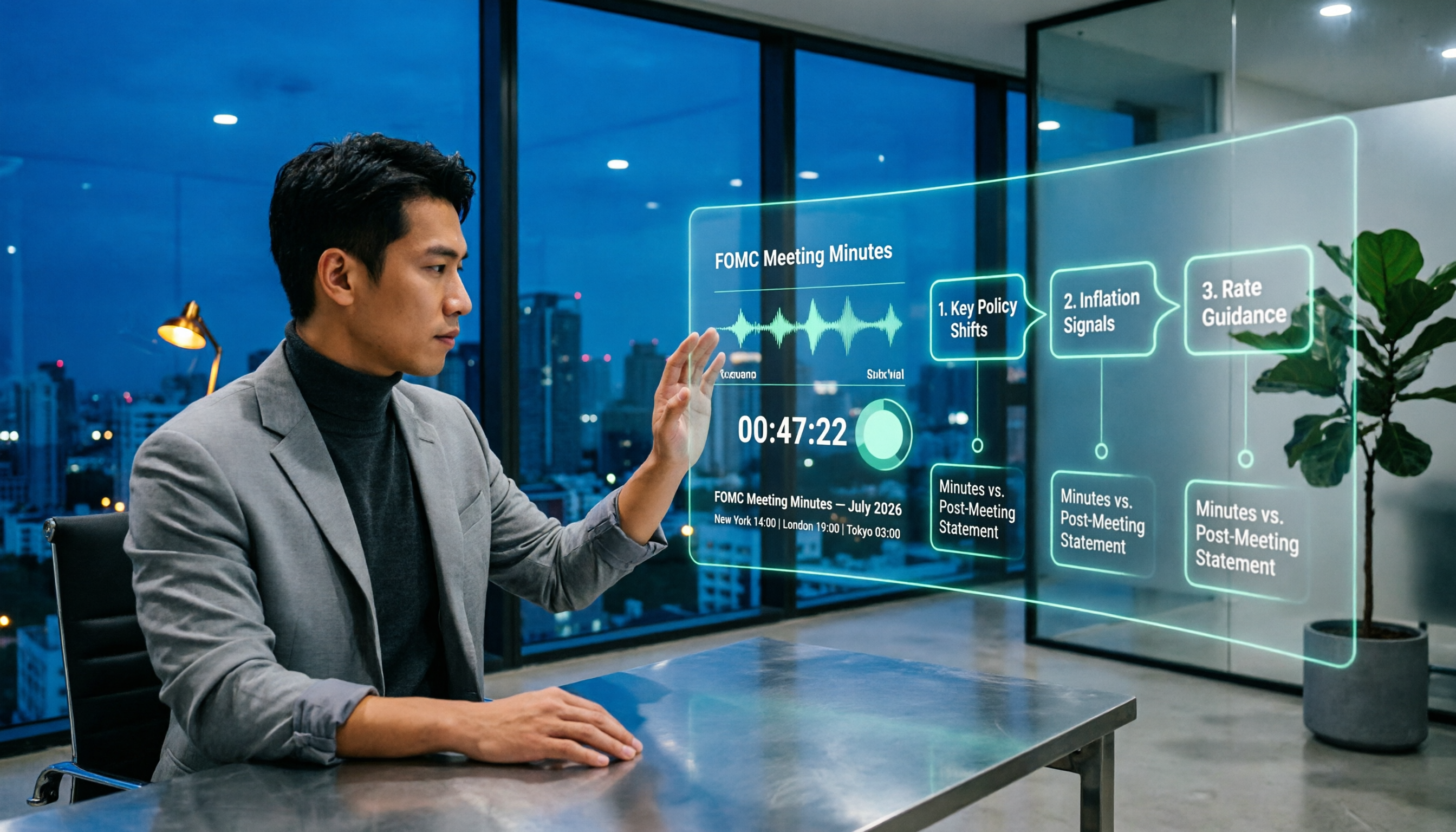
When Are Fed Meeting Minutes Released in 2026? 3 Steps to Track the Schedule and Key Details
When exactly are FOMC meeting minutes released? This guide explains the Fed's release pattern (about three weeks after the meeting, Wednesdays at 2 p.m. ET, early Thursday morning Taiwan time), uses the July 2026 meeting as a real example, and provides a 3-step method to find the next release date. It also explains the difference between meeting minutes and the post-meeting statement.

2026 Comparison of 4 Transcript Organization Tools: Which One Can Really Turn a One-Hour Meeting into Usable Minutes?
After feeding meeting recordings to AI, the real time-consuming part is never transcription but organization. Based on real testing experience with Chinese meeting recordings, this article breaks down 5 key points for choosing a transcript organization tool, compares Tinrec, Otter.ai, Notta, and Granola, and summarizes the 4 most common pitfalls.

Best Free Transcription Apps in 2026: We Tested 2 — This One Wins for Chinese Meetings and AI Organization
How do you choose a free transcription app? This article compares Tinrec and Yating Transcription, testing both free tools across five dimensions: free quota and cost, Chinese and multilingual recognition, post-transcription organization, online meeting and cross-platform support, and team collaboration. We also include an FAQ to help you decide which one fits your workflow.

2026 AI Transcription Free Plans Compared: 4 Tools to Know
The meeting is over, but the real work is just beginning. This guide reviews the free plans of four AI transcription tools in 2026—Tinrec, Otter.ai, Notta, and TurboScribe—comparing free quotas, file limits, Chinese recognition, and post-transcription organization features. It also covers the three most common pitfalls to help you choose the tool that truly saves time.

5 Free Transcription Tools Tested and Compared in 2026: Which Free Tier Is Actually Enough?
The most time-consuming part of meeting notes is never the recording—it's the re-listening. This article breaks down the common types of free transcription solutions in 2026, explains how free quotas are calculated, what to watch for with Chinese and mixed Chinese-English recognition, and how Tinrec turns transcripts into searchable, queryable, exportable meeting data.

Best Free Meeting Transcription Tools in 2026: 4 Tested, This One Wins for Chinese Meetings
How to choose a free meeting transcription tool? We tested four tools with free plans—Tinrec, Notta, Otter.ai, and CLOVA Note—comparing free quota calculations, online meeting handling, post-meeting organization, and Chinese recognition performance. We also highlight three common pitfalls to help budget-conscious professionals find a tool that can truly handle daily workloads.