

Turn recordings into transcripts and summaries in minutes
Upload audio or video for multilingual transcription, AI notes, and action items
4 Meeting Note Apps Tested in 2026: Which Saves More Time Than Gemini?
After a long day of meetings, the most annoying part is always the meeting notes afterward. Nowadays, many people first think of built-in AI features—like Gemini in Google Meet, which automatically records and generates to-dos during meetings. Sounds convenient. Meeting note solutions on the market can be roughly divided into four categories: built-in platform features, tools that join meetings as a bot, pure transcription tools, and AI recording hardware.
The question becomes: should you continue using the free built-in features, or find a dedicated AI meeting note app? When you're in Zoom, Microsoft Teams, Webex daily, or recordings mix Chinese and English with some Cantonese, you'll find that built-in features alone may not cut it. This article starts from real scenarios, explains how to choose, and uses Tinrec as an example to see how a complete meeting note workflow operates.
What Can a Meeting Note App Do for You?
Scenario 1: After the meeting, summary and to-dos are already generated Previously, after a two-hour meeting, you might spend another hour organizing notes. With Tinrec, after the meeting ends, AI has already generated a summary, chapters, and to-dos—who's responsible and when it's due, all clear at a glance.
Scenario 2: Online meetings without inviting a bot Many tools require a "meeting bot" to join as a participant, which can feel intrusive and awkward. Tinrec's desktop version directly captures system audio to handle Zoom, Google Meet, Microsoft Teams, Webex, and other meetings without an extra bot joining.
Scenario 3: Client interviews, key points won't be missed Sales or customer success teams fear missing client needs and commitments after meetings. Tinrec can transcribe interview recordings into text and automatically extract key points and to-dos for follow-up.
Scenario 4: Review old recordings without listening from scratch Accumulated meeting, course, and interview recordings can all be imported into Tinrec, then queried directly via AI Q&A—"Who mentioned the budget issue last time?" No need to listen through again.
What Are the Core Capabilities of a Meeting Note App?
Real-time audio to text: Transcribes as you record, no need to wait until the end. With Tinrec, during meetings you can watch the text to confirm key points are captured—great for offline meetings and interviews.
Bot-free online meeting recording: Tinrec's desktop version captures system audio to record meeting content played on your computer without adding a bot. Note: currently, users must actively open the desktop version to start recording; it should not be understood as automatically joining all calendar meetings.
AI summary, chapters, and to-dos: Not just condensing the transcript into a paragraph, but structured organization—meeting topics, discussion conclusions, and action items listed separately, making long meetings quick to browse.
AI conversational query: After transcription, you can ask Tinrec questions directly, and it answers based on semantic understanding—ideal for reviewing past meetings and research materials.
Multi-format export and Agent post-processing: Results can be taken to Notion, Google Docs, OneNote, Dropbox, etc., for further use, and reports, tables, and documents can be generated from meetings.
Practical Use Cases
Weekly stand-ups and cross-department meetings: Weekly meetings are perfect for Tinrec to consolidate. The team version can store meeting materials in a shared team space, so new members can review history without relying on word of mouth.
Client interviews and requirement discussions: Organize client needs, objections, and commitments into searchable data, then use AI Q&A to quickly review and ensure follow-ups aren't missed.
Stop organizing recordings by hand
Upload audio or video and automatically get a transcript, summary, and action items
Cross-language meetings: Tinrec supports real-time translation, allowing you to view original, translated, or bilingual text—handling mixed Chinese-English meetings, especially useful for overseas colleagues or clients.
Personal knowledge management: Course, lecture, and inspiration recordings can also be imported into Tinrec, making historical content searchable and queryable without digging through files.
5 Things to Note When Choosing a Meeting Note App
1. Language support: If you need to handle Cantonese or mixed Chinese-English content, note that not every tool supports it. Tinrec covers Chinese, Traditional Chinese, and multilingual meeting scenarios, and supports team hotword management for technical terms. Actual performance is affected by recording quality, accent, noise, and overlapping speech; don't blindly trust official accuracy claims.
2. Meeting capture method: Distinguish between "meeting bot" and "bot-free recording." Tinrec's desktop version captures system audio without adding a participant, making it more suitable for teams that value information security.
3. Post-transcription processing: Transcription is only the first step; the key is whether it can help you organize afterward. Tinrec provides summaries, chapters, to-dos, AI Q&A, and Agent post-processing—not just a transcript.
4. Cross-platform and export: Confirm the tool supports your commonly used devices. Tinrec has iOS, Android, and web versions; the desktop version handles online meetings, and export formats are flexible.
5. Team collaboration and governance: For team use, clarify the difference between members, roles, and seats. Tinrec's team version distinguishes roles (managing the team) and seats (using resources); members with valid roles but no seats can view, play, and read team materials but cannot upload, edit, or export.
FAQs
Q1: Is the built-in Gemini meeting notes enough? Built-in features are a convenient entry-level choice for that platform's meetings and standard language scenarios. But if you're across multiple meeting platforms, need to handle Cantonese or mixed Chinese-English content, or need to consolidate meetings into team data, a dedicated tool is more complete. Tinrec is positioned for such cross-platform, Chinese-focused solutions.
Q2: What are the limitations of Tinrec's free version? The free version offers basic quota to let you experience recording, import, summary, and transcription. If you only occasionally organize a recording, start with the free version; for short-term intensive meetings, consider a weekly pass; for steady weekly use, Pro is suitable.
Q3: Which meeting platforms does Tinrec support? The desktop version can handle audio from Zoom, Google Meet, Microsoft Teams, Webex, etc., played on your computer. Note that support for recording does not mean official partnership with these platforms.
Q4: How is the team version priced? Per current product configuration, the team trial is 7 days, 1 free seat, 300 minutes of shared team import quota. Team monthly is USD 29.80 per paid seat per month; annual is USD 199 per paid seat per year, about USD 16.58 per month. Each paid seat provides 2,000 minutes of shared team import quota per month. Prices and benefits are subject to the official purchase page.
Q5: How accurate is audio-to-text transcription? We do not recommend promising a fixed number. Actual performance is affected by recording quality, noise, accent, overlapping speech, and technical terms. For important content, verify with transcript timestamps and audio playback.
Conclusion
Built-in meeting note features are convenient for single-platform, standard language scenarios. But if, like me, you meet daily across different platforms and recordings mix Chinese and English, a dedicated AI meeting note app will save you considerable time. Tinrec focuses on bot-free recording, Chinese and multilingual experience, plus summaries, to-dos, AI Q&A, and team space, turning meetings into searchable, collaborative, and actionable data. If you have more than three meetings per week, it's worth trying the free version to see how AI can help organize your meeting notes.
References
- Gemini Meeting Notes APP: The Strongest Plaud AI Alternative | AI Audio to Text
- Get Meeting Notes Done! How to Do AI Speech-to-Text? Gemini Notebook, Gemini, EchoScript Operation Analysis | 104 Career Power
- Google Meet's built-in Gemini AI note-taking and "Take notes for me" | Google Workspace
- Raven AI Weekly | AI Agents, Automation (@iamraven.tw) on Threads
- Leverage AI in Meetings and Video Conferences | Google Workspace
Turn every recording into actionable outcomes
Get 60 free transcription minutes when you sign in. No credit card required.
Related Reading
You might also like

How to Use Apple Voice Memos Transcription in 2026: A 5-Step Guide
Is Apple's built-in Voice Memos transcription enough? This article uses real meeting scenarios from a mid-level manager's perspective to outline 5 decision steps, comparing Apple's built-in transcription, Yating Transcription, Recco, and Tinrec. It explains who each tool is for and where its limits lie, helping you decide which tool to use for post-meeting organization and team knowledge retention.

Tinrec Review 2026: Cantonese Meeting Transcription + AI Summaries & Action Items
Starting from the Cantonese meeting pain points Hong Kong teams face most, this guide covers the key criteria for choosing an AI meeting notes tool, tests Tinrec's performance on Cantonese and mixed Chinese-English transcription, summaries, action items, and team knowledge retention, and briefly reviews other common options to help you quickly decide which solution to use.
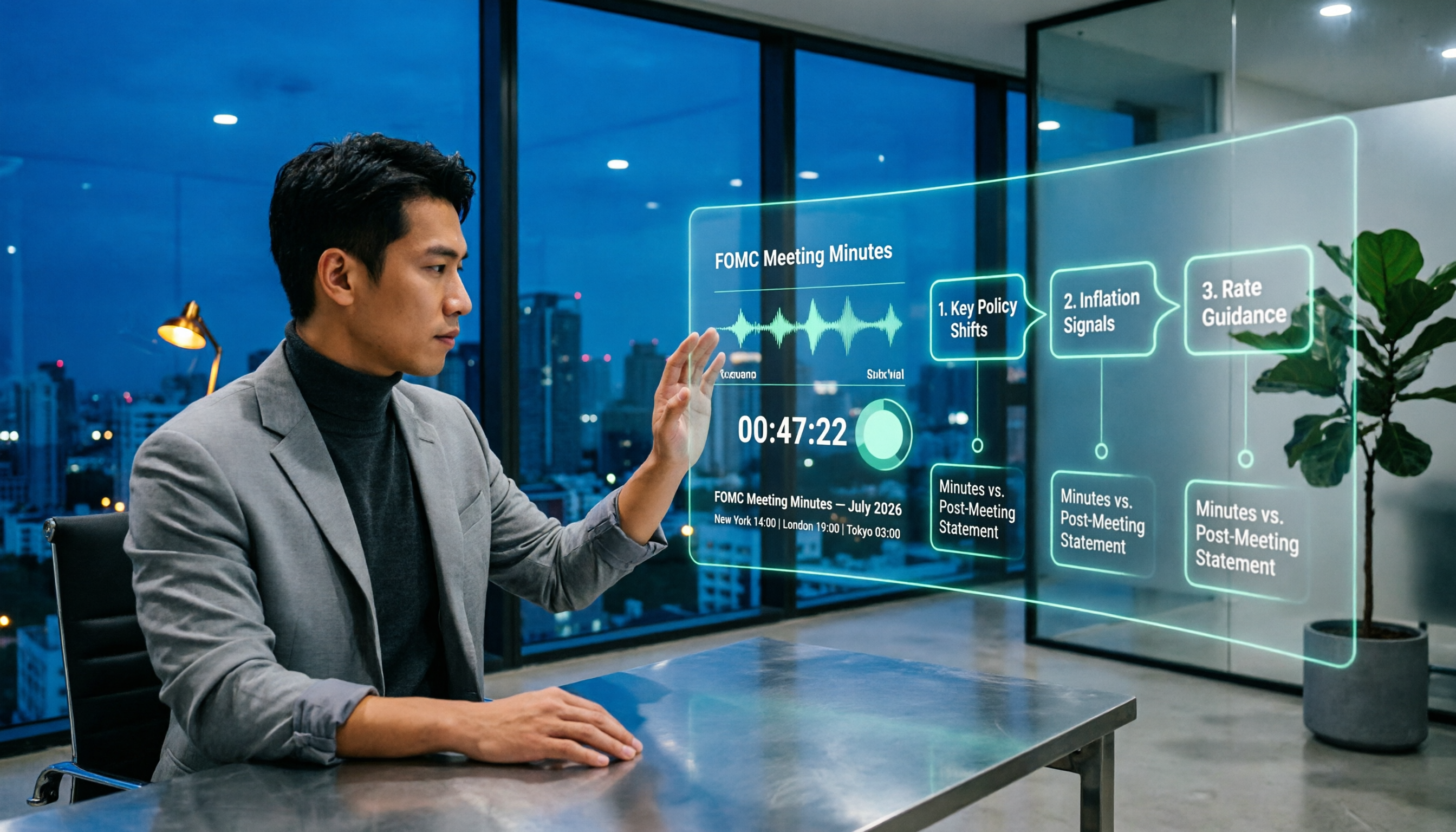
When Are Fed Meeting Minutes Released in 2026? 3 Steps to Track the Schedule and Key Details
When exactly are FOMC meeting minutes released? This guide explains the Fed's release pattern (about three weeks after the meeting, Wednesdays at 2 p.m. ET, early Thursday morning Taiwan time), uses the July 2026 meeting as a real example, and provides a 3-step method to find the next release date. It also explains the difference between meeting minutes and the post-meeting statement.

2026 Comparison of 4 Transcript Organization Tools: Which One Can Really Turn a One-Hour Meeting into Usable Minutes?
After feeding meeting recordings to AI, the real time-consuming part is never transcription but organization. Based on real testing experience with Chinese meeting recordings, this article breaks down 5 key points for choosing a transcript organization tool, compares Tinrec, Otter.ai, Notta, and Granola, and summarizes the 4 most common pitfalls.

Best Free Transcription Apps in 2026: We Tested 2 — This One Wins for Chinese Meetings and AI Organization
How do you choose a free transcription app? This article compares Tinrec and Yating Transcription, testing both free tools across five dimensions: free quota and cost, Chinese and multilingual recognition, post-transcription organization, online meeting and cross-platform support, and team collaboration. We also include an FAQ to help you decide which one fits your workflow.

2026 AI Transcription Free Plans Compared: 4 Tools to Know
The meeting is over, but the real work is just beginning. This guide reviews the free plans of four AI transcription tools in 2026—Tinrec, Otter.ai, Notta, and TurboScribe—comparing free quotas, file limits, Chinese recognition, and post-transcription organization features. It also covers the three most common pitfalls to help you choose the tool that truly saves time.

5 Free Transcription Tools Tested and Compared in 2026: Which Free Tier Is Actually Enough?
The most time-consuming part of meeting notes is never the recording—it's the re-listening. This article breaks down the common types of free transcription solutions in 2026, explains how free quotas are calculated, what to watch for with Chinese and mixed Chinese-English recognition, and how Tinrec turns transcripts into searchable, queryable, exportable meeting data.

The Complete Guide to Transcript Summarization in 2026: From Messy Recordings to Actionable Meeting Minutes
Once your transcript is ready, how do you actually extract the key points? This guide, based on a mid-level manager's real meeting scenarios, breaks down the correct order for summarizing transcripts, the core capabilities a tool must have, and 5 key factors to consider when choosing one. It also uses Tinrec to demonstrate the complete workflow from recording, transcription, summarization, and action items to team knowledge retention.

Best Free Meeting Transcription Tools in 2026: 4 Tested, This One Wins for Chinese Meetings
How to choose a free meeting transcription tool? We tested four tools with free plans—Tinrec, Notta, Otter.ai, and CLOVA Note—comparing free quota calculations, online meeting handling, post-meeting organization, and Chinese recognition performance. We also highlight three common pitfalls to help budget-conscious professionals find a tool that can truly handle daily workloads.