
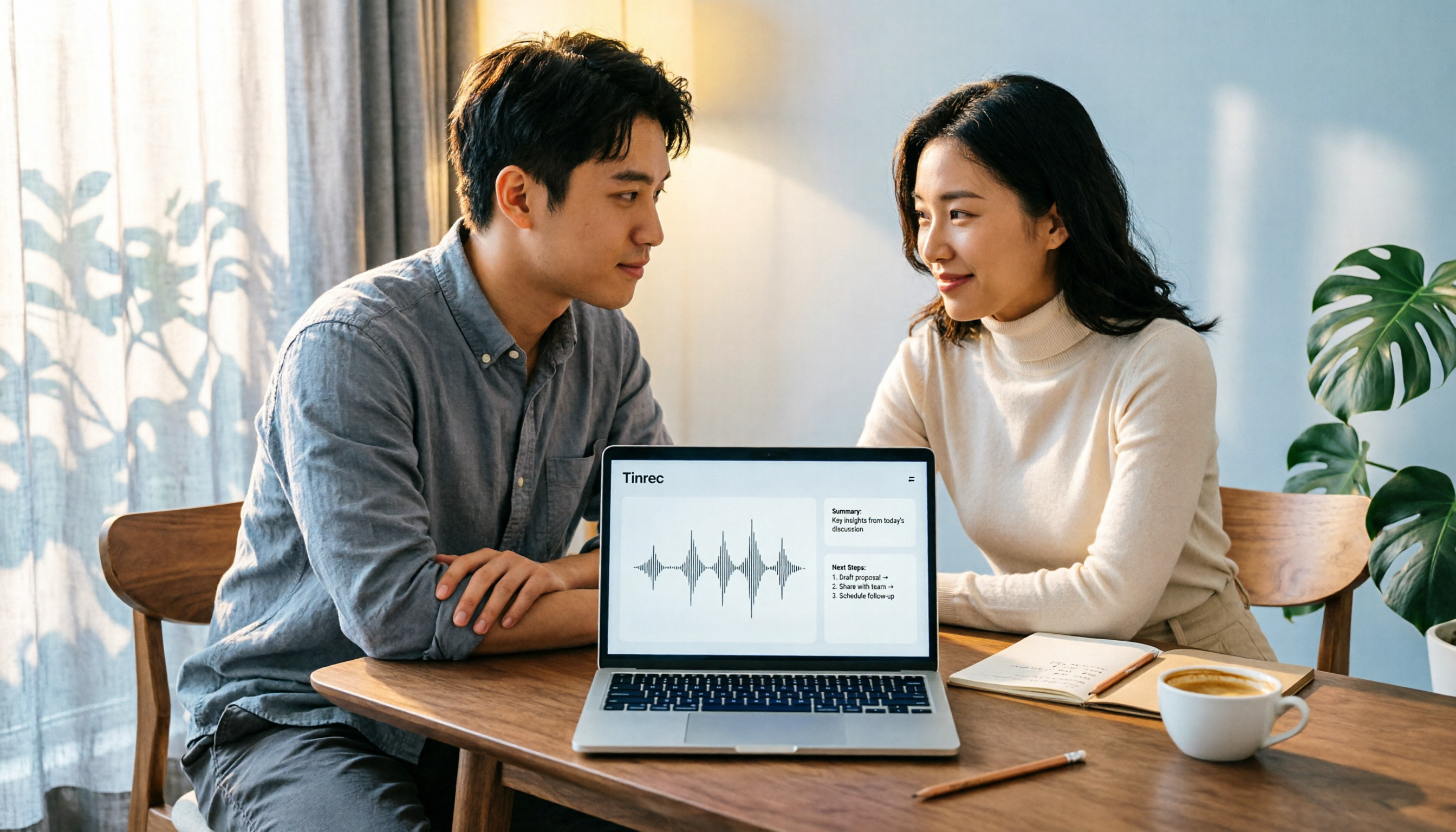
Turn recordings into transcripts and summaries in minutes
Upload audio or video for multilingual transcription, AI notes, and action items
Recording Is Just the First Step—You Need a Meeting Data Processing Solution, Not Just a Recording Tool
Have you ever spent two hours in a meeting and then another two hours re-listening to the recording? With built-in recording, you only get an audio file and can't tell who said what. You want to record an online meeting but don't want a bot to join the room. Have you encountered these situations? Most people think they lack 'recording software,' but the real problem is: after recording, can the data be quickly organized, searched, and reused? This article starts from that decision factor and compares four computer recording software, telling you which one to choose in which situation.
Before Buying Computer Recording Software, Understand These 3 Key Points
- Can it record both system sound and microphone?: Many tools can only record the microphone and cannot capture the meeting audio played by the computer. If you need to record online meetings, courses, or video audio, you must confirm support for system sound capture.
- Can it automatically transcribe, summarize, and generate to-dos after recording?: Just getting an audio file means you still have to manually re-listen. Tools that can automatically generate transcripts, summaries, and to-dos truly save organizing time.
- Cross-platform and team collaboration: Today you record on a computer, tomorrow you listen on a phone, and the day after you need to share with colleagues. If the tool doesn't support cross-platform or team spaces, data will be scattered. Tinrec offers team spaces, member and seat management in this regard, suitable for teams that need to accumulate meeting data.
Tinrec—Our Top Choice After Testing
Tinrec is an AI meeting notes and collaboration tool for individuals and teams, covering iOS, Android, and web versions. The desktop version can directly capture computer system sound.
Record online meetings without a meeting bot: The Tinrec desktop version directly captures computer system sound, handling Zoom, Google Meet, Microsoft Teams, Webex, and other meetings without an extra bot joining. Open Tinrec to start recording, and both meeting audio and microphone voice are processed simultaneously.
Transcribe while recording, ask AI directly after the meeting: It generates a transcript while recording and supports real-time translation. After the meeting, AI automatically generates summaries, chapters, and to-dos. You can directly ask Tinrec: 'Who mentioned the budget in the last meeting?' It will answer based on semantic understanding, not just keyword search results.
Team data accumulation and governance: The team version provides an independent team space where members can share and view meeting data; administrators can manage roles, seats, usage analytics, and audit logs. When a member leaves, team resources can be handed over to other active members and will not disappear with the individual account.
Stop organizing recordings by hand
Upload audio or video and automatically get a transcript, summary, and action items
Pros: Bot-free recording, excellent Chinese meeting experience, post-meeting AI Q&A and multi-format export, complete team space. Limitations: The free version has a basic quota; heavy use requires payment; real-time recording does not deduct by minutes under an active team plan, while file import consumes the team's shared import quota. Who it's for: Individuals and teams that need Chinese meeting notes, don't want a bot to join meetings, and want to use AI to find key points directly after the meeting.
Besides Tinrec, What Other Options Are There?
Bandicam: A veteran audio and video recording tool that can simultaneously record computer system sound and microphone, supports scheduled auto start/stop and noise suppression, and outputs MP3 or WAV. Suitable for those who only need pure audio files and have scheduled recording needs. However, it lacks AI transcription, summarization, Q&A, and team collaboration features, so you still need to organize manually after recording.
Audacity: Free and open-source, cross-platform, supports WASAPI loopback device to capture internal audio, and has complete audio editing features. Suitable for those with zero budget who are willing to edit manually. The downside is no AI meeting notes and team space, not suitable for workplace scenarios that need to quickly produce meeting minutes.
Windows Voice Recorder: Built into Windows, the simplest to operate, suitable for temporary voice memos. But limited features, no cross-platform AI organization, and cannot handle system sound from online meetings or post-meeting collaboration.
Pitfall Guide: The 3 Most Common Mistakes When Choosing Computer Recording Software
Pitfall 1: Only looking at recording features, ignoring post-meeting organization. Many people choose pure recording software, but end up with a pile of meeting recordings they never re-listen to. The real cost is not recording, but organizing. Choose a tool that can automatically transcribe, summarize, and extract to-dos to turn recordings into usable data.
Pitfall 2: Assuming the free version can be used unlimited. Most tools have minute or feature limits on their free versions. For example, Tinrec's free version offers a basic quota, suitable for light use; if you have meetings every week, consider evaluating a paid plan. Before buying, confirm your usage frequency.
Pitfall 3: Ignoring team collaboration and data ownership. Files recorded with personal tools are stored in personal accounts, invisible to colleagues, and cannot be taken when you leave. If meeting content needs to be shared with the team, choose a tool with team space and seat management. Tinrec's team version makes meeting data owned by the team and allows controlling usage permissions through roles and seats.
Conclusion: Which One Should You Choose?
- Need to transcribe while recording and use AI Q&A to find key points after the meeting → Tinrec (supports bot-free recording, Chinese transcription, summary and to-dos, and team collaboration)
- Only need pure audio files and have scheduled recording needs → Bandicam
- Zero budget and want to manually edit audio → Audacity
- Only record short voice memos → Windows Voice Recorder
If you frequently handle Chinese meetings, want to generate summaries and to-dos directly after recording, or need to accumulate meeting data into a team space, Tinrec is currently the most suitable choice. We recommend trying Tinrec's free version to experience the basic features, and consider upgrading if it meets your needs.
References
- Bandicam Best Audio Recording Software | Free Recording Tool Supports System and Microphone (Windows)
- 4 Best Methods for Computer Recording [2026 Best Recording Program Tool Recommendations]
- Windows Voice Recorder - Free Download and Install on Windows | Microsoft Store
- Apowersoft Free Online Audio Recorder is a powerful free recording software that can help you record sound card audio and microphone audio
- Windows 10 Computer Recording Solution Recommendations - Mobile01
Turn every recording into actionable outcomes
Get 60 free transcription minutes when you sign in. No credit card required.
Related Reading
You might also like

How to Create Podcast Transcripts in 2026: 5 Steps from Recording to Transcript
Most people looking for podcast transcription software only focus on accuracy, but the real key is whether you need plain text or searchable, summarizable, shareable content. This article explains the complete podcast transcription workflow in 5 steps, demonstrating transcription, summarization, AI Q&A, export, and team sharing with Tinrec, and concludes with 5 purchasing considerations and FAQs.

4 AI Meeting Note Takers Tested for 2026: Which Saves the Most Time in Google Meet?
Still typing up notes after Google Meet? This article breaks down the 4 most common mistakes when choosing an AI meeting note taker and compares Tinrec, Otter.ai, Notta, and Granola on bot-free recording, Chinese meetings, post-meeting organization, and team knowledge retention. Includes pricing and pitfalls to help you pick the right one and leave on time.

4 LINE Call Recording Solutions Compared for 2026: Which One Actually Saves You Time After the Call?
LINE doesn't have built-in call recording, and iPhone and Android handle it completely differently. This article compares four options—iPhone's built-in local capture, Cube ACR, PLAUD recording hardware, and Tinrec—based on four key criteria: recording source, platform compatibility, post-recording organization, and team management, to help you choose a solution that truly saves time.

4 LINE Call Recording & Transcription Solutions Tested for 2026: How to Work Around iPhone Limits
A roundup of popular LINE call recording methods discussed on PTT, comparing iOS 18 built-in, Android built-in, Cube ACR, and Tinrec, with practical tips for transcribing and AI summarizing recordings.

Free LINE Call Recording Options in 2026: Tinrec and 4 Other Tools Compared
LINE doesn't have built-in call recording, so most people turn to third-party tools. This article reviews common free and paid options for LINE call recording, and uses Tinrec as an example to show how to turn recordings into searchable, queryable transcripts and meeting notes that can be shared with your team. It also includes buying tips and FAQs.

2026 AI Meeting Notes Tools Compared: Which Saves the Most Time for Teams Meetings?
After a Teams meeting, do you still have to organize the transcript, summary, and action items yourself? This article breaks down how to choose an AI meeting notes tool from a methodology perspective, comparing Microsoft Teams built-in transcription, Otter.ai, Notta, and Tinrec on their actual differences in Chinese meetings, bot-free recording, and post-meeting Q&A, with a copyable starter checklist.

4 Podcast Transcription Tools Tested for 2026: Which One Best Fits Students' Needs for Transcripts and Bilingual Subtitles?
Ever listen to a podcast during your commute, hear a key point, but can't write it down? Or need to cite a specific idea for a final paper but can't find the timestamp? This article tests 4 podcast subtitle and transcription tools from a student's perspective, covering input methods, whether transcripts are searchable and queryable, bilingual translation, and whether free tiers are sufficient. We break down key buying factors, pitfalls to avoid, and recommendations.

2026 Notta vs Tinrec: Bot-Free Recording & Team Knowledge Retention
When you search 'notta vs nada' on Google, half the results are slang explanations—but what you really want to compare is Notta and Noota. This article breaks down Notta and Tinrec across five dimensions, from bot-free recording and Chinese meeting experience to post-meeting workflows, team governance, and pricing, helping you figure out which one better suits Chinese-language meeting scenarios in Hong Kong.

2026 PTT Hot Topic: Meeting Notes AI — Tinrec vs Plaud Note: A 5-Dimension Comparison
How do you choose a meeting notes AI tool that's trending on PTT? This article compares Tinrec and Plaud Note across 5 key dimensions—recording method, Chinese recognition, post-meeting organization, cross-platform use, and team collaboration—to help you find the right meeting notes solution.