

Turn recordings into transcripts and summaries in minutes
Upload audio or video for multilingual transcription, AI notes, and action items
2026 Complete Guide to Audio Transcription Software: A Practical Workflow from Recording to Meeting Minutes
Many people choose audio transcription software by looking first at price, and second at how many languages it supports. That's the most common mistake.
Turning sound into text is really just the first step. What actually eats up time is what happens after transcription—a two-hour meeting can easily produce tens of thousands of words, and you still have to read through it all to figure out what was decided and who's responsible for what.
Take Tinrec as an example. It focuses its efforts on post-transcription organization: summaries, chapters, to-dos, AI Q&A, export, and team spaces. This article walks you through use cases, core capabilities, and purchasing considerations to help you figure out how to choose this type of software.
What Can Audio Transcription Software Do for You?
Scenario 1: Get meeting minutes 5 minutes after the meeting ends
In the past, after a two-hour meeting, you'd usually spend another hour organizing notes. With Tinrec, by the time the meeting ends, the AI has already organized the summary, chapters, and to-dos. You can just look at the list to see who's responsible for what and what the next steps are.
Scenario 2: Interviews and class recordings without re-listening
For a one-hour interview or two-hour lecture, you often have to re-listen at double speed to catch the key points. Upload the audio file to Tinrec, and it generates a transcript, summary, and chapters. When you need to cite a section, just search for keywords and jump right to it.
Scenario 3: Cross-language meetings with live translation
In meetings with international teams, missing details is the biggest fear. Tinrec supports real-time translation during recording, letting you view the original text, translation, or bilingual comparison. No need to find a translator afterward.
Scenario 4: Turn historical recordings into searchable data
For a project meeting from a year ago, you might only remember "I think we talked about that" but can't find where. Tinrec's AI Q&A lets you ask questions about a single meeting or multiple meetings, such as "What were the client's concerns about pricing at the time?" and find answers directly through conversation.
What Are the Core Capabilities of Audio Transcription Software?
Real-time recording to text: Transcribes as you record, not after. Suitable for in-person meetings, interviews, and on-site notes. You can confirm in real time whether key points were missed.
Bot-free online meeting recording: Tinrec's desktop version directly captures your computer's system audio to handle meetings on Zoom, Google Meet, Microsoft Teams, Webex, etc., without adding an extra meeting bot to the room. Note that this still requires you to actively open Tinrec and start recording—it doesn't automatically join every meeting on your calendar.
AI summaries and chapters: Not just condensing the transcript into a paragraph, but structured organization—meeting topic, discussion points, and conclusions listed separately. Long meetings are automatically divided into chapters for easy skimming.
To-do extraction: Pulls out follow-up actions from discussions. Especially useful for project and client meetings.
AI Q&A: After transcription, you can directly ask "Did this meeting mention the budget?" or "Who's responsible for the next phase of acceptance?" and it answers based on the meeting content.
Multi-format export and post-processing: Results can be exported to Notion, Google Docs, OneNote, Dropbox, etc., for continued use. You can also use the Agent to generate reports, tables, and documents.
Team space and governance: The team version centralizes meeting data storage and provides member and seat management, usage analytics, audit logs, and an audio recycle bin.
Practical Use Cases
Department weekly meetings and decision meetings: Weekly recurring meetings are the easiest to "forget after they end." Record with Tinrec, and summaries and to-dos are automatically generated afterward. Before the next meeting, you can look back at previous decisions, making the decision-making process traceable. For managers, the team space also allows centralized viewing of historical meetings and member usage.
User interviews and research: Research interviews value direct quotes. Tinrec preserves the full transcript, which can be searched and reviewed. AI summaries help you grasp the interviewee's main points first, and when precise quotes are needed, you can verify against the original text.
Courses and lectures: A two-hour class often has only 20 minutes of key points. With transcripts plus chapters and mind maps, you don't need to re-listen to the entire session when reviewing.
Stop organizing recordings by hand
Upload audio or video and automatically get a transcript, summary, and action items
Content creation and meeting deliverables: Put interview or meeting content into Tinrec, then use the Agent for post-processing to generate reports, tables, or drafts, saving a lot of time retyping transcripts.
Team knowledge retention: When members leave or transfer, meeting data left in personal accounts disappears with them. Team version meeting resources belong to the team. When members leave or lose their seats, they can hand over their responsible resources to other members.
5 Things to Note When Choosing Audio Transcription Software
1. How quotas are calculated—don't just look at the word "free" Free quotas are usually just enough for a trial. Consider how many hours you record per week, then decide between the free version, short-term plan, or long-term subscription. Tinrec's personal version offers a free version, weekly pass, Pro monthly, and Pro annual. Choose based on your usage tasks. The team version provides 2,000 minutes of team shared import quota per paid seat per month; real-time recording under a valid team plan and valid seat currently does not deduct minutes. Actual prices and benefits are subject to the official purchase page.
2. How to record online meetings Some methods require adding a bot to the meeting, while others capture the computer's system audio. Tinrec uses the latter, without adding extra participants. Also note that this does not imply an official partnership with the meeting platform.
3. Can it help you organize after transcription? Tools that only provide transcripts still require you to read them yourself. When choosing, look for summaries, chapters, to-dos, AI Q&A, and export. This determines whether you save typing time or the entire organization time.
4. Recognition experience for Chinese and technical terms Chinese meetings often mix Chinese and English, product codes, and industry jargon. Tinrec supports Chinese and multilingual meeting scenarios and provides team hotwords for teams to maintain common terminology. Actual accuracy is affected by recording quality, ambient noise, accents, and overlapping speakers. It's best to test with your own recording.
5. Roles and seats for team use This is where many people get confused. Tinrec's team version separates "roles" and "seats": roles determine who can manage the team, members, audits, and settings; seats determine whether members can record, upload, edit, import, and export. Valid members without seats can still view, play, and read team data. Currently, the team version is primarily team-level sharing, not a fine-grained mechanism for setting permissions per file.
Frequently Asked Questions
Q: Is the free version enough? Depends on how often you use it. For occasional transcription, the free version is fine for a trial. If you have meetings or classes every week, you'll usually need a more stable plan. Tinrec's personal version offers a free version, weekly pass, Pro monthly, and Pro annual, so you can choose based on frequency.
Q: Which meeting platforms does Tinrec support? The desktop version captures computer system audio to handle online meetings on Zoom, Google Meet, Microsoft Teams, Webex, etc. It also supports real-time recording, audio/video file upload, and mobile recording.
Q: What accuracy can transcripts achieve? It's not recommended to look at fixed numbers. Actual performance is affected by recording quality, noise, accents, overlapping speakers, and technical terms. A more reliable approach is to try it with your own recordings and verify important content against transcript timestamps and audio playback.
Q: What's the difference between the team version and personal version? How is pricing calculated? Personal version data is managed by individual accounts; the team version is an independent collaboration space with additional members, roles, seats, sharing benefits, usage analytics, audit logs, and audio recycle bin. Eligible teams get a 7-day first trial with 1 free seat and 300 minutes of team shared import quota; afterward, it's USD 29.80 per paid seat per month, or USD 199 per paid seat per year (about USD 16.58 per month). Actual prices are subject to the purchase page.
Q: Will meeting data disappear after team members leave? It won't automatically follow the individual. Team resources belong to the team. When members leave, are removed, or lose their seats, they need to hand over their responsible team resources to other valid members.
Q: Can deleted recordings be recovered? After team audio enters the recycle bin, it can be restored before permanent cleanup begins. The current retention period is 30 days. Note that to-dos (TODO) are not covered by the team recycle bin.
Q: Do I need consent to record? Yes. Recording and transcription involve local regulations and the rights of others. It's advisable to inform participants and obtain consent before recording.
Conclusion
The value of audio transcription software isn't in turning sound into text, but in helping you turn meetings into searchable, queryable, and actionable data. When choosing, first think clearly about how many hours of recording you handle per week, whether you need online meeting recording, and whether you need team sharing.
If you mainly handle Chinese meetings, don't want a bot joining the meeting, and want someone to help organize summaries and to-dos afterward, try Tinrec's free version. Run one of your own meeting recordings through it first and see if the organized output is something you'll actually use.
References
- Yating Transcription
- No time limit! 3 free AI transcription tools, highly recommended! AI voice notes generate meeting minutes, presentations, mind maps | 104 Workplace
- Asking the Threads experts, any recommended AI tools to transcribe audio files?
- Online AI speech, video, audio file auto-transcription - Free trial - cSubtitle
- SoundType AI Ultra-precise transcription, speech to text, AI dictation - Google Play App
Turn every recording into actionable outcomes
Get 60 free transcription minutes when you sign in. No credit card required.
Related Reading
You might also like
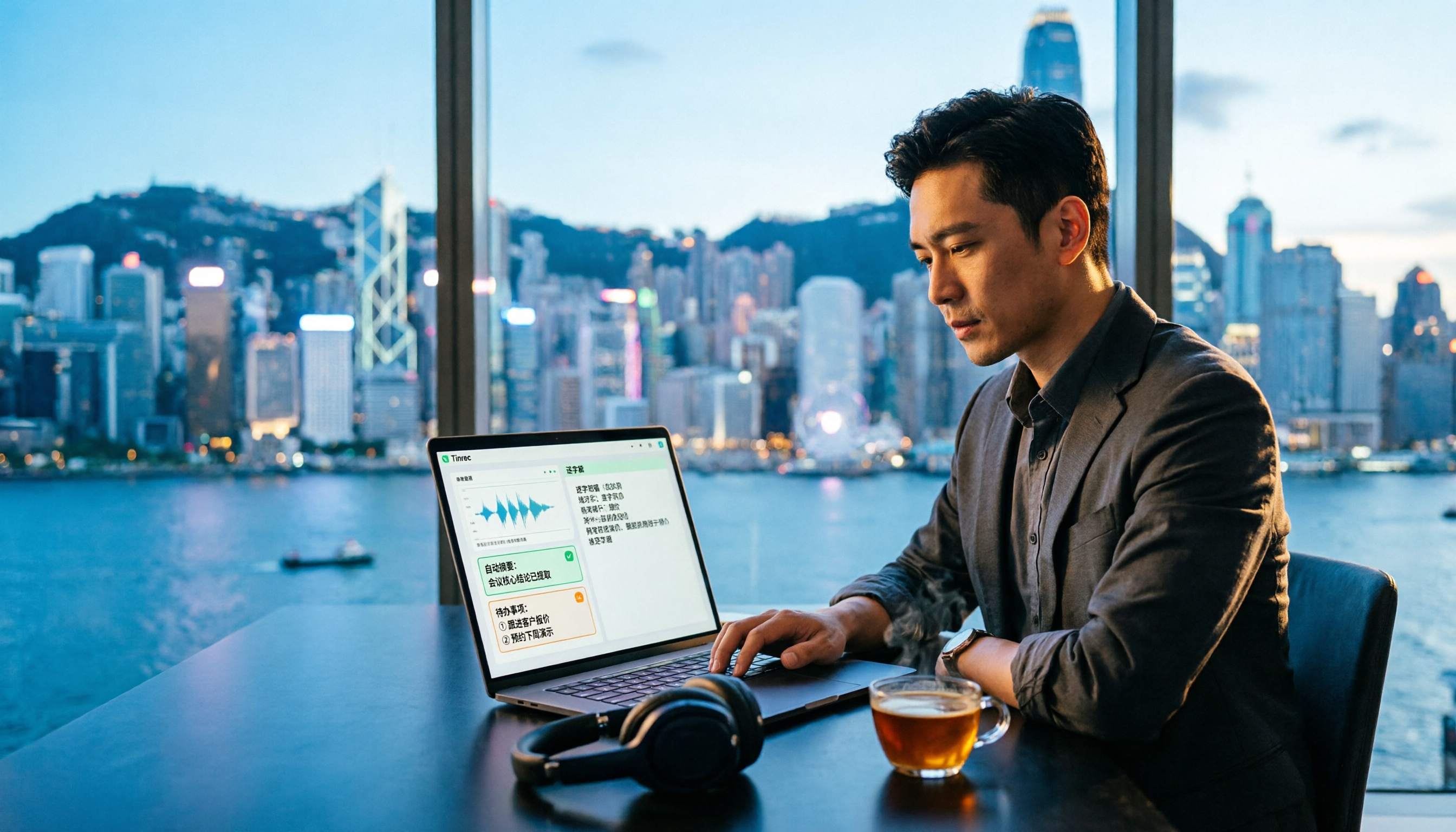
Free AI Transcription in 2026: Tinrec vs Yating - Cantonese Recognition + Auto Summary
Stuck in a Central meeting until quitting time, then having to listen to recordings and type transcripts? This article uses the same Cantonese meeting recording to test Tinrec and Yating transcription, comparing free quotas, Cantonese recognition, post-meeting organization, cross-platform support, and team collaboration to tell you which free AI transcription tool is better for Hong Kong office workers.

2026 Top 5 AI Transcript Organizers Compared: Which One Actually Saves You Two Hours After a Meeting?
AI transcript organizers don't stop at converting speech to text. This hands-on comparison of 5 tools evaluates post-meeting organization, bot-free recording, AI Q&A, and team knowledge retention to show you which one truly saves time.

2026 Comparison of 3 Transcription Software: Which Saves the Most Time with AI Organization and Team Collaboration?
2026 transcription software comparison, featuring Tinrec, to help you understand core capabilities, real-world use cases, purchasing considerations, and FAQs, so you can find the most time-saving meeting organization solution.

4 Free Transcription Software Compared in 2026: Free Tiers, Chinese Recognition, and Post-Meeting Organization—Which One Is Actually Enough?
There are many free transcription tools, but "free trial" and "free plan" are two different things. This article starts with common misconceptions, outlines 4 key points for choosing transcription software, and compares the free tiers, Chinese recognition, and post-meeting organization capabilities of Tinrec, Yating Transcription, Otter.ai, and Notta to help you find the one that truly meets your needs.

2026 Free Transcription Generator Buying Guide: 4 Key Points and Recommendations
How to choose a free transcription generator? This article starts with common pitfalls, then covers use cases, core capabilities, and 4 key buying considerations for transcription generators. Using Tinrec as an example, it explains how to handle recording, transcription, summarization, to-dos, and team collaboration in one workflow.

How to Choose a Transcription Tool in 2026: 5 Steps to Searchable Meeting Notes
Recording is easy; the hard part is what comes after. Drawing from real interviews and meetings, this guide breaks down 4 key factors to consider before choosing a transcription tool, shares my actual workflow, reusable AI prompt templates, and 5 steps to turn recordings into searchable meeting notes.

6 Free Transcription Tools Tested in 2026: Which Free Tier Is Actually Enough?
We compare 6 transcription tools you can start using for free, covering free quotas, language support, and post-meeting organization, plus common misconceptions about free plans and tips for choosing.

LINE Call Recording on iPhone vs Tinrec: 5-Factor Comparison for 2026
Many iPhone users ask how to record LINE calls. This guide covers five common methods and compares iPhone's built-in call recording with Tinrec, an AI meeting notes tool, across recording, transcription, post-call organization, and team collaboration to help you choose the right workflow.
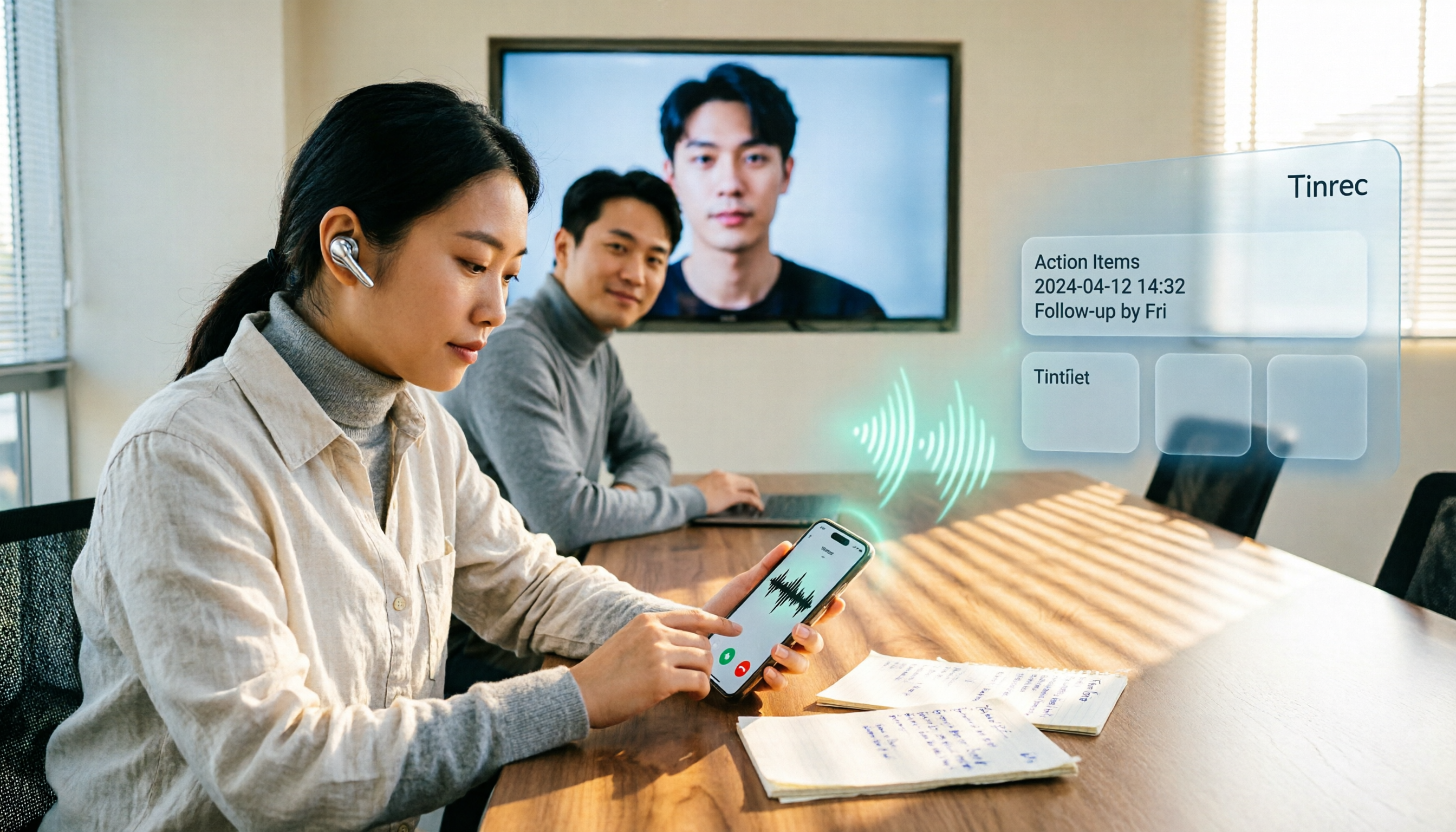
4 LINE Call Recording Methods Tested for 2026: Android vs. iPhone — Which Is Most Reliable?
LINE doesn't offer built-in call recording. Android relies on screen recording, while iPhone uses system call recording or external hardware—each with its own hurdles. This article breaks down four methods with real-world workflows and explains how to turn recordings into searchable, queryable, actionable meeting data using Tinrec.