

Turn recordings into transcripts and summaries in minutes
Upload audio or video for multilingual transcription, AI notes, and action items
Best Transcript Organization Tools in 2026: We Tested 5, and This One Is Best for Chinese Meetings
Does that transcript you have end up as meeting minutes, a summary of client requirements, or just sitting in cloud storage with no one looking at it again? The answer to this question determines which tool you should choose.
Most people only look at "transcription accuracy" when choosing a transcript tool, but what really sets them apart is what happens after transcription: whether summaries can be generated, whether action items can be captured, whether you can ask questions directly about the content, and who ultimately owns the data. This article breaks down several mainstream options from these dimensions.
After the Meeting Ends, the Real Work Begins
A two-hour meeting ends, and the meeting notes are just beginning. Most people put on headphones, replay the recording, and type while listening. A 30-minute interview takes over an hour to organize into a page of key points.
Chinese meetings are even trickier. Mixed Chinese-English technical discussions, sudden jargon, multiple people talking over each other—these are where transcription tools fail most often. If you're also in cross-language meetings, you have to translate the entire content again.
There's another often-overlooked situation: after organizing, the real problem is "who remembers what was said in last quarter's meeting." When recordings and transcripts are scattered across everyone's phones and folders, it's as if no record was kept at all.
Choosing the right tool can solve all three problems at once: transcription, organization, and retention.
Before Choosing a Transcript Organization Tool, Understand These 4 Key Points
1. Transcription quality depends on your real scenario, not official numbers Almost every tool claims high accuracy, but accuracy varies with recording quality, background noise, accents, and overlapping speakers. What really matters is how the tool performs with your language combination (e.g., Chinese mixed with English) and technical terminology. This also explains why most tools offer hotwords or custom vocabulary features.
2. Can you use it directly after transcription? A tool that only gives you a transcript is essentially handing the organization work right back to you. What's worth looking at is whether it can automatically generate summaries, chapters, key points, and action items, and whether you can ask questions directly about the meeting content.
3. How should online meetings be recorded? A common approach is to send a "meeting bot" to join the meeting as a participant; another is to capture system audio directly from the desktop without adding any extra participants. The latter doesn't add a stranger's account to the participant list, which makes a big difference for meetings with external clients.
4. Where does this data ultimately live? Data in a personal account follows the person. If meeting content is a shared team asset, you need to check whether the tool has team spaces, member roles, seats, usage, and audit log management capabilities.
Tinrec — Our Top Pick After Testing
Tinrec is an AI meeting notes and collaboration tool for individuals and teams. It doesn't just convert audio to text; it organizes meeting recordings into searchable, summarizable, queryable, and exportable data.
No bot needed for online meetings The desktop version captures system audio directly, handling meeting audio played on a computer from Zoom, Google Meet, Microsoft Teams, and Webex without inviting an extra account into the meeting room. For those who frequently meet with external clients, a clean participant list is more important than you'd think.
Transcribe while recording, get structured results right after the meeting Open Tinrec during the meeting, and the transcript is generated in sync. After the meeting ends, the AI summary, chapters, key points, and action items are already organized—who's responsible for what, what needs follow-up—no need to replay the recording. For cross-language meetings, you can view the original text, translation, or bilingual comparison in real time.
You can keep asking it after recording This is where Tinrec differs most noticeably from ordinary transcription tools. You can directly ask "Who mentioned the budget in the last meeting?" and it will answer based on semantic understanding rather than throwing a list of keyword search results at you. The same question can be asked across multiple meetings, which is very useful for those who need to trace back decision context.
Stop organizing recordings by hand
Upload audio or video and automatically get a transcript, summary, and action items
Output goes directly into your next workflow Transcripts, summaries, and action items can be exported to Notion, Google Docs, OneNote, Dropbox, and other tools, and can further generate reports, tables, and meeting minutes without manual copy-pasting.
Team version turns meetings into team assets The team version provides an independent collaboration space where members can share historical meeting data, and administrators can manage roles, seats, usage, team hotwords, and audit logs. Roles determine who can manage the team, while seats determine who can record, upload, edit, and export; members without seats can still view, play, and read team data. When a member leaves, their team resources can be handed over to other members, so data doesn't disappear with the person.
Limitations and pricing Tinrec does not promise a fixed accuracy rate; actual performance is affected by recording quality, noise, accents, and technical terminology. For important content, it's recommended to cross-check with transcript timestamps and the recording. The personal version is tiered from free, weekly pass, to Pro monthly and annual plans; the team version offers a 7-day trial for first-time eligible users, 1 free seat, and 300 minutes of shared team import quota. Paid seats are USD 29.80/seat/month, or USD 199/seat annually (about USD 16.58/month), with each paid seat providing 2,000 minutes of shared team import quota per month. Actual prices and benefits are subject to the official purchase page.
Who it's for Those who need Chinese and mixed Chinese-English meeting transcription, don't want to add a bot to online meetings, want to use AI to find key points right after recording, or need to retain meeting data as a team asset.
Besides Tinrec, What Other Options Are There?
Otter.ai A mature choice for English business meetings. The free version offers 300 minutes per month, and Pro annual is about USD 8.49/user/month including 1,200 minutes. However, note that its Chinese meeting experience is not its focus, and it lacks Tinrec's desktop bot-free capture and team hotwords designed for Chinese scenarios. If your meetings are almost entirely in English, it's still a good value.
Granola Also uses a bot-free approach, focusing on "user notes + AI enhancement." Note that it doesn't support uploading existing recording files and doesn't retain meeting audio files; if you need to cross-check the original audio or organize historical recordings, this is a major drawback. Tinrec supports audio and video file import and retains recordings.
Notta Good multilingual transcription and file processing capabilities. The free version offers 120 minutes per month with a 3-minute limit per session, and Pro annual is about USD 8.17/month. Its strengths lean toward file transcription and subtitles; if you want real-time online meeting notes, post-meeting AI Q&A, and team data management, Tinrec offers a more complete integration.
Pitfall Guide: The 3 Most Common Mistakes When Choosing a Transcript Organization Tool
Pitfall 1: Using official accuracy rates as the basis for decisions. Those are numbers under ideal recording conditions. Real meeting rooms have air conditioning noise, keyboard sounds, and people talking over each other, and differences get amplified. Test with your own meeting recordings, don't just look at ads.
Pitfall 2: Only looking at transcription minutes, ignoring post-meeting processing. Minutes only determine how long you can record, not how much time you save. The real cost is the 30 to 60 minutes of organization after the meeting, which is saved through summary, action item, and Q&A features.
Pitfall 3: Ignoring team and data ownership. Starting with a personal account is convenient, but when it's time to hand over, look up historical decisions, or control usage, you find data scattered everywhere. If meeting content belongs to the team, choose a tool with team spaces, seats, and permission design from the start.
Conclusion: Which One Should You Choose?
- Chinese/mixed Chinese-English meeting transcription, don't want to add a meeting bot to online meetings → Tinrec
- Want to ask questions directly about content after recording, automatically capture action items → Tinrec
- Want to leave meeting data for the whole team, need usage and audit management → Tinrec Team version
- Meetings almost entirely in English, zero budget → Otter.ai free version
If your meetings involve Chinese, clients, and decisions you need to look up later, Tinrec is currently the most complete integrated choice. We recommend running your own meeting recording through the free version first to see if the generated transcript, summary, and action items fit your work habits, then decide whether to upgrade.
References
- How to quickly organize preliminary interview transcripts? | Mianjue Academy Salon
- EP10 | Boss wants meeting minutes: How to choose an AI transcript tool? – Knowledge Nomad Studio
- ChatGPT voice-to-transcript, then organize into notes: a powerful work technique - GenApe
- Automatic transcript + GPT summary highlights! Vocol.ai's strongest AI meeting organization tool usage sharing tutorial (free credits are plentiful, come grab them) - KOC
- How to make good use of Evernote for transcripts: Turn Chinese broadcasts and recordings into text with your phone - TNL The News Lens
Turn every recording into actionable outcomes
Get 60 free transcription minutes when you sign in. No credit card required.
Related Reading
You might also like

Zoom Meeting Download Guide 2026: From Install to Meeting Notes
Looking to download Zoom? This guide starts with the official download channels, then compares Zoom's built-in recording with Tinrec across 5 dimensions—transcripts, Chinese recognition, post-meeting organization, data retention, and student budget analysis—to help you decide which one to install.

2026 Meeting App Comparison: Zoom Built-in Transcription vs Tinrec — Which Saves More Time?
Is Zoom's built-in AI summary enough for your meetings? This article compares Zoom Workplace and Tinrec across five dimensions—recording methods, post-meeting organization, Chinese language experience, team governance, and legacy file handling—to help you decide which one to use.

iPhone Recording Not Playing Back? 2026 Complete Guide: From Troubleshooting to Fixing It with Tinrec
Can't hear your iPhone recordings? It's not necessarily a broken device. This guide breaks down common misconceptions and inefficient approaches, showing you how Tinrec's instant recording transcription solves the 'recorded but can't hear it' problem at the source—covering real-time transcription, AI summaries, action item extraction, and team collaboration.
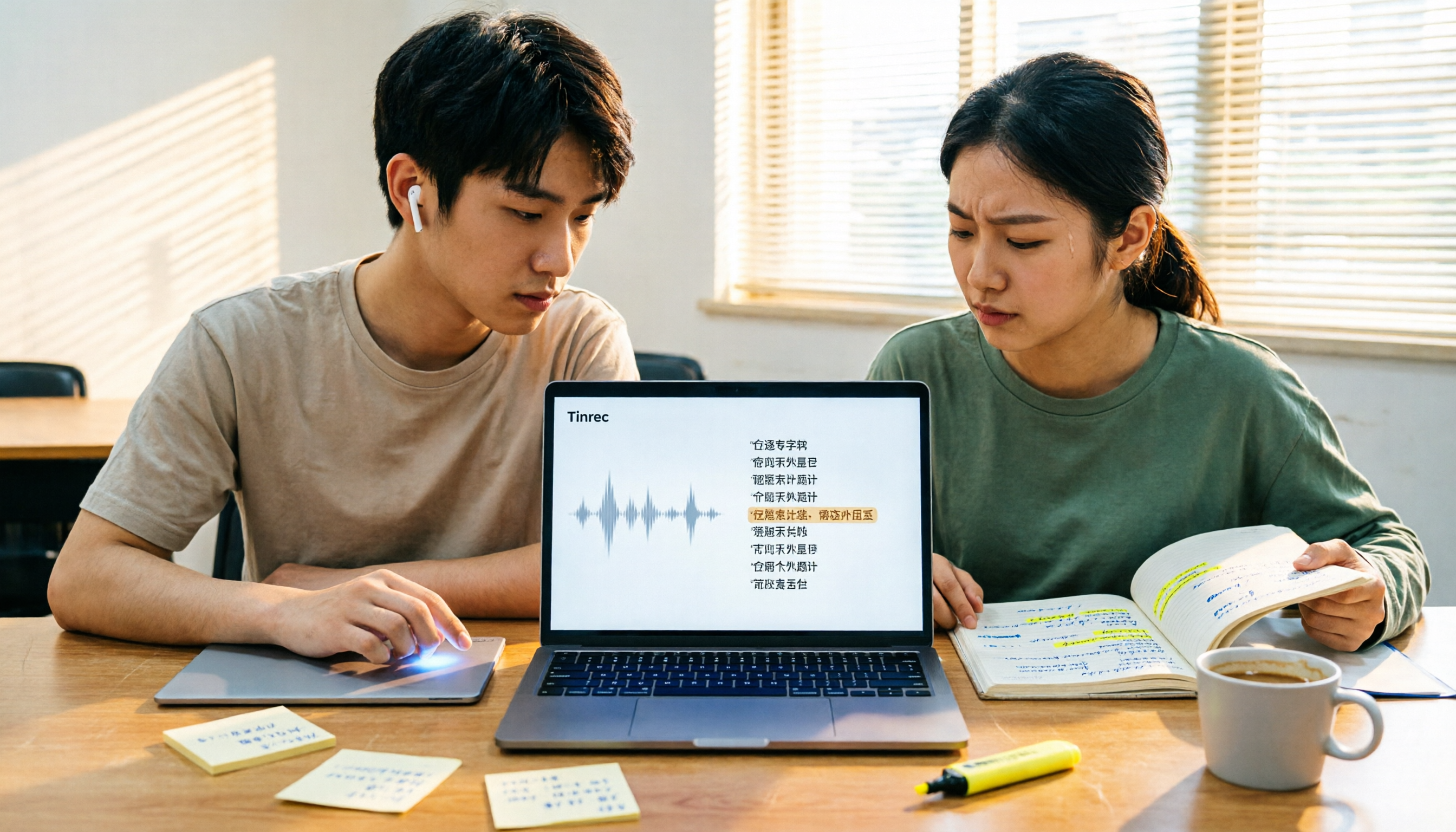
4 Best Transcription Tools for Students in 2026: Free Tier Comparison
From classroom recordings to handwritten note disasters, we tested Tinrec, Otter.ai, Notta, and PLAUD Note from a student's perspective, comparing free tiers, Chinese recognition, post-recording outputs, and whether group projects need team plans.

4 Best Free Transcription Tools in 2026: Free Tier Limits and Chinese Recognition Compared
We tested four free transcription tools in 2026, comparing free tier limits, Chinese recognition, post-meeting organization, and cross-platform support. Tinrec is our top pick for its free meeting workflow, and we also compare Otter.ai, Notta, and Granola to help you decide which free version can actually handle a full meeting transcription.
4 Free Transcription Software Compared: Which Free Tier Actually Works?
The biggest trap with free transcription software is mistaking a free trial for a permanent free plan. This article breaks down 4 key factors to consider and compares the free tiers, input sources, and post-meeting organization capabilities of Tinrec, TurboScribe, Yating, and Otter.ai to help professionals find the one that truly saves time.

5 Best Transcription Software in 2026: Which Is Fastest for Chinese Meetings?
We tested 5 transcription tools for Chinese meetings, bot-free recording, and post-meeting AI Q&A. Find out who Tinrec, Yating, Notta, and Otter.ai are best for, and the pitfalls to avoid.

2026 4 Transcript Generators Compared: Which Saves the Most Time for Chinese Meetings and AI Q&A?
Starting from the real pain points of meeting notes, we compare transcript generators like Tinrec, Notta, Otter.ai, and Granola, and provide buying criteria, pitfalls to avoid, and selection advice to help you find the tool that saves the most time for Chinese meetings and post-meeting organization.

2026 Free Transcription Apps: 5 Options to Try
How to choose a transcription app? This article reviews 5 free options worth trying in 2026, comparing the free tiers and limitations of Tinrec, Otter.ai, Notta, TurboScribe, and iPhone Voice Memos. Using Tinrec as an example, it walks you through the complete workflow from recording, transcription, proofreading, generating meeting minutes, to exporting.