

Turn recordings into transcripts and summaries in minutes
Upload audio or video for multilingual transcription, AI notes, and action items
The Most Misunderstood Thing About Free Zoom Meetings: The Problem Isn't 40 Minutes, It's After the Meeting
When many people first use free Zoom for meetings, their biggest concern is whether 40 minutes is enough.
But the real trouble usually happens after the meeting ends.
What was discussed, what was decided, who agreed to do what, what comes next—if none of this is captured, whether the meeting was 40 or 60 minutes makes little difference.
A different approach makes things much easier: keep meetings separate, and let a dedicated tool handle recording and organizing meeting content.
This article will first clarify the current actual limits of free Zoom meetings, then explain how to separate the meeting itself from post-meeting organization.
5 Key Points to Understand Before Using Free Zoom Meetings
1. Participant limit and time limit are two different things
According to Zoom's official page, the free plan allows meetings with up to 100 participants; third-party sources like Wikipedia note that meetings with 3 or more people have a 40-minute time limit. Generally, one-on-one conversations are not affected by this limit, which is why some people feel they've never been interrupted on the free plan.
2. Being able to record doesn't mean you'll actually use it
After a meeting, you might have a two-hour video file, but in practice few people actually watch it from start to finish. Whether you can get text and highlight key sections determines whether that record will be reused.
3. Chinese meeting recognition performance depends on real scenarios
Don't just look at official accuracy numbers. A quiet recording studio and a real meeting room are two different things—air conditioning noise, keyboard sounds, multiple people talking over each other, mixed Chinese and English. Only under these conditions will you see the differences between tools.
4. Can post-meeting outputs be used directly?
Can summaries, chapters, and action items be generated with one click? Can they be exported to tools you already use like Notion, Google Docs, or OneNote? This determines how much time you'll spend on manual processing.
5. Who ultimately holds your data?
Recordings stored in a personal account and meeting data stored in a team space are completely different things. The former disappears when the person leaves; the latter can accumulate as a team asset.
Tinrec—Our Top Pick for Organizing After Free Zoom Meetings, Based on Testing
Tinrec is an AI meeting recording and collaboration tool for individuals and teams, available on iOS, Android, web, and desktop.
It doesn't aim to replace Zoom's video features, but rather takes over the most time-consuming work after the meeting ends.
Core features in real scenarios:
Bot-free recording of online meetings: Tinrec's desktop version directly captures your computer's system audio, handling Zoom, Google Meet, Microsoft Teams, and Webex meeting audio played on your computer without inviting a meeting bot. For other participants, no unfamiliar account appears on the list. Note that this requires you to actively open Tinrec to start recording, not automatically join every meeting on your calendar.
Live transcription and real-time translation: You can see the transcript during the meeting. For cross-language meetings, you can switch between original text, translation, or bilingual view, so you don't have to wait until after the meeting to handle parts you didn't understand.
Post-meeting AI organization: After the meeting, summaries, chapters, and action items are automatically generated. Who is responsible for what and what's next can be seen at a glance.
AI Q&A: After recording, you can directly ask questions about the meeting content, such as "Who mentioned the budget in the last meeting?" Transcription tools in the same price range mostly give you a list of keyword search results rather than answers based on semantic understanding.
Export and Agent post-processing: Transcripts and organized results can be exported to Notion, Google Docs, OneNote, Dropbox, and other tools for further processing, and can also generate reports, tables, and meeting minutes.
Testing experience:
Stop organizing recordings by hand
Upload audio or video and automatically get a transcript, summary, and action items
I took the same mixed Chinese-English online meeting recording and fed it to several common tools. What surprised me about Tinrec wasn't "perfect word-for-word accuracy," but that after organizing, I still wanted to keep using it—summaries capture key points, action items are listed, and follow-up questions don't get irrelevant answers. As for accuracy, actual performance is affected by recording quality, ambient noise, accents, and overlapping speech. For important content, it's recommended to check back against transcript timestamps and the recording.
Three main advantages:
- No additional hardware needed, and no bot to add to the meeting room.
- The post-transcription workflow is complete: summaries, action items, Q&A, translation, and export all in one place.
- The team version is an independent team space where meeting data belongs to the team. When members leave or are removed, resources can be transferred to other members and won't disappear with personal accounts.
Limitations to note:
- The free version provides basic quota, suitable for light use. Those with steady weekly meeting needs are better suited for Pro, while short-term intensive use can start with a weekly pass.
- The team version is a separate plan. Paid seats are USD 29.80/seat/month, or USD 199/seat/year (about USD 16.58/month), with 2,000 minutes of team shared import quota per seat per month. Actual prices and benefits are subject to the official purchase page.
- Roles and seats in the team version are two different things: having a role allows you to manage the team, having a seat allows you to record, upload, edit, and export. Valid members without seats can still view and play data.
Who it's for:
People who frequently use Zoom for meetings, need Chinese transcripts, want summaries and action items immediately after meetings, and want to keep meeting data in a team space.
Besides Tinrec, What Other Options Are There?
Otter.ai: A veteran in English business meetings. Free plan offers 300 minutes per month, Pro annual billing is about USD 8.49/user/month. If your meetings are almost entirely in English and your team is already used to its interface, it's indeed cost-effective. However, its Chinese meeting experience is not its focus, and it lacks Tinrec's complete process of turning meeting data into a team space. It now also offers desktop capabilities, not just a meeting bot mode.
Notta: Overlaps significantly with Tinrec, offering multi-platform transcription, document import, and translation. Free version offers 120 minutes per month with a 3-minute limit per item, Pro annual billing is about USD 8.17/month. Note that it leans toward "transcription and subtitles," while Tinrec adds an extra layer: bot-free desktop recording, AI Q&A, and Agent post-processing.
Granola: Also a bot-free AI meeting note tool. Basic is free, Business is USD 14/user/month. However, according to official information, it does not save meeting audio and does not support uploading existing recording files. If you need to keep recordings and organize historical meetings, Tinrec is more suitable.
Pitfall Guide: 4 Most Common Mistakes with Free Zoom Meetings
Pitfall 1: Focusing only on the 40 minutes and ignoring post-meeting organization costs.
Many people split meetings into several segments to avoid the time limit, resulting in more fragmented recordings that are more painful to piece together later. The real solution isn't extending the meeting, but letting meeting content automatically become text and key points.
Pitfall 2: Thinking "having a recording" equals "having a record."
Video files don't turn into action items by themselves. Without transcripts, summaries, and searchable indexes, that video is basically just a file sitting in cloud storage.
Pitfall 3: Putting important meeting data in personal accounts.
Personal account quotas and data follow the person. When colleagues leave or projects change hands, those meeting records scatter. If you need team collaboration, choosing a tool with a team space from the start will save a lot of trouble.
Pitfall 4: Using transcription tools only as typewriters.
If you only use such tools as "audio-to-text," you're only using one-third of their capabilities. For example, Tinrec's AI Q&A lets you directly ask "What was the conclusion of this meeting?" after recording, which is much faster than manually flipping through a 30-minute transcript.
Summary: How Should You Use Free Zoom Meetings?
Free Zoom meetings themselves are fine. The 100-participant limit and 40-minute limit for 3+ people are actually sufficient for most routine meetings. What really needs solving is "that post-meeting part."
Scenario recommendations:
- Just want to save money on a meeting → Zoom free version is enough, just remember the 40-minute limit.
- Need Chinese transcripts and summaries after meetings → Tinrec.
- Want to use AI to ask key points and find conclusions right after recording → Tinrec (AI Q&A is its differentiating capability).
- Need to switch between phone, tablet, computer, and web → Tinrec.
- Meetings are almost entirely in English, budget is zero → Otter.ai's free plan is a reasonable exception.
One final reminder: recording and transcription have different legal requirements in different regions. Before meetings, it's best to inform participants and get consent before recording. As for whether to pay, it's recommended to first use Tinrec's free version for two or three meetings to try it out, and consider upgrading if it feels right—no need to pay from the start.
References
- Free Video Conferencing: Reliable & Easy To Use | Zoom
- Zoom Meetings: Conference Call Service | Zoom
- How to Choose Online Meeting Software? 5 Software Features, Prices, and Use Cases at a Glance! - 棋崚ALEN
- Zoom ─ Fully Chinese, No Registration Online Video Conference Room
- Zoom (Software) - Wikipedia, the free encyclopedia
Turn every recording into actionable outcomes
Get 60 free transcription minutes when you sign in. No credit card required.
Related Reading
You might also like
5 Recording Organization Tools Compared in 2026: Fixing LINE Recording Audio Issues and Converting to Text
What to do when you can't hear LINE recordings? This article first guides you through troubleshooting common causes of no sound during LINE calls and silent voice message playback (including iPhone call integration, Whoscall version, media volume, and output devices), then compares Tinrec, Notta, Granola, TurboScribe, and Otter.ai, explaining how to generate transcripts, summaries, and action items once your recordings are fixed.

2026 Complete Guide to Transcript Organization: From Recording to Meeting Minutes
Tired of listening to recordings and typing transcripts after meetings? This article addresses common workplace pain points and shows you how to automate transcript organization with Tinrec. From real-time transcription, AI summaries, and action item extraction to team collaboration, understand the core features and key considerations for choosing a transcript tool—say goodbye to the tedious process of manually pasting into ChatGPT.
Best Free Zoom Meeting AI Note Takers in 2026: 5 Tools Tested, This One Excels in Chinese
We tested 5 AI meeting note takers that work with free Zoom: Tinrec, Otter, Notta, Granola, and TurboScribe. Compare features, pricing, and use cases to get usable transcripts and action items right after your meeting.
2026 iPhone Recording Solutions Compared: Microphone Locations, Audio Capture, and Transcription
Where exactly are the iPhone's recording microphones? The small hole next to the camera, the earpiece mesh, and the areas beside the charging port each have distinct roles. This article first clears up common misconceptions and explains the correct audio capture positions, then compares two recording solutions—Tinrec and PLAUD Note—across multiple dimensions to help you decide whether to use the iPhone's built-in microphones with software or add dedicated recording hardware.
Tinrec Review 2026: No-Bot Meeting Recording & Auto-Generated Summaries
How do you choose a speech-to-text tool in 2026? Using Tinrec as an example, this guide breaks down real-time transcription, no-bot online meeting recording, AI summaries and action items, AI Q&A, and team spaces. It also covers 5 key buying considerations and FAQs to help you find a speech-to-text tool that truly fits your workflow.
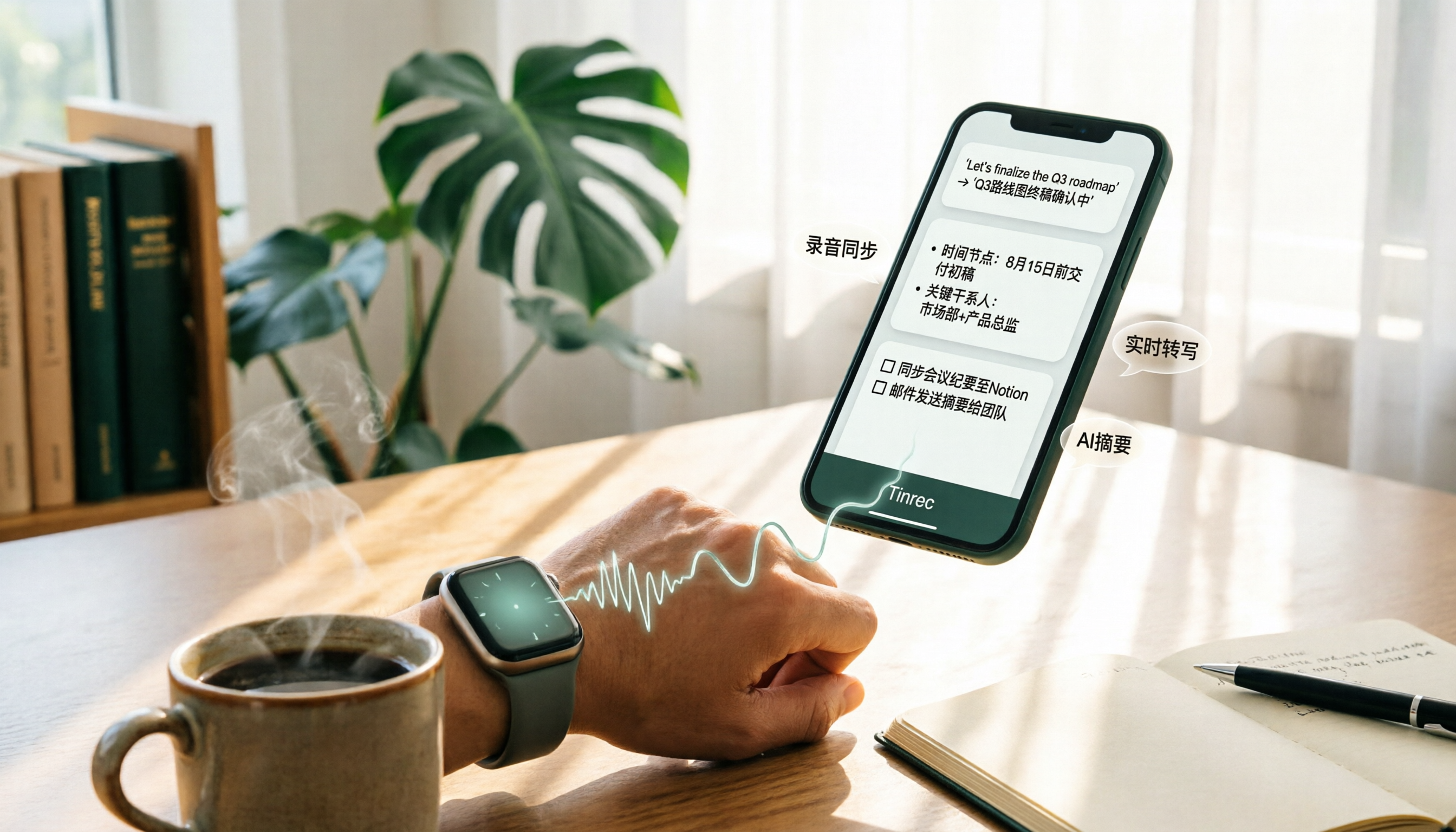
4 Apple Watch Recording to iPhone Tools Compared in 2026: Sync, Transcribe, AI Summarize
How do you sync Apple Watch recordings to iPhone? After syncing, how do you transcribe, summarize, and find key points? This article first shows you how to enable iCloud sync, then compares 4 recording organization tools side by side, including Tinrec, Otter.ai, Notta, and Granola, from free to paid at a glance.

2026 Comparison of 5 Recording Tools: How to Choose Between Plaud Voice Recorder and AI Meeting Assistants
Starting from Plaud recording use cases, this guide compares Plaud Note, NotePin, Tinrec, Otter, Notta, and TurboScribe in terms of recording, transcription, summarization, and pricing to help you decide whether to buy hardware or use an AI meeting tool.

PLAUD NotePin Review 2026: AI Transcription Tested + Tinrec Meeting Notes Comparison
PLAUD NotePin review and buying guide. We test the wearable recording capsule from hardware audio capture to AI meeting notes, and compare Tinrec's Chinese meeting support, bot-free recording, and team collaboration to help you choose the right tool.

Tinrec vs PLAUD NotePin 2026: 5-Dimension Comparison — Is a Voice Recorder Worth Buying?
Starting from the PLAUD voice recorder trending on Dcard, this comparison examines PLAUD NotePin, Note Pro, and Tinrec across five dimensions: audio capture, post-meeting organization, team collaboration, cross-device support, and cost structure, helping you decide whether to buy hardware or choose software.