

Turn recordings into transcripts and summaries in minutes
Upload audio or video for multilingual transcription, AI notes, and action items
The most time-consuming part of meeting notes isn't typing
Many people think the pain of meeting notes comes from not typing fast enough, so they only look at transcription speed when choosing a tool. As a result, they get a transcript, but still have to extract key points and organize action items themselves.
Another common misconception: assuming that real-time transcription is enough. When you want to revisit an interview from three months ago, you find it only handles the present—past audio files can't be imported, and meeting audio isn't saved.
Chinese meetings add another layer of complexity. Speakers mix Chinese and English, product codes, and English abbreviations, often resulting in a transcript full of errors that need manual correction.
If you've encountered any of these situations, this article is my notes after testing a round of tools for you.
4 key points to understand before choosing an AI meeting note tool
1. Recognition of Chinese and mixed Chinese-English Meetings in Taiwan rarely use a single language throughout. I recommend testing with a real meeting recording, not just official marketing copy. Mixed Chinese-English, Taiwanese accents, and multiple people talking over each other are the real differentiators.
2. Whether meeting audio is retained and historical recordings can be imported This is the most overlooked feature, but it hurts the most later. Some tools only do real-time, don't support uploading existing audio files, and don't save meeting audio. When you want to verify a specific statement, you find no way to check.
3. Can you ask AI directly after recording? Transcripts are just raw material. What really saves time is "AI conversational query": ask "who mentioned the budget in the last meeting" and the tool answers semantically, rather than giving you a list of keyword search results to sift through.
4. Who ultimately owns the team's meeting data If meetings are held with personal accounts and data is stored in personal cloud drives, a colleague leaving means collective amnesia. Teams need a shared, traceable database that persists even when members change. This is different from "personal transcription."
Tinrec – our main choice after testing
Tinrec is an AI meeting note and collaboration tool for individuals and teams, available on desktop, web, and mobile.
Record online meetings without a bot The desktop version directly captures system audio, so for Zoom, Google Meet, Microsoft Teams, and Webex meetings, you don't need to send a meeting bot into the room. For companies with strict security policies, this makes a big difference. Note that you need to actively open Tinrec to start recording; it doesn't automatically join every meeting on your calendar.
Recording is not the end, but the start of the workflow After recording or importing a file, Tinrec automatically generates summaries, chapters, and key points, and extracts action items from the discussion—who is responsible for what and roughly when it's due, all at a glance. When you need to deliver, you can further generate reports, tables, and meeting minutes, or export to Notion, Google Docs, OneNote, Dropbox, and other tools for further processing.
Ask follow-up questions directly after the meeting—this is the most impactful part The most troublesome part of transcripts is "finding." Tinrec supports AI Q&A around meeting content. You can directly ask "what was the conclusion of this meeting" or "what objections did the client raise," and it will answer with semantic understanding, not just keyword matching search results. For cross-language meetings, it also offers real-time translation and bilingual comparison, handling Chinese, Traditional Chinese, and multilingual content.
Hands-on experience We tested with a mixed Chinese-English internal meeting recording (desktop version, online meeting, typical indoor environment). The transcript marks timestamps, and the segmentation between Chinese paragraphs and English terms is clean. Asking questions directly after the meeting returns answers linked to the original speech segments, making verification quick. Actual accuracy is still affected by audio quality, accent, background noise, and overlapping speakers—this is true for any tool, and we don't recommend imagining a single number.
Stop organizing recordings by hand
Upload audio or video and automatically get a transcript, summary, and action items
Three practical advantages
- Audio is retained: meeting audio is saved, so you can replay and verify details without re-recording.
- Mixed Chinese-English and bilingual comparison: relatively friendly for meetings that are primarily Chinese with English terms.
- Team space: meeting data is stored centrally, members can share, and admins can view usage, seats, and audit logs.
Limitations to note The free version provides a basic quota to experience recording, import, summary, and transcription. Heavy users with weekly meetings will need a paid plan. There are weekly, Pro monthly, and annual cards to choose from based on usage pace. Also, Tinrec's strength is real-time meetings and post-meeting organization. If you have dozens of long audio files to batch process, that's a different category of tool.
Who is it for If you frequently hold Chinese or mixed Chinese-English meetings, don't want an extra bot in the meeting room, and want to use AI to find key points directly after recording, Tinrec is currently the smoothest choice. For team use, the team version offers independent space, member and seat management, shared import quota, usage analytics, and audit logs. When members leave, data remains with the team.
Besides Tinrec, what other options are there?
Granola A bot-free AI meeting note tool that focuses on "your handwritten notes + AI enhancement." Transcripts can be viewed, copied, and searched in real time. Basic is free, Business is USD 14 per person per month. Note that it does not support uploading pre-recorded audio files, nor does it save meeting audio—if you have historical recordings to organize or need to replay for verification, these two limitations are significant. Audio import and meeting audio retention are exactly what Tinrec supports.
Otter.ai A veteran choice for English business meetings. Basic is free with 300 minutes per month; Pro annual billing is about USD 8.49 per person per month. Its English experience is mature, but Chinese and mixed Chinese-English are not its strong suit, and it lacks Tinrec's combination of "bot-free desktop recording + Chinese Q&A." If almost all your meetings are in English, Otter.ai remains a reasonable option.
PLAUD Note / NotePin AI recording hardware, devices start at about USD 159, suitable for portable interviews and phone call recording. It requires purchasing additional equipment and cannot handle system audio from online meetings. Tinrec requires no extra hardware; the desktop version can record Zoom, Meet, Teams, and similar meetings.
Pitfall guide: 3 most common mistakes when choosing an AI meeting note tool
Pitfall 1: Only looking at free minutes A large free quota doesn't mean it's right for you. Also consider "can it import old audio files," "will recordings be retained," and "are export formats sufficient." Minutes are just the entry ticket, not the whole story.
Pitfall 2: Thinking a transcript is enough Transcription is just the first step. If the tool can't summarize, extract action items, or let you ask follow-up questions later, the typing time you save will be spent re-listening to find key points.
Pitfall 3: Piecing together team needs with personal accounts Meeting data scattered across individual accounts is the hardest to remedy. Teams need a unified space, clear roles and seats, and a resource handover mechanism when members change. This can't be solved by buying multiple personal versions.
Conclusion: Granola vs Tinrec, which one should you choose?
Simply put, both are bot-free approaches, but they solve different problems: Granola leans toward "real-time meetings + personal note enhancement," while Tinrec focuses on post-meeting organization, follow-up questions, and team knowledge retention.
- Chinese or mixed Chinese-English meetings with bilingual comparison → Tinrec
- Need to organize existing recordings and retain meeting audio → Tinrec
- Want to ask AI "what was the conclusion" directly after recording → Tinrec
- Team needs to share meeting data and manage seats and usage → Tinrec team version
- Almost only English meetings, already used to Otter ecosystem → Otter.ai
- Only real-time meetings, prefer handwritten notes combined with AI → Granola
We suggest running a real meeting with Tinrec's free version first. Testing with your own recording is more accurate than any review.
References
- 2026 Hands-On Comparison of 2 AI Meeting Note Tools: Tinrec vs Granola – Which Is Better for Chinese Meetings? - Official Tinrec Blog
- 5 Best AI Meeting Note Tools Tested in 2026: How Tinrec Generates Chinese Meeting Minutes Without a Bot - Official Tinrec Blog
- Best Meeting Recording Transcription Software in 2026: 5 Tested, Tinrec Tops for Team Collaboration - Official Tinrec Blog
- 2026 Hands-On Comparison: Free Gemini vs. Professional Tinrec for Audio-to-Text Transcription – Which One Saves You More Time? - Official Tinrec Blog
- Best Free AI Meeting Notes Tools in 2026: 4 Compared - Official Tinrec Blog
Turn every recording into actionable outcomes
Get 60 free transcription minutes when you sign in. No credit card required.
Related Reading
You might also like

5 Project Meeting Report Templates Compared for 2026: Which One Turns into an Action List Fastest?
We compare 5 project meeting report templates and tools—from manual Word templates to Tinrec, Notta, Otter, Fireflies, and TurboScribe—covering free limits, pricing, and best use cases to help you choose the fastest way to produce actionable meeting minutes.

2026 AI Meeting Recorder Comparison: Fathom vs Tinrec for Chinese Meeting Notes
We tested four AI meeting note tools—Tinrec, Fathom, Notta, and Otter.ai—in real meeting scenarios. From Chinese and mixed Chinese-English recognition to bot-free recording, post-meeting organization, and team data management, we explain why Fathom suits English sales teams and how Tinrec performs in Chinese meetings and team collaboration.
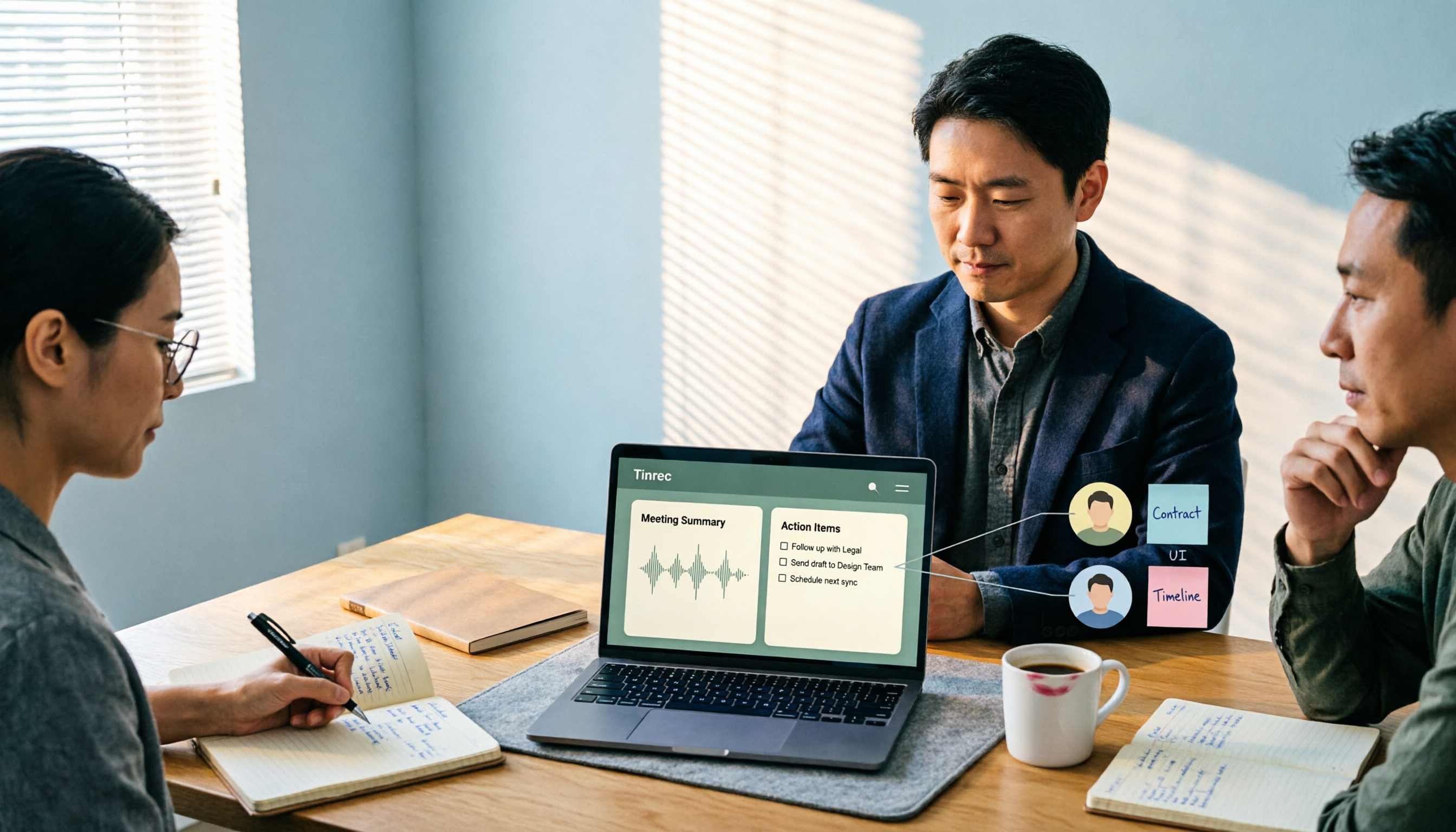
2026 Comparison of 4 Meeting Recording-to-Report Tools: How Fast Can You Get a Report After a Meeting?
Turning a meeting recording into a deliverable report isn't about transcription speed—it's about post-meeting output and team knowledge retention. This article tests Tinrec, Otter.ai, Granola, and TurboScribe from a mid-level manager's perspective, breaking down bot-free recording, summaries and action items, AI follow-up questions, audio retention, and team seat management, with scenario-based recommendations and three common pitfalls to avoid.

4 Meeting Minutes Tools Tested for 2026: Which One Turns Notes into a PPT Outline Fastest?
Still building a PPT outline after the meeting? We tested 4 meeting minutes tools, comparing transcription accuracy, structured output, AI Q&A, and team collaboration to find out which one turns meeting minutes into a PPT outline fastest.
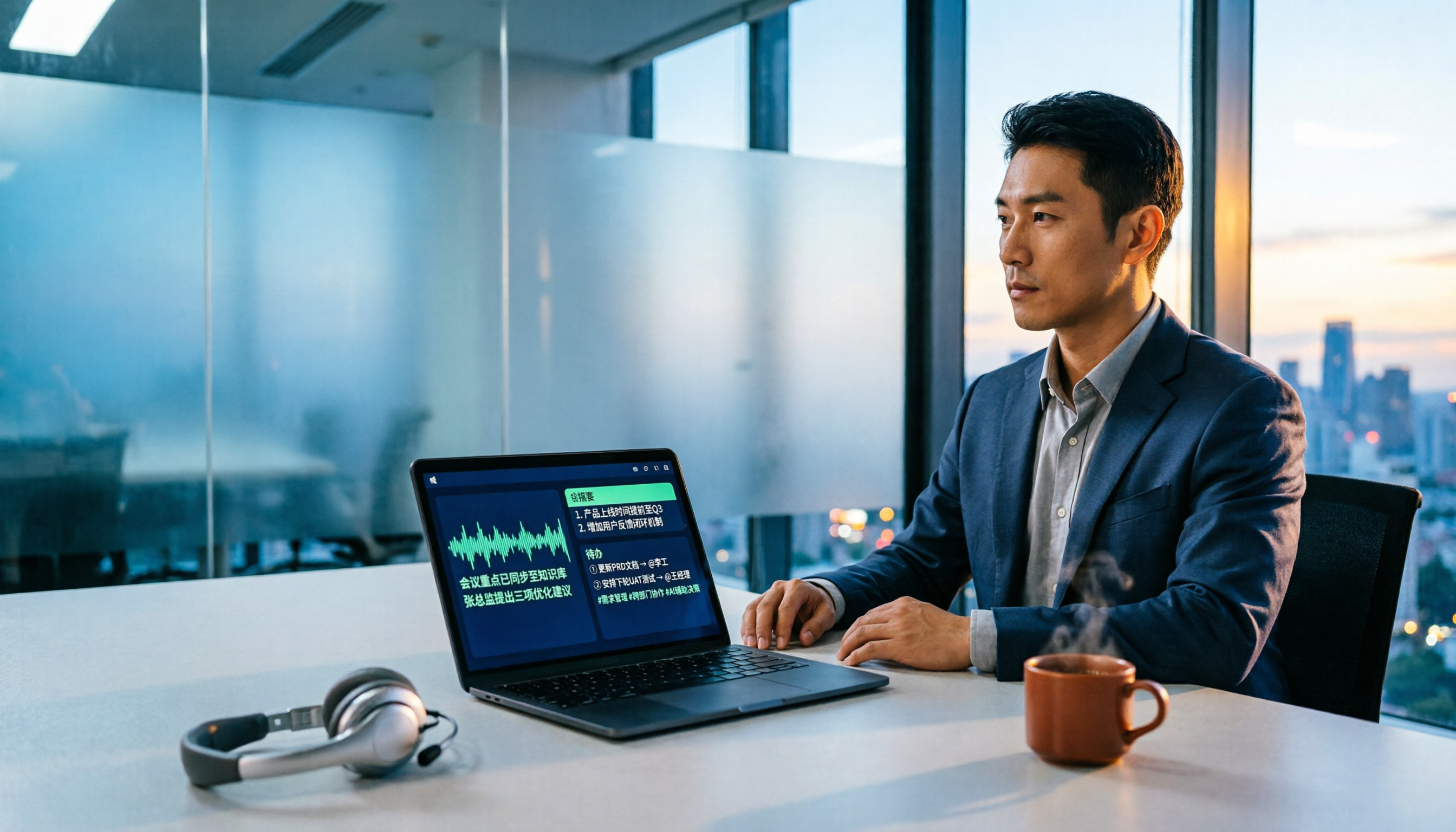
6 AI Meeting Transcription Tools Compared for 2026: Fireflies.ai vs Tinrec — Which Should You Choose?
Based on hands-on experience, this comparison covers six AI meeting transcription tools — Tinrec, Fireflies.ai, Otter.ai, Notta, Granola, and TurboScribe — from bot and bot-free recording, Chinese recognition, post-meeting organization, to team data management, helping you choose the right solution for your work style.

2026 Team Meeting Tools Compared: The One Without a Meeting Bot Is the Easiest
From the perspective of a mid-level manager leading a 10-person team with 15 meetings a week, we tested and compared four team meeting tools: Tinrec, Granola, Otter.ai, and Notta. We examined five key points: how recordings are captured, post-meeting outputs, Chinese and mixed Chinese-English recognition, role and seat governance, and quota calculation. We also summarized the four most common purchasing mistakes to help you choose the one that truly preserves meeting assets.

2026 AI Meeting Minutes Tools Compared: Which One Generates a Word Report in One Click?
We tested 4 AI meeting minutes tools, comparing transcription, post-processing, Word export, and team data governance. Find out why Tinrec saves the most time for Chinese meetings and report output, plus 4 common buying mistakes to avoid.

Laxis vs Tinrec 2026: Which AI Meeting Tool Is Right for You? 5 Steps to Choose
Laxis and Tinrec both turn meetings into text, but they are built for different purposes. This article compares them across five dimensions—Chinese meeting handling, online meeting recording, post-meeting workflow, team data governance, and pricing—and provides a 5-step framework to help your team decide which one to choose.

Tutorial: Tinrec vs Notta Teams in 2026 — Bot-Free Recording + Team Knowledge Retention
Evaluating Notta Teams or Tinrec for your team? This comparison covers five dimensions: meeting recording methods, Chinese language experience, post-meeting workflows, team seat governance, and plan quotas to help you decide which AI meeting notes tool fits your team best.