

Turn recordings into transcripts and summaries in minutes
Upload audio or video for multilingual transcription, AI notes, and action items
Last Wednesday at 4 PM, the meeting had just ended when my manager turned and said, "I need today's meeting report by tomorrow morning."
I sat back down, opened my notes, and realized I had filled three pages: who said what, which topic got interrupted, numbers copied twice. But when it came time to actually write the report, I froze.
Because I didn't know what questions this report needed to answer: What did this meeting decide? Who is going to do what? By when?
Later I realized the problem was never typing speed, nor not having enough notes. It was that I was conflating "notes" with "report."
In this article, I want to organize the methods I've developed over the years for writing meeting reports, and also share the tools I've personally tested.
Before Writing a Meeting Report, Understand These 4 Key Points
First, think about "who will read it."
For managers, the focus is on decisions and risks. For the execution team, the focus is on who will complete what by when. The same meeting produces different reports for two different readers.
Second, structure matters more than a transcript.
A two-hour meeting yields a 20,000-word transcript. But a good meeting report should show at the start: agenda, discussion summary, decisions, and action items. These four blocks are indispensable.
Third, decisions must be written definitively.
Don't write "everyone felt it could be considered." Write "the team decided to adopt Plan A." Notes that leave people guessing are as good as no notes at all.
Fourth, action items must have an owner and a deadline.
"Maria will send out the proposal by Friday"—without this sentence, the proposal won't get sent. This is the most important line in a meeting report.
Once you've thought through these four points, you're already ahead of half the crowd. The next question is: can tools help you generate these four blocks quickly?
Tinrec—My Top Choice for Producing Meeting Reports After Testing
Tinrec is an AI meeting notes and collaboration tool for individuals and teams, covering iOS, Android, desktop, and web.
It's not just "audio-to-text"; it handles the part after transcription—the most painful part when writing reports.
During a meeting, I open the desktop version, and it directly captures the computer's system audio, handling online meetings on Zoom, Google Meet, Microsoft Teams, Webex, etc. No need to invite a meeting bot. No extra account appears in the meeting, which is especially important for client meetings.
It transcribes while recording, with the transcript appearing in real time. For cross-language meetings, you can enable real-time translation and view it in original, translated, or bilingual mode.
After the meeting, AI automatically generates a summary and chapters. Long meetings are broken into browsable sections, so I don't have to listen from the beginning again.
Then there's the part I use most: action item extraction. Who is responsible for what, what the deadline is—listed directly. When writing the report, I paste this section in, and the action items are done.
There's another feature I rarely see in tools at this price point: AI Q&A.
After recording, I can directly ask it: "Who mentioned the budget in the last meeting?" It doesn't throw keyword search results at me; it answers directly based on semantic understanding. Finding decisions, commitments, or missed details is much faster than flipping through the transcript myself.
In my testing, I used real meeting recordings with background noise and multiple people talking over each other, and the recognition performance for Chinese and mixed Chinese-English content was stable. But I won't say it's 100% accurate—audio quality, accents, noise, and overlapping speech all affect results. For important content, I still go back to the transcript and recording to verify.
Stop organizing recordings by hand
Upload audio or video and automatically get a transcript, summary, and action items
Three reasons I think it's most worth it:
No bot needed. The desktop version captures system audio, keeping the meeting roster clean.
More than just a transcript. Summaries, chapters, action items, mind maps, AI Q&A, and export to Notion, Google Docs, OneNote, Dropbox for further processing.
Team knowledge retention. The team version is a separate team space, and meeting data belongs to the team. When a member leaves or is removed, resources can be handed over to others, so nothing disappears entirely.
Limitations should also be clear: the free version offers a basic quota, and heavy users need to pay. The personal version has a weekly card, Pro monthly card, and Pro annual card. The team version is USD 29.80 per paid seat per month, or USD 199 per paid seat per year (about USD 16.58 per month), with each paid seat providing 2,000 minutes of team shared import quota per month. Actual prices are subject to the official purchase page.
If you frequently hold Chinese or mixed Chinese-English meetings, don't want a bot to join, and want to use AI to find key points directly after recording, Tinrec is currently the most suitable choice.
Besides Tinrec, What Other Options Are There?
Otter.ai: A mature English meeting assistant. Basic is free with 300 minutes per month; Pro annual billing is about USD 8.49 per user per month, including 1,200 minutes of in-app recording per month. If almost all your meetings are in English, it's a great deal. But the Chinese meeting experience and unified team data retention are why I chose Tinrec.
Notta: A multilingual transcription tool. Free offers 120 minutes per month, max 3 minutes per session; Pro annual billing is about USD 8.17 per month. It excels at file transcription and translation. Tinrec's bot-free online meeting recording, AI Q&A, and Agent post-processing are where I find the experience more complete.
Granola: A bot-free AI meeting notes tool. Basic is free; Business is USD 14 per user per month. It focuses on "your notes plus AI enhancement." However, it doesn't support uploading pre-recorded audio files, nor does it save meeting audio—both of which Tinrec can do.
Pitfall Guide: The 3 Most Common Mistakes in Writing Meeting Reports
Pitfall 1: Writing a meeting report as a transcript.
Many people think the more detailed, the better. But a report is for decision-making, not for recreating the scene. For the discussion summary, write the key points, differing views, and cited data—don't copy sentence by sentence.
Pitfall 2: Writing only discussion, not decisions.
"Everyone discussed for a long time" is not a conclusion. Clearly write "the team decided..." Otherwise, three months later no one remembers what was decided.
Pitfall 3: Treating the tool as just audio-to-text.
If you only use your tool to produce transcripts, you're using only one-third of it. After recording, directly ask AI "What was the conclusion of this meeting?"—much faster than manually flipping through a half-hour transcript.
Conclusion: Which One Should You Choose?
Need Chinese or mixed Chinese-English meetings, don't want a bot to join → Tinrec (bot-free desktop recording)
Want to use AI directly after recording to find key points, generate reports and tables → Tinrec (AI Q&A and Agent post-processing)
Need to use on phone, computer, and web → Tinrec (multi-platform coverage)
Team needs unified meeting data storage, seat and usage management → Tinrec team version
Only record English meetings, limited budget → Otter.ai
Only want to batch transcribe long audio files → TurboScribe
Finally, here's a quick start checklist:
- Before the meeting, open the desktop version and confirm system audio capture is working.
- During the meeting, let it transcribe while recording, and focus on listening to the discussion.
- After it ends, first look at the summary and chapters to grasp the big picture.
- Open the action items section and confirm owners and deadlines.
- Use AI Q&A to ask about anything you missed or didn't understand.
- Export to the team space or documents, and archive.
Writing a meeting report isn't hard; the hard part is that you've been using the wrong method. Start by trying it with one meeting, test gradually, and you'll slowly master this method too.
References
- Meeting notes = transcript? Professional meeting minutes only record 3 key points | Writing tips and templates at a glance | 104 Career Power
- Free meeting minutes template (Word, Google Docs, PDF) | HiNoter Blog
- How to take meeting minutes? A complete guide for beginners in 2026 - Meta Note
- Attachment 6: Meeting minutes format example ○○○○ ...
- How to take good meeting notes? Record these 4 parts! Complete template sharing
Turn every recording into actionable outcomes
Get 60 free transcription minutes when you sign in. No credit card required.
Related Reading
You might also like

2026 Complete Guide to Post-Meeting Deliverables: Turn Meeting Notes into Ready-to-Share Results
Post-meeting deliverables aren't just about dropping a recording into a group chat. Drawing from real experience with student projects and internship meetings, this guide covers what post-meeting deliverables should include, how Tinrec's real-time transcription, bot-free online meeting recording, AI summaries and action items, AI Q&A, multi-format export, and team spaces work, plus 6 key considerations and FAQs.

2026 Free Post-Meeting Work Automation Options: 4 Tools Compared
The real work begins after the meeting ends. This article reviews 4 automation tools that can take over post-meeting tasks, from transcripts and AI summaries to action item extraction, AI Q&A, and team knowledge retention. It lays out the free plan limits and restrictions of Tinrec, Otter.ai, Notta, and Granola honestly, helping you pick the one that best fits your meeting style.

How to Automate Post-Meeting Work in 2026: 5 Steps from Recording to Action Items
Post-meeting automation isn't just about buying a transcription tool. This article starts with common pitfalls and teaches you 5 steps to turn meeting recordings into searchable, collaborative, and actionable team data. It also hands-on tests and recommends Tinrec, while comparing Otter, Notta, Granola, and others to help you choose the right solution.

2026 Free Meeting Notes Solutions: 4 Tools Compared
The real challenge begins after the meeting ends. This guide reviews 4 AI meeting note tools that automatically generate summaries, action items, and transcripts after your meeting, covering free plans to paid options, plus a hands-on test of Tinrec's bot-free recording and post-meeting AI Q&A workflow.
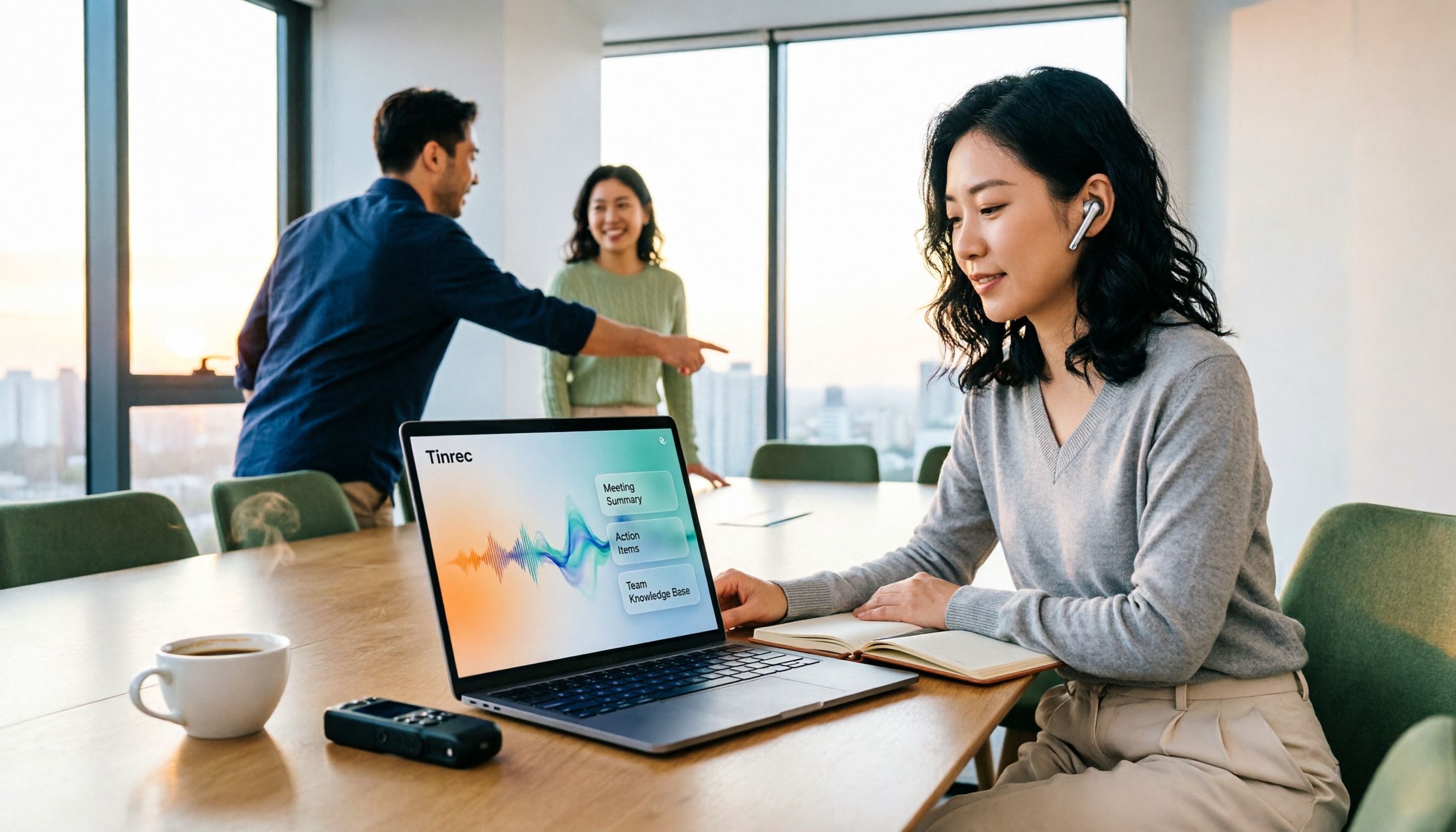
How to Automate Post-Meeting Data Organization in 2026: 5 Steps from Recording to Team Database
The meeting ends, but the work begins. This article breaks down 5 key purchasing considerations for automating post-meeting data organization from a buyer's perspective, compares Tinrec, Otter.ai, Granola, and PLAUD, and includes a 5-step workflow and 4 common pitfalls to help you persuade your boss.

2026 Top 5 Post-Meeting Automation Software Compared: Which One Actually Turns Meetings into Action Items?
After a meeting ends, who's responsible for organizing the transcript, summary, and action items? This article uses Tinrec as an example to break down what post-meeting automation software can do for you, its core capabilities, four practical use cases, and 5 key factors to consider when choosing one, along with pricing and plan details for personal and team versions.
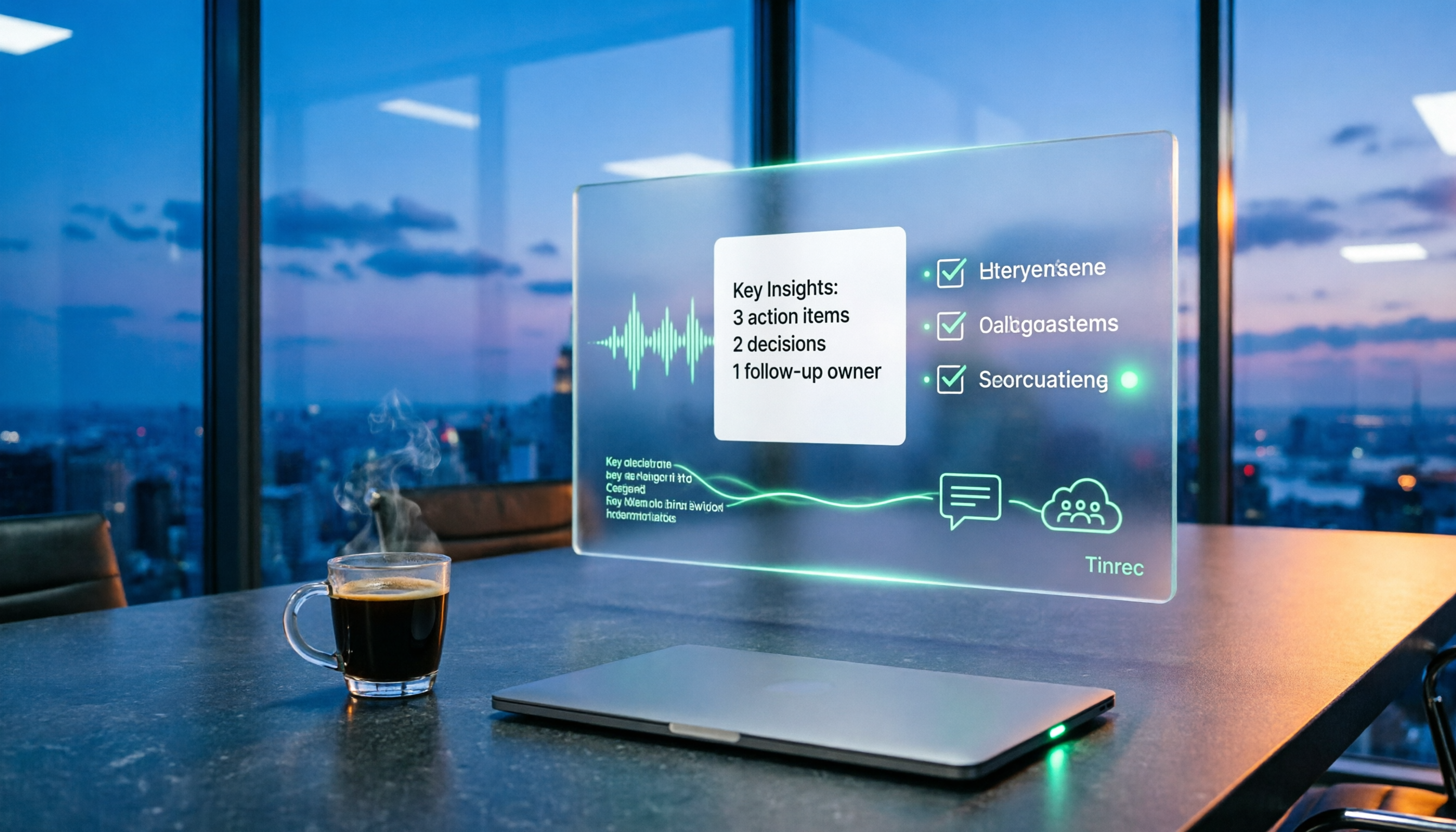
Best Post-Meeting Automation Tools in 2026: We Tested 5, and This One Turns Meetings into Action Items
The meeting ending is just the beginning of the nightmare. This article starts from the pain points of post-meeting organization, breaks down what post-meeting work automation can do for you, its core capabilities, and four practical use cases. It also uses 5 buying tips and FAQs to explain how Tinrec connects transcripts, summaries, to-dos, AI Q&A, and team knowledge retention into a single post-meeting workflow.

2026 Comparison of 5 Meeting Report Generators: Free Tiers and AI Summaries Tested
Based on a student's real experience with a graduation project, this hands-on comparison tests 5 meeting report generators. It explains the core capabilities these tools should have, the 5 most overlooked pitfalls when choosing one, and uses Tinrec as an example to demonstrate the full workflow from recording, transcription, AI summary to action item extraction, while clarifying whether free tiers are sufficient for students.

2026 Best Meeting Collaboration Software: 4 Tools Tested for Post-Meeting Efficiency
From the perspective of a mid-level manager juggling 15 meetings a week, we tested and compared Tinrec, Otter.ai, Granola, and Notta—four meeting collaboration and note-taking tools. We break down the differences between 'having the meeting' and 'post-meeting wrap-up,' key buying factors like bot-free recording, mixed Chinese-English recognition, team seats, and data ownership, plus a pitfalls guide and scenario-based recommendations.