
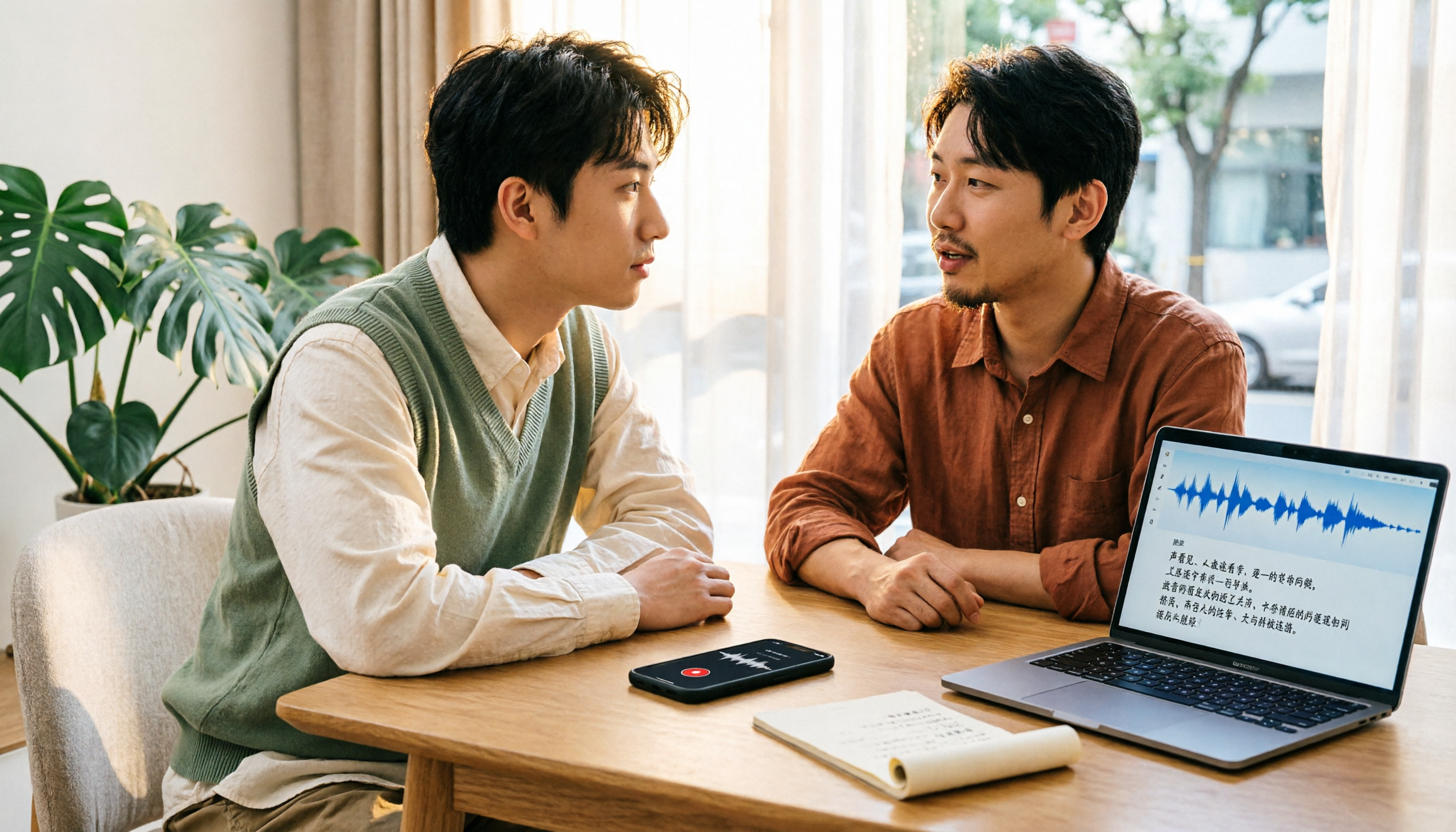
Turn recordings into transcripts and summaries in minutes
Upload audio or video for multilingual transcription, AI notes, and action items
How to Use Chinese Speech-to-Text in 2026: 5 Steps from Recording to Transcript
The Most Time-Consuming Part After a Meeting Isn't Recording—It's Organizing
People searching for "speech to text online Chinese" usually aren't looking for technical specs. They have a Chinese meeting, interview, or lecture recording on hand and want to turn it into editable text quickly. The real hassle often isn't that transcription fails—it's that the output isn't directly usable: no paragraphs, no key points, no action items, and you end up listening to the recording again.
Another common scenario is team sharing. Recordings live on personal phones, transcripts live in personal accounts, and when a team member leaves, the data scatters. If you've ever experienced "it got transcribed, but no time was saved," this article uses 5 steps to help you choose the right online Chinese speech-to-text tool.
Before Choosing an Online Chinese Speech-to-Text Tool, Understand These 5 Key Steps
Step 1: Distinguish Between "Live Dictation" and "File Transcription"
Live dictation suits meetings, interviews, and classes—the focus is on getting text as you speak. File transcription suits pre-recorded audio or video. Many online tools only do one of these, so before buying, check whether your workflow is "record live" or "organize later." Tinrec supports both live recording transcription and audio/video file transcription, making it more convenient for those who need both scenarios.
Step 2: Don't Just Look at Advertised Numbers for Chinese and Mixed Chinese-English Recognition
Official claims often say "98% accuracy," but that's usually measured in quiet environments with standard accents. Real meetings have air conditioning noise, keyboard sounds, people talking over each other, and mixed Chinese-English terminology. Rather than trusting ad numbers, test with your own meeting recording to see if the transcript is readable and whether technical terms are mistranslated. Tinrec supports Chinese, Traditional Chinese, and multilingual meetings, and offers team hotwords so your team's common terminology can be maintained.
Step 3: Should Online Meetings Use "Bot-Free" Recording?
Many meeting tools rely on bots joining the meeting to record, but some clients mind an extra participant. Tinrec's desktop version captures computer system audio directly, handling online meetings on Zoom, Google Meet, Microsoft Teams, Webex, etc., without a meeting bot joining. Note that this isn't automatically joining all calendar meetings—the user actively opens Tinrec to start recording.
Step 4: Can You Ask AI Directly and Extract Action Items After the Meeting?
A transcript is just raw material. What really saves time is: after the meeting, AI automatically generates summaries, chapters, and action items, and you can continue asking questions about the meeting content. For example, ask directly "Which two costs does the client care about?" or "What was the conclusion of the last meeting?" This is much faster than manually using Ctrl+F. Tinrec provides AI summaries, chapters, action items, AI Q&A, and multi-format export in this phase, and you can use Agent to generate reports, tables, and documents.
Step 5: Team Collaboration Depends on Roles, Seats, and Usage
The difference between personal and team use isn't just "more people." A team version needs to create independent spaces, invite members, set roles, allocate seats, and show usage trends and audit logs. Tinrec's team version puts meeting data in team spaces; members without seats can still view, play, and read team data, but only seat holders can upload, edit, import, and export. This is crucial to clarify during procurement, or you might buy seats without getting usage rights.
Tinrec (Miao Ting Lu Yin) — Our Top Choice After Evaluation
Tinrec (Miao Ting Lu Yin) is an AI meeting notes and collaboration tool for individuals and teams, covering web, desktop, and mobile. It doesn't just convert voice to text—it organizes meeting content into searchable, summarizable, queryable, and exportable data.
Stop organizing recordings by hand
Upload audio or video and automatically get a transcript, summary, and action items
In practice, it addresses three common scenarios. First, live recording and file transcription: offline meetings, interviews, and classes can be transcribed while recording; existing audio/video files can also be uploaded and organized. Second, online meetings: the desktop version captures computer system audio directly, handling Zoom, Google Meet, Microsoft Teams, Webex, etc., without a meeting bot joining; but the user must actively open Tinrec to start recording, not automatically join all meetings. Third, post-meeting organization: automatically generates summaries, chapters, key points, and action items; you can ask AI directly "Which two costs does the client care about?" or "What was the conclusion of the last meeting?" and export to Notion, Google Docs, OneNote, Dropbox, etc., or use Agent to generate reports, tables, and documents.
The team version puts this data into independent team spaces: create multiple teams, invite members via join links, set owners, admins, and regular members, allocate or revoke seats, view team usage trends, member rankings and details, manage team hotwords, query and export audit logs, and use the audio recycle bin. When a member leaves, is removed, or loses a seat, their team resources need to be handed over to other active members; team data doesn't leave with the individual.
Pricing and benefits: currently team monthly is USD 29.80/paid seat/month, annual is USD 199/paid seat/year (about USD 16.58/month); first-time eligible users get 7 days, 1 free seat, 300 minutes of team shared import quota; paid seats provide 2,000 minutes of team shared import quota per month. Under an active team plan, live recording currently isn't deducted by minutes; file and web imports use the team shared quota. Prices, currencies, and promotions are subject to the official purchase page.
Limitations to clarify: the free version has basic quota; heavy use requires payment; Tinrec doesn't promise a fixed 98%/99% accuracy—actual performance is affected by recording quality, noise, accents, overlapping speech, and technical terminology; the team version focuses on team-level sharing, not file-level or member-level granular permissions; it's not a bot that automatically joins all meetings.
If you need Chinese meeting transcripts, don't want bots in online meetings, want to use AI to find key points after meetings, or want your team to turn meetings into transferable data, Tinrec is currently the best fit.
Besides Tinrec, What Other Options Are There?
Otter.ai is a mature English business meeting assistant with a free tier of 300 minutes per month, very friendly for English meetings. If you mainly record Chinese meetings, Tinrec's Chinese transcripts, live translation, and team hotwords are more aligned; Otter's strength is in English business scenarios.
Granola is a bot-free AI meeting notes tool, free for Basic, Business at USD 14 per person per month. It doesn't support uploading pre-recorded audio files and doesn't save meeting audio; Tinrec supports audio/video file transcription and retains recordings, making it easier to go back and verify original statements.
TurboScribe suits long documents and batch transcription, with a free tier of 3 files per day, 30 minutes per file; paid plans handle longer files. It's essentially a file transcription tool; Tinrec puts live meetings, post-meeting Q&A, action items, and team spaces into one workflow.
Pitfall Guide: 4 Most Common Mistakes When Choosing Online Chinese Speech-to-Text
Pitfall 1: Only looking at the word "free." Free quota, single-session length, upload capability, and team usability are what really affect your workflow. Rather than being attracted by free, first confirm how many times a month you'll use it and how long each session is.
Pitfall 2: Confusing "meeting bot" with "bot-free recording." Bots usually join as participants; bot-free recording captures computer system audio, and the user still needs to initiate it. Tinrec's desktop version is the latter—don't mistake it for automatically joining all meetings.
Pitfall 3: Thinking a transcript equals meeting notes. A transcript only solves "transcription," not "summary, action items, follow-up questions, export." If you still need to manually organize after the meeting, you've only saved half the time.
Pitfall 4: Team version only discussing seats, not roles and data ownership. Roles determine who can manage the team, members, audits, and settings; seats determine whether members can record, upload, edit, import, and export. Team resources belong to the team; handover is needed before members leave—clarify all this before procurement.
Conclusion: Which One Should You Choose?
Need Chinese meetings, mixed Chinese-English, transcripts plus summaries and action items → Tinrec.
Don't want bots in online meetings, want to capture system audio with desktop version → Tinrec.
Want to ask AI directly after meetings, find key points, export to existing workflows → Tinrec.
Team needs to manage members, roles, seats, usage, audits, and data handover → Tinrec Team Version.
Only record English meetings, fixed budget → Otter.ai, the few exceptions in this article.
Batch transcription of many long audio files → TurboScribe, suitable for file-based workflows.
If you're still comparing, we suggest running your own meeting recording through the workflow first: see if the transcript is readable, if the summary is usable, and if action items can be pasted directly into project management tools. This is faster than reading spec sheets and closer to real procurement decisions than ad numbers.
References
Turn every recording into actionable outcomes
Get 60 free transcription minutes when you sign in. No credit card required.
Related Reading
You might also like

WhatsApp Voice to Text vs Tinrec in 2026: A 5-Dimension Comparison — Which Turns Voice into Reusable Data?
WhatsApp's built-in voice-to-text solves the 'can't listen right now' problem, but can the transcribed text be searched, turned into to-dos, or become team knowledge? This article compares WhatsApp's built-in feature with Tinrec across five practical dimensions, plus a buying guide to avoid pitfalls and a ready-to-follow starter checklist.

2026 Free Speech-to-Text AI Apps: 5 Options Compared
A roundup of free plans for 5 speech-to-text AI apps in 2026, with a 5-step walkthrough using Tinrec from recording to transcript, proofreading, meeting summary generation, and export, plus a free tier comparison, FAQs, and advanced tips.

5 Best Speech-to-Text AI Tools in 2026: Free Tiers and Chinese Recognition Compared
How to choose a speech-to-text AI tool? This article addresses common misconceptions, outlines 5 key selection criteria, and demonstrates Tinrec's real-time transcription, bot-free meeting recording, AI summaries, action item extraction, and team collaboration to help you understand the differences between free and paid plans.

2026 iPhone Voice-to-Text Comparison: Built-in Transcription, Recording Hardware, and Tinrec — Which Saves the Most Time?
How to turn iPhone voice memos into text files? This article compares the workflows of iOS built-in Voice Memos transcription, PLAUD recording hardware, and Tinrec, explains the Chinese transcription limitations on iPhone 12 and iOS 18.4, .m4a export, and post-meeting organization, and offers buying and pitfall-avoidance advice.

Best Client Visit Record Tools in 2026: 6 Tested, Tinrec Saves the Most Time on Post-Meeting Notes
Still catching up on client visit notes back at the office? This article works backward from "can a colleague pick up the table and follow up directly?" to define the four essential field groups a client visit record should have, then compares 6 approaches and tools—including Tinrec, Granola, Notta, Otter.ai, TurboScribe, and Excel templates—with free and paid pricing to help you decide between spreadsheets, recordings, or AI meeting tools.
3 Recommended AI Speech-to-Text Chinese Solutions for 2026: From Free Trials to Team Collaboration
Still manually transcribing meeting recordings? This article starts from real-world scenarios to break down how AI speech-to-text is used in Chinese meetings, its core capabilities, and 5 key points for selection. It uses Tinrec (Miao Ting Lu Yin) to demonstrate the complete workflow from verbatim transcripts, AI summaries, and action item extraction to team workspace retention, with a comparison table of three plans: Free, Pro, and Team, helping you decide which one to choose at a glance.

4 Free Speech-to-Text AI Tools Tested in 2026: Which Free Tier Is Most Generous?
Most people looking for free speech-to-text AI discover that free tiers use three different models: per-recording limits, daily credits, and total trial minutes. This article breaks down how the free plans of Tinrec, Notta, TurboScribe, and Otter.ai work, whether they can handle a full meeting, and if the output is usable right away.

2026 Free Google Speech-to-Text Options: 5 Desktop Tools Compared
Using Google for speech-to-text on a computer often fails not because of the tool itself, but because of a mismatch in needs: do you want real-time dictation, or do you need to transcribe existing audio files? This article reviews 5 desktop speech-to-text solutions available in 2026, including Google Docs Voice Typing, Google Cloud Speech-to-Text, pyTranscriber, Otter.ai, and Tinrec, and honestly lists their free quotas, limitations, and suitable scenarios to help you choose the right one.

5 Free iPhone Speech-to-Text Solutions in 2026: A Complete Comparison
You don't have to pay to transcribe iPhone recordings. This guide covers 5 free options: iOS 18 built-in Voice Memos, Tinrec, Notta, Otter.ai, and PLAUD recording hardware. We compare free quotas, Chinese recognition accuracy, and post-recording usability, plus provide buying tips and pitfalls to avoid.