
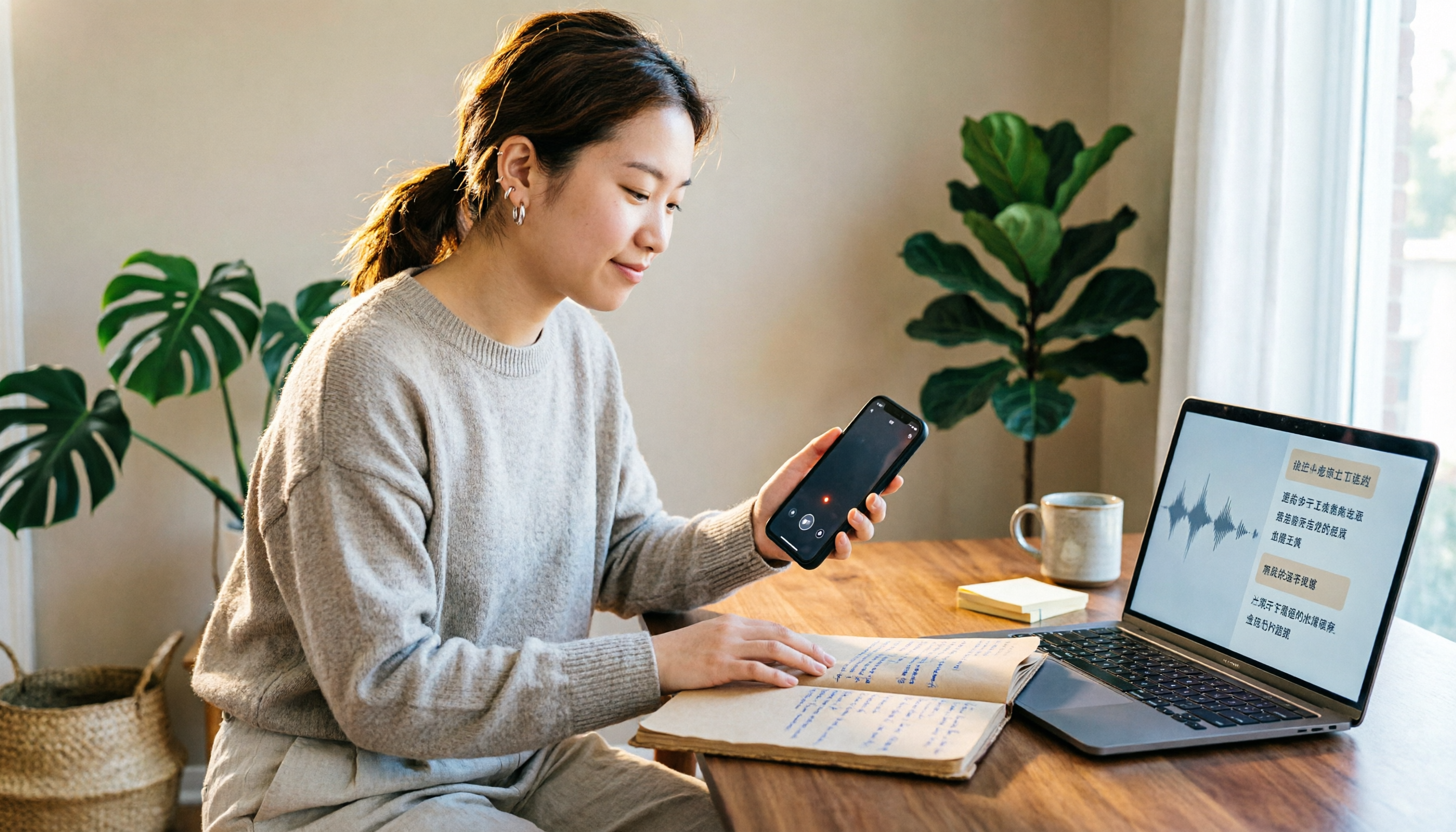
Turn recordings into transcripts and summaries in minutes
Upload audio or video for multilingual transcription, AI notes, and action items
Let me ask you a question: how many recordings do you make in a month?
If the answer is "one or two, only when I think of it," then the built-in Voice Memos on your iPhone is probably enough—and it won't cost you a dime.
If the answer is "I have meetings, interviews, or classes every week," then what you need to compare isn't just "can it convert speech to text," but whether the free quota is sufficient, how accurate the Chinese recognition is, and whether you can use the transcript right after recording.
This article covers 5 free solutions for speech-to-text on iPhone, from completely free built-in features to apps and recording hardware with free tiers you can try. At the end, we'll tell you which one to choose for each of these 5 scenarios.
After recording on iPhone, do you still have to type the transcript yourself?
An hour-long meeting, followed by another hour of organizing notes—that's the daily routine for many office workers.
What's more troublesome is Chinese meetings: a single sentence may mix English product names, technical terms, and people's names, and the transcript often needs to be corrected word by word.
If you've also encountered these situations, this article should help: you recorded a two-hour class but can't find the five minutes where the key point was mentioned; after a client interview, you only remember "he seemed to mention the budget" but not the number.
The problem is usually not "whether you recorded it" but "whether you can use it after recording."
Before choosing an iPhone speech-to-text app, understand these 4 key points
1. How free quotas are calculated
Some use "minutes per month," some use "number of files," and others limit "length per recording." They all call it free, but the actual usable amount varies greatly.
2. Recognition of Chinese and mixed Chinese-English
Most tools have no problem with English meetings; the difference usually appears in Chinese. Rather than looking at the officially stated accuracy rate, it's better to test with a real recording of your own—with air conditioning noise in the meeting room and people talking over each other, that's the real condition.
3. Post-processing after recording
Just giving you a transcript versus giving you a transcript plus summary, chapters, action items, and the ability to ask follow-up questions are two completely different workloads. This is the first thing I look at when choosing tools.
4. Cross-device and data ownership
Record on iPhone today, organize on computer tomorrow—if the tool doesn't support cross-platform, organizing will be painful. For team use, also consider: is the data tied to individual accounts or owned by the team space?
Tinrec: Turning recordings into data you can continue working with
Tinrec is an AI meeting notes and collaboration tool for individuals and teams, supporting iOS, Android, and web. The desktop version can capture system audio to record online meetings.
How it works during meetings
Open Tinrec and start recording; the transcript appears on screen as you record. When the meeting ends, the system has already generated a summary, chapters, and key points, and extracted action items from the discussion—who needs to do what is clear at a glance.
Online meetings are a bit special: the Tinrec desktop version directly captures your computer's system audio, so when handling meetings on Zoom, Google Meet, Microsoft Teams, Webex, etc., you don't need to invite a meeting bot to join. For situations where "a stranger suddenly appears in the participant list" would be awkward, this approach is much more practical.
What happens after recording is where it differs from others
Most tools stop after producing the transcript. Tinrec lets you ask questions directly about the meeting content, such as "Who mentioned the budget in the last meeting?" It doesn't just give you keyword search results; it answers based on the content.
The same meeting data can be further processed: generate meeting minutes, reports, tables, or export to Notion, Google Docs, OneNote, Dropbox, etc. for continued use. There's also real-time translation, so cross-language meetings can be viewed in original, translated, or bilingual side-by-side.
Team use scenarios
If an entire department or project team is using it, the team version provides an independent team space: meeting data belongs to the team, members can share and view, and administrators can manage roles, seats, sharing permissions, usage, and audit logs. When a member leaves or is removed, the data doesn't disappear with their personal account and needs to be handed over to other members.
Stop organizing recordings by hand
Upload audio or video and automatically get a transcript, summary, and action items
Note that the team version is "team-level sharing"—all active members can read team data, and only those with a seat can record, upload, edit, and export. It's not a fine-grained file-level permission system, so understand this first.
Plans and limitations
The personal version has a free version, weekly card, Pro monthly, and Pro annual. The free version provides basic quota to experience recording, importing, summaries, and transcription. Light users can start with the free version; for short-term intensive meetings, consider the weekly card; for regular weekly use, go Pro.
The team version is currently USD 29.80 per paid seat per month, or USD 199 per paid seat per year (about USD 16.58 per month). Eligible teams get a 7-day trial, 1 free seat, and 300 minutes of shared import quota for the first time. Paid seats provide 2,000 minutes of team shared import quota per month. Actual prices and benefits are subject to the official purchase page.
To be honest: actual transcription results are affected by recording quality, ambient noise, accents, overlapping speakers, and technical terminology. No tool can guarantee a fixed accuracy rate. For important content, it's recommended to verify against the transcript timestamps and the recording.
Who it's for
If you have Chinese meetings every week, want to use AI to find key points right after recording, or need to turn meeting data into a searchable team asset, Tinrec is the most fitting choice among these options.
Besides Tinrec, what other free options are there?
iOS 18 built-in Voice Memos: completely free, the first stop when your budget is zero. Starting with iOS 18, both Voice Memos and Notes apps can generate transcripts, and playback highlights the corresponding section. Note two requirements: iPhone 12 or later, and iOS 18 or later. It doesn't have AI Q&A, nor can it organize multiple meetings into a queryable database—that's exactly where Tinrec differs.
Notta: good reputation for multilingual transcription, free version offers 120 minutes per month, but single content is limited to 3 minutes, so a long meeting gets chopped into pieces. Pro annual is about USD 8.17 per month, with 1,800 minutes per month. It's more focused on document and transcription processing; if you want bot-free recording in meetings, Tinrec's desktop version capturing system audio is smoother.
Otter.ai: the top choice for English meetings, free Basic plan offers 300 minutes per month, the most generous among these. But note its strength is English business scenarios; Chinese meetings are not its focus. If your recordings are almost all in English, Otter is actually more cost-effective than Tinrec; if most are in Chinese, this is something to consider first.
PLAUD NotePin: a hardware approach, device starts at USD 159, Starter membership offers 300 minutes per month. Suitable for those who need portable, long-duration recording. But if you mainly record online meetings on your computer, Tinrec requires no extra device—phone, computer, and web all work—completely different cost structure.
Pitfall guide: 4 most common mistakes when choosing an iPhone speech-to-text app
Pitfall 1: Only looking at free minutes, not single-file length limits. Some free plans give you 120 minutes per month but only 3 minutes per recording. A one-hour meeting would be split into 20 segments—just organizing them is a chore. Before choosing, confirm the "single-session limit."
Pitfall 2: Ignoring device model and OS version. iPhone built-in transcription requires iPhone 12 or later and iOS 18 or later. For those with older models, rather than upgrading the phone, using an app is faster.
Pitfall 3: Thinking a transcript equals saved time. A transcript is just raw material. What really takes time is reading through, extracting key points, and organizing action items. When choosing a tool, ask one more question: "Besides converting speech to text, what else can it do for me?"
Pitfall 4: Buying a personal plan for team use. Personal account data is tied to the individual; when a colleague leaves, files are lost. If meeting data is a team asset, choose a solution with team space and handover mechanisms, not a few people sharing one set of credentials.
Conclusion: Which one should you choose for your situation?
In one sentence: iPhone built-in is enough for occasional recordings, but if you have regular meeting or interview needs, Tinrec is the choice among these 5 that saves the most follow-up work.
Recommendations by scenario:
- Only record one or two segments per month, zero budget → iOS 18 built-in Voice Memos, just use it
- Weekly Chinese meetings, want to ask AI for key points right after recording → Tinrec (AI Q&A and post-meeting outputs)
- Record on phone, organize on computer, need cross-device → Tinrec (iOS, Android, web all available)
- Meeting data should stay with the team, with personnel changes → Tinrec team version (team space, seats, usage, and audit)
- Recordings are almost all in English, just want a large quota → Otter.ai free version 300 minutes per month
We suggest starting with Tinrec's free version—use a real Chinese meeting recording you have, check the transcript quality, and try asking it questions. If it works for you, consider upgrading; no need to pay from the start.
References
- [iPhone Voice Memos to Text] Complete Guide to 3 Methods! iOS Built-in, App, Recorder—Which is Best?
- iPhone Speech-to-Text Setup Tips: 5 Methods to Achieve Recording to Text - Mr. Mad
- iPhone's Speech Recognition: Voice Memos, Automatic Punctuation and Paragraphing - Let's Write
- iPhone Notes and Voice Memos Apps Also Have Transcript Features! Turn Class, Meeting, and Speech Content into Text in Seconds: Simple 4-Step Tutorial | BusinessNext
- iPhone Speech-to-Text Tutorial: Easily Done Without Third-Party Apps
Turn every recording into actionable outcomes
Get 60 free transcription minutes when you sign in. No credit card required.
Related Reading
You might also like

WhatsApp Voice to Text vs Tinrec in 2026: A 5-Dimension Comparison — Which Turns Voice into Reusable Data?
WhatsApp's built-in voice-to-text solves the 'can't listen right now' problem, but can the transcribed text be searched, turned into to-dos, or become team knowledge? This article compares WhatsApp's built-in feature with Tinrec across five practical dimensions, plus a buying guide to avoid pitfalls and a ready-to-follow starter checklist.

2026 Free Speech-to-Text AI Apps: 5 Options Compared
A roundup of free plans for 5 speech-to-text AI apps in 2026, with a 5-step walkthrough using Tinrec from recording to transcript, proofreading, meeting summary generation, and export, plus a free tier comparison, FAQs, and advanced tips.

5 Best Speech-to-Text AI Tools in 2026: Free Tiers and Chinese Recognition Compared
How to choose a speech-to-text AI tool? This article addresses common misconceptions, outlines 5 key selection criteria, and demonstrates Tinrec's real-time transcription, bot-free meeting recording, AI summaries, action item extraction, and team collaboration to help you understand the differences between free and paid plans.

2026 iPhone Voice-to-Text Comparison: Built-in Transcription, Recording Hardware, and Tinrec — Which Saves the Most Time?
How to turn iPhone voice memos into text files? This article compares the workflows of iOS built-in Voice Memos transcription, PLAUD recording hardware, and Tinrec, explains the Chinese transcription limitations on iPhone 12 and iOS 18.4, .m4a export, and post-meeting organization, and offers buying and pitfall-avoidance advice.

Best Client Visit Record Tools in 2026: 6 Tested, Tinrec Saves the Most Time on Post-Meeting Notes
Still catching up on client visit notes back at the office? This article works backward from "can a colleague pick up the table and follow up directly?" to define the four essential field groups a client visit record should have, then compares 6 approaches and tools—including Tinrec, Granola, Notta, Otter.ai, TurboScribe, and Excel templates—with free and paid pricing to help you decide between spreadsheets, recordings, or AI meeting tools.
3 Recommended AI Speech-to-Text Chinese Solutions for 2026: From Free Trials to Team Collaboration
Still manually transcribing meeting recordings? This article starts from real-world scenarios to break down how AI speech-to-text is used in Chinese meetings, its core capabilities, and 5 key points for selection. It uses Tinrec (Miao Ting Lu Yin) to demonstrate the complete workflow from verbatim transcripts, AI summaries, and action item extraction to team workspace retention, with a comparison table of three plans: Free, Pro, and Team, helping you decide which one to choose at a glance.

4 Free Speech-to-Text AI Tools Tested in 2026: Which Free Tier Is Most Generous?
Most people looking for free speech-to-text AI discover that free tiers use three different models: per-recording limits, daily credits, and total trial minutes. This article breaks down how the free plans of Tinrec, Notta, TurboScribe, and Otter.ai work, whether they can handle a full meeting, and if the output is usable right away.

2026 Free Google Speech-to-Text Options: 5 Desktop Tools Compared
Using Google for speech-to-text on a computer often fails not because of the tool itself, but because of a mismatch in needs: do you want real-time dictation, or do you need to transcribe existing audio files? This article reviews 5 desktop speech-to-text solutions available in 2026, including Google Docs Voice Typing, Google Cloud Speech-to-Text, pyTranscriber, Otter.ai, and Tinrec, and honestly lists their free quotas, limitations, and suitable scenarios to help you choose the right one.

5 Speech-to-Text Tools Tested and Compared in 2026: Which Saves the Most Time on Chinese Recognition and Post-Meeting Organization?
Many people think speech-to-text in Chinese just means dropping in a recording and waiting for a transcript, but when it comes to real work, the bottleneck is post-meeting organization. This article starts with common misconceptions, breaks down what capabilities truly matter for Chinese speech-to-text, its use cases, and key purchasing considerations, and uses Tinrec's workflow to demonstrate a complete process from recording, transcription, summarization, to-dos, to team knowledge retention.