

Turn recordings into transcripts and summaries in minutes
Upload audio or video for multilingual transcription, AI notes, and action items
5 Speech-to-Text Tools Tested and Compared in 2026: Which Saves the Most Time on Chinese Recognition and Post-Meeting Organization?
"Speech to text Chinese" sounds simple—just turn spoken words into text. But when you actually use it for work, the first misconception appears right here: most people think the key is "how accurate is the transcription," when what really drags down efficiency is "what to do after transcription."
A 60-minute meeting often produces a transcript of tens of thousands of words. Transcription might finish in minutes, but finding conclusions, action items, and who is responsible for what often takes another 40 minutes.
So when I test these tools, the first thing I look at is not transcription speed, but whether it can help me save that later part as well.
A more reasonable approach is to treat speech-to-text as the first stop in a "meeting data processing pipeline," not the endpoint. Take Tinrec as an example: the workflow is record or import → transcribe → summarize and chapter → extract action items → AI Q&A → export or save to team space. Below, I'll break down the capabilities and scenarios you should look for in Chinese speech-to-text from this perspective.
What Can Speech-to-Text Do for You?
Scenario 1: After a meeting, no need to listen to the recording again
Previously, to confirm the context of a decision, you had to drag the timeline and listen from the beginning. With Tinrec's real-time recording and transcription, text appears as you speak, and by the end of the meeting the transcript is already there—just search for keywords to jump to that segment.
For people who have three or more meetings per week, this difference is very noticeable.
Scenario 2: Interviews and courses become citable material
The most troublesome part of interview recordings is re-listening. Tinrec can import audio or video files and transcribe them, then use AI Q&A to directly ask "What did the interviewee think about the price?" It will answer based on semantics and take you back to the original text.
For writing articles or reports, material acquisition is much faster.
Scenario 3: Meetings with mixed Chinese and English can also be documented
Meetings in Taiwan are rarely pure Chinese—product names, technical terms, and KPIs are all in English. Tinrec supports Chinese, Traditional Chinese, and multilingual meeting scenarios, and you can view the original text, translation, or bilingual content during recording.
For cross-national teams or communication with foreign clients, this feature is more practical than translating afterward.
What Are the Core Capabilities of Speech-to-Text?
Real-time transcription: Not transcribing after recording, but producing text while recording. During a meeting, you can simultaneously watch the text to confirm no key points are missed, and if you misspeak, you can immediately add a sentence.
Bot-free online meeting recording: Most people's impression of AI meeting tools is "sending a bot into the meeting." Tinrec's desktop version takes a different path—directly capturing computer system audio to handle online meetings on Zoom, Google Meet, Microsoft Teams, Webex, etc., without an extra bot joining the participant list.
Note that this does not mean "automatically joining all calendar meetings"—you still need to open Tinrec yourself to start recording.
AI summaries and chapters: Long meetings are most feared as a wall of text. Tinrec organizes content into summaries and chapters, letting you grasp key points by browsing rather than reading from the first sentence to the last.
Action item extraction: Organizing action items from discussions—who is responsible and what to do—is closer to a "ready-to-use" state than a plain transcript.
AI Q&A: After transcription, you can directly ask questions about the meeting content. "What was the conclusion on the budget in this meeting?" "What concerns did the client raise?" It answers based on semantics, so you don't need to Ctrl+F for keywords yourself.
Multi-format export and post-processing: Results can be taken to Notion, Google Docs, OneNote, Dropbox, and other tools for further processing, and can also be post-processed via Agent to generate reports, tables, and meeting minutes.
Practical Use Cases
Weekly and project meetings: The focus of project weekly meetings is "what was said to be done last time, and where is it now." Tinrec's action item extraction and AI Q&A can connect past meetings and ask questions, which is more reliable than scrolling through message logs. The team version also centralizes meeting data in a team space, so new members can understand the context.
Client interviews and sales communication: Client needs, concerns, and commitments are most easily distorted after meetings. Record and transcribe with Tinrec, then directly organize into client communication records and export as documents for archiving.
Stop organizing recordings by hand
Upload audio or video and automatically get a transcript, summary, and action items
Courses and lectures: Taking notes in a two-hour class is exhausting. Real-time transcription plus chapter organization means you can review only key sections afterward, and go back to the original text for details.
Content creation and transcript reuse: For interview shows, podcasts, and video materials, the most time-consuming part is typing from listening. Transcribe first and then rewrite—the speed difference is huge.
5 Things to Note When Choosing a Speech-to-Text Tool
1. Actual performance with Chinese and mixed Chinese-English
Don't just look at official accuracy numbers—they are measured under specific conditions. It's recommended to run a test with your own recording. Tinrec covers Chinese, Traditional Chinese, and multilingual scenarios, and provides team hotwords so you can add product names and proper nouns to reduce recognition gaps. Actual results will still be affected by recording quality, accent, environmental noise, and overlapping speakers.
2. How the meeting is recorded
Some tools rely on a meeting bot joining as a participant, which appears on the participant list—some clients care about this. Tinrec's desktop version directly captures computer system audio, no extra bot needed.
3. Can you use it directly after transcription?
A transcript is just raw material. Look for summaries, chapters, action items, Q&A, and export. Tinrec puts these in the same workflow, which is the biggest difference from pure transcription tools.
4. Understand quotas and pricing clearly
Some plans deduct minutes for recording, others only for imports. Tinrec's team version, under an active plan and active seats, currently does not deduct minutes for real-time recording; file and web imports use team shared import minutes, with 2,000 minutes per paid seat per month.
The team version is currently USD 29.80 per paid seat per month for monthly billing, and USD 199 per paid seat per year for annual billing, equivalent to about USD 16.58 per month. The first eligible team trial is 7 days, 1 free seat, and 300 minutes of team shared import quota. Prices and promotions are subject to the official purchase page.
5. Team collaboration and governance capabilities
Personal use and team use are two different things. Tinrec's team version provides an independent team space, member invitations, three roles (Owner/Admin/Member), seat allocation, usage analytics, audit logs, and an audio recycle bin (currently retained for 30 days).
Here's a common misunderstanding to clarify: the team version currently focuses on team-level sharing—active members can view, play, and read team data; a seat is required to record, upload, edit, and export. It is not a file-level granular permission system.
Also note that recording and transcription involve others' privacy; please obtain consent from participants in accordance with local regulations before use.
Frequently Asked Questions
Q1: When is a speech-to-text Chinese tool actually unnecessary?
If you only occasionally need a one-minute voice memo, your phone's built-in voice input is enough. The real need for a dedicated tool arises when: meetings are long, multiple speakers need to be recorded, meeting minutes or action items need to be produced afterward, or data needs to be retained as a searchable asset.
Q2: Does Tinrec require a meeting bot to join?
No. Tinrec's desktop version records online meetings by capturing computer system audio, so no extra bot appears on the participant list. However, you need to open Tinrec yourself to start recording; it currently does not automatically join all calendar meetings.
Q3: What devices and meeting platforms are supported?
Tinrec has desktop, web, and mobile versions. For online meetings, it can handle audio from Zoom, Google Meet, Microsoft Teams, Webex, etc., played on a computer; for offline meetings and external communication, you can use the mobile version to record.
Q4: Can Chinese recognition accuracy be guaranteed?
It's not recommended to understand it with a fixed number. Accuracy is affected by recording quality, accent, environmental noise, simultaneous speakers, and technical terminology. A more practical approach: test with your real recordings, and for important content, cross-check with transcript timestamps and recording playback.
Q5: What's the difference between the team version and the personal version?
In the personal version, data is managed under the individual account. The team version is an independent team space where meeting data belongs to the team, with additional member management, roles, seats, sharing benefits, usage analytics, audit logs, and audio recycle bin. When a member leaves or loses a seat, the team resources they are responsible for need to be handed over to other active members; data does not follow the person.
Q6: Can accidentally deleted meeting recordings be recovered?
Team version audio goes to the recycle bin and can be restored before permanent cleanup begins; the current retention period is 30 days. Note that action items are not covered by the recycle bin.
Conclusion
The barrier to Chinese speech-to-text is already low; what really sets tools apart is the process "after transcription"—can it automatically organize into summaries and action items, can it let you ask questions directly, can it be reused within the team.
If you just want a transcript, most tools can do that. But if you want to save those 40 minutes of organizing after a meeting, Tinrec's free version provides basic quota—you can run one or two meetings or a few recordings first to see if the Chinese recognition and summary quality match your work habits, then decide whether to go further.
References
- Speech-to-Text: AI voice input and transcription | Google Cloud
- Speech-to-Text — Chinese — Free online voice input | Speecher
- Speech-to-Text - How to quickly convert online audio files to text - cSubtitle
- Speech-to-Text - Free online real-time speech recognition, speak and text appears | DeerTools
- Chinese translation of speech-to-text | VoiceTube Learn English by Watching Videos
Turn every recording into actionable outcomes
Get 60 free transcription minutes when you sign in. No credit card required.
Related Reading
You might also like

WhatsApp Voice to Text vs Tinrec in 2026: A 5-Dimension Comparison — Which Turns Voice into Reusable Data?
WhatsApp's built-in voice-to-text solves the 'can't listen right now' problem, but can the transcribed text be searched, turned into to-dos, or become team knowledge? This article compares WhatsApp's built-in feature with Tinrec across five practical dimensions, plus a buying guide to avoid pitfalls and a ready-to-follow starter checklist.

2026 Free Speech-to-Text AI Apps: 5 Options Compared
A roundup of free plans for 5 speech-to-text AI apps in 2026, with a 5-step walkthrough using Tinrec from recording to transcript, proofreading, meeting summary generation, and export, plus a free tier comparison, FAQs, and advanced tips.

5 Best Speech-to-Text AI Tools in 2026: Free Tiers and Chinese Recognition Compared
How to choose a speech-to-text AI tool? This article addresses common misconceptions, outlines 5 key selection criteria, and demonstrates Tinrec's real-time transcription, bot-free meeting recording, AI summaries, action item extraction, and team collaboration to help you understand the differences between free and paid plans.

2026 iPhone Voice-to-Text Comparison: Built-in Transcription, Recording Hardware, and Tinrec — Which Saves the Most Time?
How to turn iPhone voice memos into text files? This article compares the workflows of iOS built-in Voice Memos transcription, PLAUD recording hardware, and Tinrec, explains the Chinese transcription limitations on iPhone 12 and iOS 18.4, .m4a export, and post-meeting organization, and offers buying and pitfall-avoidance advice.

Best Client Visit Record Tools in 2026: 6 Tested, Tinrec Saves the Most Time on Post-Meeting Notes
Still catching up on client visit notes back at the office? This article works backward from "can a colleague pick up the table and follow up directly?" to define the four essential field groups a client visit record should have, then compares 6 approaches and tools—including Tinrec, Granola, Notta, Otter.ai, TurboScribe, and Excel templates—with free and paid pricing to help you decide between spreadsheets, recordings, or AI meeting tools.
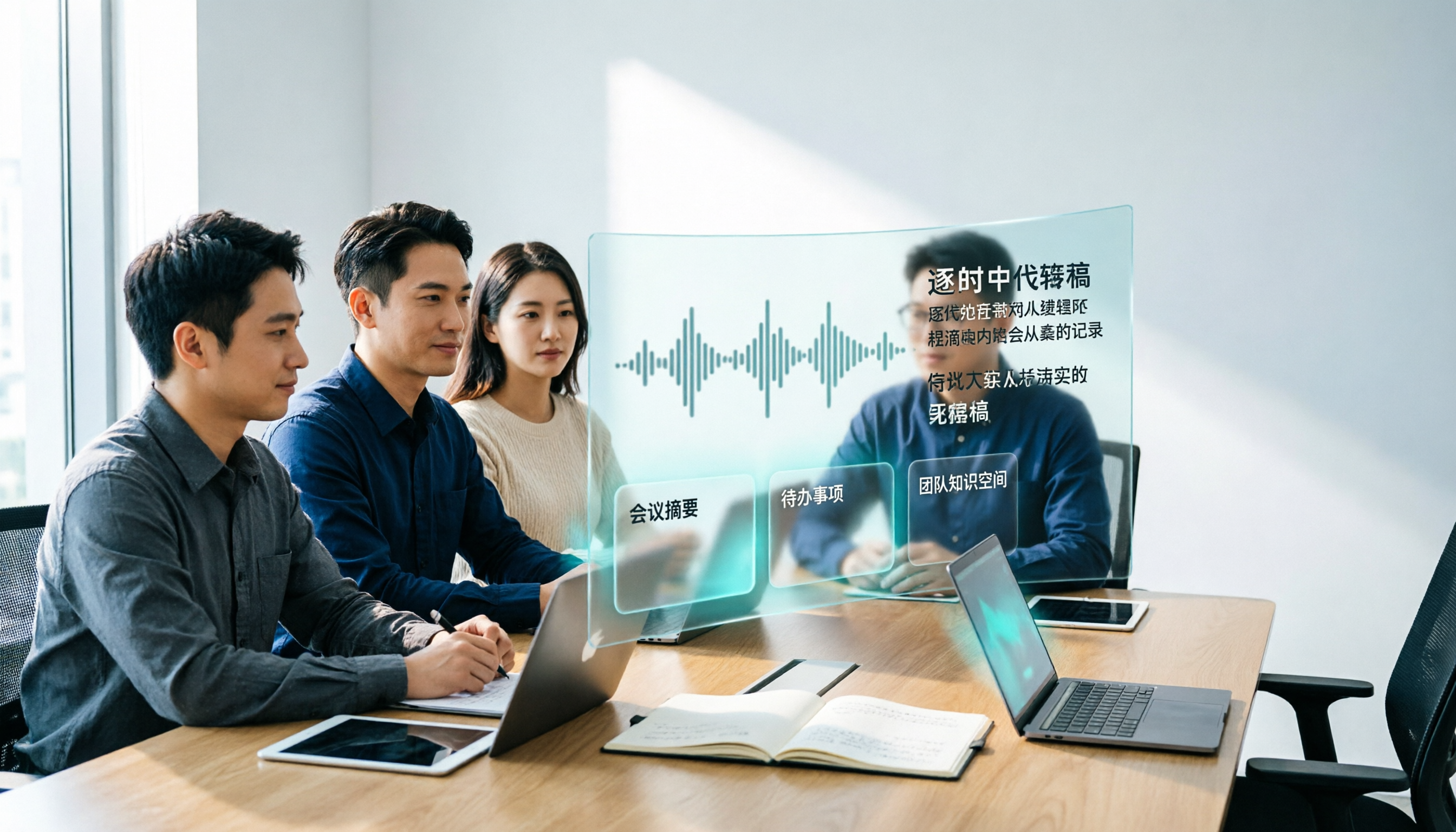
3 Recommended AI Speech-to-Text Chinese Solutions for 2026: From Free Trials to Team Collaboration
Still manually transcribing meeting recordings? This article starts from real-world scenarios to break down how AI speech-to-text is used in Chinese meetings, its core capabilities, and 5 key points for selection. It uses Tinrec (Miao Ting Lu Yin) to demonstrate the complete workflow from verbatim transcripts, AI summaries, and action item extraction to team workspace retention, with a comparison table of three plans: Free, Pro, and Team, helping you decide which one to choose at a glance.
4 Free Speech-to-Text AI Tools Tested in 2026: Which Free Tier Is Most Generous?
Most people looking for free speech-to-text AI discover that free tiers use three different models: per-recording limits, daily credits, and total trial minutes. This article breaks down how the free plans of Tinrec, Notta, TurboScribe, and Otter.ai work, whether they can handle a full meeting, and if the output is usable right away.

2026 Free Google Speech-to-Text Options: 5 Desktop Tools Compared
Using Google for speech-to-text on a computer often fails not because of the tool itself, but because of a mismatch in needs: do you want real-time dictation, or do you need to transcribe existing audio files? This article reviews 5 desktop speech-to-text solutions available in 2026, including Google Docs Voice Typing, Google Cloud Speech-to-Text, pyTranscriber, Otter.ai, and Tinrec, and honestly lists their free quotas, limitations, and suitable scenarios to help you choose the right one.
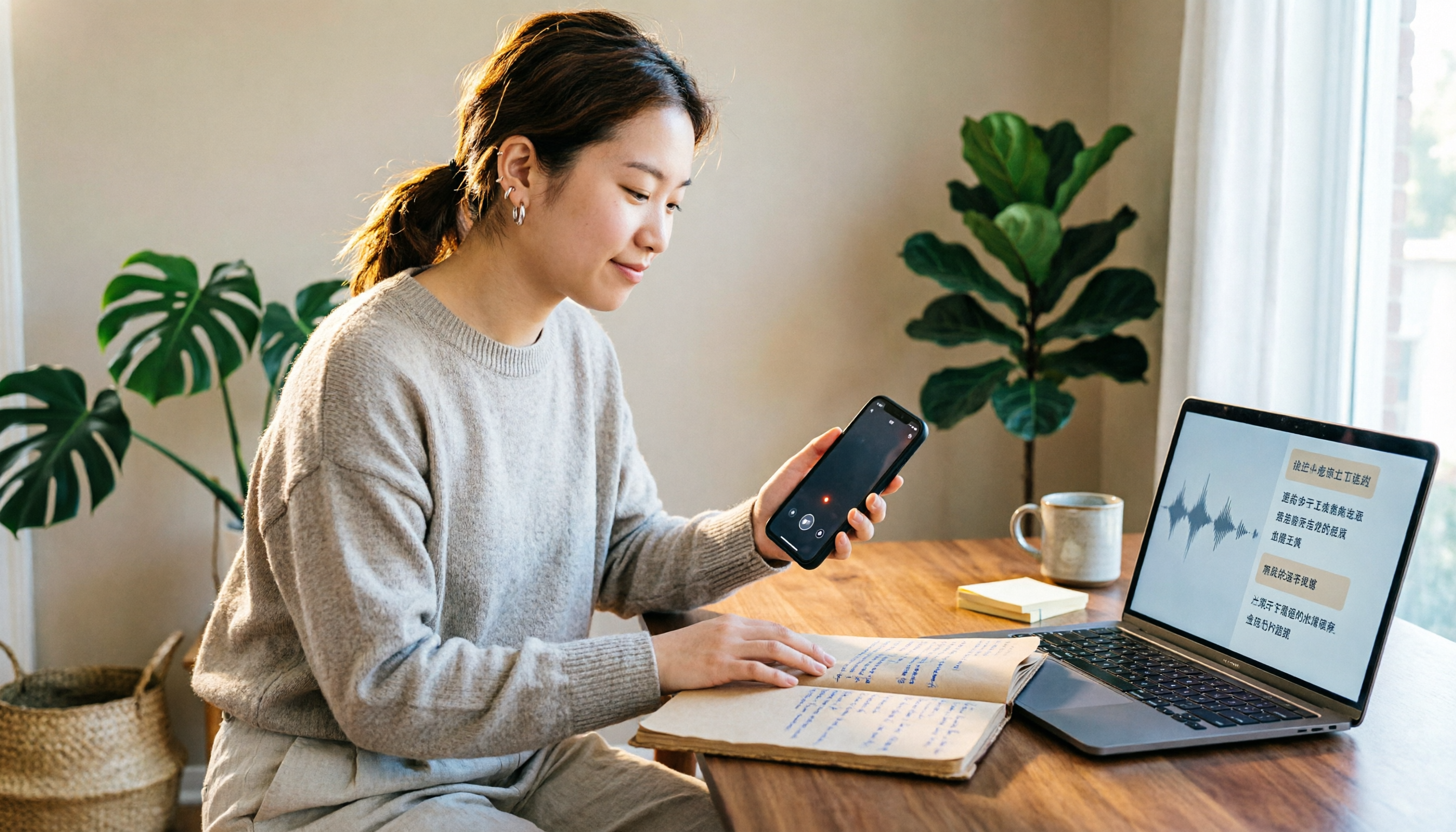
5 Free iPhone Speech-to-Text Solutions in 2026: A Complete Comparison
You don't have to pay to transcribe iPhone recordings. This guide covers 5 free options: iOS 18 built-in Voice Memos, Tinrec, Notta, Otter.ai, and PLAUD recording hardware. We compare free quotas, Chinese recognition accuracy, and post-recording usability, plus provide buying tips and pitfalls to avoid.