

Turn recordings into transcripts and summaries in minutes
Upload audio or video for multilingual transcription, AI notes, and action items
I got six voice messages on the subway and realized the problem wasn't 'can't hear'
On a commute last month, I had my headphones on but didn't dare press play. The train was too loud, and people were standing right next to me.
Six voice messages were sitting on my phone, the longest over forty seconds. The client talked about the budget range, timing, and a name I didn't catch clearly at the moment.
What I thought wasn't 'if only there were transcription.' I already knew about that feature.
What I thought was: after it's transcribed, then what?
Those words stay in the chat, sinking down with hundreds of other messages. Next week when I write the proposal, I'll have to scroll back up and tap through each one to listen again.
So this article isn't about which app has a longer feature list. It's about whether your voice messages ultimately become data you can pull out and use again.
Before choosing a voice-to-text app, understand these 5 key points
First, where transcription happens.
WhatsApp's official documentation states that voice message transcription is generated on your device, and even WhatsApp can't read the content. That's a big advantage.
If a third-party tool uploads audio files to the cloud for processing, you need to verify the data flow yourself. It's not about which is better or worse; it's about whether you know where your audio files go.
Second, how far language support goes.
Mixed Chinese-English conversations are most easily overlooked. Some tools are strong in a single language but start to struggle with sentences like 'let's confirm this budget later.'
Before choosing, test with a real recording of yours, not just the official description.
Third, what you can do after the transcript.
A thirty-minute meeting transcript is usually so long you won't want to read it from the beginning a second time.
So the real difference isn't accuracy; it's whether after transcription someone helps you extract key points, list to-dos, and answer your follow-up questions.
Fourth, can it accumulate?
One-off transcription solves the moment; accumulation solves the long term.
If each piece of content is scattered across different chats and files, three months later you still can't find 'that number the client mentioned last time.'
Fifth, multi-person collaboration and permissions.
For personal use this doesn't matter, but once it becomes a team, member departures, data ownership, who can edit and who can only view become real problems.
Tinrec: I use it as a 'meeting database'
First, positioning. Tinrec is an AI meeting notes and collaboration tool supporting iOS, Android, and web.
It's not meant to replace WhatsApp. It catches what comes after WhatsApp.
Scenario one: online meetings.
The desktop version directly captures computer system audio, handling meetings on Zoom, Google Meet, Microsoft Teams, Webex, etc., without inviting a meeting bot to join as a participant.
When the meeting ends, the transcript, summary, chapters, and to-dos are already there.
(Screenshot: Tinrec desktop recording screen, arrow pointing to 'Summary' and 'To-dos' sections)
Scenario two: existing audio files.
Voice messages, interview recordings, old meeting files on hand can be organized into audio files and uploaded to convert into transcripts.
To be clear: this is not a WhatsApp plugin, there's no automatic sync. You manually export the audio file and upload it. One extra step, but what you get is searchability and the ability to ask follow-up questions.
(Screenshot: Processing queue after uploading audio files, arrow pointing to file name and status)
Scenario three: ask it directly after recording.
This is the part I use most. I no longer read transcripts from the beginning; I just ask: 'What was the budget cap the client mentioned?' 'What three things were decided at the end of this meeting?'
It gives me organized answers, not a bunch of keywords I have to find myself.
(Screenshot: AI Q&A input box and answer results, arrow pointing to cited source paragraphs)
Scenario four: teams.
The team version is a separate team space where data belongs to the team. You can manage members, roles, and seats, view usage trends, query and export important operation logs, and restore accidentally deleted audio files from the recycle bin.
When a member leaves, their team resources are handed over to others, not disappearing with their personal account.
(Screenshot: Team usage analytics page, arrow pointing to member ranking and seat status)
Stop organizing recordings by hand
Upload audio or video and automatically get a transcript, summary, and action items
Three reasons I think it's worth adding to my workflow:
One, the transcribed text is alive. You can ask follow-up questions, generate reports and tables, and export to Notion, Google Docs, OneNote, Dropbox for further use.
Two, the Chinese and mixed Chinese-English meeting experience is closer to my actual situation, and you can view the original, translation, or bilingual comparison during recording.
Three, it brings governance at the team level. Roles determine who can manage; seats determine who can record, upload, and edit. Separating these two clarifies many management issues.
Limitations to be clear about:
It doesn't integrate with WhatsApp; to process voice messages you have to export manually.
The free version offers a basic quota; long-term high-frequency use requires payment. The team version is currently USD 29.80 per paid seat per month, or USD 199 per paid seat annually. Actual prices and benefits are subject to the official purchase page.
Transcription quality is affected by recording quality, accents, and overlapping speakers. For important content, I still go back to the recording to verify.
Who it's for:
People who have several meetings to record each week, need to retain client communications, want to find key points directly through Q&A after recording, or switch between phone and computer for work.
Besides Tinrec, what other options are there?
WhatsApp built-in voice message transcription
Free, direct, usable right in the chat. Go to 'Settings > Chats > Voice message transcripts' to enable, then long-press a message and select 'Transcribe to text.'
But it solves only the 'can't understand right now' problem. The transcription stays under that message; it doesn't become a summary, doesn't generate to-dos, and can't be searched across chats. Supported languages depend on system version and official announcements; some languages (e.g., Cantonese) were previously not supported.
If you just want to know what the other person said, it's enough. If you want reusable data, it stops there.
Notta
A veteran multi-platform transcription and translation tool. Free version: 120 minutes per month, 3 minutes per session; Pro annual billing is about USD 8.17 per month.
Its strength is file transcription and subtitles. But if you want to record online meetings without inviting a bot, and need seats, usage, and auditing in a team space, Tinrec is more complete.
PLAUD NotePin
A USD 159 AI recording hardware, suitable for recording in-person conversations and phone calls on the go.
It handles 'on-site audio capture,' not turning voice messages already on your phone into a database. If your problem is too many existing audio files, buying another device won't solve it.
Pitfall guide: 4 most common mistakes when choosing a voice-to-text app
Pitfall 1: Treating 'transcribed text' as the end goal.
Transcribing and leaving it there is using only a third of the tool. What really saves time is the summary, to-dos, and follow-up Q&A.
Pitfall 2: Not confirming where audio files are sent.
On-device processing and cloud processing are two different things. Third-party tools may upload audio to the cloud for transcription, which means the content could be accessed. Before choosing a tool, check its processing location and authorization terms.
Pitfall 3: Trying to solve all scenarios with one tool.
Reading messages on the spot, meeting notes, and batch transcription of large long documents are actually three different needs. Choosing separately prevents buying the wrong thing.
Pitfall 4: Paying before testing the language.
Throw in the kind of sentence you encounter most (mixed Chinese-English, technical terms, names) and test once. This five-minute step can save a lot of regret later.
Conclusion: Which one should you choose?
Go back to the original question. If your need is simply 'it's inconvenient to listen right now, I want to quickly understand what the other person said,' WhatsApp's built-in transcription is enough, and it's free with no extra installation.
But if those voice messages will eventually become project data, meeting records, or client requirements, what you need isn't a transcription feature but a place that can hold this content.
Scenario routing:
- Just want to quickly read one voice message → WhatsApp built-in transcription
- Need transcript, summary, and to-dos all at once for meetings → Tinrec
- Need mixed Chinese-English and real-time translation comparison → Tinrec
- Team needs to share meeting data, manage seats and usage → Tinrec team version
- Need to process many long documents at once → pure transcription tools are more cost-effective
- Often on-site, need portable recording → recording hardware products
Quick starter checklist:
- Update WhatsApp to the latest version and enable voice message transcription in settings
- Find a real voice message you received and try the built-in transcription once
- If this content needs to be kept, export the audio file
- Upload to Tinrec to get a full transcript
- Use the summary and to-dos to condense the content into three lines of conclusions
- Ask it a specific question to confirm the answer maps back to the original text
Tools are supporting actors; the process is the main character. First decide what you want to keep, then choose which app to catch it.
Test step by step, and you'll gradually find your own method.
References
- 'Latest' WhatsApp Voice to Text 2026 Official Method!
- WhatsApp Voice to Text Free Online Tool | SpeakApp
- Introducing Voice Message Transcripts - WhatsApp Blog
- Complete Guide to WhatsApp Voice to Text: How to Enable and FAQs – AirDroid
- WhatsApp Voice to Text New Feature Is Here! See Android and iPhone Setup Methods
Turn every recording into actionable outcomes
Get 60 free transcription minutes when you sign in. No credit card required.
Related Reading
You might also like
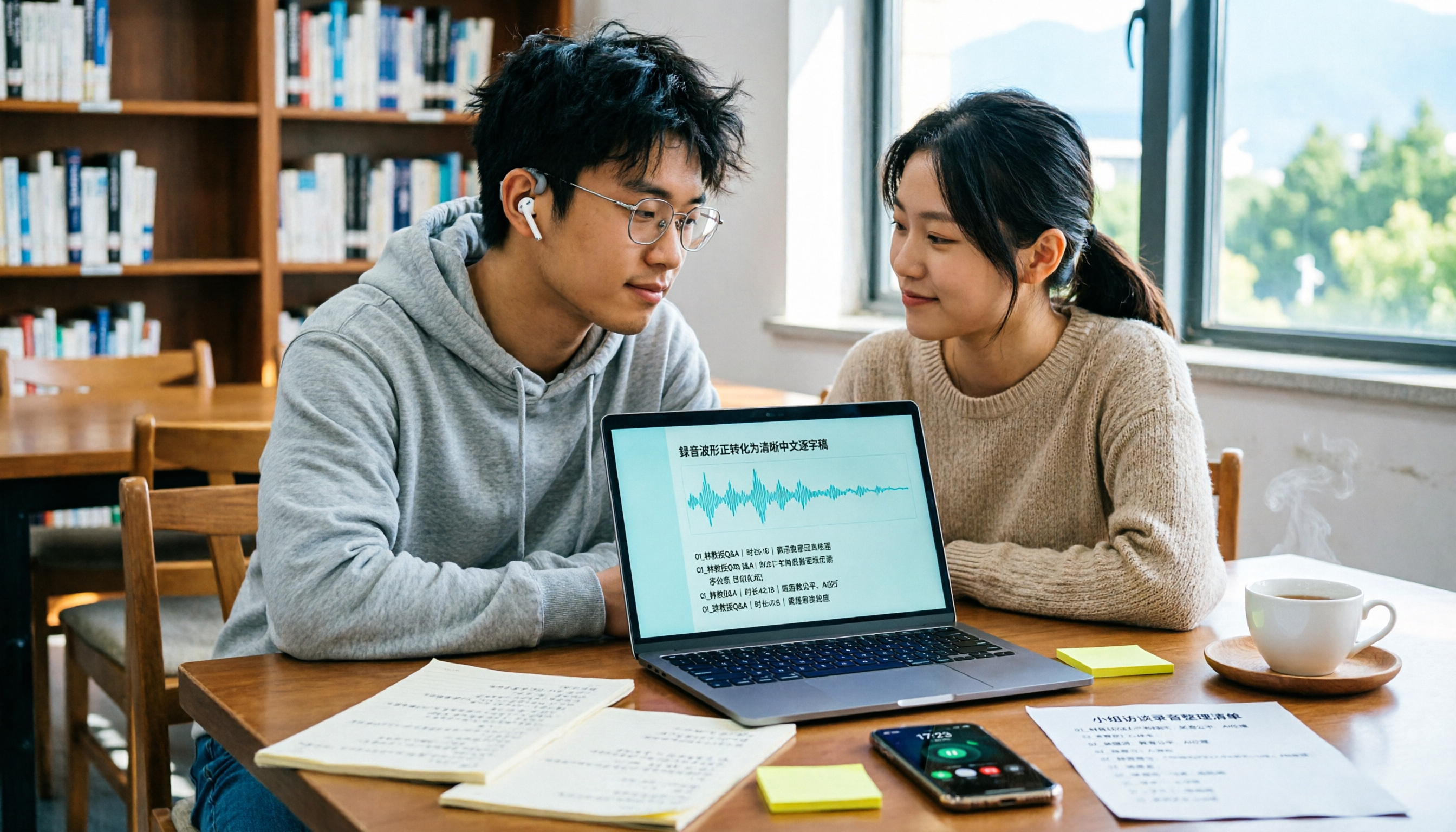
4 Best Speech-to-Text Online Tools Tested for Chinese Transcripts in 2026: Which Saves the Most Time?
Discovering a semester's worth of unnamed recordings the week before finals? This guide takes a student's perspective to outline 4 key factors for choosing a Chinese speech-to-text online tool. We tested Tinrec, Otter.ai, Notta, and TurboScribe on Chinese transcription, meeting recording, post-meeting organization, and free tiers to help you find the most time-saving option.

MyEdit Speech-to-Text 2026: 9 Languages, No Install, 3 Steps
How to use MyEdit's speech-to-text tool? This guide answers three key questions: Is it free? Does it support Chinese? Is it good enough? It covers MyEdit's 9-language support, free credit system, and 3-step process, and compares Tinrec, Notta, TurboScribe, and Otter.ai for meeting notes and team collaboration to help you choose the right tool for your needs.

4 Speech-to-Text AI Tools Tested: Which Dcard-Favorite Actually Saves You Time?
Two-hour meeting, another two hours typing up the transcript? This article breaks down 4 key factors for choosing a speech-to-text AI from real-world use cases, compares Tinrec, MyEdit, Yating Transcript, and OpenAI Whisper, and highlights the 3 most common pitfalls Dcard users encounter—so you can pick the right tool in one go.

2026 Comparison of 4 Client Visit Recording Tools: From Recording to Visit Notes, Which One Really Saves Time?
Not being able to finish visit notes is usually not due to lack of effort, but because the process is reversed. This article starts with three common misconceptions, breaks down 4 key points for choosing a client visit recording tool, compares Tinrec, Otter.ai, Notta, and Granola in real tests, and organizes a visit debriefing process you can follow directly.

4 LINE Voice-to-Text Tools Tested in 2026: Which Method Actually Converts Voice Messages to Text Files?
We break down common misconceptions about converting LINE voice messages to text files and compare 4 approaches, with a step-by-step Tinrec demo covering audio extraction, upload transcription, proofreading, AI summarization, and export.

2026 Free Speech-to-Text AI Apps: 5 Options Compared
A roundup of free plans for 5 speech-to-text AI apps in 2026, with a 5-step walkthrough using Tinrec from recording to transcript, proofreading, meeting summary generation, and export, plus a free tier comparison, FAQs, and advanced tips.

5 Best Speech-to-Text AI Tools in 2026: Free Tiers and Chinese Recognition Compared
How to choose a speech-to-text AI tool? This article addresses common misconceptions, outlines 5 key selection criteria, and demonstrates Tinrec's real-time transcription, bot-free meeting recording, AI summaries, action item extraction, and team collaboration to help you understand the differences between free and paid plans.

2026 iPhone Voice-to-Text Comparison: Built-in Transcription, Recording Hardware, and Tinrec — Which Saves the Most Time?
How to turn iPhone voice memos into text files? This article compares the workflows of iOS built-in Voice Memos transcription, PLAUD recording hardware, and Tinrec, explains the Chinese transcription limitations on iPhone 12 and iOS 18.4, .m4a export, and post-meeting organization, and offers buying and pitfall-avoidance advice.

Best Client Visit Record Tools in 2026: 6 Tested, Tinrec Saves the Most Time on Post-Meeting Notes
Still catching up on client visit notes back at the office? This article works backward from "can a colleague pick up the table and follow up directly?" to define the four essential field groups a client visit record should have, then compares 6 approaches and tools—including Tinrec, Granola, Notta, Otter.ai, TurboScribe, and Excel templates—with free and paid pricing to help you decide between spreadsheets, recordings, or AI meeting tools.