
Turn recordings into transcripts and summaries in minutes
Upload audio or video for multilingual transcription, AI notes, and action items
4 Best Speech-to-Text Online Tools Tested for Chinese Transcripts in 2026: Which Saves the Most Time?
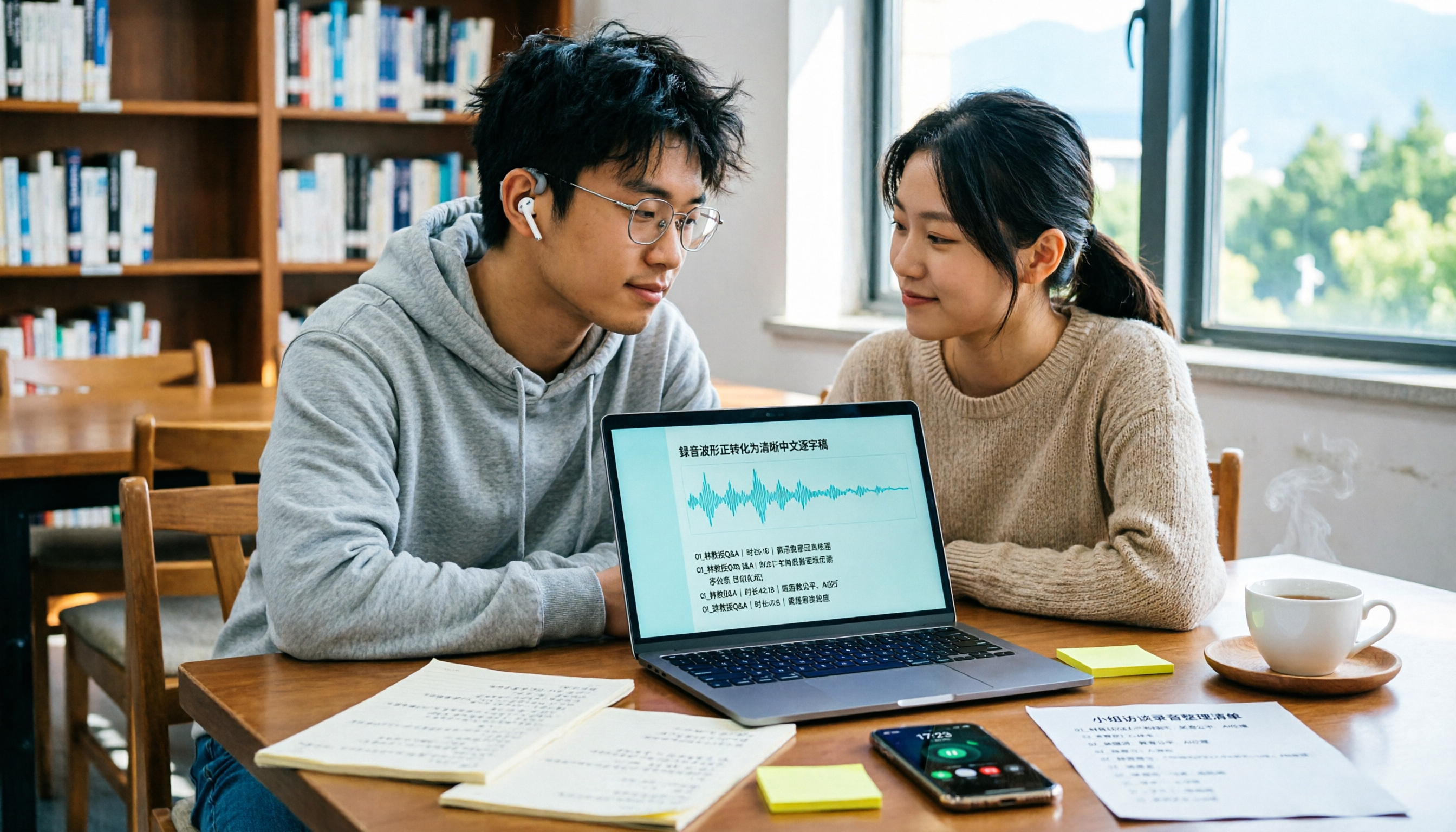
The week before finals, you open 18 unnamed audio files
The week before finals, you open this semester's recording folder and find 18 audio files all named "Recording 001"—and you can't even tell which one is from week nine's class. You have to fast-forward from the first file, praying the professor mentioned "this will be on the exam."
Group discussions are worse. Four people talk over each other for 90 minutes, and afterward no one in the group chat remembers the conclusion—just that "something about a deadline next week" was mentioned.
And interviews. For your capstone project, you interview three seniors, record two hours of audio, and spend two evenings just typing it out—only to miss a key sentence.
I've been through all of this. The problem isn't that you're not working hard; it's that you're spending time re-listening instead of understanding. This article is about how to use the right tool to turn audio into text you can read, search, and submit.
Before Choosing a Speech-to-Text Online Tool, Understand These 4 Key Points
1. Who handles Chinese sentence segmentation and punctuation Chinese has no spaces, so where a sentence breaks depends entirely on the recognition engine. Some tools output a wall of text without punctuation, and you still have to re-read it yourself. When testing, don't just check if the words are correct—check if it reads smoothly.
2. Can it handle pre-recorded files? This is the biggest pitfall. Many browser-based speech-to-text tools only accept live microphone input, so they can't help with your existing recordings. If you need to organize existing audio files, interviews, or podcasts, make sure it supports file upload.
3. What can you do after transcription? A tool that only gives you a transcript just swaps the work of typing for the work of re-reading. Whether it can automatically generate summaries, split chapters, and extract action items determines whether you'll be flipping through 30 pages of transcript or reading 3 key points before finals.
4. Free tier and devices This is what students care about most. Don't just look at the word "free"—check the per-session limit and monthly total. Some free versions only give you a few minutes per session, which won't cover a two-hour class.
Tinrec — My Top Choice After a Semester of Testing
Tinrec is an AI meeting notes and collaboration tool for individuals and teams, available on iOS, Android, desktop, and web. It focuses on transcription for Chinese, Traditional Chinese, and multilingual meetings.
Class recording: live transcription and automatic chaptering. I usually sit in the middle-back, and I always missed board notes. Now I start live recording before class, and the transcript appears as the lecture goes. After class, I open the AI summary and chapters—the two-hour lecture is split into sections, and I can jump straight to the "final exam scope" part without fast-forwarding from the beginning.
Online meetings and group discussions: no bot needed in the meeting room. This is especially relevant for students. Some online meeting links don't allow external accounts to join, so meeting bots often get stuck in the waiting room. Tinrec's desktop version captures system audio directly, handling meetings on Zoom, Google Meet, Microsoft Teams, and Webex played on your computer—no extra bot participant needed. I just leave it running during group meetings, and the transcript is ready when we finish.
Ask it directly after the meeting instead of Ctrl+F. This is the main reason I stuck with it. After recording, you can ask: "What percentage of the grade is the final exam?" or "Who's responsible for the survey in this group meeting?" It gives answers based on content understanding, not a bunch of keywords you have to sift through. I haven't found another tool in the same price range that's as smooth.
The transcribed text is ready to use. It supports export to Notion, Google Docs, OneNote, Dropbox, and more. My workflow: class transcripts go to Notion, summaries go into shared notes, and action items go into my weekly list. It can also generate reports, tables, and documents, saving a lot of formatting time when organizing project interviews.
Hands-on impressions (honestly). I tested it in the department computer lab (with air conditioning noise and keyboard clatter) and in the library study room, each with a segment of Chinese speech. With clear audio and normal speaking speed, the transcript quality is worth the time it saves. But when multiple people talk over each other or use very obscure technical terms, there are still passages that need cross-checking with timestamps. I didn't measure a fancy decimal error rate—I can only say: it saves me hours of re-listening, not the responsibility of proofreading.
Pros:
Stop organizing recordings by hand
Upload audio or video and automatically get a transcript, summary, and action items
- You can ask follow-up questions directly after recording—this is the biggest differentiator from pure transcription tools.
- No bot needed for online meetings, which is friendly for students with restricted account permissions.
- Beyond the transcript, it also provides summaries, chapters, action items, translation, and export—taking over the "organizing" step as well.
Limitations to be clear about: The free version is a basic quota, not unlimited recording. If you have three interviews or a dense week of classes, consider a weekly pass; if you record steadily every week, a Pro monthly or annual plan is more cost-effective. Actual prices and plan details are subject to the official website. Also, I still cross-check important content with the recording—AI can miss things, especially when multiple people speak at once.
Who it's for: People who mainly attend Chinese-taught classes, need to record online meetings, and want transcripts that directly become notes and action items.
If you're a group working on a capstone project: Tinrec's team version isn't "multiple people sharing one account"—it's an independent team space where recordings, transcripts, and action items are stored centrally, and new members can see historical data. Roles manage governance (who can manage members and settings), and seats manage usage (whether you can upload, edit, export). Members without a seat can still view, play, and read. Eligible teams get a 7-day trial, 1 free seat, and 300 minutes of shared team import quota on first use; paid seats provide 2,000 minutes of shared team import quota per month, and live recording is currently not deducted by minutes under an active plan and seat. Monthly USD 29.80 per paid seat, annual USD 199 per paid seat (about USD 16.58/month). For a group, this is where the organizer needs to discuss costs with members—I recommend running a real project meeting during the trial before deciding.
Besides Tinrec, What Are the Alternatives?
Otter.ai: A mature choice for English meetings. The Basic free plan offers 300 minutes per month, which is generous for those who only record English classes; Pro annual billing is about USD 8.49/user/month, including 1,200 minutes of in-app recording and 10 file imports per month, and Business adds more management capabilities. If you mainly handle English interviews or online English classes, it's sufficient. But if you want post-meeting work products like reports and tables, or bilingual real-time translation for Chinese meetings, Tinrec's post-processing and Chinese experience are more aligned.
Notta: Multilingual transcription and team plans available. Free version: 120 minutes per month, up to 3 minutes per session; Pro annual billing about USD 8.17/month, 1,800 minutes per month; Business annual billing about USD 16.67/seat/month, offering unlimited transcription, role permissions, and usage reports. Note that the free version's 3-minute session limit means a two-hour class gets split into many segments. Tinrec's difference here is bot-free desktop recording for online meetings, plus team hotwords to maintain department or lab terminology.
TurboScribe: A cost-effective option for long files and batch transcription. Free: 3 files per day, up to 30 minutes per file; Unlimited annual USD 120 (about USD 10/month), paid version supports up to 10 hours or 5GB per file, and up to 50 files at once. If you have a batch of existing recordings to transcribe into text or subtitles, it does have advantages for long files and batch processing. But it's a file transcription tool, not a live meeting tool—features like live transcription during meetings, post-meeting AI Q&A, and action item extraction that Tinrec offers are not part of its design.
Pitfall Guide: 3 Most Common Mistakes When Choosing a Speech-to-Text Tool
Pitfall 1: Only looking at "free" and not the per-session limit. Many tools have two layers of free quota: monthly total plus per-session limit. Those that only give a few minutes per session are useless for a two-hour class. Test with the length of your own class—that's more practical than reading plan names.
Pitfall 2: Assuming all online tools can upload audio files. Browser-based speech recognition tools usually only accept live microphone input and cannot upload existing recordings. To organize interviews, podcasts, or historical audio, first confirm file upload support—otherwise you'll find the tool works great, but it can't handle anything you have.
Pitfall 3: Treating the transcript as the final product. Transcribing without summarizing and extracting action items is using only one-third of the tool's capability. Before finals, you don't need 30 pages of transcript—you need "what's on the exam and who's responsible for what."
A note on privacy: Some browser-based speech recognition sends audio to the browser vendor's cloud for processing. If interview content involves sensitive data, explain to the interviewee and get consent before recording—that's basic courtesy.
Conclusion: Which One Should You Choose?
- Mainly Chinese-taught classes, need to record online meetings, want to ask key points directly after → Tinrec (Chinese experience, bot-free recording, AI Q&A all in one)
- Transcripts need to become notes, action items, reports, or tables → Tinrec (summaries, chapters, action items, Agent post-processing most complete)
- Need to work on phone, tablet, and computer → Tinrec (iOS, Android, desktop, web all available)
- Pure English meetings, quota priority → Otter.ai (free 300 minutes/month, mature English scenarios)
- A batch of existing audio files to transcribe into subtitles → TurboScribe (strong in long files and batch transcription)
- Capstone project with multiple people sharing meeting data → Tinrec team version (team space, role and seat division, shared quota and usage records)
My advice: don't rush to pay. Find a Chinese audio file you recorded before with background noise, run it through the free version, and see if the text is directly readable. If it's clunky, switch; if it reads smoothly, the money is probably worth it. That's how I ended up staying—by the end of the semester, those 18 "Recording 001" files finally all have names.
References
Turn every recording into actionable outcomes
Get 60 free transcription minutes when you sign in. No credit card required.
Related Reading
You might also like

2026 Customer Visit Notes: 4 Free Solutions Compared
Can't remember the details after a client visit? This guide reviews 4 free customer visit note solutions available in 2026—from AI recording and transcription with summaries and action items, to recording hardware and Excel templates. We cover each option's free tier limits, restrictions, and ideal use cases, plus 4 common pitfalls to avoid, so you can find the one that fits your visit workflow.

2026 Comparison of 3 Client Visit Recording Tools: Which Is Easy to Write and Won't Miss Client Commitments?
Client visit notes are hard to write, usually not because of writing skills, but because you can't remember exactly what the client said afterward. This article starts from four key points: 'whether audio is retained, whether a draft is generated for you, whether you can ask follow-up questions directly, and who ultimately owns the data,' and compares Tinrec, Notta, Otter.ai, and PLAUD in client visit scenarios, with pricing, limitations, and pitfalls to avoid.

2026 Comparison of 4 Customer Visit Recording Tools: Which One Turns Visit Notes into Records You Can Query?
Poor customer visit records are usually not due to slow typing, but because tools fail to connect recording, transcription, organization, and handoff. This article starts from three common inefficient practices, breaks down 4 key selection criteria, and compares Tinrec, Notta, Otter.ai, and PLAUD in real tests on differences in Chinese visits, bot-free recording, post-meeting output, and team data retention.

6 Best Whisper Speech-to-Text Tools in 2026: Local, Online, and AI Meeting Assistants Compared
Whisper is free, open-source, and runs offline, but many people get stuck on setup, model selection, and discontinued software. This guide covers 6 Whisper speech-to-text tools in 2026, from command-line open-source versions and Windows desktop apps to browser-based online tools and AI meeting note solutions that don't require touching models. Includes model selection tips and common pitfalls.

3 Google Speech-to-Text Methods Tested: Which Free Option Is Enough in 2026?
Google Docs voice typing, Google Cloud Speech-to-Text, and Android Live Transcribe—how do these three online speech-to-text methods differ? Starting with the most common misconception, this article tests each option and summarizes suitable scenarios, free limitations, and step-by-step instructions. It also covers a more time-efficient workflow for turning meeting recordings into transcripts and organizing them afterward.

MyEdit Speech-to-Text 2026: 9 Languages, No Install, 3 Steps
How to use MyEdit's speech-to-text tool? This guide answers three key questions: Is it free? Does it support Chinese? Is it good enough? It covers MyEdit's 9-language support, free credit system, and 3-step process, and compares Tinrec, Notta, TurboScribe, and Otter.ai for meeting notes and team collaboration to help you choose the right tool for your needs.

4 Speech-to-Text AI Tools Tested: Which Dcard-Favorite Actually Saves You Time?
Two-hour meeting, another two hours typing up the transcript? This article breaks down 4 key factors for choosing a speech-to-text AI from real-world use cases, compares Tinrec, MyEdit, Yating Transcript, and OpenAI Whisper, and highlights the 3 most common pitfalls Dcard users encounter—so you can pick the right tool in one go.

2026 Comparison of 4 Client Visit Recording Tools: From Recording to Visit Notes, Which One Really Saves Time?
Not being able to finish visit notes is usually not due to lack of effort, but because the process is reversed. This article starts with three common misconceptions, breaks down 4 key points for choosing a client visit recording tool, compares Tinrec, Otter.ai, Notta, and Granola in real tests, and organizes a visit debriefing process you can follow directly.

4 LINE Voice-to-Text Tools Tested in 2026: Which Method Actually Converts Voice Messages to Text Files?
We break down common misconceptions about converting LINE voice messages to text files and compare 4 approaches, with a step-by-step Tinrec demo covering audio extraction, upload transcription, proofreading, AI summarization, and export.