
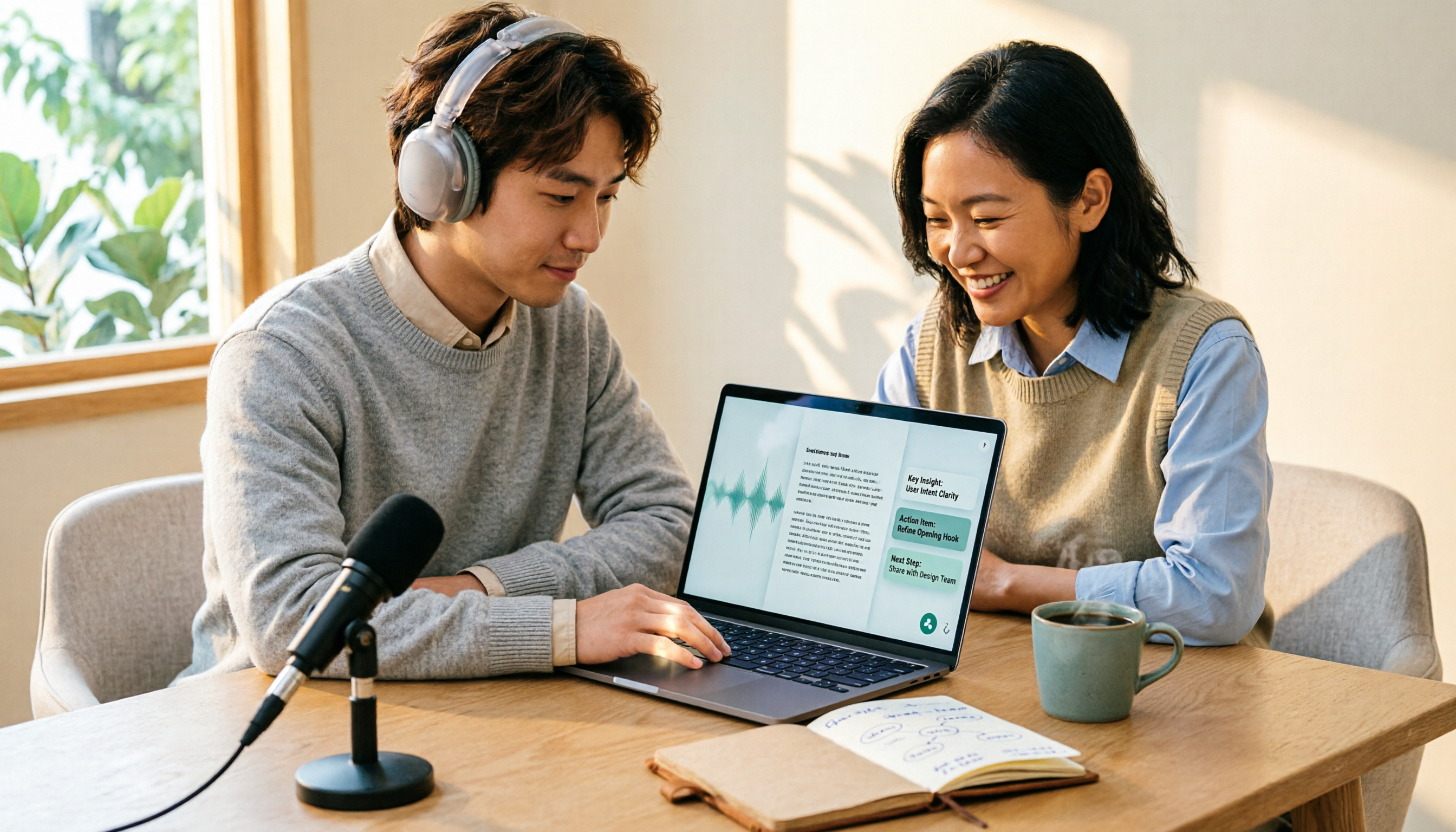
Turn recordings into transcripts and summaries in minutes
Upload audio or video for multilingual transcription, AI notes, and action items
Two-hour meeting, two hours organizing—the problem isn't your typing speed
"My professor wants me to turn the seminar recording into a transcript," "My boss wants a complete record of the three-hour meeting," "The video needs subtitles, but typing it out word by word takes forever"—these phrases pop up on Dcard almost every month. Most people's first instinct is to search for a speech-to-text AI, but after downloading three or four, they end up going back to listening and typing.
After testing, we found that what really stalls progress isn't just "accuracy" but three more practical issues: whether it falls apart when Chinese and English are mixed, whether it can record online meetings directly, and whether the transcribed text is ready to use immediately.
This article compares the most discussed tools on Dcard and tells you directly: which need calls for which tool.
Before Choosing a Speech-to-Text Tool, Understand These 4 Key Points
1. Chinese and mixed Chinese-English recognition Meetings in Taiwan are rarely pure Chinese—product names, project codes, KPIs, OKRs are almost all in English. Official accuracy rates aren't enough; you need to see how it performs when English words are inserted into Chinese sentences. This is why many give up after the first trial—the whole passage turns into gibberish, and fixing it takes longer than retyping.
2. Does it give you a transcript or conclusions? A one-hour recording can easily produce tens of thousands of words; the transcript itself isn't the end goal. What really saves time is what comes after: automatic summaries, chapter segmentation, action items, and the ability to ask follow-up questions. The gap here often affects your overtime hours more than recognition accuracy.
3. How to record online meetings Many tools send a "meeting bot" into the meeting room, adding an extra participant on screen—awkward during external presentations or client meetings. Another approach is to capture system audio directly from your computer, without affecting the participant list. This is often overlooked when purchasing but makes the biggest difference in actual use.
4. What happens after the free quota runs out How far can the free version take you? Is the quota measured in minutes or files? Is it shared across a team or per user? These directly affect whether you'll pay again in three months. Look for a plan that lets you complete a full real workflow during the trial, not just the number of free minutes.
Tinrec—Our Top Recommendation After Testing
Tinrec is an AI meeting notes and collaboration tool for individuals and teams, available on web, desktop, and mobile. Its core positioning isn't just "recording to text" but turning meetings into searchable, queryable, actionable data.
Record online meetings directly, no bot in the room The desktop version captures system audio to record online meetings, compatible with Zoom, Google Meet, Microsoft Teams, and Webex. Whether it's a morning client interview or an afternoon team weekly, just open Tinrec and start recording—the transcript generates as you record, and no unfamiliar account appears in the participant list.
Minutes are almost done when the meeting ends After recording, the system automatically generates summaries, chapters, and action items—who's responsible for what, deadlines, all listed out. If you just need to report meeting conclusions to your boss, you can deliver right away without digging through the transcript.
Ask it questions after recording This is where Tinrec stands out most from similar tools. You can ask questions directly about the meeting content, such as "Who mentioned the budget in the last meeting?" or "What concerns did the client have about the delivery date?" It answers based on semantics, not just a bunch of keyword search results. For those who need to look back at meetings from three months ago, this feature saves considerable time.
Test conditions and results We didn't use studio-quality audio but real meeting recordings with air conditioning noise, multiple people talking over each other, and mixed Chinese-English. Under these conditions, Tinrec's Chinese transcript readability was noticeably better than pure transcription tools, and the summaries and chapters were more directly usable. However, note: recognition is affected by recording quality, accent, background noise, and overlapping speech; for important content, replay and verify against timestamps.
Stop organizing recordings by hand
Upload audio or video and automatically get a transcript, summary, and action items
Three main advantages First, no manual post-processing—summaries, chapters, and action items are generated directly, saving an entire workflow. Second, online meetings are recorded without a bot, so no extra participant appears in external meetings. Third, supports multiple export formats, ready to use in Notion, Google Docs, OneNote, and can further generate reports and tables.
Limitations to note The free version offers a basic quota, suitable for running one or two full workflows to see if it fits; heavy users need to upgrade. The team version currently shares at the team level—all active members can read team data, but there are no granular file-level permissions. Also, it doesn't automatically join your calendar meetings; you need to open Tinrec and start recording yourself.
Pricing The personal version has a free tier, weekly pass, Pro monthly, and Pro annual—choose based on usage frequency: free for occasional transcription, weekly pass for short intensive interviews, Pro for weekly meetings. The team version is USD 29.80 per paid seat per month, or USD 199 per paid seat per year (about USD 16.58 per month). First-time eligible users get a 7-day trial with 1 free seat and 300 minutes of shared team import quota; paid seats include 2,000 minutes of shared team import quota per month, and real-time recording under an active plan is currently not deducted by minutes. Actual prices and benefits are subject to the official purchase page.
Who it's for Those who frequently record online meetings, want minutes and action items right after, or need a shared meeting database for the team. If you just occasionally convert an audio file to text, the free version is enough to start.
Besides Tinrec, 3 Other Choices Often Mentioned on Dcard
MyEdit An online tool by CyberLink; enter through "Audio Editing Tools" to upload files for transcription, export as plain text or SRT subtitles. Transcription speed is quite fast, suitable for video subtitling. However, it's file-transcription oriented, with no team space and no AI workflow for follow-up questions after meetings—this is the biggest difference from Tinrec.
Yating Transcript A veteran Taiwanese local tool, frequently discussed on Dcard and PTT. It performs well in multi-person conversations and is many people's first stop for interview transcription. The downside is slower transcription speed and lack of AI Q&A and team collaboration; after recording, you get a transcript and have to organize it yourself.
OpenAI Whisper Open-source and free, maximum flexibility; some Dcard users share self-hosted setups. But it's essentially a model, not a finished tool, requiring technical skills, and its handling of Chinese context and background noise is less stable than integrated products. If your need is "no tech, open and use," it's not the right starting point; integrated tools like Tinrec fill that gap.
Pitfall Guide: 3 Most Common Mistakes When Choosing a Speech-to-Text Tool
Pitfall 1: Only looking at official accuracy rates Numbers from a quiet studio are different from real meetings with air conditioning, keyboard clicks, and people talking over each other. Test with your own recordings—ten minutes will tell you if it fits.
Pitfall 2: Treating "transcription" as everything If you only use the tool for recording-to-text, you're using only a third of its capability. What really sets tools apart is what comes after: summaries, chapters, action items, follow-up questions. Rather than comparing who has fewer typos, compare who saves you an hour of overtime.
Pitfall 3: Ignoring team data ownership Recordings under personal accounts leave with the person. If meeting data is a company asset, it should be in a team space, and you should understand the difference between roles (who can manage) and seats (who can upload and edit)—active members without a seat can view and play but cannot upload or edit. Be sure to ask about this when purchasing.
One final reminder: recording and transcription involve personal data; ensure compliance with local regulations and obtain consent from participants when necessary.
Conclusion: Which One Should You Choose?
In one sentence: if your meetings are mainly in Chinese and you need to deliver minutes afterward, Tinrec is currently the most hassle-free choice.
- Need Chinese meeting transcripts + automatic summaries and action items → Tinrec (directly produces deliverable content after meetings)
- Frequently use Zoom, Meet, Teams and don't want a bot joining → Tinrec (desktop captures system audio)
- Want to ask "Who mentioned the budget last time?" right after recording → Tinrec (supports AI Q&A around meeting content)
- Team needs shared meeting data, seat and usage management → Tinrec Team (spaces, roles, seats, usage, and audit)
- Just need to add subtitles to video files → MyEdit (fast transcription, SRT output)
- Zero budget and someone to handle technical setup → OpenAI Whisper (open-source free, but self-hosted)
We recommend running your real meeting workflow once with Tinrec's free version: record a session, check the transcript, see if summaries and action items are sufficient. Upgrade if it fits—no need to pay upfront.
References
- 2026 Meeting Notes App Dcard Popular Recommendations: 3 AI Speech-to-Text Tools Tested and Compared - Tinrec Blog
- AI organizes recording transcripts and video subtitle files #Whisper #InflowWeekly - Inflow (@geo1995) | Dcard
- AI PC Applications - Tested and Compared: Three Quick Speech-to-Text Methods - 3C forum | Dcard
- [AI Voice Notes] 5 Highly Recommended AI Transcription Tools! Generate Transcripts and Meeting Notes Highlights, Free vs Subscription, Pros and Cons | 104 Career Power
- Expert-Reviewed Top 10 Audio-to-Text Recommendations | mybest
Turn every recording into actionable outcomes
Get 60 free transcription minutes when you sign in. No credit card required.
Related Reading
You might also like

2026 Customer Visit Notes: 4 Free Solutions Compared
Can't remember the details after a client visit? This guide reviews 4 free customer visit note solutions available in 2026—from AI recording and transcription with summaries and action items, to recording hardware and Excel templates. We cover each option's free tier limits, restrictions, and ideal use cases, plus 4 common pitfalls to avoid, so you can find the one that fits your visit workflow.

2026 Comparison of 3 Client Visit Recording Tools: Which Is Easy to Write and Won't Miss Client Commitments?
Client visit notes are hard to write, usually not because of writing skills, but because you can't remember exactly what the client said afterward. This article starts from four key points: 'whether audio is retained, whether a draft is generated for you, whether you can ask follow-up questions directly, and who ultimately owns the data,' and compares Tinrec, Notta, Otter.ai, and PLAUD in client visit scenarios, with pricing, limitations, and pitfalls to avoid.
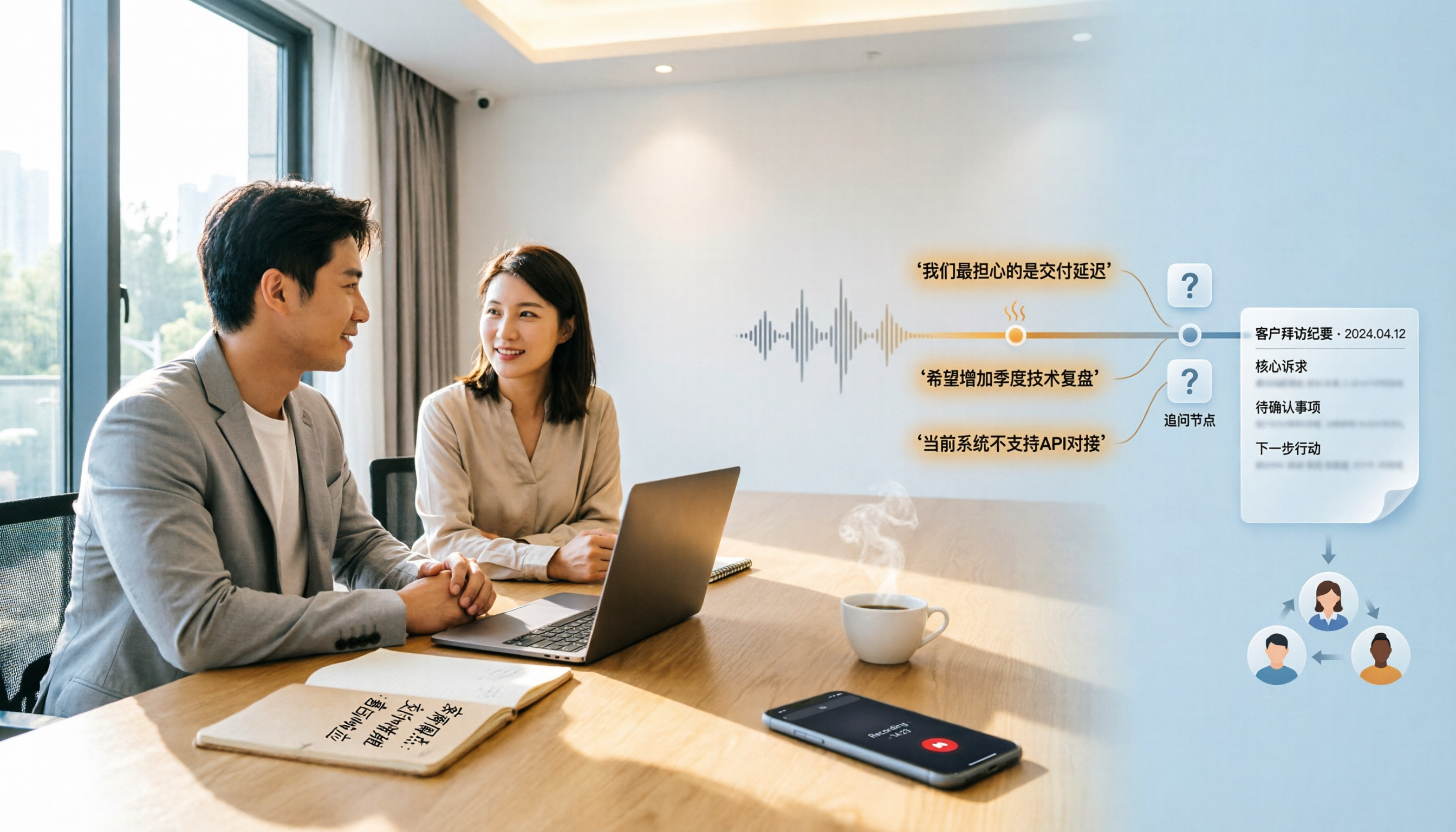
2026 Comparison of 4 Customer Visit Recording Tools: Which One Turns Visit Notes into Records You Can Query?
Poor customer visit records are usually not due to slow typing, but because tools fail to connect recording, transcription, organization, and handoff. This article starts from three common inefficient practices, breaks down 4 key selection criteria, and compares Tinrec, Notta, Otter.ai, and PLAUD in real tests on differences in Chinese visits, bot-free recording, post-meeting output, and team data retention.

6 Best Whisper Speech-to-Text Tools in 2026: Local, Online, and AI Meeting Assistants Compared
Whisper is free, open-source, and runs offline, but many people get stuck on setup, model selection, and discontinued software. This guide covers 6 Whisper speech-to-text tools in 2026, from command-line open-source versions and Windows desktop apps to browser-based online tools and AI meeting note solutions that don't require touching models. Includes model selection tips and common pitfalls.

3 Google Speech-to-Text Methods Tested: Which Free Option Is Enough in 2026?
Google Docs voice typing, Google Cloud Speech-to-Text, and Android Live Transcribe—how do these three online speech-to-text methods differ? Starting with the most common misconception, this article tests each option and summarizes suitable scenarios, free limitations, and step-by-step instructions. It also covers a more time-efficient workflow for turning meeting recordings into transcripts and organizing them afterward.
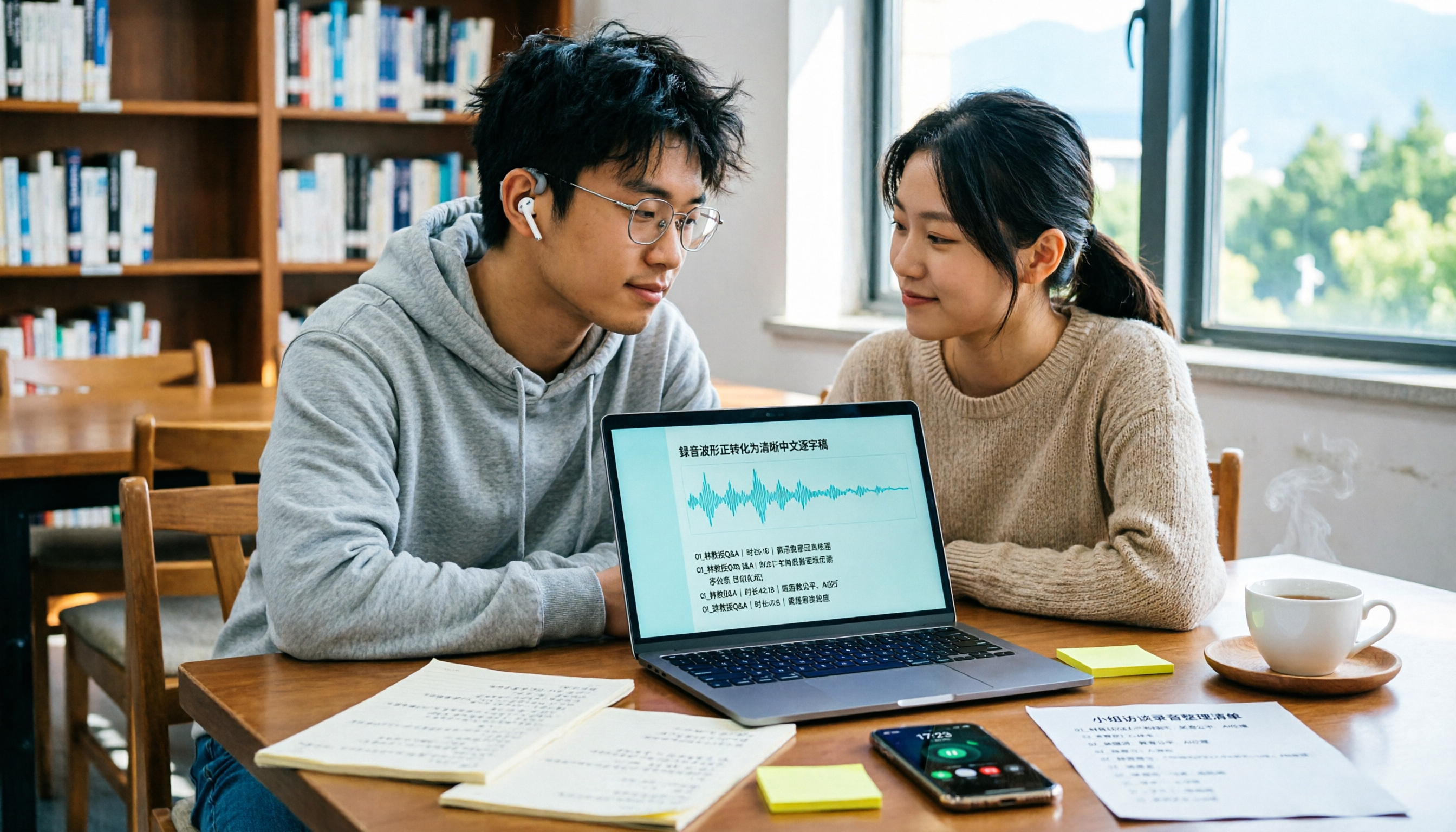
4 Best Speech-to-Text Online Tools Tested for Chinese Transcripts in 2026: Which Saves the Most Time?
Discovering a semester's worth of unnamed recordings the week before finals? This guide takes a student's perspective to outline 4 key factors for choosing a Chinese speech-to-text online tool. We tested Tinrec, Otter.ai, Notta, and TurboScribe on Chinese transcription, meeting recording, post-meeting organization, and free tiers to help you find the most time-saving option.

MyEdit Speech-to-Text 2026: 9 Languages, No Install, 3 Steps
How to use MyEdit's speech-to-text tool? This guide answers three key questions: Is it free? Does it support Chinese? Is it good enough? It covers MyEdit's 9-language support, free credit system, and 3-step process, and compares Tinrec, Notta, TurboScribe, and Otter.ai for meeting notes and team collaboration to help you choose the right tool for your needs.

2026 Comparison of 4 Client Visit Recording Tools: From Recording to Visit Notes, Which One Really Saves Time?
Not being able to finish visit notes is usually not due to lack of effort, but because the process is reversed. This article starts with three common misconceptions, breaks down 4 key points for choosing a client visit recording tool, compares Tinrec, Otter.ai, Notta, and Granola in real tests, and organizes a visit debriefing process you can follow directly.
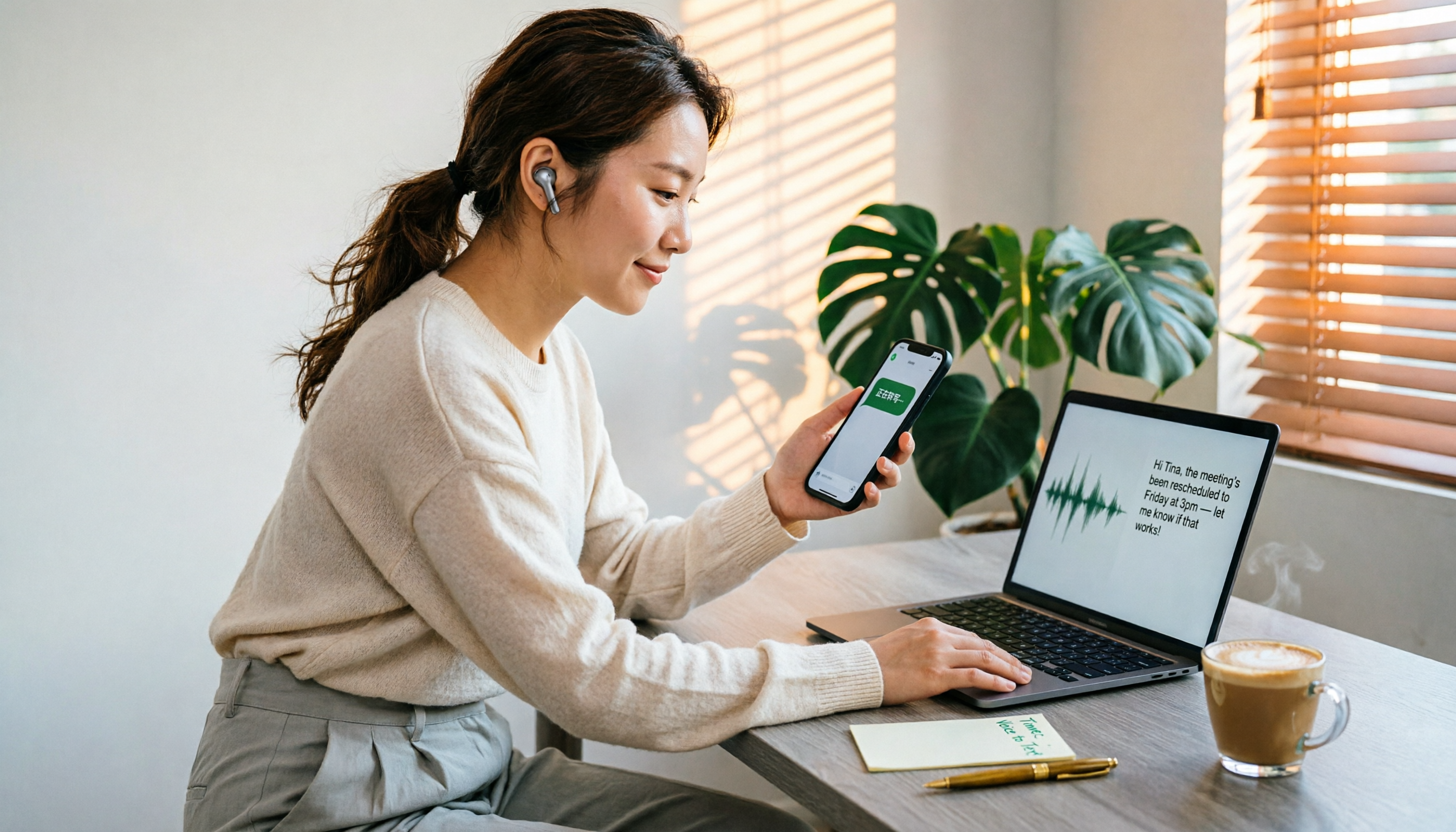
4 LINE Voice-to-Text Tools Tested in 2026: Which Method Actually Converts Voice Messages to Text Files?
We break down common misconceptions about converting LINE voice messages to text files and compare 4 approaches, with a step-by-step Tinrec demo covering audio extraction, upload transcription, proofreading, AI summarization, and export.