

Turn recordings into transcripts and summaries in minutes
Upload audio or video for multilingual transcription, AI notes, and action items
The Pain Begins After the Meeting—You Don't Need a Better Video Tool, You Need a Wrap-Up Solution
Last week's quarterly review meeting had just ended when my boss turned to me and asked, "What was the final decision on the budget adjustment we discussed last time?" I flipped through my notes for three minutes and couldn't find it. A dozen people sat there waiting while I searched.
That wasn't a one-off. I have about 15 meetings a week—weekly team meetings, project updates, one-on-ones, cross-department coordination. The worst part used to be not the meetings themselves but the aftermath: every meeting generates decisions and action items that need to be organized. It felt like my work only started after the meeting ended.
I tried handwritten notes—too slow. I tried recording and listening later—a three-hour meeting took two hours to review. I tried asking team members to help, but everyone was busy, so it always came back to me. Then I changed my approach: I started using AI meeting note tools to take over the most mechanical part—post-meeting wrap-up.
This isn't a pitch for any brand. It's my honest take after going through a round of trial and error with several meeting collaboration tools: what each one solves, where they fall short, and which one you should pick for your situation.
Before Choosing a Meeting Collaboration Tool, Understand These 4 Key Points
1. Does it solve 'having the meeting' or 'post-meeting'? Platforms like Zoom, Google Meet, Microsoft Teams, and Webex essentially solve connection quality and screen stability. But what really eats time is the post-meeting work—transcripts, summaries, who's responsible for what. Before choosing a tool, ask yourself: where is my pain point?
2. Does it require inviting a bot to the meeting? A meeting bot appears in the participant list as an attendee. For internal meetings it's fine, but for client or external interviews it's awkward—sometimes the other party will ask, "Who is this?" So I always prioritize solutions that don't require dropping a bot into the meeting.
3. Can it accurately recognize Chinese and mixed Chinese-English? Meetings in Taiwan are rarely pure Chinese. Phrases like "push the deadline back a week" or "let's sync on the roadmap" are everywhere. Tools designed for English-only struggle with such sentences. Also, a reminder: no tool can guarantee a fixed accuracy rate. Actual performance depends on recording quality, background noise, accents, and people talking over each other. What matters is how smoothly it runs in your real meetings.
4. Who owns the data? Team-shared or individual? Personal plan data is tied to an individual account—when the person leaves, the data scatters. Team plans put meeting data in a team space. When a member leaves, their resources need to be handed over to others and won't be taken away. If you manage a team, this matters more than price.
Tinrec—The One Our Team Kept After Testing
Tinrec is an AI meeting note and collaboration tool for individuals and teams, available on iOS, Android, and web, with a desktop version as well. It doesn't just convert audio to text—it turns meetings into reusable data.
During the meeting: no bot needed. The desktop version captures system audio directly, handling online meetings on Zoom, Google Meet, Microsoft Teams, and Webex without an extra account appearing in the participant list. For in-person meetings or external visits, use the app to record in real time and get live transcription.
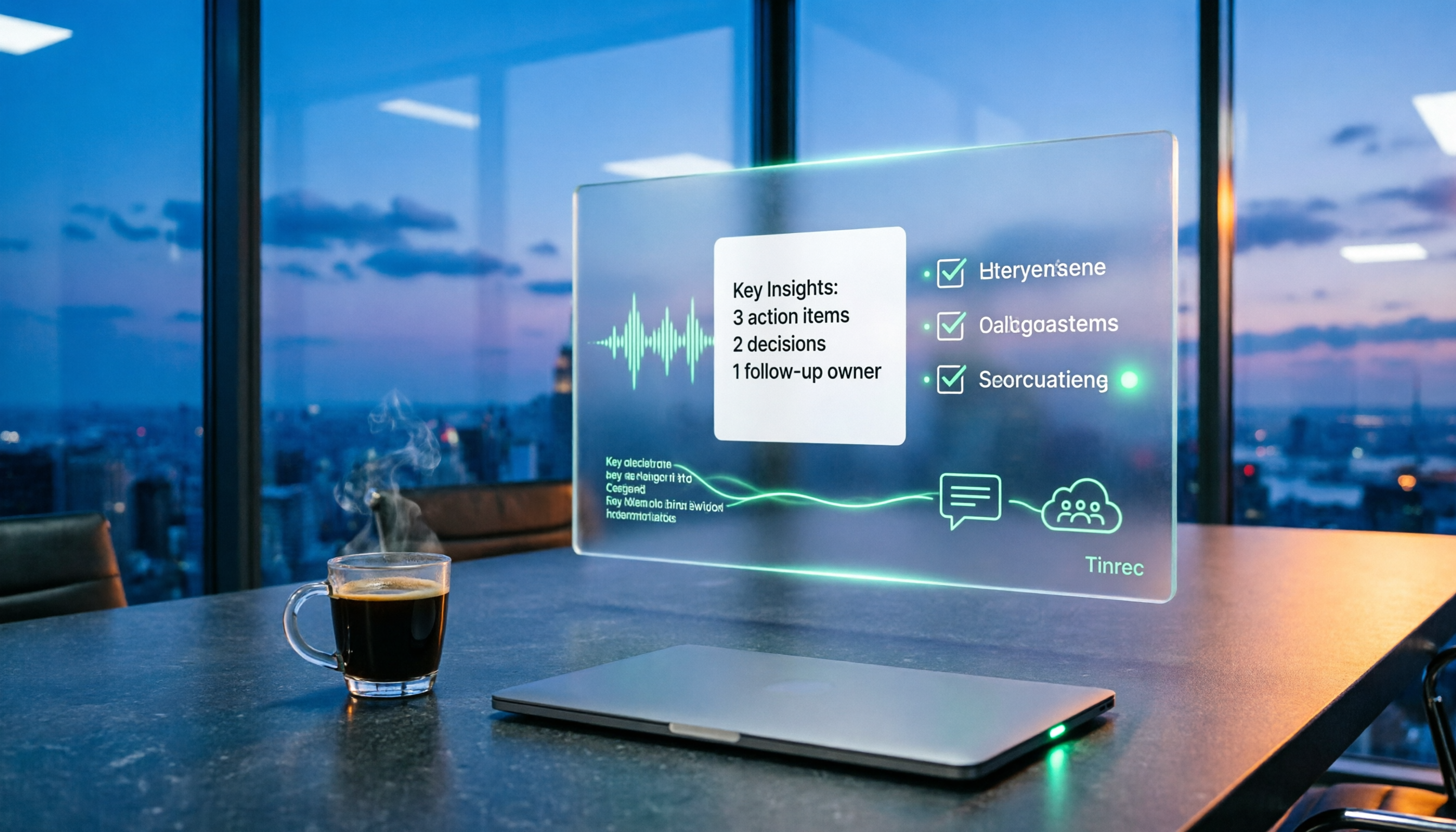
After the meeting: summaries, chapters, and action items are already organized. This is the most direct benefit for me. I used to spend 40 minutes on post-meeting organization; now I open it and see who's responsible for what. Action items are extracted from the discussion, not filled in manually.
Later, when you need to find something: just ask. This is where it differs most from other tools at the same price point—after recording, you can directly ask it, "Who mentioned the budget in the last meeting?" or "What were the client's concerns about the delivery date?" It doesn't just give you keyword search results; it answers based on the meeting content. Before reporting to my boss, I often use this to pull out conclusions in two minutes.
Stop organizing recordings by hand
Upload audio or video and automatically get a transcript, summary, and action items
Team aspects. The team plan isn't "multiple people sharing one personal account"—it's an independent team space. Three roles—owner, admin, and regular member—determine who can manage the team and settings; seats determine who can record, upload, edit, and export. One easily misunderstood point: active members without a seat can still view, play, and read team data, but cannot upload, edit, or export. Team resources belong to the team. When a member leaves or is removed, their resources must be handed over to others and won't leave with them.
Pricing and quotas. The personal plan has a free version to try, a weekly pass for short-term intensive use, and Pro monthly and annual plans for steady use. The team plan offers a 7-day trial for first-time eligible users, 1 free seat, and 300 minutes of shared team import quota; the regular plan is USD 29.80 per paid seat per month, or USD 199 annually (about USD 16.58 per month), with 2,000 minutes of shared team import quota per paid seat per month. Real-time recording under an active team plan currently does not deduct minutes, but file and web imports consume the shared team quota and won't fall back on individual member quotas. (Prices and promotions are subject to the official purchase page.)
Honest limitations: First, if your meetings are almost entirely in English and you only need meeting notes, there are indeed more cost-effective options. Second, the free quota isn't enough for daily meeting users—you'll need to upgrade. Third, I won't give you a number for accuracy; it depends on your meeting room's air conditioning noise, overlapping speakers, and how many technical terms are used. For important decisions, I still go back to the transcript timestamps or listen to the original audio.
Who it's for: People who have more than five meetings a week, deal with mixed Chinese-English, need to submit reports or track action items afterward, and want meeting data to stay with the team rather than a personal account.
Besides Tinrec, What Other Options Are There?
Otter.ai is a mature English AI meeting assistant. The free version offers 300 minutes per month; Pro annual is about USD 8.49 per user per month. If your meetings are almost all in English, it's very cost-effective. But it's mainly designed for English business scenarios—Chinese and mixed Chinese-English are not its strengths, and it lacks Tinrec's team hotwords and post-meeting Agent processing workflow.
Granola takes a bot-free approach, using desktop system audio plus your own handwritten notes to generate content. Business is about USD 14 per user per month. It has live transcription you can view and search, but note—it doesn't support uploading pre-recorded audio files and doesn't save meeting audio. If you have historical recordings to organize or need to listen back to verify, this will be a blocker; Tinrec supports both.
Notta overlaps significantly with Tinrec—multi-platform transcription, file import, translation. Pro annual is about USD 8.17 per month. But its free version only offers 120 minutes per month with a 3-minute limit per item, making trials restrictive. Also, it lacks Tinrec's bot-free desktop recording and AI Q&A follow-up.
Pitfalls Guide: The 3 Most Common Mistakes When Choosing Meeting Collaboration Software
Pitfall 1: Only caring about video smoothness, ignoring post-meeting output. No matter how stable the video platform, those 40 minutes after the meeting are still on you. When choosing a tool, prioritize "what do I get after the meeting" over "how many stars is the connection quality."
Pitfall 2: Thinking built-in transcription is enough. Built-in transcription in Zoom, Meet, and Teams is convenient, but it's tied to a single platform. Today's meeting is on Meet, tomorrow's interview on Teams, the day after's client call on your phone—built-in features can't centralize these into a searchable database.
Pitfall 3: Mistaking 'team sharing' for 'team collaboration.' Some solutions just dump files into a shared folder. What you really need to confirm: who can edit, who can only view, how quotas are calculated, and how data is handed over when a member leaves. If these aren't clarified, problems will arise three months after adoption.
Conclusion: Which One Should You Choose?
- Need to submit meeting minutes, track action items, and meetings are mixed Chinese-English → Tinrec (bot-free recording, Chinese experience, AI Q&A)
- Need to keep meeting data with the team and manage seats and usage → Tinrec team plan (roles, seats, usage, audit, recycle bin)
- Have a large number of historical recordings to organize → Tinrec (supports audio and video import; Granola does not)
- Almost only record English meetings, limited budget → Otter.ai (the few exceptions in this article)
- Only need built-in platform features, don't want extra tools → Zoom/Meet/Teams built-in transcription, but accept platform lock-in
I suggest trying the free version for two or three meetings, using your own real meeting recordings to test whether the transcript is directly usable. That experience is more accurate than any spec sheet. If you manage a team, then look at how seats and usage are calculated—that's where the real comparison for team plans lies.
References
- How to Choose Online Meeting Software? 5 Tools' Features, Prices, and Use Cases at a Glance! - 棋崚ALEN
- 2026 Free Online Meeting and Video Software Recommendation List! Comparing Teams, Zoom, Google Meet Differences | Tasker Good Articles Column
- Top 5 Recommended Online Meeting Software to Greatly Improve Remote Work Meeting Efficiency | On-line to Know
- Video Conferencing Software Recommendations: Google Meet, Microsoft Teams, Zoom Comparison
- Google Meet: Online Voice and Video Meeting Calls | Google Workspace
Turn every recording into actionable outcomes
Get 60 free transcription minutes when you sign in. No credit card required.
Related Reading
You might also like

2026 Complete Guide to Post-Meeting Deliverables: Turn Meeting Notes into Ready-to-Share Results
Post-meeting deliverables aren't just about dropping a recording into a group chat. Drawing from real experience with student projects and internship meetings, this guide covers what post-meeting deliverables should include, how Tinrec's real-time transcription, bot-free online meeting recording, AI summaries and action items, AI Q&A, multi-format export, and team spaces work, plus 6 key considerations and FAQs.

2026 Free Post-Meeting Work Automation Options: 4 Tools Compared
The real work begins after the meeting ends. This article reviews 4 automation tools that can take over post-meeting tasks, from transcripts and AI summaries to action item extraction, AI Q&A, and team knowledge retention. It lays out the free plan limits and restrictions of Tinrec, Otter.ai, Notta, and Granola honestly, helping you pick the one that best fits your meeting style.

How to Automate Post-Meeting Work in 2026: 5 Steps from Recording to Action Items
Post-meeting automation isn't just about buying a transcription tool. This article starts with common pitfalls and teaches you 5 steps to turn meeting recordings into searchable, collaborative, and actionable team data. It also hands-on tests and recommends Tinrec, while comparing Otter, Notta, Granola, and others to help you choose the right solution.

2026 Free Meeting Notes Solutions: 4 Tools Compared
The real challenge begins after the meeting ends. This guide reviews 4 AI meeting note tools that automatically generate summaries, action items, and transcripts after your meeting, covering free plans to paid options, plus a hands-on test of Tinrec's bot-free recording and post-meeting AI Q&A workflow.

How to Automate Post-Meeting Data Organization in 2026: 5 Steps from Recording to Team Database
The meeting ends, but the work begins. This article breaks down 5 key purchasing considerations for automating post-meeting data organization from a buyer's perspective, compares Tinrec, Otter.ai, Granola, and PLAUD, and includes a 5-step workflow and 4 common pitfalls to help you persuade your boss.

2026 Top 5 Post-Meeting Automation Software Compared: Which One Actually Turns Meetings into Action Items?
After a meeting ends, who's responsible for organizing the transcript, summary, and action items? This article uses Tinrec as an example to break down what post-meeting automation software can do for you, its core capabilities, four practical use cases, and 5 key factors to consider when choosing one, along with pricing and plan details for personal and team versions.
Best Post-Meeting Automation Tools in 2026: We Tested 5, and This One Turns Meetings into Action Items
The meeting ending is just the beginning of the nightmare. This article starts from the pain points of post-meeting organization, breaks down what post-meeting work automation can do for you, its core capabilities, and four practical use cases. It also uses 5 buying tips and FAQs to explain how Tinrec connects transcripts, summaries, to-dos, AI Q&A, and team knowledge retention into a single post-meeting workflow.

2026 Comparison of 5 Meeting Report Generators: Free Tiers and AI Summaries Tested
Based on a student's real experience with a graduation project, this hands-on comparison tests 5 meeting report generators. It explains the core capabilities these tools should have, the 5 most overlooked pitfalls when choosing one, and uses Tinrec as an example to demonstrate the full workflow from recording, transcription, AI summary to action item extraction, while clarifying whether free tiers are sufficient for students.

4 AI Meeting Notes Tools Compared for 2026: From Transcripts to Meeting Reports
How do you write a meeting report? I've distilled my methods from recent years into 4 key points and tested four AI meeting notes tools—Tinrec, Otter.ai, Notta, and Granola—comparing their differences in transcripts, summaries, action item extraction, AI Q&A, and team knowledge retention, guiding you from meeting notes to a deliverable meeting report.