

Turn recordings into transcripts and summaries in minutes
Upload audio or video for multilingual transcription, AI notes, and action items
2026 Free Meeting Notes Solutions: 4 Tools Compared
The Real Challenge Starts After the Meeting—What You Need Isn't a Recording, It's Deliverable Results
Many people still think of "meeting notes" as jotting down what's said during the meeting. But the real pain point usually surfaces after the meeting ends.
Audio files sit on your phone, handwritten notes are scattered across three different notebooks, and action items exist only in someone's memory. When you need to check a week later what was actually decided, you'll find you can't locate it, can't search it, and can't get an answer.
A more common scenario: after the meeting, you spend longer wrapping up than the meeting itself took. Replaying the recording, copy-pasting the transcript, manually picking out action items—these are all inefficient practices.
The true value of a meeting isn't in the "notes" themselves, but in whether you can quickly produce a deliverable result after it ends: a summary, chapters, action items, and a searchable transcript.
This article reviews 4 tools that can automate your meeting wrap-up, from free plans all the way to paid options.
Before Choosing a Meeting Notes Tool, Understand These 4 Key Points
Bottom line first: don't just look at "how many free minutes." The following four dimensions are what really determine whether you'll stick with a tool.
1. How the meeting is recorded
Some tools require a "meeting bot" to join online meetings as a participant, adding a stranger's account to the screen. Others capture your computer's system audio directly without disrupting the meeting. The latter is especially friendly for client meetings and external communications—you don't want a bot showing up in front of a client.
2. What it can do after transcription
A tool that only turns audio into text is a "transcription tool." One that automatically generates summaries, chapters, action items, and even lets you ask follow-up questions about the meeting content is a "meeting notes tool." The gap between these two becomes very obvious once your meeting volume grows.
3. Chinese language processing capability
English meeting tools are generally more mature, but if your meetings are in Chinese, or even mixed Chinese-English, pay special attention to Chinese performance. Whether commonly used team terminology can be correctly recognized is also a practical indicator.
4. Free quota and data ownership
How far can the free plan take you? How is usage calculated after the quota runs out? If used by a team, does the data belong to the individual or the team? These affect whether you'll stay long-term.
Tinrec—Our Top Pick After Hands-On Testing
Tinrec is an AI meeting notes and collaboration tool for individuals and teams, supporting iOS, Android, and web, with a desktop version that can handle online meetings on your computer.
Its one-line positioning: turn meetings into searchable, collaborative, actionable data.
Record online meetings without a meeting bot
This is one of Tinrec's most practical features. The desktop version directly captures your computer's system audio, handling Zoom, Google Meet, Microsoft Teams, Webex, and other online meetings—no need to invite any bot. When the meeting starts, open Tinrec and start recording; it transcribes as it records, generating the transcript in real time. Note that this requires you to actively start recording; it doesn't automatically join all calendar meetings.
After the meeting ends, your deliverables are ready
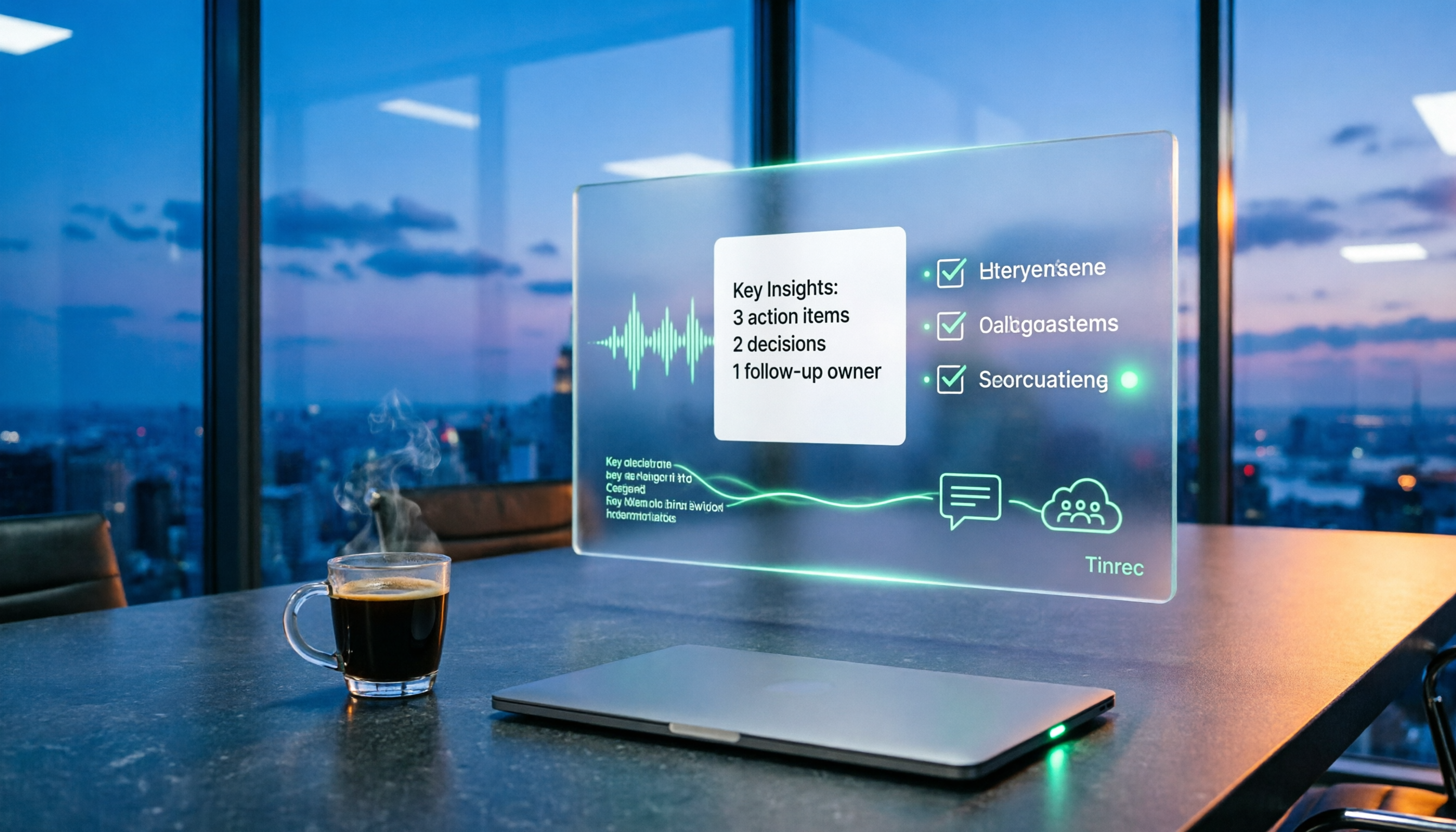
This is the core of this article. Tinrec doesn't just give you a transcript; it automatically generates summaries, chapters, key points, and action items. AI summaries let you grasp a two-hour meeting in minutes; the action item list directly shows who's responsible for what; for longer meetings, the chapter feature breaks it into easily browsable sections.
Even better is AI Q&A. After recording, you can directly ask it: "Who mentioned the budget in the last meeting?" It gives you answers based on semantic understanding, rather than dumping a bunch of keyword search results. Transcription tools at the same price point mostly lack this layer of functionality.
Stop organizing recordings by hand
Upload audio or video and automatically get a transcript, summary, and action items
Bring results into your existing workflow
Meeting output isn't just for yourself. Tinrec supports multi-format export, letting you bring results to Notion, Google Docs, OneNote, Dropbox, and other tools for continued use; it can also further generate reports, tables, and meeting minutes. For those who need post-meeting deliverables, this saves the entire organizing time.
Things to note
Tinrec's free version provides a basic quota, letting you experience recording, importing, summaries, and transcription—good for testing the waters. If you have regular weekly meetings, the paid plan's quota will be more sufficient. Also, transcription accuracy is affected by recording quality, ambient noise, accents, and multiple people speaking simultaneously—it performs better under clear recording conditions, and for important content, it's recommended to replay and confirm against the transcript timestamps.
Who it's for
If your meetings are in Chinese, you don't want a bot in the meeting, and you want usable deliverables directly after the meeting, Tinrec is the best-matched choice on this list. For team use, it additionally provides team spaces, member and seat management, usage analytics, and audit logs; meeting data belongs to the team and won't disappear when members leave.
Besides Tinrec, What Other Options Are There?
Otter.ai
A veteran favorite for English business meetings, covering Zoom, Teams, and Meet, with real-time transcription, speaker identification, and AI Chat. The free version offers 300 minutes per month—quite generous; Pro annual billing works out to about USD 8.49/user/month, including 1,200 minutes per month. If almost all your meetings are in English, Otter is a very reasonable choice. However, Chinese meetings aren't its focus, and it lacks Tinrec's team data accumulation and post-meeting multi-format output workflow.
Notta
A direct competitor with good multilingual transcription capabilities, covering multi-platform transcription, meeting notes, file import, translation, and team plans. The free version offers 120 minutes per month, with a maximum of 3 minutes per single item; Pro annual billing works out to about USD 8.17/month, with 1,800 minutes per month. Its positioning leans toward a transcription and translation tool. If what you want is bot-free online meeting recording plus post-meeting AI Q&A and action item extraction, Tinrec's focus is more evident.
Granola
A bot-free AI meeting notes tool that, like Tinrec, captures device audio, focusing on "your handwritten notes + AI enhancement." Basic is free, Business is USD 14/user/month. Note that it doesn't support uploading pre-recorded audio files and doesn't save meeting audio files—if you need to keep recordings, import historical files afterward, or do transcript回溯, this is a limitation; and this is exactly what Tinrec supports.
Pitfall Guide: The 3 Most Common Mistakes When Choosing a Meeting Notes Tool
Pitfall 1: Only looking at free minutes, not what the free plan can do
Many tools advertise "hundreds of minutes free per month," but the limitations are hidden in the details—such as a maximum length per file, no file import support, or no access to summary features. It's best to test with your own meeting recordings, not just look at the numbers.
Pitfall 2: Treating "transcript" as the end goal
The value of meeting notes begins after the meeting ends. If a tool only gives you a transcript, you still have to manually organize summaries and action items. When choosing a tool, ask yourself: can it help me generate something I can directly deliver?
Pitfall 3: Ignoring team data ownership
For personal use, this isn't an issue. But as soon as a team is involved, you need to clarify: does the data belong to the individual or the team? Does it remain after a member leaves? Is there a distinction between members and seats? Confirming these before purchasing will save a lot of follow-up trouble.
Summary: Which One Should You Actually Choose?
To circle back in one sentence: whether a tool can produce deliverables after the meeting ends is the most critical dividing line among these 4 tools.
- Want Chinese meetings + bot-free recording + automatic post-meeting summaries and action items → Tinrec
- Need to directly ask questions about meeting content and quickly find key points → Tinrec (AI Q&A is its core differentiator)
- Cross-platform use on phone, computer, and web → Tinrec (iOS + Android + web)
- Team needs to share meeting data, manage members and usage → Tinrec team version (team space + seat management + audit)
- Meetings are almost all in English → Otter.ai (a rare exception, mature English experience)
We recommend first using the free version to test with a recording of your own meeting, confirming whether the transcription quality and summary format meet your needs, before considering an upgrade. After all, a meeting notes tool will be with you for a long time; testing it with real scenarios is more accurate than looking at any spec sheet.
References
Turn every recording into actionable outcomes
Get 60 free transcription minutes when you sign in. No credit card required.
Related Reading
You might also like

2026 Complete Guide to Post-Meeting Deliverables: Turn Meeting Notes into Ready-to-Share Results
Post-meeting deliverables aren't just about dropping a recording into a group chat. Drawing from real experience with student projects and internship meetings, this guide covers what post-meeting deliverables should include, how Tinrec's real-time transcription, bot-free online meeting recording, AI summaries and action items, AI Q&A, multi-format export, and team spaces work, plus 6 key considerations and FAQs.

2026 Free Post-Meeting Work Automation Options: 4 Tools Compared
The real work begins after the meeting ends. This article reviews 4 automation tools that can take over post-meeting tasks, from transcripts and AI summaries to action item extraction, AI Q&A, and team knowledge retention. It lays out the free plan limits and restrictions of Tinrec, Otter.ai, Notta, and Granola honestly, helping you pick the one that best fits your meeting style.

How to Automate Post-Meeting Work in 2026: 5 Steps from Recording to Action Items
Post-meeting automation isn't just about buying a transcription tool. This article starts with common pitfalls and teaches you 5 steps to turn meeting recordings into searchable, collaborative, and actionable team data. It also hands-on tests and recommends Tinrec, while comparing Otter, Notta, Granola, and others to help you choose the right solution.

How to Automate Post-Meeting Data Organization in 2026: 5 Steps from Recording to Team Database
The meeting ends, but the work begins. This article breaks down 5 key purchasing considerations for automating post-meeting data organization from a buyer's perspective, compares Tinrec, Otter.ai, Granola, and PLAUD, and includes a 5-step workflow and 4 common pitfalls to help you persuade your boss.

2026 Top 5 Post-Meeting Automation Software Compared: Which One Actually Turns Meetings into Action Items?
After a meeting ends, who's responsible for organizing the transcript, summary, and action items? This article uses Tinrec as an example to break down what post-meeting automation software can do for you, its core capabilities, four practical use cases, and 5 key factors to consider when choosing one, along with pricing and plan details for personal and team versions.
Best Post-Meeting Automation Tools in 2026: We Tested 5, and This One Turns Meetings into Action Items
The meeting ending is just the beginning of the nightmare. This article starts from the pain points of post-meeting organization, breaks down what post-meeting work automation can do for you, its core capabilities, and four practical use cases. It also uses 5 buying tips and FAQs to explain how Tinrec connects transcripts, summaries, to-dos, AI Q&A, and team knowledge retention into a single post-meeting workflow.

2026 Comparison of 5 Meeting Report Generators: Free Tiers and AI Summaries Tested
Based on a student's real experience with a graduation project, this hands-on comparison tests 5 meeting report generators. It explains the core capabilities these tools should have, the 5 most overlooked pitfalls when choosing one, and uses Tinrec as an example to demonstrate the full workflow from recording, transcription, AI summary to action item extraction, while clarifying whether free tiers are sufficient for students.

2026 Best Meeting Collaboration Software: 4 Tools Tested for Post-Meeting Efficiency
From the perspective of a mid-level manager juggling 15 meetings a week, we tested and compared Tinrec, Otter.ai, Granola, and Notta—four meeting collaboration and note-taking tools. We break down the differences between 'having the meeting' and 'post-meeting wrap-up,' key buying factors like bot-free recording, mixed Chinese-English recognition, team seats, and data ownership, plus a pitfalls guide and scenario-based recommendations.

4 AI Meeting Notes Tools Compared for 2026: From Transcripts to Meeting Reports
How do you write a meeting report? I've distilled my methods from recent years into 4 key points and tested four AI meeting notes tools—Tinrec, Otter.ai, Notta, and Granola—comparing their differences in transcripts, summaries, action item extraction, AI Q&A, and team knowledge retention, guiding you from meeting notes to a deliverable meeting report.