

Turn recordings into transcripts and summaries in minutes
Upload audio or video for multilingual transcription, AI notes, and action items
2026 Complete Guide to Post-Meeting Deliverables: Turn Meeting Notes into Ready-to-Share Results
I used to think "post-meeting deliverables" just meant dropping the recording into a group chat and adding "listen when you have time." But my project teammates never opened it, the next meeting rehashed the same progress issues, and when the professor asked "What was the conclusion last time?" everyone went silent. Later I realized the point of post-meeting delivery was never "sending the file"—it was "getting people who missed the meeting up to speed in 5 minutes." This article shares the pitfalls I've hit over the past year, explains what post-meeting deliverables should really look like, and how Tinrec turns this from a burden into a breeze.
What Can Post-Meeting Deliverables Do for You?
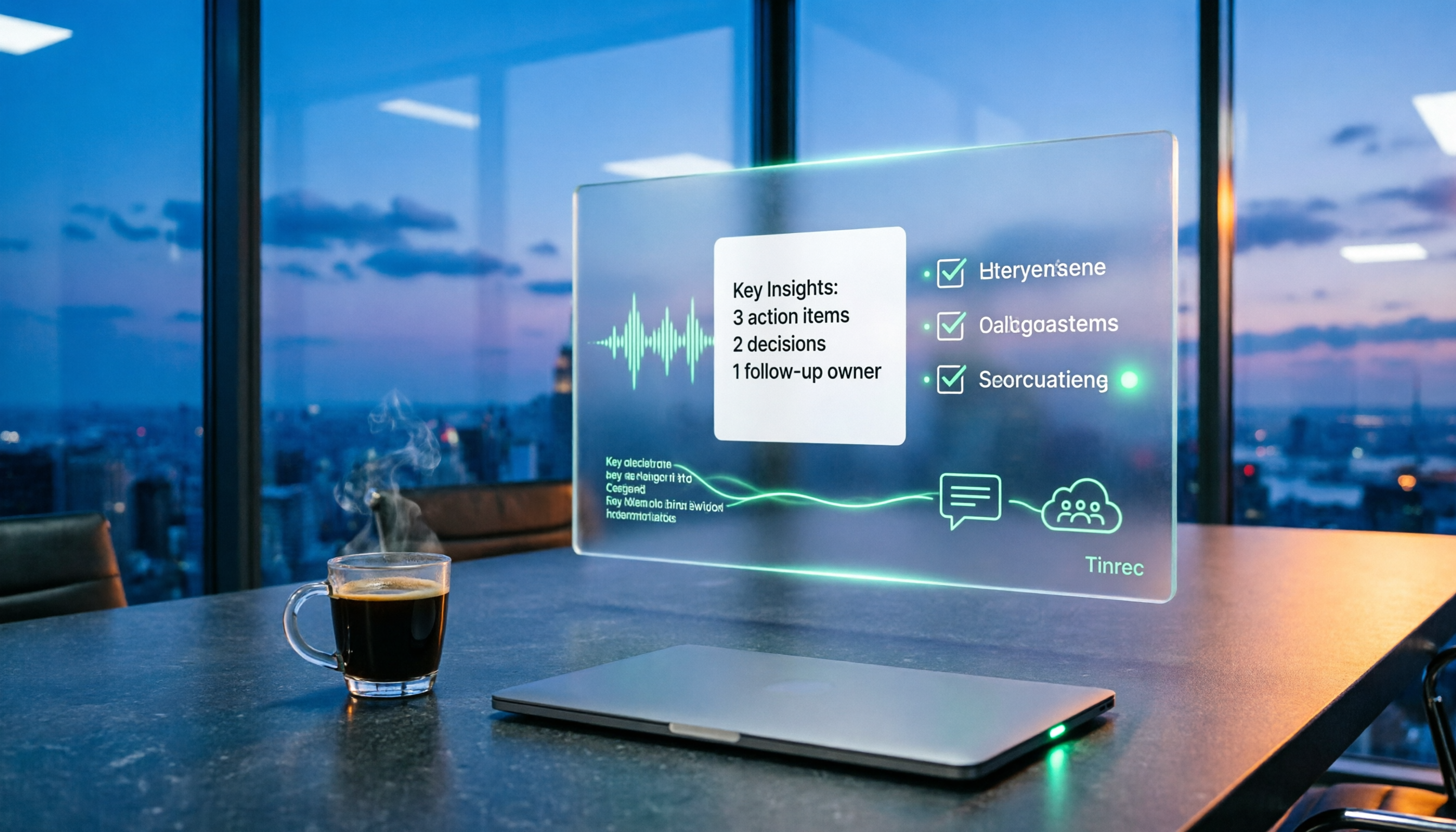
Scenario 1: Conclusions and assignments are ready as soon as the group discussion ends In the past, after discussions, I'd type up a "what we talked about today" from memory on the subway, often missing decisions. Now I use Tinrec to record and transcribe during the meeting. As soon as the meeting ends, AI summaries, chapters, and to-do lists are generated. I paste the link into the group chat, and those who missed it can catch up in 5 minutes without asking "So what do I need to do?"
Scenario 2: Interview content for projects can be reused For my graduation project, I interviewed industry seniors. Before, I'd just have a recording and had to listen from start to finish to find that one quote for my report. Tinrec converts audio to transcripts, so I can search keywords directly and ask follow-up questions about the entire interview, like "What was the biggest adoption obstacle the interviewee mentioned?" The answer comes with the speaker's position.
Scenario 3: No extra陌生 account needed for online internship meetings During my internship, the team used Google Meet. I didn't want a meeting bot showing up in the participant list. Tinrec's desktop version captures your computer's system audio directly, so it doesn't appear in the meeting roster, and you still get transcripts and summaries for delivery afterward.
Scenario 4: Handovers don't leave data scattered in personal chats The worst part of club or project transitions is "the data is on last year's computer." Tinrec's team version stores meeting data in a team space. Before members leave, they can hand over their resources to others, so nothing leaves with them.
What Are the Core Capabilities of Post-Meeting Deliverables?
1. Live transcription during the meeting Tinrec's real-time transcription generates text as the conversation happens, not after recording. You can check for missed points while meeting, and no waiting for conversion afterward—a big difference when you need to deliver something within two hours after a meeting.
2. Record online meetings without inviting a bot Tinrec's desktop version captures system audio to handle Zoom, Google Meet, Microsoft Teams, Webex, and other online meetings. To be clear: you still need to open Tinrec and start recording yourself. It's not a tool that automatically joins all meetings on your calendar, and it has no official partnership with these platforms.
3. AI summaries, chapters, and action item extraction A two-hour meeting is condensed into topics, conclusions, and action items, with who's responsible and when it's due listed separately. This is crucial for post-meeting delivery—most team members don't need the transcript, they need "So what do I do now?" Tinrec also generates mind maps, great for verbal reports to professors or managers.
4. AI Q&A, export, and post-processing After transcription, you can ask Tinrec directly. It answers based on semantic understanding, so you don't have to guess keywords with Ctrl+F. Results can be exported to Notion, Google Docs, OneNote, Dropbox, and other tools. You can also use Agent post-processing to generate reports, tables, and documents, completing the "delivery" step in the same workflow.
5. Team space with role and seat management Tinrec's team version isn't a shared personal account; it's an independent team collaboration space. You can create multiple teams, invite members via links, set owners/admins/regular members, assign, revoke, or transfer seats, view usage trends, member rankings and details, and query and export audit logs. It's important to distinguish "roles" and "seats"—roles determine who can manage the team and members, seats determine whether one can record, upload, edit, import/export. Members with valid status but no seat can still view, play, and read team data, but cannot perform resource usage operations.
Practical Use Cases
Project meetings and group discussions Our project had weekly review meetings. Previously, someone had to volunteer to take notes, often not ready until the next day. Now we start Tinrec's live transcription during the meeting, get summaries and action items right after, and drop the link in the group chat. Absent members can use AI Q&A to ask for details, like "Where did this week's progress fall behind?"
Stop organizing recordings by hand
Upload audio or video and automatically get a transcript, summary, and action items
Classes and lectures Some professors speak fast and flip slides even faster—handwriting can't keep up. I record the class, get transcripts and chapters afterward, and jump to relevant sections for exam review instead of re-listening to two hours of audio.
Interviews and research For my graduation project, I needed interviews. Tinrec supports uploading audio and video files for transcription and real-time translation. After the interview, I organize the transcript and pick quotable sections, speeding up report writing significantly.
Internship teams and club handovers During my internship, there were weekly cross-department meetings with many deliverables. Tinrec's team version stores transcripts, summaries, action items, and related materials in a team space. New interns can browse past meetings, and handovers don't rely on piecing together personal messages.
6 Things to Consider When Choosing a Post-Meeting Deliverables Tool
1. Can the delivery format integrate with your existing workflow? First, decide what you need to deliver—a Word report, Notion page, or spreadsheet. Tinrec supports multi-format export to Notion, Google Docs, OneNote, Dropbox, saving time on copy-paste and reformatting.
2. Does it have post-transcription processing? A transcript alone isn't a complete deliverable. Tinrec offers summaries, chapters, action items, mind maps, AI Q&A, and Agent post-processing after transcription—that's where the real time savings are.
3. How does it record online meetings? Some tools require a bot to join as a participant, which isn't suitable for certain occasions (e.g., client meetings, interviews). Tinrec's desktop version uses system audio capture, so no陌生 account appears in the meeting list.
4. Chinese and mixed Chinese-English recognition experience Meetings in Taiwan often mix Chinese and English, with many internal jargon terms. Tinrec supports Chinese, Traditional Chinese, and multiple languages, and provides team hotwords to maintain recognition of professional terminology. Actual performance still depends on recording quality, noise, accents, and overlapping speech. We recommend testing with your own recording.
5. Team collaboration and data ownership If data stays with the team, confirm the permission design. Tinrec's team version is team-level sharing, role-based governance, and seat-based usage eligibility—it's not a file-level granular permission system. Don't think of it as setting different visibility for each file.
6. Do quotas and pricing match your usage rhythm? Students don't have much money, so choose based on frequency: for occasional recording organization, the free version's basic quota is enough to try; for short-term high-frequency like final project sprints, a weekly pass is better; for stable weekly meetings, use Pro monthly; for long-term data accumulation, the annual pass has a lower monthly equivalent. The team version currently offers a 7-day trial for first-time eligible users, 1 free seat, and 300 minutes of team shared import quota; monthly is USD 29.80 per paid seat per month, annual is USD 199 per paid seat per year (about USD 16.58 per month), with 2,000 minutes of team shared import quota per paid seat per month. Prices and promotions are subject to the official purchase page.
FAQs
Q1: Do post-meeting deliverables always need a transcript? Not necessarily, but it's recommended to keep one. Most people only need summaries and action items, but when someone questions "What was actually said?" the transcript is the best evidence. Tinrec keeps transcripts, summaries, and action items together, so you can access any layer you need.
Q2: Is Tinrec's free version enough for students? The free version offers a basic quota to experience recording, importing, summarizing, and transcription—suitable for occasional recording organization. If you have weekly classes or meetings, consider a weekly pass or Pro based on frequency.
Q3: Do online meetings always require inviting a meeting bot? No. Tinrec's desktop version captures system audio directly, no extra bot needed. But you still need to actively open Tinrec to start recording.
Q4: What's the difference between the team version and personal version? Personal version data belongs to the individual account; the team version has an independent team space, meeting data belongs to the team, and adds member and seat management, sharing benefits, usage analytics, audit logs, team hotwords, and audio recycle bin. When members leave, are removed, or lose their seat, they can hand over their team resources to other valid members.
Q5: What preparation is needed before recording? First, ensure compliance with local regulations and obtain participant consent when needed. Also, transcription accuracy can be affected by recording quality, environmental noise, accents, overlapping speech, and professional terminology. It's not recommended to treat it as 100% accurate; important content should still be verified against the recording.
Conclusion
The real problem post-meeting deliverables solve is "the meeting is over, now what?" A good deliverable isn't just sending a file—it's making sure everyone knows the conclusions, responsible parties, and next steps. Tinrec connects real-time transcription, AI summaries, action items, AI Q&A, export, and team space in one workflow, so you don't have to redo everything after the meeting. If you often get stuck on "what to deliver" after group discussions or internship meetings, try the free version with one meeting to feel how AI turns notes into usable data, then decide if you want to upgrade.
References
- What to Pay Attention to When Taking Over a House? House Handover Process? House Handover Checklist at a Glance! - HouseFeel
- Regulations Governing the Use of Proxies for Attendance at Shareholders' Meetings of Public Companies - Laws and Regulations Database of the Republic of China
- Interpretation Letter | Taipei City Legal Affairs Bureau Legal Query System
- Kaohsiung City Government Shared Legal System - Legal Content - Kaohsiung City Government Document Processing Implementation Guidelines
- Q&A on "Regulations Governing the Use of Proxies for Attendance at Shareholders' Meetings of Public Companies" Part 1: Basic Concepts (Questions 1-3) ... Page 9 1. What is "solicitation"? What is "non-solicitation"?
Turn every recording into actionable outcomes
Get 60 free transcription minutes when you sign in. No credit card required.
Related Reading
You might also like

2026 Free Post-Meeting Work Automation Options: 4 Tools Compared
The real work begins after the meeting ends. This article reviews 4 automation tools that can take over post-meeting tasks, from transcripts and AI summaries to action item extraction, AI Q&A, and team knowledge retention. It lays out the free plan limits and restrictions of Tinrec, Otter.ai, Notta, and Granola honestly, helping you pick the one that best fits your meeting style.

How to Automate Post-Meeting Work in 2026: 5 Steps from Recording to Action Items
Post-meeting automation isn't just about buying a transcription tool. This article starts with common pitfalls and teaches you 5 steps to turn meeting recordings into searchable, collaborative, and actionable team data. It also hands-on tests and recommends Tinrec, while comparing Otter, Notta, Granola, and others to help you choose the right solution.

2026 Free Meeting Notes Solutions: 4 Tools Compared
The real challenge begins after the meeting ends. This guide reviews 4 AI meeting note tools that automatically generate summaries, action items, and transcripts after your meeting, covering free plans to paid options, plus a hands-on test of Tinrec's bot-free recording and post-meeting AI Q&A workflow.

How to Automate Post-Meeting Data Organization in 2026: 5 Steps from Recording to Team Database
The meeting ends, but the work begins. This article breaks down 5 key purchasing considerations for automating post-meeting data organization from a buyer's perspective, compares Tinrec, Otter.ai, Granola, and PLAUD, and includes a 5-step workflow and 4 common pitfalls to help you persuade your boss.

2026 Top 5 Post-Meeting Automation Software Compared: Which One Actually Turns Meetings into Action Items?
After a meeting ends, who's responsible for organizing the transcript, summary, and action items? This article uses Tinrec as an example to break down what post-meeting automation software can do for you, its core capabilities, four practical use cases, and 5 key factors to consider when choosing one, along with pricing and plan details for personal and team versions.
Best Post-Meeting Automation Tools in 2026: We Tested 5, and This One Turns Meetings into Action Items
The meeting ending is just the beginning of the nightmare. This article starts from the pain points of post-meeting organization, breaks down what post-meeting work automation can do for you, its core capabilities, and four practical use cases. It also uses 5 buying tips and FAQs to explain how Tinrec connects transcripts, summaries, to-dos, AI Q&A, and team knowledge retention into a single post-meeting workflow.

2026 Comparison of 5 Meeting Report Generators: Free Tiers and AI Summaries Tested
Based on a student's real experience with a graduation project, this hands-on comparison tests 5 meeting report generators. It explains the core capabilities these tools should have, the 5 most overlooked pitfalls when choosing one, and uses Tinrec as an example to demonstrate the full workflow from recording, transcription, AI summary to action item extraction, while clarifying whether free tiers are sufficient for students.

2026 Best Meeting Collaboration Software: 4 Tools Tested for Post-Meeting Efficiency
From the perspective of a mid-level manager juggling 15 meetings a week, we tested and compared Tinrec, Otter.ai, Granola, and Notta—four meeting collaboration and note-taking tools. We break down the differences between 'having the meeting' and 'post-meeting wrap-up,' key buying factors like bot-free recording, mixed Chinese-English recognition, team seats, and data ownership, plus a pitfalls guide and scenario-based recommendations.

4 AI Meeting Notes Tools Compared for 2026: From Transcripts to Meeting Reports
How do you write a meeting report? I've distilled my methods from recent years into 4 key points and tested four AI meeting notes tools—Tinrec, Otter.ai, Notta, and Granola—comparing their differences in transcripts, summaries, action item extraction, AI Q&A, and team knowledge retention, guiding you from meeting notes to a deliverable meeting report.