

Turn recordings into transcripts and summaries in minutes
Upload audio or video for multilingual transcription, AI notes, and action items
The moment the meeting ends is when the product manager really starts to get busy
At 4 PM, people file out of the meeting room. You stay in your seat, staring at a few lines in your notebook: "Specs need to change," "Confirm next week," "Client asked three questions."
But you can no longer remember what those three questions were.
What's worse, you have to write a PRD in three days and report progress to your manager in a week. You have to piece together three meetings from memory, with client calls and two unfinished emails in between.
I used to be like that too. Later, I broke down the "post-meeting workflow" and realized the problem wasn't memory—it was process.
This article is about the product manager's post-meeting workflow—the period between the end of a meeting and the production of deliverable documents, the most easily overlooked and time-consuming path. I'll also share three tools I found handy after testing.
Before choosing a meeting notes tool, understand these 4 key points
First key point: How does meeting audio get in?
For online meetings, you can invite a meeting bot or let desktop software capture system audio directly. The former requires notifying everyone of an extra participant; the latter doesn't. For product managers, this difference is bigger than you might think—when a bot suddenly pops up during a client interview, the atmosphere changes.
Second key point: What comes after the transcript?
A tool that only gives you a transcript is only doing half the job. The real value of meeting notes lies in summaries, chapters, action items, and "Can I just ask it questions?"
Third key point: Handling Chinese and mixed languages.
Product meetings often mix Chinese and English—"This feature's priority needs to be moved up." Whether a tool can handle such sentences directly determines how much you'll have to retype later.
Fourth key point: Where does the data end up?
Does the recording stay on your phone or go into a team space? If a team member leaves, will these meeting records disappear too? This is usually only thought of when problems arise.
Tinrec—My test after moving the post-meeting workflow into it
Tinrec is an AI meeting notes and collaboration tool for individuals and teams, covering iOS, Android, and web.
The first thing I did with it was change how I record online meetings.
Tinrec's desktop version directly captures your computer's system audio. When handling Zoom, Google Meet, Microsoft Teams, and Webex meetings, it doesn't need to invite any bot. The meeting proceeds as usual, and the transcript grows in real time on the side.
This is my favorite change: the meeting itself doesn't change at all; what changes is that I still have a complete record after the meeting.
The second thing is post-meeting processing.
The transcript is just the starting point. Tinrec automatically generates summaries, chapters, and action items. My approach is to scan the action items first after the meeting, confirm that "who, does what, when" is not missed, and then move on.
What really saves the most time is AI Q&A. Previously, to find "who mentioned the budget last time," I had to Ctrl+F in the transcript and read context one by one. Now I just ask: "What was the conclusion about the budget in last week's meeting?" It gives an answer based on semantics, not a string of keywords.
The third thing is connecting the results back to the original workflow.
Tinrec supports export to Notion, Google Docs, OneNote, Dropbox, and other tools, and can also generate reports, tables, and documents through Agent post-processing. My habit is: review the summary in Tinrec first, then export confirmed content to the corresponding project page in Notion.
(Screenshot: Tinrec desktop recording screen, arrow pointing to the real-time transcript section on the right)
In addition, Tinrec also supports audio and video file import, real-time translation and bilingual viewing, and team spaces. The team version centrally stores meeting data and provides member and seat management, usage analytics, audit logs, and an audio recycle bin (retained for 30 days, can recover accidentally deleted audio).
Stop organizing recordings by hand
Upload audio or video and automatically get a transcript, summary, and action items
The team version currently offers a 7-day trial, including 1 free seat and 300 minutes of team shared import quota; paid seats are USD 29.80/seat/month, annual payment USD 199/seat/year, each seat provides 2,000 minutes of team shared import quota per month, and real-time recording is currently not deducted by minutes under an active subscription.
A few benefits I actually felt:
- No need to stop the meeting to take notes; you can focus on listening.
- No need to re-listen to recordings after the meeting; summaries and action items are right there.
- When looking for a conclusion, asking is faster than searching.
- Team historical meetings stay in one place, not scattered on everyone's phone.
Limitations to be clear about:
- Free and personal plans have quota differences; heavy users need to evaluate upgrading.
- Accuracy is affected by recording quality, noise, accents, overlapping speech, and technical terms. For important content, I still go back to check the transcript timestamps and recording.
- The team version currently focuses on team-level sharing, using roles and seat management for permissions, not file-level granular permissions.
Who it's for: If you have several meetings a week, need records in Chinese and mixed Chinese-English, and want post-meeting data to stay in the team for continued use—Tinrec is currently the closest choice to this workflow.
Besides Tinrec, what other options are there?
Otter.ai: A mature choice for English business meetings. Free version has 300 minutes per month; Pro annual billing is about USD 8.49/user/month. Its meeting assistant mindset is strong in the English market. But Chinese meetings and mixed Chinese-English organization are not its focus; it also lacks Tinrec's complete post-processing workflow that turns meetings into a team database.
Granola: Also takes the bot-free route, transcribing through desktop system audio and microphone, and combining with your handwritten notes to generate content. Business plan is about USD 14/user/month. However, it does not support uploading pre-recorded audio files, nor does it save meeting audio—if you need to re-listen to the original recording afterwards, this is a barrier, whereas Tinrec retains audio and supports file import.
Notta: Good multi-platform transcription and translation capabilities. Free version has 120 minutes per month, max 3 minutes per session; Pro annual billing is about USD 8.17/month. It overlaps significantly with Tinrec. The difference lies in bot-free recording for online meetings and the completeness of post-meeting AI Q&A and Agent-generated reports—Tinrec goes further in this part.
Pitfalls guide: 3 most common mistakes in post-meeting workflow
Mistake 1: Treating the transcript as the end.
Many people think the job is done once they get the transcript. But the transcript is raw material, not a finished product. What really needs to be delivered are summaries, action items, and decision records. When choosing a tool, first ask yourself: Can it help me get to the finished product?
Mistake 2: Only caring about accuracy numbers.
Official accuracy rates are usually measured under ideal conditions. Real meeting rooms have air conditioning noise, keyboard sounds, and people interrupting. I suggest testing with your own recordings, and definitely test mixed Chinese-English segments—that's the norm in product meetings.
Mistake 3: Ignoring data ownership.
Meeting records stored in personal accounts become troublesome when people change, leave, or hand over. The difference between team and personal versions is not just price, but also "who ultimately owns this data." If meeting content involves project decisions, it's best to think it through from the start.
Summary: How to build your post-meeting workflow
Back to the original question—where should those two hours after a meeting be spent.
My suggestions:
- Meetings on Zoom, Meet, Teams → Tinrec (desktop bot-free recording, no extra participants)
- Need records in Chinese and mixed Chinese-English → Tinrec (Chinese and multilingual meeting experience is its focus)
- Want to find conclusions by asking directly after the meeting → Tinrec (AI Q&A, no manual transcript browsing)
- Meeting records to be kept for the whole team → Tinrec (team space, seats, usage, and audit)
- Pure English meetings, budget priority → Otter.ai (mature English scenarios, large free quota)
If you want to start, I suggest this approach:
- Install Tinrec desktop version first, open it before your next online meeting.
- After the meeting, first look at the automatically generated action items, confirm owners and deadlines.
- Ask the AI in one sentence: "What was the conclusion of this meeting?"
- Export the confirmed summary to your project document.
- Try three consecutive meetings, then decide whether to upgrade.
- If for team use, first create a team space, then invite one or two colleagues to try together.
Changing a workflow is never completed by just switching tools; it starts with thinking about "what to do after the meeting ends."
Test step by step, and you'll gradually find the post-meeting rhythm that suits your team.
References
- Four Roles for a PM – PMTone
- 17-Year Experienced Product Manager Shares Job Content and 8 Essential Skills - 1111 Career
- What Does a PM Do? Product Planner/Product Manager Salary, Resume, Interview Summary | Selected Jobs | 104 Career
- [PM] Revealed - How to Become a Product Manager
- [PM Mobilization] Use Product Thinking to Plan Your Product Manager Career
Turn every recording into actionable outcomes
Get 60 free transcription minutes when you sign in. No credit card required.
Related Reading
You might also like
4 Meeting Minutes Templates Tested in 2026: Are Free Templates or AI Tools Enough?
Free meeting minutes templates are easy to find, but incomplete notes, missed decisions, and lost action items are the real pain points. This article starts with common pitfalls, then compares free templates with tools like Tinrec, Otter.ai, Notta, and Granola. We explain how to choose based on free limits, Chinese-language meetings, post-meeting summaries, and team sharing—so you can find a meeting documentation solution that truly saves time.
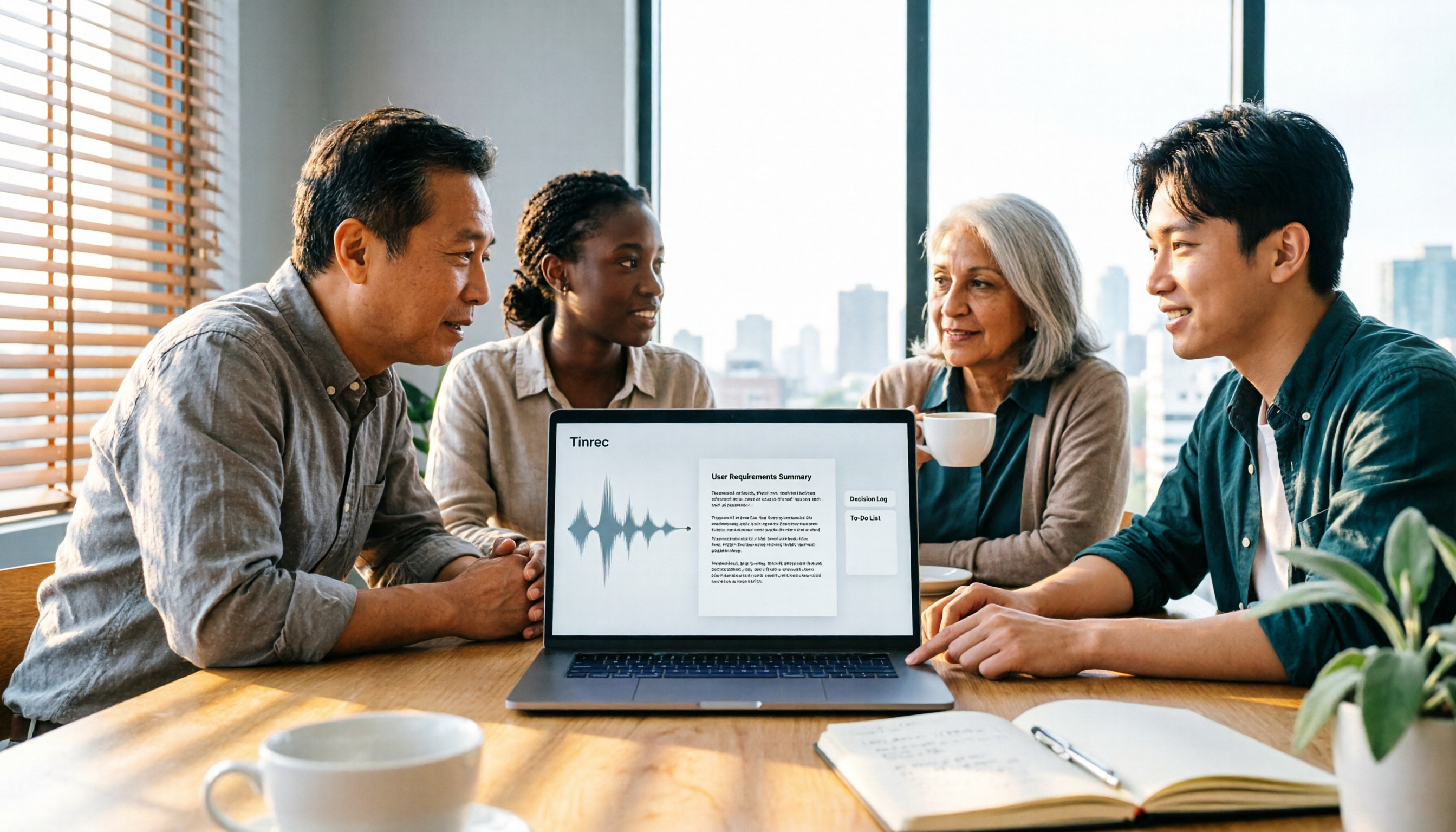
How to Turn Meeting Recordings into Requirements Documents in 2026: 3 Steps with Tinrec
Meeting recordings aren't just for transcripts—they should generate requirements documents, decision logs, and action items. This guide walks you through a repeatable methodology that connects Tinrec's transcription, AI Q&A, Agent post-processing, and team spaces into one workflow, turning meeting content directly into deliverable work documents.

Tinrec vs Otter.ai 2026: 5-Factor Comparison for Sales Call Follow-Up Emails
After a sales call, the follow-up email often determines whether the deal closes. This article uses 5 criteria to evaluate 6 tools that turn calls into usable materials—from bot-free recording, transcripts, and action item extraction to document generation and team governance—to help you choose the best fit for your sales follow-up workflow.

2026 Comparison of 4 Sales Call-to-Notes Tools: Which Can Generate CRM-Ready Meeting Minutes?
In 2026, we tested 4 sales call-to-notes tools, comparing Chinese transcription, post-call summaries, action item extraction, and CRM export. Sharing first-hand insights from a student intern's perspective. Tinrec stood out for Chinese calls, bot-free recording, and AI Q&A. This article also covers key buying factors and pitfalls to avoid.

2026 Sales Meeting Follow-Up Tools Compared: Which Boosts Post-Meeting Efficiency?
After a sales meeting, the real key to closing deals is post-meeting follow-up. This article compares Tinrec, Fireflies.ai, Notta, and Granola across four dimensions: action item extraction, AI Q&A, cross-platform recording, and team data retention. It also provides a pitfalls guide and selection advice to help you choose the best follow-up tool for your sales team.

Which AI PRD Generator Is Best? 3 Key Buying Factors for 2026: If Your Requirements Notes Are Incomplete, Even the Fastest PRD Will Need Rewriting
AI PRD generators aren't a magic bullet—what really slows down PRD progress is missing or incomplete requirements material. This article starts with common misconceptions and explains how Tinrec uses live transcription, AI summaries, action item extraction, and team spaces to turn requirements interviews and cross-department meetings into searchable, queryable raw material. It also covers 5 things to consider before buying an AI PRD tool in 2026 and answers common questions.

2026 Best AI Sales Call Summarizers Compared: Which Tool Saves the Most Time on Cantonese Recordings?
Sales calls often suffer from having recordings but no records. This article breaks down four key factors for choosing an AI sales call summarizer, then hands-on compares Tinrec, Notta, Otter.ai, and PLAUD Note on Chinese meeting experience, bot-free recording, AI Q&A, and team knowledge retention. Includes pitfalls to avoid and scenario-based recommendations.

3 AI Meeting Notes Tools Tested for 2026: Which One Is Good Enough for Turning Meeting Notes into a PRD?
After a requirements meeting, you sit down to write the PRD but can't remember who said the key decision? This article walks through the complete workflow for turning meeting notes into a PRD, from transcripts and AI summaries to action item extraction and export. It uses Tinrec as a hands-on example, plus 5 things to watch when choosing a tool and answers to common questions, helping you turn the meeting itself directly into source material for your product requirements document.

Meeting Minutes vs PRD in 2026: 5 Key Differences + AI Tools
What's the difference between meeting minutes and a PRD? This article breaks down the differences in purpose, audience, content granularity, and lifecycle across 5 dimensions, and explains how to quickly generate meeting minutes with AI tools.