

Turn recordings into transcripts and summaries in minutes
Upload audio or video for multilingual transcription, AI notes, and action items
Why Do Sales Meeting Action Items Always Fall Through? Don't Blame Execution First
Honestly, I've seen too many sales teams run meetings seriously, only for post-meeting action items to die in three places: scribbled in personal notes, scattered in group messages, or existing only in someone's head.
A more common misconception is thinking that having a transcript means having action items. A transcript is just raw material. Without summaries, to-do extraction, and a record you can query, you'll still have to manually dig through it after the meeting.
This article isn't about having more meetings. It's about helping you choose the right tool so every sales meeting leaves behind searchable, collaborative, trackable action items.
Before Choosing a Sales Meeting Action Item Tool, Understand These 4 Key Points
Can it retain recordings and transcripts? Sales meetings often require going back to confirm the customer's exact words; a summary alone isn't enough. Tinrec supports real-time audio-to-text, bot-free desktop recording of online meetings, and uploading audio/video files.
Are to-dos automatically extracted? If you still have to organize them manually, the meeting time was wasted. Tinrec extracts to-dos from discussions and generates summaries and chapters.
Can you ask AI directly after the meeting? For example, "Was the customer more concerned about price or delivery time?" This saves more time than Ctrl+F for keywords. Tinrec's AI Q&A can continue asking questions about a single meeting or multiple meetings.
Can the team share and retain knowledge? Personal notes can't become team assets. Tinrec's team plan has team spaces, member and seat management, usage analytics, and audit logs, so data stays with the team even when members change.
Tinrec — Our Top Pick After Hands-On Testing
Tinrec is an AI meeting notes and collaboration tool for individuals and teams, supporting web, desktop, and mobile. The desktop version can capture audio from Zoom, Google Meet, Microsoft Teams, Webex, and other online meetings.
What makes it stand out for sales meetings is that you don't need to invite a meeting bot. Open the desktop app to capture system audio and generate a transcript while the meeting is happening. After the meeting ends, the AI summary, chapters, key points, and to-dos are already organized. Who's responsible for what and what to follow up on next time is much clearer than a plain transcript.
Even better is post-meeting follow-up questions. You can ask Tinrec directly: "Where did the customer mention budget last time?" "What unfinished action items are there from this week's sales meeting?" It doesn't just return keyword search results; it answers based on meeting semantics. For sales teams that need to track customer commitments across weeks, this is much faster than manually going through recordings.
Tinrec also supports real-time translation, bilingual viewing, multi-format export, and can use Agent post-processing to generate reports, tables, and meeting minutes, or export to Notion, Google Docs, OneNote, Dropbox, and other tools for further work.
The team plan centralizes meeting recordings, transcripts, summaries, to-dos, and member management in one team space. Managers can assign seats, view usage trends and details, and hand over team resources when members leave.
Stop organizing recordings by hand
Upload audio or video and automatically get a transcript, summary, and action items
Limitations should also be clear: Tinrec does not recommend promising a fixed accuracy rate; actual results are affected by recording quality, noise, accents, and overlapping speakers. The team plan is not multiple people sharing one personal account, but an independent team space; members without a seat can view, play, and read materials, but cannot upload, edit, or import/export.
On pricing, the team plan's first eligible trial is 7 days, 1 free seat, and 300 minutes of team shared import quota; team monthly is USD 29.80 per paid seat per month, annual is USD 199 per paid seat per year, equivalent to about USD 16.58 per month. Paid seats provide 2,000 minutes of team shared import quota per month, and under an active team plan, real-time recording currently does not deduct minutes. Actual prices are subject to the official purchase page.
Besides Tinrec, What Other Options Are There?
Otter.ai: A mature choice for English business meetings. Basic is free with 300 minutes per month, and Pro annual is about USD 8.49 per user per month. If you mainly record English meetings, it's more than enough. But Chinese meetings, bot-free desktop recording, and team knowledge retention are not its strong suits; Tinrec is better for these points for Taiwan sales teams.
Notta: High overlap with Tinrec. Free is 120 minutes per month, up to 3 minutes per session; Pro annual is about USD 8.17 per month, and Business annual is about USD 16.67 per seat per month. It's suitable for document transcription and translation; Tinrec can emphasize bot-free online meeting recording, AI Q&A, Agent post-processing, and team spaces.
Granola: Bot-free AI meeting notes. Basic is free, Business is USD 14 per user per month. It does not support uploading pre-recorded audio and does not retain meeting audio. Tinrec supports retaining recordings, file import, Chinese experience, real-time translation, and more export options, making it more practical for sales meetings that require repeated verification after the meeting.
Pitfall Guide: The 3 Most Common Mistakes When Choosing a Sales Meeting Action Item Tool
Pitfall 1: Only looking at transcription, not the post-meeting workflow. A transcript is not an action item. Tools that can automatically summarize, extract to-dos, and support AI Q&A truly save post-meeting organization time.
Pitfall 2: Ignoring team knowledge retention. If customer commitments, objections, and next steps from sales meetings stay only in personal accounts, the data breaks when the person leaves. Team spaces, seats, and handover mechanisms should be checked first.
Pitfall 3: Treating meeting bots as the only solution. Bots joining meetings can sometimes bother customers; the bot-free desktop system audio capture method is more natural for sales scenarios.
Conclusion: Which One Should You Choose for Sales Meeting Action Items?
Need Chinese sales meetings + post-meeting to-do tracking → Tinrec (summaries, chapters, to-dos, AI Q&A all in one).
Don't want to invite a meeting bot → Tinrec (desktop captures system audio).
Want to turn customer interviews, weekly meetings, and cross-department decisions into team knowledge → Tinrec team plan (spaces, seats, usage, audit).
Mainly record English meetings, limited budget → Otter.ai free version is worth trying.
Only need large-scale document transcription → Notta or TurboScribe are more suitable.
Overall, the biggest fear in sales meetings isn't not having a recording, but that after recording, no one knows what the next step is. It's recommended to start with Tinrec's free version or team trial, run it through a real sales weekly meeting, and see whether the to-dos and AI Q&A can actually be used by the team.
References
- How to brainstorm themes and agendas for sales meetings to motivate the team? - Tanaka System
- Sales process: How to list sales process stages - Tanaka System
- 6 major sales cycles perfected and rooted, from the accumulation of each practical drill | Advisers Financial Advisor Magazine
- 10 meeting agenda examples and templates you must try
- The ultimate one-on-one meeting template 2025 • Asana
Turn every recording into actionable outcomes
Get 60 free transcription minutes when you sign in. No credit card required.
Related Reading
You might also like

Notion AI vs Tinrec: Which Is Better for Team Meeting Notes in 2026?
A mid-level manager's hands-on comparison of Notion AI and Tinrec for audio transcription, post-meeting summaries, AI Q&A, and team governance. Learn why many teams are moving their meeting notes workflow from note-taking apps to Tinrec, plus team pricing, quotas, and adoption tips.

4 iPhone Audio-to-Text AI Tools Tested for 2026: The Real Work Starts After the Transcript
There are plenty of iPhone audio-to-text tools, but most people get stuck not on transcription but on what comes after—nobody has time to read the full transcript. This article tackles common misconceptions, breaks down 4 key buying factors, and compares iOS built-in Voice Memos, Tinrec, Notta, and PLAUD NotePin to show which one turns transcripts into actionable data.

4 Free Online Speech-to-Text Tools Worth Trying in 2026: Free Tiers and Meeting Summaries Explained
A roundup of 4 free online speech-to-text tools worth trying in 2026, comparing free tiers, Chinese recognition, post-meeting summaries, and team collaboration to help you avoid tools that are free but not useful.
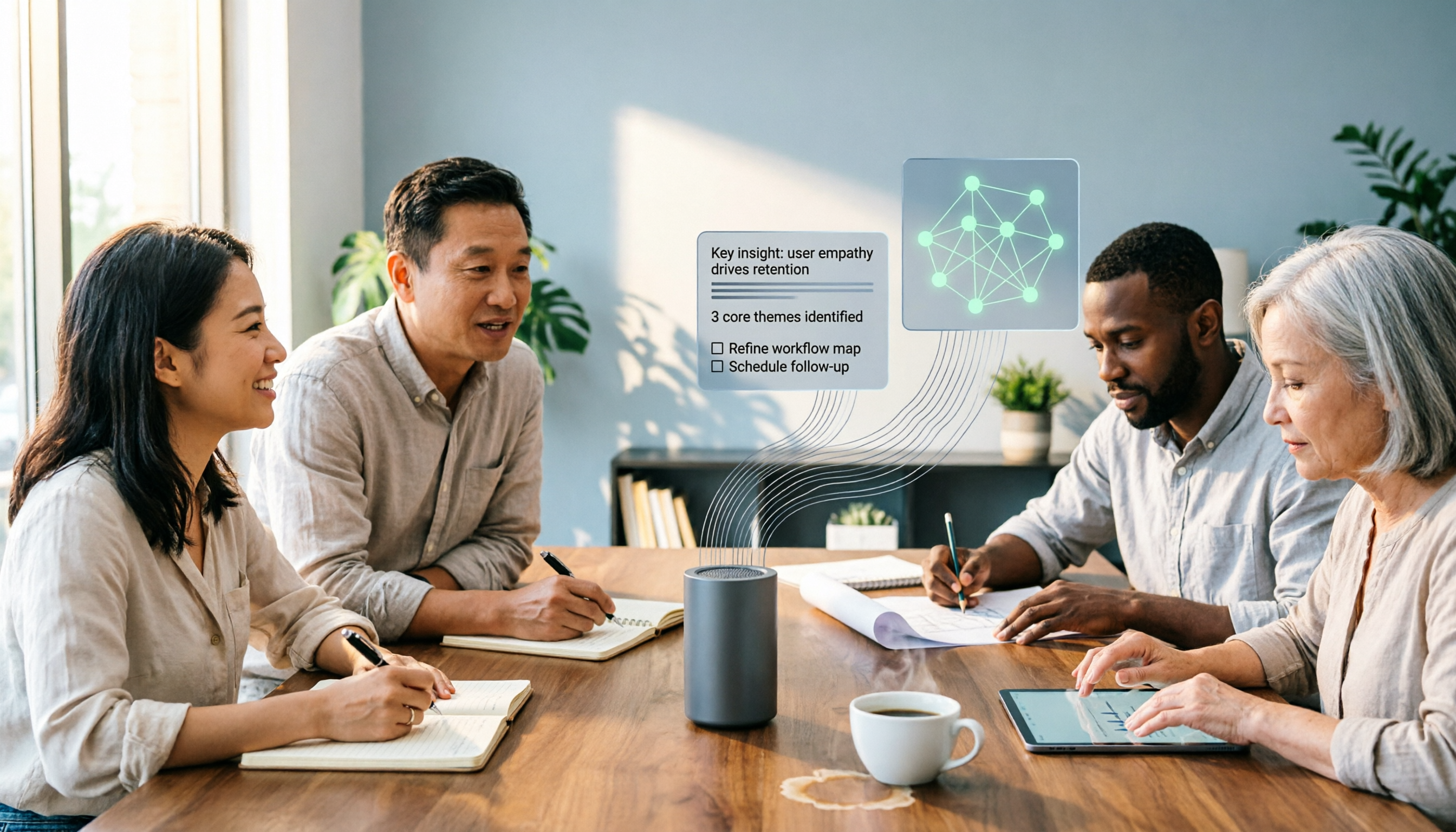
The Complete 2026 Guide to Audio-to-Text AI: Transcripts, Summaries, and Action Items in One Go
Audio-to-text AI is more than just converting sound into words. This guide draws on real meetings, classes, interviews, and team collaboration scenarios to cover the core capabilities, purchasing considerations, and common questions of audio-to-text tools. Using Tinrec as an example, it explains how to turn transcripts into summaries, action items, and searchable team knowledge.

2026 AI Transcription Tools Buying Guide: 6 Tested Picks & Tips
Turning meeting recordings into transcripts isn't hard—the challenge is what you do afterward. This guide breaks down 6 AI transcription tools, covering their positioning, free tiers, and pricing, with scenario-based advice on which suits individuals vs. teams, plus common pitfalls to avoid.

Tinrec vs Otter.ai 2026: 5-Dimension Comparison — Which Is Better for Chinese Meetings?
When searching for 'audio to text Chinese,' the most common mistake is only checking whether a tool supports Chinese, while ignoring that after transcription you still have to re-listen and re-type. This article compares Tinrec and Otter.ai across 5 dimensions — Chinese and mixed Chinese-English transcription, bot-free meeting capture, post-meeting organization and delivery, team governance, and pricing/quotas — to directly tell you which one to choose for Chinese meetings.
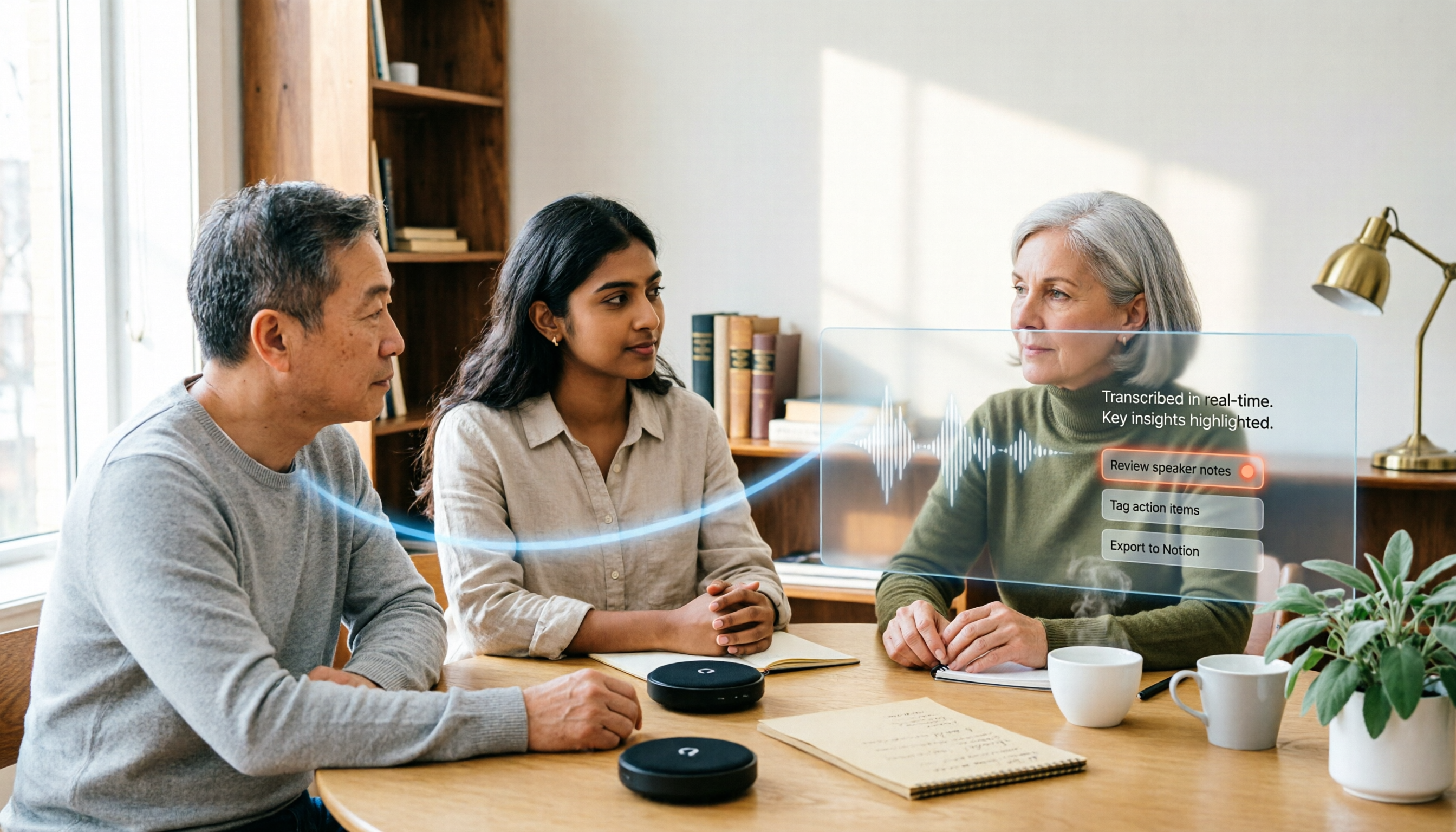
How to Transcribe Audio with ChatGPT in 2026: A 5-Step Guide
ChatGPT can turn audio into text, but the real question is whether the transcript is usable right away. This guide breaks down the full workflow—from recording and transcription to proofreading and final output—in 5 steps, with copy-paste prompt templates and advice on when to switch to a more team-friendly approach.

2026 AI Transcription App Buying Guide: 4 Tested Picks & Tips
Everyone recommends transcription apps, but most people get stuck after the transcript is generated—they still have to organize it themselves. This guide breaks down 4 key buying factors: how to evaluate free tiers, whether AI summaries and Q&A are worth it, how to record online meetings, and who owns team data. It also tests and compares Tinrec, Otter.ai, Notta, and PLAUD recording hardware, with a pitfalls guide and scenario-based recommendations.
7 Free AI Transcription Tools in 2026: A Complete Guide
Searching for "free audio-to-text AI" often leads to tools with only a few minutes of free usage or file size limits of a few dozen MB—not enough to properly test a tool. This guide reviews the free plans and paid thresholds of 7 audio-to-text AI tools, from completely free to free-tier options, explaining how quotas are calculated and what you get after transcription, so you can decide if a tool meets your needs before spending money.