
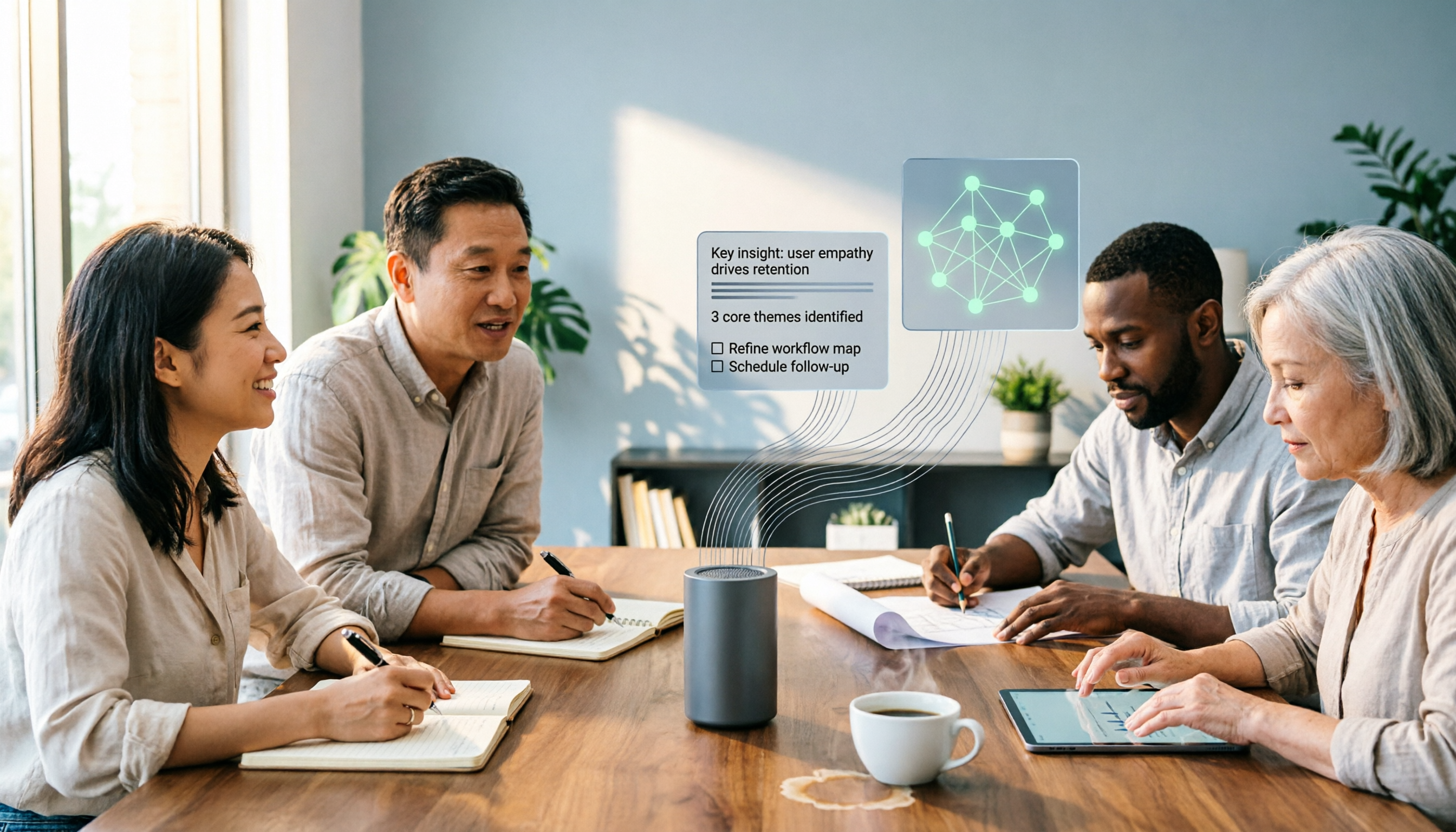
Turn recordings into transcripts and summaries in minutes
Upload audio or video for multilingual transcription, AI notes, and action items
The Complete 2026 Guide to Audio-to-Text AI: Transcripts, Summaries, and Action Items in One Go
The meeting ends. The recording is 87 minutes long. The meeting notes are due tomorrow morning. You put on your headphones and start listening from minute one, rewinding whenever something is unclear. Two hours later, you've only finished a third of the transcript.
This is a daily reality for many office workers. Audio-to-text AI is designed to solve this hell of pausing, playing, and typing over and over. Take Tinrec as an example: it first converts the recording into a transcript, then organizes summaries, chapters, and action items, so you don't have to start from scratch and re-listen to the entire meeting.
What Can Audio-to-Text AI Do for You?
Simply put, it turns "sound" into "data that can be searched, organized, and acted upon."
Scenario 1: No more spending an hour organizing notes after a meeting In the past, after a meeting, you often had to find separate time to write up the minutes. With Tinrec, for example, a transcript is generated while recording, and after the meeting, summaries, chapters, and action items are automatically organized. Who is responsible for what and what the next steps are can be directly tracked from the organized content.
Scenario 2: Old recordings become usable data again You have a bunch of old interviews and class recordings. It's a waste to leave them unused, but re-listening takes too much time. Tinrec supports uploading audio and video files, and after conversion to text, you can search, summarize, and ask questions about the content.
Scenario 3: Cross-language meetings no longer rely solely on real-time interpretation When meeting with overseas clients, rather than only translating afterward, it's better to confirm content during the meeting. Tinrec supports real-time translation, allowing you to view the original text, translation, or bilingual content, and after the meeting, organize the transcript into minutes.
Scenario 4: Team meeting data no longer scattered across individual computers If recordings from the same project's meetings are scattered across different people's computers, new team members essentially start from zero. Tinrec's team version provides a team space where meeting data belongs to the team, members can share and view, and administrators can manage seats and usage.
What Are the Core Capabilities of Audio-to-Text AI?
Rather than just looking at "transcription minutes," look at what you can do after transcription. The following are capabilities of Tinrec that are particularly noticeable in actual workflows.
Real-time audio-to-text Transcribe while recording, so you can see the text settle during the meeting. Tinrec supports real-time audio-to-text, suitable for offline meetings, interviews, and on-site recording. You don't have to wait until the meeting ends to start processing, and you can confirm key segments as you go.
Bot-free online meeting recording Many meeting tools require adding a bot to the meeting room, which may not be appropriate for external clients. Tinrec's desktop version captures computer system audio to handle online meetings without the need for an additional bot to join. It supports processing meeting audio played on a computer from platforms like Zoom, Google Meet, Microsoft Teams, and Webex. Note that this is not automatically joining all calendar meetings; the user actively opens Tinrec to initiate recording.
Audio and video file transcription Already-recorded meetings, classes, and interviews can be uploaded to Tinrec for conversion to text. After transcription, summaries and chapters can be generated, making long content easier to browse.
AI summaries, chapters, and action items Transcripts are the raw material; summaries and action items are the finished products for work. Tinrec breaks long meetings into chapters, organizes key points, and extracts action items from discussions. For project meetings, this is more practical than just providing a long transcript.
AI Q&A and post-meeting follow-up After transcription, you can ask questions directly about the meeting content. For example, "Which feature is the client concerned about?" "What was decided in this meeting?" Tinrec's AI Q&A answers based on the content, saving you the time of digging through the transcript yourself.
Multi-format export and Agent post-processing Organized content can be exported to common formats and taken to third-party tools for further use. Tinrec's Agent post-processing can also generate reports, tables, and documents based on meeting content, suitable for post-meeting deliverables.
Team space and governance When usage scales from individual to team, the focus is not just transcription but data ownership. Tinrec's team version provides independent team spaces, member roles, seat management, usage analytics, audit logs, and an audio recycle bin. Team resources belong to the team, and when a member leaves, resources can be handed over to other active members.
Practical Application Scenarios
The following four common scenarios illustrate how Tinrec fits into workflows.
Project weekly meetings and decision meetings In regular weekly project meetings, disputes like "didn't we agree on that last time?" are common. Record the meeting with Tinrec, and after the meeting, directly view summaries, chapters, and action items. Decision basis and responsible parties are documented. Before the next meeting, search the previous meeting content instead of asking again.
Stop organizing recordings by hand
Upload audio or video and automatically get a transcript, summary, and action items
Client interviews and business communication Client interviews contain many details: needs, budgets, concerns, and commitments are scattered throughout the conversation. After Tinrec converts to a transcript, you can use AI Q&A to organize what the client cares about, and export action items and post-meeting materials to reduce omissions.
Courses, lectures, and internal training Organizing a two-hour course recording into handouts or notes afterward takes time. Tinrec generates chapters and summaries, so you can first look at the structure and then return to the needed sections. When bilingual content is needed, real-time translation can assist.
Research interviews and content creation After interview recordings are converted to transcripts, researchers can search keywords and compare statements from different interviewees. Content creators can organize interviews into articles or scripts. Tinrec's AI Q&A and export features make this subsequent processing possible without re-listening to the entire recording.
6 Things to Consider When Choosing an Audio-to-Text AI Tool
1. Recognition performance for Chinese and mixed Chinese-English Don't just look at the officially advertised accuracy. Test with a short recording of your own, especially for Chinese, mixed Chinese-English, proper nouns, and multi-speaker speech. Tinrec covers Chinese, Traditional Chinese, and multilingual meeting scenarios, and provides team hotwords to maintain common terminology. Actual results will still be affected by recording quality, noise, accents, overlapping speech, and technical terms.
2. Meeting capture method Confirm whether the tool sends a bot to join the meeting or uses a desktop version to capture system audio. The two suit different situations. Tinrec's desktop version does not require a bot to join, making it suitable for meetings with external clients or when you don't want to add participants; however, the user must actively start recording, and it does not automatically join all meetings in the background.
3. Can it help you organize after transcription Tools that only provide transcripts leave the organizing work to you. When choosing, check for summaries, chapters, action items, Q&A, and export. Tinrec puts these in the same workflow, completing everything from recording to transcription to post-meeting output in one go.
4. Are input sources complete Your meetings may involve online meetings, offline recordings, phone recordings, and old files. Tinrec supports real-time recording, desktop online meeting recording, audio and video file upload, mobile recording, and can also process some web link content. First confirm whether your most commonly used sources are covered.
5. Team permissions and data ownership For team use, distinguish roles, seats, and member relationships. Tinrec's team version shares data through team spaces; roles handle governance, and seats determine whether one can record, upload, edit, import/export. Active members without seats can still view, play, and read team data but cannot perform resource usage operations. Also note that currently it is team-level sharing, not file-level granular permissions.
6. Pricing and quotas The free version is suitable for light experience, the weekly card for short-term intensive use, and the Pro monthly and annual cards for stable or long-term needs. The team version's first eligible trial is 7 days, 1 free seat, and 300 minutes of team shared import quota; team monthly payment is USD 29.80 per paid seat per month, annual payment is USD 199 per paid seat per year, about USD 16.58 per month. Paid seats provide 2,000 minutes of team shared import quota per month. Under an active team plan and seats, real-time recording currently does not deduct minutes; file and web imports use the team shared quota. Prices and benefits are subject to the official purchase page.
Frequently Asked Questions
Q1: Is the accuracy of audio-to-text AI high? There is no fixed number; actual performance is affected by recording quality, noise, accents, overlapping multi-speaker speech, and technical terms. Tinrec provides high-quality transcription under clear audio and common meeting scenarios, but important content should still be verified against transcript timestamps and recording playback.
Q2: Is Tinrec's free version sufficient? The free version provides a basic quota, suitable for occasionally organizing a recording or trying the workflow. If you have meetings, classes, or interviews every week, consider a weekly card, Pro, or team version based on usage frequency.
Q3: Which online meeting platforms does Tinrec support? Tinrec's desktop version can process meeting audio played on a computer from Zoom, Google Meet, Microsoft Teams, Webex, etc., without requiring an additional bot to join. Supporting platform recording does not mean official partnership with these platforms.
Q4: What is the difference between the team version and the personal version? Personal version data is managed by the individual account; the team version provides an independent team space where meeting data belongs to the team, and adds members, roles, seats, sharing benefits, usage analytics, audit logs, and an audio recycle bin. When a member exits or is removed, team resources are handed over to other active members and are not directly taken away by the individual.
Q5: Can members without seats see team data? They can view, play, and read team data but cannot record, upload, edit, import/export, or perform other resource usage operations. This is by design, with roles, seats, and member relationships managed separately.
Q6: Can team audio be recovered after deletion? After audio enters the team recycle bin, it can be recovered before permanent cleanup. The current recycle bin retention period is 30 days; action items are not covered by the team recycle bin.
Conclusion
The value of audio-to-text AI is not turning sound into a long string of text, but turning meeting content into data that can be searched, organized, and acted upon.
If you only occasionally organize recordings, you can start with Tinrec's free version; if you have meetings every week, Pro or the team version will be closer to actual workflows. For team use, pay special attention to seats, data ownership, and export capabilities—these affect long-term use more than simply comparing transcription minutes.
Overall, Tinrec is suitable for users who need Chinese meeting notes, bot-free online meeting recording, post-meeting summaries, and team data retention. Trying it once with your own real recording will be more accurate than looking at spec sheets.
References
- Audio to Text - Free Speech to Text Tool
- No Time Limit! 3 Free AI Transcript Tools, Highly Recommended! AI Voice Notes Generate Meeting Minutes, Presentations, Mind Maps | 104 Career Power
- Online AI Speech, Video, Audio File Auto-Transcription - Free Trial - cSubtitle
- Audio File to Text | Free Online Audio File to Transcript | Proactor AI
- Online Speech to Text AI, Free MP3 or Audio File to Transcript - MyEdit
Turn every recording into actionable outcomes
Get 60 free transcription minutes when you sign in. No credit card required.
Related Reading
You might also like

Free Speech-to-Text Software Buying Guide 2026: 6 Tested Picks & Recommendations
How to choose free speech-to-text software? This guide compares Tinrec, Otter, Notta, TurboScribe, PLAUD, and Google Live Transcribe across free quotas, Chinese support, post-meeting summaries, AI Q&A, team collaboration, and pricing to help you decide which fits meetings, interviews, classes, or long audio transcription.
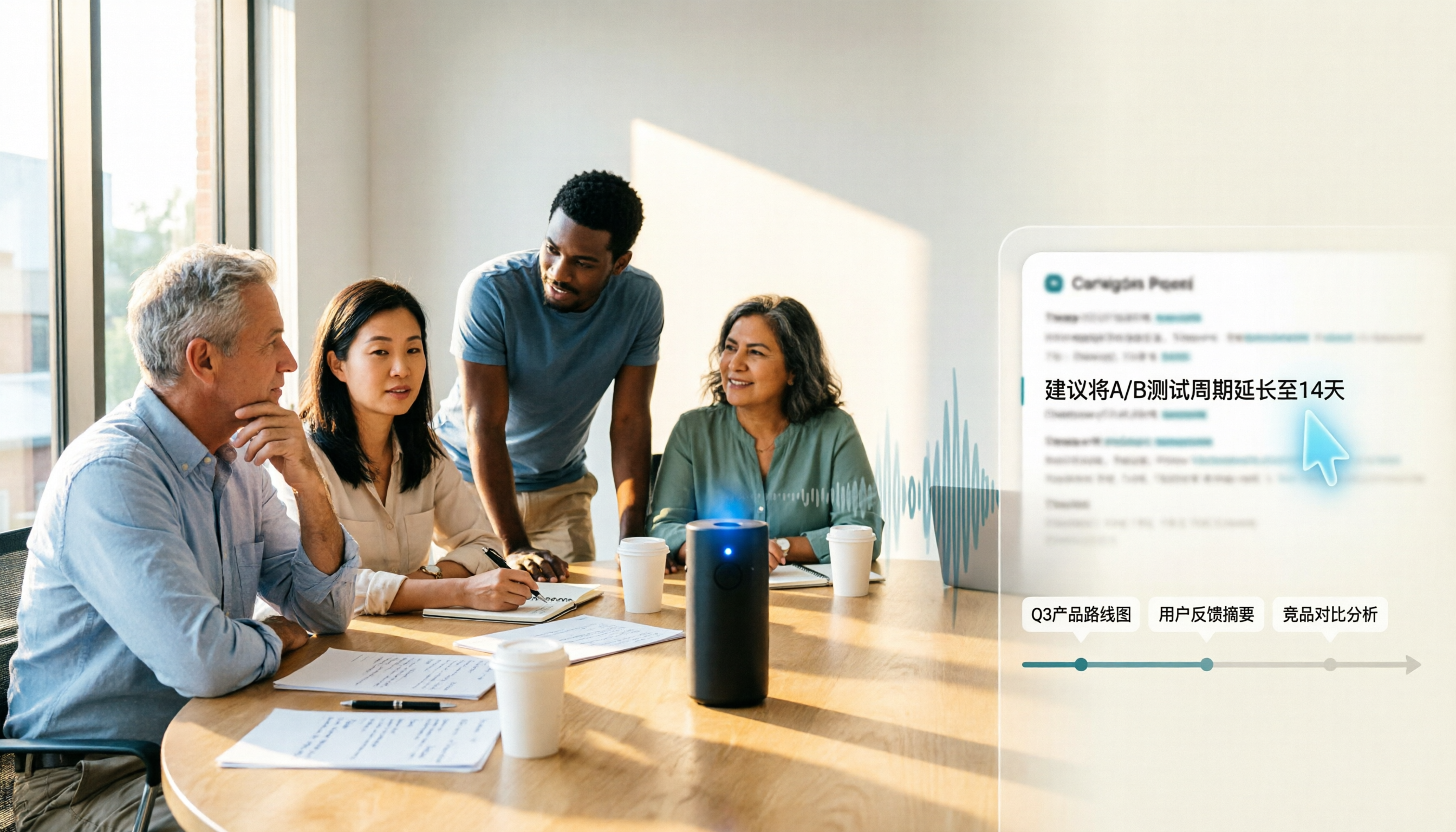
Samsung Voice Transcribe vs Tinrec in 2026: 5-Dimension Comparison — Which Is Better for Chinese Meeting Notes?
Samsung Galaxy AI's voice transcription assistant is a built-in feature on Galaxy devices, while Tinrec turns recordings into searchable, queryable, and collaborative meeting materials. This article compares the two across 5 dimensions — device support, recording sources, post-meeting organization, Chinese multilingual capabilities, and team governance — to help you decide which better fits your meeting notes workflow.

2026 Galaxy AI Audio Transcription Guide: From Transcripts to Meeting Action
What can Galaxy AI's speech-to-text assistant do, and where are its limits? Starting from real meeting scenarios, this guide breaks down four use cases for audio transcription, six core capabilities, and five key considerations for choosing a tool. It also demonstrates how Tinrec turns recordings into searchable, actionable meeting data.

5 Best AI Transcription Tools in 2026: From Verbatim Transcripts to Meeting Minutes
I've actually tried a round of AI transcription tools. This article doesn't pile on specs—it starts directly from the problems you need to solve: do you need verbatim transcripts, meeting minutes, or team sharing? How to choose among 5 tools and where pitfalls lie—all explained clearly.

How to Transcribe LINE Recordings in 2026: Calls and Voice Messages to Text
LINE voice messages and voice calls require completely different handling to turn them into text files. This guide starts by identifying your recording type, then walks you through using Tinrec to convert LINE recordings into transcripts, summaries, and action items, including step-by-step instructions, proofreading tips, and troubleshooting for common issues.

Notion AI vs Tinrec: Which Is Better for Team Meeting Notes in 2026?
A mid-level manager's hands-on comparison of Notion AI and Tinrec for audio transcription, post-meeting summaries, AI Q&A, and team governance. Learn why many teams are moving their meeting notes workflow from note-taking apps to Tinrec, plus team pricing, quotas, and adoption tips.

4 iPhone Audio-to-Text AI Tools Tested for 2026: The Real Work Starts After the Transcript
There are plenty of iPhone audio-to-text tools, but most people get stuck not on transcription but on what comes after—nobody has time to read the full transcript. This article tackles common misconceptions, breaks down 4 key buying factors, and compares iOS built-in Voice Memos, Tinrec, Notta, and PLAUD NotePin to show which one turns transcripts into actionable data.

4 Free Online Speech-to-Text Tools Worth Trying in 2026: Free Tiers and Meeting Summaries Explained
A roundup of 4 free online speech-to-text tools worth trying in 2026, comparing free tiers, Chinese recognition, post-meeting summaries, and team collaboration to help you avoid tools that are free but not useful.

2026 AI Transcription Tools Buying Guide: 6 Tested Picks & Tips
Turning meeting recordings into transcripts isn't hard—the challenge is what you do afterward. This guide breaks down 6 AI transcription tools, covering their positioning, free tiers, and pricing, with scenario-based advice on which suits individuals vs. teams, plus common pitfalls to avoid.