

Turn recordings into transcripts and summaries in minutes
Upload audio or video for multilingual transcription, AI notes, and action items
5 Best AI Transcription Tools in 2026: From Verbatim Transcripts to Meeting Minutes
Let me ask you a question first: Do you want a verbatim transcript, or meeting notes you can use right after the meeting?
These two answers will lead to completely different tools.
I've seen too many people start by comparing "who transcribes more accurately," only to find after buying that they have a transcript but no one wants to read it. The real time sink isn't converting speech to text—it's finding conclusions in a pile of text.
So this article doesn't give you a spec sheet. I'll choose based on "what problem you need to solve."
Two-hour meeting, two more hours to organize—the problem isn't "transcription"
Scenario 1: After the weekly meeting, your boss asks "So what's the conclusion, who's responsible?" You have 90 minutes of recording and a blank mind.
Scenario 2: You recorded a three-hour client interview. You need to find the sentence "What's the budget roughly?" but you can only drag the progress bar and listen from the start.
Scenario 3: Everyone's meeting notes are scattered across LINE, Email, and personal computers. When a new hire takes over a project, they can't find anything.
The common thread: what you need isn't "text," it's "something you can use."
Choose the right tool, and these three problems are solved at once; choose wrong, and you've just turned your recording into another file no one reads.
Before choosing an AI transcription tool, understand these 4 key points
1. Do you want a verbatim transcript or "usable conclusions after the meeting" A tool that only transcribes gives you a long text you can Ctrl+F. A tool that handles post-meeting processing well gives you summaries, chapters, action items, and even lets you query the meeting as a database. The latter is the key to saving time.
2. How does meeting audio get in Online meetings commonly use two approaches: one is sending a "meeting bot" to join as a participant; the other is using desktop software to capture system audio directly, so the participant list doesn't show an extra person. Some client or internal meetings are sensitive to an extra bot—think about this first.
3. Chinese, Taiwanese accents, mixed Chinese-English Many tool demos are polished English meetings. Your meeting is "let's align on this case next week"—whether it can handle that makes a big difference. Rather than watching marketing, take your messiest recording and try it yourself.
4. Beyond free quota, there's "team cost" Individuals are happy with free versions, but teams encounter: data tied to personal accounts, departing employees take it away, no one knows who used how many minutes. At this point, look not at minutes but at whether there's team space, member roles, seats, and usage management.
Tinrec—the one I'd recommend first right now
Tinrec is an AI meeting notes and collaboration tool for individuals and teams, supporting iOS, Android, web, and desktop. It doesn't just convert audio to text; it strings together "recording → transcript → summary → action items → follow-up questions → export" into one workflow.
The first feature I'd recommend is bot-free online meeting recording. The desktop version captures computer system audio directly, handling Zoom, Google Meet, Microsoft Teams, Webex and similar meetings without pulling an extra bot into the meeting room. For client meetings where "weird accounts can't appear on the participant list," this design is practical. Note that it doesn't automatically join all meetings from your calendar with one click—you need to open Tinrec and start recording yourself.
The second is live transcription with real-time translation. For cross-language meetings, you can view the original, translation, or bilingual side-by-side without waiting until after the meeting.
The third is post-meeting AI Q&A, which is where it stands out from most "transcript-only" tools. After recording, you can directly ask: "Who mentioned the budget in the last meeting?" "What were the client's concerns about the timeline?" It answers based on meeting content, not throwing you a list of keywords to search yourself.
Post-meeting output isn't just text: AI summaries, chapters, action items, mind maps, and export to Notion, Google Docs, OneNote, Dropbox, or use Agent to generate reports, tables, and documents.
Stop organizing recordings by hand
Upload audio or video and automatically get a transcript, summary, and action items
Honestly, limitations must be mentioned. The free version is a basic quota; heavy use requires payment. Also, it doesn't promise a fixed accuracy rate—multiple people talking over each other, air conditioning noise, technical terms will all require going back to timestamps to fix. For important numbers and commitments, I still pull back the recording to confirm.
The team version is another level: USD 29.80 per paid seat per month, annual USD 199 per seat per year (about USD 16.58 per month); each paid seat has 2,000 minutes of team shared import quota per month, and first-time eligible teams get 7 days, 1 free seat, 300 minutes. Live recording currently doesn't deduct minutes; only document import consumes shared quota.
For the team version, distinguish "roles" and "seats": roles govern administration, seats govern whether one can record, upload, edit, export. Members without seats can still view, play, and read team data but cannot edit. Audio recycle bin retains 30 days; when members leave, data is handed over, not taken away personally.
Who is it for? People who often have Chinese or mixed Chinese-English meetings, don't want bots in meetings, want to ask key points directly after meetings, and need to turn meetings into team knowledge.
Besides Tinrec, what other options are there?
Granola: Also a bot-free desktop meeting notes tool, Basic free, Business about USD 14 per user per month, strength is "your handwritten notes + AI enhancement." But it doesn't support uploading pre-recorded audio files, nor does it retain meeting audio—if you want to replay for verification or organize old recordings, Tinrec is much more complete in this regard.
PLAUD Note / NotePin: AI recording hardware, NotePin about USD 159, Note Pro about USD 189, membership extra (Pro about USD 99.99 per year). Suitable for portable recording, phone calls, long recordings. The cost is an extra device and an extra charging/transfer workflow. Tinrec requires no hardware purchase; phone, web, desktop can handle online meetings and historical files, and when teams share data, no more sending audio files back and forth.
Otter.ai: A veteran choice for English meetings, Basic free 300 minutes per month, Pro annual about USD 8.49 per user per month. If your meetings are 90% English, it's cost-effective. But Chinese meetings, mixed Chinese-English, and real-time bilingual viewing are not its main scenarios; Tinrec adds post-meeting AI Q&A and team knowledge retention, which is smoother for Taiwanese teams.
Pitfall guide: 4 most common mistakes when choosing AI transcription tools
Pitfall 1: Only looking at advertised accuracy. "98%, 99%" are usually measured in quiet environments. Real meetings have air conditioning noise, keyboard sounds, multiple people talking over each other. The right approach is to take your messiest recording and try the free version to see how much time you need to fix it.
Pitfall 2: Thinking a transcript equals meeting notes. A transcript is raw material, not a finished product. Without summaries, action items, and a queryable structure, you still have to read from the beginning. Before buying, ask: Does it finish "that post-meeting part" for me?
Pitfall 3: Ignoring how the meeting is "recorded." Bots joining meetings are convenient, but some occasions aren't suitable; desktop system audio capture is more discreet, but remember to start it yourself. Both methods have their scenarios—don't wait until ten minutes before a client meeting to find out it doesn't work.
Pitfall 4: Teams using personal accounts to get by. Three people each buying personal versions sounds cheap, but in reality data is scattered, quotas are opaque, and when someone leaves, records break. A plan with team space, seats, usage analytics, and auditing is actually less hassle long-term.
Conclusion: Which one should you choose?
- Chinese or mixed Chinese-English meetings, and don't want bots in meetings → Tinrec (desktop version captures system audio directly)
- Want to ask "who mentioned the budget" right after recording → Tinrec (AI Q&A, not keyword search)
- 8-person small team needs to share meeting data, manage seats and usage → Tinrec Team Version
- Meetings 90% English, budget priority → Otter.ai
- Need portable hardware to record phone calls and on-site → PLAUD Note
- Just want to convert old audio files to text, no post-meeting workflow needed → TurboScribe and similar long-document transcription tools
My advice: Don't buy an annual plan right away. First use the free version to throw in your most difficult recording, see what percentage of the transcript you can accept, whether the AI summary can be used directly, then decide whether to pay.
Tools aren't bought for collection; they're bought to work less overtime.
References
- No time limit! 3 free AI transcript tools, highly recommended! AI voice notes generate meeting records, presentations, mind maps | 104 Job Bank
- Tested 4 best online "speech-to-text" tools, free and instant transcription of audio files
- [AI Voice Notes] 5 highly recommended AI transcription tools! Generate transcripts and meeting highlights, free vs subscription, pros and cons comparison | 104 Job Bank
- AI speech-to-text tool recommendations: 8 comparisons, which is best for meeting notes, transcripts, voice input? — Leading Era
- [Audio to Text] 5 useful speech-to-transcript AI tools recommended - Apple Almond - iPhone/iOS/Goodies Recommendation Tech Media
Turn every recording into actionable outcomes
Get 60 free transcription minutes when you sign in. No credit card required.
Related Reading
You might also like
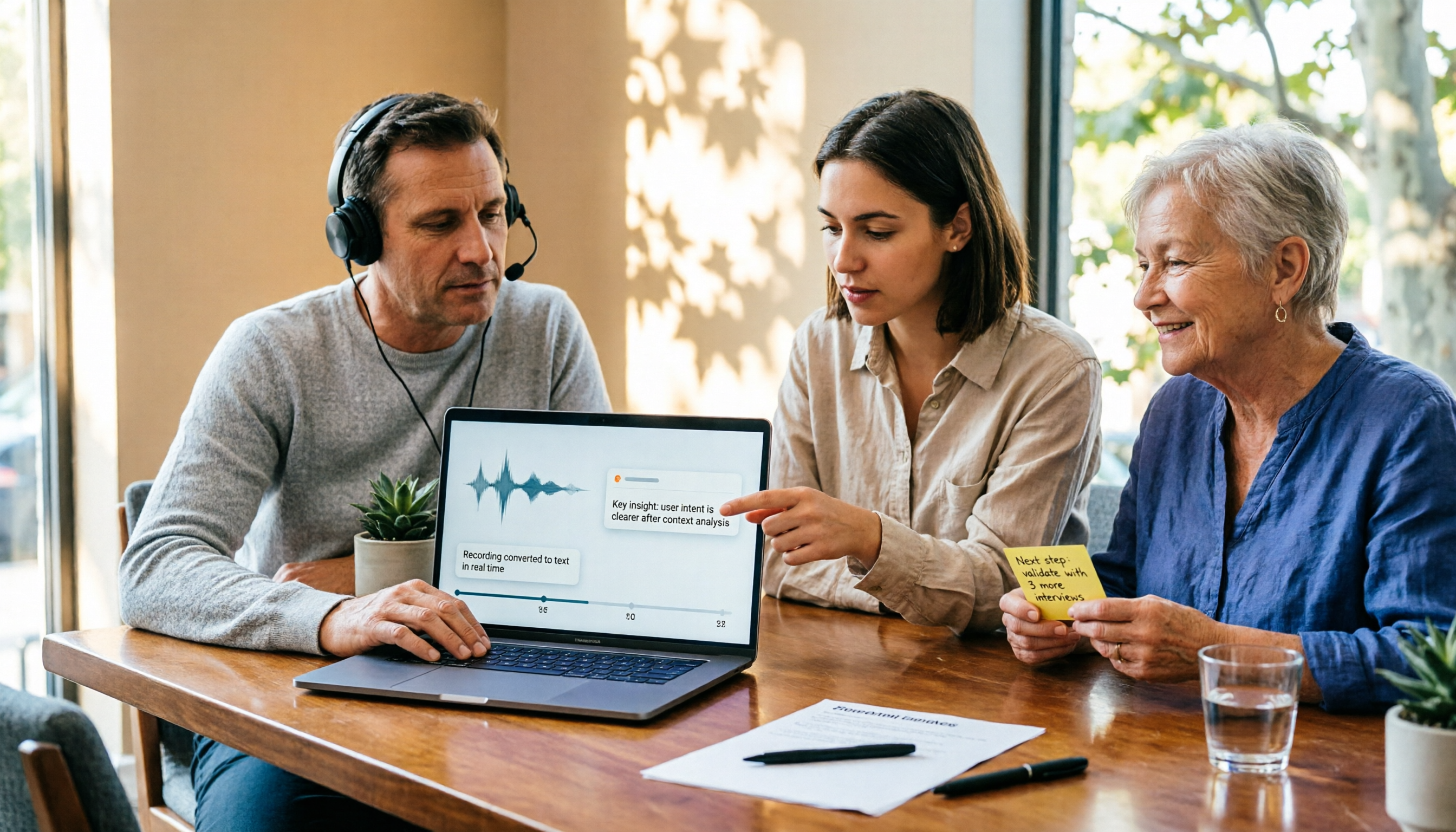
2026 Comparison of 4 Audio-to-Text Tools: Is ChatGPT Transcription Good Enough?
Is it good enough to throw a meeting recording into ChatGPT and get a text file? This article compares ChatGPT, Tinrec, Notta, and Otter.ai from four angles: transcript usability, audio retention, post-meeting organization, and team collaboration. It also summarizes key purchasing factors and common pitfalls to avoid.

How to Choose Free Speech-to-Text Software in 2026: 5 Steps to Find a Tool That Works for You
How do you choose free speech-to-text software? First, clarify how much content you need to transcribe each week, whether you need summaries and Q&A, and whether the data needs to be shared with colleagues—then decide on a tool. This article uses Tinrec to demonstrate 5 steps from recording to a usable transcript, and outlines 5 key purchasing considerations including free quotas, Chinese recognition, post-meeting organization, and team collaboration.
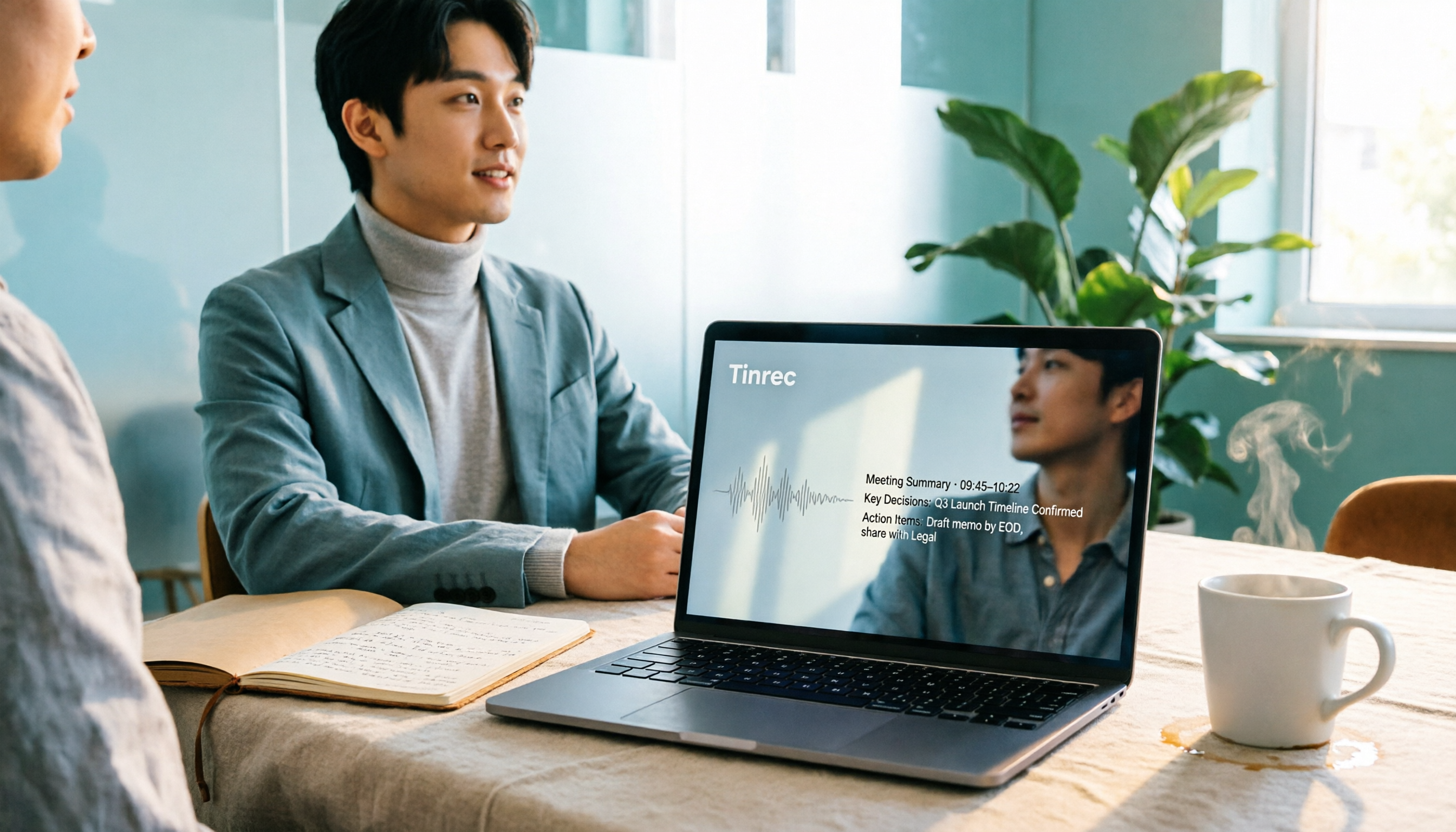
2026 Tested: 6 Free Online Speech-to-Text Tools Compared — How to Use Free Tiers Without Getting Burned
A practical look at six free online speech-to-text tools in 2026, covering real-world use cases from free quotas and segmentation quality to export formats and post-meeting organization. We explain who each option suits, plus common pitfalls and selection principles.

iPhone Voice Memos vs Tinrec: Which Saves More Time for Audio Transcription in 2026?
iPhone's built-in Voice Memos can transcribe recordings after iOS 18, but what happens next? This comparison puts Apple's built-in feature against Tinrec, examining device requirements, audio formats, transcript post-processing, cross-platform access, and team collaboration to help you decide which approach fits your meeting and class notes needs.

Best Speech-to-Text Tools 2026: Tinrec for Chinese Transcription & One-Click Meeting Minutes
Tired of spending hours typing meeting transcripts? This guide covers 4 key factors for choosing a speech-to-text tool, with an in-depth review of Tinrec's Chinese recognition, bot-free online meeting recording, AI Q&A, and team spaces. We also compare Notta, Otter.ai, and TurboScribe, and share 3 common pitfalls plus scenario-based recommendations.

Free Speech-to-Text Software Buying Guide 2026: 6 Tested Picks & Recommendations
How to choose free speech-to-text software? This guide compares Tinrec, Otter, Notta, TurboScribe, PLAUD, and Google Live Transcribe across free quotas, Chinese support, post-meeting summaries, AI Q&A, team collaboration, and pricing to help you decide which fits meetings, interviews, classes, or long audio transcription.
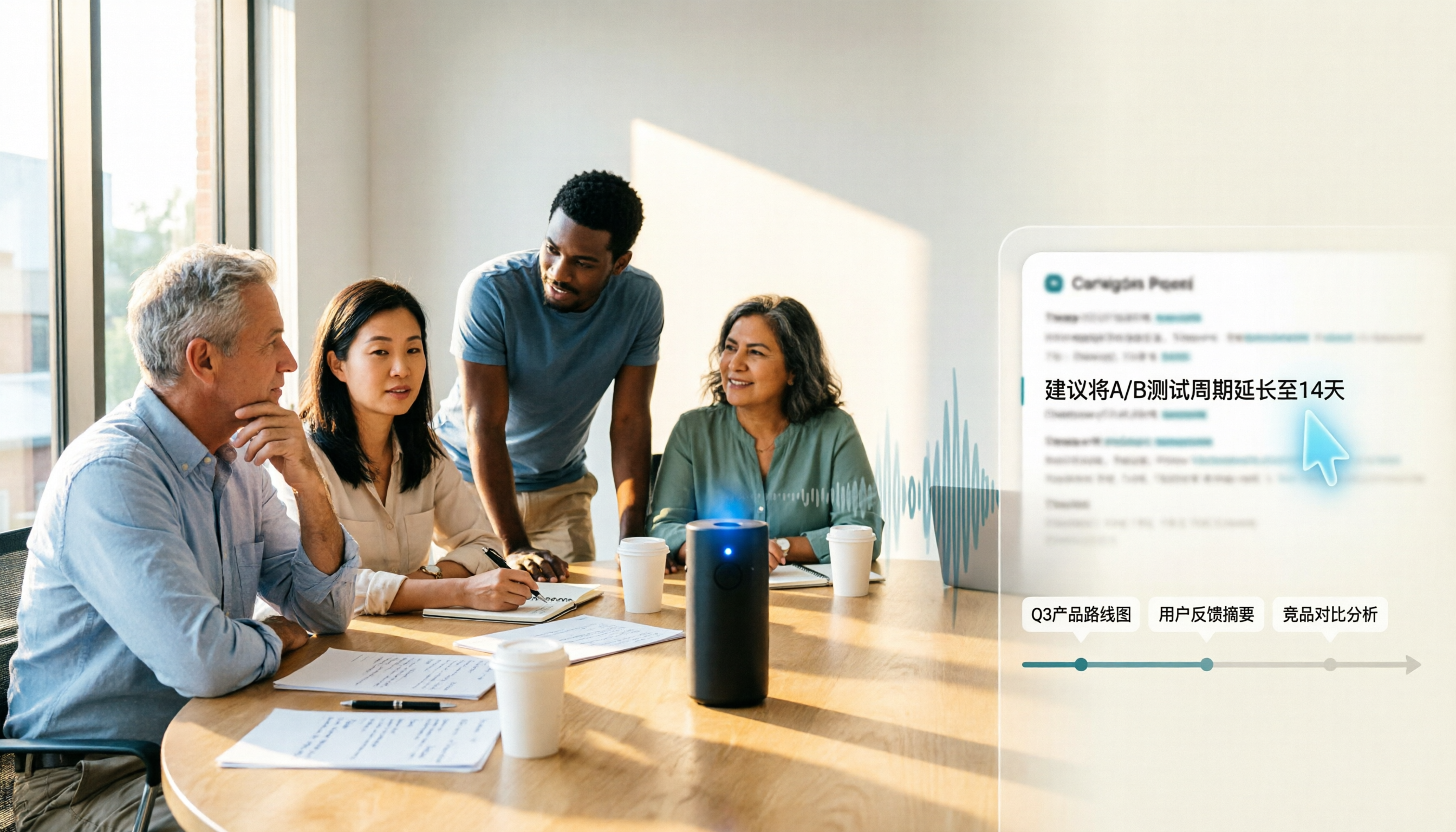
Samsung Voice Transcribe vs Tinrec in 2026: 5-Dimension Comparison — Which Is Better for Chinese Meeting Notes?
Samsung Galaxy AI's voice transcription assistant is a built-in feature on Galaxy devices, while Tinrec turns recordings into searchable, queryable, and collaborative meeting materials. This article compares the two across 5 dimensions — device support, recording sources, post-meeting organization, Chinese multilingual capabilities, and team governance — to help you decide which better fits your meeting notes workflow.

2026 Galaxy AI Audio Transcription Guide: From Transcripts to Meeting Action
What can Galaxy AI's speech-to-text assistant do, and where are its limits? Starting from real meeting scenarios, this guide breaks down four use cases for audio transcription, six core capabilities, and five key considerations for choosing a tool. It also demonstrates how Tinrec turns recordings into searchable, actionable meeting data.
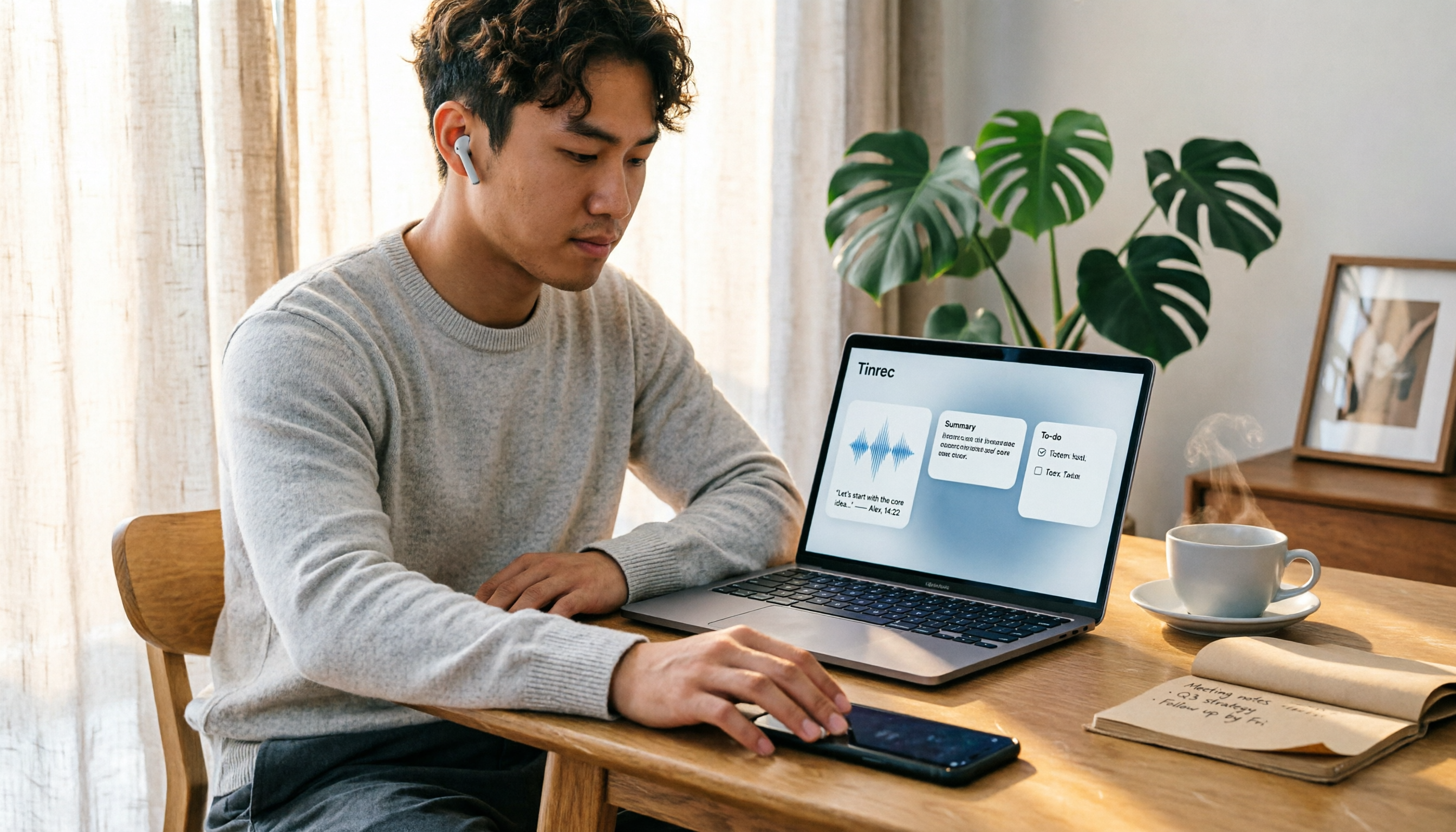
How to Transcribe LINE Recordings in 2026: Calls and Voice Messages to Text
LINE voice messages and voice calls require completely different handling to turn them into text files. This guide starts by identifying your recording type, then walks you through using Tinrec to convert LINE recordings into transcripts, summaries, and action items, including step-by-step instructions, proofreading tips, and troubleshooting for common issues.