

Turn recordings into transcripts and summaries in minutes
Upload audio or video for multilingual transcription, AI notes, and action items
4 iPhone Audio-to-Text AI Tools Tested for 2026: The Real Work Starts After the Transcript
The Pain Point: Everyone Can Record, But the Struggle Is What Comes After
The most common inefficient approach: you record a 60-minute meeting, then spend another 60 minutes listening back and typing—turning a one-hour meeting into three hours. You think you're organizing the meeting, but you're just doing manual transcription.
The second, more insidious trap: you spend time and even money to finally get a 5,000-word transcript, but nobody reads it. The real question is "who promised what, and when is it due?"—and that answer is buried on page three, paragraph ten. A transcript is just raw material, not a finished product.
The third is misjudging "free." Tools that advertise themselves as free often hide limits in recording length per session, monthly quotas, or export formats. A two-hour interview gets split into multiple parts, and just aligning the timestamps is exhausting.
So this article doesn't focus on "which app records the clearest audio," but on the complete workflow: from iPhone recording to transcript to data you can directly use to move work forward. With the right tool, this path can be much shorter.
Before Choosing an iPhone Audio-to-Text AI, Understand These 4 Key Points
Key Point 1: Is the Input Source Limited to Live Recording?
Recording only on your phone solves only in-person meetings. But most meetings today happen on Zoom, Google Meet, Teams, or Webex. If you have to use another device to play audio aloud or invite a meeting bot into the room, the experience starts to suffer. When choosing a tool, first ask: can it handle meeting audio that already exists on your computer and old recording files?
Key Point 2: What Do You Get After the Transcript?
This is the most important dividing line in 2026. Tools that only give you text are transcription tools; tools that give you summaries, chapters, key points, action items, and let you ask follow-up questions about the content are the ones that actually save time. A simple test: after transcription, how many manual steps do you still need to do? If the answer is more than three, it only saved you the first thirty minutes.
Key Point 3: Real-World Performance with Chinese and Mixed Chinese-English
Don't just look at the accuracy rates advertised by vendors. Look at the test conditions—a quiet studio or a real meeting room? In Taiwan's workplace, meetings almost always mix Chinese with English product names and technical terms. Performance in that scenario is very different from pure English tests. We recommend testing with a real recording of your own—one with air conditioning noise, keyboard clicks, and two people talking at once.
Key Point 4: Cross-Device and Data Ownership
Recording on iPhone and organizing on a computer is the most common workflow. If a tool only works on your phone, you'll be miserable. The second question is ownership: do these meeting records live in your personal account, or in a space where the team can search them together? The former is convenient; the latter proves its value when people leave.
Tinrec — Our Top Recommendation After Testing
Tinrec is an AI meeting notes and collaboration tool for individuals and teams, available on iPhone, Android, and web, with a desktop version that can capture system audio directly. Its positioning isn't just "audio-to-text"—it turns a piece of audio into data you can continue working with.
Organizing starts during the meeting. For in-person meetings, record and transcribe on iPhone simultaneously—the transcript appears in real time. For online meetings, use the desktop version to capture system audio directly, without inviting a meeting bot. This is especially practical when a major client is present—no "AI assistant has joined" notification, and no worries about the other party's concerns about a recording bot.
When the meeting ends, the minutes are already formed. After you stop recording, summaries, chapters, key points, and action items are generated together. Action items list the tasks mentioned in the discussion—you don't have to dig them out of the transcript yourself. The transcript retains timestamps, so you can click back to hear any specific sentence for verification.
Keep asking questions after recording. This is where Tinrec differs most from pure transcription tools: you can directly ask "what concerns did the client raise about the delivery date?" or "who mentioned the budget in the last meeting?" It gives answers based on the meeting content, not a string of keyword matches. When organizing past interviews or reviewing quarterly decisions, this feature is much faster than listening to the recording again.
Stop organizing recordings by hand
Upload audio or video and automatically get a transcript, summary, and action items
Output doesn't stay trapped in the app. It supports export to Notion, Google Docs, OneNote, Dropbox, and other tools, and you can use Agent post-processing to generate reports, tables, and documents from the meeting content—ready to deliver after the meeting.
For department-wide use, Tinrec's team plan is a separate team space, not multiple people sharing one account. The first eligible trial is 7 days, 1 free seat, and 300 minutes of team shared import quota; paid seats are USD 29.80/month or USD 199/year (about USD 16.58/month), with each paid seat providing 2,000 minutes of team shared import quota per month. Real-time recording is currently not deducted by minutes under an active plan and seat. Members, roles, and seats are managed separately; when a member leaves, data stays with the team and can be handed over to others.
Limitations stated clearly. Transcription quality for Chinese and mixed Chinese-English is still affected by recording distance, ambient noise, accents, multiple people talking over each other, and technical terminology. For important numbers, amounts, and commitments, we recommend going back to the transcript timestamps and verifying against the recording. Also, the team plan is primarily team-level sharing—roles govern administration, seats govern usage eligibility, not file-level granular permissions. Teams needing per-file isolation should evaluate separately.
Who it's for. People who frequently use iPhone to record meetings and interviews, want minutes and action items right after recording, work mainly in Chinese and mixed Chinese-English, or want to turn meeting data scattered across personal phones into team assets.
Besides Tinrec, What Are the Alternatives?
iOS Built-in Voice Memos
Since iOS 18, Voice Memos on iPhone 12 and later supports transcribing recordings into text—free, no app installation needed. That's its biggest value. But its capability stops at "turning audio into text": no AI summaries, no action item extraction, no asking questions about the content, and it only processes files recorded on the phone. If you just need a block of text, it's sufficient; if you need meeting conclusions, you'll have to process it twice more yourself.
Notta
A veteran choice for multi-platform transcription and meeting notes. Free version: 120 minutes per month, 3 minutes per session; Pro annual billing about USD 8.17/month, 1,800 minutes per month; Business annual billing about USD 16.67/seat/month, offering unlimited transcription, role permissions, and usage reports (refer to official pricing page). It has a solid reputation for multilingual transcription, but for post-meeting AI Q&A and Agent post-processing to generate reports and tables, Tinrec is further ahead.
PLAUD NotePin
A representative AI recording hardware device: USD 159 for the device; Starter membership 300 minutes per month; Pro USD 99.99/year (1,200 minutes per month); Unlimited USD 239.99/year (refer to official page). Advantages: portable, can record phone calls, easy blind operation. But it's essentially a hardware plus an app—handling online meetings and accumulating team data are not its strengths. Tinrec doesn't require buying an extra device to process meeting audio played on a computer and store it in a team space.
Pitfall Guide: The 4 Most Common Mistakes When Choosing an iPhone Audio-to-Text Tool
Pitfall 1: Treating "free" as zero cost. Free quotas usually limit session length or monthly minutes; exceeding them means splitting recordings. The real cost is the extra time you spend working around limits. First confirm the length of your meetings, then check if the free version is enough.
Pitfall 2: Treating the transcript as the end goal. Nobody reads a 5,000-word transcript. To judge whether a tool is worth it, see if it directly gives you three things: conclusions, decisions, and action items—not raw material that needs three more hours of processing.
Pitfall 3: Testing only in quiet environments. Performance in a quiet room is very different from a real meeting room. Be sure to test with a recording that has background noise, mixed Chinese-English, and people interrupting—that's what you'll encounter every day.
Pitfall 4: Ignoring legal and ownership issues of recording. Recording involves personal data and communication privacy. In Taiwan's legal practice, it's recommended to obtain consent from participants and be aware of company recording policies. Also think clearly about where data is stored: meeting records in personal accounts break when people change; team spaces can continue to be searched and handed over after member changes.
Conclusion: Which One Should You Choose?
To sum up in one sentence: A transcript is just the starting point. A tool that turns meetings into searchable, queryable, actionable data is worth putting into your workflow.
- Need Chinese meeting notes, and after the transcript you want summaries, action items, and AI Q&A → Tinrec (this is where the gap is most obvious)
- Record on iPhone, organize on computer, cross-device work → Tinrec (iOS, Android, web, plus desktop system audio capture)
- Team needs to share meeting data, manage members and usage → Tinrec team plan (roles, seats, usage analytics, audit, and recycle bin)
- Just want to turn a recording into plain text, no new app → iOS built-in Voice Memos
- Need portable hardware recording, phone call recording → PLAUD NotePin
One practical suggestion: don't pay upfront. Take your most realistic meeting recording—ideally one with air conditioning noise and people interrupting—and run it through the free tier once. See if the output can be used directly. You'll know how much time you can save after one run, and that's more accurate than any spec sheet.
And don't forget to inform participants before recording—that's the most basic step.
References
- Transcribe AI Lifetime Free: AI Speech-to-Text and Note Translation - Mr. Mad
- Free iPhone Audio-to-Text App Aiko: No Shortcuts Needed - Mr. Mad
- iPhone Voice-to-Text Settings: 5 Methods to Transcribe Audio - Mr. Mad
- Audio-to-Text: 5 Practical AI Tools! iPhone Transcription and Productivity Tips - Tinrec Blog
- iPhone Voice Memos to Text: 3 Complete Methods! iOS Built-in, App, Recorder—Which Is Best?
Turn every recording into actionable outcomes
Get 60 free transcription minutes when you sign in. No credit card required.
Related Reading
You might also like

Free Speech-to-Text Software Buying Guide 2026: 6 Tested Picks & Recommendations
How to choose free speech-to-text software? This guide compares Tinrec, Otter, Notta, TurboScribe, PLAUD, and Google Live Transcribe across free quotas, Chinese support, post-meeting summaries, AI Q&A, team collaboration, and pricing to help you decide which fits meetings, interviews, classes, or long audio transcription.
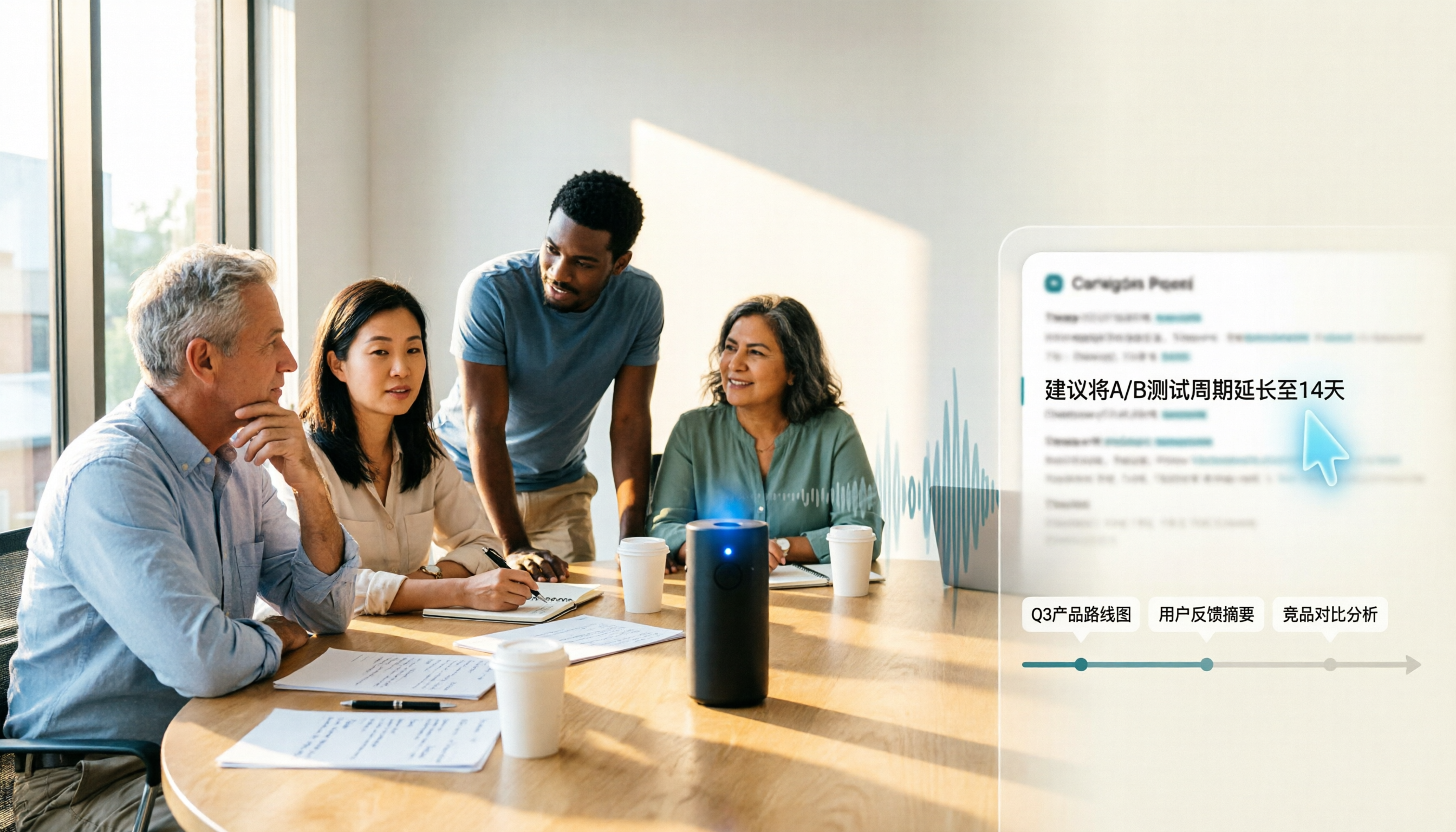
Samsung Voice Transcribe vs Tinrec in 2026: 5-Dimension Comparison — Which Is Better for Chinese Meeting Notes?
Samsung Galaxy AI's voice transcription assistant is a built-in feature on Galaxy devices, while Tinrec turns recordings into searchable, queryable, and collaborative meeting materials. This article compares the two across 5 dimensions — device support, recording sources, post-meeting organization, Chinese multilingual capabilities, and team governance — to help you decide which better fits your meeting notes workflow.

2026 Galaxy AI Audio Transcription Guide: From Transcripts to Meeting Action
What can Galaxy AI's speech-to-text assistant do, and where are its limits? Starting from real meeting scenarios, this guide breaks down four use cases for audio transcription, six core capabilities, and five key considerations for choosing a tool. It also demonstrates how Tinrec turns recordings into searchable, actionable meeting data.

5 Best AI Transcription Tools in 2026: From Verbatim Transcripts to Meeting Minutes
I've actually tried a round of AI transcription tools. This article doesn't pile on specs—it starts directly from the problems you need to solve: do you need verbatim transcripts, meeting minutes, or team sharing? How to choose among 5 tools and where pitfalls lie—all explained clearly.
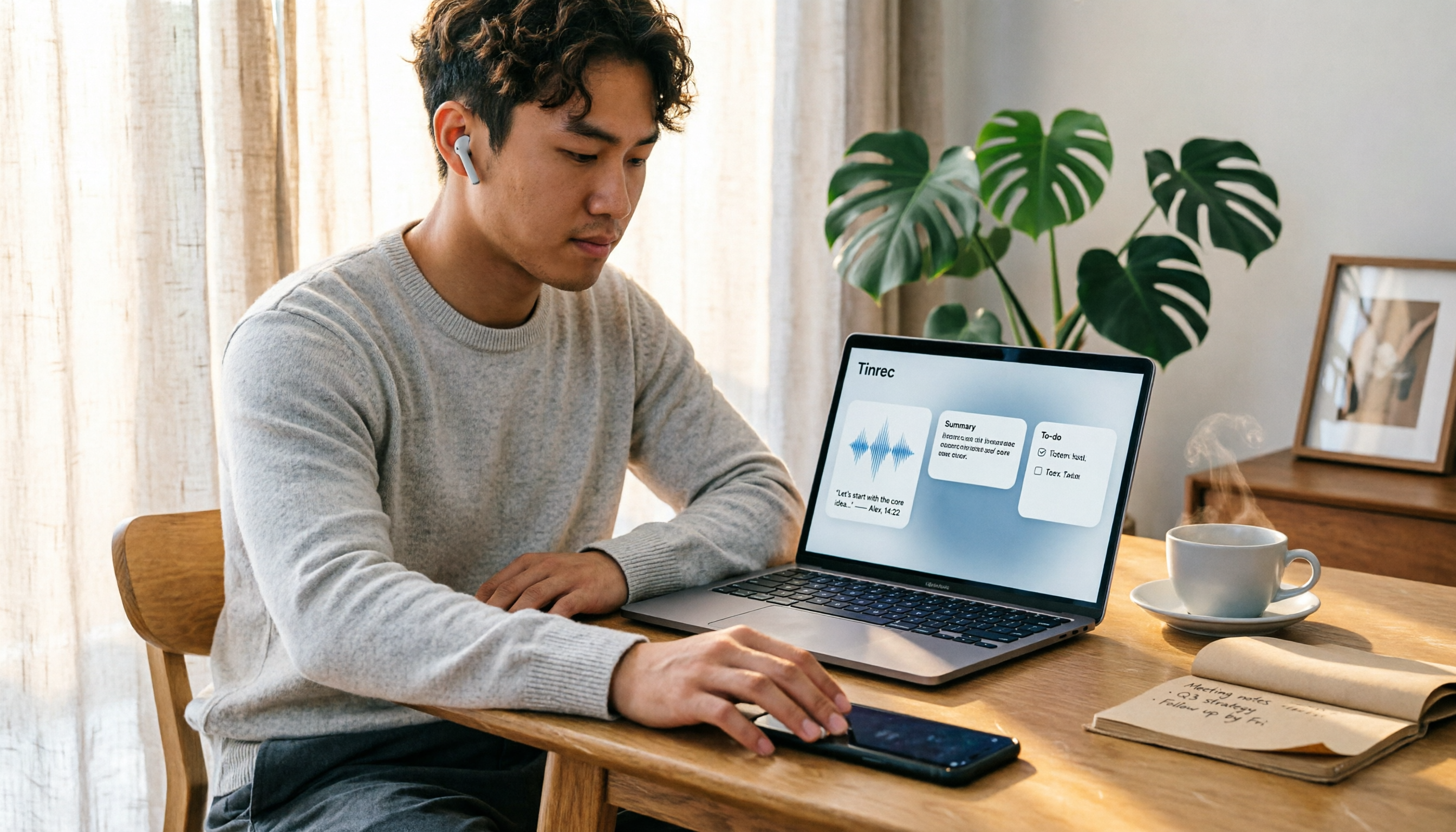
How to Transcribe LINE Recordings in 2026: Calls and Voice Messages to Text
LINE voice messages and voice calls require completely different handling to turn them into text files. This guide starts by identifying your recording type, then walks you through using Tinrec to convert LINE recordings into transcripts, summaries, and action items, including step-by-step instructions, proofreading tips, and troubleshooting for common issues.

Notion AI vs Tinrec: Which Is Better for Team Meeting Notes in 2026?
A mid-level manager's hands-on comparison of Notion AI and Tinrec for audio transcription, post-meeting summaries, AI Q&A, and team governance. Learn why many teams are moving their meeting notes workflow from note-taking apps to Tinrec, plus team pricing, quotas, and adoption tips.

4 Free Online Speech-to-Text Tools Worth Trying in 2026: Free Tiers and Meeting Summaries Explained
A roundup of 4 free online speech-to-text tools worth trying in 2026, comparing free tiers, Chinese recognition, post-meeting summaries, and team collaboration to help you avoid tools that are free but not useful.
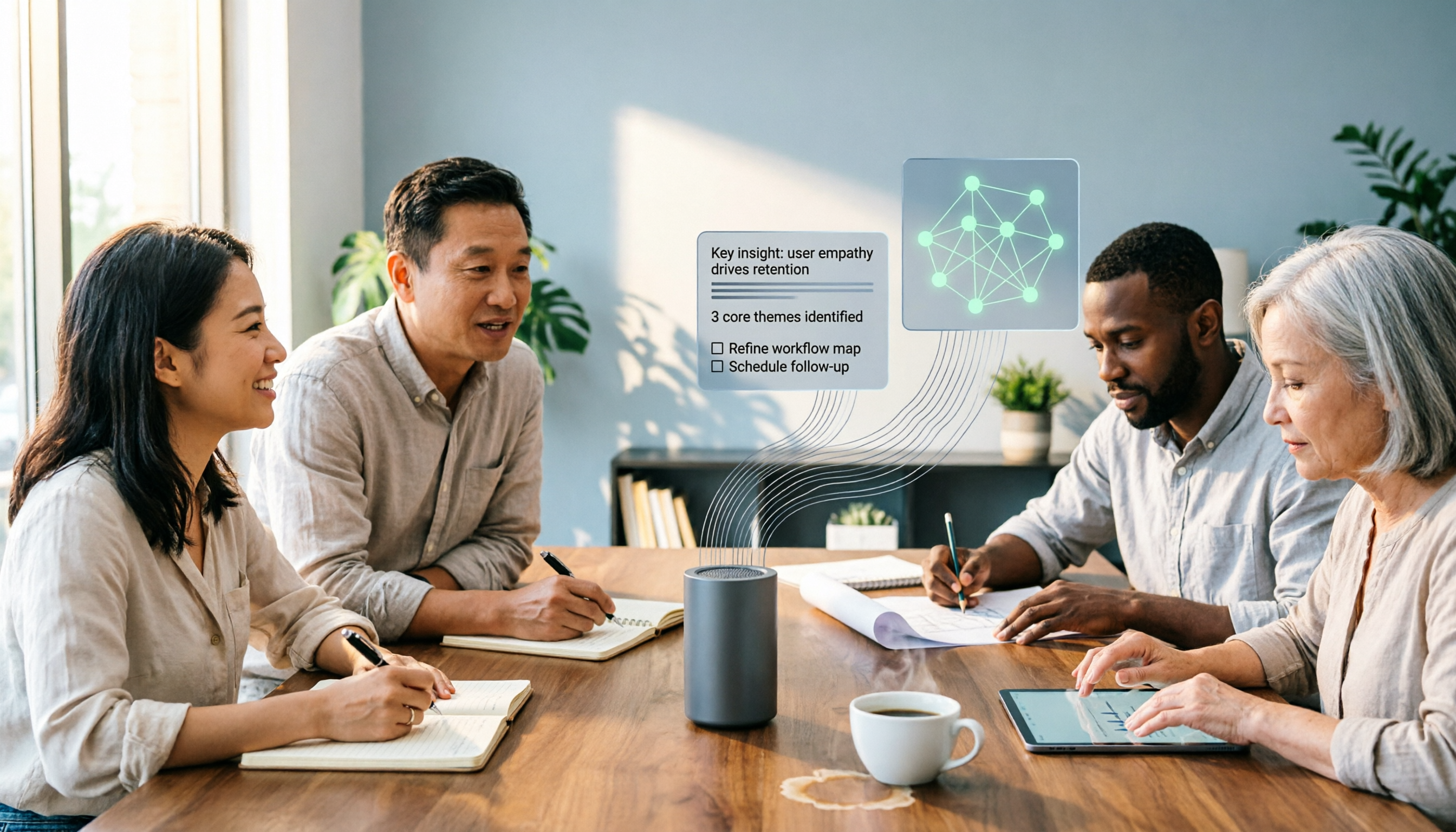
The Complete 2026 Guide to Audio-to-Text AI: Transcripts, Summaries, and Action Items in One Go
Audio-to-text AI is more than just converting sound into words. This guide draws on real meetings, classes, interviews, and team collaboration scenarios to cover the core capabilities, purchasing considerations, and common questions of audio-to-text tools. Using Tinrec as an example, it explains how to turn transcripts into summaries, action items, and searchable team knowledge.

2026 AI Transcription Tools Buying Guide: 6 Tested Picks & Tips
Turning meeting recordings into transcripts isn't hard—the challenge is what you do afterward. This guide breaks down 6 AI transcription tools, covering their positioning, free tiers, and pricing, with scenario-based advice on which suits individuals vs. teams, plus common pitfalls to avoid.