

Turn recordings into transcripts and summaries in minutes
Upload audio or video for multilingual transcription, AI notes, and action items
2026 Best Meeting Software for Sales Teams: 4 Tools Tested Without a Bot
After the Weekly Meeting, You Can't Find That One Client Comment
It's 4 PM on Wednesday, and the weekly sales meeting just ended. Your manager turns to you and asks, "Last time the client said the budget was stuck in procurement—which step was it stuck at?"
You know someone mentioned it, but the recording is 47 minutes long, the transcript is nearly 8,000 words, and a keyword search brings up over twenty segments. You still can't find that one sentence.
Worse, that conversation is on Sales Rep A's phone, the quote versions are scattered across group chats, and the decision is written on the whiteboard in the conference room. The next person who takes over starts from scratch.
This is the first thing I look at when testing meeting tools: can it handle the "after the meeting" part? Here's what I learned after actually using several meeting software options popular with sales teams.
4 Key Points to Understand Before Choosing Sales Meeting Software
First, how is the meeting recorded? Some tools require a meeting bot to join the online meeting as a participant, adding an unfamiliar account to the room. Another approach is for desktop software to capture the computer's system audio directly, without adding extra participants. For sales reps meeting with clients, the latter is usually less intrusive.
Second, who ultimately sees the meeting notes? If they only exist in a personal account, they disappear when a colleague leaves, changes computers, or switches phones. What the team needs is to know: "Will this record still be findable three months from now?"
Third, can it handle Chinese and mixed Chinese-English? Sales meetings often include phrases like "this case's quota is pushed to Q3." Tools that are purely English or purely Chinese will miss words. The ability to add custom team terminology also directly affects how well proper nouns are recognized.
Fourth, is the free tier enough to last a full sales cycle? Many tools' free minutes look generous, but limits are hidden in per-meeting length or file import counts. You'll hit a wall after just one week.
Tinrec – Our Top Pick After Testing
Tinrec is an AI meeting notes and collaboration tool for individuals and teams, available on iOS, Android, web, and desktop.
No need to invite an extra bot to meetings. Tinrec's desktop version captures system audio directly, working with Zoom, Google Meet, Microsoft Teams, Webex, and more. No extra account appears in the participant list, and you don't need the other party to approve a strange bot. Note: this doesn't mean it automatically joins every meeting on your calendar—you still need to start recording manually.
The real work begins after the meeting. Recordings are transcribed in sync, and summaries, chapters, key points, and action items are automatically generated. Who promised to send a quote, what day to follow up with the client—all listed as a checklist. Even better is AI Q&A: you can ask directly, "What was the budget cap the client mentioned?" It doesn't dump a list of keyword results; it gives an answer based on the meeting's context. You can also view the same content in original, translated, or bilingual format—very useful for international client meetings.
Team data doesn't leave with the person. This is what I find most impactful for sales teams. The team plan offers a separate team space where meeting recordings, folders, and action items are stored together. New sales reps can directly search historical meeting records instead of asking around for files. Admins can manage members, roles, and seats, view team usage trends and member details, and query and export important operation logs. Deleted audio can be recovered from the recycle bin. Important note: roles determine governance permissions, while seats determine whether a member can record, upload, and edit—these are not the same thing. Active members without a seat can still view and listen to team data.
Hands-on impressions. I tested with a recording of a sales meeting that mixed Chinese and English, had background air conditioning noise, and multiple people talking over each other. Tinrec's transcript was highly usable, and company-specific terminology improved noticeably after correction using "team hotwords." Actual performance still depends on recording quality, accents, overlapping speech, and specialized terms. For important conclusions, I recommend replaying the recording at the relevant timestamps to verify.
Three reasons I think it's worth it:
Stop organizing recordings by hand
Upload audio or video and automatically get a transcript, summary, and action items
- No more post-meeting organizing—summaries, chapters, and action items are generated automatically, and you can further generate reports, tables, and documents.
- What you record is findable—audio is retained, audio/video file import is supported, and you can export to Notion, Google Docs, OneNote, Dropbox, and other workflows.
- From personal tool to team asset—when members change, team resources stay with the team and can be handed over to other active members.
Limitations to be clear about. Tinrec is not a bot that automatically joins all meetings—you need to start it manually. File imports consume the team's shared quota, and heavy batch processing of many long files is not its strong suit.
Pricing. The personal plan has a free version to try first. For short bursts of intense meetings, consider a weekly pass. For steady weekly use, the Pro monthly plan works well. For long-term data retention, the annual plan offers a lower effective rate. The team plan offers a 7-day trial for first-time eligible users, 1 free seat, and 300 minutes of shared team import quota. Team monthly is USD 29.80 per paid seat per month; annual is USD 199 per paid seat per year (about USD 16.58 per month). Each paid seat provides 2,000 minutes of shared team import quota per month. Real-time recording currently does not deduct minutes under an active plan and seat. Actual prices and benefits are subject to the official purchase page.
Who it's for. If you hold weekly sales meetings, need to meet with clients online, want someone (or AI) to organize action items afterward, and don't want an extra bot account in client meetings, Tinrec is currently the best fit.
Besides Tinrec, What Are the Alternatives?
Otter.ai: A mature AI meeting assistant with strong English business meeting capabilities. Basic free plan includes 300 minutes per month. Pro annual is about USD 8.49 per user per month, including 1,200 minutes of in-app recording and 10 file imports per month. It's a reasonable choice for English meetings, and it also offers desktop capabilities—not just a meeting bot. If your team mainly meets in Chinese or mixed Chinese-English, Tinrec's team hotwords and Chinese experience will be more relevant.
Fireflies.ai: Strong in meeting automation, meeting bots, summaries, and extensive third-party integrations. Annual pricing: Free USD 0, Pro USD 10 per seat per month, Business USD 19 per seat per month. Note that its "unlimited transcription" is still subject to storage, upload speed, and AI Credit rules. Sales analytics and integrations are its strong suit; if you want bot-free recording plus team data management, Tinrec's approach is more direct.
Granola: Also uses a bot-free approach to capture desktop audio and combines it with user-typed notes to generate meeting content. Basic is free; Business is USD 14 per user per month. It's suitable for people who like to type during meetings. However, Granola does not save meeting audio and does not support uploading existing recording files. If you need to retain recordings, import historical client interviews, and go back to verify against the original audio later, this is where Tinrec clearly wins.
Pitfall Guide: 3 Most Common Mistakes When Choosing Sales Meeting Software
Pitfall 1: Only looking at the accuracy numbers advertised. Many tools claim high accuracy, but that's usually measured in a quiet environment. Real client meetings have keyboard sounds, people talking at the same time, and industry jargon. Test with one of your own real meetings—don't just read the marketing copy.
Pitfall 2: Forgetting to ask, "Will the data still be there after a member leaves?" Sales has high turnover. If meeting notes are tied to personal accounts, data scatters when people leave. When choosing a tool, ask directly: Who owns team resources? How is handover handled when a member is removed?
Pitfall 3: Treating meeting software as just a voice recorder. Using it only for "audio-to-text" means you're using just a fraction of its capabilities. With Tinrec's AI Q&A, for example, you can ask right after recording, "What were the client's decision criteria in this meeting?"—usually much faster than manually flipping through a half-hour transcript.
Conclusion: Which One Should Your Sales Team Choose?
To sum up: for most sales teams that mainly meet in Chinese and want to retain team decision records, Tinrec is my top pick.
- Don't want an extra bot account in client meetings → Tinrec (desktop captures system audio)
- Want to use AI to find key points and ask for conclusions after meetings → Tinrec (AI Q&A and action item extraction)
- Sales reps come and go, data should belong to the team → Tinrec (team space, roles and seats, usage and audit)
- Need to retain recordings and import historical client interviews → Tinrec (retains audio, supports file import)
- Team almost exclusively meets in English, very tight budget → Otter.ai is a comparable option
Honestly, the biggest fear with these tools is "bought but nobody uses it." I suggest starting with the free version for two or three real meetings to get a feel for transcript quality and action item accuracy, then decide whether to move to the team plan. Also note: recording and transcription involve personal data and local regulations. For international client meetings, it's best to get participants' consent first.
References
- Top 5 Recommended Online Meeting Software to Greatly Improve Remote Work Meeting Efficiency | On-line to Know
- Google Meet: Online Voice and Video Meetings | Google Workspace
- 2026 Free Online Meeting and Video Software Recommendation List! Comparing Teams, Zoom, Google Meet | Tasker
- Video Conferencing Tools and Software | Microsoft Teams
- How to Choose Online Meeting Software? 5 Tools' Features, Pricing, and Use Cases at a Glance! - ALEN
Turn every recording into actionable outcomes
Get 60 free transcription minutes when you sign in. No credit card required.
Related Reading
You might also like

2026 Complete Guide to Turning Meeting Decisions into Action Plans: Using Tinrec to Convert Meeting Conclusions into To-Dos
Two-hour meetings, piles of conclusions, but a week later no one remembers who's responsible for what? Starting from the real pain points of student group projects, this article breaks down the four most common misconceptions about 'turning meeting decisions into action plans,' and uses Tinrec alongside common tools like Notta to explain how to turn decisions into to-do lists with owners, deadlines, and trackability.

2026 AI Meeting Action Plan Free Options: 4 Tools Compared
2026 AI meeting action plan free options compared: hands-on testing of Tinrec, Otter.ai, Notta, and Granola, covering Chinese meeting recognition, bot-free recording, to-do extraction, and team collaboration to help you find the best meeting action plan solution.
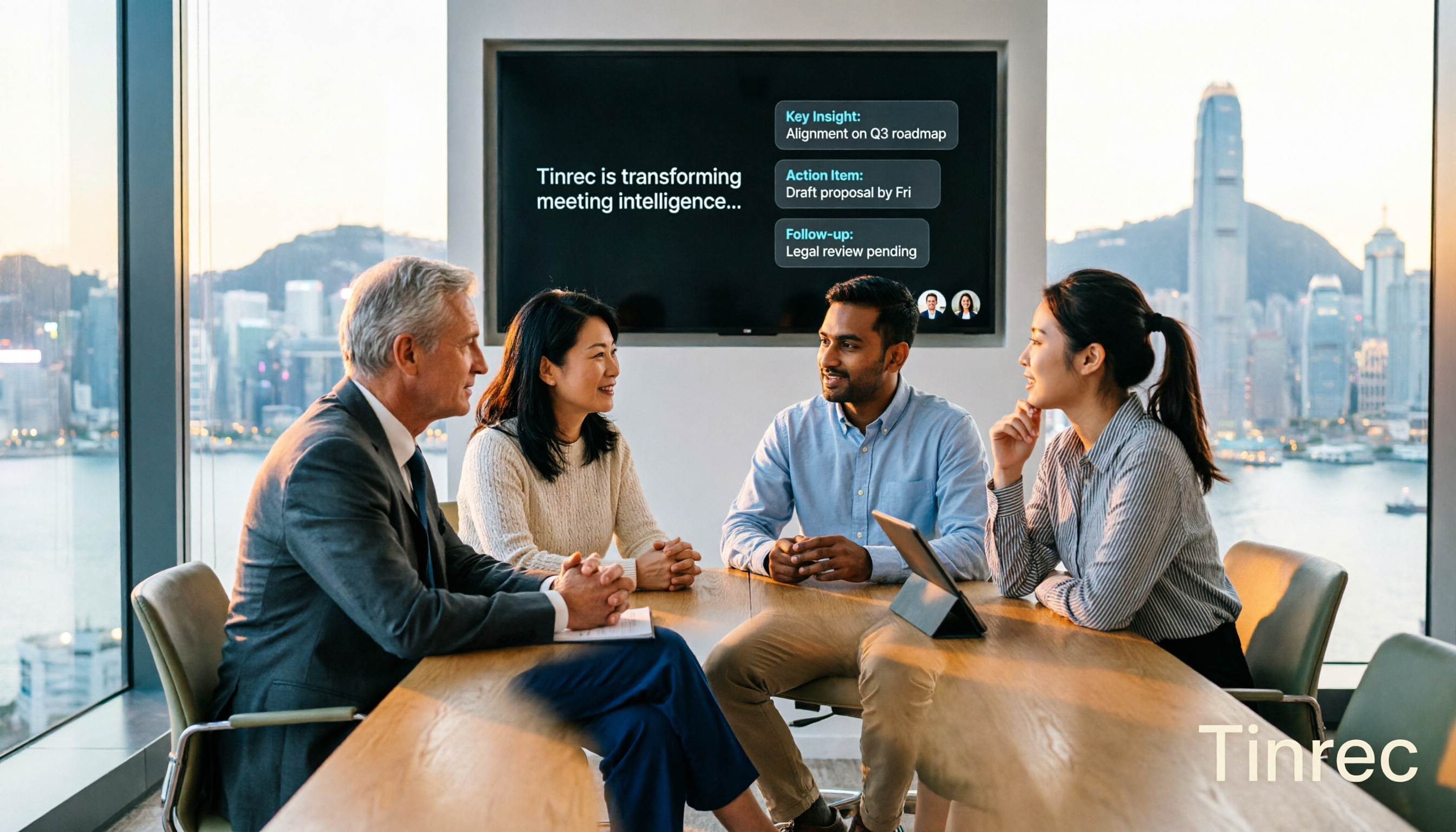
2026 Meeting AI Agents Compared: Which One Actually Saves You from Overtime?
How to choose a meeting AI agent in 2026? This article starts with common pitfalls, breaks down core capabilities like live transcription, AI summaries, action item extraction, AI Q&A, and team spaces, and demonstrates a real workflow using Tinrec for bot-free recording of Zoom, Meet, and Teams meetings, plus 5 buying tips and FAQs.
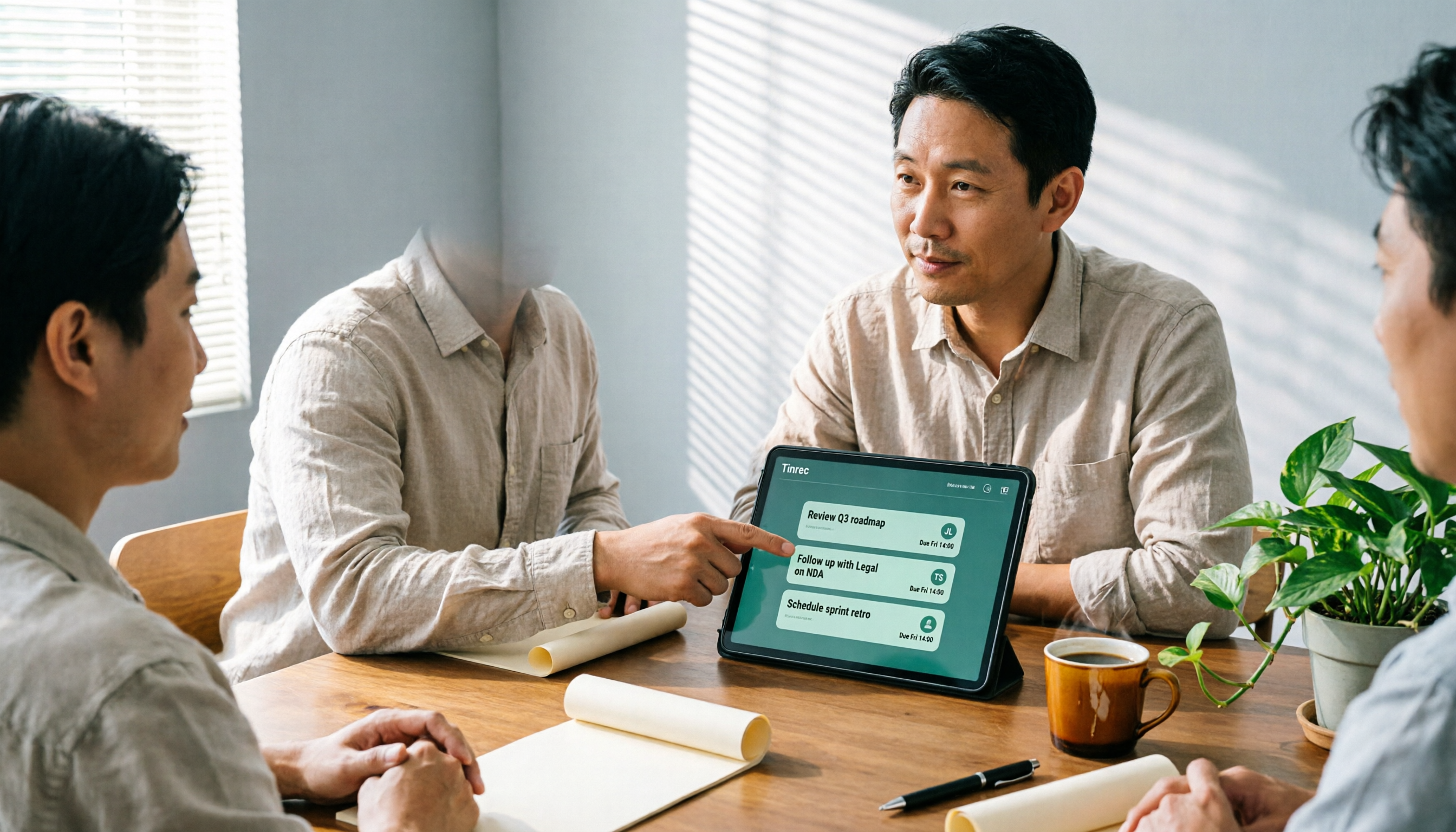
How Tinrec's AI Meeting Agent Auto-Generates Action Items in 2026: Summaries + Task Tracking in One Go
Meeting's over, but nobody remembers the action items? Drawing from a mid-level manager's real-world experience, this article explains how an AI meeting agent automatically generates action items, summaries, and meeting minutes. Using Tinrec as an example, it breaks down core capabilities, practical use cases, and 5 key purchasing considerations.

2026 AI Meeting Agent Comparison: 4 Tools Tested for Post-Meeting Workflows — Which One Turns Meetings into Actionable To-Dos?
The real pain point of meeting notes isn't recording — it's post-meeting organization and follow-up. This article approaches the problem from the post-meeting processing angle, explains 5 key criteria for choosing an AI meeting agent, tests Tinrec's full workflow from transcript to summary to action items to AI Q&A and export, and briefly reviews Granola, Otter.ai, and Notta for use cases, pricing limits, and pitfalls to avoid.

6 AI Meeting Assistants Tested for 2026: Which Saves the Most Time on Chinese Meeting Minutes?
How do you use AI meeting assistants? This article reviews the practical usage and pricing of 6 tools, from Tinrec, Granola, Otter.ai to TurboScribe, explaining their suitable scenarios, free quotas, and team plan differences to help you pick the best one for your needs.

5 Client Meeting Follow-Up Tools Compared for 2026: Templates, AI Q&A, and Team Knowledge
Starting from common client meeting follow-up mistakes, we cover 4 key template selection criteria, test Tinrec's AI summaries, action items, and Q&A, compare Notta, Granola, Otter.ai, and TurboScribe, and provide a guide to avoid pitfalls and choose the right tool.

2026 Client Visit Record Template Comparison: Tinrec vs Granola on 5 Key Dimensions — Which Is Better for Sales Follow-Up?
What should you keep after a client visit? This article uses a client visit record template as the framework to compare Tinrec and Granola across 5 dimensions: audio retention, Chinese recognition, to-do follow-up, team knowledge retention, and pricing — helping sales and customer success teams choose the right recording method.

3 Sales Meeting Review Tools Tested for 2026: How AI Meeting Notes Help You Find Lost Deals
Sales meeting done but not sure why the deal didn't close? This article covers review methods and tool selection, testing Tinrec, Otter.ai, Fireflies.ai, and Notta. It outlines key steps for sales meeting reviews, selection criteria, and pitfalls to avoid, helping you turn every customer conversation into searchable, actionable team data.