

Turn recordings into transcripts and summaries in minutes
Upload audio or video for multilingual transcription, AI notes, and action items
5 AI Meeting Knowledge Base Tools Tested and Compared in 2026: Can Meeting Notes Become Searchable Team Assets?
When choosing an AI meeting knowledge base tool, the first question isn't "how accurate is its transcription?" but rather "three months from now, will I be able to find the conclusion from that meeting?"
Honestly, most of the tools I've tested can produce a nice transcript of a meeting. But where the transcript is stored, who can see it, and whether it will still be there next year—that's the dividing line between a "knowledge base" and a "recording tool."
Currently, common approaches on the market fall into roughly 5 categories: meeting bots that need to join the meeting, built-in transcription features in video conferencing platforms, pure file transcription tools, AI recording hardware, and bot-free desktop recording with team spaces like Tinrec. Below, I'll use Tinrec as the main example to show you what these tools can actually solve.
What Can AI Meeting Knowledge Base Tools Do for You?
Scenario 1: After a meeting, no more spending an hour organizing meeting notes In the past, after a two-hour meeting, meeting notes usually took another 40 minutes to an hour to organize. With Tinrec, for example, as soon as the meeting ends, AI has already organized the summary, chapters, and action items. Who is responsible for what and what the next steps are—you can move forward directly.
Scenario 2: Three months later, you can still find that key conclusion "Didn't we discuss this project before?" Everyone has probably heard this. Tinrec stores transcripts, summaries, and action items together in a team space, so later you can directly ask questions about the meeting content, such as "What was the budget cap the client mentioned last time?" without having to re-listen to the recording.
Scenario 3: New hires can take over without starting from scratch If meeting data only exists on someone's computer, when that person leaves, the context is lost. Tinrec's team version makes meeting data belong to the team. After new members join, they can view historical meetings and search keywords, greatly reducing the handover cost.
Scenario 4: Keep up with cross-language meetings For meetings with mixed Chinese and English or foreign clients, Tinrec supports real-time translation. During recording, you can switch between original text, translation, or bilingual display. When you come back later, you won't just see a bunch of incomprehensible original text.
What Are the Core Capabilities of AI Meeting Knowledge Base Tools?
1. Meeting capture method: No bot needs to join the meeting Tinrec's desktop version directly captures the computer's system audio. When handling online meetings on Zoom, Google Meet, Microsoft Teams, Webex, etc., there's no need to pull a bot into the meeting room. Note that this does not mean "automatically joining all meetings on the calendar"—you still need to actively open Tinrec to start recording.
2. Transcripts and real-time translation Text is generated synchronously while recording, so during the meeting you can check for missed key points. Tinrec supports Chinese, Traditional Chinese, and multilingual meeting scenarios, can handle mixed Chinese-English content, and allows switching between original text, translation, or bilingual view during recording.
3. AI summaries, chapters, and action item extraction Tinrec's summary isn't just condensing the transcript into a paragraph; it's structured organization: meeting topic, discussion highlights, chapters, conclusions, and action items listed separately. This is especially noticeable for long meetings, because you can first look at the chapters and then decide which section to read in detail.
4. AI Q&A and post-meeting processing After transcription is complete, Tinrec allows you to continue asking questions about the meeting content. It can also use Agent post-processing to generate reports, tables, and documents, or output mind maps. For archiving, it supports export to common tools like Notion, Google Docs, OneNote, Dropbox, etc., so you don't have to copy and paste manually.
5. Team space and governance capabilities This is the real key to the term "knowledge base." Tinrec's team version provides an independent team space where meeting data belongs to the team. It also allows managing members, roles, and seats, viewing usage trends and member details, querying and exporting audit logs, and recovering accidentally deleted audio from the recycle bin (currently retained for 30 days). Additionally, you can maintain team hotwords to improve recognition of internal abbreviations and proper nouns.
Real-World Use Cases
Weekly project meetings The most common situation in weekly project meetings is "everyone forgot what was said last week." When using Tinrec, recording is synchronized during the meeting, and after the meeting you directly get the transcript and action item list. Just move the action items into your existing project management process. Before next week's meeting, you can directly ask AI "What were the decisions made last week?" saving time flipping through records.
Stop organizing recordings by hand
Upload audio or video and automatically get a transcript, summary, and action items
Customer interviews and requirement confirmation Sales or customer success teams fear misremembering commitments. Tinrec organizes the customer's requirements, objections, and follow-up actions, which can be used after the meeting to write follow-up emails or internal handover documents. Because transcripts and audio are kept, you can always go back to verify the original words.
Classes, lectures, and research interviews Interviews often last one or two hours. The value of transcripts is that you can directly search keywords and extract quotable passages. Tinrec supports uploading existing audio and video files, so past recordings can be added all at once, turning into a queryable database.
Content creation and reuse of meeting materials Meetings often contain viewpoints that can be turned into articles. Tinrec's AI Q&A can help you find viewpoints scattered across different meetings, and then use Agent post-processing to organize them into drafts or tables. For content teams, this is like having an extra material library.
5 Things to Note When Choosing an AI Meeting Knowledge Base Tool
1. How meetings are recorded Is it a bot joining the meeting, or a desktop program on the user's end capturing system audio? Tinrec uses the latter. The advantage is that no unfamiliar participant appears in the meeting room, and the host doesn't need to specifically agree to let a bot in.
2. What can be done after transcription A tool that only provides transcripts is essentially handing the organizing work right back to you. Tinrec offers summaries, chapters, action items, AI Q&A, and post-processing after transcription—that's where the time savings come from.
3. Performance with Chinese and technical terminology If your meetings heavily use Chinese or internal company abbreviations, it's recommended to actually test with a segment of your own recording. In addition to Chinese scenarios, Tinrec also provides a team hotword feature to manually maintain internal terminology. However, actual recognition performance is still affected by recording quality, noise, accents, multiple people speaking simultaneously, and technical terminology. It's not advisable to use a "fixed accuracy rate" as a purchasing criterion.
4. Data ownership and team governance Ask three things clearly: Does the data belong to individuals or the team? Who can view it? Who can modify it? Tinrec's team version focuses on team-level sharing and distinguishes between "roles" and "seats"—roles determine who can manage the team and settings, while seats determine whether members can record, upload, edit, and export. Members who are active but have no seat can still view, play, and read team data.
5. Quotas and billing methods This is the easiest place to stumble. Tinrec's team version paid seats provide 2,000 minutes of team shared import quota per month. Document and web link imports consume this shared quota. Under an active team plan and active seats, real-time recording is currently not deducted by minutes. The team's first trial is 7 days, 1 free seat, 300 minutes shared import quota. Team monthly payment is USD 29.80 per paid seat per month, and annual payment is USD 199 per paid seat per year (about USD 16.58 per month). The personal version has a free version, weekly card, Pro monthly card, and Pro annual card. Actual prices and quotas are subject to the official purchase page.
Frequently Asked Questions
Q1: How is Tinrec different from a regular recording app? A regular recording app is responsible for recording sound. Tinrec further converts it to text, organizes summaries, chapters, key points, and action items, and also supports AI Q&A, real-time translation, export, and team collaboration. The difference is whether you still need to spend time processing after the meeting ends.
Q2: Do I need to add a meeting bot to the meeting? No. Tinrec's desktop version directly captures computer system audio, so no extra participant joins the meeting. However, recording still requires you to actively start it. Tinrec is currently not a bot that automatically joins all calendar meetings.
Q3: What's the difference between the team version and the personal version? Personal version data is managed by the individual account; the team version provides an independent team space where meeting data belongs to the team, and adds member and seat management, shared benefits, usage analytics, audit logs, and an audio recycle bin.
Q4: Can members without a seat see team data? Yes, they can view, play, and read. But to perform actions like recording, uploading, editing, importing, and exporting, they need to obtain a seat first.
Q5: Is the free version enough? If you only occasionally organize a recording, the free version's basic quota can let you test the waters. For short-term intensive meetings or interviews, consider a weekly card; for stable weekly use, a Pro monthly or annual card is more suitable. Actual quotas and prices are subject to the official page.
Q6: Can 100% accuracy be guaranteed? It's not advisable to expect that. A more realistic statement: Tinrec can greatly reduce the cost of manual recording and organizing, but for important content, it's recommended to verify with transcript timestamps and audio playback. Also, before recording and transcribing, remember to comply with local regulations and obtain consent from participants when necessary.
Conclusion
What AI meeting knowledge base tools really solve isn't "typing is tiring," but the entire post-meeting process of organizing, archiving, and searching that no one wants to do. If you have more than 3 meetings per week, or your team often experiences "can't find what was discussed before," it's worth trying. Tinrec has a free version to experience the recording, import, summary, and transcription workflow. Run a real meeting first and see what it feels like when meeting notes become a team asset.
References
- Meeting Ink - AI Meeting Notes Assistant Automatic Transcription and Summary
- AI Meeting Notes Generator
- AI Meeting Notes in Notion | Capture Ideas, Summaries ...
- The Most Recommended AI Meeting Notes Tool of 2026, Time-Saving Must-Have for Meetings!
- AI Meeting Notes Software Recommendations: 5 Major Apps Tested and Compared, Automatic Transcription Makes Meetings Super Easy!
Turn every recording into actionable outcomes
Get 60 free transcription minutes when you sign in. No credit card required.
Related Reading
You might also like

2026 Comparison of 2 User Interview Analysis Tools: Tinrec vs Otter.ai — Which Handles Chinese Interview Organization Better?
After user interviews, transcribing, extracting insights, and organizing action items take the most time. This article compares Tinrec and Otter.ai across recording capture, Chinese transcription, post-interview follow-up, audio file import, team knowledge retention, and pricing plans to help you decide which tool fits your interview workflow.

2026 Meeting Recording Knowledge Base Comparison: Why Tinrec Is the Top Notta Alternative
A meeting recording knowledge base isn't just about turning recordings into transcripts—it's about making every meeting searchable, queryable, and transferable. This article examines the decision points for team data retention and compares Tinrec vs. Notta on bot-free recording, AI Q&A, team spaces, and Chinese language experience, plus an overview of Tinrec's core features, use cases, and buying advice.

4 AI Meeting Transcription Tools Compared for 2026: Which One Actually Builds a Searchable Meeting Archive?
Spending all day in meetings and then overtime writing notes? This article approaches the decision from whether meeting content can be retained long-term, comparing four AI meeting tools. It covers five key factors to understand before choosing, hands-on experience with Tinrec's bot-free recording and AI Q&A, and four common pitfalls to help you find a meeting archive you can actually search later.

Team Knowledge Base vs. Meeting Notes in 2026: A 5-Dimension Comparison — The Difference Isn't Just Whether You Can Find It Again
Meeting notes and team knowledge bases are often treated as the same thing, but they differ in purpose, lifecycle, searchability, action linkage, and ownership. This article breaks down the differences across 5 dimensions and explains how to use Tinrec to turn scattered meeting notes into a searchable, queryable, and transferable team knowledge asset.
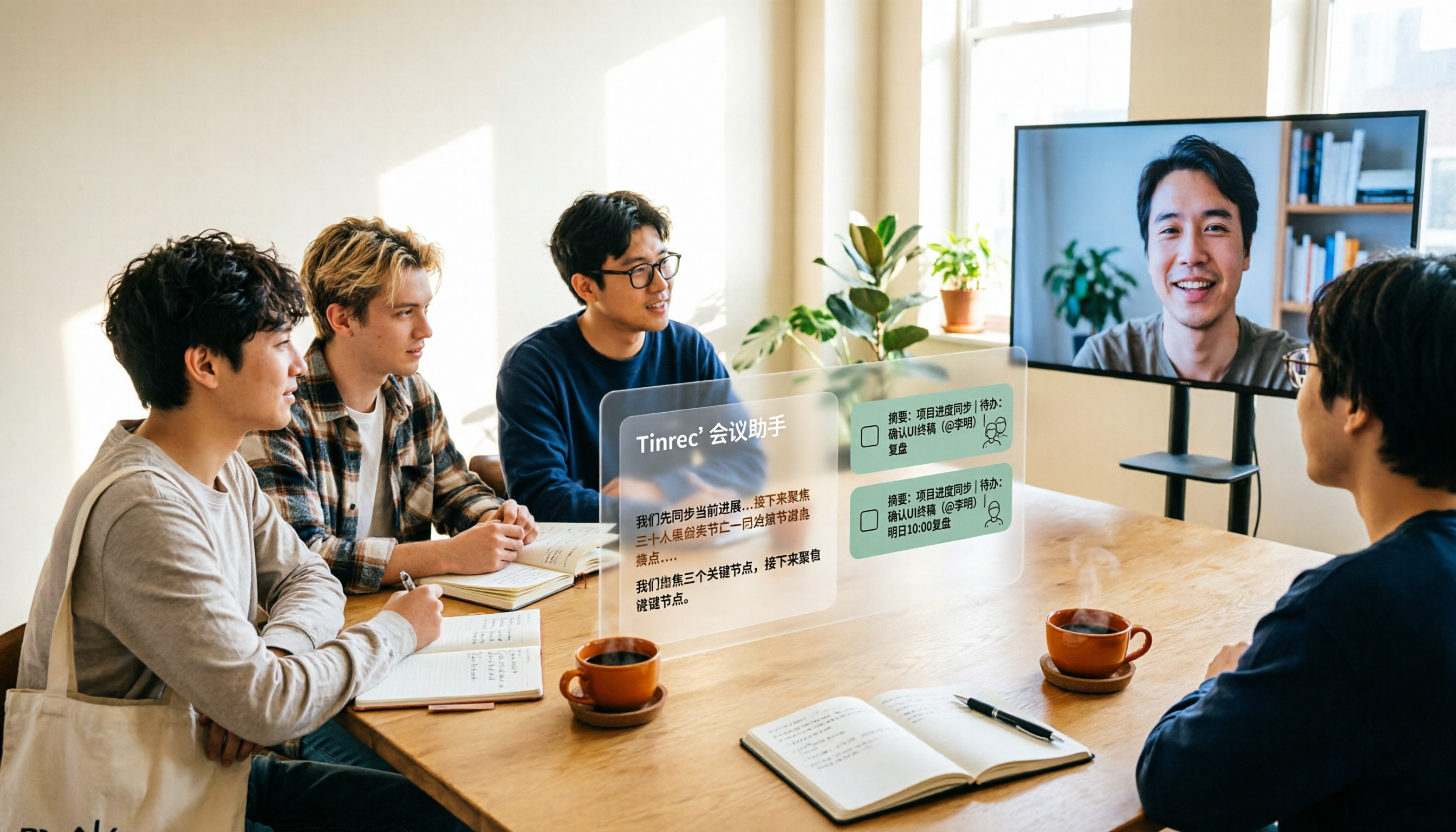
2026 Complete Guide to AI Team Meeting Assistants: Auto-Generate Transcripts, Summaries & Action Items
From student group projects to internship team weekly meetings, how do you actually use an AI team meeting assistant? This 2026 complete guide first breaks down common misconceptions, then explains core capabilities, real-world use cases, and 6 key considerations for choosing one. It also demonstrates Tinrec's full workflow for bot-free online meeting recording, real-time transcription, AI summaries, action item extraction, and meeting Q&A.

2026 Comparison of 4 Meeting Data Centralization Solutions: Stop Treating Cloud Storage as Organization
Centralizing meeting data isn't just dumping attachments into a shared cloud drive. This article examines common pitfalls, breaks down four common approaches to meeting data management, and uses Tinrec as an example to explain real-time transcription, AI summaries and action items, AI Q&A, team spaces, and seat governance. It concludes with 5 purchasing considerations and FAQs.

Tinrec vs Notta 2026: 5-Dimension Comparison — Which Is Better for Team Meeting Databases?
A mid-level manager who holds 15 meetings a week compares Tinrec and Notta across 5 dimensions to help you choose the right team meeting database. From bot-free recording and AI action item extraction to team spaces and pricing quotas, get it all in one article.
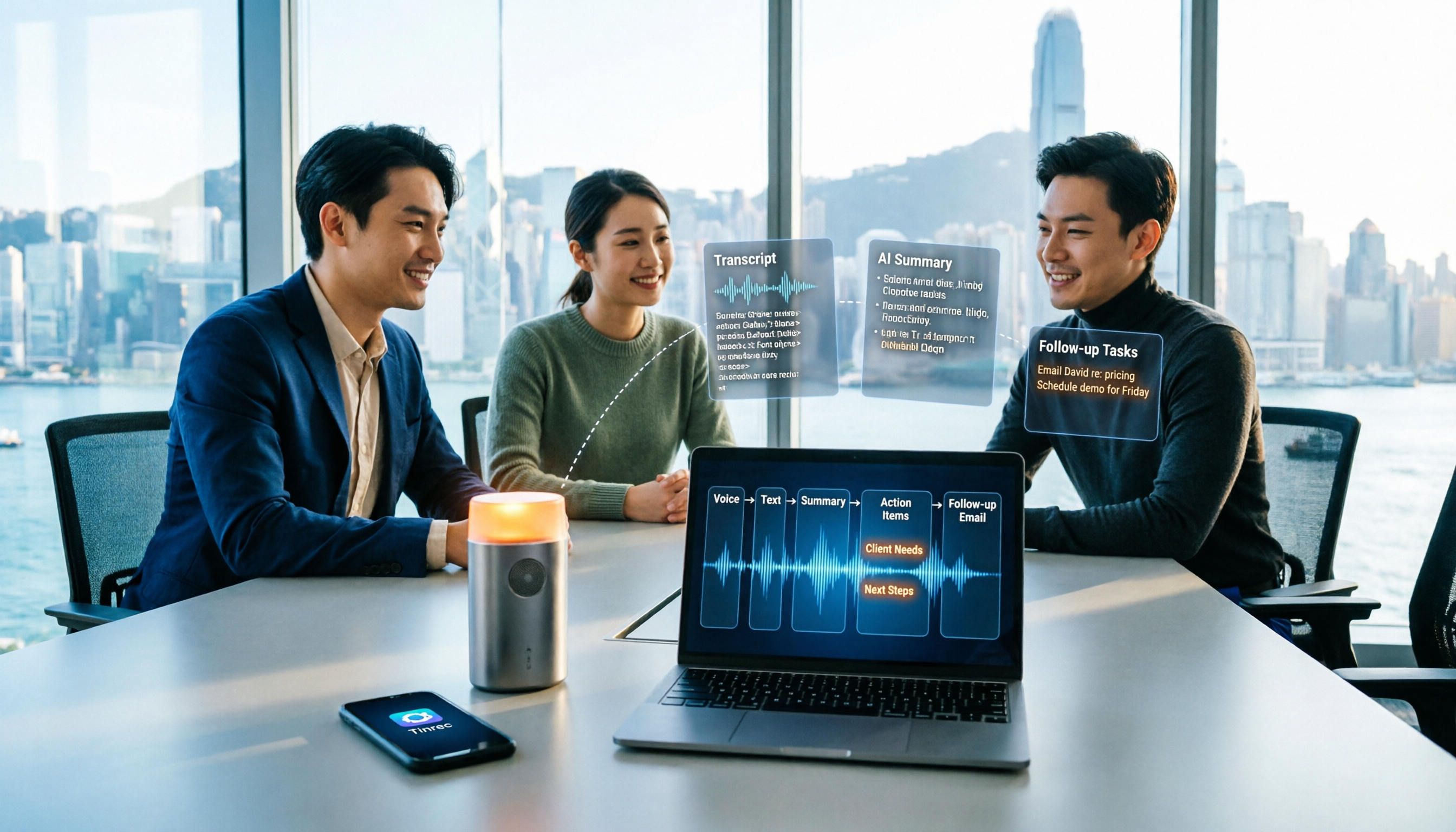
How to Take Sales Meeting Notes in 2026: 5 Steps from Recording to Customer Follow-Up
Sales meeting notes shouldn't wait until the meeting ends. This article breaks down the complete process in 5 steps, from recording, transcription, AI summaries to customer follow-up, and compares Tinrec and Otter.ai dimension by dimension to see which is better suited for Hong Kong sales teams communicating in Chinese.

2026 AI Meeting Agent Tools: Record Zoom Without Bots, Auto-Generate Action Items
Two-hour meeting, then another two hours to organize? This guide shows you how to choose an AI meeting agent tool, breaking down four key aspects: bot-free recording, AI summaries and action items, AI follow-up questions, and team spaces. It also compares Tinrec with Otter.ai, Granola, and PLAUD Note, and provides clear recommendations based on scenarios.