
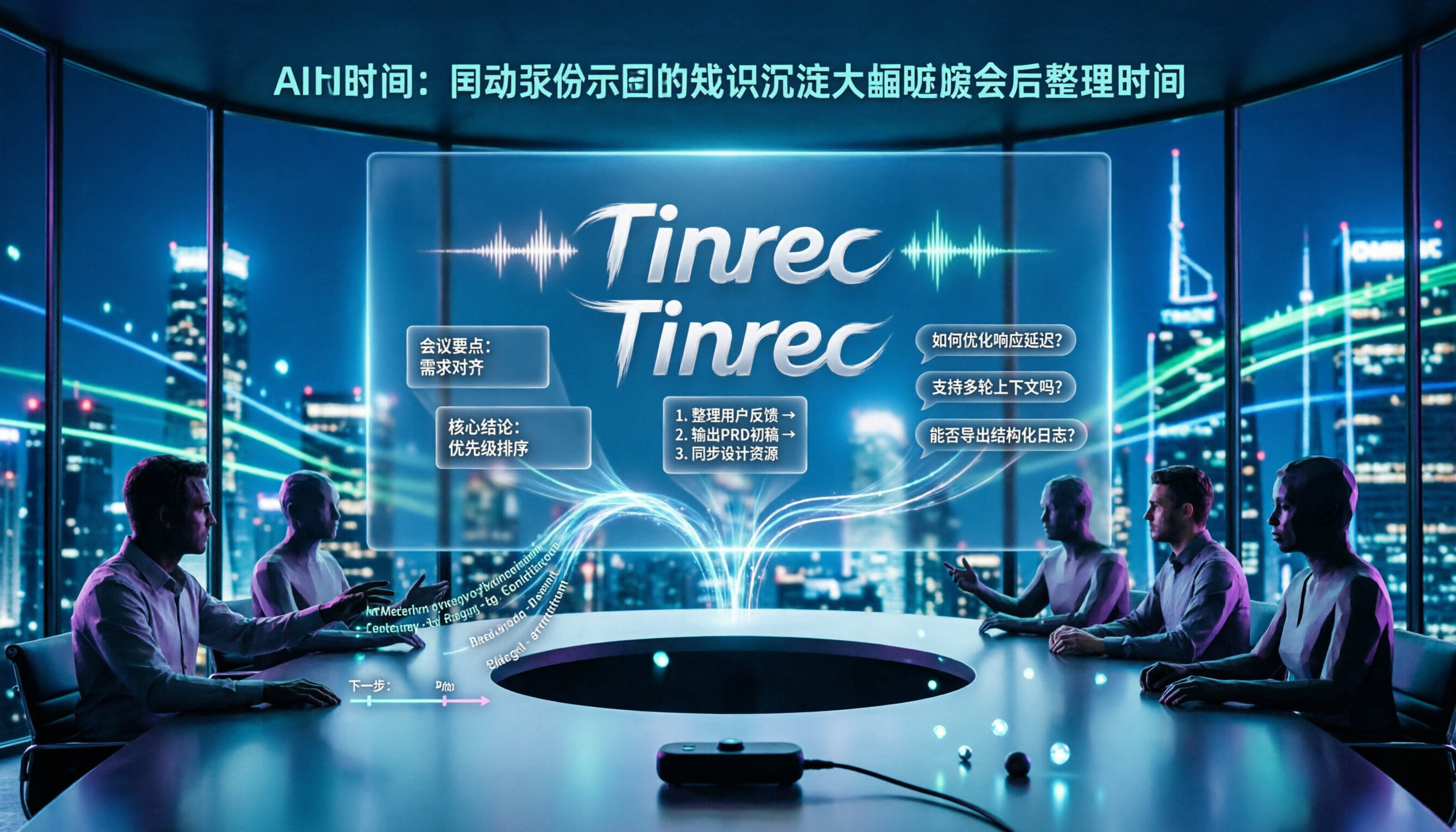
Turn recordings into transcripts and summaries in minutes
Upload audio or video for multilingual transcription, AI notes, and action items
Product Review Meeting Minutes Always Missing Something? You Don't Need More Manpower, You Need the Right Tool
After a product review meeting, everyone has verbal conclusions, but later no one remembers who agreed to do what.
Handwritten notes only capture fragments, missing key decisions, and follow-up questions waste time.
You recorded audio but have no time to listen again, transcripts are scattered everywhere, and finding a conclusion is like looking for a needle in a haystack.
If you've experienced these situations, the problem is often not that you're not diligent enough, but that you haven't chosen the right tool.
Before Choosing a Product Review Meeting Minutes Tool, Understand These 3 Key Points
1. How to evaluate accuracy? Don't just look at official promotional numbers. Real meetings have air conditioning noise, keyboard sounds, and multiple people talking over each other—we recommend using your own product review meeting recordings for a free trial to see the real difference.
2. How strong is the AI post-meeting organization capability? Can it automatically generate summaries, chapters, and action items? Can you directly ask questions about the meeting content? This determines whether you'll spend 10 minutes or 1 hour organizing after the meeting.
3. Can meeting data be accumulated as a team asset? If meeting records only stay in personal accounts, they leave when a member resigns. Team version tools allow data to be owned by the team and manage usage permissions through roles and seats.
Tinrec (Miaoting Recording) — Our Top Choice After Testing
Tinrec is an AI meeting recording and collaboration tool for individuals and teams, supporting iOS, Android, and web versions. It's not just audio-to-text; it turns meetings into searchable, queryable, and collaborative team data.
During a product review meeting, open Tinrec desktop version, and it directly captures computer system audio without inviting a meeting bot to join Zoom, Google Meet, or Teams. It generates transcripts while recording, and automatically generates summaries, chapters, and action items after the meeting—who is responsible for what and what the deadlines are, all clear at a glance.
The most special feature is AI Q&A. After recording, you can directly ask Tinrec: "Who mentioned the budget issue in the last review meeting?" It will answer directly based on semantic understanding, not just give you keyword search results. Currently, almost no competitors at the same price have this feature.
We tested a 5-minute Chinese product review meeting recording (with background noise), and Tinrec's transcript readability was high, and the summary accurately captured decision points. Actual results will still be affected by recording quality, accents, and overlapping speech, so we do not recommend promising a fixed accuracy rate.
Pros: Bot-free online meeting recording, AI Q&A, team space, multi-format export, real-time translation.
Stop organizing recordings by hand
Upload audio or video and automatically get a transcript, summary, and action items
Limitations: Free version has quota limits, heavy users need to pay; team version is a separate space, requiring management of seats and member permissions.
Who is it for: If you need Chinese product review meeting records, want to use AI to find key points directly after the meeting, and want to accumulate meetings into searchable team data—Tinrec is currently the most suitable choice.
Besides Tinrec, What Other Options Are There?
Notta: Good multilingual transcription and file import capabilities, but lacks Tinrec's bot-free desktop recording and Agent post-processing. If you mainly handle uploaded files and don't often hold online meetings, you can consider it.
Otter.ai: The top choice for English business meetings, with a generous free quota of 300 minutes/month. But if you mainly record Chinese product review meetings, Tinrec's Chinese transcription, real-time translation, and team hotwords are more aligned with your needs.
Granola: Also a bot-free meeting note tool, emphasizing handwritten notes plus AI enhancement. However, it does not retain meeting audio and does not support uploading pre-recorded files, making it difficult to re-listen or remedy after the meeting; Tinrec retains recordings and supports file import and team space.
Pitfall Guide: The 3 Most Common Mistakes When Choosing a Product Review Meeting Minutes Tool
Pitfall 1: Only looking at official accuracy rates. Many tools advertise "98% accuracy," but that's tested in a quiet recording studio. Real meeting rooms have air conditioning noise and multiple people talking over each other, so accuracy will drop. We recommend using your own recordings for a free trial.
Pitfall 2: Ignoring the post-meeting workflow. Treating the tool only as audio-to-text means using only one-third of its capabilities. For example, Tinrec's AI Q&A allows you to directly ask "What was the meeting conclusion?" after recording, which is much faster than manually flipping through a 30-minute transcript.
Pitfall 3: Not considering team accumulation. If meeting data stays in personal accounts, it leaves when members leave. Tinrec's team version allows resources to be owned by the team and manages usage permissions through roles and seats, allowing resource handover when members change.
Conclusion: Which One Should You Choose?
- Need Chinese product review meeting records + AI Q&A → Tinrec (supports real-time transcription, summaries, action items, team space)
- Want to directly ask about meeting details after the meeting → Tinrec (AI Q&A is the core differentiator)
- Cross-platform use (mobile + computer) → Tinrec (iOS + Android + web)
- Need team data governance (members, seats, usage, audit) → Tinrec Team Version
- Zero budget, only recording English meetings → Otter.ai (free quota 300 minutes/month)
We recommend trying Tinrec's free version first to experience its post-meeting organization workflow, then decide whether to upgrade.
References
- 6. Procurement Evaluation Committee Review Regulations - National Laws and Regulations Database
- Public Construction Commission, Executive Yuan - Legal System - Procurement Evaluation Committee Review Regulations
- Procurement Mini-Lecture 3: Evaluation Items in Detail - East District Office, Taichung City
- Evaluation Criteria Review Meeting Minutes (Template) - 1st Selection Meeting
- C.23 Selection (Review) Meeting Agenda
Turn every recording into actionable outcomes
Get 60 free transcription minutes when you sign in. No credit card required.
Related Reading
You might also like

Tinrec vs Otter.ai 2026: Which AI Meeting Notes Tool Is Best for SMBs?
A senior intern at a mid-sized company tested Tinrec and Otter.ai for meeting notes, comparing Chinese transcription, online meeting recording, post-meeting organization, team seat management, and cross-device input, with recommendations for students and SMBs.

2026 Team Meeting Collaboration Tools: Bot-Free Recording + AI Q&A Summaries
How to choose a team meeting collaboration tool? This article starts with common pitfalls, tests Tinrec's bot-free recording, AI summaries, action item extraction, and team spaces, and compares Otter.ai, Notta, and Granola to help you find the right meeting organization solution.

6 Team Meeting Data Management Tools Tested and Compared in 2026: How Do Meeting Notes Become Team Assets?
Meeting notes scattered across personal computers and chat groups aren't really team assets. This article reviews 6 team meeting data management tools, covering bot-free AI meeting notes, multilingual transcription, and recording hardware, with actual pricing and selection advice to help you decide which one suits your team.

2026 Cross-Department Meeting Collaboration Tools Comparison: Which One Can Track Meeting Conclusions to Completion?
The hardest part of cross-department meetings isn't the meeting itself, but the post-meeting decisions, action items, and data versions. This article tests tools like Tinrec, Notta, Granola, and Otter.ai from the perspectives of a single source of truth, post-meeting tracking, and Chinese recognition, and summarizes the 4 most common pitfalls when implementing cross-department meeting collaboration processes, helping you choose a solution that truly tracks meeting conclusions to completion.

How to Choose an Enterprise Meeting Notes Solution in 2026: 5 Steps from Recording to Team Knowledge Retention
Starting from the real pain points of enterprise meeting notes, this article explains 4 key decision points for choosing a solution, provides a hands-on analysis of Tinrec's bot-free recording, AI Q&A, and team workspace, compares the use cases of Otter.ai, Notta, and Granola, and concludes with a pitfalls guide and selection recommendations.

Best AI Meeting Transcription Tools for 2026: Why Tinrec Is Gaining Ground Over Notta
How do you choose a meeting transcription tool for team meetings? This article compares Tinrec and Notta from a decision-making perspective, covering meeting capture methods, post-meeting outputs, Chinese language experience, team data retention, and pricing. It also includes real-world use cases, buying tips, and FAQs to help you determine which tool fits your meeting style.

7 Best AI Meeting Notes Tools for Teams in 2026: Which Free Version Is Actually Enough?
Tired of scrambling to organize meeting notes after every call? We tested 7 top team meeting notes tools in 2026—Tinrec, Otter.ai, Fireflies.ai, Granola, Notta, TurboScribe, and PLAUD—and break down their positioning, key features, free vs. paid pricing, and ideal team scenarios to help you find the one that truly saves you post-meeting cleanup time.

2026 Comparison of 4 Meeting Minutes Generators: Which One Can Automatically Produce Deliverable Reports?
Generating meeting minutes reports isn't just about saving a transcript. This article starts with common misconceptions and compares Tinrec, Notta, Otter.ai, and Granola, explaining how to choose based on bot-free recording, AI summaries, agent report output, and team knowledge retention.

Best Automatic Project Weekly Meeting Minutes Tools? 2026 Hands-On Test of 5 Options—This One Excels for Chinese Meetings
Choosing the right tool for automatic project weekly meeting minutes isn't about how powerful the AI is, but how meeting content enters the system and whether the output is directly usable. This article compares 5 common approaches, breaks down 5 key evaluation points, and uses Tinrec as an example to demonstrate the complete workflow from recording, transcription, summarization to action items and team knowledge retention, helping you decide before your next weekly meeting.