

Turn recordings into transcripts and summaries in minutes
Upload audio or video for multilingual transcription, AI notes, and action items
After Google Meet Disappears from Android TV, Two Things Get Stuck
On a weekend evening, grandparents want to see their grandchildren. You turn on the TV and hand over the remote, only to find the Meet icon is gone.
Another scenario: an afternoon client meeting needs to be projected onto the living room big screen. You connect via TV, the picture is there, but no one is taking notes. After the meeting, all that's left is "What exactly was that budget number mentioned earlier?"
According to Google's official support page, starting in early 2025, Android TV no longer supports Google Meet calls, and many users report that even sideloading can't bring it back.
So the real pain points are two: first, "how to video chat on TV," and second, "what to do with the content after the meeting." These two problems have completely different solutions, so this article looks at them separately.
Before Choosing an Android TV Alternative, Understand These 4 Key Points
1. Do you need calls or records? The biggest value of a TV is the large screen. If you just need to "see the other person clearly," there are many solutions; if you need "transcripts and action items after the meeting," you need a different type of tool. Distinguish this first to avoid buying the wrong thing.
2. The TV itself has no camera or microphone. This is the first pitfall many people encounter. Most Android TV boxes or sticks don't have built-in microphones or cameras. Just because an app can be installed doesn't mean it can hear you speak.
3. Native app, browser, or casting? Native apps are the smoothest to operate but offer few choices; browsers are almost universal, but typing and clicking buttons with a remote is a pain; casting is the easiest, but image quality and interaction depend on your phone.
4. Can you take the post-meeting data with you? This is the point fewest people think of initially. If you finish a meeting on TV without transcripts, summaries, and action items, it's like having a meeting that "evaporates as soon as it ends."
Tinrec — The Easiest Way to Keep Content After a TV Meeting
Tinrec is an AI meeting notes and collaboration tool for individuals and teams, available on web, desktop, and mobile. It doesn't handle "talking to the other person on TV"; it handles "how to turn this meeting into something usable afterward."
No bot recording—this is especially noticeable for TV meetings. Tinrec's desktop version directly captures your computer's system audio, handling meetings played on your computer like Zoom, Google Meet, Microsoft Teams, and Webex without inviting an extra meeting bot. You just start the meeting on your computer, route the audio through your speakers or TV, and leave the recording to the desktop version while the picture is still projected on the big screen.
After the meeting, just ask it questions. After the meeting ends, transcripts, summaries, chapters, and action items are generated together. Even better is AI Q&A—you can directly ask "What was the budget cap the client mentioned?" or "Who is responsible for next week's proposal?" and it answers based on the meeting content instead of dumping a bunch of keywords for you to search through. Few tools in the same price range offer this kind of conversational query.
Mixed Chinese-English meetings aren't too painful to read. Meetings in Taiwan almost always mix Chinese and English. Tinrec covers Chinese, Traditional Chinese, and multilingual scenarios, and also supports real-time translation and bilingual viewing during recording. Teams can maintain their own hotwords to improve recognition of product names and technical terms.
Post-meeting output can be brought into your existing workflow. Besides transcripts, it can generate reports, tables, and meeting minutes, and export to Notion, Google Docs, OneNote, Dropbox, and other tools for further processing. For those who need to write meeting notes, this step saves the most real time.
Stop organizing recordings by hand
Upload audio or video and automatically get a transcript, summary, and action items
A few real limitations, to be clear upfront. First, Tinrec is not a video call app on Android TV; it solves post-meeting organization, and the call part still relies on Jami, a browser, or casting. Second, the free version has a basic quota, suitable for trying it out; long-term or high-frequency use requires payment. Actual plans and prices are subject to the official purchase page. Third, transcription quality is affected by recording quality, accents, background noise, and multiple people talking over each other. For important content, it's recommended to cross-check with recording playback; no tool can guarantee 100% accuracy.
If an entire team is using it. The team version is a separate team space, not multiple people sharing one personal account. Meeting data belongs to the team; members who join can view historical meetings; only members with seats can record, upload, edit, and export. Administrators can view usage trends, member rankings, and operation audit logs, and when a member leaves, resources can be handed over to others so data doesn't disappear with the person.
Simply put, if you have several meetings every week and still have to write notes afterward, Tinrec is the most worth trying among tools for this type of need.
Besides Tinrec, There Are 3 Other Approaches on Android TV
Jami: One of the few call apps that actually works on TV. Open source and free, it can be installed on Android TV, and the interface is fairly remote-friendly. It's a replacement recommended by many Reddit users. Note that it's still in development; some users report being unable to use the microphone of an external camera and having to rely on a phone call for audio. Also, it has no transcripts or AI summaries, so meeting content still can't be kept—that part needs to be supplemented by tools like Tinrec.
Open Google Meet or Jitsi Meet directly in a browser. Devices like Google TV Streamer can install a browser and join meetings via the web version, bypassing the app delisting issue; Jitsi Meet is an open-source video platform that, according to third-party data, supports up to about 75 people per session, and some people use it on TV browsers. The downside is that operating web pages with a remote is laborious, and browser meetings also don't automatically generate summaries and action items.
Casting: Throw the screen from your phone or computer to the TV. The easiest trick: start the meeting on your phone and cast it. Image quality is stable, and you operate on the original device. But it's essentially just "enlarging the screen," with no local recording and no transcripts, so you're still empty-handed after the meeting.
External USB camera + meeting app. If TV calls are a long-term need (e.g., grandparents video chat regularly), buying a USB camera and microphone set is a relatively straightforward solution, then connect via browser or Jami. The cost is extra hardware expense and setup time, which is different from Tinrec's approach of not needing extra equipment and recording directly on the device you already have.
Pitfall Guide: The 4 Most Common Mistakes When Looking for Android TV Alternatives
Pitfall 1: Assuming that if an app can be installed, it works. TVs not having microphones and cameras is the norm. First confirm whether your device has audio input capability, then decide whether to buy external equipment. Don't rush to research apps.
Pitfall 2: Treating "calls" and "records" as the same thing. This is the biggest cognitive gap. Video tools solve picture and sound; meeting notes tools solve content retention. They usually need to be used together; no single one can do both well.
Pitfall 3: Only comparing free quotas, ignoring post-meeting output. Many tools have impressive free minutes but only give you transcripts. If you still have to spend time organizing summaries and action items yourself, that "free" is actually paid for with your work hours.
Pitfall 4: Not getting consent before recording. Meeting recording in Taiwan involves personal data and privacy. Notify participants and get consent before recording—this is basic courtesy and legal self-protection.
Conclusion: Which One Should You Choose?
To sum up in one sentence: Calls are calls, organization is organization—choosing them separately is the best deal.
- Just video chatting with family on TV → Jami, or start on your phone and cast. Fastest.
- Want to bypass app delisting and join meetings via web → Open Google Meet or Jitsi Meet in a browser.
- TV calls are a long-term need → Add a USB camera and microphone.
- Need transcripts, summaries, action items after meetings, and the ability to ask questions about the content → Tinrec, and it's device-agnostic—works on phone and computer.
- The whole team needs to share meeting data and manage seats and usage → Tinrec team version.
My suggested order: First use the free version to run through a real meeting recording you have on hand, and see if the transcript reads smoothly and the summary captures the key points. If it works for you, then consider upgrading—no need to pay from the start.
References
- 2026 Google Meet Alternatives for Android TV: 2 AI Meeting Tools Tested and Compared - Official Tinrec Blog
- r/AndroidTV on Reddit: Alternative for Meet on Android TV
- r/AndroidTV on Reddit: Video meeting app in replacement for Google Meet?
- r/AndroidTV on Reddit: Meet on Google TV
- Google Meet Alternatives: Top 12 Video Calling Apps | AlternativeTo
Turn every recording into actionable outcomes
Get 60 free transcription minutes when you sign in. No credit card required.
Related Reading
You might also like

2024 Google Meet Meeting Notes: 3 Solutions Tested — Which Saves the Most Time on Transcripts?
Google Meet added many new features in 2024, but built-in transcription isn't the same as meeting notes. This article breaks down the 3 most common misconceptions when choosing a meeting notes tool and 4 key buying criteria, then hands-on compares Tinrec, Google Meet's built-in transcription, and Otter.ai to see which one truly saves you time on post-meeting organization.

Google Meet Whiteboard vs Tinrec in 2026: 5-Dimension Comparison for Meeting Notes
Does Google Meet have a whiteboard? Yes, but it's only for drawing, not for keeping records. This article starts with an awkward weekly meeting and compares Google Meet's built-in whiteboard with Tinrec across 5 dimensions—meeting notes, post-meeting organization, and team knowledge retention—to help you decide when to use the whiteboard and when to let AI take over.

Best Way to Schedule Google Meet? 2026 Test of 5 Scheduling & Recording Solutions
There are actually 5 ways to pre-create a future Google Meet meeting: Google Calendar scheduling, creating a link from the Meet homepage, inserting a meeting directly in Gmail, reusing a permanent meeting code, and handing off to an AI meeting notes tool afterward. This article breaks down the applicable scenarios and limitations of each approach from a decision-making perspective, and explains how Tinrec fills the gaps in transcripts, summaries, and action items.
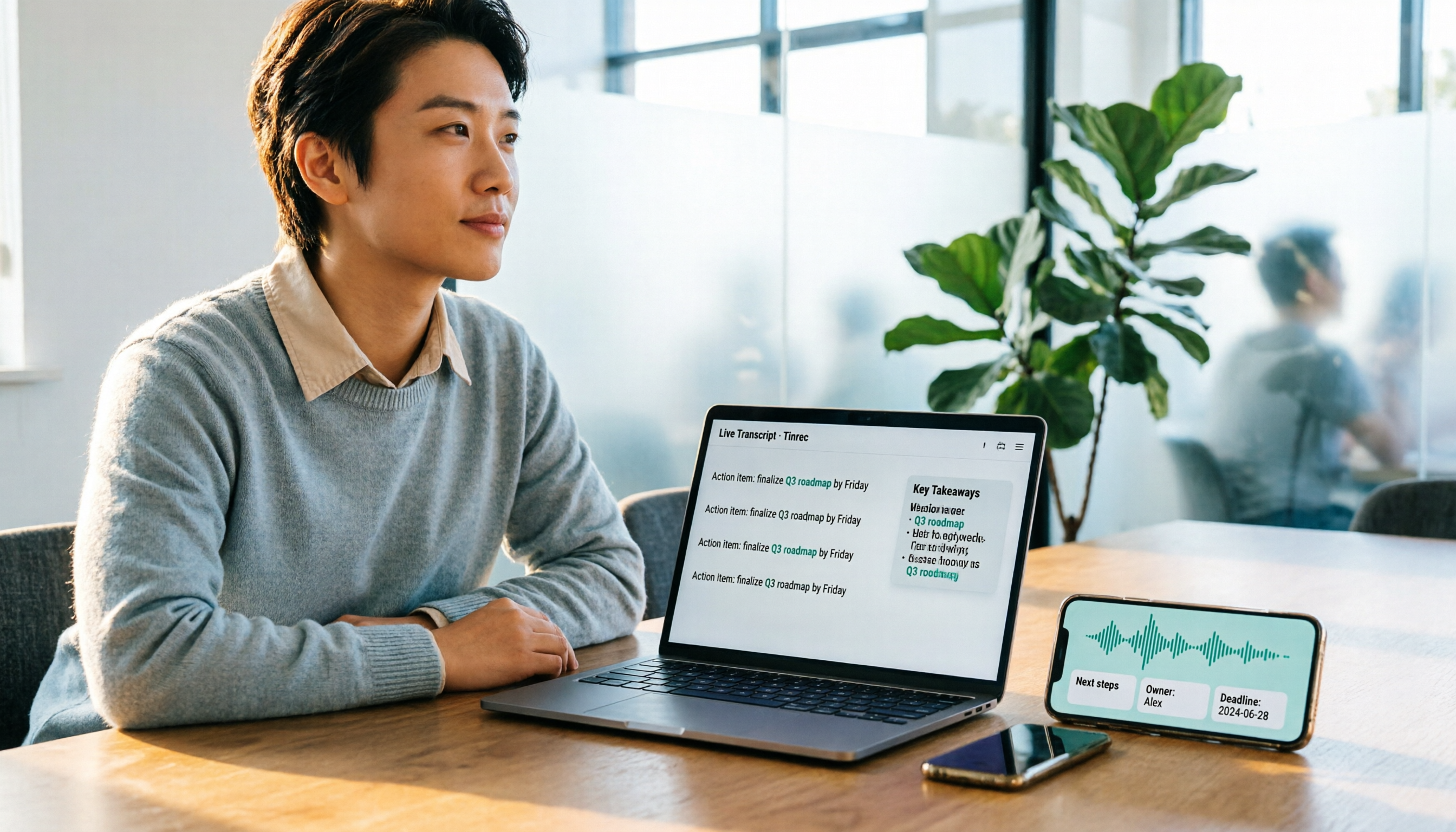
2025 Comparison of 2 Online Meeting Tools: Google Meet APK Download vs. Tinrec Meeting Notes
Many people search for google meet 2025 apk, only to find after installing that meeting content still isn't captured. This article starts from the common misconception that 'downloading an APK equals solving meeting notes' and compares Google Meet and Tinrec in terms of meeting notes, post-meeting organization, cross-platform support, and team collaboration, with APK download safety tips and practical buying advice.

Free Online Meeting Solutions in 2026: Google Meet and 4 Other Apps Compared
Searching for Google Meet 2024 APK usually means your phone can't install it or you want an older version. This article explains the two package names and APK version status for Google Meet on Android, then reviews the free and paid plans of 5 online meeting and meeting notes tools to help you decide which one to download.

Google Meet Breakout Rooms in 2026: Yes, It Has the Feature—But 3 Things It Can't Do
Does Google Meet have breakout rooms? Yes, but it can't record or livestream, and chat messages in rooms are deleted after the session. This article covers 5 limitations and 3 common misconceptions, and compares Tinrec, Otter.ai, Granola, and Notta for post-meeting notes and organization, helping you decide how to preserve breakout discussions.
Google Meet Virtual Backgrounds in 2026: Requirements & Setup Guide
Google Meet does have virtual backgrounds and background blur, but availability depends on your account type, device and browser, admin settings, and region. This guide breaks down the 4 requirements, desktop setup steps, and real-world details like mirroring and lighting—plus the part most people overlook: virtual backgrounds won't save your meeting notes. We also compare Tinrec, Otter.ai, Granola, and Notta for Google Meet note-taking.
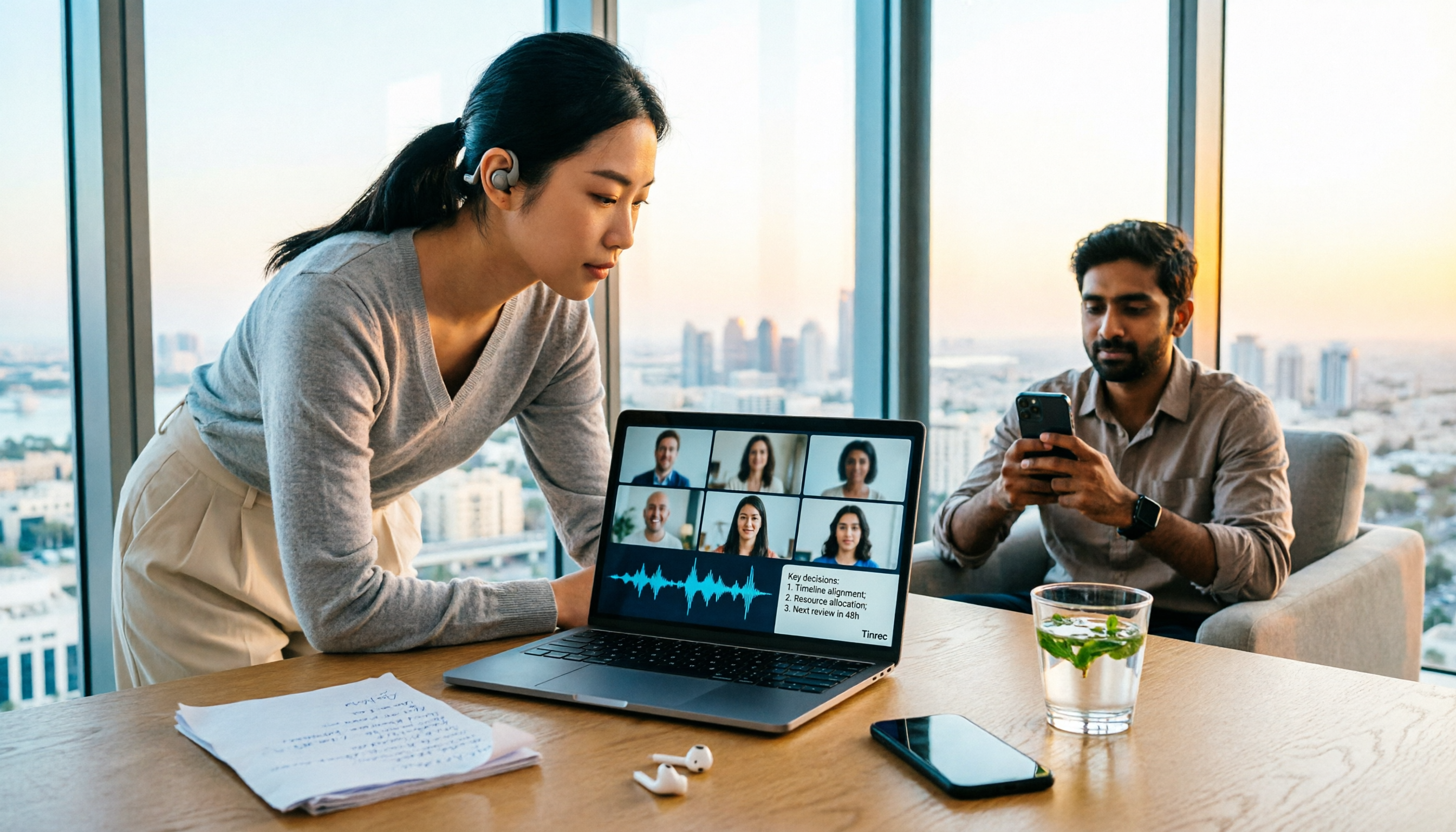
Google Meet in UAE 2026: Can You Use It? Call Restrictions Tested + 3 Backup Solutions
Can you use Google Meet in the UAE? This guide covers the current VoIP call restrictions, conflicting user reports, and how to test it upon arrival. Plus, 3 practical backup solutions, including Tinrec—a no-bot recording and AI meeting summarization tool—so you can keep complete meeting records even when calls are unstable.

3 Google Meet Note-Taking Tools Tested for 2026: Can You Get Transcripts Without a Bot?
In 2026, starting a Google Meet call is easy—the hard part is post-meeting organization. This article first explains how to join Meet and common pitfalls, then compares Tinrec, Otter.ai, Granola, and Notta across four key areas: how meeting audio gets into the tool, what happens after transcription, Chinese recognition, and data ownership. Find the meeting notes solution that truly saves you time.