

Turn recordings into transcripts and summaries in minutes
Upload audio or video for multilingual transcription, AI notes, and action items
You Think Recording a Meeting Is Enough? — Common Pitfalls and Inefficient Practices
Many people think that all they need to do is press record during a meeting, and afterward they'll have a transcript to review. But the reality is: the recording sits on your phone, the transcript is endless, and finding a specific decision requires manual scrolling. Even more troublesome, team members each take their own notes, versions differ, and post-meeting follow-ups never align. Instead of this, it's better to turn meeting content into searchable, queryable, collaborative data. This article will guide you on how to choose a team meeting collaboration tool and test why Tinrec is our top choice.
Before Choosing a Team Meeting Collaboration Tool, Understand These 4 Key Points
- Meeting capture method: Does it require a meeting bot to join? Tinrec desktop version directly captures system audio, and can handle Zoom, Google Meet, Microsoft Teams, and Webex without inviting an extra bot.
- Post-meeting organization capabilities: A transcript alone isn't enough; it should automatically generate summaries, chapters, action items, and support AI Q&A. Tinrec does this comprehensively.
- Team collaboration and governance: Is meeting data taken away by individuals or owned by the team? Tinrec team version has independent spaces, member roles, seat management, usage analytics, and audit logs.
- Chinese and multilingual experience: Chinese meetings, mixed Chinese-English, and real-time translation are all supported by Tinrec, and team hotwords can improve recognition of professional terminology.
Tinrec — Our Top Choice After Testing
Tinrec is an AI meeting notes and collaboration tool for individuals and teams, covering iOS, Android, and web versions, and the desktop version can record online meetings without a bot.
Its core value is not just transcription. When you open Tinrec during a meeting, it transcribes as it records; when the meeting ends, AI has already automatically generated summaries, chapters, and action items — who is responsible for what and what the deadlines are, all clear at a glance. Even better is AI Q&A: you can directly ask "Who mentioned the budget in the last meeting?" and it will answer based on semantic understanding, no manual Ctrl+F needed.
In our testing, we used a 5-minute Chinese meeting recording (iPhone 15, indoor environment) to test, and Tinrec's transcription quality was stable, and the key benefit was saving a lot of time on post-meeting organization. Tinrec supports multiple languages, including Chinese, Traditional Chinese, and mixed Chinese-English, and also has real-time translation and bilingual viewing.
Pros summary:
- Bot-free recording: Desktop version captures system audio without affecting the meeting roster.
- Complete post-meeting workflow: Summaries, chapters, action items, mind maps, AI Q&A, multi-format export, and can use Agent to generate reports and tables.
- Team version accumulates data: Team spaces, member and seat management, usage analytics, audit logs, audio recycle bin, team hotwords. When members leave, data still belongs to the team.
Stop organizing recordings by hand
Upload audio or video and automatically get a transcript, summary, and action items
Limitations should also be clear: The free version has basic quotas, and heavy use requires payment; the team version offers a 7-day trial for first-time eligible users, 1 free seat, and 300 minutes of shared import quota, then monthly payment of USD 29.80/seat/month, annual payment of USD 199/seat/year (about USD 16.58/month), with 2,000 minutes of shared import quota per seat per month. Real-time recording under an active team plan currently does not deduct minutes, while file and network imports use the team shared quota.
Who is it for? If you need Chinese meeting notes, don't want a bot to join the meeting, need to quickly find key points and action items after the meeting, or your team needs to uniformly save meeting data, Tinrec is a very suitable choice currently.
Besides Tinrec, What Other Options Are There?
Otter.ai: A mature choice for English business meetings, with a free version of 300 minutes per month. It is strong in English scenarios, but its Chinese experience and team hotwords are not as distinct as Tinrec's, and Tinrec's Agent post-processing can directly generate reports and tables, which Otter does not emphasize. If you only record English meetings, you can consider it.
Notta: A multi-platform transcription and translation tool, with high overlap with Tinrec. But Tinrec has bot-free desktop recording, team spaces, AI Q&A, and Agent post-processing; Notta focuses less on these post-meeting workflows. Suitable for users who only need basic transcription and subtitles.
Granola: Bot-free AI meeting notes, emphasizing user notes plus AI enhancement. But it does not support uploading pre-recorded audio files, nor does it save meeting audio. Tinrec retains recordings, supports file import, Chinese experience, real-time translation, and more export methods, making it more suitable for teams that need to listen back and accumulate team data.
Pitfall Guide: The 3 Most Common Mistakes When Choosing a Meeting Collaboration Tool
Pitfall 1: Only looking at transcription accuracy. Meeting recording environments vary; instead of looking at promotional numbers, try it with your own recordings and confirm whether the post-meeting organization features are sufficient. Pitfall 2: Assuming all tools can automatically join meetings. Many meeting bots need to be invited; Tinrec desktop version captures system audio and does not join the meeting roster, but remember to manually start recording. Pitfall 3: Ignoring team governance. When multiple people share, roles, seats, usage, and data ownership are important. Tinrec team version manages these separately, and when members leave, resources can be handed over without taking data away.
Conclusion: Which One Should You Choose?
Need Chinese meeting transcription and post-meeting organization → Tinrec. Don't want a bot to join the meeting → Tinrec desktop version. Need team sharing, seat management, and auditing → Tinrec team version. Only record English meetings, limited budget → Otter.ai can be considered. Only need basic file transcription → Notta or TurboScribe can be evaluated.
We suggest starting with the Tinrec free version to experience recording-to-text, AI summaries, and Q&A. If it meets your needs, then consider Personal Pro or the team version. No need to pay upfront; trying it out is the most accurate.
Note: The above prices and benefits are subject to the official purchase page.
References
- Video Conferencing Tools and Software | Microsoft Teams
- Top 10 Effective Team Collaboration Tools of 2025
- Top 5 Recommended Online Meeting Software to Greatly Improve Remote Work Meeting Efficiency | On-line to Know
- How to Choose Online Meeting Software? A Comprehensive Guide to Features, Prices, and Use Cases of 5 Software - 棋崚ALEN
- Google Meet: Online Voice and Video Meeting Calls | Google Workspace
Turn every recording into actionable outcomes
Get 60 free transcription minutes when you sign in. No credit card required.
Related Reading
You might also like

Tinrec vs Otter.ai 2026: Which AI Meeting Notes Tool Is Best for SMBs?
A senior intern at a mid-sized company tested Tinrec and Otter.ai for meeting notes, comparing Chinese transcription, online meeting recording, post-meeting organization, team seat management, and cross-device input, with recommendations for students and SMBs.

6 Team Meeting Data Management Tools Tested and Compared in 2026: How Do Meeting Notes Become Team Assets?
Meeting notes scattered across personal computers and chat groups aren't really team assets. This article reviews 6 team meeting data management tools, covering bot-free AI meeting notes, multilingual transcription, and recording hardware, with actual pricing and selection advice to help you decide which one suits your team.

2026 Cross-Department Meeting Collaboration Tools Comparison: Which One Can Track Meeting Conclusions to Completion?
The hardest part of cross-department meetings isn't the meeting itself, but the post-meeting decisions, action items, and data versions. This article tests tools like Tinrec, Notta, Granola, and Otter.ai from the perspectives of a single source of truth, post-meeting tracking, and Chinese recognition, and summarizes the 4 most common pitfalls when implementing cross-department meeting collaboration processes, helping you choose a solution that truly tracks meeting conclusions to completion.

How to Choose an Enterprise Meeting Notes Solution in 2026: 5 Steps from Recording to Team Knowledge Retention
Starting from the real pain points of enterprise meeting notes, this article explains 4 key decision points for choosing a solution, provides a hands-on analysis of Tinrec's bot-free recording, AI Q&A, and team workspace, compares the use cases of Otter.ai, Notta, and Granola, and concludes with a pitfalls guide and selection recommendations.

Best AI Meeting Transcription Tools for 2026: Why Tinrec Is Gaining Ground Over Notta
How do you choose a meeting transcription tool for team meetings? This article compares Tinrec and Notta from a decision-making perspective, covering meeting capture methods, post-meeting outputs, Chinese language experience, team data retention, and pricing. It also includes real-world use cases, buying tips, and FAQs to help you determine which tool fits your meeting style.

7 Best AI Meeting Notes Tools for Teams in 2026: Which Free Version Is Actually Enough?
Tired of scrambling to organize meeting notes after every call? We tested 7 top team meeting notes tools in 2026—Tinrec, Otter.ai, Fireflies.ai, Granola, Notta, TurboScribe, and PLAUD—and break down their positioning, key features, free vs. paid pricing, and ideal team scenarios to help you find the one that truly saves you post-meeting cleanup time.
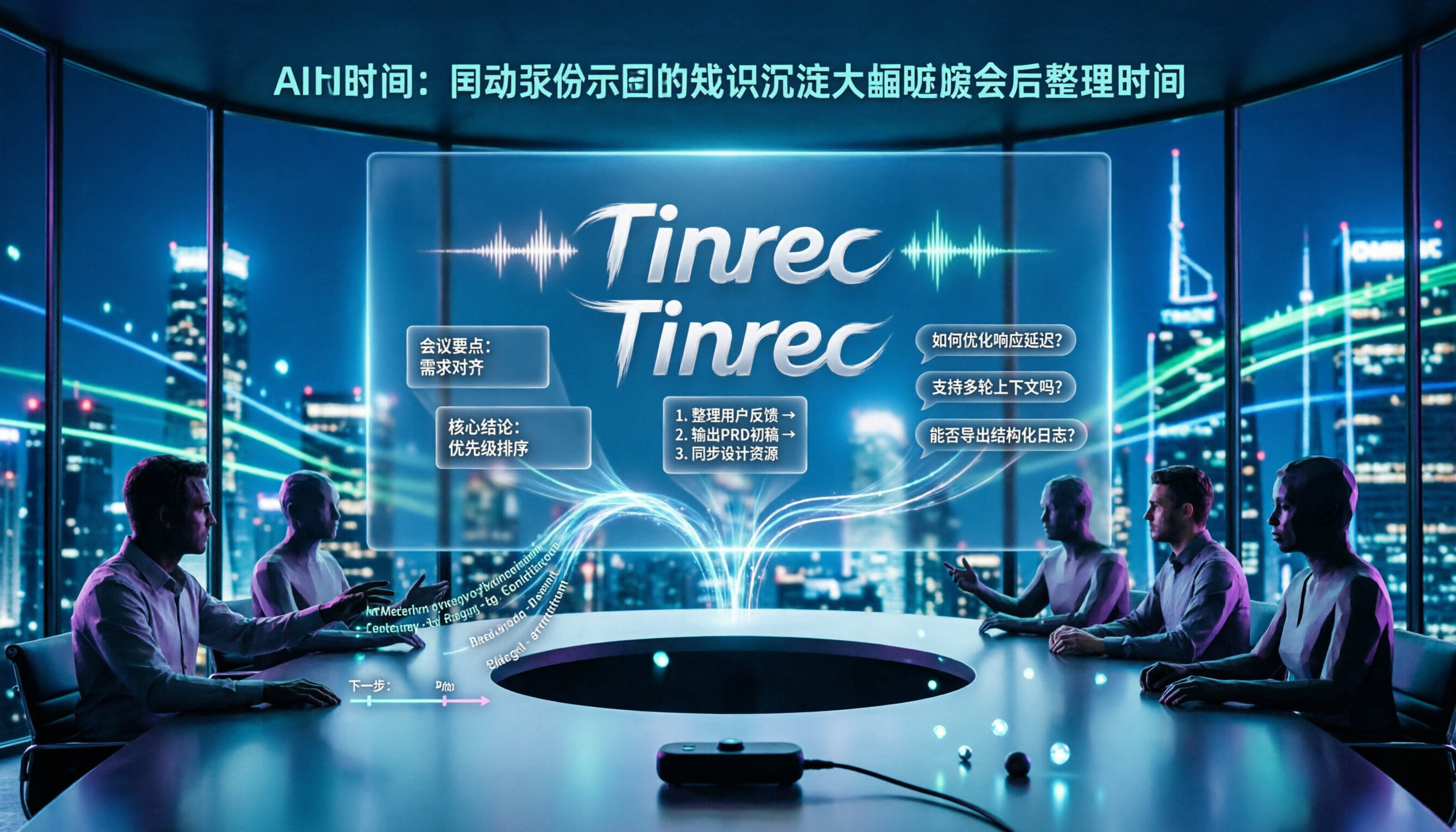
2026 Product Review Meeting Minutes Tools Comparison: Which AI Q&A and Team Knowledge Base Saves the Most Time?
Tired of missing details in product review meeting minutes? We tested 3 meeting minutes tools, covering transcription, AI summaries, action item extraction, and team collaboration, to find out which one best reduces post-meeting cleanup time. Plus, selection criteria and pitfalls to avoid.

2026 Comparison of 4 Meeting Minutes Generators: Which One Can Automatically Produce Deliverable Reports?
Generating meeting minutes reports isn't just about saving a transcript. This article starts with common misconceptions and compares Tinrec, Notta, Otter.ai, and Granola, explaining how to choose based on bot-free recording, AI summaries, agent report output, and team knowledge retention.

Best Automatic Project Weekly Meeting Minutes Tools? 2026 Hands-On Test of 5 Options—This One Excels for Chinese Meetings
Choosing the right tool for automatic project weekly meeting minutes isn't about how powerful the AI is, but how meeting content enters the system and whether the output is directly usable. This article compares 5 common approaches, breaks down 5 key evaluation points, and uses Tinrec as an example to demonstrate the complete workflow from recording, transcription, summarization to action items and team knowledge retention, helping you decide before your next weekly meeting.