

Turn recordings into transcripts and summaries in minutes
Upload audio or video for multilingual transcription, AI notes, and action items
4 Best Team Meeting Tools in 2026: Free vs. AI Features Compared
A two-hour meeting, then two more hours organizing—what you need isn't more tools, but a solution that lets meetings settle into searchable knowledge
Have you ever done the math? A one-hour team meeting, minus small talk and tangents, might only have 30 minutes of real discussion. But afterward, transcribing, extracting action items, and writing up notes takes another hour. That's double the hidden cost for every meeting.
Worse, once the meeting ends, conclusions scatter across chat threads, cloud drives, and personal notes. Next week, when you need to find out who said they'd change the specs, you're scrolling through conversations from memory.
If this sounds familiar, this article is for you. We've rounded up four team meeting tools, from free to paid, to help you find the option that truly reduces your post-meeting workload.
Before Choosing a Team Meeting Tool, Understand These 4 Key Points
The first key is how meetings are captured. Some tools require a meeting bot to join the room, while others use a desktop app to directly capture your computer's system audio. The former is convenient but may raise concerns about participant perception and permissions; the latter doesn't disrupt the meeting flow but requires the user to start it manually.
The second key is what you get after the meeting. Tools that only provide transcripts still leave you highlighting key points yourself. If a tool can automatically generate summaries, chapters, action items, and even let you ask AI questions like "What was the meeting conclusion?", that's when you truly save organizing time.
The third key is Chinese and multilingual support. Team meetings often mix Chinese and English. If a tool struggles with Chinese recognition, your transcript becomes a disaster. Real-time translation and bilingual side-by-side views are bonuses for international teams.
The fourth key is team data ownership. Personal plans keep data tied to individual accounts; team plans should have independent spaces, member roles, and seat management so data stays with the team when members leave. These four points are exactly where Tinrec focuses most.
Tinrec—Our Top Pick After Hands-On Testing
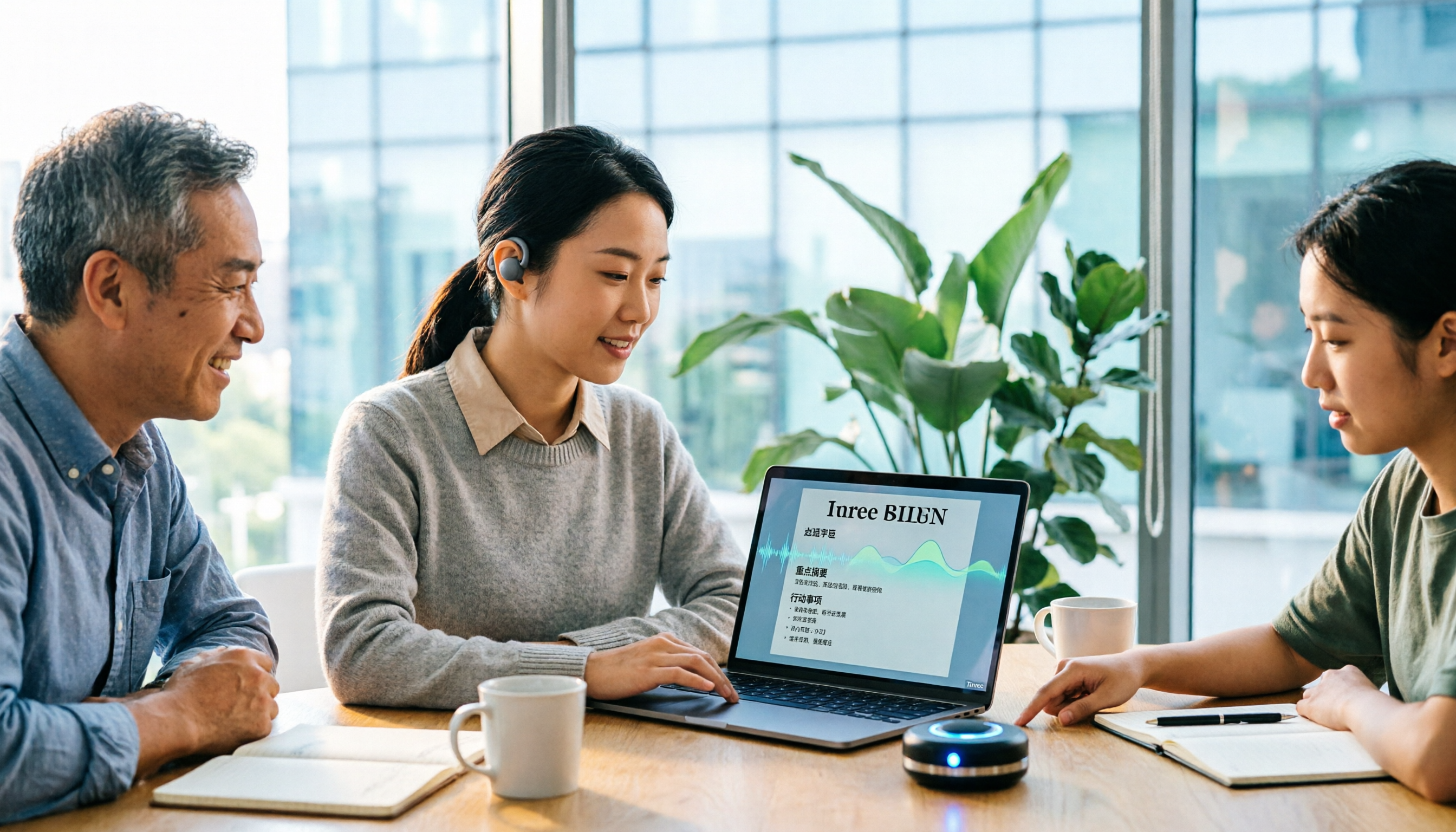
Tinrec is an AI meeting notes and collaboration tool for individuals and teams, available on iOS, Android, and web. It's not just audio-to-text; it turns meetings into searchable, queryable, collaborative team knowledge.
During a meeting, open the Tinrec desktop app and it directly captures your computer's system audio, handling Zoom, Google Meet, Microsoft Teams, Webex, and other online meetings without inviting a meeting bot. This is especially friendly for external client meetings—you don't have to explain why an extra bot account appeared.
After the meeting, Tinrec automatically generates a transcript, AI summary, chapters, and action items. In our tests, the transcript labeled speakers and timestamps, and the summary correctly captured action items like "provide quote by next Wednesday." Even better is the AI Q&A: you can ask "What was the budget cap the client mentioned?" and it answers based on semantic understanding, not just a list of keywords.
Stop organizing recordings by hand
Upload audio or video and automatically get a transcript, summary, and action items
The team plan centralizes meeting data in an independent space. Members without a seat can still view, play, and read team data; only with a seat can they record, upload, edit, and export. Admins can assign seats, view usage trends, export audit logs, and recover accidentally deleted audio from a 30-day recycle bin. Team pricing is USD 29.80 per paid seat per month, or USD 199 per paid seat per year. Eligible first-time users can try 7 days with 1 free seat and 300 shared import minutes. Note that live recording currently doesn't deduct minutes, but file and web imports consume the team's shared quota; the free personal plan offers a basic quota for light use.
Simply put, if you need Chinese meeting notes, don't want to disrupt the meeting flow, and want to use AI to find key points afterward, Tinrec is currently the closest fit.
Besides Tinrec, What Other Options Are There?
Otter.ai: A mature English AI meeting assistant. Free plan includes 300 minutes per month; Pro annual billing is about USD 8.49 per user per month. It's strong for English business meetings, but Chinese meeting experience and team hotwords aren't its strong suit. If you mainly record English content, Otter.ai is sufficient; but when you need Chinese real-time translation and team knowledge retention, Tinrec's team space is more direct.
Fireflies.ai: Strong in meeting automation and extensive integrations. Pro annual billing is USD 10 per seat per month. It typically joins meetings via a bot, while Tinrec uses a desktop app to capture system audio without a bot, so no extra account enters the meeting room. If you value CRM integration and sales analytics, Fireflies is worth evaluating.
Notta: A multilingual transcription tool. Free plan includes 120 minutes per month, 3 minutes per session; Pro annual billing is about USD 8.17 per month. Transcription and translation are decent, but Tinrec's bot-free online meeting recording, AI Q&A, and team seat management are more complete for post-meeting collaboration.
Pitfall Guide: 3 Most Common Mistakes When Choosing a Team Meeting Tool
Pitfall 1: Only looking at transcription minutes. A large free quota is tempting, but without summaries, action items, and AI Q&A, you only save typing time—not organizing time. First confirm whether the tool can help you actually use the transcript.
Pitfall 2: Assuming a meeting bot is always convenient. A bot joining the room may feel intrusive to external participants, and some companies even ban unknown accounts. If your meetings involve clients or executives, bot-free desktop recording is usually more appropriate.
Pitfall 3: Treating a team plan as multiple people sharing one account. A real team plan should have roles, seats, and data ownership. When members leave, meeting data should stay with the team; members without a seat can read but not arbitrarily edit or export. Be sure to clarify these three differences when purchasing.
Conclusion: Which One Should You Choose?
In one sentence: if your meetings are mainly in Chinese and you need post-meeting AI organization, Tinrec is our top pick.
Scenario-based recommendations:
- Chinese meetings, mixed Chinese-English, need real-time translation and AI Q&A → Tinrec
- English-only meetings, limited budget, basic summaries only → Otter.ai
- Need meeting automation, CRM, and sales analytics integration → Fireflies.ai
- Mass file transcription, subtitle translation, batch processing → Notta
We suggest starting with Tinrec's free plan to experience transcripts, summaries, and AI Q&A; if your team wants to collectively retain meeting knowledge, then consider the team plan's seats and shared quota. You don't have to pay upfront—let the tool prove it can save your post-meeting time.
References
- Video Conferencing Software Recommendations: Google Meet, Microsoft Teams, Zoom Comparison
- Top 5 Online Meeting Software to Greatly Improve Remote Work Meeting Efficiency | On-line to Know
- How to Choose Online Meeting Software? 5 Tools' Features, Pricing, and Use Cases at a Glance! - 棋崚ALEN
- Google Meet: Online Voice and Video Meeting Calls | Google Workspace
- 2026 Free Online Meeting and Video Software Recommendations! Compare Teams, Zoom, Google Meet Differences | Tasker Article Column
Turn every recording into actionable outcomes
Get 60 free transcription minutes when you sign in. No credit card required.
Related Reading
You might also like

4 Free Audio-to-Text Tools Compared in 2026: Is Tinrec, cSubtitle, or MyEdit's Free Version Enough?
How do you choose a free audio-to-text tool? This article compares the free quotas and limitations of Tinrec, cSubtitle, MyEdit, and Monica, explains Tinrec's real-time recording, bot-free online meeting recording, AI summaries and action items, AI Q&A, multi-format export, and team workspace, and breaks down the differences between free, personal, and team plans to help you decide which free option is truly sufficient.

How to Transcribe Audio to Text in 2026: 5-Step Mobile Tutorial
Transcribing audio to text on your phone doesn't mean typing every word. This article covers the top 3 mistakes people make, 4 key factors for choosing a tool, and 5 practical steps—from recording on your phone, live transcription, AI summaries and to-dos, AI Q&A, to exporting deliverables. It also compares Tinrec, iPhone's built-in transcription, Notta, and Otter.ai, and includes 4 common pitfalls and selection advice.

How to Transcribe iPhone Recordings in 2026: A 4-Step Hands-On Guide
You don't need third-party tools to turn iPhone recordings into text—iOS 18.4 and later include built-in transcription. This guide uses 4 key criteria to help you choose the right tool, and puts Tinrec to the test in Chinese meetings, online meetings, and team collaboration.

2026 Free Audio-to-Text AI Complete Guide: Free Tiers, Tool Comparison, and Tinrec Hands-On Review
From a student's hands-on perspective, this guide breaks down common misconceptions about free audio-to-text AI: how free quotas work, whether transcripts are directly usable, and how much time post-processing takes. It compares common free tools with Tinrec on Chinese recognition, AI summary and to-dos, bot-free online meeting recording, and team knowledge retention to help you find the one that truly saves time.

Tinrec vs Notta 2026: 5-Dimension Comparison — Which Free Audio-to-Text Tool Is Better?
How do you choose a free audio-to-text tool? This article compares them across 5 dimensions: free quota, Chinese recognition, post-meeting organization, meeting recording methods, and team permissions. Using Tinrec as an example, it explains what you can do with the free version and what you can do after transcription.

5 Best iPhone Transcription Apps in 2026: Built-in Free Option vs AI Assistants
How different are the results from Apple's built-in Voice Memos, Otter.ai, Notta, and Tinrec when transcribing the same Cantonese meeting recording? This hands-on comparison evaluates recognition accuracy, post-meeting organization, and free tiers to help you choose the best iPhone transcription app.
Tinrec vs Yating Transcription: Which Audio-to-Text App Is Better in 2026?
People often ask on Dcard which audio-to-text app is best. This article compares Tinrec and Yating Transcription across Chinese recognition, online meeting recording, AI post-meeting organization, cross-platform export, pricing, and team collaboration to help you choose based on your use case.

4 Best Audio-to-Text Transcription Apps in 2026: Free vs. Paid, and Why AI Summarization Is the Real Game-Changer
A hands-on comparison of four audio-to-text transcription apps in 2026. We cover core capabilities and five key buying factors for meetings, classes, interviews, and content creation. Includes a walkthrough of Tinrec's bot-free meeting recording, AI summaries, Q&A, and team collaboration workflow.

2026 AI Transcription Tools Comparison: Tinrec vs Otter.ai for Chinese Meetings
Choosing the right tool for meeting transcription can be challenging. This hands-on comparison of Tinrec and Otter.ai evaluates Chinese recognition, bot-free recording, post-meeting organization, team collaboration, and pricing to help you find the best fit for Chinese meetings.