

Turn recordings into transcripts and summaries in minutes
Upload audio or video for multilingual transcription, AI notes, and action items
Most teams don't fail to take meeting notes—they take notes that go unused
I used to think meeting notes just meant having someone type them up. Then I discovered the real trap: after the meeting, someone drops a 30-page transcript into the group chat, and three days later when you ask "What did we decide last time?" everyone's still scrolling through chat history. More commonly, action items are written in someone's notebook, and when that person leaves or goes on vacation, progress stalls. Another inefficient approach is asking a subordinate to organize notes afterward—they spend two hours formatting, only to miss the budget decision your boss cared about most. The problem isn't that anyone's slacking; it's that the tool only solves "recording," not "organizing, finding, and handing off." This article draws on my experience leading a 10-person team through 15 meetings a week, testing four 2026 team meeting transcription tools, and lays out the selection criteria and pitfalls I've encountered.
Before Choosing a Team Meeting Transcription Tool, Understand These 4 Key Points
It's not about having the most features—it's about whether it fits how your team works.
1. Does it "record" or "organize"? A transcript is just raw material. A two-hour meeting might produce 10,000 words—nobody's going to read it from start to finish. What really matters is: can it automatically generate summaries, chapters, and action items so you can grasp decisions and owners in five minutes?
2. Does meeting data belong to individuals or the team? If everyone records with their own account, data scatters across personal devices. A team version should have a dedicated space so data can be handed off when members change, rather than disappearing when someone leaves.
3. Are permissions based on roles or seats? Team tools often conflate "can manage" with "can use resources." A more sensible design separates them: roles govern administration, seats govern recording, uploading, and editing. People without seats can view but not modify.
4. Is the free tier enough for real meetings? Many tools limit session length or monthly minutes on free plans. Calculate how many hours your team meets per month, then decide which tier to start with.
5. Does it handle Chinese and mixed Chinese-English well? Teams often switch between Chinese and English mid-sentence, mixing product codes, client names, and technical terms. Test this with your own meeting recordings during the trial—don't just rely on official samples.
Tinrec—Our Team's Choice After Testing
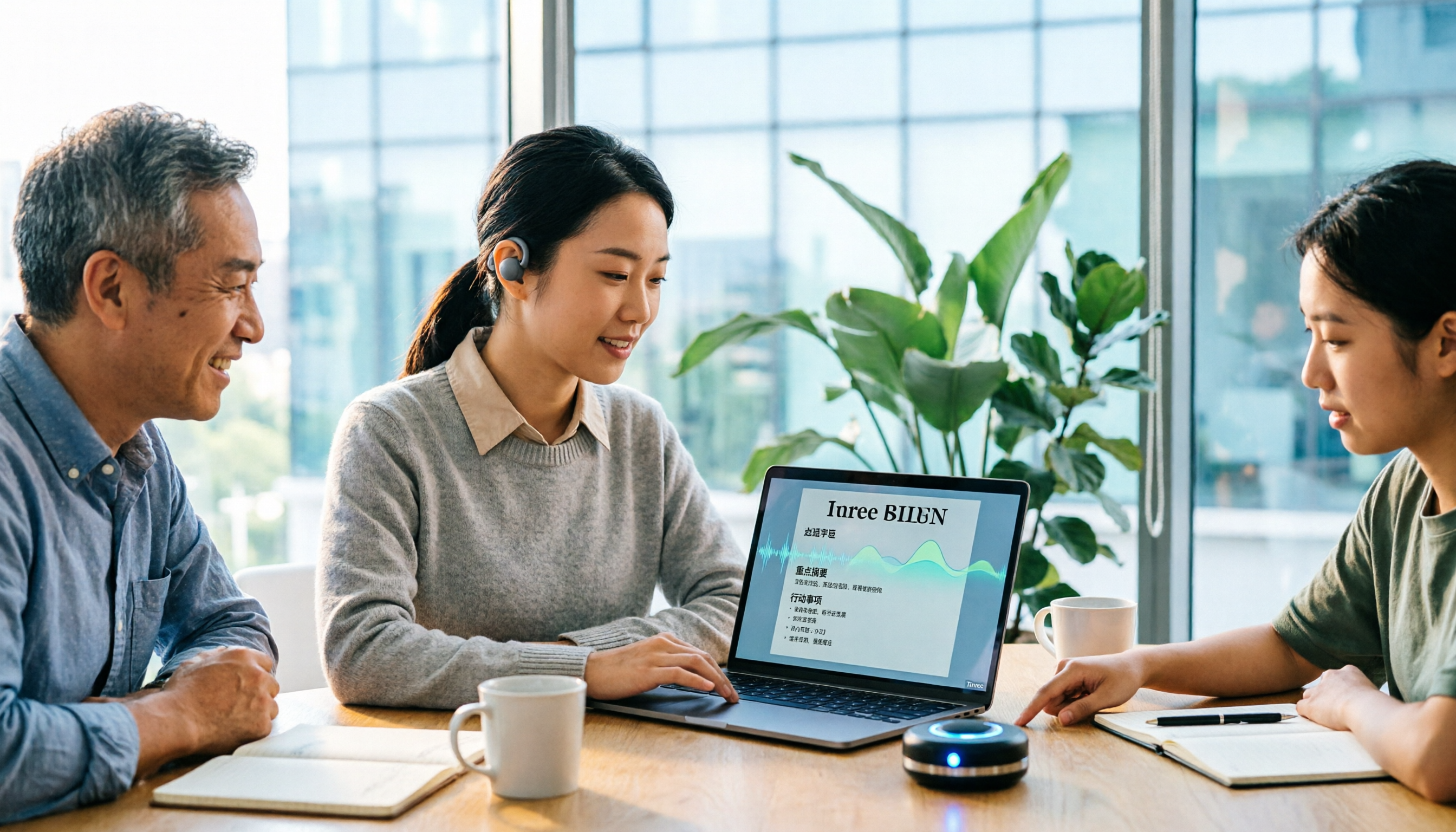
Tinrec is an AI meeting transcription and collaboration tool for individuals and teams. It doesn't just convert audio to text—it organizes meeting recordings into searchable, summarizable, queryable, and exportable data, and builds them into transferable meeting assets within a team space.
Our team uses the desktop bot-free recording most often. With meeting bots, we always had to explain to external clients that "that account joining the meeting is our recording tool," and sometimes clients would block external accounts. Tinrec's desktop version captures system audio directly, handling Zoom, Google Meet, Microsoft Teams, and Webex online meetings without an extra bot joining. Open Tinrec before the meeting, and the transcript is ready when it ends.
The real time-saver is after the meeting. AI automatically generates summaries, chapters, and action items—who's responsible for what, what the deadline is, all listed out. I usually just read the summary and action items, and click back to the corresponding transcript section if I have questions. It also supports AI Q&A—for example, asking "Who mentioned delaying the budget last week?" It answers based on meeting content, so you don't have to Ctrl+F for keywords. You can also enable real-time translation during recording, viewing in original, translated, or bilingual mode—a big help for meetings with foreign clients.
The team version brings these capabilities into a single team space. Currently, the team version lets you create multiple teams, invite members via link, and distinguish owners, admins, and regular members. Roles determine who can manage the team; seats determine who can record, upload, edit, and import/export. Active members without seats can still view, play, and read team data, but cannot edit or upload. Team resources belong to the team—when a member leaves or loses their seat, their resources can be handed off to other members, so nothing disappears when someone departs. Admins can also view usage trends, member rankings, and details, and query and export audit logs. Team hotwords let you maintain common terminology for more stable recognition of specialized terms.
Stop organizing recordings by hand
Upload audio or video and automatically get a transcript, summary, and action items
On pricing, the team version is currently USD 29.80 per paid seat per month, or USD 199 per paid seat per year (about USD 16.58 per month). Each paid seat provides 2,000 minutes of team shared import quota per month. The first eligible team trial is 7 days, 1 free seat, and 300 minutes of team shared import quota. Under an active team plan and active seats, real-time recording currently doesn't deduct minutes; document and web imports use team shared import minutes. If you're just an individual using it occasionally, the free version lets you try basic recording, import, summaries, and transcription; for short bursts of intensive meetings, consider a weekly pass; for long-term use, look at Pro monthly or annual plans.
Limitations, honestly: First, it requires you to actively open the desktop app to start recording—it doesn't automatically join all calendar meetings. Second, the team version is primarily team-level sharing, not file-level or member-level granular permissions. Third, members without seats can only read, not edit. Fourth, AI summaries and action items are aids—important decisions should still be verified against the transcript and recording. For teams that need Chinese meetings, don't want bots joining, and want meeting data to stay within the team, Tinrec is the smoothest option I've used.
Besides Tinrec, What Other Options Are There?
Otter.ai: A mature choice for English business meetings, with a free tier of 300 minutes per month. If your team's meetings are almost entirely in English, Otter's free quota is generous. But Chinese and mixed Chinese-English aren't its strong suit, and post-meeting Chinese summaries and team data retention are weaker. What Tinrec does that Otter doesn't focus on: real-time translation for Chinese meetings, bilingual transcripts, and team hotword management.
Notta: Good multilingual support, free tier of 120 minutes per month with a 3-minute per-session limit—suitable for testing Chinese recognition first. Sharing, CRM integration, and management features usually require the Business plan. What Tinrec does that Notta emphasizes less: bot-free desktop recording, role and seat governance in team spaces, and AI Q&A around meeting content.
Granola: Also bot-free AI meeting notes, Basic is free, Business is USD 14 per user per month. It combines handwritten notes with AI enhancement, but the official documentation says it doesn't support uploading pre-recorded audio files and doesn't save meeting audio. What Tinrec does that Granola lacks: retaining recording files, supporting audio/video import, and team recycle bin and audit logs.
Pitfall Guide: The 4 Most Common Mistakes When Choosing a Team Meeting Transcription Tool
Pitfall 1: Only looking at official accuracy numbers. Accuracy measured in a quiet studio is a different story from a real meeting room. Air conditioning noise, keyboard sounds, and people talking over each other all affect performance. The right approach is to test with a real meeting recording from your own team—don't just trust the ads.
Pitfall 2: Putting team data in personal accounts. Personal versions are convenient, but when members leave, switch devices, or forget passwords, data scatters. If meeting content is a team asset, use a version with team spaces, roles, and seats.
Pitfall 3: Thinking a transcript is enough. A transcript is raw material, not a finished product. Without summaries, chapters, action items, and search, you're leaving all the organizing work to yourself. During the trial, directly test whether you can grasp decisions within five minutes after the meeting.
Pitfall 4: Ignoring recording compliance. Before recording, follow local laws and company policies, and inform participants when necessary. The tool won't get consent for you—this step can't be skipped.
Conclusion: Which One Should You Choose?
In one sentence: If you want to turn meetings into searchable, trackable, transferable team data, Tinrec is our top choice after testing.
Scenario breakdown:
- Team meets regularly every week and wants to build meeting assets → Tinrec team version
- Meetings often mix Chinese and English, need bilingual transcripts and translation → Tinrec
- Don't want meeting bots joining, especially for external client meetings → Tinrec desktop version
- Pure English meetings, zero budget → Otter.ai free version (the only exception in this article)
- Occasionally organizing a single recording → Try Tinrec free version first
I suggest starting with the free version on a real meeting from your own team to see what the transcript, summary, and action items look like. If it works for you, then consider team version seat allocation. Don't buy the biggest plan upfront—validate with real scenarios first. That's the most cost-effective and least risky approach.
References
Turn every recording into actionable outcomes
Get 60 free transcription minutes when you sign in. No credit card required.
Related Reading
You might also like

4 Free Audio-to-Text Tools Compared in 2026: Is Tinrec, cSubtitle, or MyEdit's Free Version Enough?
How do you choose a free audio-to-text tool? This article compares the free quotas and limitations of Tinrec, cSubtitle, MyEdit, and Monica, explains Tinrec's real-time recording, bot-free online meeting recording, AI summaries and action items, AI Q&A, multi-format export, and team workspace, and breaks down the differences between free, personal, and team plans to help you decide which free option is truly sufficient.

How to Transcribe Audio to Text in 2026: 5-Step Mobile Tutorial
Transcribing audio to text on your phone doesn't mean typing every word. This article covers the top 3 mistakes people make, 4 key factors for choosing a tool, and 5 practical steps—from recording on your phone, live transcription, AI summaries and to-dos, AI Q&A, to exporting deliverables. It also compares Tinrec, iPhone's built-in transcription, Notta, and Otter.ai, and includes 4 common pitfalls and selection advice.

How to Transcribe iPhone Recordings in 2026: A 4-Step Hands-On Guide
You don't need third-party tools to turn iPhone recordings into text—iOS 18.4 and later include built-in transcription. This guide uses 4 key criteria to help you choose the right tool, and puts Tinrec to the test in Chinese meetings, online meetings, and team collaboration.

2026 Free Audio-to-Text AI Complete Guide: Free Tiers, Tool Comparison, and Tinrec Hands-On Review
From a student's hands-on perspective, this guide breaks down common misconceptions about free audio-to-text AI: how free quotas work, whether transcripts are directly usable, and how much time post-processing takes. It compares common free tools with Tinrec on Chinese recognition, AI summary and to-dos, bot-free online meeting recording, and team knowledge retention to help you find the one that truly saves time.

Tinrec vs Notta 2026: 5-Dimension Comparison — Which Free Audio-to-Text Tool Is Better?
How do you choose a free audio-to-text tool? This article compares them across 5 dimensions: free quota, Chinese recognition, post-meeting organization, meeting recording methods, and team permissions. Using Tinrec as an example, it explains what you can do with the free version and what you can do after transcription.

5 Best iPhone Transcription Apps in 2026: Built-in Free Option vs AI Assistants
How different are the results from Apple's built-in Voice Memos, Otter.ai, Notta, and Tinrec when transcribing the same Cantonese meeting recording? This hands-on comparison evaluates recognition accuracy, post-meeting organization, and free tiers to help you choose the best iPhone transcription app.
Tinrec vs Yating Transcription: Which Audio-to-Text App Is Better in 2026?
People often ask on Dcard which audio-to-text app is best. This article compares Tinrec and Yating Transcription across Chinese recognition, online meeting recording, AI post-meeting organization, cross-platform export, pricing, and team collaboration to help you choose based on your use case.

4 Best Audio-to-Text Transcription Apps in 2026: Free vs. Paid, and Why AI Summarization Is the Real Game-Changer
A hands-on comparison of four audio-to-text transcription apps in 2026. We cover core capabilities and five key buying factors for meetings, classes, interviews, and content creation. Includes a walkthrough of Tinrec's bot-free meeting recording, AI summaries, Q&A, and team collaboration workflow.

2026 AI Transcription Tools Comparison: Tinrec vs Otter.ai for Chinese Meetings
Choosing the right tool for meeting transcription can be challenging. This hands-on comparison of Tinrec and Otter.ai evaluates Chinese recognition, bot-free recording, post-meeting organization, team collaboration, and pricing to help you find the best fit for Chinese meetings.