

Turn recordings into transcripts and summaries in minutes
Upload audio or video for multilingual transcription, AI notes, and action items
The Meeting Ends, But No One Owns the Tasks—That's Where the Real Time Sink Is
"Let's have A organize the specs this week, and B can confirm the delivery date with the vendor." Two hours later, the meeting wraps up and everyone nods. Three days later, you follow up and discover A thought it was B's job, and B says he never heard that part. The same conversation happens all over again—another hour gone.
Another common scenario: a cross-functional project meets weekly, but the discussion ends up scattered across three people's notes, two group chats, and a spreadsheet no one updates. When a new hire asks "What was the last decision?" you have to dig through a 30-minute recording to find out.
The problem usually isn't that people aren't paying attention—it's that commitments made in meetings never get converted into tasks with an owner, a deadline, and a way to track them. This article is about how to use tools to make that process stick.
Before You Pick a Task Assignment Tool, Nail Down These 4 Key Points
1. Can it pull "who, what, when" out of the conversation? A good tool shouldn't just hand you a transcript—it should turn a sentence like "Get the quote to the client by next Wednesday" into a line item. Here's a simple test: after the meeting, do you have to replay the audio yourself to find action items? If yes, the tool is only doing half its job.
2. Can you ask questions about the meeting content? The old way is Ctrl+F for keywords, but you might only remember "someone mentioned the budget" without recalling the exact wording. Being able to ask in plain language—"Who brought up the budget last meeting?"—is where this generation of tools separates itself the most.
3. Does your online meeting need another bot? Most meeting assistants rely on a bot account joining the room. Some companies' security policies don't allow unknown accounts in, or clients feel uneasy seeing an extra name on the attendee list. Being able to record without joining the meeting is the most common blocker when actually rolling out a tool.
4. Who ultimately owns the data? If meeting notes live in a personal account, that context disappears when the owner leaves or transfers departments. Once your team is bigger than five people, this matters more than feature count.
Tinrec—Turning Meeting Conversations into Trackable Tasks
Tinrec is an AI meeting notes and collaboration tool for individuals and teams. It supports iOS, Android, and web, and the desktop version can handle online meetings on Zoom, Google Meet, Microsoft Teams, Webex, and more.
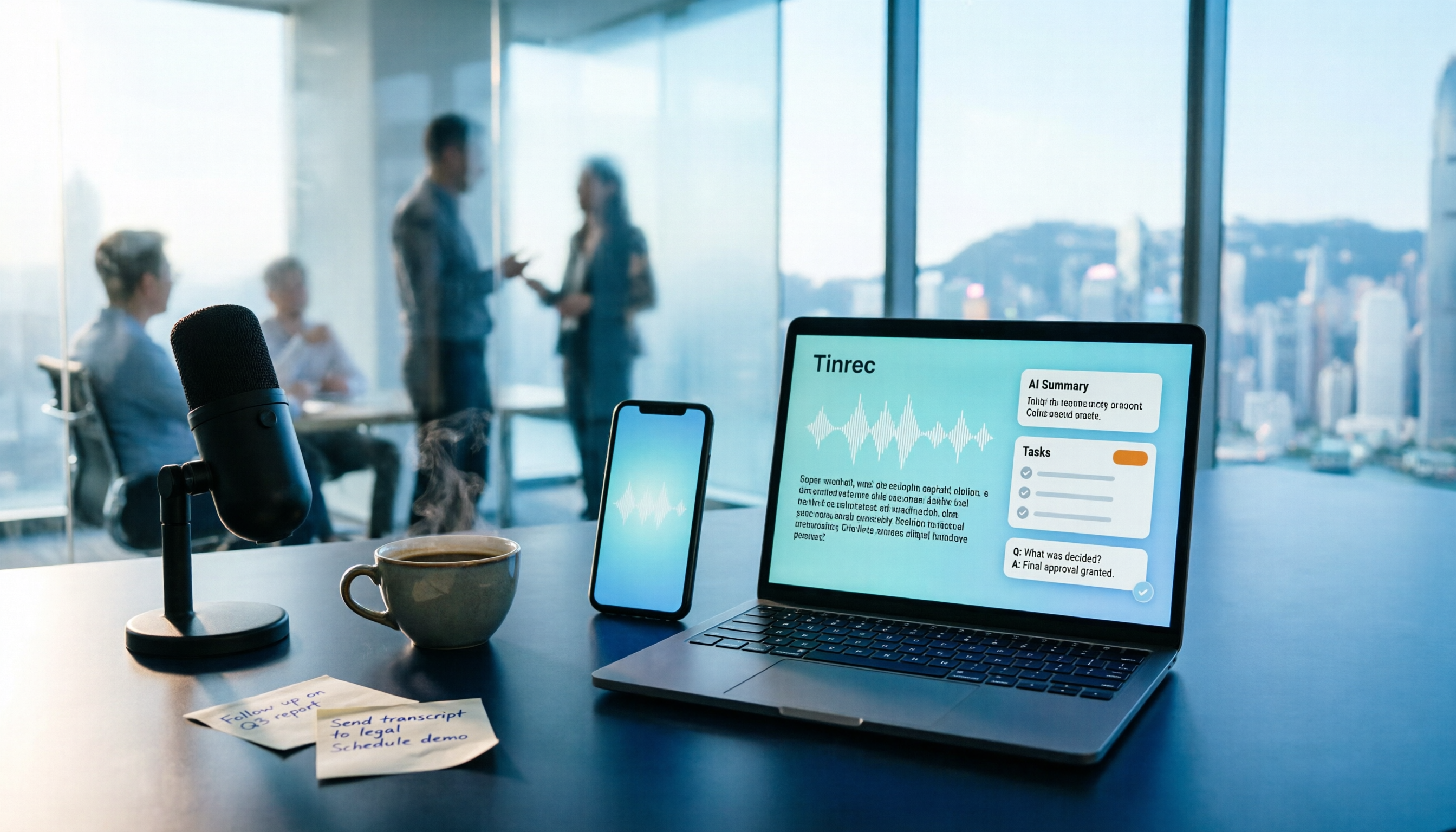
Notes are done while the meeting is happening. Open Tinrec to record, and the transcript appears as people speak. By the time the meeting ends, the AI summary, chapters, and action items are already organized—who owns what and by when, turned into line items you can follow up on, no hour-long replay needed. For online meetings, the desktop version captures system audio directly, so you don't need to pull an extra meeting bot into the room—a big difference for teams with security requirements or external clients present.
You can ask it questions afterward. This is the clearest dividing line between Tinrec and ordinary transcription tools: you can query the meeting content, for example, "What were the client's main concerns about the delivery date?" or "What three things did we decide in this meeting?" What you get isn't a list of keyword search results—it's an answer synthesized from meaning. When meetings pile up, this capability often saves more time than transcription itself.
Tasks can be further processed afterward. Action items can be turned into reports, tables, or meeting summary documents, and exported to Notion, Google Docs, OneNote, Dropbox, and other tools, plugging directly into your team's existing workflow. If the meeting includes foreign language content, you can view the original text, translation, or bilingual transcript during recording.
Stop organizing recordings by hand
Upload audio or video and automatically get a transcript, summary, and action items
The team plan keeps data with the team. The team plan provides an independent team space where meeting data belongs to the team. You can create and switch between multiple spaces, invite members via link, and set roles as Owner/Admin/Member. Note the distinction between roles and seats: roles determine who can manage the team, members, and audit logs; seats determine whether a member can record, upload, edit, and export. Valid members without a seat can still view, play, and read team data. Admins can also view usage trends, member rankings, maintain team hotwords, and query and export audit logs. When a member leaves or is removed, their team resources can be handed over to other members—data doesn't leave with the person.
Pricing and limitations. The personal plan has a free tier to try first. For short bursts of intensive use, there's a weekly pass; for steady use, the Pro monthly or annual plan fits. The team plan offers a 7-day trial for first-time eligible users, 1 free seat, and 300 minutes of shared team import quota; paid plans are USD 29.80 per paid seat per month, or USD 199 per paid seat per year (about USD 16.58/month), with each paid seat providing 2,000 minutes of shared team import quota per month. Live recording under an active team plan currently doesn't deduct minutes. Keep in mind that document and web imports consume the shared team quota, so heavy uploaders should calculate carefully. Also, actual transcription quality is affected by recording quality, noise, accents, people talking over each other, and specialized terminology—for important content, cross-check with transcript timestamps and audio playback.
Who it's for. If your meetings are primarily in Chinese, you don't want an extra bot in the room, you want to ask questions about meeting content afterward, and you need data to stay with the team rather than a personal account, Tinrec is the closest fit in this round.
Besides Tinrec, What Else Is Out There?
Otter.ai: A mature choice for English business meetings. Free tier offers 300 minutes per month; Pro annual works out to about USD 8.49/month. It has strong mindshare for English meetings, so if 90%+ of your team's meetings are in English, it's worth evaluating. It also offers desktop capabilities, but Tinrec puts more emphasis on Chinese meeting experience and team meeting data retention.
Notta: The closest competitor to Tinrec in overlap. It performs well on multilingual and file transcription. Free tier offers 120 minutes per month with a 3-minute per-session limit. Where Tinrec pulls ahead is bot-free online meeting recording, team spaces, and post-meeting AI Q&A and Agent post-processing.
Granola: Also uses a bot-free approach to capture system audio, focusing on "user notes + AI enhancement." Business is USD 14 per user per month. Note that it does not save meeting audio files and does not support uploading pre-recorded audio—if your team needs to go back and verify original recordings or organize historical archives, Tinrec is far more complete in that regard.
Pitfall Guide: The 3 Most Common Traps in Task Assignment
Pitfall 1: Writing tasks into meeting notes without an owner and deadline. Phrases like "keep tracking" or "discuss later" have no owner. Every action item needs at least one name and one date, or it will show up unchanged at the next meeting.
Pitfall 2: Collecting team meetings in a personal account. It's fine for the first six months, until someone leaves or transfers and you realize the context for key decisions is gone. Once your team is bigger than five people, meeting assets should live in a team space, not someone's cloud drive.
Pitfall 3: Thinking a transcript equals completed task assignment. A transcript is just raw material. The real time savings come from the back half of the process—turning discussion into action items, then turning action items into reports or tables. Using only the front half means you're getting a third of the tool's value.
Summary: Which One Should Your Team Pick?
- Primarily Chinese meetings, need automatic action item and owner extraction → Tinrec
- Don't want a meeting bot in the room (security or client present) → Tinrec (desktop captures system audio)
- Want to ask a single question to get decision highlights afterward → Tinrec (AI Q&A)
- Need meeting data to stay with the team and survive member changes → Tinrec team plan (seats, usage, audit, resource handover)
- Meetings almost entirely in English, budget-first → Otter.ai
- Just need to fill in transcription and keep your existing workflow → Evaluate Notta or Granola based on your current process
We suggest running a round of your own project meetings on Tinrec's free plan first, actually tracking how much time you save on post-meeting organization, and then deciding whether to upgrade or roll out the team plan. Whether a tool is good or not—one real meeting will tell you.
References
Turn every recording into actionable outcomes
Get 60 free transcription minutes when you sign in. No credit card required.
Related Reading
You might also like

2026 Comparison of 4 Audio-to-Text Tools: Which Transcripts Are Actually Ready to Use?
A hands-on comparison of 4 audio-to-text tools, covering how they capture online meetings, their performance with Chinese and mixed Chinese-English speech, post-transcription summaries and AI Q&A, and team seat management and handover. We explain how to choose based on different budgets and use cases, and highlight the 4 most common pitfalls before purchasing.

2026 Comparison of 4 Audio-to-Text Apps: Are Free Tiers Enough for Students?
Starting from questions in PTT discussion threads, I tested 4 audio-to-text apps over a full semester using class recordings and group meetings. I compared real-time transcription, free tiers, post-meeting AI summaries, and cross-platform export, explaining why Tinrec was the one I kept, and who Notta, PLAUD, and Otter.ai are best for.
Free Audio-to-Text Solutions in 2026: 5 Options Compared
Transcribing recordings is a lifesaver for busy professionals, but free tools often disappoint. This article uses Tinrec as a primary example to outline free ways to get started with audio-to-text in 2026, compares 5 plans from free to team versions, and breaks down core capabilities like real-time transcription, bot-free meeting recording, AI summaries and action items, and AI Q&A, so you know which one is worth using.

5 Best Audio-to-Text Apps in 2026: Free Tiers and AI Summaries Compared
We tested audio-to-text apps on free tier limits, Chinese and mixed Chinese-English recognition, and post-meeting organization. We break down 5 key buying factors and 4 common pitfalls, then take a deep dive into Tinrec's bot-free online meeting recording, AI summaries, action item extraction, AI Q&A, and team workspace. Finally, we give clear recommendations based on budget and use case.

4 Best Audio-to-Text Apps in 2026: Which Free Tier Works Best for Students?
Starting from college and grad school scenarios like lectures, group discussions, and interviews, this article first highlights the three most common mistakes when choosing an audio-to-text app, then compares Tinrec, Notta, Otter.ai, and PLAUD Note across four key areas: free quota, AI organization, cross-platform support, and online meeting recording. It also includes buying advice and pitfalls to avoid for students.

4 Free Audio-to-Text Tools Compared in 2026: Is Tinrec, cSubtitle, or MyEdit's Free Version Enough?
How do you choose a free audio-to-text tool? This article compares the free quotas and limitations of Tinrec, cSubtitle, MyEdit, and Monica, explains Tinrec's real-time recording, bot-free online meeting recording, AI summaries and action items, AI Q&A, multi-format export, and team workspace, and breaks down the differences between free, personal, and team plans to help you decide which free option is truly sufficient.

How to Transcribe Audio to Text in 2026: 5-Step Mobile Tutorial
Transcribing audio to text on your phone doesn't mean typing every word. This article covers the top 3 mistakes people make, 4 key factors for choosing a tool, and 5 practical steps—from recording on your phone, live transcription, AI summaries and to-dos, AI Q&A, to exporting deliverables. It also compares Tinrec, iPhone's built-in transcription, Notta, and Otter.ai, and includes 4 common pitfalls and selection advice.

How to Transcribe iPhone Recordings in 2026: A 4-Step Hands-On Guide
You don't need third-party tools to turn iPhone recordings into text—iOS 18.4 and later include built-in transcription. This guide uses 4 key criteria to help you choose the right tool, and puts Tinrec to the test in Chinese meetings, online meetings, and team collaboration.

2026 Free Audio-to-Text AI Complete Guide: Free Tiers, Tool Comparison, and Tinrec Hands-On Review
From a student's hands-on perspective, this guide breaks down common misconceptions about free audio-to-text AI: how free quotas work, whether transcripts are directly usable, and how much time post-processing takes. It compares common free tools with Tinrec on Chinese recognition, AI summary and to-dos, bot-free online meeting recording, and team knowledge retention to help you find the one that truly saves time.