

Turn recordings into transcripts and summaries in minutes
Upload audio or video for multilingual transcription, AI notes, and action items
4 Best Audio-to-Text Transcription Apps in 2026: Free vs. Paid, and Why AI Summarization Is the Real Game-Changer
Many people imagine an audio-to-text transcription app works like this: hit record, wait a few minutes, copy the transcript, done.
In reality, a raw transcript is only half the job.
Three pitfalls I've run into myself—and seen readers run into—are: first, focusing only on "how accurate is the transcription" without thinking about who will organize it afterward; second, assuming a free plan can handle a full year's worth of meetings; third, treating "a meeting bot joining the call" as the only option, which means every meeting ends up with an unfamiliar attendee on the roster.
A better approach is to treat an audio-to-text app as the first stop in a workflow: record → transcript → summary and action items → Q&A and export → store in a searchable long-term database. This article uses that lens to explain what these tools can do for you, how to choose one, and how Tinrec performs at each stage.
What Can an Audio-to-Text Transcription App Do for You?
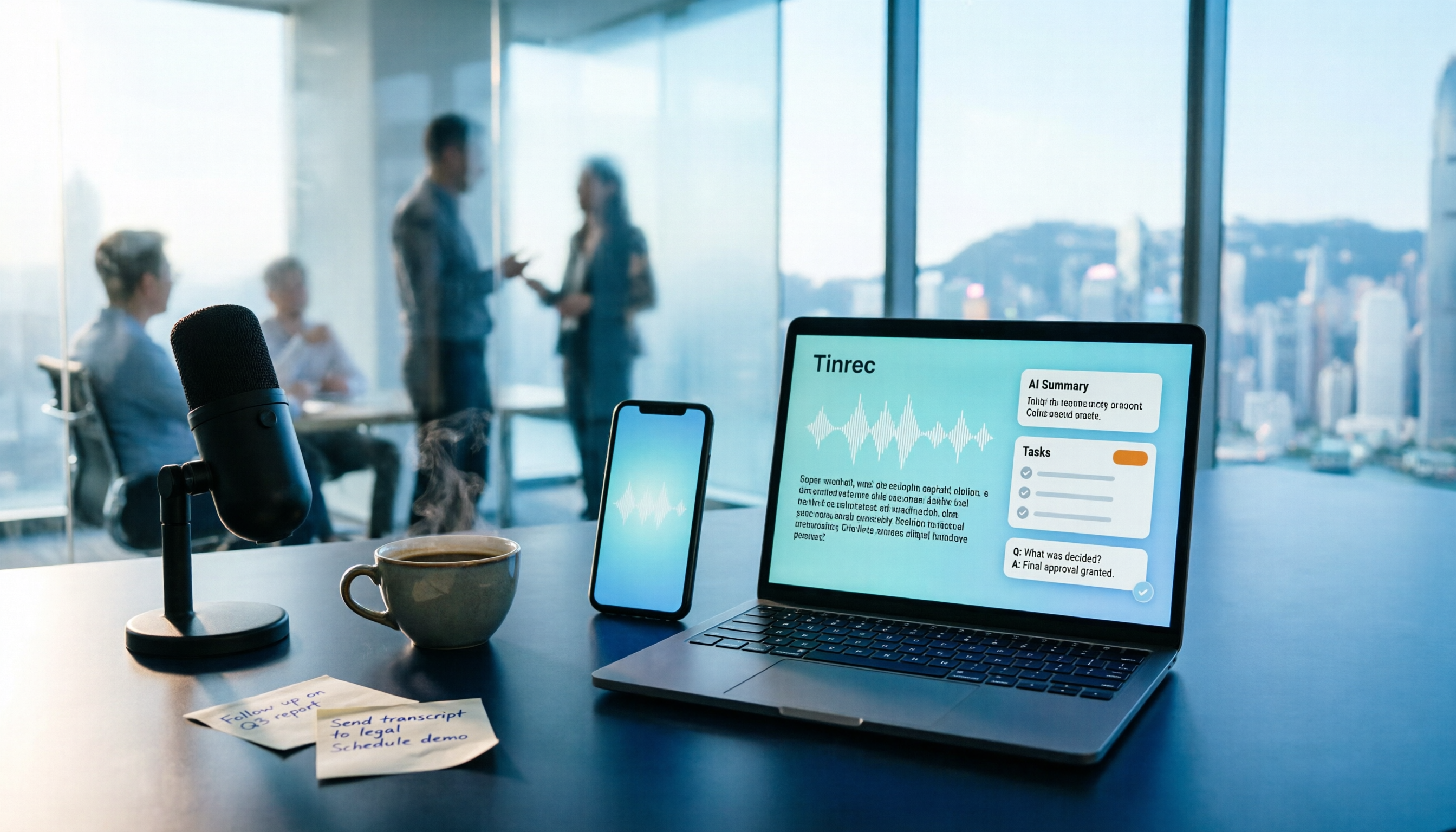
Scenario 1: Finish a meeting and have notes ready shortly after In the past, after a two-hour meeting, you might spend another hour trying to recall who said what. With Tinrec, for example, the transcript is generated in real time during the meeting. By the time it ends, AI has already organized the summary, chapters, and action items—who's responsible for what and when it's due, laid out as a checklist.
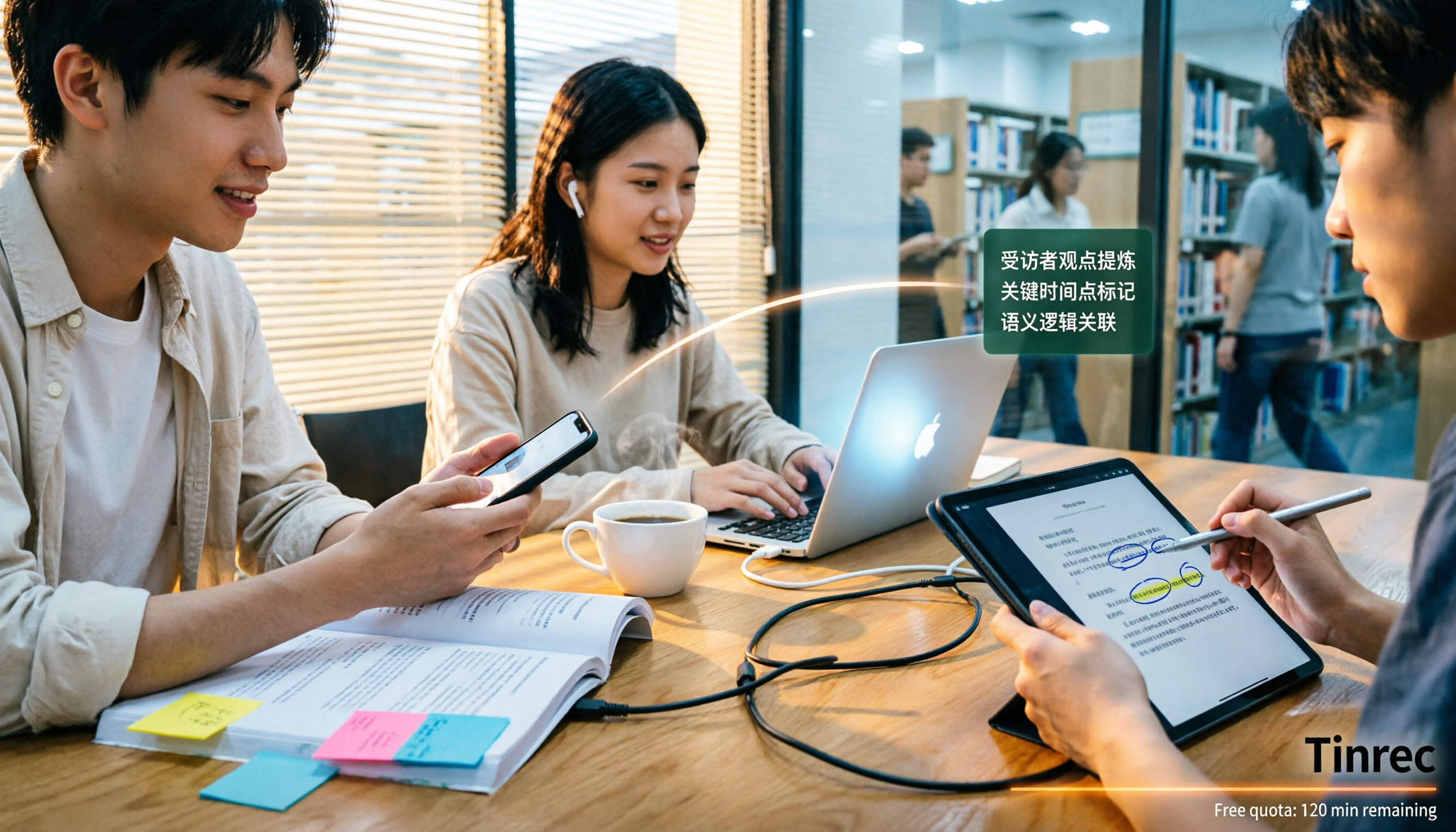
Scenario 2: Save the 10 minutes you zoned out during a lecture The worst part of an in-person or online class is missing key points when your attention drifts. With Tinrec's real-time transcription, you can read along as you listen, then search the transcript by keyword afterward to fill in the gaps—no need to rewatch the whole thing.
Scenario 3: Customer interviews—don't miss requirements or commitments The most valuable part of a customer interview is what they said in their own words. Tinrec keeps the full transcript, so you can later ask it "Where did the customer mention the budget?" and pull out requirements, concerns, and promises one by one—no relying on memory to write up notes.
Scenario 4: Content creation—turn audio and video into usable material Interview recordings and online presentation videos can be imported into Tinrec, converted to text, and then further organized into article drafts, scripts, or key summaries. This cuts down prep time for editing and writing significantly.
What Are the Core Capabilities of an Audio-to-Text Transcription App?
Real-time transcription It's not about transcribing after recording—it's about text appearing as you speak. Tinrec's real-time transcription lets you verify content on the spot during a meeting. If someone speaks too fast or unclearly, you can ask them to clarify right then.
Bot-free online meeting recording The traditional approach is to send a meeting bot into the call, but some situations aren't suitable for having an unfamiliar account on the attendee list. Tinrec's desktop version captures your computer's system audio directly, handling meeting audio played through your computer for Zoom, Google Meet, Microsoft Teams, Webex, and similar platforms—no need to invite a bot. Note: you still need to open Tinrec and start recording yourself; it's not a tool that automatically joins every meeting on your calendar.
AI summaries, chapters, and action items A 10,000-word transcript isn't something most people will read from start to finish. Tinrec breaks long meetings into chapters, pulls out key points, and organizes discussion action items into a to-do list. This is where the real time savings happen.
AI Q&A Your transcript becomes data you can "ask." You can directly ask Tinrec: "Which option did this meeting decide on?" or "Who's responsible for contacting the vendor?" It answers based on the meeting content—much faster than Ctrl+F searching for keywords yourself.
Real-time translation and multi-format export For cross-language meetings, you can record while viewing the original text, translation, or bilingual side-by-side. Finished results can be exported to Notion, Google Docs, OneNote, Dropbox, and other common tools, or passed to an Agent for further processing to generate reports, tables, and documents.
Real-World Use Cases
Team weekly meetings and decision meetings The most annoying part of recurring weekly meetings is "where did we leave off last time?" With Tinrec, every meeting has a transcript, summary, and action items, so team members who were out can catch up afterward. If the team needs to share this data, meetings can be placed in a team space, and new members can search historical records—instead of data being scattered across everyone's individual devices.
Classes and online courses Online courses lack nonverbal cues, making it easy to lose focus. Keep Tinrec running while you attend class, then use the transcript to review and organize notes afterward—more effective than just rewatching the recording. Graduate students can also record discussions with their advisors and check details later.
Stop organizing recordings by hand
Upload audio or video and automatically get a transcript, summary, and action items
Customer interviews and sales meetings Customer needs, concerns, and pricing limits are usually buried in the conversation. Tinrec keeps the full transcript, and you can use AI Q&A afterward to dig out key passages, then export them as interview notes or follow-up checklists—more reliable than frantically taking notes in the moment.
Personal knowledge management and content creation Podcasts, talks, videos, your own voice memos—all can go into Tinrec to be converted to text, then retrieved later through search or questions. Over time, this becomes a personal database you can query anytime.
5 Things to Watch When Choosing an Audio-to-Text Transcription App
1. Whether you can actually use the output matters more than raw accuracy Accuracy is important, but transcription is only the first step. The real time sink is organization, so when choosing a tool, ask: Does it have summaries, chapters, action items, and Q&A? Tinrec is designed to push transcripts toward being "ready to use for work."
2. How meetings are captured Common approaches include a meeting bot joining or built-in platform transcription. Tinrec takes a different path: the desktop version captures system audio without adding an attendee. Before choosing, think through your meeting types—fully online, fully in-person, or both.
3. Real-world performance with Chinese and mixed Chinese-English Meetings in Taiwan often involve mixed Chinese-English and a flood of technical terms. Tinrec covers Chinese, Traditional Chinese, and multilingual meeting scenarios, and offers team hotwords to maintain commonly used terminology. Actual results still depend on recording quality, ambient noise, accents, multiple people speaking at once, and specialized terms—best to test with your own recording.
4. Understand quotas and billing clearly Some plans don't deduct minutes for real-time recording but do for file imports—these two shouldn't be confused. Tinrec's personal plans are divided by usage tasks into Free, Weekly Pass, Pro Monthly, and Pro Annual. Actual prices and benefits are subject to the official purchase page. The team plan is USD 29.80 per paid seat per month, or USD 199 per paid seat per year (about USD 16.58 per month). Each paid seat provides 2,000 minutes of shared team import quota per month. Real-time recording under an active team plan and active seat is currently not deducted by the minute.
5. Where data ends up and how teams collaborate If it's just for personal use, the focus is on how convenient audio retention and export are. If a team will use it together, look for a dedicated team space, member and seat management, usage analytics, audit logs, and a recovery mechanism for accidentally deleted audio. Tinrec's team plan provides a dedicated team space where meeting data belongs to the team, with roles for owner, admin, and regular member. Roles determine who can manage the team; seats determine whether someone can record, upload, edit, and export. Members without a seat can still view, play, and read team data. Deleted audio goes to a recycle bin with a 30-day retention period, and can be restored before then.
Frequently Asked Questions
Q1: Is the free version of an audio-to-text transcription app enough? It depends on how often you use it. For occasional recording organization, Tinrec's free plan offers a basic quota to try recording, importing, summaries, and transcription—use it to judge whether the interface feels right and whether Chinese performance meets your expectations. If you have meetings or interviews every week, consider upgrading to Pro to avoid hitting the quota mid-transcription.
Q2: Do I have to let a bot join my online meetings? Not necessarily. Tinrec's desktop version captures your computer's system audio and doesn't require inviting any bot into the meeting room. Keep in mind that recording must be started manually by the user—it won't automatically join all meetings on your calendar.
Q3: What's the accuracy rate? I don't recommend deciding based on a single number. Transcription performance varies with recording quality, ambient noise, accents, overlapping speakers, and specialized terminology. The practical approach is to test with your own recordings and treat the transcript as a tool that "significantly reduces typing time," cross-checking important content against the recording timestamps.
Q4: Which online meeting platforms are supported? Any meeting where audio plays through your computer—such as Zoom, Google Meet, Microsoft Teams, Webex—can be handled by Tinrec's desktop version via system audio. This means "can record meeting audio played on your computer," and does not imply any official partnership with these platforms.
Q5: What's the difference between the team plan and the personal plan? Personal plan data belongs to the individual account. The team plan is a dedicated team space where meeting data belongs to the team, with added capabilities like member and role management, seat allocation, shared benefits, usage analytics, audit logs, and an audio recycle bin. When a member leaves, is removed, or loses their seat, team resources need to be handed over to other active members—they won't disappear with the individual account.
Q6: Do I need consent before recording? Yes. When recording and transcribing involve other people's conversations, check local regulations first and obtain attendee consent when necessary. This matters more than which app you choose.
Summary
The value of an audio-to-text transcription app isn't about saving you a few keystrokes—it's about turning content that would otherwise "scatter after the meeting" into data you can search, query, and hand off.
If you're still using built-in tools or typing transcripts by hand, Tinrec's free plan offers a basic quota—enough to try two or three meetings and see what AI-organized meeting notes feel like. If you need a shared team meeting database, then look at whether the team plan's seats and shared import quota fit your needs. Testing with one real meeting is more accurate than reading ten spec sheets.
References
Turn every recording into actionable outcomes
Get 60 free transcription minutes when you sign in. No credit card required.
Related Reading
You might also like

2026 Comparison of 4 Audio-to-Text Tools: Which Transcripts Are Actually Ready to Use?
A hands-on comparison of 4 audio-to-text tools, covering how they capture online meetings, their performance with Chinese and mixed Chinese-English speech, post-transcription summaries and AI Q&A, and team seat management and handover. We explain how to choose based on different budgets and use cases, and highlight the 4 most common pitfalls before purchasing.

2026 Comparison of 4 Audio-to-Text Apps: Are Free Tiers Enough for Students?
Starting from questions in PTT discussion threads, I tested 4 audio-to-text apps over a full semester using class recordings and group meetings. I compared real-time transcription, free tiers, post-meeting AI summaries, and cross-platform export, explaining why Tinrec was the one I kept, and who Notta, PLAUD, and Otter.ai are best for.
Free Audio-to-Text Solutions in 2026: 5 Options Compared
Transcribing recordings is a lifesaver for busy professionals, but free tools often disappoint. This article uses Tinrec as a primary example to outline free ways to get started with audio-to-text in 2026, compares 5 plans from free to team versions, and breaks down core capabilities like real-time transcription, bot-free meeting recording, AI summaries and action items, and AI Q&A, so you know which one is worth using.

5 Best Audio-to-Text Apps in 2026: Free Tiers and AI Summaries Compared
We tested audio-to-text apps on free tier limits, Chinese and mixed Chinese-English recognition, and post-meeting organization. We break down 5 key buying factors and 4 common pitfalls, then take a deep dive into Tinrec's bot-free online meeting recording, AI summaries, action item extraction, AI Q&A, and team workspace. Finally, we give clear recommendations based on budget and use case.
4 Best Audio-to-Text Apps in 2026: Which Free Tier Works Best for Students?
Starting from college and grad school scenarios like lectures, group discussions, and interviews, this article first highlights the three most common mistakes when choosing an audio-to-text app, then compares Tinrec, Notta, Otter.ai, and PLAUD Note across four key areas: free quota, AI organization, cross-platform support, and online meeting recording. It also includes buying advice and pitfalls to avoid for students.

4 Free Audio-to-Text Tools Compared in 2026: Is Tinrec, cSubtitle, or MyEdit's Free Version Enough?
How do you choose a free audio-to-text tool? This article compares the free quotas and limitations of Tinrec, cSubtitle, MyEdit, and Monica, explains Tinrec's real-time recording, bot-free online meeting recording, AI summaries and action items, AI Q&A, multi-format export, and team workspace, and breaks down the differences between free, personal, and team plans to help you decide which free option is truly sufficient.

How to Transcribe Audio to Text in 2026: 5-Step Mobile Tutorial
Transcribing audio to text on your phone doesn't mean typing every word. This article covers the top 3 mistakes people make, 4 key factors for choosing a tool, and 5 practical steps—from recording on your phone, live transcription, AI summaries and to-dos, AI Q&A, to exporting deliverables. It also compares Tinrec, iPhone's built-in transcription, Notta, and Otter.ai, and includes 4 common pitfalls and selection advice.

How to Transcribe iPhone Recordings in 2026: A 4-Step Hands-On Guide
You don't need third-party tools to turn iPhone recordings into text—iOS 18.4 and later include built-in transcription. This guide uses 4 key criteria to help you choose the right tool, and puts Tinrec to the test in Chinese meetings, online meetings, and team collaboration.

2026 Free Audio-to-Text AI Complete Guide: Free Tiers, Tool Comparison, and Tinrec Hands-On Review
From a student's hands-on perspective, this guide breaks down common misconceptions about free audio-to-text AI: how free quotas work, whether transcripts are directly usable, and how much time post-processing takes. It compares common free tools with Tinrec on Chinese recognition, AI summary and to-dos, bot-free online meeting recording, and team knowledge retention to help you find the one that truly saves time.