

Turn recordings into transcripts and summaries in minutes
Upload audio or video for multilingual transcription, AI notes, and action items
How to Transcribe Audio to Text in 2026: 5-Step Mobile Tutorial
Two-hour meeting, two more hours editing—the problem isn't your typing speed
If you've ever experienced this: the meeting ends, everyone leaves, and you're stuck alone with a 40-minute recording, pausing and typing—this scene is a nightly routine in offices everywhere.
Let's start with the most common mistakes.
Mistake 1: Thinking "having a recording" equals "having a record." The truth is, most people never listen to the recording again. A recording isn't a record; it's just a pile of unprocessed sound.
Mistake 2: Assuming built-in phone features are enough. iPhone's Voice Memos can indeed generate transcripts, but with conditions: it requires iPhone 12 or later, and the feature isn't available in all countries or regions. On Android, it depends even more on the manufacturer. If you switch phones, you have to start over.
Mistake 3: Believing "converting to text" is the end. Many tools can transcribe, but what you get is a wall of text with no punctuation, no paragraphs, no timestamps. You still have to spend time organizing it, which defeats the purpose.
So the real question isn't "how to transcribe audio to text," but "how to turn a recording into a deliverable file." Below, we'll cover criteria for choosing a tool, then a hands-on test and 5 steps.
4 Key Factors for Choosing a Mobile Transcription Tool
1. Language and accent—don't trust "supports 90 languages."
In Hong Kong, meetings often mix Cantonese with English terms—"let's review this case next quarter." The number of languages doesn't guarantee accuracy for yours. You need to ask: Does it understand Cantonese? Can it handle mixed Chinese-English? Will it mistranslate terms like KPI or ROI?
2. What you can do after transcription.
A tool that only produces transcripts is half-finished. What you really need are summaries, chapters, key points, and to-dos—ideally, you can ask "What was the conclusion of this meeting?" If you have to read through everything yourself each time, you're just trading typing time for reading time.
3. Cross-platform is a basic requirement.
Recording on your phone is convenient, but organizing and delivering work is done on a computer. If the tool only has a mobile app, or data doesn't sync between phone and computer, your files will end up scattered.
4. Free quota and data ownership.
How many free minutes? What happens after? Are recordings retained? For team use, ask: Is data tied to individual accounts or the company? If a member leaves, are meeting records still there? This seems basic, but few tools satisfy all these.
Tinrec—The Smoothest Mobile + Desktop Experience After Testing
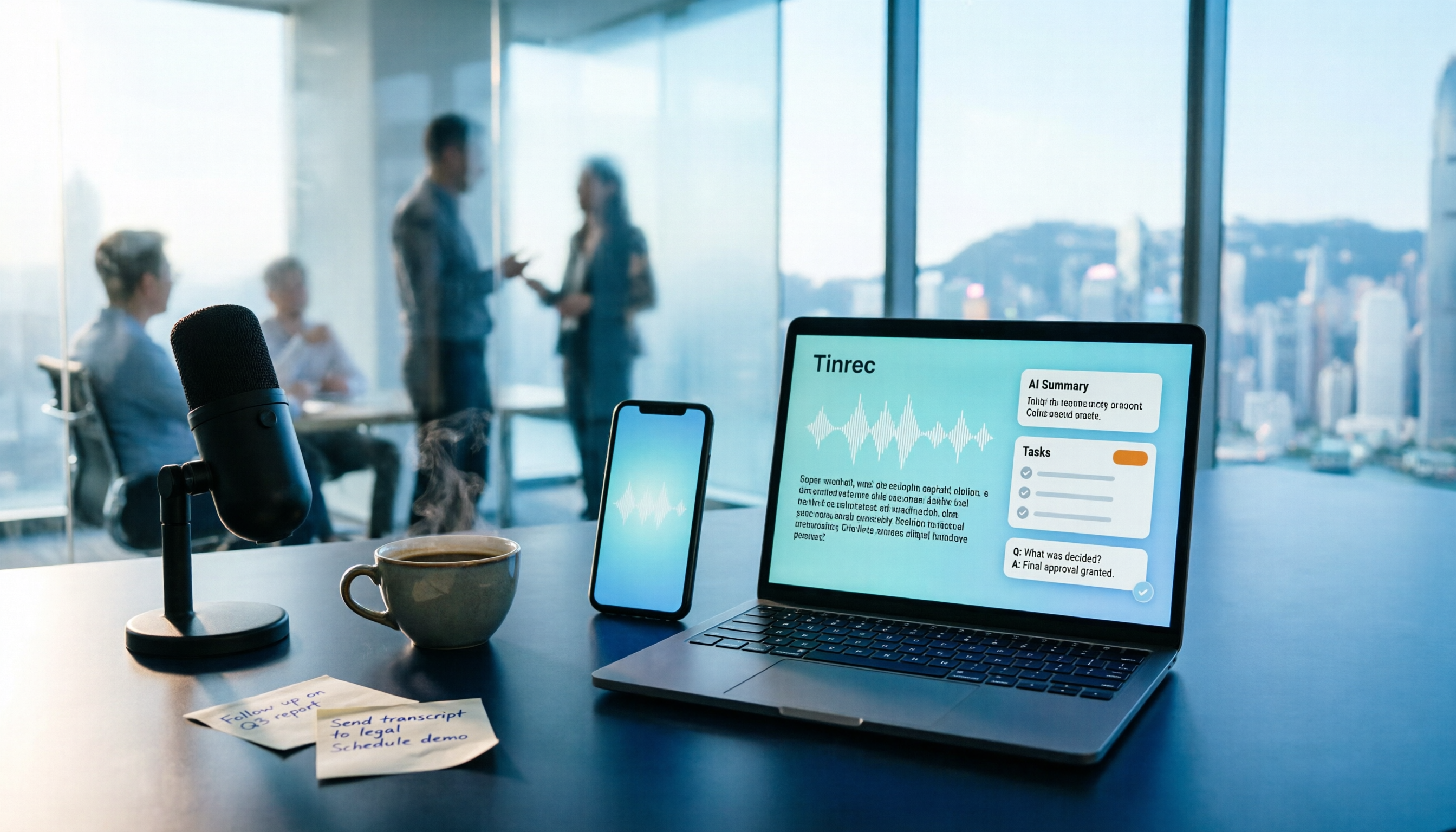
Tinrec is an AI meeting notes and collaboration tool for individuals and teams, covering iOS, Android, desktop, and web. Here are the 5 steps I actually used.
Step 1: Start recording on your phone, or import old files. Whether it's live recording or importing an existing audio/video file, you can do it in the mobile app. For client visits or impromptu interviews, no need to wait until you're back at the office.
Step 2: Live transcription while recording. Once you start, the transcript appears on screen in real-time, so you don't have to wait until the meeting ends. After recording, you can search and review the transcript directly.
Step 3: AI automatically generates summaries, chapters, and to-dos. When the meeting ends, AI has already organized the summary, chapters, key points, and action items—who's responsible for what, when it's due, all at a glance. You don't need to spend an hour editing.
Step 4: Ask follow-up questions directly with AI Q&A. This is the most noteworthy step. After recording, you can ask Tinrec: "Who mentioned the budget in the last meeting?" It doesn't just throw keyword search results at you; it answers based on semantic understanding. Most tools at this price point can't do this.
Step 5: Export, or continue generating work products. Supports multiple export formats, can be taken to Notion, Google Docs, OneNote, Dropbox, etc. for further editing; also can generate reports, tables, and documents based on meeting content, so you don't start from scratch.
Also worth mentioning: online meetings. Tinrec desktop version directly captures computer system audio, no need to invite a bot to join the meeting as a participant; it can handle Zoom, Google Meet, Microsoft Teams, Webex meeting audio played on the computer. For situations where you don't want clients to see "a bot joined," this is very practical. It also supports real-time translation, allowing you to view in original, translated, or bilingual mode.
Stop organizing recordings by hand
Upload audio or video and automatically get a transcript, summary, and action items
Test conditions: I used a ~5-minute Cantonese meeting recording (recorded on phone, with air conditioning noise and occasional keyboard sounds) for testing. Mixed Chinese-English sentences were fully preserved, and technical terms could be corrected using team hotwords. To be honest, accuracy is affected by recording quality, noise, accent, and overlapping speech—same for any tool.
Pros:
- Phone, computer, and web are integrated; record on phone, edit on computer, no need to transfer files manually.
- More than transcripts: summaries, chapters, to-dos, AI Q&A all in one, saving post-meeting organization time.
- Team version is a separate team space, not "multiple people sharing a personal account." Data belongs to the team, with members, roles, seats, usage analytics, audit logs, and audio recycle bin; when a member leaves or is removed, their team resources can be transferred to other active members, so data doesn't leave with them.
Limitations:
- Free version has basic quota only; heavy users need to upgrade. If you have meetings two or three times a week, try it out before deciding.
- Team version is priced per seat: monthly USD 29.80 per paid seat, annual USD 199 per paid seat (about USD 16.58 per month); each paid seat provides 2,000 minutes of team shared import quota per month. Prices, currencies, and promotions are subject to the official purchase page.
- Should not be considered a complete replacement for human effort. AI may miss or misinterpret details; for important content, verify with transcript timestamps and recording.
Who it's for: Those who frequently record Cantonese or mixed Chinese-English meetings, want to find key points immediately after recording, or work across phone and computer.
Besides Tinrec, What Other Options Are There?
iPhone built-in Voice Memos transcription: No app needed, free, you can view transcript immediately after recording, and copy parts of the text. But limitations are obvious—requires iPhone 12 or later, not available in all countries or regions, and no summaries, to-dos, or AI Q&A. Good for occasional memos, but not enough for formal meeting minutes. Tinrec's AI summary and to-do extraction fill this gap.
Notta: Multi-platform transcription, meeting notes, file import, translation, and team plans—overlaps significantly with Tinrec. Free version: 120 minutes per month, max 3 minutes per session; Pro annual plan about USD 8.17 per month. Note: Tinrec desktop can capture system audio without a bot, while Notta's meeting scenarios rely more on bots or file uploads; Tinrec's Agent post-processing can also directly generate reports and tables.
Otter.ai: A veteran choice for English meetings. Free version: 300 minutes per month; Pro annual plan about USD 8.49 per user per month. If 90% of your content is in English, Otter is worth considering. But its strength is English business meetings; Chinese (especially Cantonese) is not its forte, and it lacks Tinrec's team hotwords and Chinese meeting packaging. If your meetings are mainly in Cantonese, not recommended as primary.
Pitfall Guide: 4 Most Common Traps in Mobile Transcription
Pitfall 1: Trusting official "98% accuracy." These numbers are usually measured in quiet environments, single language, standard accent. Real meeting rooms have air conditioning, keyboard sounds, people talking over each other—performance will drop. Third-party online transcription services also claim AI engine accuracy above 90%, but you need to test with "your own recording."
Pitfall 2: Testing a 40-minute meeting tool with a 1-minute recording. Short recordings pass for everyone; long recordings reveal true performance—segmentation, punctuation, names, terminology all become issues only with long audio. When trying, use a real long meeting.
Pitfall 3: Choosing a tool that doesn't retain recordings. Some tools only save text, not the original audio. If you later need to verify "what was actually said," you have no recording to check. For accountable work, this is especially important.
Pitfall 4: Treating it only as a "typewriter." If you only use transcription tools for "audio to text," you're using a third of their capability. After recording, directly ask "What was the conclusion?" or "Who needs to follow up?"—much faster than scrolling through 30 minutes of transcript yourself.
Also a reminder: recording involves others' privacy; different regions have different consent requirements. It's best to notify participants before recording.
Conclusion: How Should You Choose?
In short: mobile audio transcription isn't about "converting," but about "being usable right after conversion."
- Need Cantonese + mixed Chinese-English, and use both phone and computer → Tinrec (cross-platform, Chinese experience, AI Q&A)
- Want to find key points and to-dos immediately after recording → Tinrec (AI conversational query and to-do extraction)
- Team use, need to manage members, seats, usage, audit → Tinrec Team (separate team space, data belongs to team)
- Only occasional memos, don't want to install an app → iPhone built-in Voice Memos transcription
- 90% English meetings → Otter.ai (the only competitor recommended in this article)
Suggest starting with Tinrec free version, test with your own real meeting recording, see if Cantonese and mixed Chinese-English performance is acceptable. If it works, consider upgrading—no need to pay from the start.
References
- Online AI voice, video, audio auto transcription - free trial - cSubtitle
- Speech to Text: AI Transcript · Audio to Text · Voice Memo Recco - App Store
- SoundType AI Ultra-Precise Transcript, Speech to Text, AI Dictation - Google Play
- View Voice Memos transcript on iPhone - Apple Support (Taiwan)
- Transcribe - Audio to Text on the App Store
Turn every recording into actionable outcomes
Get 60 free transcription minutes when you sign in. No credit card required.
Related Reading
You might also like

2026 Comparison of 4 Audio-to-Text Tools: Which Transcripts Are Actually Ready to Use?
A hands-on comparison of 4 audio-to-text tools, covering how they capture online meetings, their performance with Chinese and mixed Chinese-English speech, post-transcription summaries and AI Q&A, and team seat management and handover. We explain how to choose based on different budgets and use cases, and highlight the 4 most common pitfalls before purchasing.

2026 Comparison of 4 Audio-to-Text Apps: Are Free Tiers Enough for Students?
Starting from questions in PTT discussion threads, I tested 4 audio-to-text apps over a full semester using class recordings and group meetings. I compared real-time transcription, free tiers, post-meeting AI summaries, and cross-platform export, explaining why Tinrec was the one I kept, and who Notta, PLAUD, and Otter.ai are best for.
Free Audio-to-Text Solutions in 2026: 5 Options Compared
Transcribing recordings is a lifesaver for busy professionals, but free tools often disappoint. This article uses Tinrec as a primary example to outline free ways to get started with audio-to-text in 2026, compares 5 plans from free to team versions, and breaks down core capabilities like real-time transcription, bot-free meeting recording, AI summaries and action items, and AI Q&A, so you know which one is worth using.

5 Best Audio-to-Text Apps in 2026: Free Tiers and AI Summaries Compared
We tested audio-to-text apps on free tier limits, Chinese and mixed Chinese-English recognition, and post-meeting organization. We break down 5 key buying factors and 4 common pitfalls, then take a deep dive into Tinrec's bot-free online meeting recording, AI summaries, action item extraction, AI Q&A, and team workspace. Finally, we give clear recommendations based on budget and use case.
4 Best Audio-to-Text Apps in 2026: Which Free Tier Works Best for Students?
Starting from college and grad school scenarios like lectures, group discussions, and interviews, this article first highlights the three most common mistakes when choosing an audio-to-text app, then compares Tinrec, Notta, Otter.ai, and PLAUD Note across four key areas: free quota, AI organization, cross-platform support, and online meeting recording. It also includes buying advice and pitfalls to avoid for students.

4 Free Audio-to-Text Tools Compared in 2026: Is Tinrec, cSubtitle, or MyEdit's Free Version Enough?
How do you choose a free audio-to-text tool? This article compares the free quotas and limitations of Tinrec, cSubtitle, MyEdit, and Monica, explains Tinrec's real-time recording, bot-free online meeting recording, AI summaries and action items, AI Q&A, multi-format export, and team workspace, and breaks down the differences between free, personal, and team plans to help you decide which free option is truly sufficient.

How to Transcribe iPhone Recordings in 2026: A 4-Step Hands-On Guide
You don't need third-party tools to turn iPhone recordings into text—iOS 18.4 and later include built-in transcription. This guide uses 4 key criteria to help you choose the right tool, and puts Tinrec to the test in Chinese meetings, online meetings, and team collaboration.

2026 Free Audio-to-Text AI Complete Guide: Free Tiers, Tool Comparison, and Tinrec Hands-On Review
From a student's hands-on perspective, this guide breaks down common misconceptions about free audio-to-text AI: how free quotas work, whether transcripts are directly usable, and how much time post-processing takes. It compares common free tools with Tinrec on Chinese recognition, AI summary and to-dos, bot-free online meeting recording, and team knowledge retention to help you find the one that truly saves time.

Tinrec vs Notta 2026: 5-Dimension Comparison — Which Free Audio-to-Text Tool Is Better?
How do you choose a free audio-to-text tool? This article compares them across 5 dimensions: free quota, Chinese recognition, post-meeting organization, meeting recording methods, and team permissions. Using Tinrec as an example, it explains what you can do with the free version and what you can do after transcription.