
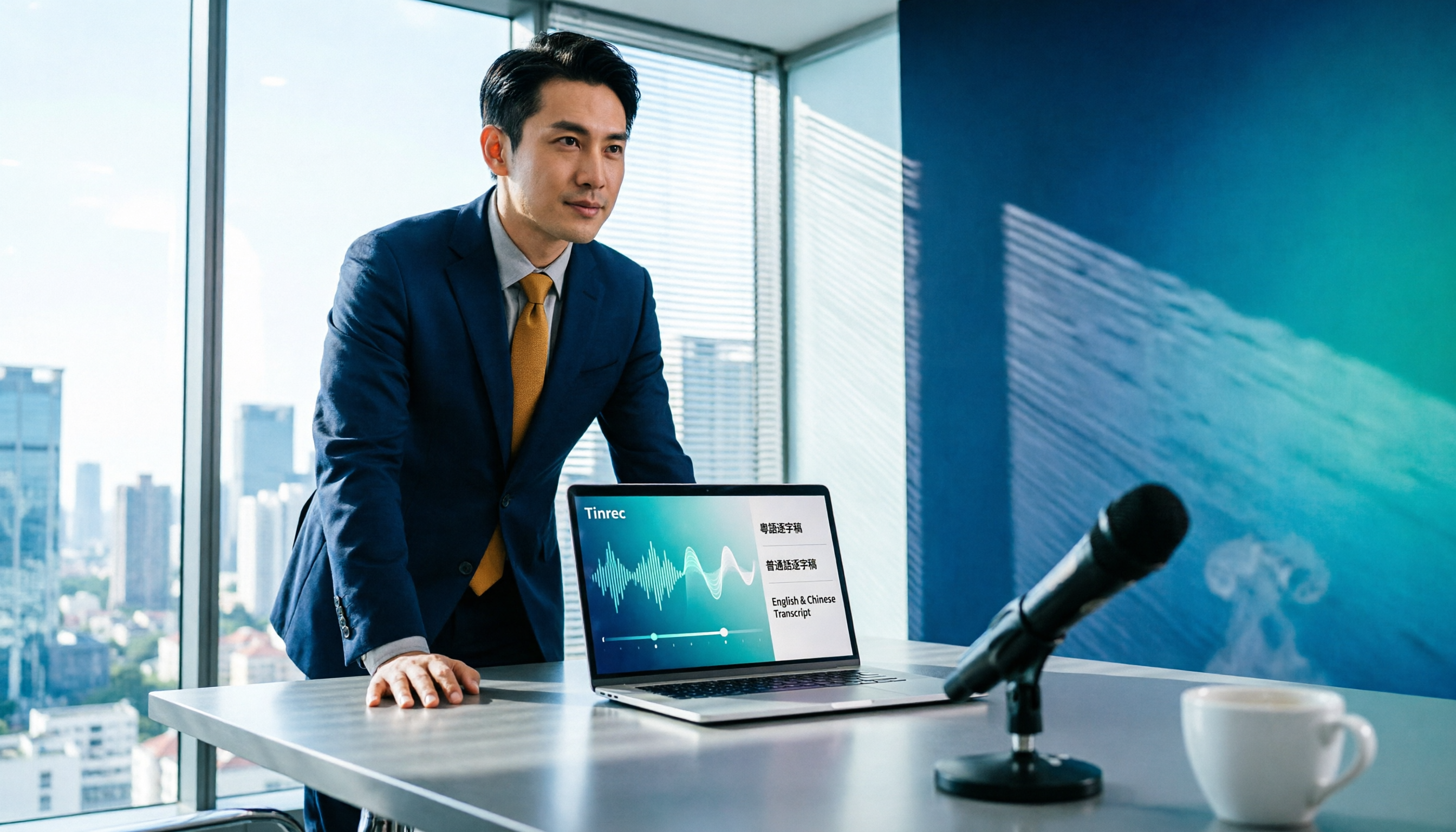
Turn recordings into transcripts and summaries in minutes
Upload audio or video for multilingual transcription, AI notes, and action items
Tinrec vs Otter.ai 2026: 5-Dimension Comparison for Chinese Meetings
After a one-hour Zoom call with a client, your boss immediately asks for the meeting notes. You look at the recording and think: do I really have to listen to the whole thing again?
This scenario plays out daily in Hong Kong offices. AI transcription tools exist to handle exactly this—but with so many options, which one actually helps? Below, we compare Tinrec and Otter.ai across 5 dimensions, and explain what these tools can do and what to watch out for when choosing one.
What Can AI Transcription Tools Do for You?
Scenario 1: Get meeting notes immediately after the meeting Previously, after a two-hour meeting, you might spend another hour organizing. With Tinrec, as the meeting ends, the AI has already organized the transcript, summary, chapters, and action items. You can see who is responsible for what and when it's due at a glance. No need to rely on memory to piece together what was said.
Scenario 2: Mixed Chinese-English, cross-language meetings Meetings in Hong Kong are rarely pure Chinese—English phrases always pop up. Tinrec covers Chinese, Traditional Chinese, and multilingual meeting scenarios, and also offers real-time translation. During recording, you can view the original text, translation, or bilingual comparison. Cross-language meetings no longer need an on-the-spot translator.
Scenario 3: Reviewing old recordings, courses, and interviews Lectures, courses, client interview recordings sit unused, and when you need them, you don't want to listen from the start. Import audio or video files into Tinrec to convert them into searchable transcripts, and then you can directly ask the AI questions without going through each section.
Scenario 4: Team handover without losing continuity When a colleague leaves, do meeting records disappear with them? Tinrec's team version stores recordings, transcripts, action items, and folders in a shared team space. Data belongs to the team, so when members change, it can be handed over and won't follow individual accounts.
What Are the Core Capabilities of AI Transcription Tools?
1. Record online meetings without a bot Many meeting tools rely on a "meeting bot" that joins as a participant. Tinrec's desktop version directly captures the computer's system audio, so no extra bot needs to join the meeting. It can handle meeting audio played on a computer from platforms like Zoom, Google Meet, Microsoft Teams, Webex, etc. Note: users need to open Tinrec and start recording themselves; it does not automatically join all calendar meetings.
2. Live transcription with real-time translation The biggest benefit of real-time transcription is that you can check for missed key points during the meeting, rather than discovering an unclear segment afterward. Tinrec's real-time transcription combined with instant translation is especially useful for mixed Chinese-English meetings.
3. AI summary, chapters, and action item extraction Transcription is only the first step. Tinrec breaks long meetings into chapters and key points, and extracts action items from discussions, so you don't have to reorganize after the meeting.
4. AI conversational query After transcription, you can directly ask Tinrec questions—"Who mentioned the budget in the meeting?" "What was the client's feedback?"—it answers based on semantic understanding, without you having to Ctrl+F through sections.
5. Post-meeting output and multi-format export Tinrec's Agent post-processing can generate reports, tables, and documents based on meeting content. It also supports export to common tools like Notion, Google Docs, OneNote, Dropbox, directly integrating with your existing workflow.
6. Team space and governance capabilities The team version provides an independent team space, member and seat management, usage analytics, audit logs, audio recycle bin (30-day retention), and team hotwords. Clarify two concepts: roles determine who can manage the team, members, and audits; seats determine whether members can record, upload, edit, import/export. Members with valid but no seat can still view, play, and read team data.
5-Dimension Comparison: Tinrec vs Otter.ai
Dimension 1: Chinese and mixed Chinese-English recognition Tinrec covers Chinese, Traditional Chinese, and multilingual meeting scenarios, and supports team hotword management for technical terms. Otter.ai's strength is in English business meeting scenarios; Chinese content is not its main focus. If your meetings are mostly Chinese or mixed Chinese-English, Tinrec is more suitable for this dimension.
Dimension 2: Meeting capture method Tinrec's desktop version records online meetings by capturing system audio, without a bot joining. Otter.ai also has desktop capabilities and offers a meeting bot method. The approaches differ; the key is whether you want an extra "participant" in the meeting.
Dimension 3: What happens after transcription Tinrec provides summary, chapters, action items, AI Q&A, translation, Agent post-processing, and multi-format export on top of the transcript. Otter.ai also has summaries, action items, and Q&A, but its ecosystem leans more toward English business meeting workflows.
Stop organizing recordings by hand
Upload audio or video and automatically get a transcript, summary, and action items
Dimension 4: Team data retention and governance Tinrec's team version makes meeting data team-owned and provides roles, seats, usage, audit, and recycle bin. Otter.ai's team and enterprise capabilities are relatively mature. This dimension should be evaluated based on your team's actual size and governance needs, not just transcription minutes.
Dimension 5: Platform coverage and workflow integration Tinrec has desktop and mobile versions, with recording, import, Q&A, and export all in one workflow. Otter.ai also invests in third-party integrations. When choosing, test with your own devices and tools.
Regarding pricing, Otter.ai's official page shows Basic free with 300 minutes per month, Pro annual billing at about USD 8.49 per user per month, including 1,200 minutes of in-app recording per month and 10 file imports, Business is separate, subject to official page. Tinrec team version monthly is USD 29.80 per paid seat per month, annual is USD 199 per paid seat per year, equivalent to about USD 16.58 per month, each paid seat provides 2,000 minutes of team shared import quota per month; under valid team package and valid seats, real-time recording currently does not deduct minutes. Prices, currencies, and promotions are subject to the official purchase page.
Practical Use Cases
Weekly and cross-department meetings: Regular weekly meetings—the most time-consuming part is not the meeting itself but post-meeting organization. With Tinrec, record and transcribe simultaneously, then directly use summaries and action items for follow-up. Cross-department decisions have a record to refer to.
Client interviews and sales follow-up: Customer requirements, objections, and commitments are all kept in transcripts and summaries. Later, you can directly ask the AI for details, without missing sales opportunities.
Classes, lectures, and training: Long content is easily forgotten. Import audio or video files to transcribe, then use AI summaries and Q&A to extract key points, so you don't have to re-listen to the whole thing when reviewing.
Content creation and interview organization: After interviews, you need to produce articles. Transcripts with chapter structure save a lot of re-listening time, and then you can export to document tools for further editing.
5 Things to Note When Choosing an AI Transcription Tool
1. Actual performance in Chinese and Cantonese contexts Don't just trust official marketing—test with your own real recording. Tinrec covers Chinese, Traditional Chinese, and multilingual scenarios, but actual results are affected by recording quality, background noise, accents, overlapping speech, and technical terms. It's not advisable to expect a fixed accuracy rate.
2. How meetings are recorded Confirm whether the tool uses a bot to join meetings or captures system audio. Tinrec's desktop version is the latter, but requires the user to actively start recording, not automatically join all meetings.
3. What you can do after transcription Transcripts are just raw material. Tinrec offers summaries, chapters, action items, AI Q&A, translation, and Agent post-processing after transcription—this is where real time savings happen.
4. Team data ownership and permissions For team use, clarify whether data belongs to individuals or the team, and how to hand over when members leave. Tinrec's team version focuses on team-level sharing, managing governance and usage eligibility through roles and seats, not fine-grained per-file permissions.
5. Cross-platform and export methods Confirm the tool supports your daily devices and workflow. Tinrec has desktop and mobile versions and supports export to Notion, Google Docs, OneNote, Dropbox, etc.
Frequently Asked Questions
How is Tinrec different from a regular recording app? A regular recording app mainly "records." Tinrec goes further by transcribing, organizing summaries, chapters, key points, and action items, and also supports AI Q&A, translation, export, and team collaboration.
Does Tinrec require a bot to join meetings? No. Tinrec's desktop version directly captures the current device's system audio and does not join as an extra participant. However, for large international meetings, it's still advisable to confirm the host's recording policy.
Is the free version enough? Depends on usage frequency. For occasional recording organization, start with the free version; for short-term intensive meetings or interviews, consider a weekly pass; for stable weekly needs, the Pro monthly pass is more suitable; for long-term data retention, the annual pass has a lower monthly average. Choose based on task needs, not just price.
What's the biggest difference between team and personal versions? Personal version data is managed by individual accounts; team version provides an independent team space, data is team-owned, and adds members, roles, seats, sharing benefits, usage analytics, audit logs, and audio recycle bin. When members change, resources can be handed over to other valid members.
Do I need to notify participants before recording? Yes. Recording and transcription involve local laws and personal data regulations. It's recommended to explain the purpose before the meeting and obtain consent when necessary.
Can Tinrec guarantee 100% accuracy? It's not advisable to think so. A more realistic statement: Tinrec can significantly reduce manual recording and organization costs, but important content should be verified with transcript timestamps and recording playback.
Conclusion
AI transcription is no longer future technology—it's a tool you can use now and truly help you get ahead. If you have more than three meetings per week and deal with Chinese or mixed Chinese-English content, Tinrec is more suitable for Chinese scenarios, bot-free recording, and post-meeting organization; if your team's main focus is pure English business meetings, Otter.ai still has its place.
The most practical approach: take your most troublesome recording, throw it into Tinrec's free version, and see if the transcript and summary really save you an hour.
References
- Tested 4 Best "Speech to Text" Online Tools, Free Instant Transcription
- No Time Limit! 3 Free AI Transcription Tools, Highly Recommended! AI Voice Notes Generate Meeting Records, Presentations, Mind Maps | 104 Career Power
- Online AI Voice, Video, Audio File Auto Transcription - Free Trial - cSubtitle
- [AI Voice Notes] Highly Recommended 5 AI Transcription Tools! Generate Transcripts and Meeting Notes, Free vs Subscription, Pros and Cons | 104 Career Power
- Asking experts, any recommended AI tools to transcribe audio files?
Turn every recording into actionable outcomes
Get 60 free transcription minutes when you sign in. No credit card required.
Related Reading
You might also like

2026 Top 5 Speech-to-Text Software Comparison: Which Free Version Is Good Enough?
Starting from the overtime pain points of Central office workers, this article tests and compares free speech-to-text solutions in 2026, breaks down 5 key factors to consider when choosing a tool, and uses Tinrec to demonstrate the complete workflow from real-time transcription, AI summaries, action item extraction, AI Q&A, to team workspace retention.

2026 4-Way Audio-to-Text Comparison: Is Samsung Galaxy AI Enough?
Is Samsung Galaxy AI's speech-to-text assistant good enough? This article starts with three common recording organization mistakes, breaks down 5 key buying factors, and compares Samsung's built-in feature, Tinrec, Otter.ai, and Notta. It also covers 4 pitfalls to avoid, helping you decide based on your budget and use case.

2026 Free Speech-to-Text Options: 5 Common Types Explained
A student's guide to the common types and limits of free speech-to-text options in 2026, plus how Tinrec's instant transcription, AI summaries, action item extraction, AI Q&A, and team spaces work for class notes, group discussions, and senior projects, with advice on choosing between the free plan, weekly pass, Pro, and team plans.

5 Chinese Speech-to-Text Tools Tested in 2026: Which Saves the Most Time on Meeting Notes?
A mid-level manager who runs 15 meetings a week shares hands-on experience: when choosing a Chinese audio-to-text tool, the key isn't whether it supports Chinese, but whether it can handle your meeting format, organize the transcript afterward, and provide enough team governance. Using Tinrec as an example, this covers bot-free meeting recording, Chinese transcripts, AI summaries and action items, and the practical uses and limits of team spaces.

2026 AI Transcription Tools Buying Guide: 6 Tested Picks & Advice
Which tool should you use for class recordings, group discussions, or online project meetings? This guide, based on real student scenarios, reviews 6 AI transcription and meeting note tools—Tinrec, Notta, Otter.ai, Granola, TurboScribe, and NotebookLM—so you can quickly compare free tiers, pricing, and selection order.

4 Free Online Speech-to-Text Tools Tested in 2026: Which Offers the Best Free Tier and Cantonese Recognition?
2026 latest roundup: How to choose a free online speech-to-text tool? From how free quotas are calculated, Cantonese and mixed Chinese-English recognition, post-meeting AI summaries and action items, to team spaces and seat management—all explained clearly, with Tinrec demonstrating the complete workflow from recording to report submission.

How to Choose AI Audio Transcription in 2026: 5-Step Hands-On Review
2026 AI audio transcription tool recommendations, starting from common pitfalls, explaining 5 key purchasing factors, hands-on testing of Tinrec, and comparing Otter, Notta, Granola and other competitors, with a guide to avoiding pitfalls and selection advice.

4 AI Transcription Apps Tested for 2026: Which One Actually Saves Time After Meetings?
When choosing an AI transcription app, the real comparison isn't transcription speed—it's post-meeting organization, search, and collaboration. This article compares Tinrec, Otter.ai, Granola, and Notta across four dimensions: free tier limits, online meeting recording methods, Chinese recognition, and team management. It also highlights four common pitfalls and offers scenario-based recommendations.

6 LINE Voice-to-Text Tools Tested for 2026: Which Handles Long Voice Messages Fastest?
Ever lose track halfway through a long voice message from your boss, or have to replay an entire client call just to find one number? LINE doesn't record calls, and voice messages expire. This guide covers 6 practical ways to turn LINE recordings into text files—from completely free built-in phone features to AI tools that can summarize, answer follow-up questions, and become searchable team knowledge. Each option includes pricing, limitations, and who it's best for.