

Turn recordings into transcripts and summaries in minutes
Upload audio or video for multilingual transcription, AI notes, and action items
When choosing an AI transcription app, the first question you should ask yourself isn't "which one is most accurate" but rather: after the meeting ends, what do you plan to do with this content?
If you only need a transcript, the bar is actually quite low.
But if you want the summary, action items, and decision rationale all organized as soon as the meeting ends—or even to be able to look up on your phone next week who said they'd change the specs—then what matters isn't transcription speed, but the entire workflow after transcription.
Facing a 40-Minute Recording After a Meeting—You Need a Solution, Not Just a Tool
Most people download a transcription app for the first time because they're truly forced to.
After an online meeting, your boss says, "I need the meeting minutes by end of day." You only have a 40-minute recording and a few keywords you scribbled during the meeting that you can't even read yourself.
Another scenario is interviews or classes. At the time of recording, everything seems fine. But when you actually need to quote a specific sentence, you realize you have to listen from the beginning, pausing and typing as you go.
There's also the most easily overlooked case: a project meeting from a month ago. What exactly was decided? The recording is still there, but you don't want to listen to it again.
The common thread in all these situations is that the problem was never the recording itself, but the organization, search, and follow-up after recording. Choose the right tool, and you can save time on all three; choose the wrong one, and you've just traded typing for another kind of hassle.
Before Choosing an AI Transcription App, Understand These 4 Key Points
First, what do you get after transcription?
A transcript is just the starting point. What truly sets tools apart is whether they provide summaries, chapters, action items, and the ability to ask questions directly about the meeting content. Tools that only give you a transcript still require you to read through 40 minutes of content yourself.
Second, how do you record online meetings?
A common approach is to send a "meeting bot" to join the meeting, but this adds an unfamiliar account to the participant list, which some companies may object to. Another method is to capture system audio directly from your computer, without adding participants. This difference is especially noticeable in enterprise environments.
Third, recognition experience with Chinese and mixed Chinese-English.
Meetings in Taiwan are rarely pure Chinese or pure English; they often sound like "let's delay this feature by a week." When choosing a tool, look at its support for Chinese and multilingual meetings, and whether it can maintain specialized terminology.
Fourth, free tier limits and cross-device access.
Is the free tier enough for one meeting? Does importing audio files consume extra quota? Can you record on your computer today and view it on your phone tomorrow? If you don't clarify these three questions upfront, you might only discover after the trial that it doesn't fit your needs.
Tinrec—Our Top Recommendation After Testing
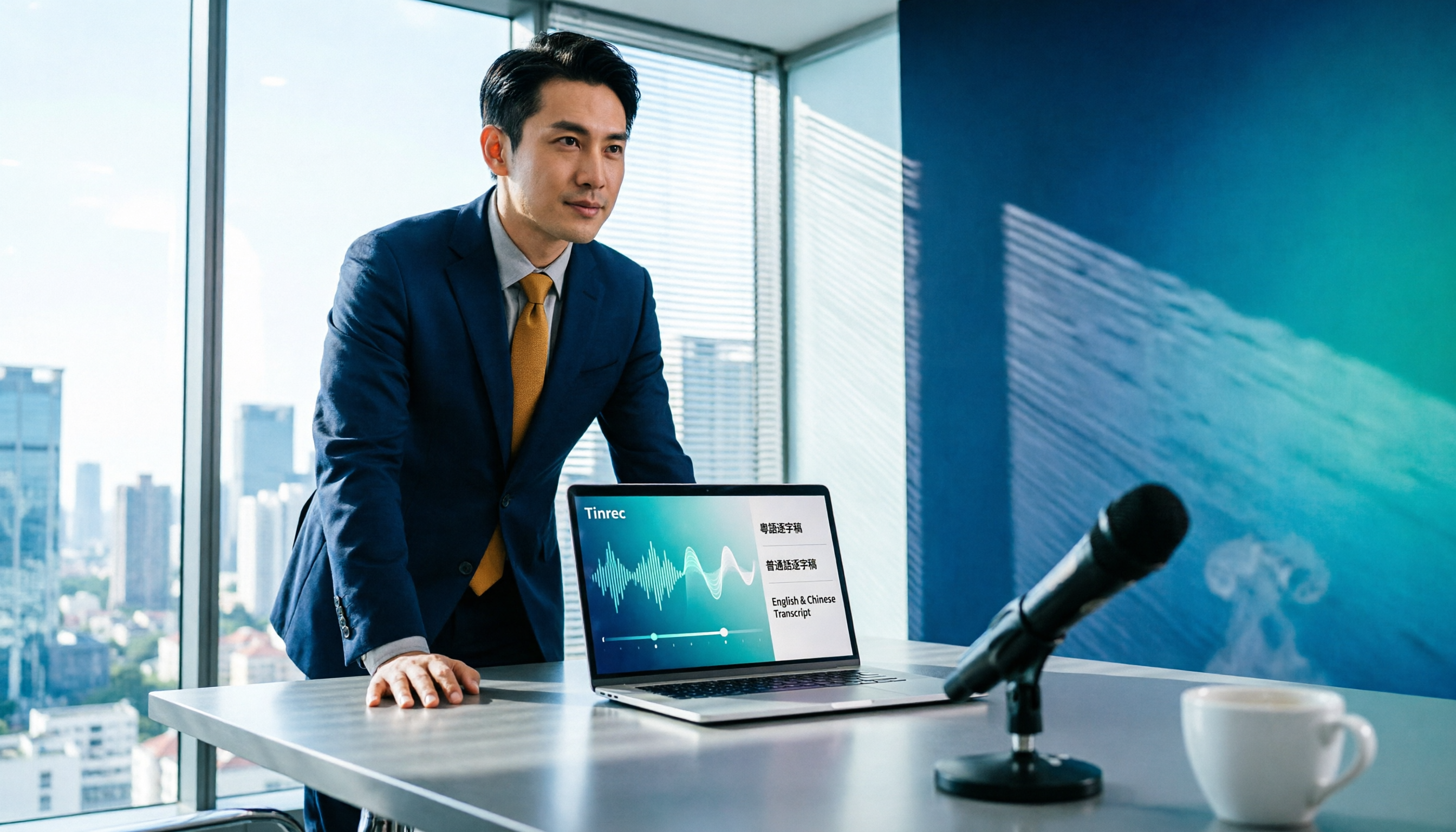
Tinrec is an AI meeting notes and collaboration tool for individuals and teams. It supports live recording, online meeting recording, audio and video file import, and can generate transcripts, summaries, chapters, action items, and mind maps.
What sets it apart most is its focus on "after the meeting."
Record online meetings without a meeting bot.
Tinrec's desktop version captures your computer's system audio directly. When handling meetings on Zoom, Google Meet, Microsoft Teams, or Webex, you don't need to invite a bot to join. The participant list won't show an unfamiliar account, and you avoid extra notifications and permission hassles. Note that recording must be initiated by you on the desktop version; it's not a tool that automatically joins all calendar meetings.
When the meeting ends, what you need is already there.
After recording, the transcript is already generated. The AI then organizes a summary, chapters, and key points, and extracts action items from the discussion. For anyone who writes meeting minutes weekly, this saves the most noticeable time—you're not typing from scratch, but proofreading a structured draft.
Even better is AI Q&A.
After recording, you can directly ask it, "What was the conclusion about the budget in this meeting?" It will answer based on the meeting content, rather than giving you a list of keyword search results. If you manually Ctrl+F in the transcript for the same question, you usually have to flip back and forth through several sections to piece together an answer. This is also where it differs most from tools that only do transcription.
Stop organizing recordings by hand
Upload audio or video and automatically get a transcript, summary, and action items
The organized content can be taken directly.
Results can be exported to Notion, Google Docs, OneNote, Dropbox, and other tools for further processing. You can also use Agent post-processing to generate reports, tables, and documents. If an entire team is using it, the team version provides an independent team space where meeting data belongs to the team, and you can manage members, roles, and seats, and view usage and audit logs.
Overall, its three main advantages are: recording online meetings without a bot, producing far more than a transcript after the meeting, and having the same workflow for both personal and team versions.
One thing to note: the free version provides a basic quota, and long-term high-frequency use requires a paid plan. You can choose a weekly pass or Pro based on usage frequency. Also, file and web link imports consume quota. The team version provides shared import minutes per paid seat, and live recording is currently not deducted by minutes within an active team plan. Additionally, don't expect AI to be 100% accurate; noisy environments, overlapping speakers, and specialized terminology can affect results. For important content, it's recommended to cross-check with the recording.
If you frequently handle Chinese or mixed Chinese-English meetings, want to spend less time organizing afterward, and need data to be accessible across devices and even across teams, this is currently the most suitable choice.
Besides Tinrec, What Other Options Are There?
Otter.ai: A mature choice for English business meetings. Basic free version offers 300 minutes per month; Pro annual billing is about USD 8.49 per user per month. It has a strong English meeting mindset, and its desktop version has corresponding capabilities, not just a meeting bot. However, if you mainly record Chinese meetings and want to directly use AI Q&A to extract conclusions after the meeting, Tinrec's Chinese experience and bot-free desktop recording will be more aligned with your needs.
Granola: A bot-free AI meeting notes tool. Its strength is combining your own notes with AI-generated content. Basic is free; Business is USD 14 per person per month. Note that it does not save meeting audio and does not support uploading pre-recorded audio files. If your sources include old recordings or interview files, or you need to keep the original recording for verification, Tinrec is clearly more complete in this regard.
Notta: Covers multi-platform transcription, meeting notes, file import, and translation. It overlaps significantly with Tinrec. Free version offers 120 minutes per month, max 3 minutes per session; Pro annual billing is about USD 8.17 per month. It performs well in file and multilingual transcription, but if you want bot-free recording of online meetings, plus team space, member seats, and usage auditing, Tinrec's team governance is more comprehensive.
Prices and benefits above are subject to each official page. Plan details may change; please confirm before purchasing.
Pitfall Guide: The 4 Most Common Mistakes When Choosing a Transcription App
Pitfall 1: Only looking at claimed accuracy.
Real meetings have air conditioning noise, keyboard sounds, and people talking over each other, so accuracy will definitely drop. It's best to test the free version with your own recording, not just look at advertised numbers.
Pitfall 2: Ignoring whether recordings are saved.
Some tools only keep the transcript and don't save the original audio. When you need to verify the tone or context of a sentence, without the recording you can only guess. Before choosing a tool, confirm whether audio is retained and whether there's a recovery mechanism after deletion.
Pitfall 3: Treating the transcript as the end goal.
If you only use the tool as "audio to text," you're only using a third of its capabilities. Asking AI directly after the meeting, "What are the three conclusions from this meeting?" is much faster than manually flipping through a 30-minute transcript.
Pitfall 4: Sharing a personal account across a team.
When multiple people share a personal account, data ownership, member departures, and usage are all unmanageable. What to look for in a team version is members, roles, seats, and auditing—not just "can multiple people log in." Members without seats can view and read data, but recording, uploading, and editing require a seat.
Conclusion: Which One Should You Choose?
Simply put, just route by your usage scenario:
- Chinese meetings, mixed Chinese-English, need summaries and action items after → Tinrec
- Don't want a bot in the participant list, want to record Zoom, Meet, Teams via desktop → Tinrec
- Want to ask questions directly about meeting content after recording, or export to Notion, Google Docs for further use → Tinrec
- Meeting data should stay with the team, need to manage members and usage → Tinrec team version
- Almost only record English meetings, tight budget → Otter.ai's free 300 minutes is a practical choice
We suggest starting with Tinrec's free version, trying it with a real meeting recording, and seeing if the summary and Q&A are actually helpful to you before deciding whether to upgrade. Whether a tool is good or not, you'll know after one try.
References
- No time limit! 3 free AI transcription tools, highly recommended! AI voice notes generate meeting minutes, presentations, mind maps | 104 Career Power
- "Speech to Text: AI Transcript · Recording to Text · Voice Memo Recco" App - App Store
- Audio to Text - Free Speech to Text Tool
- SoundType AI Ultra-Precise Transcript, Speech to Text, AI Dictation - Google Play App
- "SoundType AI Ultra-Precise Transcript, Speech to Text, AI Dictation" App - App Store
Turn every recording into actionable outcomes
Get 60 free transcription minutes when you sign in. No credit card required.
Related Reading
You might also like

2026 Top 5 Speech-to-Text Software Comparison: Which Free Version Is Good Enough?
Starting from the overtime pain points of Central office workers, this article tests and compares free speech-to-text solutions in 2026, breaks down 5 key factors to consider when choosing a tool, and uses Tinrec to demonstrate the complete workflow from real-time transcription, AI summaries, action item extraction, AI Q&A, to team workspace retention.

2026 4-Way Audio-to-Text Comparison: Is Samsung Galaxy AI Enough?
Is Samsung Galaxy AI's speech-to-text assistant good enough? This article starts with three common recording organization mistakes, breaks down 5 key buying factors, and compares Samsung's built-in feature, Tinrec, Otter.ai, and Notta. It also covers 4 pitfalls to avoid, helping you decide based on your budget and use case.

2026 Free Speech-to-Text Options: 5 Common Types Explained
A student's guide to the common types and limits of free speech-to-text options in 2026, plus how Tinrec's instant transcription, AI summaries, action item extraction, AI Q&A, and team spaces work for class notes, group discussions, and senior projects, with advice on choosing between the free plan, weekly pass, Pro, and team plans.

5 Chinese Speech-to-Text Tools Tested in 2026: Which Saves the Most Time on Meeting Notes?
A mid-level manager who runs 15 meetings a week shares hands-on experience: when choosing a Chinese audio-to-text tool, the key isn't whether it supports Chinese, but whether it can handle your meeting format, organize the transcript afterward, and provide enough team governance. Using Tinrec as an example, this covers bot-free meeting recording, Chinese transcripts, AI summaries and action items, and the practical uses and limits of team spaces.

2026 AI Transcription Tools Buying Guide: 6 Tested Picks & Advice
Which tool should you use for class recordings, group discussions, or online project meetings? This guide, based on real student scenarios, reviews 6 AI transcription and meeting note tools—Tinrec, Notta, Otter.ai, Granola, TurboScribe, and NotebookLM—so you can quickly compare free tiers, pricing, and selection order.

4 Free Online Speech-to-Text Tools Tested in 2026: Which Offers the Best Free Tier and Cantonese Recognition?
2026 latest roundup: How to choose a free online speech-to-text tool? From how free quotas are calculated, Cantonese and mixed Chinese-English recognition, post-meeting AI summaries and action items, to team spaces and seat management—all explained clearly, with Tinrec demonstrating the complete workflow from recording to report submission.

How to Choose AI Audio Transcription in 2026: 5-Step Hands-On Review
2026 AI audio transcription tool recommendations, starting from common pitfalls, explaining 5 key purchasing factors, hands-on testing of Tinrec, and comparing Otter, Notta, Granola and other competitors, with a guide to avoiding pitfalls and selection advice.

6 LINE Voice-to-Text Tools Tested for 2026: Which Handles Long Voice Messages Fastest?
Ever lose track halfway through a long voice message from your boss, or have to replay an entire client call just to find one number? LINE doesn't record calls, and voice messages expire. This guide covers 6 practical ways to turn LINE recordings into text files—from completely free built-in phone features to AI tools that can summarize, answer follow-up questions, and become searchable team knowledge. Each option includes pricing, limitations, and who it's best for.
Tinrec vs Otter.ai 2026: 5-Dimension Comparison for Chinese Meetings
Tired of transcribing meeting recordings yourself? This article compares Tinrec and Otter.ai across 5 dimensions, explaining what these AI transcription tools can do, what to consider before meetings, and 5 common pitfalls when choosing a tool.