
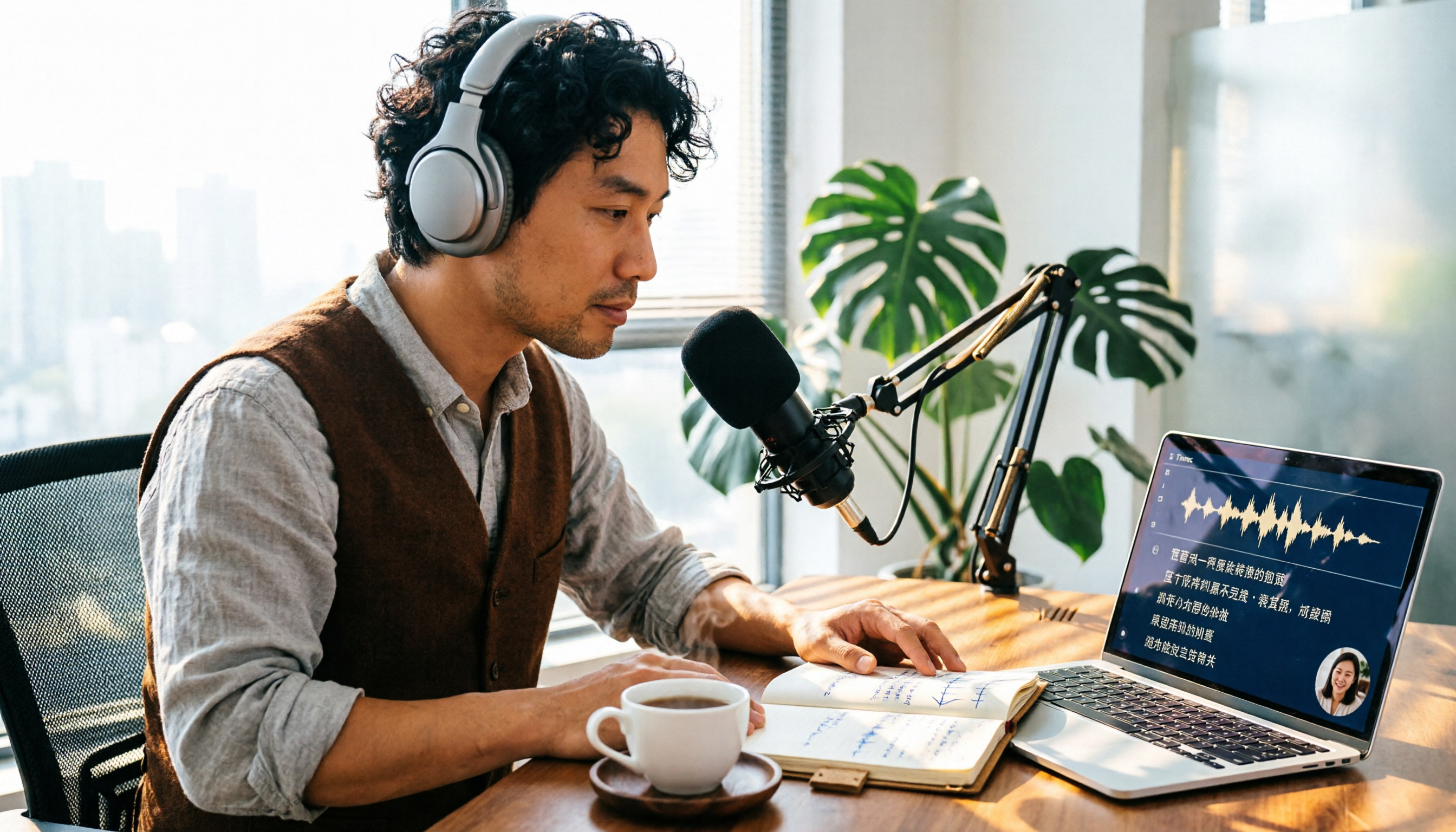
Turn recordings into transcripts and summaries in minutes
Upload audio or video for multilingual transcription, AI notes, and action items
How to Choose Chinese Transcription Software in 2026: 5-Step Hands-On Test of Good Tape vs. Tinrec
You've Recorded Tons of Meetings, But It's Taking More Time Than Ever—Common Misconceptions and Inefficient Practices
Many people think "audio to text" just means dropping a file into a tool and hitting convert. The result? A transcript with no punctuation, no paragraphs, and countless typos—proofreading takes longer than typing it yourself.
Another common misconception is focusing only on the number of supported languages. Supporting 40 languages sounds impressive, but if Chinese recognition is unstable and mixed Chinese-English speech in meetings isn't handled well, its practicality for Chinese-speaking users takes a hit.
Also, many people record meetings and then just leave the files sitting there—no summary, no action items, no team sharing. Next time they need it, they have to listen through the entire audio from the beginning, wasting the value of the recording.
If you've experienced these situations, this article will help you find a more reasonable approach with practical selection criteria and tool comparisons.
Before Choosing an Audio-to-Text Tool, Understand These 4 Key Points
Chinese and mixed Chinese-English recognition: Meetings in Chinese-speaking regions are rarely pure Chinese—they often include English technical terms. Whether a tool can handle mixed Chinese-English and allow custom team vocabulary is more important than how many obscure languages it supports.
Post-meeting organization capabilities: A transcript is only half the product. Whether it can automatically generate summaries, chapters, action items, and even let you ask AI questions—that's the key to saving time.
Cross-platform and meeting recording methods: Mobile recording, computer meetings, uploading old files—ideally one tool handles it all. Also note: some tools require a meeting bot to join the meeting, while others directly capture system audio, which is less disruptive to participants.
Free tier and team collaboration: Can the free version let you test real results? Can team members share meeting data? If a member leaves, will the data disappear with them? These are all considerations for long-term use.
Tinrec—Our Top Pick After Hands-On Testing
Tinrec is an AI meeting notes and collaboration tool for individuals and teams, supporting iOS, Android, and web. The desktop version can directly capture computer system audio, handling online meetings on Zoom, Google Meet, Microsoft Teams, Webex, and more—no need to invite a meeting bot.
The workflow can be broken into 5 steps: First, create a Tinrec account; second, choose live recording, computer meeting recording, or upload an audio file; third, the system automatically generates a transcript; fourth, view AI-generated summaries, chapters, and action items; fifth, use AI Q&A to dig into details or export to Notion, Google Docs, OneNote, Dropbox, and other tools.
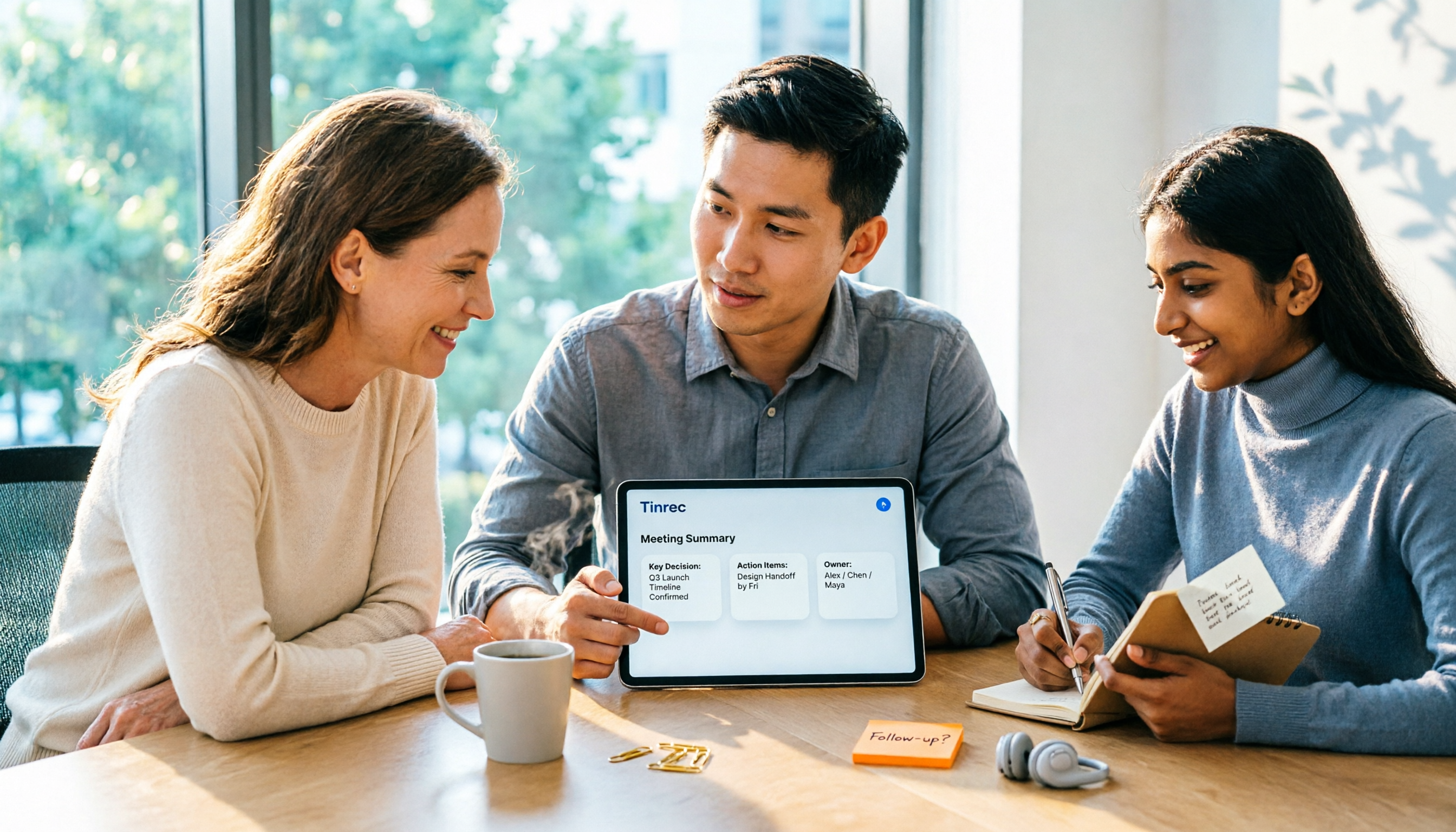
Open Tinrec during a meeting, and it transcribes as it records. After the meeting, AI has already organized the summary and action items—who's responsible for what, what's next—all clear at a glance. Even better is the AI Q&A: you can directly ask "Who mentioned the budget in the last meeting?" and it answers based on semantic understanding, not just keyword search results. Among tools at the same price point, this type of feature is not common.
Tinrec also supports real-time translation—during recording, you can view the original text, translation, or bilingual content, which is very helpful for mixed Chinese-English meetings. After the meeting, it can generate reports, tables, and meeting minutes, turning a single meeting's content into work materials you can deliver directly.
Stop organizing recordings by hand
Upload audio or video and automatically get a transcript, summary, and action items
In terms of limitations, the free version provides a basic quota, suitable for light use; if you have regular weekly meetings, consider the Pro plan. Actual transcription quality is affected by recording quality, noise, accents, and technical terminology. For important content, we recommend cross-checking with transcript timestamps and audio playback.
The team version provides an independent team space where you can manage members, roles, and seats, and view usage analytics and audit logs. Team monthly billing is USD 29.80 per paid seat per month, annual billing is USD 199 per paid seat per year (about USD 16.58 per month); the first eligible team trial is 7 days, 1 free seat, and 300 minutes of shared team import quota. Team data belongs to the team—when a member leaves, it can be handed over to other active members and won't be taken away by the individual.
If you need Chinese meeting notes, don't want to invite a meeting bot, or want to turn meeting data into a searchable, queryable team asset, Tinrec is a top choice worth trying first.
Besides Tinrec, What Other Options Are There?
Good Tape: A voice-to-text tool from Denmark. The app uses OpenAI Whisper technology and supports over 40 languages including Chinese. You can record and upload anytime, auto-transcribe, edit summaries, and export transcripts. It has a solid reputation among journalists. However, it lacks Tinrec's AI Q&A, action item extraction, and team space management—if you need to turn meetings into queryable, collaborative team data, Tinrec is more suitable.
Notta: A multilingual transcription tool supporting multiple platforms, document import, translation, and team plans. The free plan offers 120 minutes per month, up to 3 minutes per session. Tinrec's advantages are bot-free online meeting recording, AI Q&A, and post-meeting Agent processing; if you mainly upload files for transcription, Notta is worth comparing.
Otter.ai: A mature choice for English meetings. The free version offers 300 minutes per month; Pro annual billing is about USD 8.49 per user per month. It supports meeting notes for Zoom, Teams, Google Meet, and other platforms. However, Otter's Chinese meeting experience is not its strong suit, and it lacks Tinrec's bot-free desktop recording and team data accumulation design. If you mainly record English meetings, Otter is worth considering; if Chinese is your primary language, try Tinrec first.
Pitfall Guide: The 3 Most Common Mistakes When Choosing an Audio-to-Text Tool
Pitfall 1: Only looking at advertised accuracy rates. Many tools claim "98% accuracy," but that's usually measured in a quiet recording studio. Real meetings have air conditioning noise, keyboard sounds, and multiple people talking over each other—accuracy drops noticeably. We recommend testing the free version with your own recordings, not just relying on ads.
Pitfall 2: Ignoring post-meeting organization. If you only use the tool for "audio to text," you're only using a third of its capabilities. Features like Tinrec's AI Q&A and action item extraction let you directly ask "What was the meeting conclusion?"—much faster than manually scrolling through a 30-minute transcript.
Pitfall 3: Not considering team data ownership. Meetings recorded under personal accounts often become unfindable after a member leaves. If meeting content is important to the team, choose a tool with team spaces and handover mechanisms, rather than scattering files across personal devices.
Conclusion: Which One Should You Choose?
Bottom line: For Chinese-language meetings with post-meeting AI organization and team collaboration needs, Tinrec is the top choice.
Scenario breakdown:
- Chinese meetings + post-meeting AI Q&A → Tinrec
- Don't want to invite a meeting bot → Tinrec (desktop version captures system audio)
- Need team sharing of meeting data and seat management → Tinrec Team version
- Only record English meetings and budget is limited → Otter.ai
- Just want to quickly convert existing audio files to subtitles → Good Tape or TurboScribe are worth comparing
We recommend downloading the Tinrec free version first and experiencing the difference in transcripts, summaries, and AI Q&A with a real meeting. Teams can evaluate the 7-day trial to confirm whether the member, seat, and data handover processes meet their needs.
References
- Good Tape - App Store - Apple
- Good Tape - Google Play
- Good Tape: The Voice Transcription Software That Impressed Journalists | CommonWealth Magazine
- Good Tape: Automated Audio-to-Transcript Tool Supporting Chinese and Multiple Languages
- Good Tape Tutorial: Audio-to-Transcript Tool Supporting Chinese and 40 Languages | Manager Today
Turn every recording into actionable outcomes
Get 60 free transcription minutes when you sign in. No credit card required.
Related Reading
You might also like
2026 AI Meeting Assistant Comparison: Tinrec vs Otter.ai vs Granola vs Notta for Chinese Meetings & Post-Meeting Q&A
The real pain point of meeting notes isn't typing speed—it's that decisions and action items get lost after the meeting. This article compares four AI meeting assistants—Tinrec, Otter.ai, Granola, and Notta—using the same testing process, breaking down four dimensions: how meetings are captured, post-meeting organization, Chinese and cross-language performance, and team governance. It also lists four common purchasing mistakes to help you choose the right tool within your budget.

2026 Comparison of 5 AI Agent Structured Output Approaches: From JSON Schema to Meeting Data in Practice
Many people think that writing "please reply in JSON" in a prompt counts as structured output, but when they actually connect it to a system they discover that the fields are different every time. This article starts from common misconceptions, compares 5 structured output approaches side by side, and uses Tinrec to demonstrate how to turn meeting recordings into verifiable, directly usable tables, action items, and reports.

2026 AI Agent Auto-Delivery Tools Compared: From Meeting Notes to Post-Meeting Outputs, Which Is Least Hassle?
2026 is called the "delivery year" for AI Agents, but tools branded as Agents actually fall into four distinct approaches. This article compares them across four dimensions—input method, post-meeting output, Chinese-language experience, and team governance—and uses Tinrec as a practical example of the "bot-free desktop agent" approach to help you decide which one truly turns meetings into deliverables.

2026 AI Meeting Tools Compared: Key Differences That Actually Improve Meeting Efficiency
More meetings don't mean more efficiency. This article starts with common misconceptions and breaks down the three areas AI must address to truly improve meeting efficiency: uninterrupted recording, structured content, and transferable outcomes. Using Tinrec as an example, it explains the complete workflow from bot-free online meeting recording, real-time transcription, AI summaries and action items, AI Q&A, to team spaces. It also includes 5 buying checkpoints and FAQs.

How to Use AI Meeting Efficiency Tools in 2026: 5 Steps from Recording to Team Meeting Minutes
The real work begins after the meeting ends. This article breaks down the practical use of AI meeting efficiency tools through 5 key selection criteria, demonstrates a 5-step workflow from recording, transcription, AI summarization to team knowledge retention using Tinrec, and compares Granola, Notta, and Otter.ai in terms of use cases and official pricing to help you decide which one truly saves time.

2026 AI Meeting Recorder Free Plans Compared: 5 Tools to Check Out
Two-hour meeting, two-hour cleanup? This guide rounds up five AI tools in 2026 that automatically take meeting notes, comparing free plans—from bot-free recording, transcripts, and action items to team collaboration. It also shares hands-on experience on why Tinrec is the top choice for Chinese-language meetings, with free quotas and paid thresholds for each plan.

2026 Meeting Notes App Comparison: Tinrec vs Otter vs Notta – Which Is Best for Office Workers?
Starting from the common misconception that meeting notes apps just need to convert audio to text, this hands-on comparison of Tinrec and Otter covers four key dimensions: meeting capture, Chinese language experience, post-meeting workflow, and team data governance. It also briefly analyzes Notta's free version limitations to help office workers determine which meeting notes app best fits their meeting scenarios.

Best Free Audio Transcription Tools in 2026: 4 Options Compared
Content creators often think free audio transcription means uploading a file and waiting for a transcript, but the real time sink is organizing the output. This article reviews four free options, focusing on Chinese recognition, free quotas, post-meeting summaries, and team collaboration. It also covers Tinrec's bot-free meeting recording, AI Q&A, and export workflow to help you choose a tool that directly produces usable content.

How to Turn Recordings into Reports in 2026: Bot-Free Meeting Transcription + AI Summaries & Action Items
Many people run recordings through transcription tools but still have to re-listen and edit before writing a report. This guide starts with common pitfalls, outlines 5 key buying criteria for transcription tools, compares Tinrec, Granola, Notta, and TurboScribe, and explains how to use AI summaries, chapters, action items, Q&A, and Agent post-processing to turn meeting recordings into deliverable reports. It also covers team plan seats and pricing.