
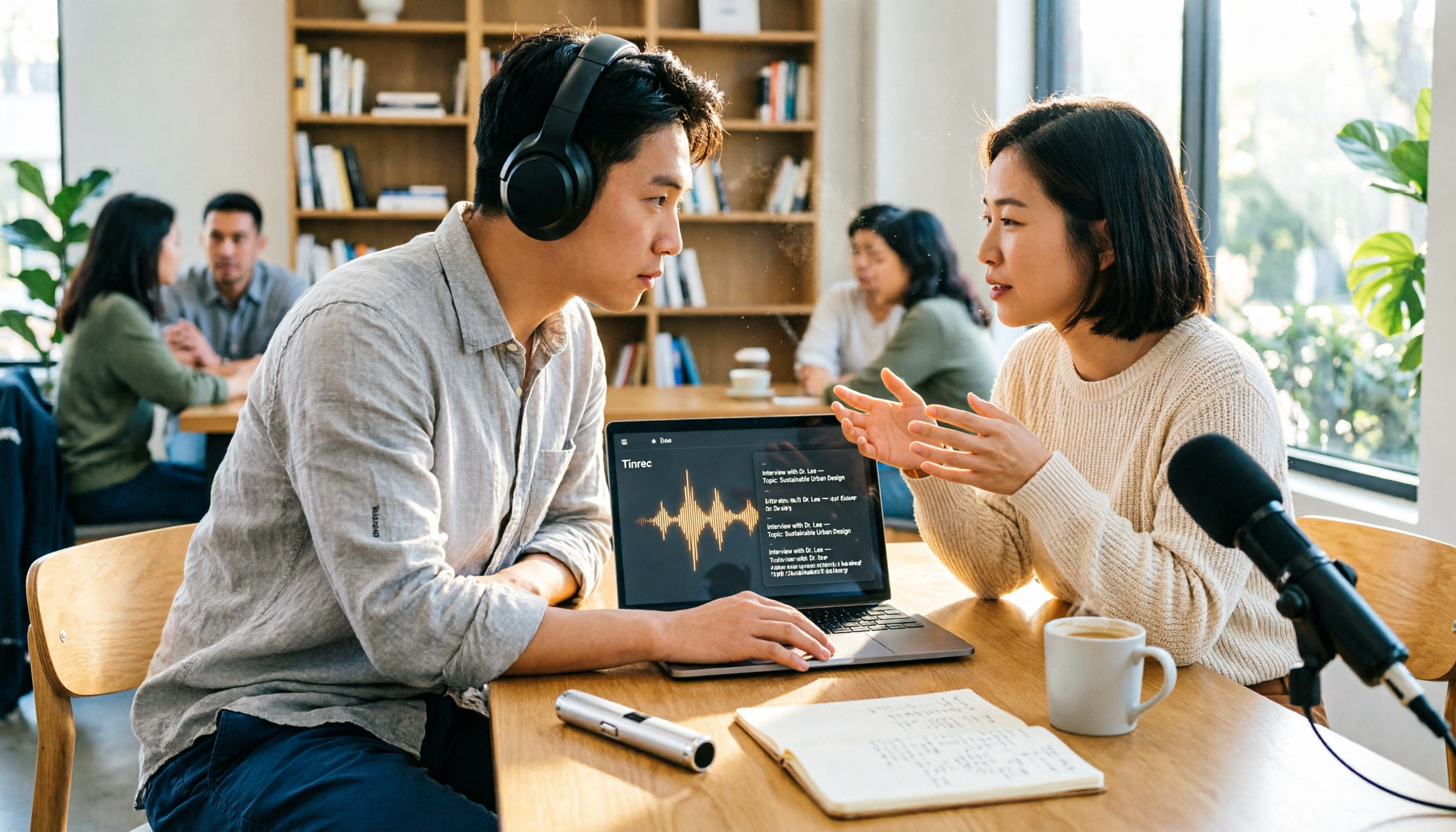
Turn recordings into transcripts and summaries in minutes
Upload audio or video for multilingual transcription, AI notes, and action items
The Most Time-Consuming Part of a Meeting Isn't the Meeting Itself
Have you ever been in this situation: a two-hour meeting wraps up, everyone says goodbye in the group chat, and you look at the recording on your phone knowing you'll spend another two or three hours typing out the transcript.
Interviews are even trickier. The person you scheduled spoke for an hour and a half with great content, but when you get home and open the recording, you realize the air conditioning, keyboard clatter, and two people talking over each other are all mixed together.
Then there are cross-language situations. Someone speaks Chinese, someone speaks English, and you wish you'd practiced your listening skills more.
The common thread here is: recording was never the problem. The problem is what comes after.
If you pick the right tool, transcription, segmentation, key point extraction, and action item organization can all happen automatically. You just need to proofread and make judgment calls.
4 Key Things to Understand Before Choosing a Transcription Tool
1. Does it automatically add punctuation to Chinese?
Many tools perform brilliantly in English but turn Chinese into one long string of text with no punctuation. Official descriptions aren't reliable—test it yourself with a sample of your own Chinese recording. That's the fastest way to tell.
2. What can it do after recording?
If a tool only gives you a transcript, you've only saved typing time. Whether it can automatically generate summaries, extract action items, or even let you query content afterward through Q&A makes a bigger difference than you might think.
3. How do you record online meetings?
Some tools use a "meeting bot" that joins as a participant. Others capture system audio directly from your computer without an extra bot showing up. The latter is less disruptive for other attendees and eliminates the risk of forgetting to invite the bot.
4. Is the free tier enough for you?
Free plans usually have minute limits or single-file length restrictions, and rules vary by provider. Estimate how many minutes you'll use per week before deciding whether to pay.
Tinrec — The One We Recommend Most After Testing
Tinrec is an AI meeting notes and collaboration tool for individuals and teams, available on iOS, Android, desktop, and web. Its positioning goes beyond converting audio to text—it turns meeting recordings into searchable, summarizable, queryable, and exportable data.
Let's start with online meetings. Tinrec's desktop version captures system audio directly, handling Zoom, Google Meet, Microsoft Teams, Webex, and other platforms without adding any bot to the meeting. You can see the transcript during the meeting, and afterward the system automatically generates summaries, chapters, key points, and action items.
Now for post-meeting. This is where it stands out most from other tools: you can directly ask AI questions about the meeting content, like "Who mentioned the budget in the last meeting?" or "What concerns did the client raise about the delivery timeline?" It doesn't just throw keyword search results at you—it answers based on semantic understanding. At this price point, almost no other tool offers this layer.
Export options are diverse too. Transcripts, summaries, chapters, action items, and mind maps can all be generated, and you can export to Notion, Google Docs, OneNote, or Dropbox for further editing, or use Agent post-processing to directly generate reports, tables, and documents. For cross-language meetings, it supports real-time translation with options to switch between original text, translated text, or bilingual view.
For team use, Tinrec for Teams provides a dedicated team space where meeting data belongs to the team, with member roles and seat management, sharing permissions, usage analytics, audit logs, audio recycle bin, and team hotwords. When a member leaves, data doesn't go with them.
Note that the free version provides a basic quota to let you experience recording, importing, summaries, and transcription. Heavy users will need to pay. Personal plans include Free, Weekly Pass, Pro Monthly, and Pro Annual. Team plans offer a 7-day trial for first-time eligible users (1 free seat, 300 minutes of shared team import quota). Monthly is USD 29.80 per paid seat per month; annual is USD 199 per paid seat per year (about USD 16.58/month). Each paid seat provides 2,000 minutes of shared team import quota per month. Under an active team plan and seat, live recording currently does not deduct minutes.
To be honest, transcription accuracy is affected by recording quality, noise, accents, overlapping speakers, and technical terminology. For important content, we recommend cross-checking with transcript timestamps and audio playback.
Stop organizing recordings by hand
Upload audio or video and automatically get a transcript, summary, and action items
Overall, if you frequently handle Chinese meetings, don't want a bot joining your meetings, want to use AI to query key points afterward, or need to turn meeting data into a team asset, Tinrec is the one most worth trying first.
Besides Tinrec, What Else Is Out There? Good Tape App Features at a Glance
Good Tape App
Good Tape is a speech-to-text service from a Danish team. The Good Tape Recorder App is the official companion app for goodtape.io, available on iOS and Android. The app primarily handles recording: record anytime and it uploads instantly to your Good Tape account, where the system automatically transcribes for later editing, summarizing, formatting, and exporting.
The app has several thoughtful design touches. It measures decibels in real time to check if your recording is "healthy" enough; it supports background recording so it keeps going even if you close the app; it prevents your phone from auto-locking during recording; there's no recording length limit, and you can share multiple audio files to the app for batch processing. Audio is transmitted and stored with encryption.
For transcription, it uses OpenAI's Whisper technology. According to the official description, it supports over 40 languages including English, Chinese, Japanese, Korean, German, French, and Danish. It can output timestamped text files or .SRT subtitle files, customize transcript time intervals, and download as .txt or .srt.
A few things to watch out for. Some reviews note that Good Tape cannot automatically add punctuation when processing Chinese, cannot edit text before exporting, and doesn't let you listen to audio while checking the transcript. The same review mentions that free plan transcription speed is slow (1 minute of audio may take 1 hour to complete), and you need to upgrade to a paid version for faster processing. Speaker identification is also only available in the upgraded version.
The biggest difference from Tinrec is positioning: Good Tape mainly solves "recording plus converting to text," while Tinrec goes further—after transcription, it can use AI Q&A to query meeting content, automatically extract action items, and put data into a shared team space for collaboration and management. If you just need a transcript or subtitle file, Good Tape is worth considering. If you want post-meeting organization and team collaboration, think one step further.
Notta
Notta is a multi-platform transcription tool with significant overlap with Tinrec, also covering meeting notes, file import, translation, and team plans. The current free version offers 120 minutes per month with a maximum of 3 minutes per single session. Pro annual billing works out to about USD 8.17/month (1,800 minutes per month). Its multilingual transcription has a good reputation, suitable for those who mainly transcribe files. Note that Tinrec's desktop version can capture system audio directly without a meeting bot and lets you query content with AI Q&A afterward—features Notta currently lacks.
Otter.ai
Otter.ai is a veteran choice for English meeting assistance, supporting Zoom, Microsoft Teams, and Google Meet. The Basic free plan offers 300 minutes per month. Pro annual billing works out to about USD 8.49 per user per month. If you mainly record English meetings, Otter.ai is a mature option with a generous free tier. However, its Chinese and Traditional Chinese experience isn't as good as English, and it lacks Tinrec's complete workflow of bot-free desktop capture plus team data accumulation. If your meetings are primarily in Chinese, we suggest trying both before deciding.
Plan details and pricing above are based on each tool's official page and may change over time.
Pitfall Guide: 3 Most Common Mistakes When Choosing a Transcription Tool
Pitfall 1: Only looking at advertised accuracy rates. The conditions under which accuracy was tested matter more than the number itself. A quiet recording studio is very different from a real meeting room. Test with your own recording instead of just reading marketing copy.
Pitfall 2: Ignoring Chinese punctuation and speaker identification. These two features are often a given in English tools but may disappear when you switch to Chinese. Confirm before buying, or you'll end up with a transcript that has no punctuation and can't tell who said what—and you'll still have to redo the work yourself.
Pitfall 3: Treating a transcription tool as just "audio to text." If you only use the transcript, you're only using one-third of what these tools can do. With Tinrec's AI Q&A, for example, you can ask "What was the conclusion of this meeting?" right after recording—far faster than scrolling through a 30-minute transcript yourself.
Summary: Which One Should You Choose?
In one sentence: for Chinese meetings and post-meeting organization, Tinrec is the one we recommend most.
- Mainly Chinese meetings, want to save post-meeting time → Tinrec (automatic summaries, chapters, and action items)
- Don't want an extra bot joining online meetings → Tinrec (desktop version captures system audio directly)
- Want to use AI to query meeting highlights right after recording → Tinrec (rare AI Q&A at this price point)
- Need to turn meeting data into a shared team asset → Tinrec for Teams (space, seats, usage, and audit)
- Only need to turn recordings into transcripts or subtitle files → Good Tape (complete subtitle files and timestamps)
- Mainly record English meetings, limited budget → Otter.ai (300 free minutes is plenty)
We suggest starting with a free plan, running a real test with your own recording, and confirming that Chinese punctuation, summary quality, and your desired post-meeting workflow all meet expectations before deciding whether to upgrade. Spending time testing once is far more cost-effective than redoing transcripts later.
References
Turn every recording into actionable outcomes
Get 60 free transcription minutes when you sign in. No credit card required.
Related Reading
You might also like
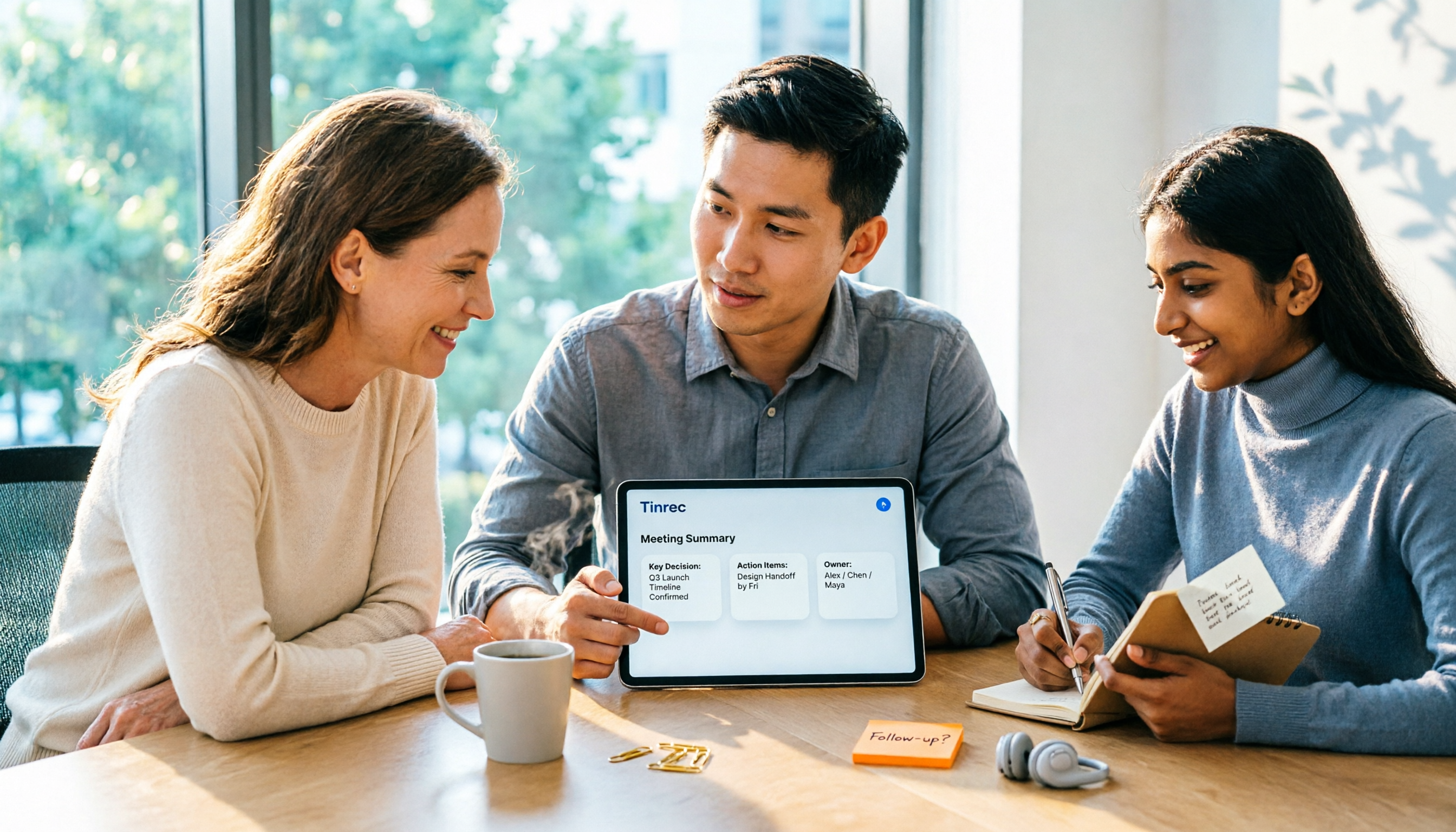
2026 AI Meeting Assistant Comparison: Tinrec vs Otter.ai vs Granola vs Notta for Chinese Meetings & Post-Meeting Q&A
The real pain point of meeting notes isn't typing speed—it's that decisions and action items get lost after the meeting. This article compares four AI meeting assistants—Tinrec, Otter.ai, Granola, and Notta—using the same testing process, breaking down four dimensions: how meetings are captured, post-meeting organization, Chinese and cross-language performance, and team governance. It also lists four common purchasing mistakes to help you choose the right tool within your budget.

2026 Comparison of 5 AI Agent Structured Output Approaches: From JSON Schema to Meeting Data in Practice
Many people think that writing "please reply in JSON" in a prompt counts as structured output, but when they actually connect it to a system they discover that the fields are different every time. This article starts from common misconceptions, compares 5 structured output approaches side by side, and uses Tinrec to demonstrate how to turn meeting recordings into verifiable, directly usable tables, action items, and reports.

2026 AI Agent Auto-Delivery Tools Compared: From Meeting Notes to Post-Meeting Outputs, Which Is Least Hassle?
2026 is called the "delivery year" for AI Agents, but tools branded as Agents actually fall into four distinct approaches. This article compares them across four dimensions—input method, post-meeting output, Chinese-language experience, and team governance—and uses Tinrec as a practical example of the "bot-free desktop agent" approach to help you decide which one truly turns meetings into deliverables.

2026 AI Meeting Tools Compared: Key Differences That Actually Improve Meeting Efficiency
More meetings don't mean more efficiency. This article starts with common misconceptions and breaks down the three areas AI must address to truly improve meeting efficiency: uninterrupted recording, structured content, and transferable outcomes. Using Tinrec as an example, it explains the complete workflow from bot-free online meeting recording, real-time transcription, AI summaries and action items, AI Q&A, to team spaces. It also includes 5 buying checkpoints and FAQs.
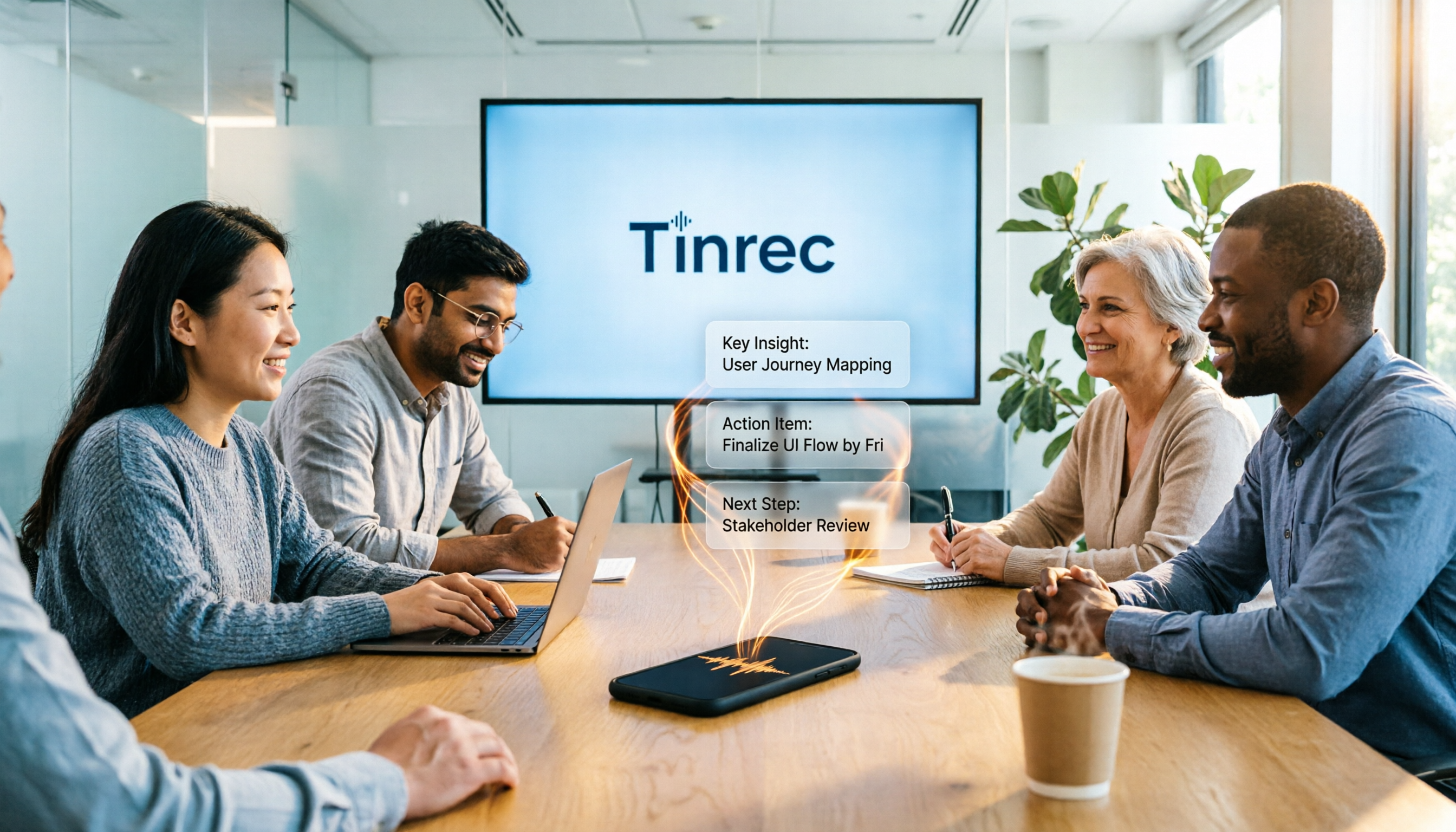
How to Use AI Meeting Efficiency Tools in 2026: 5 Steps from Recording to Team Meeting Minutes
The real work begins after the meeting ends. This article breaks down the practical use of AI meeting efficiency tools through 5 key selection criteria, demonstrates a 5-step workflow from recording, transcription, AI summarization to team knowledge retention using Tinrec, and compares Granola, Notta, and Otter.ai in terms of use cases and official pricing to help you decide which one truly saves time.

2026 AI Meeting Recorder Free Plans Compared: 5 Tools to Check Out
Two-hour meeting, two-hour cleanup? This guide rounds up five AI tools in 2026 that automatically take meeting notes, comparing free plans—from bot-free recording, transcripts, and action items to team collaboration. It also shares hands-on experience on why Tinrec is the top choice for Chinese-language meetings, with free quotas and paid thresholds for each plan.

2026 Meeting Notes App Comparison: Tinrec vs Otter vs Notta – Which Is Best for Office Workers?
Starting from the common misconception that meeting notes apps just need to convert audio to text, this hands-on comparison of Tinrec and Otter covers four key dimensions: meeting capture, Chinese language experience, post-meeting workflow, and team data governance. It also briefly analyzes Notta's free version limitations to help office workers determine which meeting notes app best fits their meeting scenarios.

Best Free Audio Transcription Tools in 2026: 4 Options Compared
Content creators often think free audio transcription means uploading a file and waiting for a transcript, but the real time sink is organizing the output. This article reviews four free options, focusing on Chinese recognition, free quotas, post-meeting summaries, and team collaboration. It also covers Tinrec's bot-free meeting recording, AI Q&A, and export workflow to help you choose a tool that directly produces usable content.
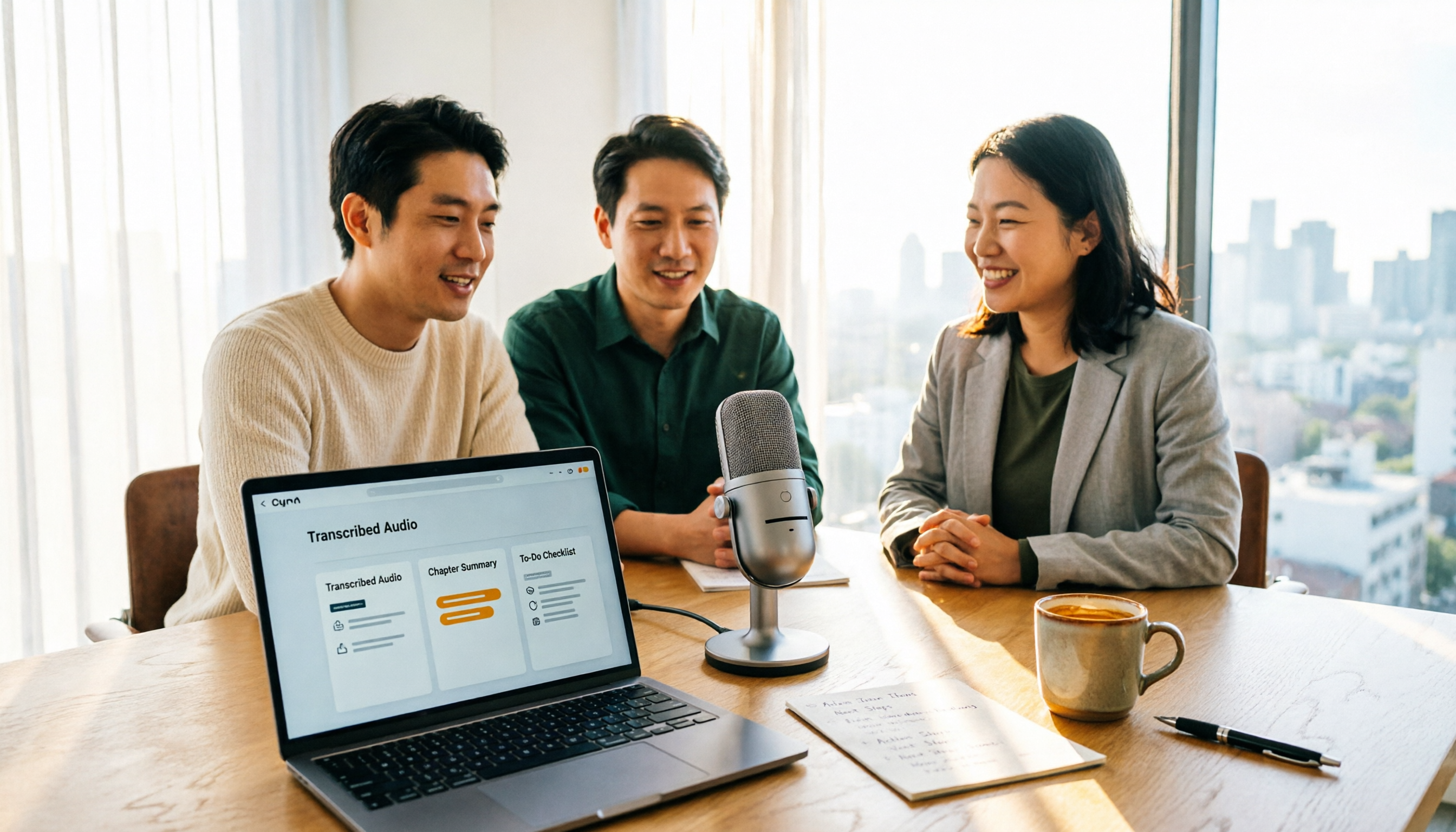
How to Turn Recordings into Reports in 2026: Bot-Free Meeting Transcription + AI Summaries & Action Items
Many people run recordings through transcription tools but still have to re-listen and edit before writing a report. This guide starts with common pitfalls, outlines 5 key buying criteria for transcription tools, compares Tinrec, Granola, Notta, and TurboScribe, and explains how to use AI summaries, chapters, action items, Q&A, and Agent post-processing to turn meeting recordings into deliverable reports. It also covers team plan seats and pricing.