

Turn recordings into transcripts and summaries in minutes
Upload audio or video for multilingual transcription, AI notes, and action items
Your meeting runs until 8 PM. You hit "End Meeting" and a 45-minute recording pops up on your screen.
You know it contains three decisions, two action items, and a client complaint—but all of that exists only in audio. To turn it into text, you have to listen again, type as you go, and then organize it all over again.
For interviews or lectures, it's even worse. A two-hour recording leaves you no time for anything else just to listen through it.
This article isn't about which app is "the best." It's about the framework I've developed after using several speech-to-text AI apps, and which one currently appears most often in my workflow.
4 Key Points to Understand Before Choosing a Speech-to-Text AI App
1. How does it "hear" the meeting?
The market roughly splits into two camps: one adds a meeting bot into the conference room as a participant; the other captures system audio directly from your computer. The former requires notifying everyone that "someone extra" is joining, which is especially awkward for external client meetings. This directly affects whether you dare use it in formal settings.
2. Understanding Chinese doesn't mean it takes good meeting notes.
Many tools claim support for 90+ languages, but the real challenge in Chinese meetings is mixed Chinese-English, proper nouns, and product codes. Whether you can add custom hotwords and whether it offers bilingual comparison is more practical than how many languages it supports.
3. After generating a transcript, what else do you need to do?
If all you get is a transcript, you still have to highlight key points, extract action items, and write the minutes yourself. That's where the difference lies: some tools stop at "converting to text," while others continue to generate summaries, chapters, action items, and even let you ask questions directly about the meeting content.
4. How is pricing calculated?
This is the most easily overlooked point. You need to distinguish: Are live recording and file import the same quota? Does the team deduct minutes per person, or share a pool? Does buying a seat mean everyone can edit? Without clarifying these, you can easily spend money but not get the features you want.
Tinrec — After Testing, the One I Recommend Most Often
Tinrec is an AI meeting notes and collaboration tool for individuals and teams. It supports live recording, online meetings, audio and video file import, and works across iOS, Android, and web.
No need to invite a bot into the meeting room
Tinrec's desktop version captures system audio directly, handling online meetings on Zoom, Google Meet, Microsoft Teams, Webex, and similar platforms without inviting an extra meeting bot. For external client meetings, this is more practical than anything. Note that this is user-initiated recording, not automatic joining of every meeting on your calendar.
After recording is where it truly saves time
As soon as the meeting ends, the transcript is already there, and AI generates a summary, chapters, and action items. Even better is AI Q&A: you can directly ask "Who mentioned the budget in the last meeting?" and it answers using semantic understanding, rather than dumping a bunch of keyword search results for you to dig through. When you need to deliver something after the meeting, it can further generate reports, tables, and documents.
Handles cross-language meetings well
During recording, you can switch between original text, translation, or bilingual view. Mixed Chinese-English content doesn't need separate files. The team version also offers hotword management, letting you add product names, project codes, and industry terms to reduce those "I heard it clearly but it transcribed it wrong" situations.
Observations from testing
In quiet indoor recordings with turn-taking speakers, the transcript is almost ready to read without edits. But with multiple people talking over each other, noticeable air conditioning noise, or fast speakers, you still need to cross-check against the recording. The official materials don't give a fixed accuracy number, which I think is actually more honest—accuracy is inherently affected by recording quality, noise, accents, and overlapping speech.
Features I find very practical
- Transcript, summary, action items, mind map, reports, and tables are all generated from the same meeting—no need to open other tools and redo everything.
- Supports export to Notion, Google Docs, OneNote, Dropbox, and other common tools, fitting directly into your existing workflow.
- The team version keeps meeting data in a team space, so when members leave or lose their seat, the data doesn't go with them; admins can also view usage, member rankings, and activity logs.
Limitations to note
Stop organizing recordings by hand
Upload audio or video and automatically get a transcript, summary, and action items
The free version offers a basic quota, suitable for trying out your own recording before deciding whether to pay. The team version currently states: 7-day trial, 1 free seat, 300 minutes of shared team import quota; paid seats are USD 29.80/month or USD 199/year (about USD 16.58/month), with each paid seat providing 2,000 minutes of shared team import quota per month, while live recording under an active seat is currently not deducted by the minute. Actual pricing and benefits are subject to the official purchase page.
Also, distinguish between "role" and "seat"—members without a seat can still view, play, and read team data, but recording, uploading, editing, or exporting requires a seat.
Who it's for
If you frequently hold Chinese meetings, don't want a bot joining the room, want to use AI to find key points right after recording, and want to retain data in a shared team space—Tinrec is currently the closest fit for these needs.
Besides Tinrec, What Other Options Are There?
Otter.ai
A veteran choice for English business meetings, with very mature meeting automation and tool integrations. The free version's 300 minutes per month is quite generous, and Pro annual billing works out to about USD 8.49/user/month. If your meetings are almost all in English, it's a reasonable option. However, Chinese meeting organization isn't its strong suit; if you care about Chinese scenario details like mixed Chinese-English, bilingual comparison, and team hotwords, Tinrec's focus is more relevant.
Notta
The competitor with the most overlap with Tinrec, offering multi-platform transcription, file import, translation, and team plans. The free version gives 120 minutes per month with a 3-minute limit per file; Pro annual billing is about USD 8.17/month, and Business is about USD 16.67/seat/month. It excels at straightforward file transcription, subtitles, and translation. But if what you want is "no bot in the meeting room, and post-meeting data stays in the team space," Tinrec's combination is more complete.
PLAUD Note / NotePin
The hardware representative, with the device starting at USD 159, plus membership fees (Starter: 300 minutes/month; Pro annual: USD 99.99). Suitable for portable recording and phone call recording—situations phones handle poorly. But it can't help with online meetings, and you have to buy a device first. Tinrec requires no extra hardware and works on web, desktop, and mobile—that's hard for hardware products to replace.
Granola
Also takes the bot-free desktop recording route, focusing on "handwritten notes + AI enhancement." Basic is free, Business is USD 14/person/month. Note that it doesn't support uploading existing recording files and doesn't save meeting audio. If you need to keep recordings for later cross-checking or organize past interview files, Tinrec covers this area more thoroughly.
Pitfall Guide: 4 Most Common Mistakes When Choosing a Speech-to-Text App
Pitfall 1: Choosing a tool based only on "audio to text."
That's like using only one-third of the tool's capability. The real time sink is never transcription—it's the organization after. Before choosing, ask yourself: Do I need summaries, action items, and the ability to ask questions about the content?
Pitfall 2: Assuming that buying a plan means everyone on the team can edit.
Team tools usually distinguish between "roles" and "seats." Roles determine who can manage the team; seats determine who can record, upload, and edit. Some plans don't give every member usage rights just because you bought them—be sure to clarify before purchasing.
Pitfall 3: Looking only at minutes, not how quotas are calculated.
Live recording and file import may be different quota pools; individual plans deduct from your own minutes, while team plans may share a pool. The numbers mean very different things—don't just look at the biggest number on the surface.
Pitfall 4: Treating AI transcripts as 100% accurate.
Even the best models make mistakes on proper nouns, names, and overlapping speech. The practical approach is to choose a tool that keeps recordings and lets you replay by timestamp, and always verify important content against the original audio.
Conclusion: Which One Should You Choose?
Simply put, match your scenario:
- Chinese meetings, mixed Chinese-English, and you want bilingual comparison → Tinrec (multilingual transcription with hotword management)
- Don't want a bot joining the meeting room → Tinrec (desktop captures system audio)
- Want to use AI to find key points, extract action items, and generate reports right after recording → Tinrec (AI Q&A and post-meeting outputs)
- Need to centralize meeting data from phones and computers into a team space → Tinrec team version (space, seats, usage, activity logs)
- Meetings are almost all English, and budget is the priority → Otter.ai (generous free quota, mature English ecosystem)
- Mainly need to transcribe subtitles for a large volume of existing files → File transcription tools like Notta or TurboScribe
My advice: don't rush to pay. Pick a recording of your most common meeting type—ideally one with some noise and people talking over each other—and run it through the free version. See if the transcript and summary are at a level you'd be willing to use directly. If it works well, then consider upgrading. That's the surest way to avoid regret.
#speechtotext #AItranscription #meetingnotesapp #Tinrec
References
- "Speech to Text: AI Transcription · Audio to Text · Voice Memo Recco" App - App Store
- "SoundType AI Ultra-Precise Transcription, Speech to Text, AI Dictation" App - App Store
- SoundType AI Ultra-Precise Transcription, Speech to Text, AI Dictation - Google Play
- Online AI Speech, Video, Audio File Auto-Transcription - Free Trial - cSubtitle
- Any recommended AI tools to transcribe audio files into text?
Turn every recording into actionable outcomes
Get 60 free transcription minutes when you sign in. No credit card required.
Related Reading
You might also like

2026 AI Meeting Recorder Free Plans Compared: 5 Tools to Check Out
Two-hour meeting, two-hour cleanup? This guide rounds up five AI tools in 2026 that automatically take meeting notes, comparing free plans—from bot-free recording, transcripts, and action items to team collaboration. It also shares hands-on experience on why Tinrec is the top choice for Chinese-language meetings, with free quotas and paid thresholds for each plan.

2026 Meeting Notes App Comparison: Tinrec vs Otter vs Notta – Which Is Best for Office Workers?
Starting from the common misconception that meeting notes apps just need to convert audio to text, this hands-on comparison of Tinrec and Otter covers four key dimensions: meeting capture, Chinese language experience, post-meeting workflow, and team data governance. It also briefly analyzes Notta's free version limitations to help office workers determine which meeting notes app best fits their meeting scenarios.

Best Free Audio Transcription Tools in 2026: 4 Options Compared
Content creators often think free audio transcription means uploading a file and waiting for a transcript, but the real time sink is organizing the output. This article reviews four free options, focusing on Chinese recognition, free quotas, post-meeting summaries, and team collaboration. It also covers Tinrec's bot-free meeting recording, AI Q&A, and export workflow to help you choose a tool that directly produces usable content.
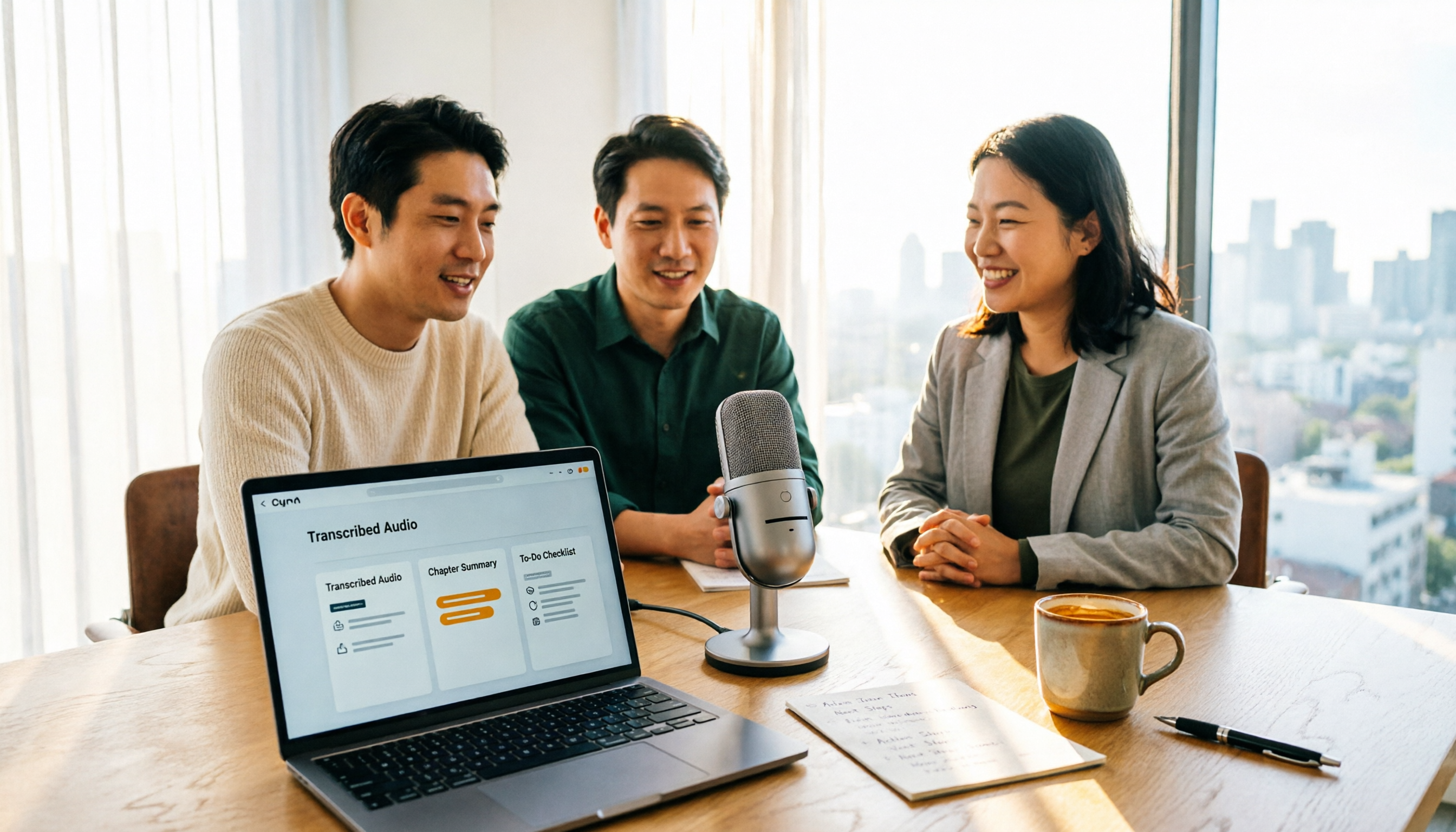
How to Turn Recordings into Reports in 2026: Bot-Free Meeting Transcription + AI Summaries & Action Items
Many people run recordings through transcription tools but still have to re-listen and edit before writing a report. This guide starts with common pitfalls, outlines 5 key buying criteria for transcription tools, compares Tinrec, Granola, Notta, and TurboScribe, and explains how to use AI summaries, chapters, action items, Q&A, and Agent post-processing to turn meeting recordings into deliverable reports. It also covers team plan seats and pricing.

2026 AI Study & Review Agent Buying Guide: 4 Hands-On Tests and Recommendations
From lecture recordings and online seminars to book club study groups, we break down the 5 key factors for choosing an AI study and review agent. Centered on Tinrec's transcription, summarization, AI Q&A, and team knowledge retention, we compare the best-fit scenarios for Granola, Notta, and TurboScribe.
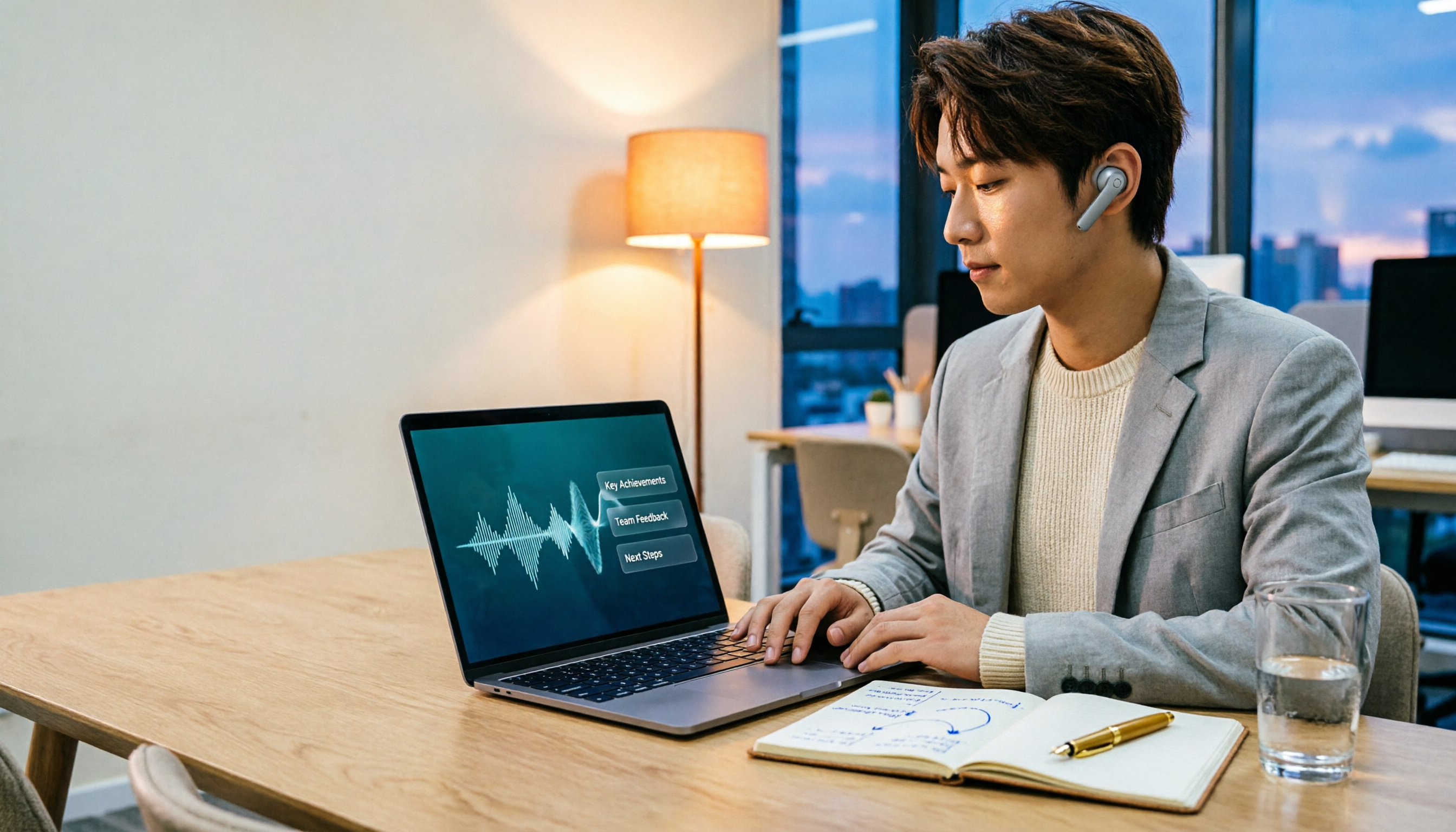
2026 Comparison of 3 Performance Review Transcription Tools: Tinrec vs Notta and Otter
Starting from the decision-making focus of performance review preparation, this comparison examines the differences between Tinrec, Notta, and Otter in transcribing performance review recordings, summarizing, follow-up questioning, and team knowledge retention, helping you determine which tool is better suited for turning recordings into deliverable performance review reports.
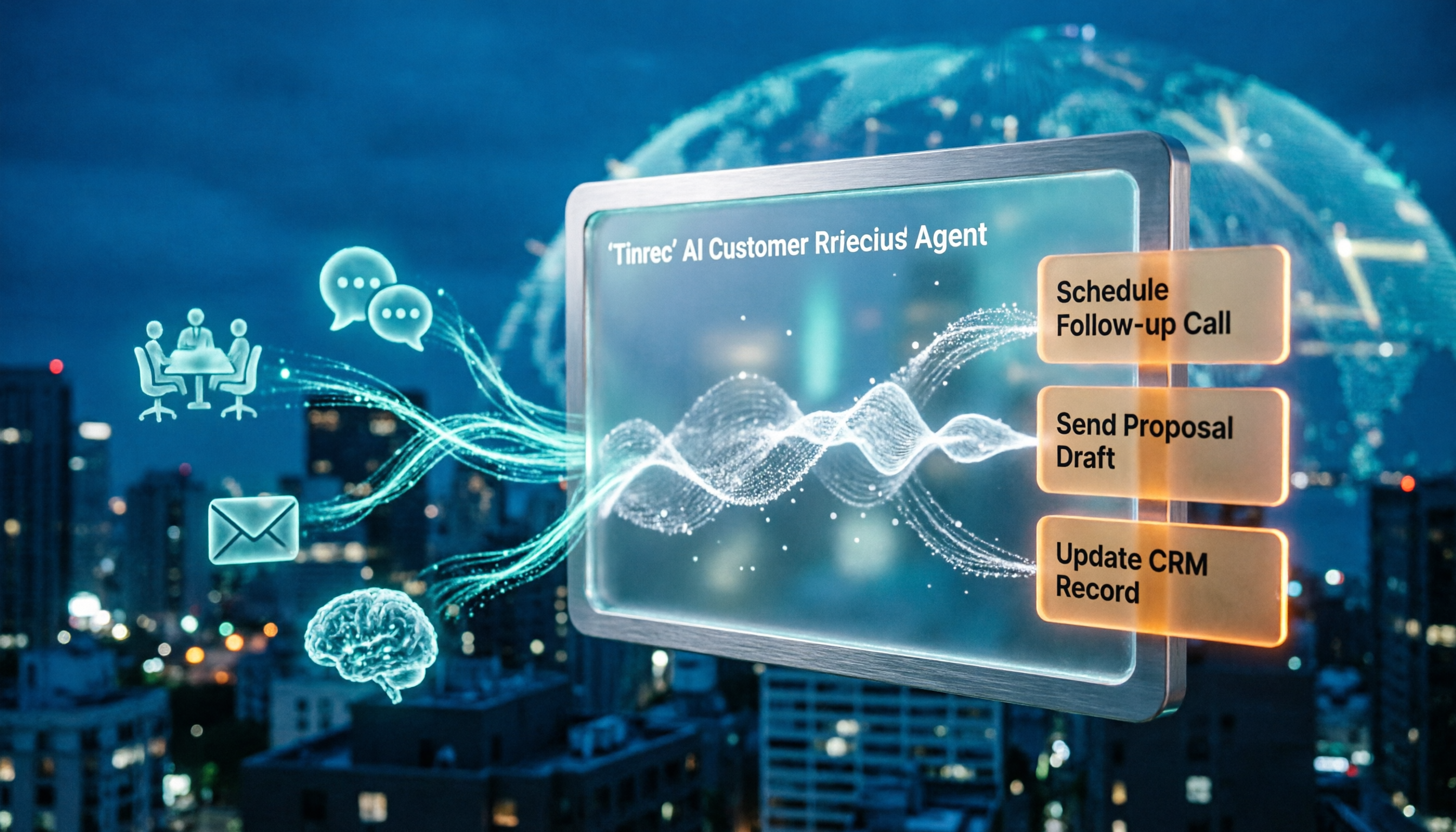
2026 AI Customer Follow-Up Agents Compared: Which One Turns Conversations into Actionable Next Steps?
Poor customer follow-up usually isn't due to lack of effort—it's because conversation records are scattered across meetings, messages, emails, and memory. This article compares Tinrec, Fireflies.ai, Otter.ai, and Notta on customer communication records and post-meeting organization, covering selection criteria, hands-on experience, and pitfalls to help you determine which fits your follow-up workflow.

Is AI Meeting Notes Worth Buying in 2026? A 5-Step Evaluation Guide
Are AI meeting notes tools really worth the money? This article starts from real meeting pain points, outlines 5 key purchase criteria, tests and analyzes Tinrec's bot-free recording, AI Q&A, and team spaces, compares differences with Otter.ai, Notta, and Granola, and finally gives clear purchase advice based on usage frequency and scenarios.

2026 Comparison of 4 Audio-to-Text Apps: Is the Free Version Enough? Does AI Summarization Really Save Time?
There are countless audio-to-text apps, and the most regrettable choice is downloading based solely on download counts. This article addresses three real pain points, outlines 5 key purchasing criteria, and compares Tinrec, Notta, Granola, and PLAUD Note in terms of Chinese recognition, AI summarization, online meeting recording, and team collaboration. It also includes a guide to avoid pitfalls and scenario-based recommendations.