

Turn recordings into transcripts and summaries in minutes
Upload audio or video for multilingual transcription, AI notes, and action items
6 Best Speech-to-Text Tools in 2026: Google vs. Alternatives Compared
Meeting's over, the recording is sitting on your phone, and you're staring at it—a two-hour meeting that'll take at least three hours to type out line by line. If you work in an office, this scene is all too familiar. The following 6 tools are here to save you those hours.
Why You Need a Speech-to-Text Tool
Three meetings a day, plus meeting minutes to submit afterward—that's daily life for many office workers. Recording itself isn't hard; the hard part is listening back, typing it up, and organizing it. Google's own speech recognition already covers over 85 languages and dialects, and Chinese recognition has long been practical.
This article reviews 6 solutions that can handle Chinese speech-to-text: from Google's tools (Cloud API, Live Transcribe, Docs Voice Typing) to third-party tools like Tinrec, Notta, and TurboScribe. We'll break down each one's positioning, pricing, and who it's best for.
Option 1 | Tinrec – The Most Complete AI Recording Assistant
In a nutshell: an AI meeting notes and collaboration tool for individuals and teams, turning meetings into searchable, collaborative, actionable team data.
Key Highlights
- Record online meetings without bots: The desktop version captures system audio directly, handling Zoom, Google Meet, Microsoft Teams, Webex, and other online meetings without inviting an extra bot. Open Tinrec before a meeting and get live transcription as you record.
- More than transcripts—post-meeting workflow: Automatically generates AI summaries, chapters, key points, and action items; you can continue asking AI questions about the meeting content. Supports real-time translation, viewing original, translated, or bilingual text—great for meetings with mixed Chinese and English.
- Export and post-processing: Export to Notion, Google Docs, OneNote, Dropbox, and other tools for further editing. Agent post-processing can generate reports, tables, and documents based on meeting content.
- Team space: Meeting data belongs to the team; new members can review past meetings. Admins can manage members, roles, seats, usage, and audit logs. When a member leaves, data doesn't go with them.
Plans and Pricing: Personal plans include a free version, weekly pass, Pro monthly, and annual—choose based on usage frequency. Team plan: first eligible trial is 7 days, 1 free seat, 300 minutes of shared team import quota. Monthly: USD 29.80 per paid seat per month; annual: USD 199 per paid seat per year (about USD 16.58/month). Each paid seat gets 2,000 minutes of shared team import quota per month. Under an active team plan, real-time recording doesn't deduct minutes. Actual prices are subject to the official purchase page.
Best for: Those who have many Chinese or mixed Chinese-English meetings, don't want to add a meeting bot, and want to turn meeting notes into team assets.
Option 2 | Google Cloud Speech-to-Text – Speech-to-Text API for Developers
Google Cloud's Speech-to-Text is an AI speech API supporting over 85 languages and dialects. Developers can use a simple API to convert audio to text and integrate speech recognition into their own applications. Google has trained multiple optimized models for different scenarios, such as an enhanced phone call model specifically tuned for telephony audio (including 8kHz sample rate phone recordings). There's also a profanity filter that can detect and filter inappropriate words in both audio and text results. If you don't code, you can upload audio data and use no-code tools to transcribe, then tweak settings to evaluate quality.
Best for: Developers or enterprise IT teams who need to integrate speech recognition into their own systems—not a ready-to-use consumer tool.
Option 3 | Google Live Transcribe – Real-Time Captions on Android
Google Live Transcribe is an app built into or installable on Android. Launched in early 2019, it was originally a real-time speech-to-text service for the hearing impaired, displaying captions on the phone screen as someone speaks. Early versions had limitations: transcriptions only appeared on screen, couldn't be copied or exported, and Chinese didn't get automatic punctuation. Later versions improved: Chinese recognition can now automatically add punctuation and paragraph breaks, with practical accuracy. It's completely free and the most convenient option for Android users to "watch captions" during meetings or classes.
Stop organizing recordings by hand
Upload audio or video and automatically get a transcript, summary, and action items
Best for: Android users who need real-time captions for in-person meetings or classes and don't want to pay.
Option 4 | Google Docs Voice Typing – Zero-Cost Transcription
Google Docs actually hides a speech recognition feature: open a document, enable voice typing, select the recognition language, and the speaker's words become editable text in real time. In practice, accuracy is quite high—useful for transcribing, taking meeting notes, class notes, or journalist interviews. Note: if you pick the wrong language setting, it can still recognize but much slower, so make sure to select the correct language. It's free with a Google account, but summarizing, action items, and organizing after transcription are up to you.
Best for: Those with zero budget who just need "speech to text."
Option 5 | Notta – Multilingual Transcription and Meeting Notes
Notta covers multi-platform transcription, meeting notes, document import, translation, and team plans—overlapping significantly with Tinrec. Free plan: 120 minutes per month, max 3 minutes per file. Pro annual: about USD 8.17/month, 1,800 minutes per month. Business annual: about USD 16.67 per seat per month, offering unlimited transcription, role permissions, and usage reports. Subject to Notta's official pricing page.
Best for: Users who need multilingual document transcription and translation, and want a complete team solution.
Option 6 | TurboScribe – High-Value Document Transcription
TurboScribe focuses on long documents, batch uploads, captions, and translation—a cost-effective document transcription tool. Free plan: 3 files per day, max 30 minutes per file. Unlimited annual: USD 120 (about USD 10/month). Paid version supports files up to 10 hours or 5 GB, and up to 50 files at once. Subject to TurboScribe's official pricing page.
Best for: Those with many pre-recorded audio files or videos to batch transcribe into text or captions.
So Many Options—How to Choose?
- Want transcription plus summaries, chapters, action items, and AI Q&A → Tinrec
- Meetings with Cantonese, Mandarin, or mixed Chinese-English → Tinrec (supports Chinese, Traditional Chinese, and multilingual meeting scenarios, with team hotwords for technical terms)
- Need to switch between phone and computer, and handle Zoom, Meet, Teams online meetings → Tinrec (iOS, Android, desktop, and web; desktop records without bots)
- Want to turn meeting notes into shared team assets, with member, seat, and usage management → Tinrec Team plan
- Zero budget, just need real-time captions → Google Live Transcribe (Android)
- Have many pre-recorded files for batch processing → TurboScribe (up to 10 hours per file)
4 Things to Know Before Using Speech-to-Text Tools
- Speak up before recording: Meeting recordings involve privacy. Inform participants and get consent beforehand, and be aware of local regulations. The advantage of a team plan is that data belongs to the team, but permissions must be managed well—Tinrec distinguishes "can manage team" and "can use resources" by roles and seats; members without a seat can only view and play.
- Accuracy depends on environment: Noise, accents, overlapping speakers, and technical jargon all affect results. No tool guarantees 100% accuracy. The right approach is to build a hotword list (Tinrec supports team hotwords) and verify important content against the transcript timestamps and recording.
- Free tiers have limits: Notta free: 120 minutes/month, max 3 minutes per file; TurboScribe free: 3 files/day; Tinrec free offers a basic quota. If you use it heavily, consider a paid plan—don't wait until mid-meeting to find your quota used up.
- Transcript ≠ meeting notes: Transcription is just the first step. Someone still needs to organize summaries, key points, and action items. With tools like Tinrec, you can generate AI summaries, chapters, action items, and mind maps right after transcription—saving the most time-consuming part.
Conclusion
Google's tools win on ubiquity and free entry points—Live Transcribe and Docs Voice Typing already handle basic speech-to-text needs, while Cloud API is for developers who want to integrate it themselves. But when it comes to post-meeting organization, AI Q&A, export workflows, and team collaboration, Tinrec is the most complete option on this list: from bot-free online meeting recording to summaries, action items, bilingual transcripts, and team space synchronization—all in one.
To save overtime hours typing transcripts, start with the free version or a team trial and see which combination fits your meeting rhythm.
References
- Speech-to-Text: AI speech input and transcription | Google Cloud
- Speech to Text - Google Play App
- Google Live Transcribe: Highly Accurate Chinese Speech-to-Text with Automatic Punctuation
- AI Transcription - Convert Speech to Text - Chrome Web Store
- Google Docs Voice Recognition Trick: Use "Voice Typing" for Transcripts and Notes! - Apple Almond
Turn every recording into actionable outcomes
Get 60 free transcription minutes when you sign in. No credit card required.
Related Reading
You might also like
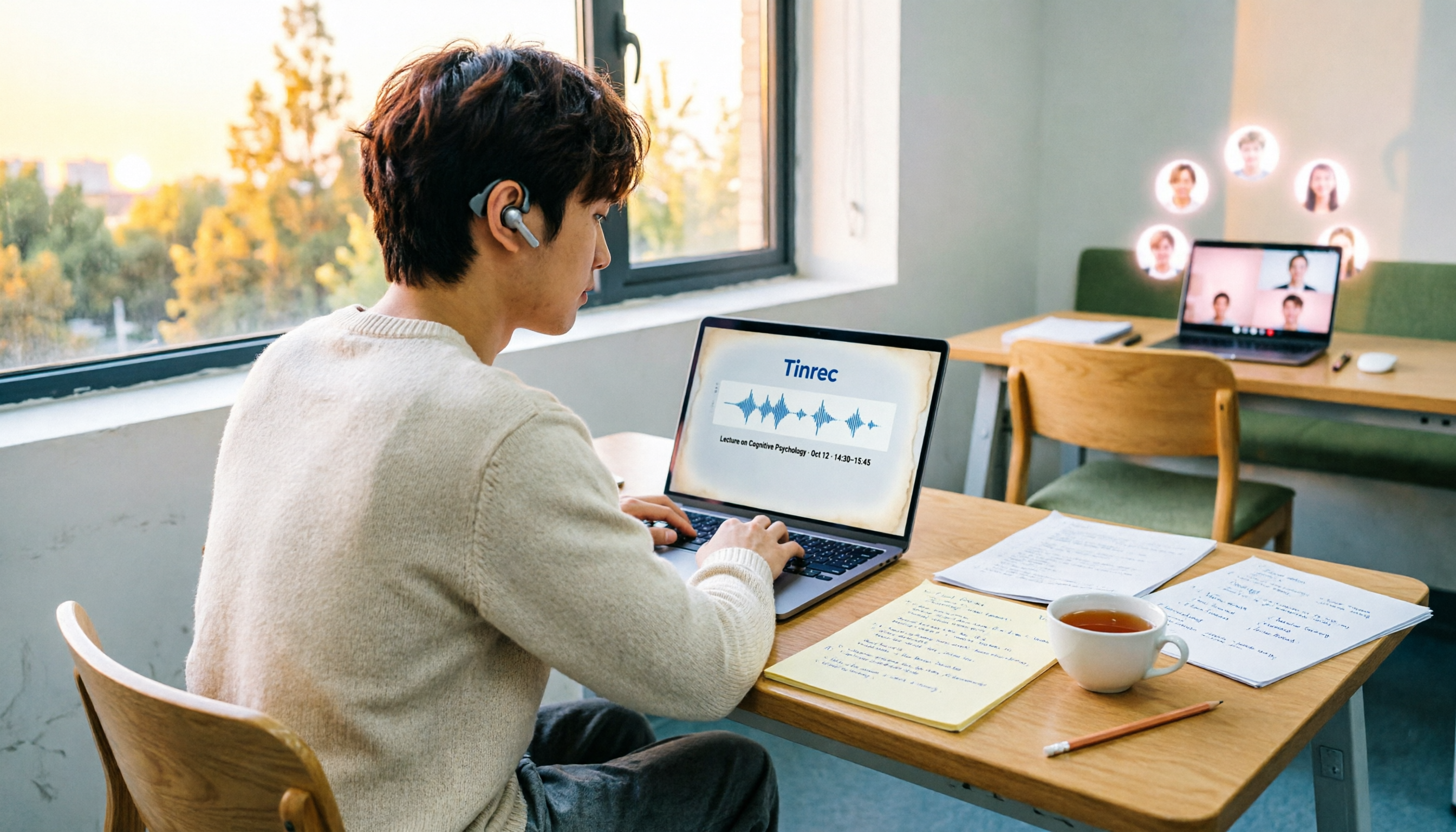
4 Speech-to-Text Tools Tested on PC in 2026: Is Google Docs Voice Typing Really Enough for Transcribing?
In 2026, I tested 4 methods for speech-to-text on a computer: Google Docs voice typing, Google Cloud Speech-to-Text API, the VoiceIn extension, and Tinrec, which I ended up keeping. Using student class recordings and small-group online meetings, I explain what each method can and cannot do, and whether free tiers are enough for students.

2026 Best Speech-to-Text Tools Compared: Which One Handles Cantonese Most Accurately?
We tested 4 speech-to-text tools in real Hong Kong workplaces in 2026. First, we explain 5 key factors for choosing a tool, then take a deep dive into Tinrec's bot-free recording, AI Q&A, and team spaces. We also briefly review Otter.ai, Granola, and Notta, and finish with a pitfalls guide and scenario-based recommendations.

Tinrec vs Notta 2026: 5-Dimension Comparison for Chinese Speech-to-Text
How to choose a Chinese speech-to-text tool? This article compares Tinrec and Notta across five dimensions: Chinese recognition, meeting capture methods, post-meeting output, audio retention, and team collaboration. It also includes options like Google Docs voice typing and Otter.ai, plus four common pitfalls to help you find the right transcription and meeting organization solution for Chinese meetings.

2026 Voice-to-Text AI Comparison: Which Free Tier Works Best for Students?
A 100-minute class, over a dozen sessions per semester—it's impossible to re-listen to everything before finals. This is my year-long, real-world test of voice-to-text AI as a student: how to evaluate free tiers, differences in recognizing Chinese and mixed Chinese-English, and hands-on experience with Tinrec, Notta, Otter.ai, and PLAUD, plus the four most common pitfalls students fall into.

5 AI Speech-to-Text Tools Compared in 2026: How to Choose from Free to Team Collaboration
How do you choose among AI speech-to-text tools often recommended on Dcard? This article first takes a quick look at the positioning of Tinrec, MyEdit, PowerDirector, cSubtitle, and Yating Transcription, then compares Tinrec and MyEdit dimension by dimension across Chinese recognition, pricing, online meeting recording, post-meeting output, and team collaboration, helping you decide whether to use a free tool or a meeting workflow.

2026 Comparison of 4 Google Speech-to-Text Methods: Which One Can Actually Save Recordings as Text Files?
Turning speech into text with Google isn't hard; the hard part is turning it into a truly usable text file. This article compares four methods: Google Docs voice typing, Google Cloud Speech-to-Text, Google Live Transcribe app, and Tinrec. From real-time recording, processing old audio files, post-meeting summaries, to team sharing, we help you find the easiest path.

4 iOS Speech-to-Text Apps Tested in 2026: Which Free Version Is Enough?
We tested 4 iOS speech-to-text apps, comparing input sources, AI post-processing, Chinese language support, and team collaboration to find which free version is most useful. We also explain why Tinrec is our top pick for meeting notes.
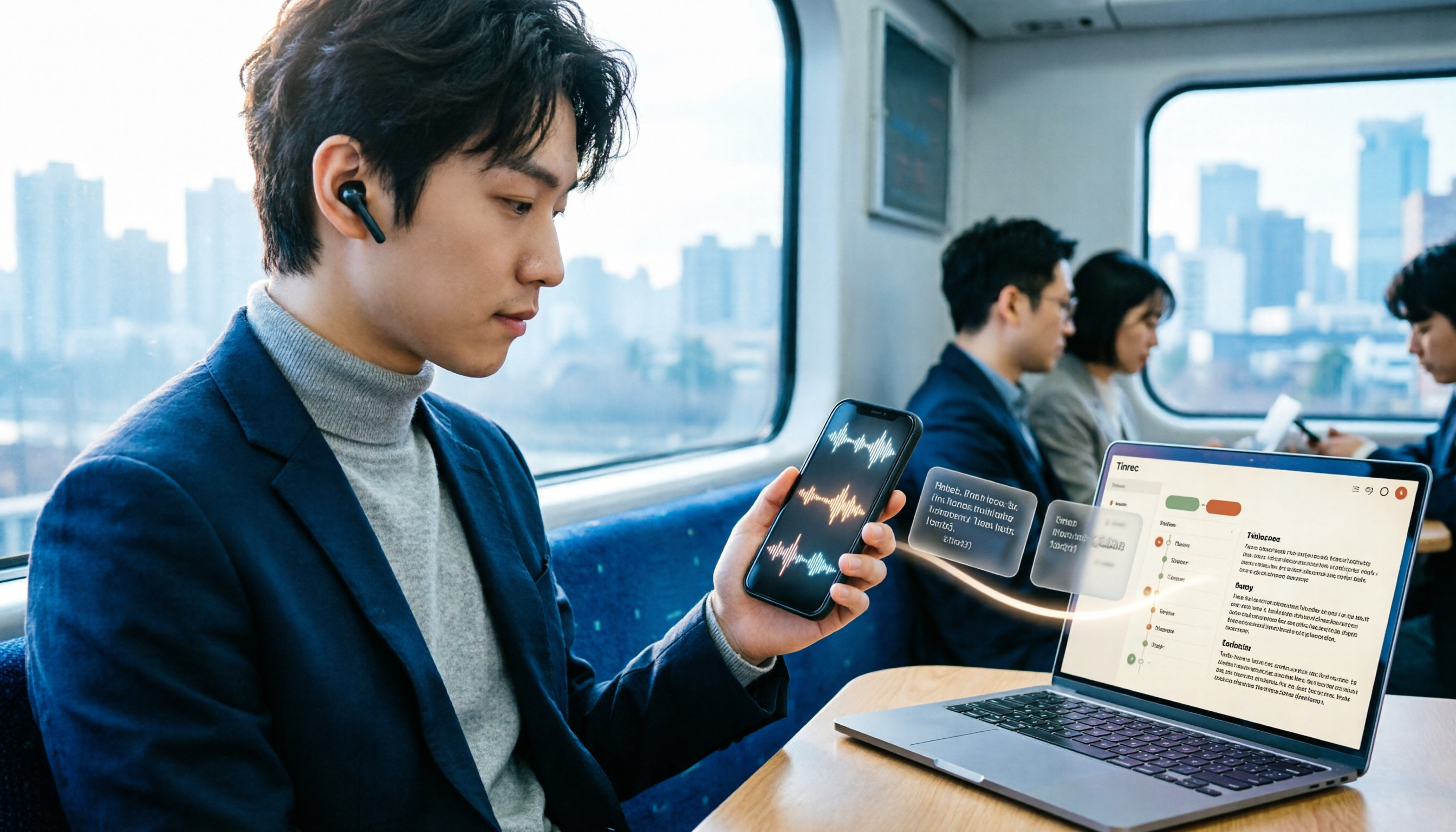
3 LINE Voice-to-Text Methods Tested in 2026: Which One Produces a Usable Transcript File?
LINE voice messages can't be played during meetings or commutes, and there are several ways to convert them to text. This article compares LINE's built-in transcript, iPhone Shortcuts, and AI transcription tools to explain which one truly leaves you with a searchable, organized transcript file.

2026 Comparison of 5 Speech-to-Text Tools: Which Is Best for Chinese Recognition and AI Summarization?
There are many speech-to-text tools available, but Chinese recognition and post-meeting organization are the deciding factors. This article tests 5 tools from four angles: Chinese recognition, AI summarization, cross-platform support, and team collaboration. It also tests Tinrec's bot-free online meeting recording, AI conversational query, and team spaces to help you determine which one best fits your meeting scenarios.