

Turn recordings into transcripts and summaries in minutes
Upload audio or video for multilingual transcription, AI notes, and action items
Every so often, discussions like "Are there any recommended AI speech-to-text tools?" pop up on Dcard, and the names commonly seen in the comments are usually MyEdit, Yating Transcription, cSubtitle, or the built-in subtitle feature in PowerDirector.
But first, a pitfall many people fall into: most people compare "how many free minutes" they get, but forget that what really eats up time is the organizing after transcription.
If the output is a long block of text with no paragraphs and no key points, you still have to listen from the beginning and pick out the important parts yourself, so all you really save is typing time.
A more reasonable order of judgment is to ask the opposite question: what are you going to do with this recording afterward?
Do you just need a transcript, or does it need to become meeting notes, to-dos, or even searchable team data? Different answers mean different tools.
This article first takes a quick look at 5 common tools, then compares Tinrec and MyEdit dimension by dimension. They happen to represent two paths: one turns files into text, and the other turns recordings into meeting materials you can keep working with.
Quick Overview: Who Is Each of the 5 Common Tools For?
| Tool | Approach | Best for |
|---|---|---|
| Tinrec | AI meeting notes and team collaboration | People who often hold online meetings and need summaries, to-dos, and team sharing |
| MyEdit | Online audio editing plus speech-to-text | People who occasionally convert audio files into transcripts and need subtitle files |
| PowerDirector | Built-in AI subtitles in editing software | Video creators who want to finish subtitles and editing in the same software |
| cSubtitle | Online Chinese transcription | People who want transcripts and subtitle files quickly and do not want to register |
| Yating Transcription | Chinese transcription service | People used to organizing voice memos with a mobile app |
Among them, cSubtitle focuses on Chinese and advertises that uploading a video or audio file will automatically convert it to text, no account required, with a single-file limit of 4GB and 5 hours, support for MP4, MOV, MP3, WAV, M4A, and other formats, automatic punctuation and paragraphing, time-coded subtitle files, and batch processing.
PowerDirector's AI speech-to-text and MyEdit are both developed by CyberLink; the difference is that you need to install the software first. The advantage is that after transcription you can edit subtitles and cut video in the same software.
Next, I break Tinrec and MyEdit down across 5 dimensions.
Dimension 1 | Chinese and Multilingual Recognition
MyEdit supports audio-to-text transcription in 9 languages including Chinese, English, and Japanese. Before uploading, you need to confirm the language, file format, and length limits. The transcript can be previewed and edited before exporting as plain text or SRT.
Tinrec covers Chinese, Traditional Chinese, and multilingual meeting scenarios, supports mixed Chinese-English content organization, real-time translation, and bilingual viewing. The team version can also maintain a glossary to improve recognition of professional terminology. Note that actual results are affected by recording quality, accent, noise, and overlapping speakers; Tinrec does not recommend promising a fixed accuracy rate externally.
→ For this dimension: for simple file transcription, both are sufficient; if you need to handle mixed Chinese-English or cross-language meetings, Tinrec's language and translation package is more complete.
Dimension 2 | Pricing and Free Quota
MyEdit uses a credit system: each minute of audio transcribed consumes 1 credit. Logging in daily earns free credits, and upgrading to Audio Pro gives a fixed 360 credits per month.
Tinrec's free version provides a basic quota, and there are also weekly cards, Pro monthly cards, and Pro annual cards, suitable for choosing based on usage frequency. The team version is USD 29.80 per paid seat per month, or USD 199 annually, equivalent to about USD 16.58 per month. Each paid seat has 2,000 minutes of team shared import quota per month; eligible teams can try it for 7 days for the first time with 1 free seat and 300 minutes of team shared import quota.
Please refer to the official purchase page for the above prices and benefits.
→ For this dimension: if you occasionally transcribe one or two recordings, start with MyEdit's free credits or Tinrec's free version to test the waters; if you hold meetings regularly every week and also need post-meeting organization, Tinrec's monthly or annual card better matches your usage rhythm.
Dimension 3 | Can It Record Online Meetings Directly?
MyEdit is an online tool that uploads existing audio or video and then transcribes it, following a "file first, then text" process.
Tinrec's desktop version directly captures computer system audio and can handle online meetings on Zoom, Google Meet, Microsoft Teams, Webex, and others without inviting a meeting bot to join. The mobile app can also record in real time, suitable for offline meetings and interviews.
Stop organizing recordings by hand
Upload audio or video and automatically get a transcript, summary, and action items
Note that this does not mean "automatically joining all calendar meetings"; the user actively opens Tinrec to start recording.
→ For this dimension: Tinrec clearly wins.
Dimension 4 | What You Get After Transcription
MyEdit's output is a transcript and subtitles, exportable as plain text or SRT subtitle files. Subsequent summaries, to-dos, and archiving usually depend on other tools.
Tinrec automatically generates summaries, chapters, key points, to-dos, and mind maps on top of the transcript. It can do AI Q&A around meeting content, and through Agent post-processing continue to produce reports, tables, and documents, and export to Notion, Google Docs, OneNote, Dropbox, and other tools.
By the way, the AI PC hands-on article on Dcard mentioned that MyEdit transcribed 4 minutes 40 seconds of audio in about 23 seconds, which is a good speed. This also shows that file transcription itself is no longer the bottleneck; the bottleneck is what comes after.
→ For this dimension: Tinrec wins. But if you only need a clean subtitle file, MyEdit's path is shorter.
Dimension 5 | Team Use and Data Ownership
MyEdit's free and Pro plans are mainly for individual users. From public pages and discussions, there is no design involving team seats or member management.
Tinrec's team version is an independent team collaboration space, and meeting data belongs to the team, not the individual uploader. You can create and switch between multiple team spaces, invite members with a join link, and distinguish owners, admins, and regular members. Seats determine whether members can record, upload, edit, import/export, and use team resources.
Active members without seats can still view, play, and read team data. Admins can view team usage trends, member rankings, and details, query and export audit logs, and there is also an audio recycle bin to restore accidentally deleted audio files (currently retained for 30 days).
When a member leaves, is removed, or loses a seat, the team resources they are responsible for need to be handed over to other active members; data does not leave with the person.
→ For this dimension: Tinrec wins.
What Unique Advantages Does Each Have?
Tinrec's advantages:
- Record online meetings without a bot: the desktop version captures system audio, so no extra bot needs to sit in the meeting room.
- Complete post-meeting workflow: transcript, summary, chapters, to-dos, Q&A, and report documents are all in the same flow.
- Team governance capabilities: roles, seats, sharing benefits, usage analysis, audit logs, and recycle bin, suitable for teams that need to manage members and data.
- No extra hardware needed; usable on web, desktop, and mobile.
MyEdit's advantages:
- Online and installation-free: open the webpage, import a file, and start; daily login also gives free credits.
- Same origin as PowerDirector: the workflow connects smoothly when making video subtitles, and subtitle file formats are directly available.
Conclusion: Which One Should You Choose?
• If you only occasionally need to convert a recording or video into a transcript or need an SRT subtitle file → MyEdit is enough; try the free credits first.
• If you often hold online meetings and do not want to organize notes manually → Tinrec (desktop version records directly, and after the meeting automatically generates summaries and to-dos).
• If you need to keep asking questions about meeting content and extract decisions and action items → Tinrec (built-in AI Q&A and Agent post-processing).
• If meeting data needs to be shared within a team and you need to manage members and usage → Tinrec team version (team space, roles, seats, audit logs).
• If you only need to add subtitles to your own videos and already use PowerDirector → just use the built-in feature.
In one sentence: choosing a free tool for file transcription is fine, but as soon as you start caring about "how it will be used after the meeting," Tinrec will be the more complete choice. It is recommended to first use the free version to test with your own recording, then decide whether to upgrade.
FAQ
Q1: Are the free AI speech-to-text tools recommended on Dcard really enough in their free versions?
If you only occasionally organize a recording and only need a transcript, the free plan is usually enough. But free quotas often have time or file length limits, so for long-term use you still need to calculate actual consumption.
Q2: Can AI speech-to-text accuracy be guaranteed?
It is not advisable to trust any fixed number. Actual performance is affected by recording quality, background noise, accent, speaking speed, overlapping speakers, and professional terminology. For important content, it is recommended to replay and verify against timestamps.
Q3: How is Tinrec different from a meeting bot?
Meeting bots usually join a meeting as a participant; Tinrec's desktop version directly captures the computer's system audio, so no extra bot needs to enter the meeting room. When using it, you need to actively open Tinrec to start recording; it does not automatically join all calendar meetings.
Q4: What is the difference between Tinrec's team version and personal version?
Personal version data belongs to the individual account; the team version is an independent space where meeting data belongs to the team, and it adds capabilities such as members, roles, seats, sharing benefits, usage analysis, audit logs, and audio recycle bin.
Q5: Can team members without seats still see data?
Yes. Active members can still view, play, and read team data even without a seat; but to record, upload, edit, import/export, they need a seat.
Q6: What should be noted about audio-to-text transcription?
Recording and transcription involve personal data and privacy. Please comply with local regulations and obtain consent from participants when necessary, especially when meeting content involves customer data or confidential information.
References
- AI PC Applications - Hands-on Comparison of Three Fast Speech-to-Text Methods - 3C forum | Dcard
- Online AI Speech, Video, Audio File Automatic Transcription - Free Trial - cSubtitle
- Yating Transcription
- Online Speech-to-Text AI, Free MP3 or Audio File to Text Transcript - MyEdit
- 2026 Voice Recorder Recommendations Dcard God-Tier List! 7 AI Speech-to-Text and Meeting Notes Tools to Save Now - Youyou (@u_u_blue) | Dcard
Turn every recording into actionable outcomes
Get 60 free transcription minutes when you sign in. No credit card required.
Related Reading
You might also like

Google Speech-to-Text Online Free Options in 2026: 2 Tools Compared
Google's speech-to-text capabilities are spread across the Cloud Speech-to-Text API, Google Docs voice typing, and Android Live Transcribe, while Tinrec is a ready-to-use meeting workspace. This article compares them across 6 dimensions: onboarding, Chinese and multilingual support, post-meeting organization, online meeting recording, team collaboration, and pricing, to help you decide which one to choose.

3 Best iPhone Speech-to-Text Tools in 2026: Built-in vs Plaud vs Tinrec
iPhone's built-in Voice Memos transcription works for basic needs, but struggles with mixed languages, online meetings, and post-meeting organization. This comparison of iPhone's built-in features, Plaud recording devices, and Tinrec covers language support, input sources, post-meeting organization, and team collaboration to help you decide which tool fits your workflow.

2026 Comparison of 3 Speech-to-Text Tools: MyEdit Free Credits vs. Tinrec Meeting Organization—Which Saves More Time?
This article compares MyEdit, Tinrec, and Notta in a hands-on test, analyzing Chinese recognition, free quotas, post-meeting organization, and team collaboration. MyEdit is suitable for lightweight transcription, while Tinrec is more complete for bot-free meeting recording, AI Q&A, and team knowledge retention. If you're looking for a meeting transcription tool, this article helps you quickly decide.

5 Best Free Speech-to-Text Tools in 2026: A Complete Comparison
Compare 5 free speech-to-text tools in 2026, including Tinrec, Otter.ai, Notta, TurboScribe, and Granola. We break down free tiers, Chinese language support, AI post-meeting summaries, and team collaboration to help you find the best transcription tool.
How to Choose a Free Speech-to-Text AI in 2026: 5 Steps to Compare Tinrec and MyEdit
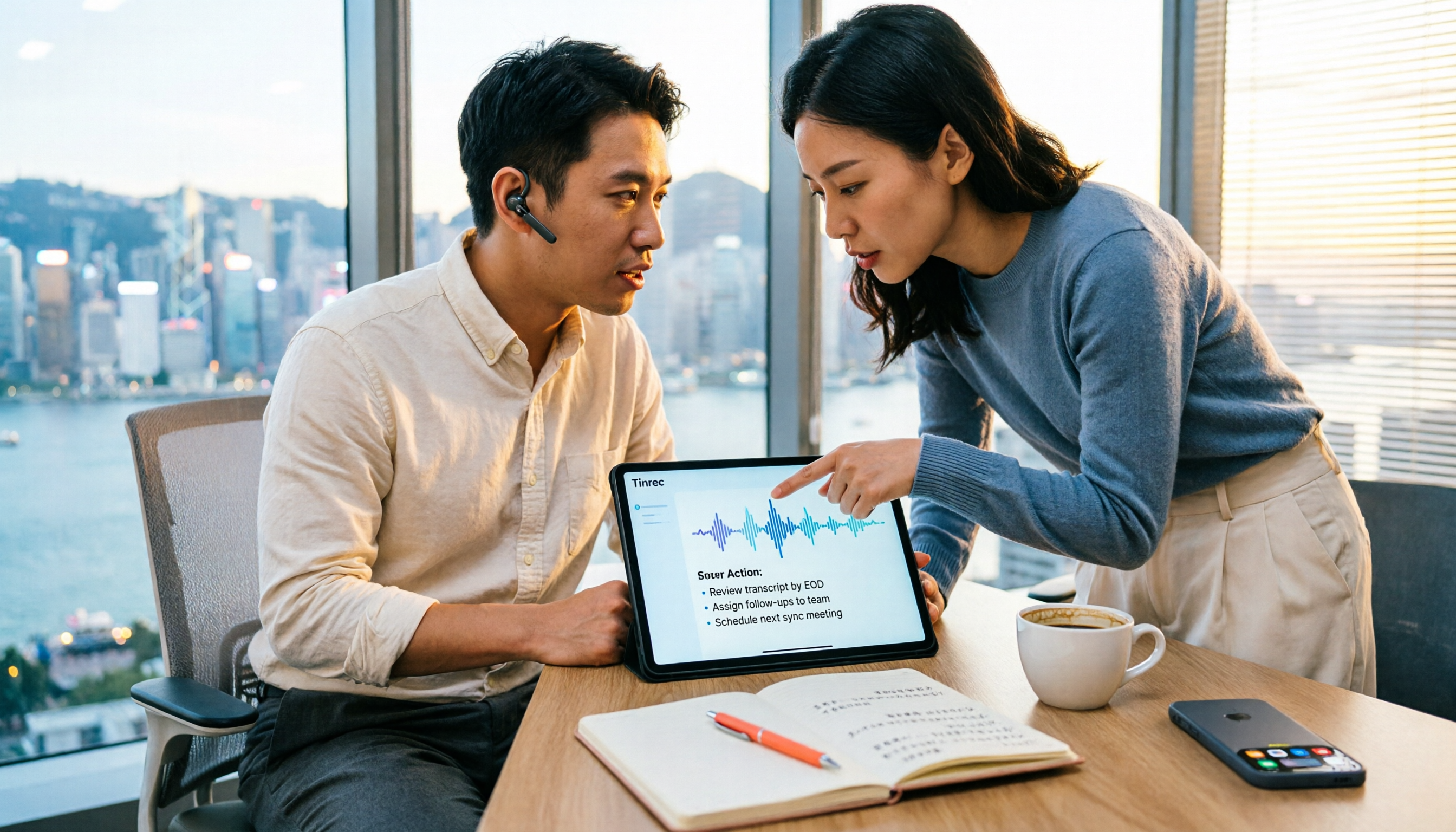
How do you choose a free speech-to-text AI in 2026? This article compares Tinrec and MyEdit across 5 dimensions, from free quotas, Chinese and Cantonese transcription, post-meeting organization, online meeting recording, and cross-platform team collaboration, to help Hong Kong office workers decide which is better suited for meeting notes, transcripts, and post-meeting follow-up.
4 Speech-to-Text Tools Tested on PC in 2026: Is Google Docs Voice Typing Really Enough for Transcribing?
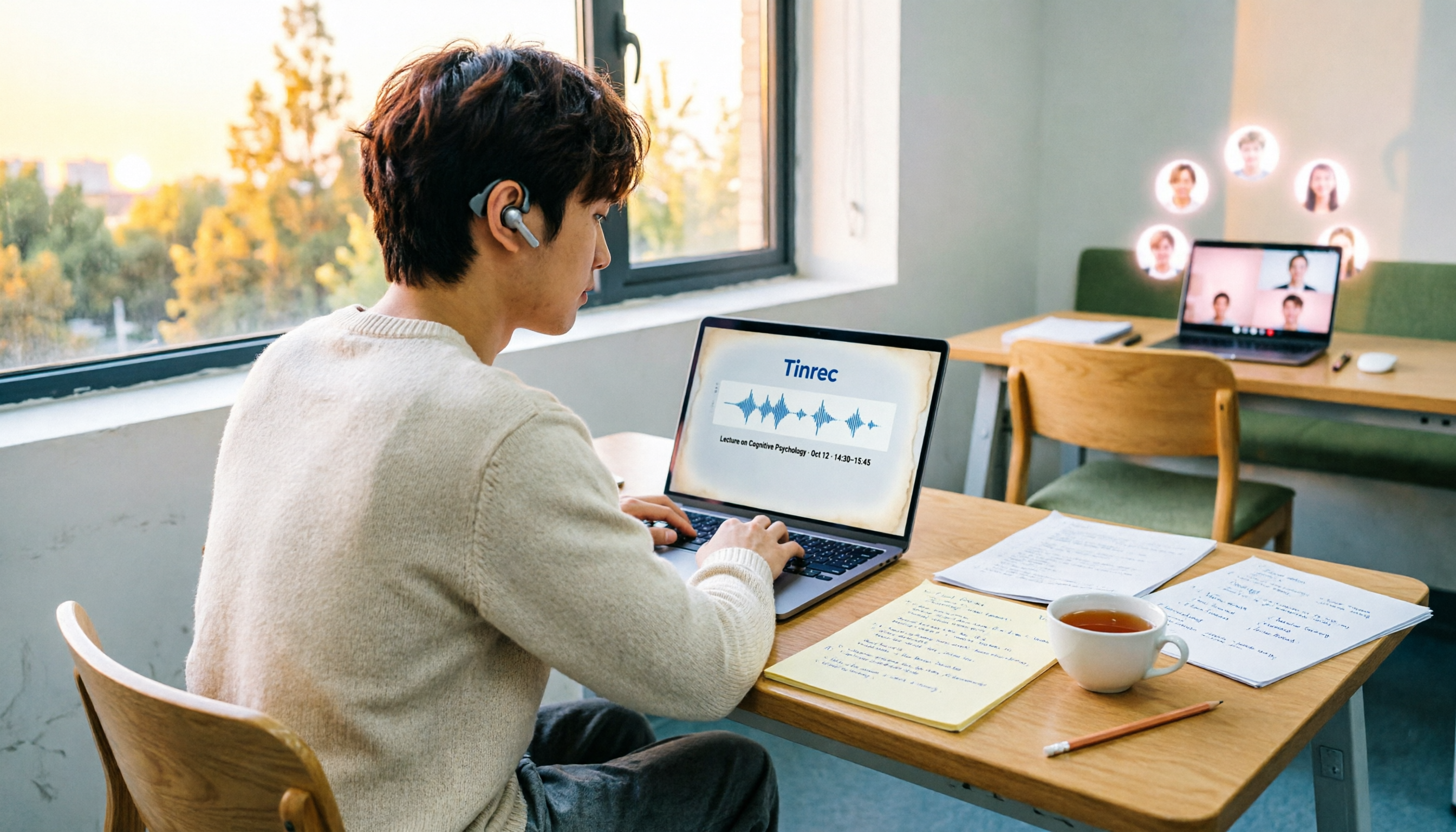
In 2026, I tested 4 methods for speech-to-text on a computer: Google Docs voice typing, Google Cloud Speech-to-Text API, the VoiceIn extension, and Tinrec, which I ended up keeping. Using student class recordings and small-group online meetings, I explain what each method can and cannot do, and whether free tiers are enough for students.

2026 Best Speech-to-Text Tools Compared: Which One Handles Cantonese Most Accurately?
We tested 4 speech-to-text tools in real Hong Kong workplaces in 2026. First, we explain 5 key factors for choosing a tool, then take a deep dive into Tinrec's bot-free recording, AI Q&A, and team spaces. We also briefly review Otter.ai, Granola, and Notta, and finish with a pitfalls guide and scenario-based recommendations.

Tinrec vs Notta 2026: 5-Dimension Comparison for Chinese Speech-to-Text
How to choose a Chinese speech-to-text tool? This article compares Tinrec and Notta across five dimensions: Chinese recognition, meeting capture methods, post-meeting output, audio retention, and team collaboration. It also includes options like Google Docs voice typing and Otter.ai, plus four common pitfalls to help you find the right transcription and meeting organization solution for Chinese meetings.

2026 Voice-to-Text AI Comparison: Which Free Tier Works Best for Students?
A 100-minute class, over a dozen sessions per semester—it's impossible to re-listen to everything before finals. This is my year-long, real-world test of voice-to-text AI as a student: how to evaluate free tiers, differences in recognizing Chinese and mixed Chinese-English, and hands-on experience with Tinrec, Notta, Otter.ai, and PLAUD, plus the four most common pitfalls students fall into.