

Turn recordings into transcripts and summaries in minutes
Upload audio or video for multilingual transcription, AI notes, and action items
2026 Best Speech-to-Text Tools Compared: Which One Handles Cantonese Most Accurately?
Two-Hour Meetings, Two-Hour Notes: What You Really Need Is a Post-Meeting Workflow
Let's start with a question: What do you actually want the tool to do for you? Just turn recordings into text, or also handle summaries, action items, and future lookups all at once? Get this wrong, and you'll be complaining for months.
Monday morning stand-up, Wednesday review meeting, Friday client call—by the time the meeting ends, it's already 7 PM. Then you have to play back the recording sentence by sentence, typing it all out. A one-hour meeting takes two hours to transcribe, and overtime becomes the norm.
Cantonese makes it even trickier. Many tools on the market are accurate in English, but once you switch to Cantonese, they start "creative writing"—names turn into gibberish, mixed Chinese-English sentences get chopped up, and you end up spending time fixing errors. Instead of saving time, you've added more work.
There's another scenario: a decision made three months ago, and today you want to look up "who said they'd follow up." You only remember the gist, the recording is long and boring, and you can't find it. That's when you realize the real problem isn't "did it transcribe?" but "can I still use it after transcription?"
Below is the testing framework and selection criteria for this article, followed by a tool-by-tool review.
Before Choosing a Speech-to-Text Tool, Understand These 5 Key Points
Accuracy isn't about marketing numbers: Official claims of "98% accuracy" are usually measured in a quiet studio. Your environment has air conditioning, keyboard clicks, and people talking over each other—that's when the real differences between tools show up. Best to test with your own real meeting recording.
Cantonese and mixed Chinese-English recognition: Hong Kong meetings are rarely pure English; most are like "this case we'll follow up next week." The tool needs to handle mid-sentence language switches, technical terms, and names—not just "supports Chinese." Look for custom vocabulary features (e.g., team hotwords) to correct internal company jargon.
What else can it do after the meeting: From "having a transcript" to "being directly usable," there are several steps—summaries, chapters, action items, and whether you can ask questions about the meeting content. This is where current tools differ the most.
Cross-platform and team ownership: Record on your phone today, organize on your computer tomorrow—if the tool doesn't support cross-platform, it'll be painful. At the team level, ask: if a colleague leaves, does the meeting data go with them or stay with the company?
Quotas and free tier: Is the free version "actually usable" or "just a trial"? This directly affects your budget. Also check whether real-time recording and file import share the same quota.
Tinrec – Our Top Pick After Hands-On Testing
Tinrec is an AI meeting notes and collaboration tool for individuals and teams, available on iOS, Android, desktop, and web. Compared to just "speech-to-text," it's more like a post-meeting workflow.
Scenario 1: Transcribe while recording during meetings. The desktop version captures system audio directly, so for online meetings on Zoom, Google Meet, Microsoft Teams, or Webex, you don't need to invite a meeting bot. This is practical for external client meetings—no awkward "Notetaker" suddenly appearing on the participant list. Note that recording is started manually by the user, not automatically joining all calendar events.
Scenario 2: More than just a block of text after the meeting. AI automatically generates summaries and chapters, so you can quickly jump to key points in long meetings. Action items are also extracted from the discussion—who's responsible and what to follow up on, all clear. No need to build notes from scratch after the meeting.
Scenario 3: Look up past meetings by asking directly. This is Tinrec's most striking differentiator: after recording, you can directly ask "Who mentioned the budget in the last meeting?" It answers based on semantic understanding, rather than dumping a bunch of keyword search results for you to filter. Few products at this price point offer such AI conversational query. Additionally, real-time translation supports original text, translated text, or bilingual view, so cross-language meetings won't leave you confused. Organized content can be exported to Notion, Google Docs, OneNote, Dropbox, etc., for further processing, and can also generate reports, tables, and documents.
Hands-on impression: We tested with a Cantonese meeting recording that had background noise and mixed Chinese-English. The transcript appeared in real-time, and the post-meeting summary and action items were automatically arranged. The parts needing manual correction were mainly names and company abbreviations—and the team hotwords feature is exactly for such proper nouns. Note: actual accuracy is affected by recording quality, noise, accents, and overlapping speech. Any claim of "guaranteed 100% accuracy" is not credible.
Stop organizing recordings by hand
Upload audio or video and automatically get a transcript, summary, and action items
Three reasons worth buying:
- Bot-free recording for online meetings, so participant lists aren't disrupted.
- Comprehensive post-meeting output: transcript, summary, chapters, action items, Q&A, translation, export—all in one, no need to juggle multiple tools.
- Team dimension: team spaces centrally store meeting data, so new colleagues can review historical records.
Limitations to be clear about: The free version only offers basic quota; heavy users need to upgrade. Also, the team version focuses on team-level sharing, managing governance and access via roles and seats, not file-level granular permissions. If you have extremely strict individual file confidentiality requirements, confirm in advance.
Who it's for: Hong Kong office workers who frequently handle Cantonese or mixed Chinese-English meetings, want to use AI to find key points directly after meetings, and need to switch between phone and computer; also suitable for department heads who need to turn meetings into team assets.
About the team version: The team version is an independent team space where you can create multiple spaces, invite members via join links, set owners/admins/regular members, and assign or revoke seats. The first eligible trial is 7 days, 1 free seat, 300 minutes of team shared import quota; team monthly payment is USD 29.80 per paid seat per month, annual payment is USD 199 per paid seat per year (about USD 16.58 per month), each paid seat gets 2,000 minutes of team shared import quota per month; under valid plans and seats, real-time recording currently does not deduct minutes. Roles determine governance permissions, seats determine whether one can record, upload, edit, and export—valid members without seats can still view, play, and read team data. Prices, promotions, and billing are subject to the official purchase page.
Besides Tinrec, What Other Options Are There?
Otter.ai: A mature choice for English business meetings. Free version offers 300 minutes per month; Pro annual billing is about USD 8.49 per user per month. If 90% of your meetings are in English, it's the only alternative we genuinely recommend in this article. However, Chinese and Cantonese scenarios are not its strong suit, and it lacks Tinrec's real-time translation and Agent post-meeting generation workflow, so it's less smooth for teams accumulating Chinese meeting data.
Granola: A bot-free AI meeting notes tool that focuses on enhancing user-written notes with AI. Note that it does not retain meeting audio files and does not support uploading pre-recorded audio—so three months later, if you want to listen to the original? You can't. Tinrec retains recordings and supports file import, which is a clear difference.
Notta: Offers multilingual transcription and team plans. Free version has 120 minutes per month (max 3 minutes per session); Pro annual billing is about USD 8.17 per month. Tinrec's advantages are bot-free desktop recording, AI Q&A, Agent post-processing, and a complete workflow for turning meetings into team data.
Pitfalls Guide: 4 Most Common Mistakes When Choosing a Speech-to-Text Tool
Pitfall 1: Trusting official accuracy rates only. "98%" is usually an ideal-environment number. Real meeting rooms have air conditioning, keyboard clicks, and people talking simultaneously. The right approach is to test with your own recording using the free quota and see real-world performance.
Pitfall 2: Assuming "supports Chinese" means it understands Cantonese. Written Chinese and spoken Cantonese are two different things, and mixed Chinese-English is another hurdle. When testing, always use real meeting recordings, preferably including names, company abbreviations, and English terms.
Pitfall 3: Ignoring team data ownership. Using a personal account for company meetings means records scatter when colleagues leave. If meeting content is a company asset, it should be centrally managed in team spaces, and you should understand the difference between members, roles, and seats.
Pitfall 4: Treating the tool as just "speech-to-text." If you only see it as a replacement for manual typing, you're wasting two-thirds of its capabilities. Summaries, action items, and AI Q&A are what truly save your overtime hours.
One final compliance note: Before recording, remember to inform participants and get consent, and comply with local regulations. Also note that the tool is team-level shared, so don't treat it as having file-level private permissions.
Conclusion: Which One Should You Choose?
In short: For the actual scenarios of Hong Kong office workers, Tinrec is our top pick in this article.
- Need to handle Cantonese + mixed Chinese-English meetings → Tinrec (Chinese experience and team hotwords are key)
- Want to use AI to find key points directly after meetings, ask about past meetings → Tinrec (has AI conversational query)
- Don't want a bot joining online meetings → Tinrec (desktop version captures system audio)
- Record on phone, organize on computer, and need team sharing → Tinrec (iOS/Android/desktop/web)
- Meetings are 90% English, limited budget → Otter.ai (the only exception in this article)
The most practical approach is to use the free quota to record a real meeting of your own, and see if the quality of the transcript, summary, and action items fits your workflow. If it works, consider upgrading; if not, save your money.
References
- OpenAI Whisper Installation Tutorial, Speech-to-Text, Automatically Complete Meeting Notes, Video Subtitles, and Transcript Generation - George's Private Notes
- WhisperDesktop Free Standalone Speech-to-Text Software, AI Video Subtitle Hands-On Comparison
- Whisper AI | Text Speech Conversion. Fast Accurate. Free Open Source Software | Detailed Tutorial Installation Usage | TooTired
- Whisper Web Free Online Audio, Speech-to-Text Tool, Offers Multiple Models - KOC
- YouTube AI Subtitle Tutorial | How to Use Free Automatic Subtitle (Transcript) Generation Software WhisperDesktop | OpenAI Whisper Tutorial
Turn every recording into actionable outcomes
Get 60 free transcription minutes when you sign in. No credit card required.
Related Reading
You might also like

Google Speech-to-Text Online Free Options in 2026: 2 Tools Compared
Google's speech-to-text capabilities are spread across the Cloud Speech-to-Text API, Google Docs voice typing, and Android Live Transcribe, while Tinrec is a ready-to-use meeting workspace. This article compares them across 6 dimensions: onboarding, Chinese and multilingual support, post-meeting organization, online meeting recording, team collaboration, and pricing, to help you decide which one to choose.

3 Best iPhone Speech-to-Text Tools in 2026: Built-in vs Plaud vs Tinrec
iPhone's built-in Voice Memos transcription works for basic needs, but struggles with mixed languages, online meetings, and post-meeting organization. This comparison of iPhone's built-in features, Plaud recording devices, and Tinrec covers language support, input sources, post-meeting organization, and team collaboration to help you decide which tool fits your workflow.

2026 Comparison of 3 Speech-to-Text Tools: MyEdit Free Credits vs. Tinrec Meeting Organization—Which Saves More Time?
This article compares MyEdit, Tinrec, and Notta in a hands-on test, analyzing Chinese recognition, free quotas, post-meeting organization, and team collaboration. MyEdit is suitable for lightweight transcription, while Tinrec is more complete for bot-free meeting recording, AI Q&A, and team knowledge retention. If you're looking for a meeting transcription tool, this article helps you quickly decide.

5 Best Free Speech-to-Text Tools in 2026: A Complete Comparison
Compare 5 free speech-to-text tools in 2026, including Tinrec, Otter.ai, Notta, TurboScribe, and Granola. We break down free tiers, Chinese language support, AI post-meeting summaries, and team collaboration to help you find the best transcription tool.
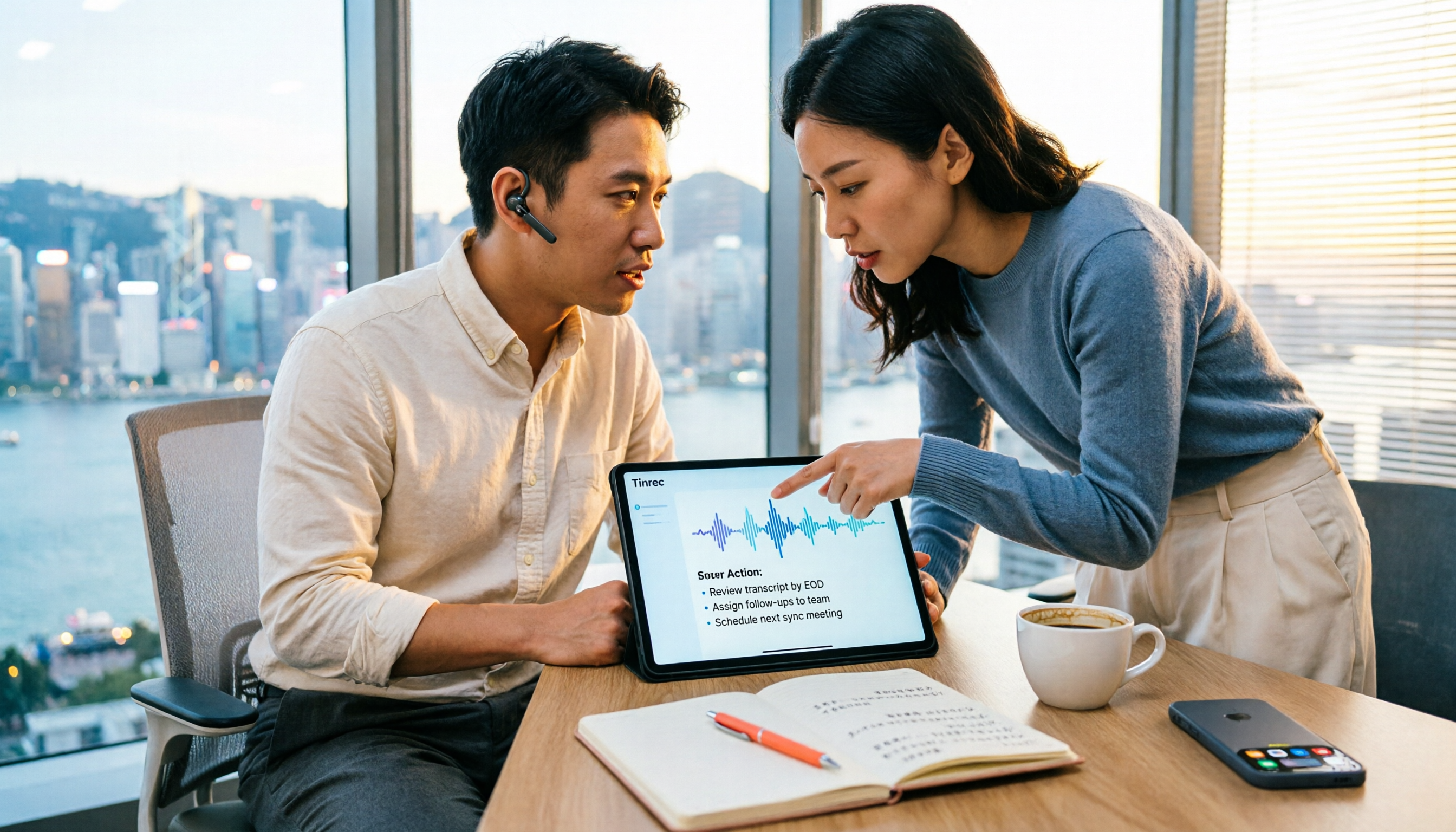
How to Choose a Free Speech-to-Text AI in 2026: 5 Steps to Compare Tinrec and MyEdit
How do you choose a free speech-to-text AI in 2026? This article compares Tinrec and MyEdit across 5 dimensions, from free quotas, Chinese and Cantonese transcription, post-meeting organization, online meeting recording, and cross-platform team collaboration, to help Hong Kong office workers decide which is better suited for meeting notes, transcripts, and post-meeting follow-up.
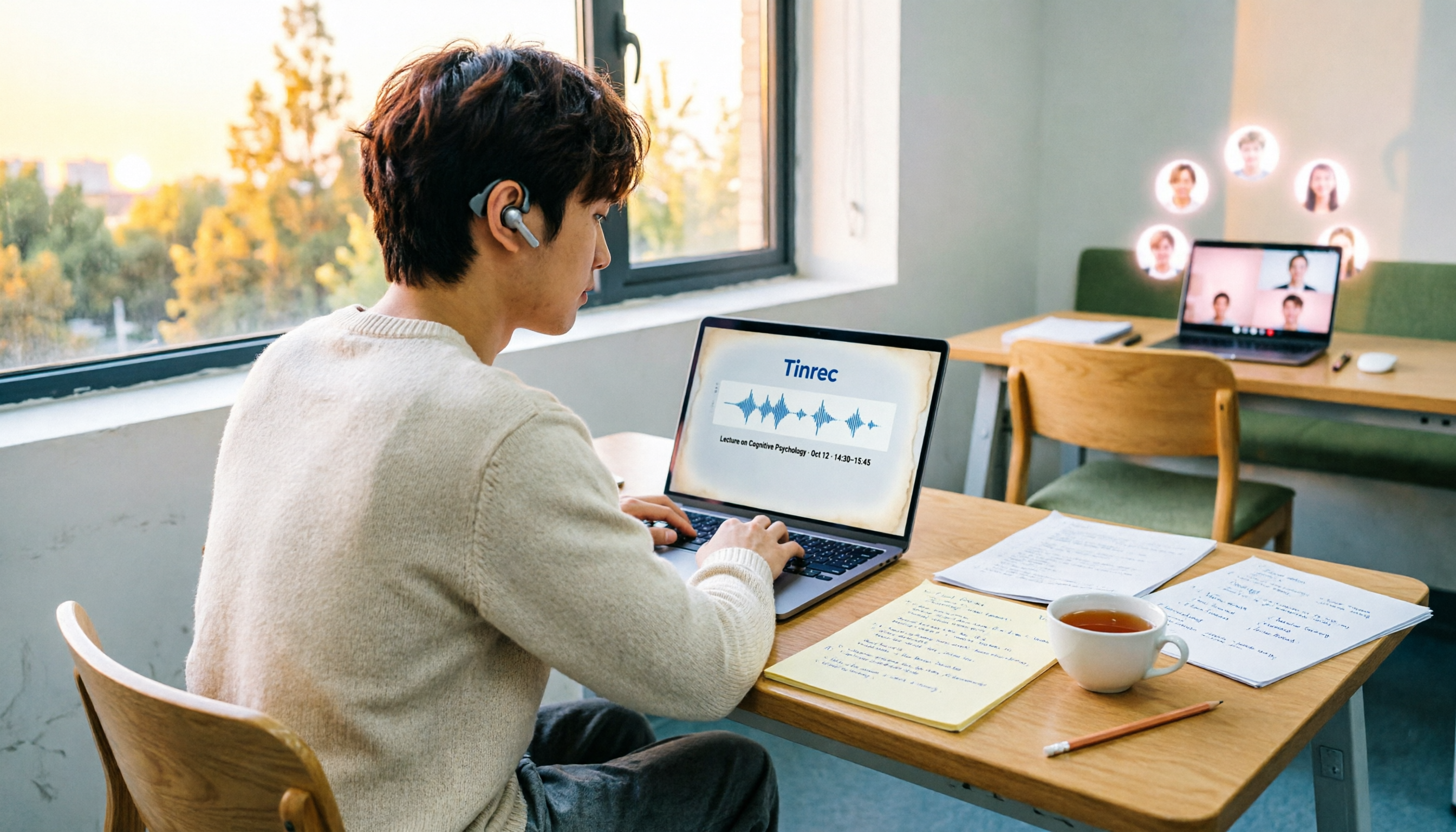
4 Speech-to-Text Tools Tested on PC in 2026: Is Google Docs Voice Typing Really Enough for Transcribing?
In 2026, I tested 4 methods for speech-to-text on a computer: Google Docs voice typing, Google Cloud Speech-to-Text API, the VoiceIn extension, and Tinrec, which I ended up keeping. Using student class recordings and small-group online meetings, I explain what each method can and cannot do, and whether free tiers are enough for students.

Tinrec vs Notta 2026: 5-Dimension Comparison for Chinese Speech-to-Text
How to choose a Chinese speech-to-text tool? This article compares Tinrec and Notta across five dimensions: Chinese recognition, meeting capture methods, post-meeting output, audio retention, and team collaboration. It also includes options like Google Docs voice typing and Otter.ai, plus four common pitfalls to help you find the right transcription and meeting organization solution for Chinese meetings.

2026 Voice-to-Text AI Comparison: Which Free Tier Works Best for Students?
A 100-minute class, over a dozen sessions per semester—it's impossible to re-listen to everything before finals. This is my year-long, real-world test of voice-to-text AI as a student: how to evaluate free tiers, differences in recognizing Chinese and mixed Chinese-English, and hands-on experience with Tinrec, Notta, Otter.ai, and PLAUD, plus the four most common pitfalls students fall into.

5 AI Speech-to-Text Tools Compared in 2026: How to Choose from Free to Team Collaboration
How do you choose among AI speech-to-text tools often recommended on Dcard? This article first takes a quick look at the positioning of Tinrec, MyEdit, PowerDirector, cSubtitle, and Yating Transcription, then compares Tinrec and MyEdit dimension by dimension across Chinese recognition, pricing, online meeting recording, post-meeting output, and team collaboration, helping you decide whether to use a free tool or a meeting workflow.