

Turn recordings into transcripts and summaries in minutes
Upload audio or video for multilingual transcription, AI notes, and action items
2026 Voice-to-Text AI Comparison: Which Free Tier Works Best for Students?
Ask Yourself Three Questions Before Downloading a Voice-to-Text AI
How many hours do you record per month? Do you need a transcript, or do you need the transcript organized afterward? Do you record on your phone and organize on your computer?
If you haven't thought through these three questions, downloading five apps won't help—they'll all end up sitting in a folder, never opened.
Last semester I took a three-credit elective. The professor spoke fast and flipped through slides even faster. The slides had only three keywords, but he was talking about three theories. I tried taking notes by hand, but before the midterm I opened my notebook and couldn't even understand what I had written. Then I switched to recording the entire class, which was worse: before the exam, I'd have to re-listen to over a dozen 100-minute recordings. Just thinking about it made me give up.
Group discussions were the same. Four people talking over each other, and afterward in the group chat someone asked, "So what was the conclusion?" No one could answer. We even had to re-record the conclusion, wasting half an hour.
The problem is never "whether you recorded" but "after recording, can you turn it into something usable?" This article is my summary after going through a full cycle.
Before Choosing a Voice-to-Text AI, Understand These 4 Key Points
1. Free tiers depend on "per-file limit," not total minutes. Many tools advertise "120 free minutes per month," which sounds generous, but scroll down and you'll find the maximum per file is 3 minutes. A 50-minute class would need to be split into 17 segments. For students, that kind of quota is as good as none.
2. Chinese and mixed Chinese-English are the real test. Classes in Taiwan rarely are pure English; usually it's "this concept relates to the framework we discussed last time." If a tool only excels in English, you'll spend a lot of time correcting Chinese sections; and names, department-specific terms, and abbreviations are often where most errors occur.
3. A transcript is just the beginning; being able to "ask it" is key. A 50-minute transcript is about 8,000 to 10,000 words. Before finals, you can't re-read it all. What really saves time is when AI generates summaries, highlights key points, lists to-dos, and you can directly ask it, "What was the third theory the professor mentioned?"
4. Cross-platform is important: record on phone, organize on computer. Recording on your phone in class and organizing on your laptop back in the dorm is the most common student workflow. If a tool doesn't support cross-platform, the process of transferring files will make you give up.
Tinrec — My Top Choice After a Full Semester
Tinrec is an AI meeting notes and collaboration tool for individuals and teams, covering iOS, Android, and web, with a desktop version that can record online meetings and class audio playing on your computer. It doesn't just convert audio to text; it organizes recordings into searchable, queryable, further editable, and exportable data.
Record in class, get transcript as you go. My current approach: enter the classroom, open the mobile app, press record, and it transcribes throughout the class. By the time I leave, the transcript is already in the cloud. Tinrec automatically generates summaries and chapters, breaking a 100-minute class into sections. Before exams, I just look at chapter titles to know which part to review, without listening to the whole class again.
Ask it directly after recording. This is where I save the most time. Before finals, I directly ask: "What are the three theories the professor mentioned in this class?" It gives answers based on semantic understanding, not a list of keyword search results for me to click through. When working on reports, I throw all recordings from the semester together and ask: "Which classes covered qualitative research?" This cross-file querying is much faster than manually Ctrl+F-ing through transcripts.
Automatically organize into to-dos and documents after meetings. After a group discussion, it organizes "who is responsible for what, when to submit" into to-do items; when written materials are needed, it can generate reports or tables from the discussion. Same for online classes: I use the desktop version to directly record Google Meet and Teams classes, without inviting a meeting bot into the classroom, so the professor won't see a strange account in the meeting room.
My own test method: I took the same 40-minute, mixed Chinese-English, air-conditioner-noise classroom recording (iPhone recording, classroom environment, professor speaking relatively fast) and manually proofread the first 10 minutes. Chinese sections were almost directly usable; the main things needing correction were English technical terms, names, and abbreviations. I don't have instruments to calculate word error rate, but by the standard of "can it be directly used for notes," it's the most effortless among the ones I've tried. Tinrec also has a team hotword feature, where you can add department-specific terms to improve recognition.
Stop organizing recordings by hand
Upload audio or video and automatically get a transcript, summary, and action items
Pros I see:
- Record online classes and meetings on your computer without a bot, no extra account stuck in the meeting room.
- Post-recording organization (summary, chapters, to-dos, Q&A, export) all in one place, no need to open other apps.
- Supports Chinese, mixed Chinese-English, and multiple languages, plus real-time translation and bilingual view, so you can compare original and translation.
Limitations (honest):
- Transcription quality is affected by recording quality, air-conditioner noise, multiple people talking over each other, and accents. For important content, verify against the recording or transcript timestamps.
- The free version offers a basic quota, suitable for trying out. If you record almost every key class like me, you'll need to look at weekly, Pro monthly, or annual plans; actual quotas and prices are subject to the official purchase page.
- Remember to inform and get consent from professors and classmates before recording.
If a graduation project group or lab wants to use it together, Tinrec has a separate team version: meeting data belongs to the team, you can invite members, assign seats, view team usage and audit logs, and there's an audio recycle bin. Eligible teams get a 7-day trial (1 free seat, 300 minutes of team shared import quota), then monthly is USD 29.80 per paid seat per month, annual is USD 199 per paid seat per year. For student groups, this cost needs to be shared; I'd suggest running the personal version for a semester first, and only discuss if you really need long-term sharing.
Who it's for: Those mainly recording Chinese or mixed Chinese-English classes, wanting to ask key points directly after recording, and using both phone and computer.
Besides Tinrec, I Also Tried These
Notta: The first one I used, stuck on free version's 3-minute per-file limit. I started with Notta; the interface is smooth and multilingual support is decent. But the free version has 120 minutes per month, max 3 minutes per file, so a 50-minute class needs to be split into over a dozen segments. After paying, Pro annual is about USD 8.17/month, 1,800 minutes per month. It's suitable for those mainly doing file transcription, subtitles, and translation; but being able to directly query content after recording and generate summaries and to-dos for the whole class is where Tinrec is smoother.
Otter.ai: Great value for English meetings, but my classes aren't in English. My roommate recommended Otter. Basic free is 300 minutes per month, almost unbeatable for English meetings, and AI Chat and team management are mature. The problem is our department's classes are mixed Chinese-English, and I spend more time correcting Chinese sections. Later I kept it for pure English online lectures, and went back to Tinrec for Chinese classes. If you mainly record English content, Otter is more cost-effective than Tinrec—this is the only alternative scenario I genuinely recommend in this article.
PLAUD Note / NotePin: Great hardware, but students can't afford it. A senior in the lab has a PLAUD NotePin; portable recording and phone call recording are convenient, and the hardware experience is indeed good. But the device starts at USD 159, plus Starter at 300 minutes per month, Pro annual at USD 99.99. For students, it's a significant investment, and it doesn't handle online meetings running on your computer—which is exactly what Tinrec does without buying extra equipment.
Pitfall Guide: The 4 Most Common Mistakes Students Make When Choosing Voice-to-Text AI
Pitfall 1: Only looking at monthly free minutes, ignoring per-file length limit. I was fooled by "120 minutes per month" and didn't see the 3-minute per-file limit. When you see a nice free number, remember to scroll down to check the per-file limit.
Pitfall 2: Thinking the transcript is the end. A transcript is only half the battle. If the tool only gives you text, you still have to read through 10,000 words yourself. A tool that lets you directly ask "What are the key points?" after recording will truly save you exam prep time.
Pitfall 3: Ignoring cross-platform. Recording on phone and organizing on computer is the most common student workflow. Before committing, confirm both computer and mobile are available, otherwise you'll get stuck at "how to transfer files to computer."
Pitfall 4: Recording without informing beforehand. This isn't a tool issue; it's a legal and courtesy issue. Before recording classes, discussions, or interviews, inform and get consent, and also store recordings in a place with access management.
Conclusion: Which One Should You Choose?
- Mainly recording Chinese or mixed Chinese-English classes, want to ask key points directly after recording → Tinrec (my current choice)
- Record on phone, organize on computer, and want to generate reports and to-dos → Tinrec (iOS, Android, web all available)
- Graduation project or lab needs to share meeting data → Tinrec Team Version (team space, seats, usage, audit)
- Need to record Zoom, Meet, Teams online classes on computer without an extra bot account → Tinrec (desktop version records without bot)
- Almost only record English content, budget is 0 → Otter.ai (the only exception)
If you're also a student, I'd suggest first using Tinrec's free version for two or three classes: confirm whether Chinese recognition is sufficient in your classroom environment, and whether the summary captures the key points you need. If you really use it daily, then consider weekly or Pro; don't pay upfront, and definitely don't buy a year at once.
References
- Audio to Text - Free Speech-to-Text Tool
- No Time Limit! 3 Free AI Transcript Tools, Highly Recommended! AI Voice Notes Generate Meeting Minutes, Presentations, Mind Maps | 104 Career Power
- Online AI Voice, Video, Audio File Auto Transcription - Free Trial - cSubtitle
- SoundType AI Ultra-Precise Transcript, Voice-to-Text, AI Dictation App - App Store
- Asking the Threads experts, any recommended AI tools to transcribe audio files into text?
Turn every recording into actionable outcomes
Get 60 free transcription minutes when you sign in. No credit card required.
Related Reading
You might also like

Google Speech-to-Text Online Free Options in 2026: 2 Tools Compared
Google's speech-to-text capabilities are spread across the Cloud Speech-to-Text API, Google Docs voice typing, and Android Live Transcribe, while Tinrec is a ready-to-use meeting workspace. This article compares them across 6 dimensions: onboarding, Chinese and multilingual support, post-meeting organization, online meeting recording, team collaboration, and pricing, to help you decide which one to choose.

3 Best iPhone Speech-to-Text Tools in 2026: Built-in vs Plaud vs Tinrec
iPhone's built-in Voice Memos transcription works for basic needs, but struggles with mixed languages, online meetings, and post-meeting organization. This comparison of iPhone's built-in features, Plaud recording devices, and Tinrec covers language support, input sources, post-meeting organization, and team collaboration to help you decide which tool fits your workflow.

2026 Comparison of 3 Speech-to-Text Tools: MyEdit Free Credits vs. Tinrec Meeting Organization—Which Saves More Time?
This article compares MyEdit, Tinrec, and Notta in a hands-on test, analyzing Chinese recognition, free quotas, post-meeting organization, and team collaboration. MyEdit is suitable for lightweight transcription, while Tinrec is more complete for bot-free meeting recording, AI Q&A, and team knowledge retention. If you're looking for a meeting transcription tool, this article helps you quickly decide.

5 Best Free Speech-to-Text Tools in 2026: A Complete Comparison
Compare 5 free speech-to-text tools in 2026, including Tinrec, Otter.ai, Notta, TurboScribe, and Granola. We break down free tiers, Chinese language support, AI post-meeting summaries, and team collaboration to help you find the best transcription tool.
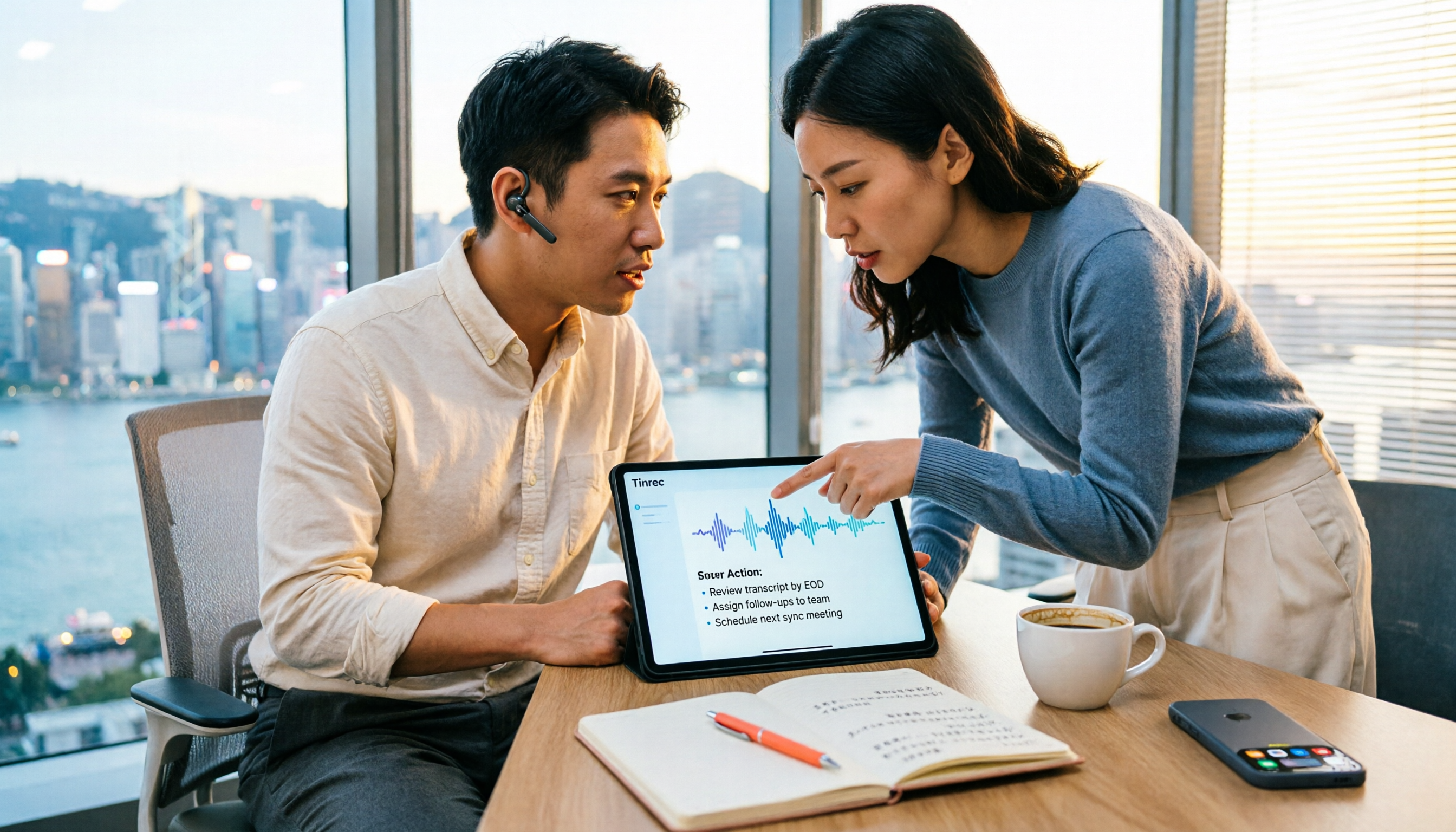
How to Choose a Free Speech-to-Text AI in 2026: 5 Steps to Compare Tinrec and MyEdit
How do you choose a free speech-to-text AI in 2026? This article compares Tinrec and MyEdit across 5 dimensions, from free quotas, Chinese and Cantonese transcription, post-meeting organization, online meeting recording, and cross-platform team collaboration, to help Hong Kong office workers decide which is better suited for meeting notes, transcripts, and post-meeting follow-up.
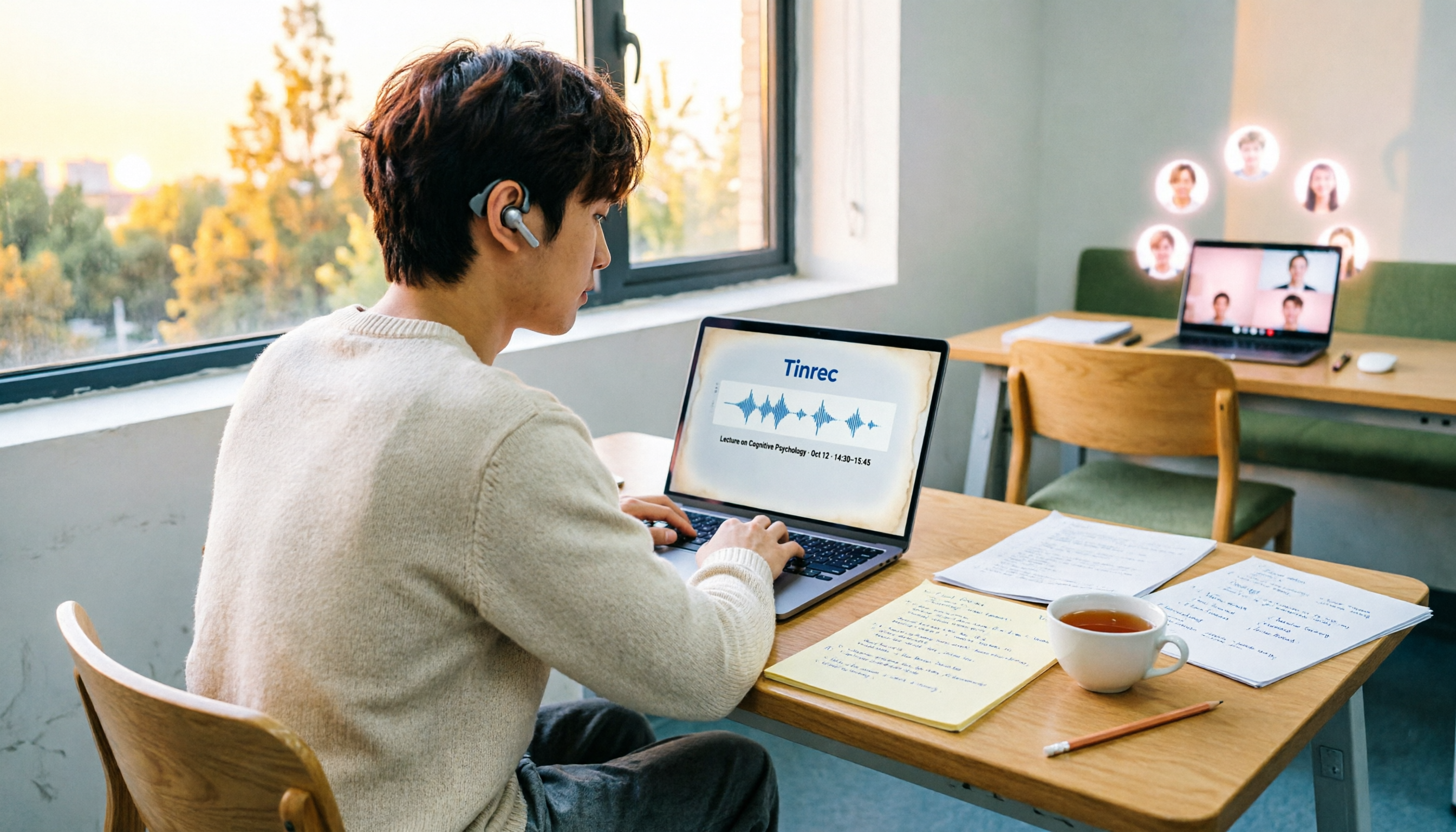
4 Speech-to-Text Tools Tested on PC in 2026: Is Google Docs Voice Typing Really Enough for Transcribing?
In 2026, I tested 4 methods for speech-to-text on a computer: Google Docs voice typing, Google Cloud Speech-to-Text API, the VoiceIn extension, and Tinrec, which I ended up keeping. Using student class recordings and small-group online meetings, I explain what each method can and cannot do, and whether free tiers are enough for students.

2026 Best Speech-to-Text Tools Compared: Which One Handles Cantonese Most Accurately?
We tested 4 speech-to-text tools in real Hong Kong workplaces in 2026. First, we explain 5 key factors for choosing a tool, then take a deep dive into Tinrec's bot-free recording, AI Q&A, and team spaces. We also briefly review Otter.ai, Granola, and Notta, and finish with a pitfalls guide and scenario-based recommendations.

Tinrec vs Notta 2026: 5-Dimension Comparison for Chinese Speech-to-Text
How to choose a Chinese speech-to-text tool? This article compares Tinrec and Notta across five dimensions: Chinese recognition, meeting capture methods, post-meeting output, audio retention, and team collaboration. It also includes options like Google Docs voice typing and Otter.ai, plus four common pitfalls to help you find the right transcription and meeting organization solution for Chinese meetings.

5 AI Speech-to-Text Tools Compared in 2026: How to Choose from Free to Team Collaboration
How do you choose among AI speech-to-text tools often recommended on Dcard? This article first takes a quick look at the positioning of Tinrec, MyEdit, PowerDirector, cSubtitle, and Yating Transcription, then compares Tinrec and MyEdit dimension by dimension across Chinese recognition, pricing, online meeting recording, post-meeting output, and team collaboration, helping you decide whether to use a free tool or a meeting workflow.