

Turn recordings into transcripts and summaries in minutes
Upload audio or video for multilingual transcription, AI notes, and action items
2026 Comparison of 5 Speech-to-Text Tools: Which Is Best for Chinese Recognition and AI Summarization?
What you really need to compare is not 'how fast it transcribes' but 'whether you can use the result directly'
When you search for 'speech to text Chinese,' you get a long list of tools. But the only question you really need to ask yourself is: Do I need 'a block of text' or 'a document I can use right away'?
If you only occasionally turn a voice memo into text, free tools are more than enough. But if your daily routine involves—turning a two-hour Chinese meeting into minutes, accurately recognizing mixed Chinese and English in customer interviews, or dealing with colleagues who speak with a Cantonese or Taiwanese accent—then what you need is not just 'transcription' but a workflow that 'after transcription, can directly generate summaries, action items, and even let you ask follow-up questions about key points.'
This time we tested 5 tools with materials including a mixed Chinese-English online meeting recording, an interview with background air conditioning noise, and a Chinese segment with an accent. Below, we help you choose from four angles: Chinese recognition, post-meeting organization, cross-platform support, and team collaboration.
Before choosing a speech-to-text tool, understand these 4 key points
1. Chinese recognition should be tested in 'real scenarios,' not a quiet studio Many tools advertise accuracy rates measured in noiseless, single-speaker, standard accent conditions. But real meetings have air conditioning noise, keyboard sounds, multiple people talking over each other, and mixed Chinese-English. The real difference shows in these conditions. We recommend testing with your own recordings.
2. Post-transcription features are what you're paying for Turning speech into a transcript is only using one-third of a tool's capabilities. What really saves time is automatic summarization, chapter segmentation, action item extraction, and the ability to ask questions directly about the content. In recent years, the gap between AI tools has almost entirely been in post-meeting organization.
3. Cross-platform and meeting sources determine your convenience Today you record on iPhone, tomorrow you organize on computer; meetings are on Zoom, Google Meet, Teams. If a tool only supports a single platform or cannot handle online meetings, you'll waste a lot of time moving files.
4. Free quotas and team needs should be clear upfront Free versions usually have minute limits. For occasional use, free quota is enough; for teams that need to use together, share data, and manage member permissions, you need to look at paid plans and team features. Clarify whether it's for personal or team use to avoid buying the wrong one.
Tinrec – Our top pick after testing
Tinrec is an AI meeting notes and collaboration tool for individuals and teams, supporting iOS, Android, desktop, and web. Its positioning is clear: not just converting sound to text, but turning meetings into searchable, collaborative, actionable data.
During meetings, it transcribes in real-time. Whether it's in-person recording or online meetings—Tinrec desktop directly captures computer system audio, handling meetings on Zoom, Google Meet, Microsoft Teams, Webex, etc., without needing to invite an extra meeting bot. After the meeting, AI automatically generates summaries, chapters, and action items, so who is responsible for what and what's next is clear at a glance.
After recording, you can ask it directly. This is where Tinrec stands out from similar tools. You can ask about a single meeting or across multiple meetings: 'Who mentioned the budget last time?' 'What concerns did the client have about the delivery date?' It gives answers based on semantic understanding, not a list of keyword search results. Currently, competitors at the same price almost none have this AI Q&A capability.
Chinese and multilingual scenarios are its strong suit. Tinrec covers Chinese, Traditional Chinese, and multilingual meetings, supports mixed Chinese-English content organization, real-time translation during recording, and original/translated/bilingual view. Teams can also use team hotwords to maintain professional terminology, making product names and proper nouns more consistently recognized. Actual performance is affected by recording quality, accent, noise, and overlapping speech; in our tests, it performed stably with clear Chinese meeting recordings and correctly segmented mixed Chinese-English passages.
Stop organizing recordings by hand
Upload audio or video and automatically get a transcript, summary, and action items
Its advantages are mainly in three things: First, bot-free recording of online meetings, no need to add a bot to the meeting room, so colleagues won't see an extra strange participant. Second, complete post-meeting workflow: transcript, summary, chapters, action items, mind map, AI Q&A, multi-format export, and even further generation of reports, tables, and documents. Third, team data accumulation: the team version provides independent team spaces, meeting data belongs to the team, managers can manage roles, seats, usage, and audit logs, and data can be handed over when members leave.
Limitations should also be clear. The free version has usage quotas, heavy users need to pay; the team version is priced per seat, with paid seats providing 2,000 minutes of shared team import quota per month. Also, Tinrec does not focus on batch transcription of large numbers of files at once; if you need to process dozens of files at once, it may not be the strongest option. But for individuals and teams that have a few meetings per week and need Chinese transcripts and post-meeting organization, this configuration is sufficient.
Who is it for? If you frequently handle Chinese meetings, need mixed Chinese-English recognition, want summaries and action items right after the meeting, and want to use AI to follow up on key points—Tinrec is our top recommendation after testing. If you need team sharing and permission management, you can start directly with the team version.
Besides Tinrec, what other options are there?
Notta: A multilingual transcription tool with high overlap with Tinrec, supporting multiple platforms, meeting notes, file import, and team plans. The official free version offers 120 minutes per month, up to 3 minutes per session. It lacks Tinrec's desktop bot-free system audio capture for online meetings and AI conversational query. Suitable for multilingual individual users who mainly transcribe files.
TurboScribe: A cost-effective file transcription tool, focusing on long files and batch uploads. Paid version supports up to 10 hours or 5 GB per file, up to 50 files at once; free version allows 3 files per day. It lacks Tinrec's real-time meeting recording, action item extraction, and team spaces. If you need to transcribe a bunch of audio files at once, it's more cost-effective; but live meeting recording and post-meeting organization are not its strong suit.
Otter.ai: A mature choice for English meetings. Free version offers 300 minutes per month; Pro annual billing is about USD 8.49 per user per month. However, Chinese and Cantonese support is not its strength, and it lacks Tinrec's team hotwords and Chinese real-time translation. If you mainly record English content, Otter.ai is more straightforward than Tinrec—this is one of the few scenarios in this article where we recommend a competitor.
Pitfall guide: 3 most common mistakes when choosing a speech-to-text tool
Pitfall 1: Only looking at advertised accuracy. Many tools boast high accuracy, but that's measured in a quiet studio. Real meetings have air conditioning noise, keyboard sounds, and multiple people talking over each other, so accuracy drops noticeably. We recommend using your own recordings for a free trial.
Pitfall 2: Treating the tool as just 'audio to text.' If you only use transcription, you're only using part of its capabilities. For example, Tinrec's AI conversational query—after recording a meeting, you can directly ask 'What was the conclusion?' 'Who is responsible for what?'—is much faster than manually flipping through a 30-minute transcript.
Pitfall 3: Ignoring team and data ownership. Meeting data stored in personal accounts may be taken away or lost when members leave. If meeting content is a team asset, choose a tool with independent team spaces and member/seat management. Also, remember to comply with local regulations before recording, and obtain consent from participants when necessary.
Conclusion: Which one should you choose?
In one sentence: For individuals and teams focused on Chinese meetings, Tinrec is the top choice after this test.
Scenario-based recommendations:
- Chinese meetings, mixed Chinese-English, post-meeting AI follow-up → Tinrec (Chinese experience, AI Q&A, bot-free recording)
- Online meetings without adding a bot → Tinrec (desktop directly captures system audio)
- Team needs to share meeting data, manage members and seats → Tinrec team version (team spaces, seats, usage, and audit)
- Large number of files to transcribe at once, budget priority → TurboScribe (long files and batch upload)
- Mainly recording English meetings → Otter.ai (mature for English meetings, large free quota)
If you're still undecided, start with Tinrec's free version, run your own meeting recording through it, see if Chinese recognition and post-meeting summaries meet your expectations, then decide whether to upgrade.
References
Turn every recording into actionable outcomes
Get 60 free transcription minutes when you sign in. No credit card required.
Related Reading
You might also like

4 Speech-to-Text Tools Tested on PC in 2026: Is Google Docs Voice Typing Really Enough for Transcribing?
In 2026, I tested 4 methods for speech-to-text on a computer: Google Docs voice typing, Google Cloud Speech-to-Text API, the VoiceIn extension, and Tinrec, which I ended up keeping. Using student class recordings and small-group online meetings, I explain what each method can and cannot do, and whether free tiers are enough for students.

2026 Best Speech-to-Text Tools Compared: Which One Handles Cantonese Most Accurately?
We tested 4 speech-to-text tools in real Hong Kong workplaces in 2026. First, we explain 5 key factors for choosing a tool, then take a deep dive into Tinrec's bot-free recording, AI Q&A, and team spaces. We also briefly review Otter.ai, Granola, and Notta, and finish with a pitfalls guide and scenario-based recommendations.

Tinrec vs Notta 2026: 5-Dimension Comparison for Chinese Speech-to-Text
How to choose a Chinese speech-to-text tool? This article compares Tinrec and Notta across five dimensions: Chinese recognition, meeting capture methods, post-meeting output, audio retention, and team collaboration. It also includes options like Google Docs voice typing and Otter.ai, plus four common pitfalls to help you find the right transcription and meeting organization solution for Chinese meetings.

2026 Voice-to-Text AI Comparison: Which Free Tier Works Best for Students?
A 100-minute class, over a dozen sessions per semester—it's impossible to re-listen to everything before finals. This is my year-long, real-world test of voice-to-text AI as a student: how to evaluate free tiers, differences in recognizing Chinese and mixed Chinese-English, and hands-on experience with Tinrec, Notta, Otter.ai, and PLAUD, plus the four most common pitfalls students fall into.

5 AI Speech-to-Text Tools Compared in 2026: How to Choose from Free to Team Collaboration
How do you choose among AI speech-to-text tools often recommended on Dcard? This article first takes a quick look at the positioning of Tinrec, MyEdit, PowerDirector, cSubtitle, and Yating Transcription, then compares Tinrec and MyEdit dimension by dimension across Chinese recognition, pricing, online meeting recording, post-meeting output, and team collaboration, helping you decide whether to use a free tool or a meeting workflow.

2026 Comparison of 4 Google Speech-to-Text Methods: Which One Can Actually Save Recordings as Text Files?
Turning speech into text with Google isn't hard; the hard part is turning it into a truly usable text file. This article compares four methods: Google Docs voice typing, Google Cloud Speech-to-Text, Google Live Transcribe app, and Tinrec. From real-time recording, processing old audio files, post-meeting summaries, to team sharing, we help you find the easiest path.

4 iOS Speech-to-Text Apps Tested in 2026: Which Free Version Is Enough?
We tested 4 iOS speech-to-text apps, comparing input sources, AI post-processing, Chinese language support, and team collaboration to find which free version is most useful. We also explain why Tinrec is our top pick for meeting notes.
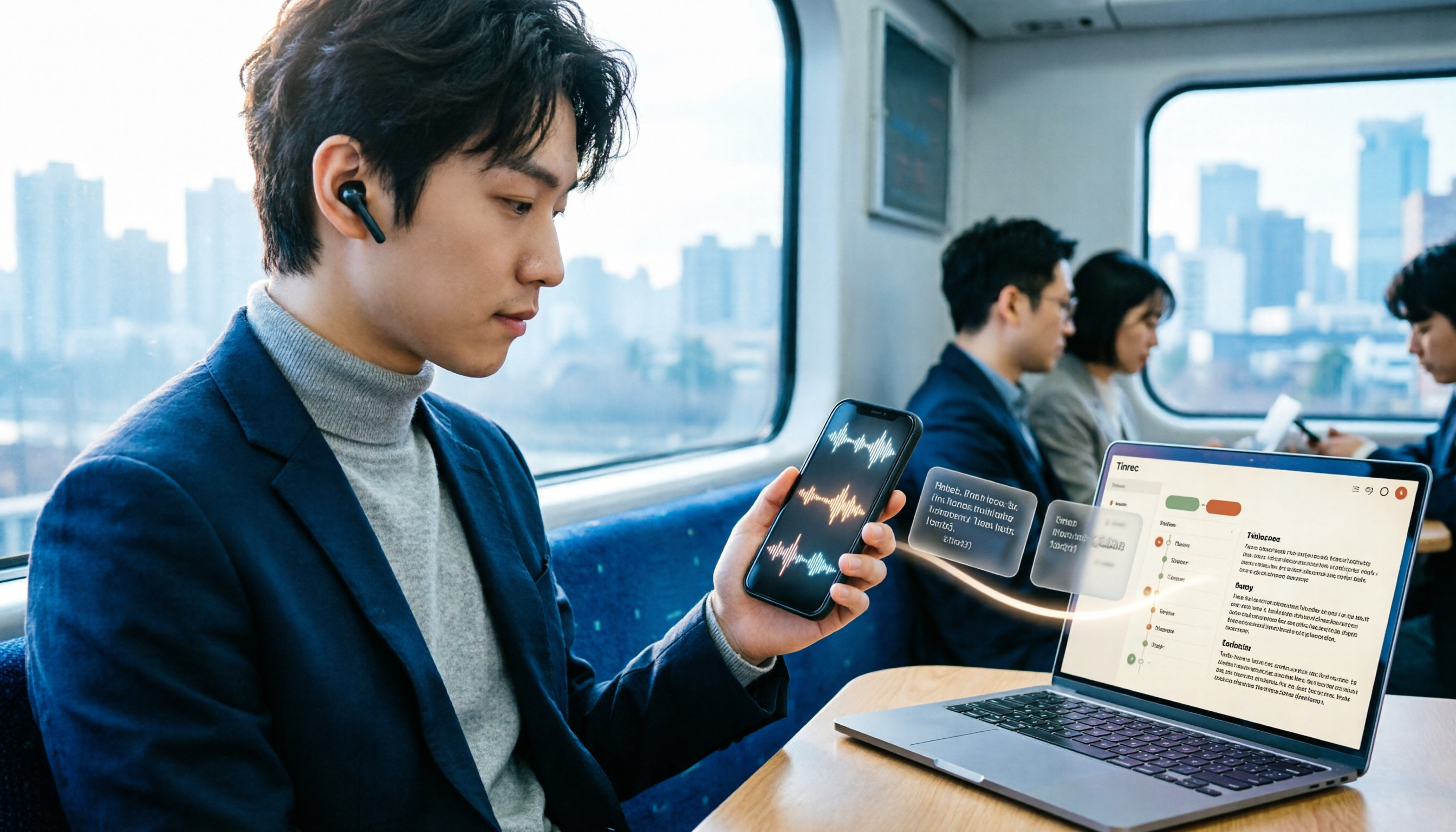
3 LINE Voice-to-Text Methods Tested in 2026: Which One Produces a Usable Transcript File?
LINE voice messages can't be played during meetings or commutes, and there are several ways to convert them to text. This article compares LINE's built-in transcript, iPhone Shortcuts, and AI transcription tools to explain which one truly leaves you with a searchable, organized transcript file.

6 Best Speech-to-Text Tools in 2026: Google vs. Alternatives Compared
Tired of typing meeting transcripts? We compare 6 speech-to-text tools—Google Cloud Speech-to-Text, Google Live Transcribe, Google Docs Voice Typing, Tinrec, Notta, and TurboScribe—covering positioning, pricing, language support, and ideal users to help busy professionals pick the right tool and save overtime hours.