

Turn recordings into transcripts and summaries in minutes
Upload audio or video for multilingual transcription, AI notes, and action items
Is Free Actually the Most Expensive? The Three Most Common Misconceptions About Speech-to-Text
"It's just converting audio to text, so free is fine." That sounds reasonable, but anyone who has actually done meeting minutes knows the time-consuming part is never the "conversion"—it's the organizing afterward.
Misconception 1: Equating "free" with "effortless." Many free AI platforms can indeed turn audio files into transcripts, but the output just sits in a chat window. You still have to copy, proofread, segment, and organize it into usable minutes yourself. You save on subscription fees but pay with hours of follow-up work.
Misconception 2: Treating an "AI model testing platform" as a "meeting notes tool." These platforms were originally designed for developers and early users to experiment with models, not for managing long meetings. They typically lack team spaces, to-do tracking, and member permissions.
Misconception 3: Focusing only on one-time transcription and ignoring "what happens after." The real value of a meeting lies in summaries, action items, and future searchability. If a tool only gives you a transcript, it has only completed one-third of the job.
Simply put, when choosing a tool, what matters is not "can it transcribe" but "can you use the result directly after transcription."
Before Choosing a Speech-to-Text Tool, Understand These 4 Key Points
1. Language and mixed Chinese-English handling capability Chinese meetings are rarely "pure Chinese." Proper nouns and product names often mix in English, and this type of content is most prone to recognition gaps. Look for whether the tool supports multiple languages, can handle mixed Chinese-English, and has aids like team hotwords. Tinrec covers Chinese, Traditional Chinese, and multilingual meeting scenarios, and provides team hotwords for maintaining specialized terminology.
2. Audio length and free quota Free plans almost always have limits. Take Google AI Studio as an example: some users share that a single audio file should not exceed 20 minutes, and longer recordings are truncated at around 30 minutes. Once the quota or length limit is reached, you must interrupt the process or switch to a paid plan. When evaluating, be sure to test with your longest recording.
3. After transcription, is the audio still there? Some tools only give you text and do not retain the original audio, making it very troublesome to go back and verify a specific sentence later. Tinrec retains audio, and the team version also has an audio recycle bin, allowing recovery of accidentally deleted audio files before permanent cleanup begins.
4. The workflow after the transcript Summaries, chapters, action items, AI Q&A, and export to Notion or Google Docs—these are the keys to turning recordings into "usable data." If you still have to manually Ctrl+F to find key points, the tool has only saved you half the work.
Tinrec—Our Top Pick After Testing
Tinrec is an AI meeting notes and collaboration tool for individuals and teams, covering iOS, Android, desktop, and web versions.
What it solves most directly is the issue of "not wanting to add a meeting bot." The desktop version directly captures the computer's system audio, so it can handle online meetings on Zoom, Google Meet, Microsoft Teams, Webex, and others without inviting an extra bot into the meeting room. For offline meetings, it can record and transcribe simultaneously, and for cross-language meetings, it can instantly switch between original text, translation, or bilingual display—especially useful for mixed Chinese-English scenarios.
After the meeting is where its real value lies. Tinrec automatically generates summaries, chapters, key points, action items, and mind maps; more importantly, AI Q&A—you can directly ask it "Who mentioned the budget in the last meeting?" or "What was the conclusion of this project?" and it will answer based on the meeting content, rather than throwing a list of keyword search results at you. Organized content can also be exported to Notion, Google Docs, OneNote, Dropbox, or post-processed with Agent to generate reports, tables, and documents.
If your meetings are viewed by multiple people, consider the team version. The team version is not "multiple people sharing one account" but an independent team space: you can create and switch between multiple teams, invite members via join links, set owners/admins/regular members, and manage roles and seats separately. The admin side can view usage trends, member rankings, and usage details, plus audit logs, team hotwords, and an audio recycle bin. When a member leaves or is removed, their team resources can be handed over to other active members, so data does not follow the individual.
Stop organizing recordings by hand
Upload audio or video and automatically get a transcript, summary, and action items
The current plan details for the team version are: eligible teams can try it free for 7 days, including 1 free seat and 300 minutes of team shared import quota; paid seats are USD 29.80/seat/month (monthly), or USD 199/seat/year (annual), about USD 16.58/month, with each paid seat providing 2,000 minutes of team shared import quota per month. Under an active team plan and active seats, real-time recording is currently not deducted by minutes. Please refer to the official purchase page for pricing and benefits.
A few points to be honest about: Tinrec does not promise a fixed accuracy rate; actual results are affected by recording quality, background noise, accents, overlapping speakers, and specialized terminology. For important content, it is recommended to verify against transcript timestamps and audio playback; importing documents and web links consumes team shared import quota; the team version currently focuses on team-level sharing, not file-level granular permissions; some team capabilities still need to be confirmed in the production environment before official external promotion.
Overall, if you want Chinese meeting notes, do not want to add a meeting bot, hope to use AI to find key points directly after the meeting, and want to keep data in the team for continued use, Tinrec is currently one of the most suitable choices.
Besides Tinrec, What Other Options Are There?
Google AI Studio: A free online platform provided by Google that lets you directly test Gemini series models without writing code or integrating APIs. You can log in with a Google account. The usage is: log in, select a model, upload an audio file (supports common formats like MP3, WAV), enter a transcription prompt, and run. Some users have shared that when the right model is selected, it can recognize different speakers, mark timestamps, and automatically segment by tone. Note that the free plan has quota and length limits (commonly said to be within 20 minutes per session, truncated at around 30 minutes), the transcript stays in the chat window and requires manual copying and proofreading, and there is no team space or to-do tracking. It is suitable for people who occasionally transcribe a short audio file and want to try it for free first; but if you want post-meeting organization and team knowledge retention, Tinrec's team space, AI Q&A, and action item extraction will be smoother.
Notta: A multi-platform transcription and meeting notes tool that also supports document import, translation, and team plans. The free version offers 120 minutes per month, up to 3 minutes per session. It overlaps significantly with Tinrec, but Tinrec can emphasize bot-free desktop recording, post-meeting AI Q&A, and team data retention. If you mainly need subtitles and batch transcription, Notta is worth comparing.
Granola: A bot-free AI meeting notes tool that transcribes in real time through desktop system audio and microphone, then combines with your handwritten notes to generate content. The Business plan is USD 14/user/month. Note that it does not support uploading pre-recorded audio files and does not save meeting audio. If you have a bunch of existing recordings to organize, Tinrec supports both real-time recording and audio import, and retains audio, which will better meet your needs.
Pitfall Guide: The 4 Most Common Mistakes When Choosing a Speech-to-Text Tool
Pitfall 1: Only looking at "free" without calculating "how much time it takes after transcription." If you still have to format, title, and organize action items from the transcript yourself, the subscription fee you save is often paid back with overtime.
Pitfall 2: Ignoring single audio length limits. Free platforms commonly truncate at 20–30 minutes, so a two-hour meeting must be split into several parts, and words may be missed in between. Before choosing a tool, test with your longest recording first.
Pitfall 3: Treating "multiple people sharing one account" as a team version. A true team version should have independent spaces, member roles, and seat management. For example, Tinrec separates roles (who can manage) from seats (who can record, upload, edit). Active members without seats can still view, play, and read team data, but cannot upload or edit.
Pitfall 4: Thinking it ends once you get the transcript. Without summaries, action items, and a searchable database, transcripts quickly become files no one opens again. Asking AI directly "What was the conclusion of this meeting?" after recording is much faster than manually flipping through a 30-minute transcript.
Conclusion: Which One Should You Actually Choose?
Back to the original question: Is Google AI Studio's speech-to-text enough? If you only occasionally need to convert a short recording to text, it is free, offers selectable models, and is quick to start—it is indeed enough, as long as you remember to control audio length and leave time for your own proofreading.
But if you deal with meeting notes, interview transcripts, and team collaboration every day, the scenario breakdown is roughly like this:
- Need Chinese meeting transcription and do not want to add a meeting bot → Tinrec (desktop version captures system audio)
- Want to use AI directly to find key points and ask for conclusions after recording → Tinrec (AI Q&A)
- Want to keep meeting data in the team and manage members and usage → Tinrec team version
- Only need batch transcription and subtitles for large numbers of files → Consider specialized tools like Notta or TurboScribe
- Only want to try a short recording for free → Google AI Studio
It is recommended to start with a free plan, test with a real meeting recording of your own, see whether the transcript quality and post-meeting organization workflow are smooth, and then decide whether to upgrade. Also note: before recording and transcribing, please confirm compliance with local regulations and obtain participant consent when necessary.
References
- Speech-to-Text: AI voice input and transcription | Google Cloud
- Google AI Studio transcript tutorial, free AI audio-to-text tips - Mr. Mad
- Convert speech to text | Gemini Enterprise Agent Platform | Google Cloud Documentation
- [AI Classroom] Use AI Studio to save on speech transcription costs and be a happy "free rider" - Business Insider Taiwan
- From recording to text: Gemini helps you get transcripts done - Attorney Chang Ching-Hao's Blog
Turn every recording into actionable outcomes
Get 60 free transcription minutes when you sign in. No credit card required.
Related Reading
You might also like

Taigi Keyboard vs. MOE Taiwanese Hokkien Input Method: A 5-Dimension Comparison for Computer Users in 2026
Want to type Taiwanese Hokkien on your computer but not sure which input method to choose? This article compares Taigi Keyboard and the MOE Taiwanese Hokkien Input Method across five dimensions: installation ease, dictionary completeness, cross-platform support, typing fluency, and licensing. It also includes a bonus look at the FHL Taiwanese and Hakka Input Method to help you find the most suitable Taiwanese Hokkien input solution.

How to Install Taiwanese Hokkien Input Methods on PC (2026): MOE & FHL Editions
Want to type Taiwanese Hokkien on your computer but not sure which input method to install? This guide addresses common misconceptions, provides step-by-step installation instructions for the Ministry of Education (MOE) Taiwanese Hokkien input method for PC, covers supported platforms and dictionary features, and compares it with the FHL Taiwanese Hokkien & Hakka input method. Learn how to choose, install, and activate the right Taiwanese Hokkien input method for your computer.

5 Cantonese Speech-to-Text Tools Tested and Compared in 2026: Which Saves the Most Time Transcribing Cantonese Audio?
Turning Cantonese recordings into text—the biggest pitfall isn't a weak tool, it's ending up with a pile of unusable transcripts. This article starts with common misconceptions, then covers practical usage, core capabilities, use cases, and 5 key buying considerations for Cantonese speech-to-text. It also uses Tinrec to demonstrate the full workflow from recording to action items.

Best Cantonese Voice Input for Apple in 2026: 4 Methods Tested, Tinrec Wins for Long Meetings
Apple's built-in Cantonese voice input works for short phrases, but struggles with long meetings and multiple speakers. This article tests 4 common approaches and explains how Tinrec handles Cantonese meeting transcripts, AI summaries, action items, and team knowledge retention.
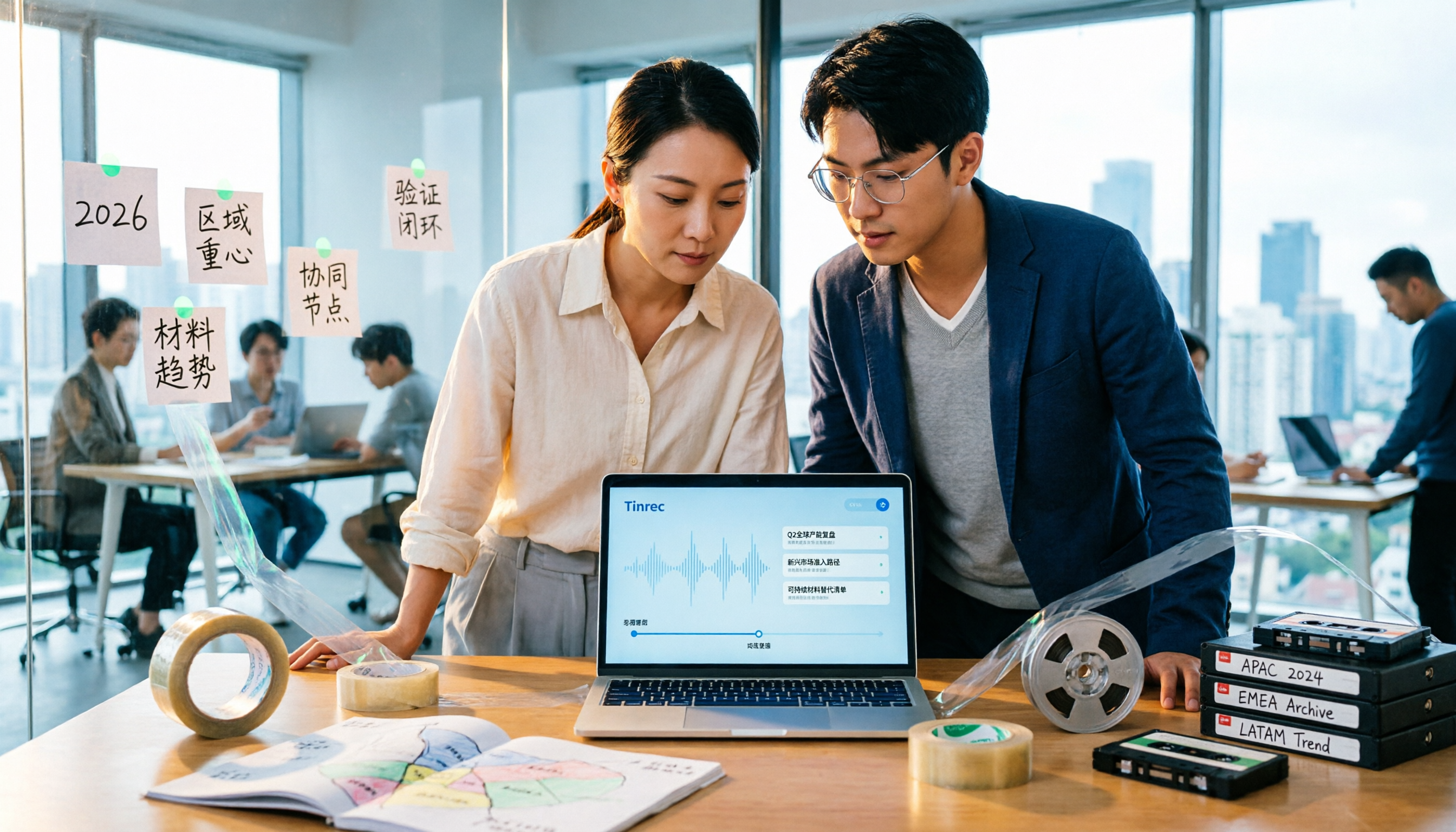
2026 Tape Market Outlook: 5 Steps to Understand Global Tape Industry Trends
A breakdown of the 2026 tape market size, regional focus, and material trends: from overall tape, adhesive tape, industrial box sealing tape, paper tape, to the similarly named data archival tape. Use 5 assessment steps to build an analytical framework and compare the logic for choosing meeting content retention tools.

3 Free Google Speech-to-Text Options Tested: Is Free Really Enough?
Is Google speech-to-text free? We tested three free options—Google Docs voice typing, Google AI Studio (Gemini), and pyTranscriber—and break down their limitations and best use cases. We also explain why Tinrec is a more time-saving choice when you need Chinese meeting transcripts, post-meeting summaries, and action items.

2026 Comparison of 2 Cantonese Meeting Transcription Tools: Tinrec vs Otter.ai — Which Should You Choose?
Cantonese meeting transcription often struggles with recognition gaps and post-meeting organization. This article starts with two common misconceptions and compares Tinrec and Otter.ai in real tests across Chinese and Cantonese meetings, meeting capture methods, post-meeting organization, plan flexibility, and team data retention. It also summarizes 5 key points to consider when choosing a tool and answers common questions.

2026 Voice-to-Text Tools Compared: AI Cantonese Transcription and Meeting Notes
Turning Cantonese or mixed-language meeting recordings into usable transcripts is challenging, and tools vary widely in output quality. This article compares Tinrec, Otter.ai, Notta, and Granola across five key aspects: Cantonese model support, accuracy evaluation, post-meeting output, recording retention, and team authorization. It also highlights four common pitfalls to help you choose the right tool.

4 Speech-to-Text Tools Tested: Which Free Cantonese Option Is Good Enough?
Starting from real mid-level manager meeting scenarios, we tested 4 speech-to-text tools on Cantonese and mixed Chinese-English meetings, comparing the real limits of free tiers, post-meeting AI organization, and team collaboration design to help you decide which one is good enough.