

Turn recordings into transcripts and summaries in minutes
Upload audio or video for multilingual transcription, AI notes, and action items
Why do you still have nothing after a meeting when you translate sentence by sentence?
"The other person said something in Cantonese, I pressed translate once, understood three words, and the next sentence came."
This is the real situation for many people the first time they use a Cantonese translation app. The problem is not translation itself, but the "unit of translation."
Word-by-word and sentence-by-sentence translation is great for short scenarios like ordering food or asking for directions. But once the other person speaks continuously for two or three minutes, you will be busy pressing translate and have no energy left to understand the context.
The more common result is: the meeting ends, and all you have is a pile of scattered translation fragments—no conclusions, no action items. Later, when you want to go back and find "who mentioned the budget," you have to translate from the beginning again.
This article addresses exactly that: how to choose a Cantonese to Mandarin translation app so that conversations truly become usable records.
Before choosing a Cantonese to Mandarin translation app, understand these 4 key points
1. Does it translate "one word" or "a whole segment"?
Most translation apps are strong at real-time short-sentence mutual translation. If you are dealing with meetings, interviews, or client communication, what really matters is "can it convert an entire speech segment into text," and accurately enough.
2. Can speech recognition handle real environments?
A quiet recording studio and a real meeting room are two different things. Air conditioning noise, keyboard sounds, multiple people talking over each other, and accents all make recognition results worse.
In the source material, some users reported that they tried more than a dozen simple words with voice input and it was "completely inaccurate," even showing that when they input "hot water," the translation result was still "hot water." When testing, it is best to use your own recording, not just the official demo.
3. After translation, can you actually "use it"?
A transcript is only raw material. Whether it can automatically generate summaries, chapters, and action items, and whether you can directly ask AI "who said they would deliver next week," determines how much time you still need to spend organizing afterward. This is where most translation apps and meeting tools differ the most.
4. Can the data stay within the team?
If Cantonese clients are handled by a team, it matters whose phone the meeting content is stored on. Personal account data follows the person, and when someone leaves, it is often impossible to retrieve. A team space keeps recordings, transcripts, and action items in one place and also lets you manage members and usage.
Tinrec — the most recommended after testing
Tinrec is an AI meeting notes and collaboration tool for individuals and teams, covering iOS, Android, and web, and the desktop version can directly record online meetings playing on your computer without needing to invite an extra meeting bot.
Its biggest difference from ordinary Cantonese translation apps is that it does not trap you in the loop of pressing translate sentence by sentence. When a meeting starts, open Tinrec and it generates a transcript while recording. When the meeting ends, the summary, chapters, and action items are already organized—who is responsible for what and what the deadline is, listed directly for you.
For cross-language situations, Tinrec supports real-time translation, and you can view it in the original language, translated language, or bilingual comparison. If your team often uses specific expressions or professional terminology, you can add these terms to team hotwords so recognition results better match your usual language habits.
Note that recognition and translation performance can be affected by recording quality, accents, environmental noise, and overlapping speech from multiple people. Tinrec does not promise a fixed accuracy rate, and for important content it is recommended to verify by replaying the recording.
After recording is where it pulls ahead. You can directly ask questions about the meeting, such as "What were the client's concerns about pricing?" It answers based on the meeting content instead of throwing a string of keywords at you. When you need to deliver, you can export to documents, reports, or tables and bring them into existing workflows like Notion and Google Docs.
Stop organizing recordings by hand
Upload audio or video and automatically get a transcript, summary, and action items
The free version provides a basic quota, so you can first experience recording, importing, summaries, and transcription; if you only occasionally organize a recording, the free version is enough. People who have meetings every week can consider Pro, and those who need to accumulate recording data long-term are better suited to the annual plan.
For team use, there is a separate team space where you can invite members, assign seats, and view usage and operation logs. When a member leaves or is removed, the meeting data they were responsible for can be handed over to other members and will not disappear with the personal account.
Simply put: if you only need to "understand one sentence," a translation app is enough; if what you need is to "understand an entire conversation and be able to find and use it afterward," Tinrec is currently the more suitable choice.
Besides Tinrec, what other Cantonese translation tools are there?
Cantonese Translation Assistant: focuses on Cantonese and Mandarin mutual translation, voice playback, and offline pronunciation, and can also translate into English. Its positioning is clear: short-sentence mutual translation and pronunciation practice. User reviews on Google Play mention that voice recognition is unstable on simple words and that the number of supported languages is relatively small. It is suitable for travel or temporary questions, but it has no post-meeting summary, action items, AI follow-up questions, or team data space—things Tinrec can do and it cannot.
Google Translate: supports real-time Cantonese translation, voice input, and camera text recognition, and you can download language packs in advance for offline use. Almost everyone has it on their phone. Its strength is single sentences, travel, and daily conversation, with a low barrier to entry; but it will not organize meeting conclusions and action items for you, and it has no historical meeting database or team sharing. Post-meeting output still has to be done by yourself, and this is exactly where Tinrec can take over.
Cantonese Translation Master: Chinese-Cantonese mutual translation plus Cantonese pinyin annotations and photo translation, as well as learning content such as lyrics and phrases, leaning toward a "learn Cantonese" tool. It is very helpful for practicing pronunciation and memorizing short sentences; but for turning a two-hour meeting into a searchable, queryable record, it cannot help, which is exactly Tinrec's strength.
Pitfall guide: the 4 most common mistakes when choosing a Cantonese translation app
Pitfall 1: Only looking at "whether it translates," not "whether it can recognize a whole segment." Sentence-by-sentence translation is great for daily conversation, but it completely fails in meetings, interviews, and client communication. Before choosing a tool, first clarify whether your scenario is "one sentence" or "a whole segment."
Pitfall 2: Testing only with official demo audio. Official demos are usually the cleanest recordings. Real environments have air conditioning noise, keyboard sounds, accents, and interruptions, and that is where the gap appears. It is best to test with your own recording.
Pitfall 3: Stopping once you get the transcript. A transcript is only raw material. If you still have to manually Ctrl+F to find key points and write action items yourself, you are only using one-third of the tool's capability. With Tinrec, you can directly ask the meeting content "What is the conclusion?" or "Who mentioned the budget?" which is much faster than reading through a 30-minute transcript.
Pitfall 4: Ignoring recording compliance and consent. No matter which tool you use, recording and transcription involve local regulations, and rules for cross-region meetings may differ. Getting participants' consent before recording is easier than fixing things afterward.
Conclusion: Which one should you actually choose?
One-sentence conclusion: leave short-sentence translation to translation apps, and choose Tinrec to turn an entire conversation into usable data.
- Cantonese client meetings, interviews, cross-department communication → Tinrec (transcript, summary, and action items completed at once)
- Cross-language meetings needing original and translated text comparison → Tinrec (supports real-time translation and bilingual view)
- After recording, want to directly ask AI "who mentioned the budget" → Tinrec (can ask questions about meeting content)
- Online meetings without wanting to add a meeting bot → Tinrec desktop version (directly records system sound)
- Team needs to share meeting data, assign seats, and view usage → Tinrec team version
- Historical meetings need to be stored centrally and searchable later → Tinrec team space
- Travel, ordering food, asking directions, only needing single-sentence translation → Google Translate
- Want to learn Cantonese pronunciation and pinyin from scratch → Cantonese Translation Master
If your budget is limited, it is recommended to first use the basic quota of Tinrec's free version and try it with a real meeting recording. If it works for you, then consider upgrading. You do not need to pay from the start.
References
- Cantonese Translation Assistant - Cantonese Mandarin English Translation App - App Store
- Cantonese Translation Assistant - Cantonese Mandarin English Translation - Google Play App
- Cantonese Translation Master - Easily Learn Cantonese Translation Software App - App Store - Apple
- Essential Cantonese Voice Translation Apps | Save Your Cantonese! [2025]
- 2026 Practical Cantonese Real-Time Translation Tool Recommendations to Make Cantonese Learning Easier
Turn every recording into actionable outcomes
Get 60 free transcription minutes when you sign in. No credit card required.
Related Reading
You might also like

3 Taiwanese Input Method Apps for Mobile Tested and Compared in 2026: How to Choose Between Missing Characters and Speech-to-Text?
Struggling to type Taiwanese on your phone? This article starts with common misconceptions, compares keyboard-based Taiwanese input methods with audio-to-text tools, and uses Tinrec to demonstrate how to turn Taiwanese conversations, interviews, and bilingual meetings into searchable, organized transcripts and action items, with 5 key purchasing considerations and an FAQ.

Cantonese to English Translation App 2026: Cantonese Transcription + Real-Time English Bilingual Comparison
When looking for a Cantonese to English translation app, first clarify whether you need to 'look up a word' or 'turn an entire Cantonese conversation into an English record.' This article compares Tinrec and Otter.ai across 5 dimensions—Cantonese/Chinese context, recording method, post-meeting organization, team collaboration, and pricing/quotas—to give you scenario-based recommendations.

Taiwanese Hokkien Input Methods in 2026: 3 Ways to Type and Tinrec Transcription Guide
How do you type in Taiwanese Hokkien? This guide covers three common input methods (romanization, character selection, and speech-to-text) and shows how Tinrec turns Taiwanese Hokkien interviews, meetings, and class recordings into searchable transcripts, summaries, and action items. It also explains the differences between the personal and team plans.
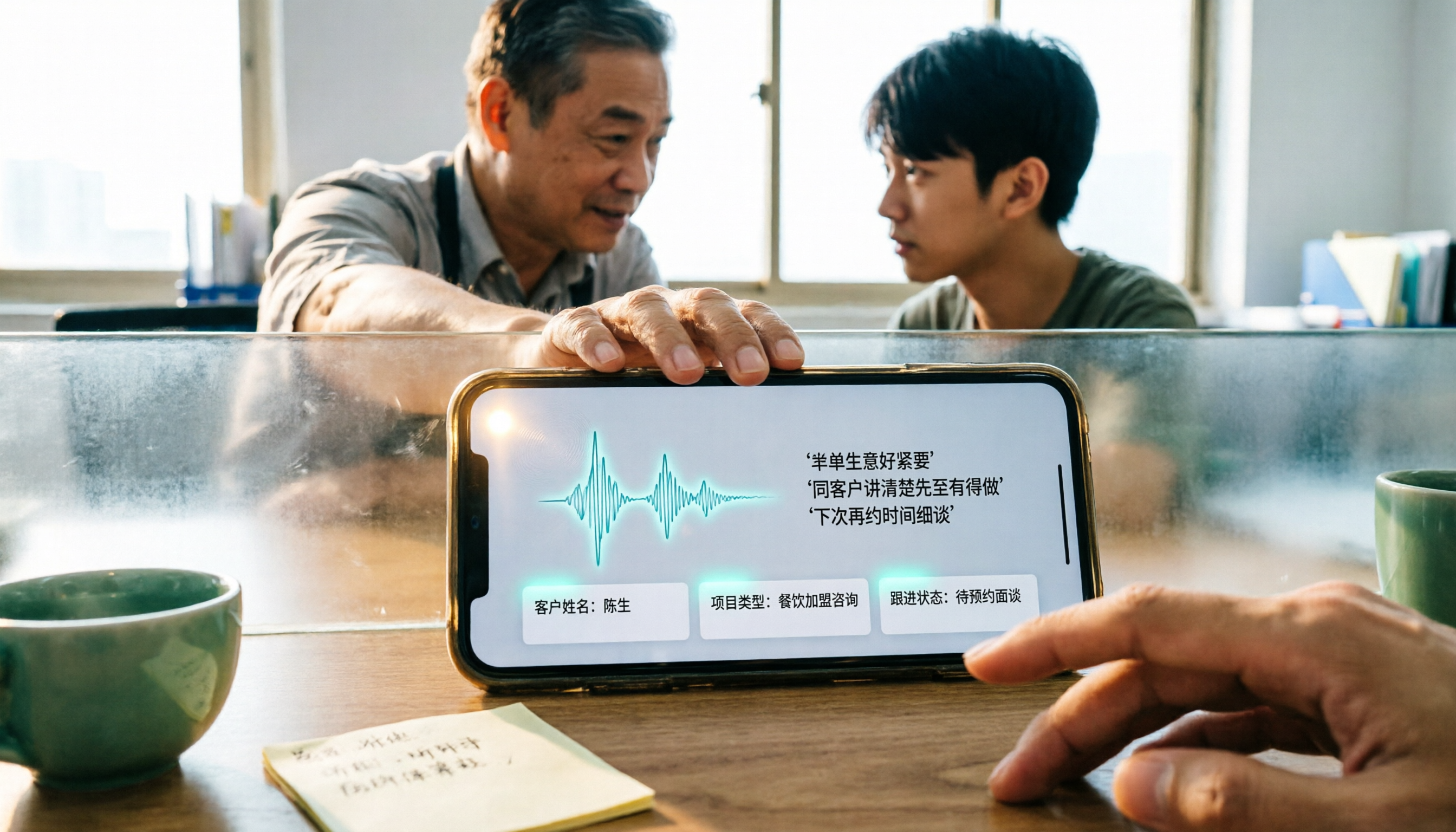
4 WhatsApp Voice-to-Text Methods Tested for 2026: Which Is Easiest for Cantonese Transcription on iPhone?
Transcribing WhatsApp Cantonese voice messages on iPhone: what are the limitations of the built-in transcription, iOS Shortcuts, and third-party tools? This guide covers setup steps and use cases for 4 methods, explains the iOS 16+ requirement, the two conflicting claims about Cantonese support, and what you can do when you want to turn customer conversations and meeting content into searchable, queryable data—not just read a single voice message.
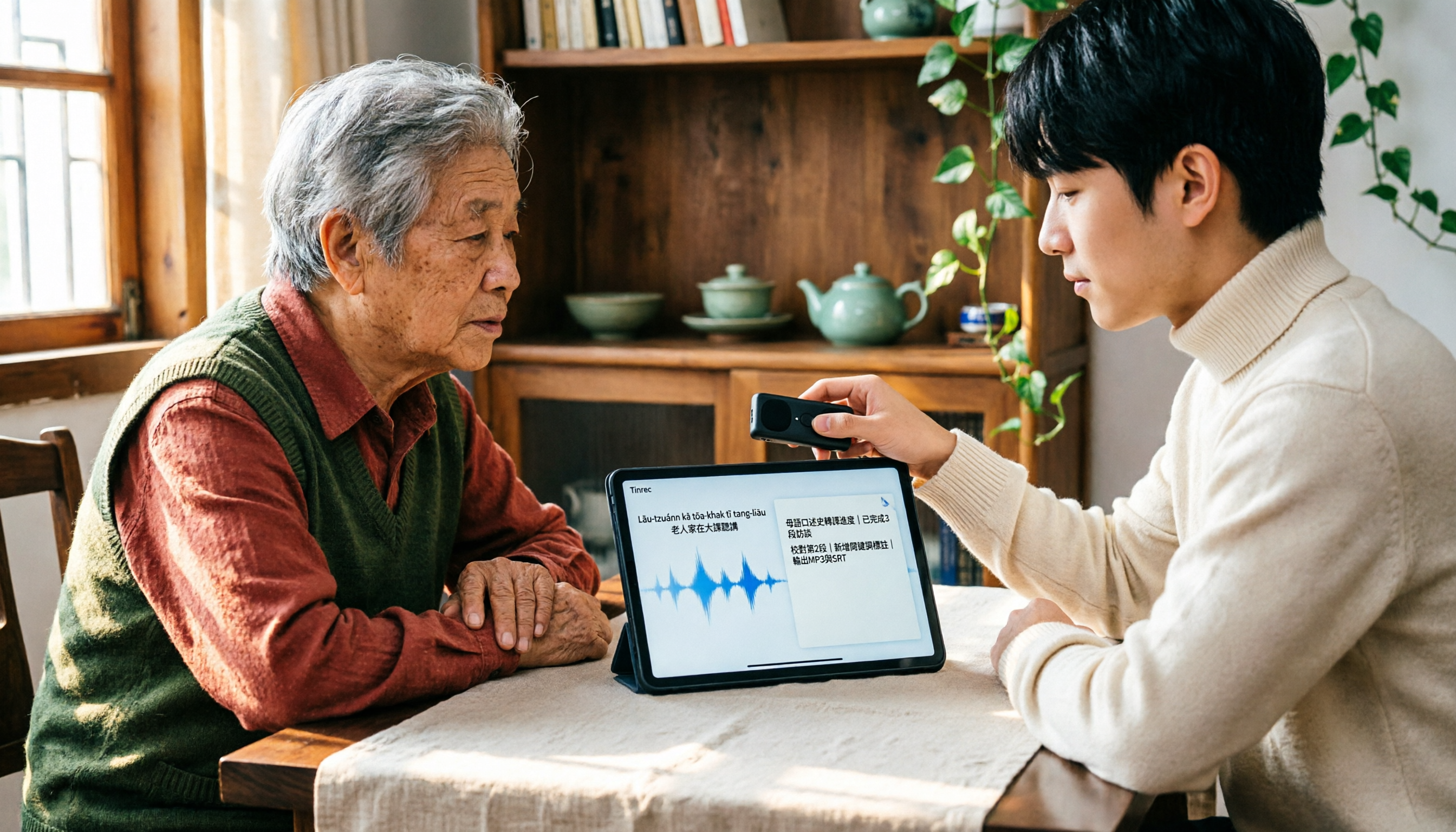
2026 Taiwanese Input Method Apps: 3 Typing Approaches + Audio-to-Text Workflow Guide
How to choose and use a Taiwanese input method app? This guide breaks down common challenges with the three typing approaches—POJ, Tâi-lô, and Ministry of Education recommended characters—then explains how to upgrade from typing to organizing with Tinrec, turning Taiwanese interviews, heritage language classes, and bilingual meetings into transcripts, summaries, and action items that are searchable and reusable.

4 Best iPhone Transcription Apps for Cantonese in 2026: Which One Actually Helps You After the Meeting?
iPhone's built-in Voice Memos can now generate Cantonese transcripts with iOS 18.4, but it's not enough for organizing meetings. This comparison breaks down 4 practical iPhone transcription solutions, covering Cantonese recognition, AI Q&A, cross-platform capabilities, and pricing. We also explain how Tinrec differs in post-meeting organization and team collaboration, helping you decide whether to stick with the built-in feature or choose a dedicated tool.
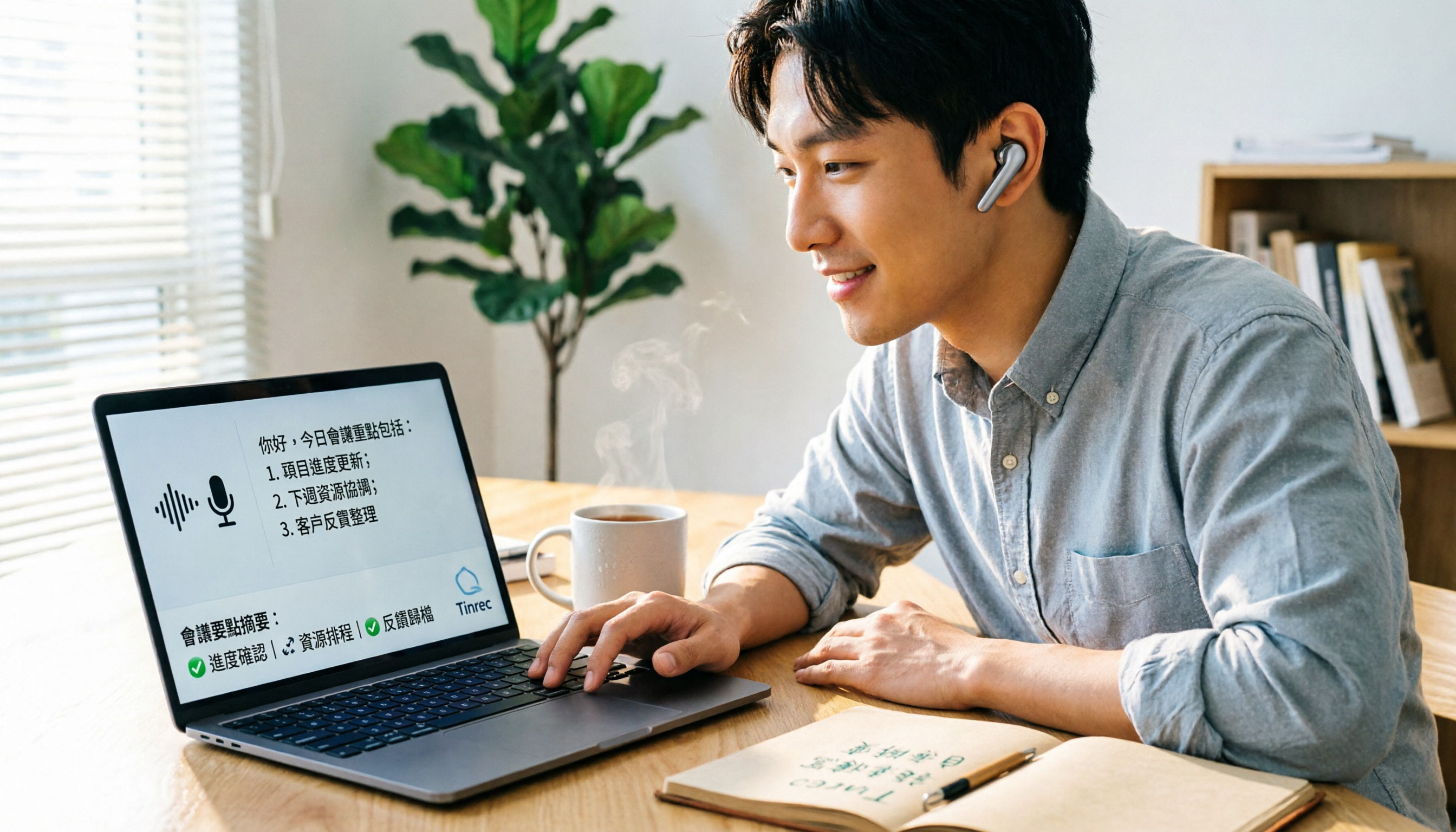
How to Use Cantonese Voice Typing in Windows 11 (2026): Setup Guide + Meeting Transcription Tools
Windows 11 has built-in Cantonese voice typing, but most people haven't installed the right language and speech packs or placed the cursor correctly. This guide walks you through setup in 5 steps, explains common pitfalls and limitations, then compares tools like Tinrec, VoiceIn, and Otter.ai for meeting notes so you can find the right combination.
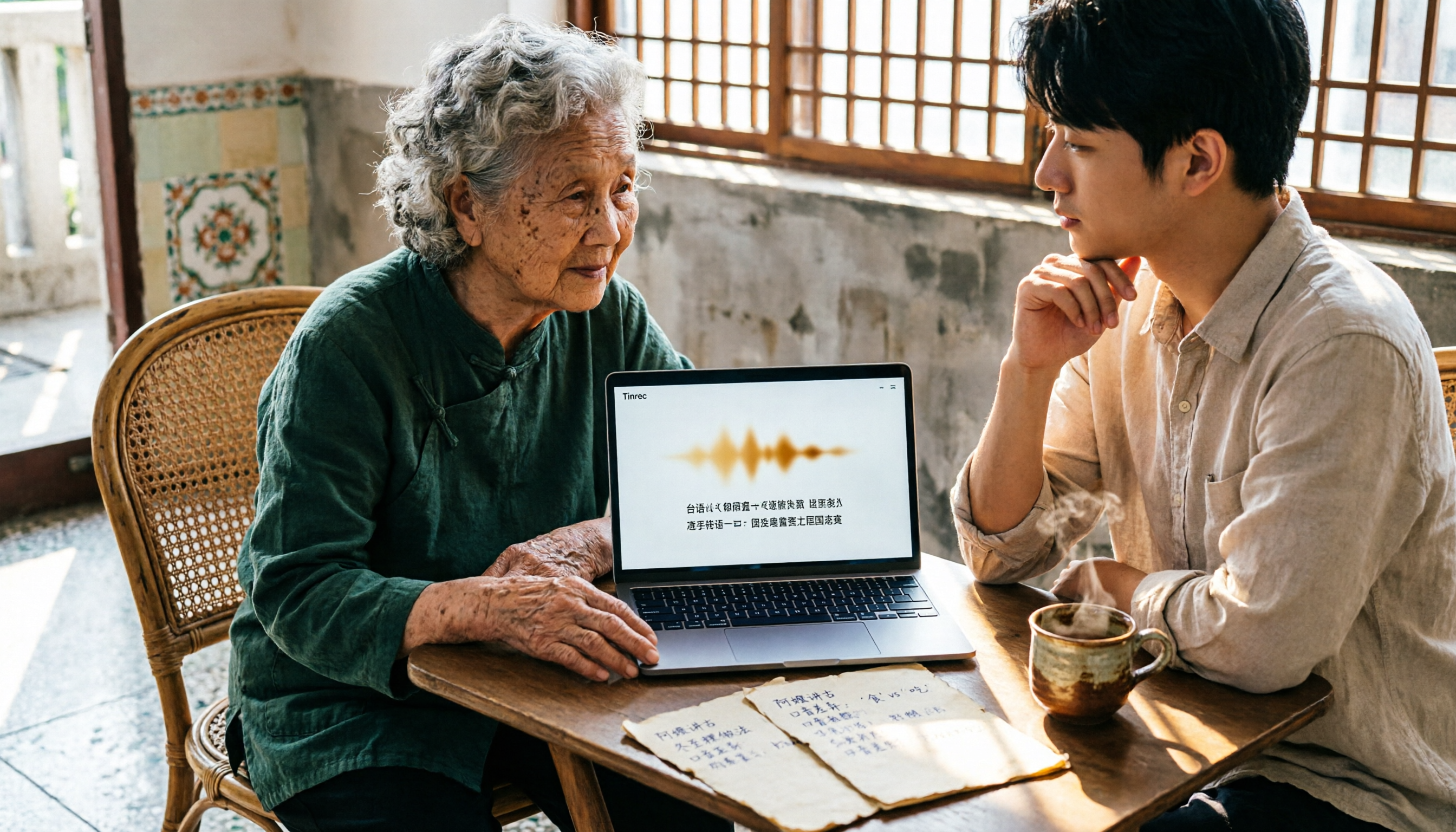
3 Taiwanese Speech-to-Text Tools Tested: Which Handles Mixed Mandarin-Taiwanese Interviews Fastest?
How can you quickly transcribe interviews and meetings with mixed Mandarin and Taiwanese? We tested 3 speech-to-text tools for recognition accuracy and post-meeting efficiency, offering selection advice for different scenarios from cross-platform, AI Q&A, and team data retention perspectives.

4 WhatsApp Voice-to-Text Solutions Tested for 2026: Which Is Most Accurate for Cantonese on Android?
Received a 60-second Cantonese voice message but you're in a meeting room and can't play it out loud? This article takes a decision-making approach, comparing WhatsApp's built-in transcription, Tinrec, Notta, and Otter.ai on Android, covering Cantonese recognition, AI summaries, action item extraction, and team data retention, to help you choose the best fit for your work situation.