
Turn recordings into transcripts and summaries in minutes
Upload audio or video for multilingual transcription, AI notes, and action items
3 Taiwanese Speech-to-Text Tools Tested: Which Handles Mixed Mandarin-Taiwanese Interviews Fastest?
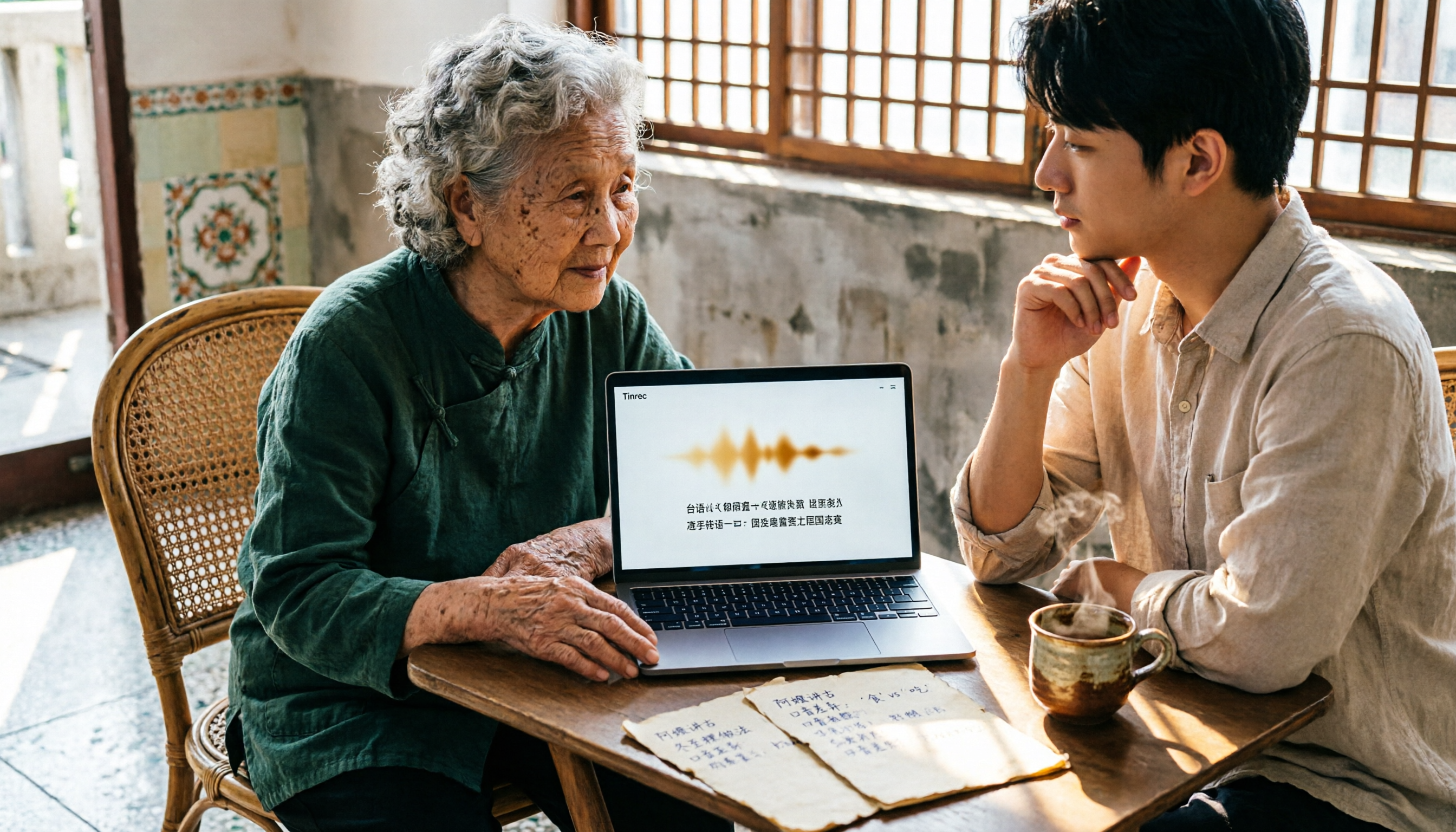
Let me ask you a question: You have a 40-minute recording of an interview with an elderly person, switching between Mandarin and Taiwanese, with a few unclear medication names and place names mixed in—would you rather put on headphones and type it out yourself for two hours, or spend 10 minutes first figuring out which type of tool can actually handle mixed Mandarin-Taiwanese?
This choice is more important than you might think. My team and I tested several speech-to-text tools that are commonly discussed in Taiwan, focusing on three things: recognition performance for mixed Mandarin-Taiwanese, post-recording organization efficiency, and how convenient it is for multiple people to share data. Here are the conclusions from our tests.
Recording meeting and interview content is just the first step—you don't need a tool, you need a solution
First scenario: cross-department meeting. A senior colleague switches back to Taiwanese when excited. After the meeting, I need to write meeting minutes, but when I open the transcript, I find those sections are all garbled combinations of characters, and I still have to listen again.
Second scenario: interview with an elderly person. A two-hour recording becomes a 30,000-word transcript, but the transcript doesn't tell you what the actual conclusion of the interview is—you still have to read it yourself.
Third scenario: data ownership. The carefully organized records are stored in a personal account. One day the responsible colleague leaves, and those files scatter.
These three scenarios are actually the same thing: We don't need "turning sound into text," we need "turning content into something usable."
Before choosing a Taiwanese speech-to-text tool, understand these 4 key points
1. Recognition ability for mixed Mandarin-Taiwanese—don't just look at the supported language list
Transcribing Taiwanese is inherently difficult—the same word can be written in Chinese characters or in romanization, and tools mostly output "Chinese characters close to the pronunciation." So the real question isn't "does it support Taiwanese," but "to what extent can it restore your specific recording conditions?" Instead of reading official copy, run your own recording through it.
2. What comes after the transcript
A tool that only gives you a transcript is essentially handing back the most time-consuming organization work to you. Whether it has summaries, chapters, to-dos, and whether you can directly ask questions about the content determines whether you save 30 minutes or 3 hours.
3. File sources and cross-platform
Offline interviews rely on phones, online meetings on computers, and historical recordings are uploaded files. Whether a tool can handle all three sources directly affects how smooth your workflow is.
4. When multiple people share, who owns the data
Personal accounts and team spaces are two different things. If meeting data needs to be accessible to the whole department and visible to new hires, you need to see if the tool offers member, permission, and usage management.
Tinrec—Our top pick after testing
Tinrec is an AI meeting notes and collaboration tool for individuals and teams, covering iOS, Android, desktop, and web. It's not just "speech to text"; it strings recording, transcript, summary, to-dos, and follow-up questions into one workflow.
During meetings or interviews, record and transcribe simultaneously. Offline interviews, classes, and on-site communication can be recorded and transcribed in real time; for online meetings, use the desktop version to capture computer system audio, handling Zoom, Google Meet, Microsoft Teams, and Webex without inviting a meeting bot into the room. For those in cross-department meetings daily, one less bot means one less awkward "who is this?" moment.
After recording is where it truly stands out. When the meeting ends, the system generates a summary, chapters, and key points, and extracts to-dos from the discussion. Even more useful is AI Q&A: you can directly ask it "Who mentioned the budget in the last meeting?" and it will give you an answer based on semantics, rather than throwing a string of keywords for you to search. The same logic applies to elderly interviews—no need to re-listen to a two-hour recording; just ask "What was that medication name Grandpa mentioned?"
Stop organizing recordings by hand
Upload audio or video and automatically get a transcript, summary, and action items
Output and team retention. Results can be exported to Notion, Google Docs, OneNote, Dropbox, etc., for further processing, and can also be post-processed via Agent to generate reports, tables, and documents. The team version centralizes this data in a team space, where members can view and reuse historical meetings; administrators can manage members, roles, seats, usage analytics, audit logs, and audio recycle bin. Roles determine who can manage the team, seats determine who can record, upload, edit, and export—members who are active but without a seat can still view, play, and read team data.
Test conditions and results. We used a real interview: phone recording, indoor environment, two-person conversation, primarily Mandarin with mixed Taiwanese segments. The Chinese portions performed stably; Taiwanese segments and proper nouns showed noticeably larger differences. Such content is inherently affected by accent, environmental noise, and proper nouns, so our approach is to treat it as a draft and replay important sections with timestamps for confirmation.
Its limitations should also be clear. First, recognition of dialects like Taiwanese is greatly affected by accent, recording quality, overlapping speakers, and technical terms. We recommend testing with your own recording first and not trusting any "fixed accuracy rate" claims. Second, quotas depend on the version; the free version is suitable for occasional transcription of a single recording, a weekly pass for short-term intensive use, and Pro for steady weekly needs.
Team version pricing (subject to the official purchase page): Monthly USD 29.80 per paid seat per month; annual USD 199 per paid seat per year, equivalent to about USD 16.58 per month, with each paid seat providing 2,000 minutes of team shared import quota per month. Eligible teams get a 7-day trial with 1 free seat and 300 minutes of team shared import quota. For a 10-person team, this cost is roughly one less bubble tea per person per month.
Who it's for. If your recordings have mixed Mandarin-Taiwanese, you need cross-device use between phone and computer, and you want to ask key points directly after recording, Tinrec is currently the type of tool that best fits this need.
Besides Tinrec, what other options are there?
Notta: The most overlapping feature set with Tinrec, including multi-platform transcription, meeting notes, file import, translation, and team plans. Official specs: free version 120 minutes per month, max 3 minutes per file; Pro annual equivalent to about USD 8.17 per month, 1,800 minutes per month. It suits those who need extensive file transcription. However, if your focus is post-meeting deliverables—using Agent to directly generate reports, tables, and documents—Tinrec does this more completely.
TurboScribe: A cost-effective file transcription tool, focusing on long files, batch upload, subtitles, and translation. Free version: 3 files per day, max 30 minutes per file; Unlimited annual USD 120, paid version max 10 hours or 5 GB per file, up to 50 files at once. If you have dozens of hours of historical files to clear at once, it's more economical than Tinrec. But it's a "file in, text out" tool with no real-time meeting recording, and no team seats, usage, or audit management capabilities.
Otter.ai: The top choice for English meetings. Free version 300 minutes per month; Pro annual equivalent to about USD 8.49 per user per month, including 1,200 minutes of in-app recording and 10 file imports per month. If your recordings are almost all English business meetings, its maturity is high. But Chinese and mixed Mandarin-Taiwanese are not its strong suit, and the workflow of turning transcripts into Chinese to-dos and follow-up Q&A is not its strength either.
Pitfall guide: 3 most common mistakes when choosing a Taiwanese speech-to-text tool
Pitfall 1: Only looking at the "supported languages" list without testing with your own recording. Official copy saying "supports Taiwanese" is completely different from your elderly relative speaking quickly with the TV on in the background. The free version exists for you to test this—don't skip it.
Pitfall 2: Treating the transcript as the end goal. If a tool only gives you a long string of text, you still bear the time for proofreading and extracting key points. What truly saves time is the step where you can directly ask after recording.
Pitfall 3: Only comparing unit price without considering usage patterns. If you only transcribe two recordings a month, use the free version; for intensive recording during a project sprint, a weekly pass is more practical than a monthly pass; for regular weekly use, go straight to Pro; for long-term data retention, the annual plan is more economical. For multiple people sharing, stop sharing a personal account—the team version is the way to keep data within the team.
Conclusion: Which one should you choose?
- Recordings with mixed Mandarin-Taiwanese, want to ask key points directly after recording → Tinrec (AI Q&A is where it saves you the most time)
- Record on phone, organize on computer, need cross-platform switching → Tinrec (iOS, Android, desktop, web)
- Meeting data should stay with the team, need to manage members and usage → Tinrec Team Version (team space, roles, seats, audit, recycle bin)
- Dozens of hours of historical files, only batch transcription → TurboScribe
- Business meetings almost entirely in English → Otter.ai
We suggest first running a segment of your own Taiwanese interview recording, using the free version or team trial quota to verify recognition performance, then decide whether to upgrade. Whether a tool is good or not, your recording file is more honest than any review.
References
- Introduction to speech-to-text, recording-to-transcript, and text-to-speech tools | Changhua County Dongfang Elementary School
- 2026 Latest 3 Taiwanese Speech-to-Text App Recommendations: Solving Interview Transcript and Mixed Language Challenges - Tinrec Blog
- Taiwanese
- 2026 Latest 3 Taiwanese Speech-to-Text App Recommendations: Solving Elderly Communication and Interview Transcript Challenges - Tinrec Blog
- Is there a website or app that can directly generate transcripts from recordings with mixed Mandarin and Taiwanese? - Mobile01
Turn every recording into actionable outcomes
Get 60 free transcription minutes when you sign in. No credit card required.
Related Reading
You might also like

WhatsApp Voice to Text vs Tinrec in 2026: Which Handles Cantonese Transcripts Better?
Can WhatsApp's built-in voice message transcription handle Cantonese? This hands-on comparison puts WhatsApp's built-in transcription and Tinrec side by side across five dimensions: audio sources, Cantonese and mixed Chinese-English scenarios, post-transcription processing, team collaboration, and setup cost and pricing. Find out which one fits your situation.
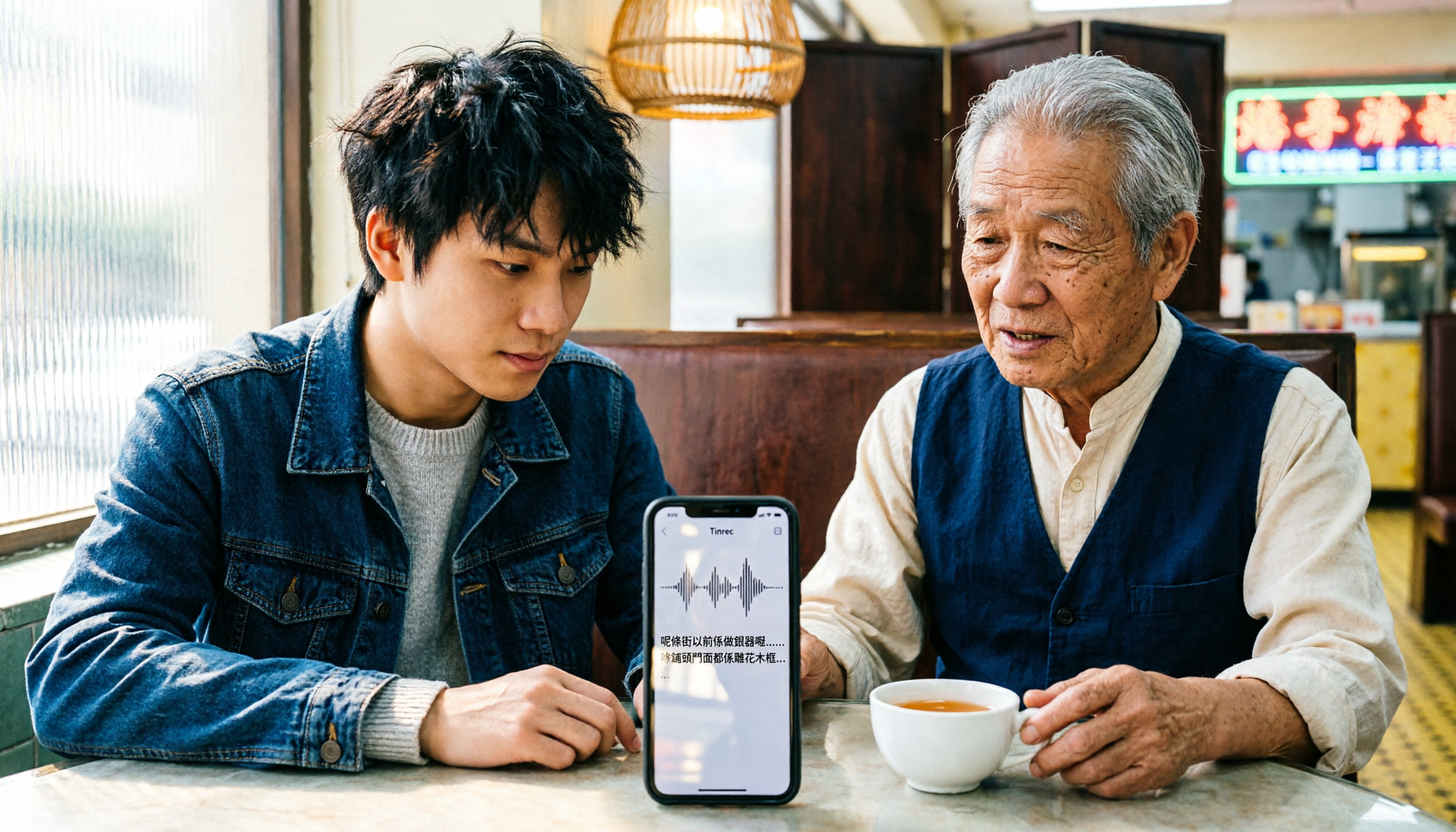
iPhone Cantonese Transcription in 2026: Built-in Voice Memos vs. Tinrec — Which Is Enough?
Recording Cantonese on iPhone — should you stick with the built-in Voice Memos transcript, or install a dedicated AI recording tool? This article compares iPhone's built-in Voice Memos with Tinrec across six dimensions: recording sources, Cantonese and mixed Chinese-English recognition, post-meeting organization, online meetings, cross-platform use, and team collaboration. It also covers pricing and FAQs to help you decide which approach fits your needs.

3 Taiwanese Input Methods Compared: Which One Should You Install on Your Phone or Computer?
Can't find a keyboard that types Taiwanese Hokkien? This article compares three tools: FHL Taiwanese & Hakka Input Method, PhahTaigi Taiwanese Input Method, and Ministry of Education Taiwanese Input Method. It covers download sources, input methods, candidate word design, offline use, and target users, with setup steps and FAQs to help you choose.
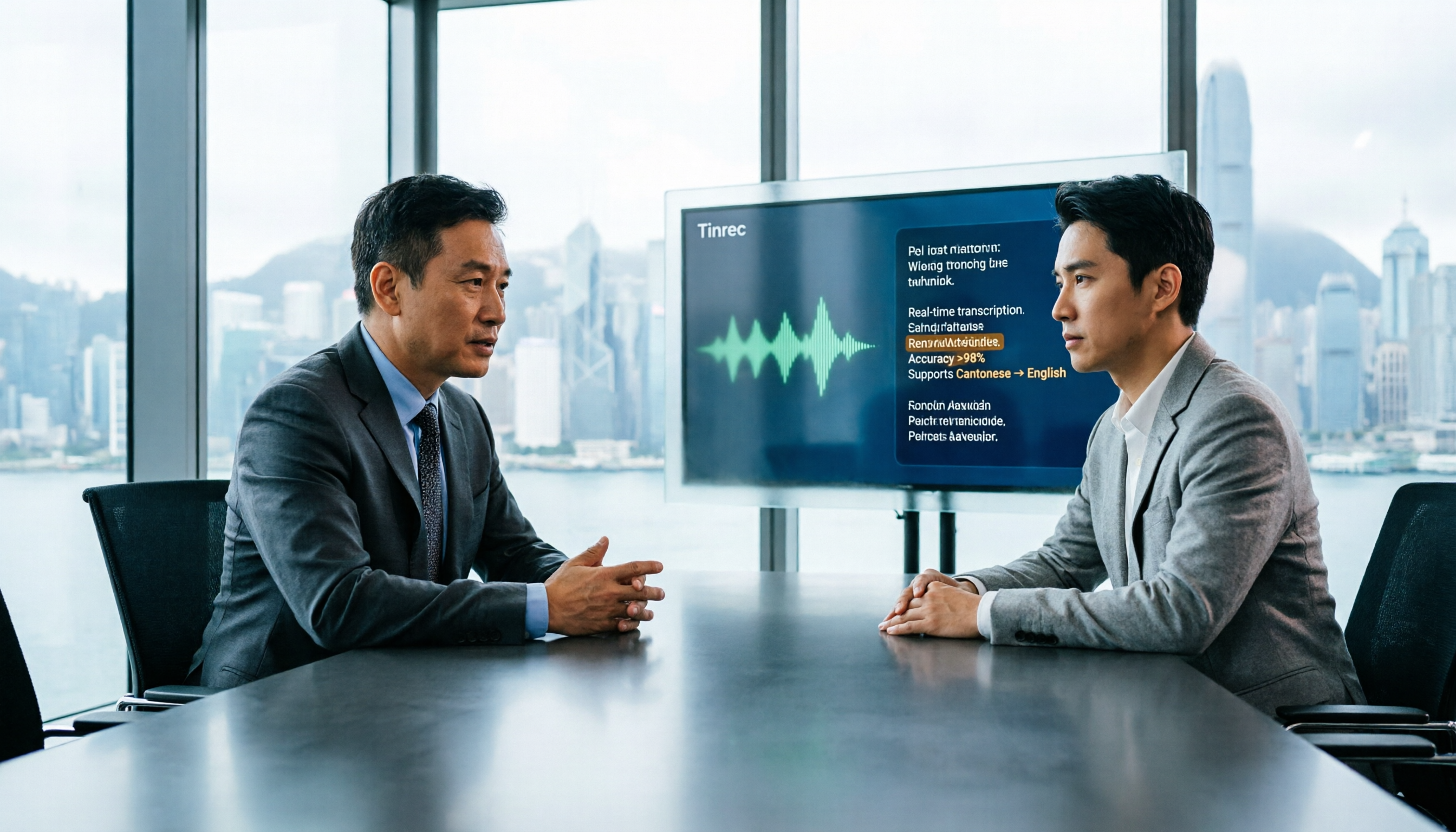
4 Best Cantonese to English Translation Apps in 2026: From Single Sentences to Meeting Transcripts
Can you understand Cantonese meetings and Hong Kong client interviews but dread the post-meeting wrap-up? This article breaks down how to choose a Cantonese to English translation app using 4 key criteria, and compares Tinrec, Cantonese Translation Assistant, Otter.ai, and Notta to help you match the right tool to your needs.

4 WhatsApp Voice-to-Text Tools Tested in 2026: What Android Users Who Speak Cantonese Should Choose
Can WhatsApp voice-to-text recognize Cantonese on Android? This article addresses common misconceptions and compares four approaches: WhatsApp's built-in transcription, WeChat, iMyFone VoxBox, and Tinrec. It covers three key buying factors: platform language differences, privacy risks, and free quotas. It also explains how Tinrec turns a Cantonese voice message into a searchable, queryable, and actionable transcript with to-dos.

3 Taiwanese Input Method Apps for Mobile Tested and Compared in 2026: How to Choose Between Missing Characters and Speech-to-Text?
Struggling to type Taiwanese on your phone? This article starts with common misconceptions, compares keyboard-based Taiwanese input methods with audio-to-text tools, and uses Tinrec to demonstrate how to turn Taiwanese conversations, interviews, and bilingual meetings into searchable, organized transcripts and action items, with 5 key purchasing considerations and an FAQ.

Cantonese to English Translation App 2026: Cantonese Transcription + Real-Time English Bilingual Comparison
When looking for a Cantonese to English translation app, first clarify whether you need to 'look up a word' or 'turn an entire Cantonese conversation into an English record.' This article compares Tinrec and Otter.ai across 5 dimensions—Cantonese/Chinese context, recording method, post-meeting organization, team collaboration, and pricing/quotas—to give you scenario-based recommendations.

Taiwanese Hokkien Input Methods in 2026: 3 Ways to Type and Tinrec Transcription Guide
How do you type in Taiwanese Hokkien? This guide covers three common input methods (romanization, character selection, and speech-to-text) and shows how Tinrec turns Taiwanese Hokkien interviews, meetings, and class recordings into searchable transcripts, summaries, and action items. It also explains the differences between the personal and team plans.
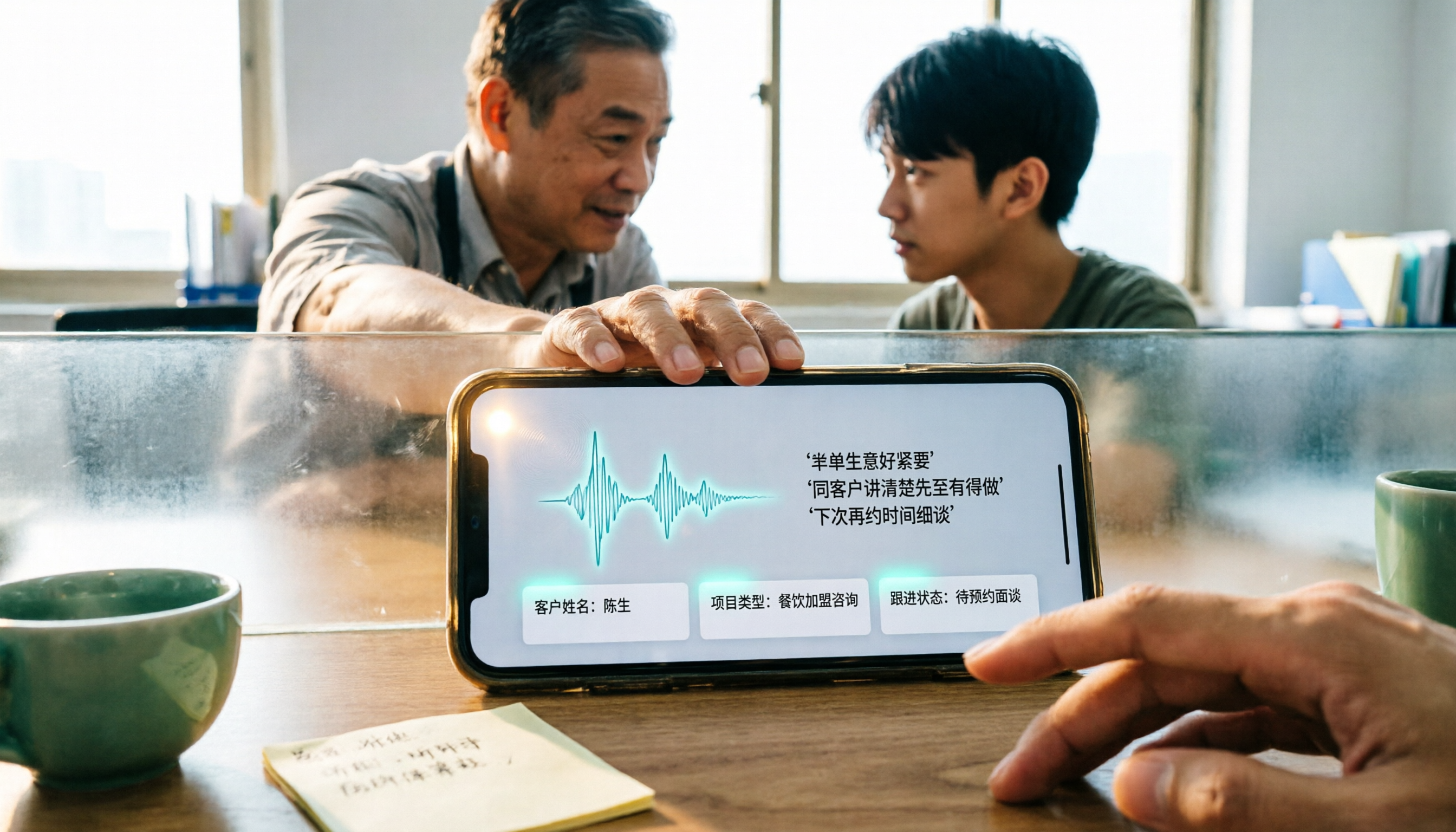
4 WhatsApp Voice-to-Text Methods Tested for 2026: Which Is Easiest for Cantonese Transcription on iPhone?
Transcribing WhatsApp Cantonese voice messages on iPhone: what are the limitations of the built-in transcription, iOS Shortcuts, and third-party tools? This guide covers setup steps and use cases for 4 methods, explains the iOS 16+ requirement, the two conflicting claims about Cantonese support, and what you can do when you want to turn customer conversations and meeting content into searchable, queryable data—not just read a single voice message.