

Turn recordings into transcripts and summaries in minutes
Upload audio or video for multilingual transcription, AI notes, and action items
Don't Rush to Install a Third-Party App: Three Common Misconceptions
"Android's WhatsApp can't transcribe Cantonese voice messages, right?" I've seen this comment from readers too many times.
The first misconception is mixing up "official features" with "what you actually need." WhatsApp's official voice message transcription has already launched in Hong Kong and is being rolled out in phases. It works on both Android and iOS, but whether it can transcribe the language you need depends on your phone's system and app version. The actual available languages still depend on which options appear in your settings.
The second misconception is assuming any "Chinese-supported" transcription tool can understand Cantonese. Spoken Cantonese differs greatly from written Chinese. Characters like "唔" (not), "係" (is), and "嘅" (possessive), plus mixed Chinese-English, are where general Chinese speech models fail most often.
The third misconception is the most costly: focusing only on "what that voice message says" without thinking about what you'll do after transcription. If the content is a customer request, meeting conclusion, or to-do item, what you really need isn't just a line of text—it's searchable, queryable, and actionable data.
Once you separate these three things, choosing a tool won't be so painful.
Before Choosing a Tool, Understand These 4 Key Points
1. How far can the official built-in feature go? WhatsApp's "voice message transcription" biggest advantage is that it's free, and the transcription process doesn't involve cloud processing—a plus for privacy-conscious users. But it only handles voice messages received in chats. It won't generate summaries or organize transcripts into files.
2. Platform differences are bigger than you think. This feature exists on both Android and iOS, but language support isn't identical, and you need to enable it manually. Hong Kong media tests show that iPhone, using the system's speech recognition directly, performs quite well with Cantonese—even recognizing mixed English. Android, however, varies by device model and system version.
3. Where does the voice data go? WhatsApp voice messages themselves are end-to-end encrypted. If you hand the voice over to an unknown third-party website for transcription, you're essentially copying the content elsewhere. Besides the risk of leaks, it sometimes fails due to encryption or format issues. When choosing a tool, check whether it clearly explains how it handles your data.
4. Free quotas, and "what happens after transcription." Most tools have free quotas. The question is what happens when you run out, and whether it can then help you summarize and extract to-dos. This is the first thing I look at when choosing a tool.
Tinrec — My Top Recommendation After Testing
Tinrec is an AI meeting notes and collaboration tool for individuals and teams. It supports iOS, Android, and web, putting recording, transcription, organization, and querying into one workflow.
How does it handle Cantonese? Tinrec supports automatic multilingual recognition including Chinese (with Cantonese), English, and Japanese. For speech mixing Cantonese and English, it can automatically detect and transcribe without manually switching language settings. Our test method: play a roughly 60-second WhatsApp Cantonese voice message in an office environment, then import the audio file into Tinrec. This "phone playback with background noise" scenario is a real-world condition and best reveals differences between tools.
What happens after transcription is the key. After import, you don't just get a transcript—it automatically generates summaries and chapters, breaking long audio into understandable highlights. Promises made in conversations can also be organized into to-do lists.
Even better is AI Q&A. After recording, you can directly ask it: "How many times did the client mention the delivery date in this voice message?" It answers based on semantic understanding, not by dumping keywords for you to search through. This feature is rare among tools at the same price point.
Stop organizing recordings by hand
Upload audio or video and automatically get a transcript, summary, and action items
Export and further processing. Transcripts and summaries can be exported to Notion, Google Docs, OneNote, Dropbox, and other tools for continued use. You can also ask it to generate reports, tables, or meeting minutes. For those who need to submit weekly reports or organize customer interviews, it saves more than just typing time.
Things to note. The free version offers a basic quota, suitable for trying it out. If you have a large volume of voice messages to process weekly, you'll need to consider a paid plan. Also, transcription quality can still be affected by recording quality, background noise, accents, and multiple people talking over each other. For important content, it's recommended to listen back to the original audio to verify.
Who is it for? People who frequently receive Cantonese voice messages, need to switch between iPhone and Android, and want to directly find key points after transcription. If your whole team handles customer voice messages, the team version offers independent team spaces, member and seat management, usage analytics, and audit logs. Paid seats include 2,000 minutes of shared team import quota per month (USD 29.80/seat monthly, USD 199/seat annually; actual prices subject to the official purchase page).
Besides Tinrec, What Other Options Are There?
WhatsApp built-in "voice message transcription": Free, no cloud processing. Long-press a voice message to transcribe. It's the easiest way for casual chats. Limitations: it only handles voice messages in chats, language support varies by platform and version, and it can't generate summaries or to-dos—which is exactly what Tinrec can do.
WeChat built-in voice-to-text: Long-press a voice message and select "Convert to Text." It has decent recognition for everyday spoken Cantonese. But it also only serves a single chat scenario, with no transcript export, AI Q&A, or team data accumulation.
iMyFone VoxBox: Focuses on multilingual transcription, supporting Cantonese, Taiwanese, and multiple languages. However, it works by sending your uploaded audio files to a server for processing. For those handling customer or confidential content, you need to think through privacy and authorization issues first. Tinrec, beyond transcription, also does summaries, to-dos, and team sharing.
Pitfall Guide: 3 Most Common Mistakes When Using WhatsApp Voice-to-Text
Pitfall 1: Assuming if iOS can transcribe, Android must too. This feature is rolled out in phases, and language support differs between the two platforms. Instead of asking "Does Android work?" just open your settings and check once. If you don't see the language option you need on your phone, don't waste time restarting.
Pitfall 2: Sending customer voice messages to unknown free transcription websites. These sites often require you to upload the entire audio file, and may keep a record after transcription. For content involving customer names, prices, or contracts, choose services that clearly explain their data handling, or at least get the other party's consent first.
Pitfall 3: Stopping after transcription. A 60-second voice message becomes 300 words—you still have to read it all and pick out key points yourself. The real time-saver is letting the tool output summaries and to-dos, or even directly asking it "What are the to-do items in this message?"
Conclusion: Which One Should You Choose?
- Just want to understand a voice message in a chat, content not sensitive → WhatsApp built-in feature is enough.
- Voice messages mix Cantonese and English, and you want to control language settings → Tinrec (automatic multilingual recognition, no manual switching).
- Want to directly know key points and to-dos after transcription → Tinrec (summaries, chapters, to-dos, and AI Q&A in one flow).
- Need to use on phone, tablet, and computer → Tinrec (iOS, Android, and web all available).
- Team needs to manage customer voice messages together, and view usage and activity logs → Tinrec team version (team space + seat management + audit logs).
I suggest starting with the free version. Take a real Cantonese voice message you have and throw it in to see if the transcription looks like what you need. If it works for you, then consider upgrading—no need to pay upfront.
References
- WhatsApp voice-to-text officially launched in Hong Kong! iOS/Android simple 3-step setup tutorial, plus unofficial AI conversion methods
- WhatsApp voice-to-text Cantonese Android recommendation: 4 efficient tools tested and Tinrec AI summary comparison - Tinrec Blog
- "Latest" WhatsApp voice-to-text 2026 official method!
- Tested WhatsApp official "voice-to-text" feature! Cantonese recognition super accurate? See usage, interface, and limitations! | ezone
- Reporter tested: WhatsApp voice-to-text available, ISO/Android simple 3-step setup tutorial
Turn every recording into actionable outcomes
Get 60 free transcription minutes when you sign in. No credit card required.
Related Reading
You might also like

WhatsApp Voice to Text vs Tinrec in 2026: Which Handles Cantonese Transcripts Better?
Can WhatsApp's built-in voice message transcription handle Cantonese? This hands-on comparison puts WhatsApp's built-in transcription and Tinrec side by side across five dimensions: audio sources, Cantonese and mixed Chinese-English scenarios, post-transcription processing, team collaboration, and setup cost and pricing. Find out which one fits your situation.
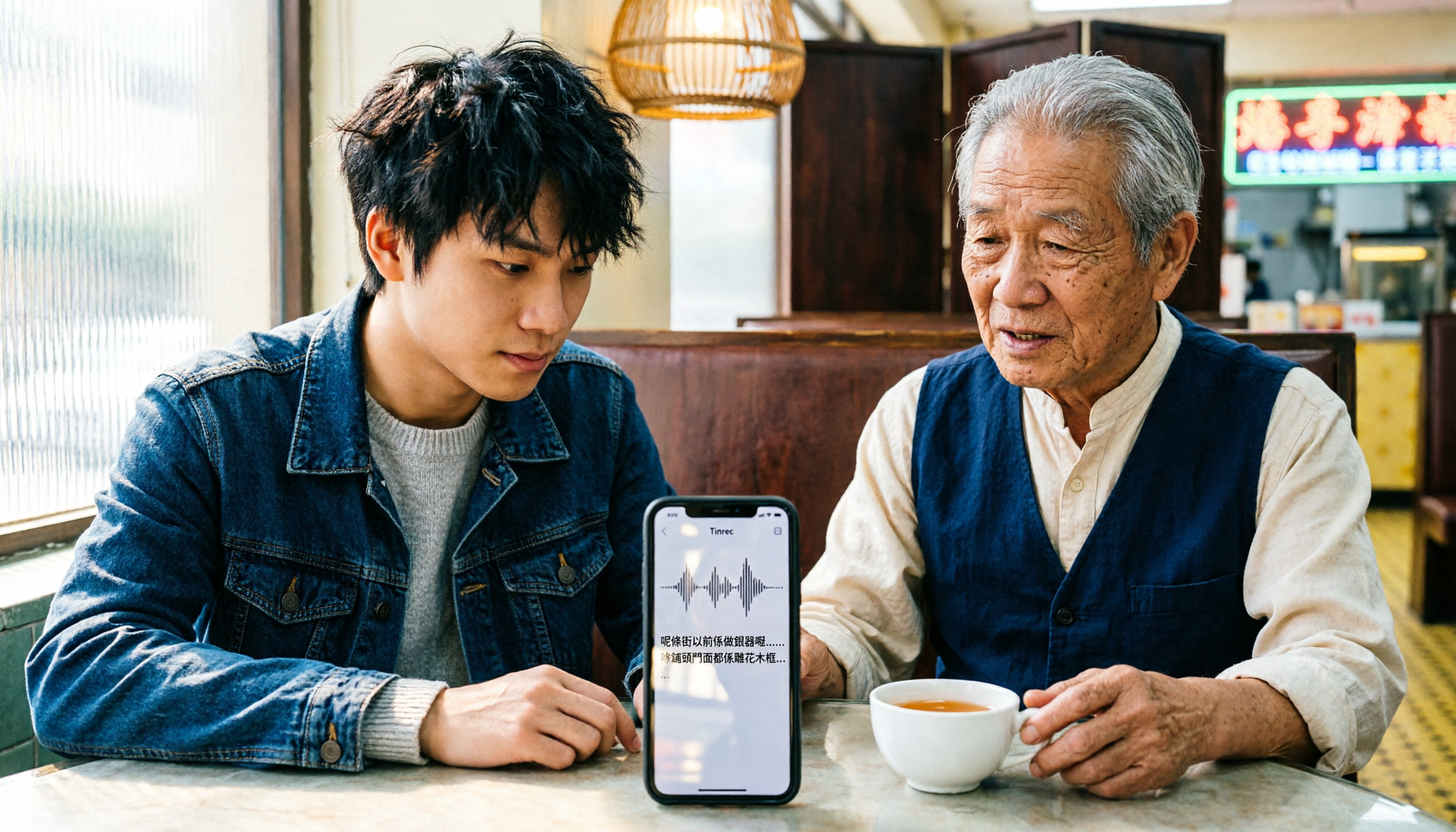
iPhone Cantonese Transcription in 2026: Built-in Voice Memos vs. Tinrec — Which Is Enough?
Recording Cantonese on iPhone — should you stick with the built-in Voice Memos transcript, or install a dedicated AI recording tool? This article compares iPhone's built-in Voice Memos with Tinrec across six dimensions: recording sources, Cantonese and mixed Chinese-English recognition, post-meeting organization, online meetings, cross-platform use, and team collaboration. It also covers pricing and FAQs to help you decide which approach fits your needs.

3 Taiwanese Input Methods Compared: Which One Should You Install on Your Phone or Computer?
Can't find a keyboard that types Taiwanese Hokkien? This article compares three tools: FHL Taiwanese & Hakka Input Method, PhahTaigi Taiwanese Input Method, and Ministry of Education Taiwanese Input Method. It covers download sources, input methods, candidate word design, offline use, and target users, with setup steps and FAQs to help you choose.

4 Best Cantonese to English Translation Apps in 2026: From Single Sentences to Meeting Transcripts
Can you understand Cantonese meetings and Hong Kong client interviews but dread the post-meeting wrap-up? This article breaks down how to choose a Cantonese to English translation app using 4 key criteria, and compares Tinrec, Cantonese Translation Assistant, Otter.ai, and Notta to help you match the right tool to your needs.

3 Taiwanese Input Method Apps for Mobile Tested and Compared in 2026: How to Choose Between Missing Characters and Speech-to-Text?
Struggling to type Taiwanese on your phone? This article starts with common misconceptions, compares keyboard-based Taiwanese input methods with audio-to-text tools, and uses Tinrec to demonstrate how to turn Taiwanese conversations, interviews, and bilingual meetings into searchable, organized transcripts and action items, with 5 key purchasing considerations and an FAQ.

Cantonese to English Translation App 2026: Cantonese Transcription + Real-Time English Bilingual Comparison
When looking for a Cantonese to English translation app, first clarify whether you need to 'look up a word' or 'turn an entire Cantonese conversation into an English record.' This article compares Tinrec and Otter.ai across 5 dimensions—Cantonese/Chinese context, recording method, post-meeting organization, team collaboration, and pricing/quotas—to give you scenario-based recommendations.

Taiwanese Hokkien Input Methods in 2026: 3 Ways to Type and Tinrec Transcription Guide
How do you type in Taiwanese Hokkien? This guide covers three common input methods (romanization, character selection, and speech-to-text) and shows how Tinrec turns Taiwanese Hokkien interviews, meetings, and class recordings into searchable transcripts, summaries, and action items. It also explains the differences between the personal and team plans.
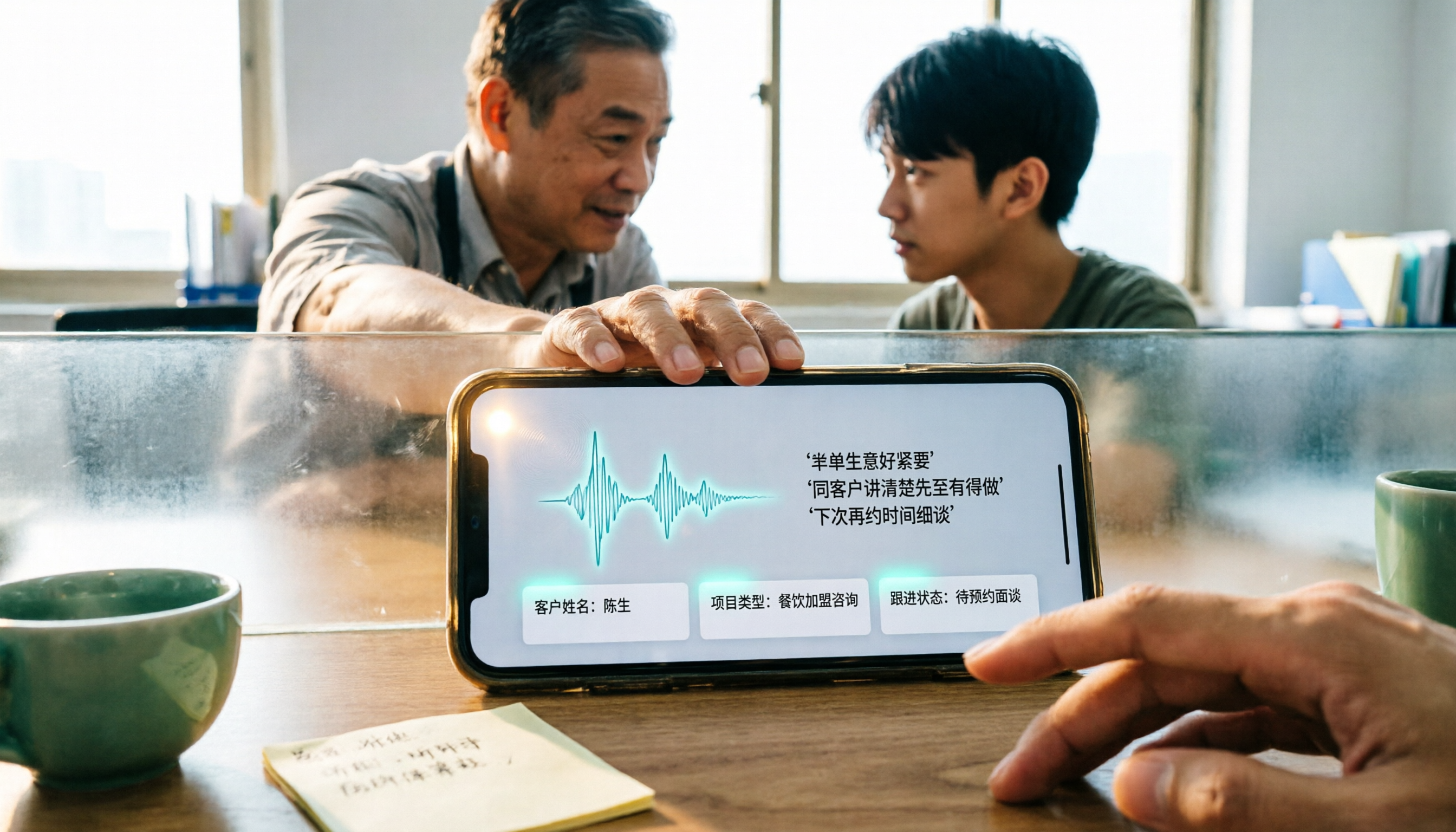
4 WhatsApp Voice-to-Text Methods Tested for 2026: Which Is Easiest for Cantonese Transcription on iPhone?
Transcribing WhatsApp Cantonese voice messages on iPhone: what are the limitations of the built-in transcription, iOS Shortcuts, and third-party tools? This guide covers setup steps and use cases for 4 methods, explains the iOS 16+ requirement, the two conflicting claims about Cantonese support, and what you can do when you want to turn customer conversations and meeting content into searchable, queryable data—not just read a single voice message.
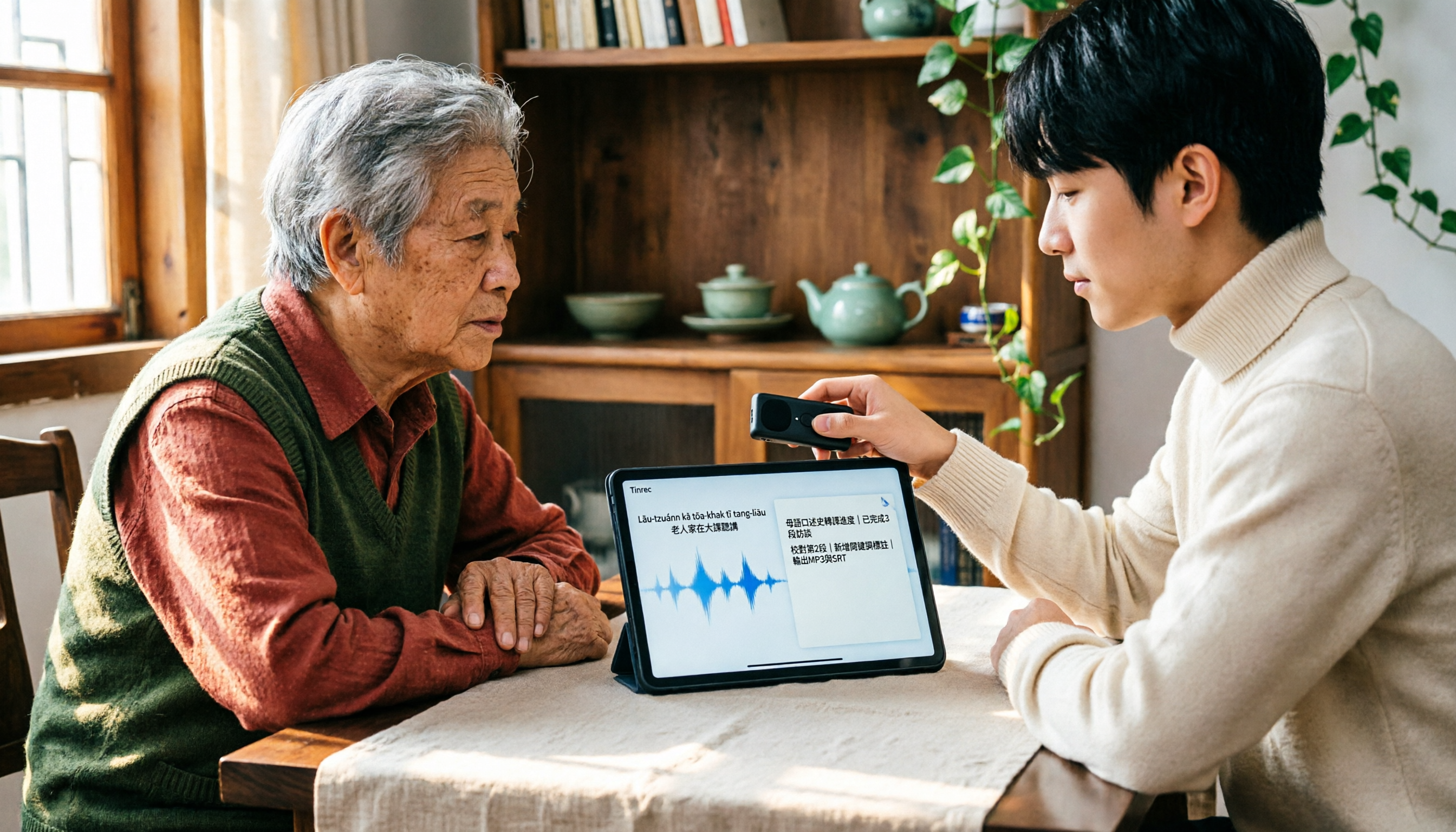
2026 Taiwanese Input Method Apps: 3 Typing Approaches + Audio-to-Text Workflow Guide
How to choose and use a Taiwanese input method app? This guide breaks down common challenges with the three typing approaches—POJ, Tâi-lô, and Ministry of Education recommended characters—then explains how to upgrade from typing to organizing with Tinrec, turning Taiwanese interviews, heritage language classes, and bilingual meetings into transcripts, summaries, and action items that are searchable and reusable.