

Turn recordings into transcripts and summaries in minutes
Upload audio or video for multilingual transcription, AI notes, and action items
WhatsApp Voice to Text vs Tinrec in 2026: Which Handles Cantonese Transcripts Better?
It's 9:30 in the morning, you're on a packed subway, and a 60-second Cantonese voice message pops up on your phone. You finally squeeze out your earbuds, hit play, and realize the person is mixing spoken Cantonese with English. After listening three times, you still can't catch the main point, so you just reply "I'll listen later."
WhatsApp's built-in "voice message transcription" feature was made for exactly this scenario.
But it solves the problem of "understanding this one message." If what you need is a searchable transcript that can be organized into meeting minutes and stored in a team knowledge base, that's a different story.
Below, I compare the two approaches using official feature descriptions, third-party hands-on testing data, and actual workflows.
WhatsApp Built-in Transcription vs Tinrec | Quick Overview
WhatsApp built-in "voice message transcription": An add-on feature within the chat app that converts received voice messages into text displayed in the conversation. The setup path is "Settings" → "Chats" → "Voice message transcripts." According to AirDroid, Cantonese is currently available on iPhone, but Android devices are not yet supported.
Tinrec: An AI meeting notes and collaboration tool that supports real-time recording, desktop-based online meeting recording without a bot, audio and video file import, and outputs transcripts, summaries, chapters, action items, and mind maps. It also offers AI Q&A, translation, and multi-format export.
The dimensions compared in this article: audio sources and use cases, Cantonese and mixed Chinese-English recognition scenarios, post-transcription processing, team collaboration and data retention, and setup cost and pricing.
Dimension 1 | Audio Sources and Use Cases
WhatsApp's transcription can only handle "voice messages in the chat" — that is, the segment you or the other person recorded in the conversation.
It has no file import and no meeting recording. Voice files sent by others or meeting audio you recorded yourself are outside its scope.
Tinrec's input sources are much broader: real-time recording on mobile, desktop system audio capture for Zoom, Google Meet, Microsoft Teams, Webex, and other online meetings (no meeting bot required), plus upload of existing audio and video files.
→ This dimension: Tinrec wins. One only handles the chat box; the other handles all the audio you have.
Dimension 2 | Cantonese and Mixed Chinese-English Recognition Scenarios
A hands-on test by a Sing Tao Headline reporter noted that WhatsApp's transcription can recognize spoken Cantonese and mixed English, and it's fast, but accuracy suffers when speech is unclear or has lazy pronunciation. This is a solid improvement for a built-in feature.
Note the device limitation. Cantonese voice-to-text is currently iPhone-first, and Android is not yet supported. If you're on an Android phone, this path isn't available for now.
Tinrec takes a different approach: it covers Chinese, Traditional Chinese, and multilingual meeting scenarios, supports mixed Chinese-English content organization, real-time translation, and bilingual viewing, and lets you maintain industry terminology with "team hotwords."
Actual recognition performance is also affected by recording quality, accent, speaking speed, background noise, and overlapping speakers. The official guidance also advises against promising a fixed accuracy rate.
→ This dimension: A tie, but with different orientations. WhatsApp wins on "one toggle and you're done"; Tinrec wins on not being limited by phone OS and being able to handle longer meeting content.
Dimension 3 | After Transcription, What Can You Do With It?
WhatsApp's output is just a block of text displayed alongside that voice message. Its use is mainly "understand it in the moment." If you want a summary, action items, or meeting minutes afterward, you're on your own.
Tinrec treats transcription as a starting point: it automatically generates summaries, chapters, and key points, extracts action items from discussions, produces mind maps, and lets you continue asking questions with AI Q&A for a single meeting or across meetings.
When you need to deliver, you can export to Notion, Google Docs, OneNote, Dropbox, and other tools, or use Agent post-processing to generate reports, tables, and meeting minutes.
→ This dimension: Tinrec wins. One gives you text; the other gives you data you can take straight to work.
Stop organizing recordings by hand
Upload audio or video and automatically get a transcript, summary, and action items
Dimension 4 | Team Collaboration and Data Retention
WhatsApp is essentially a chat tool, and transcription results are scattered across conversations. To find a discussion from three months ago, you often have to scroll up slowly.
Tinrec's team plan is a separate team space: meeting recordings, transcripts, summaries, and action items are stored together, and new members can view the team's historical data. Admins can manage members, roles, and seats, view usage trends, and access audit logs for queries and export, plus an audio recycle bin to restore accidentally deleted audio files (currently retained for 30 days).
When a member leaves, is removed, or loses their seat, team resources still belong to the team, and the data they were responsible for needs to be handed over to other active members.
→ This dimension: Tinrec wins. One is a chat log; the other is a searchable, transferable team asset.
Dimension 5 | Setup Cost and Pricing
WhatsApp's built-in transcription is free, takes only a few steps to set up, and once configured, you can view transcription text in the conversation with almost zero learning curve.
Tinrec has a free plan to try recording, import, summaries, and transcription. Those with steady usage can choose a weekly card, Pro monthly, or annual plan as needed.
The team plan is currently USD 29.80 per paid seat per month, or USD 199 per paid seat per year (about USD 16.58 per month), with each paid seat providing 2,000 minutes of shared team import quota per month. Eligible new teams also get a 7-day trial with 1 free seat and 300 minutes. Prices and promotions are subject to the official purchase page.
→ This dimension: A tie. If you just want free and only care about a single message, WhatsApp is more than enough. If you need long-term organization and collaboration, Tinrec's paid plan is what makes sense.
What Unique Advantages Does Each Have?
Tinrec's unique advantages:
- Record online meetings without a bot: The desktop version captures computer system audio directly, so you don't need to invite a bot into the meeting room.
- Complete post-transcription workflow: summaries, chapters, action items, AI Q&A, translation, and export to existing tools like Notion and Google Docs.
- Cross-platform: Works on web, desktop, and mobile, not limited by a single phone OS.
- Team governance: team space, member and seat management, usage analytics, audit logs, and audio recycle bin.
WhatsApp's unique advantages:
- Zero installation, zero cost, right in the chat window you open every day.
- No app switching — read it the moment you receive a voice message, which is easiest for quick short exchanges.
Conclusion: Which Should You Choose?
- If you just want to understand that 60-second Cantonese voice message in the chat → WhatsApp's built-in transcription is enough, free and easy.
- If you want to turn Cantonese meetings, interviews, or client communications into searchable transcripts → Tinrec, because WhatsApp has no file import or meeting recording.
- If you need summaries, chapters, and action items → Tinrec, because built-in transcription only gives you a block of text.
- If you're on Android and need Cantonese transcription → Tinrec, because WhatsApp's Cantonese transcription is currently iPhone-first.
- If you want to keep meeting data for the team and manage members, seats, and usage → Tinrec team plan.
In one sentence: WhatsApp solves "I don't want to listen to this voice message"; Tinrec solves "I want to keep and use this meeting content." For most scenarios that need transcripts and post-meeting organization, Tinrec is the more complete choice. I suggest starting with Tinrec's free plan and testing it with one of your own Cantonese recordings.
FAQ
Does WhatsApp voice to text support Cantonese?
According to AirDroid, WhatsApp on iPhone currently supports converting Cantonese voice to text, while Android devices are not yet supported. Features and supported languages change with version updates, so refer to the actual settings page on your phone.
How accurate is WhatsApp's built-in transcription?
A Sing Tao Headline hands-on test showed good recognition of spoken Cantonese and mixed Chinese-English, but unclear speech or lazy pronunciation may affect accuracy. For important content, it's best to listen to the original audio to confirm.
Are there privacy concerns with using third-party tools for voice transcription?
AirDroid notes that third-party apps may send voice messages or converted text to the cloud for processing, and private conversation content may be accessed or analyzed. WhatsApp officially emphasizes that voice messages themselves are encrypted. Tinrec is also a cloud service, and voice and transcripts are processed on the server. Whichever you choose, it's best to check your company's or personal data policies first and obtain consent from participants when necessary.
Can Tinrec handle Zoom and Google Meet meetings?
Yes. The desktop version records meetings by capturing computer system audio, without needing a meeting bot to join, and it also supports importing existing audio and video files.
How is Tinrec's team plan billed?
Currently USD 29.80 per paid seat per month, or USD 199 per paid seat per year (about USD 16.58 per month), with each paid seat providing 2,000 minutes of shared team import quota per month. Actual prices and benefits are subject to the official purchase page.
References
Turn every recording into actionable outcomes
Get 60 free transcription minutes when you sign in. No credit card required.
Related Reading
You might also like
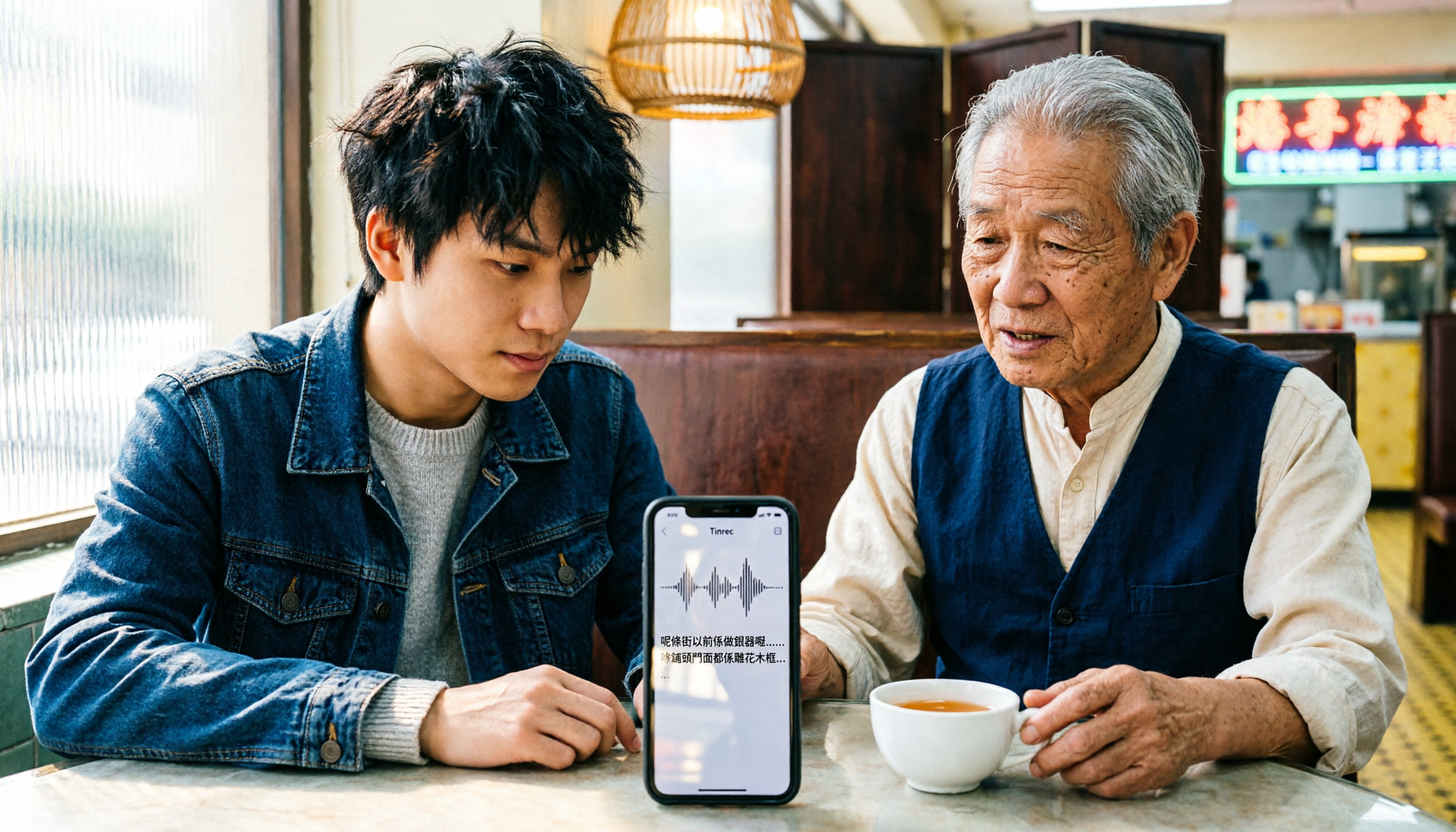
iPhone Cantonese Transcription in 2026: Built-in Voice Memos vs. Tinrec — Which Is Enough?
Recording Cantonese on iPhone — should you stick with the built-in Voice Memos transcript, or install a dedicated AI recording tool? This article compares iPhone's built-in Voice Memos with Tinrec across six dimensions: recording sources, Cantonese and mixed Chinese-English recognition, post-meeting organization, online meetings, cross-platform use, and team collaboration. It also covers pricing and FAQs to help you decide which approach fits your needs.

3 Taiwanese Input Methods Compared: Which One Should You Install on Your Phone or Computer?
Can't find a keyboard that types Taiwanese Hokkien? This article compares three tools: FHL Taiwanese & Hakka Input Method, PhahTaigi Taiwanese Input Method, and Ministry of Education Taiwanese Input Method. It covers download sources, input methods, candidate word design, offline use, and target users, with setup steps and FAQs to help you choose.

4 Best Cantonese to English Translation Apps in 2026: From Single Sentences to Meeting Transcripts
Can you understand Cantonese meetings and Hong Kong client interviews but dread the post-meeting wrap-up? This article breaks down how to choose a Cantonese to English translation app using 4 key criteria, and compares Tinrec, Cantonese Translation Assistant, Otter.ai, and Notta to help you match the right tool to your needs.

4 WhatsApp Voice-to-Text Tools Tested in 2026: What Android Users Who Speak Cantonese Should Choose
Can WhatsApp voice-to-text recognize Cantonese on Android? This article addresses common misconceptions and compares four approaches: WhatsApp's built-in transcription, WeChat, iMyFone VoxBox, and Tinrec. It covers three key buying factors: platform language differences, privacy risks, and free quotas. It also explains how Tinrec turns a Cantonese voice message into a searchable, queryable, and actionable transcript with to-dos.

3 Taiwanese Input Method Apps for Mobile Tested and Compared in 2026: How to Choose Between Missing Characters and Speech-to-Text?
Struggling to type Taiwanese on your phone? This article starts with common misconceptions, compares keyboard-based Taiwanese input methods with audio-to-text tools, and uses Tinrec to demonstrate how to turn Taiwanese conversations, interviews, and bilingual meetings into searchable, organized transcripts and action items, with 5 key purchasing considerations and an FAQ.

Cantonese to English Translation App 2026: Cantonese Transcription + Real-Time English Bilingual Comparison
When looking for a Cantonese to English translation app, first clarify whether you need to 'look up a word' or 'turn an entire Cantonese conversation into an English record.' This article compares Tinrec and Otter.ai across 5 dimensions—Cantonese/Chinese context, recording method, post-meeting organization, team collaboration, and pricing/quotas—to give you scenario-based recommendations.

Taiwanese Hokkien Input Methods in 2026: 3 Ways to Type and Tinrec Transcription Guide
How do you type in Taiwanese Hokkien? This guide covers three common input methods (romanization, character selection, and speech-to-text) and shows how Tinrec turns Taiwanese Hokkien interviews, meetings, and class recordings into searchable transcripts, summaries, and action items. It also explains the differences between the personal and team plans.

4 WhatsApp Voice-to-Text Methods Tested for 2026: Which Is Easiest for Cantonese Transcription on iPhone?
Transcribing WhatsApp Cantonese voice messages on iPhone: what are the limitations of the built-in transcription, iOS Shortcuts, and third-party tools? This guide covers setup steps and use cases for 4 methods, explains the iOS 16+ requirement, the two conflicting claims about Cantonese support, and what you can do when you want to turn customer conversations and meeting content into searchable, queryable data—not just read a single voice message.
2026 Taiwanese Input Method Apps: 3 Typing Approaches + Audio-to-Text Workflow Guide
How to choose and use a Taiwanese input method app? This guide breaks down common challenges with the three typing approaches—POJ, Tâi-lô, and Ministry of Education recommended characters—then explains how to upgrade from typing to organizing with Tinrec, turning Taiwanese interviews, heritage language classes, and bilingual meetings into transcripts, summaries, and action items that are searchable and reusable.