
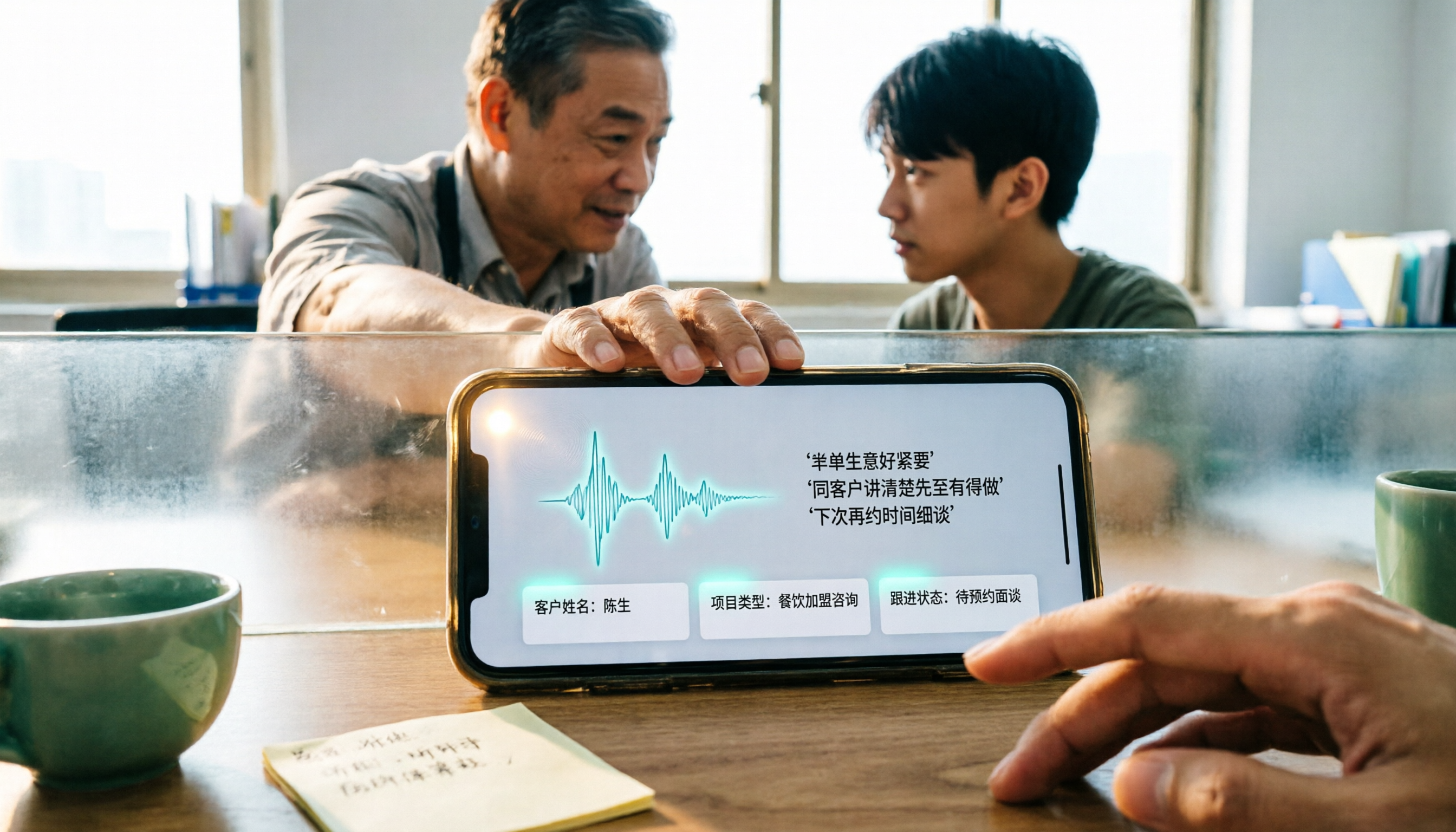
Turn recordings into transcripts and summaries in minutes
Upload audio or video for multilingual transcription, AI notes, and action items
Receiving a Cantonese Voice Message During a Meeting—You Need a Method, Not Willpower
It's 3 PM, you're in the office, and your phone buzzes. A Hong Kong client sent a 40-second Cantonese voice message. You can't play sound, so you press the phone to your ear and guess keywords. After listening, you have to replay it to confirm whether that number was 15 or 50.
Another scenario is even more common. Family, colleagues, or clients send five or six voice messages at once. You have to listen to each from start to finish, and still can't remember the key points.
If you've experienced these situations, this article is for you. I've gone through several ways to turn WhatsApp voice messages into text on iPhone and checked the official feature's support status. Here are my takeaways.
Before You Start, Confirm These 4 Things
1. Are Your iPhone and WhatsApp Versions New Enough?
WhatsApp's "voice message transcription" depends on your system version and app version. Most hands-on reports mention that iPhone requires iOS 16 or later, and Android is rolling out simultaneously.
If you can't find this option on your phone, your first step isn't to switch phones—update iOS and WhatsApp to the latest version. Such features are rolled out in batches, so appearing a few days later is normal.
2. Is Cantonese Actually Supported?
This is the most discussed question and the one most likely to yield contradictory answers.
Some media outlets tested it and said the transcription can recognize Cantonese colloquialisms and even sentences mixed with English. But other tutorial articles directly state "WhatsApp voice-to-text does not currently support Cantonese."
The two claims conflict, and I can't draw a conclusion for you because it likely depends on system version, region, and rollout stage. I suggest you record a 10-second Cantonese voice message, send it to yourself, and long-press to try transcribing once. The answer will be immediately clear.
3. Is Transcription Done on the Phone or Uploaded to the Cloud?
This relates to privacy. Some tests indicate that WhatsApp's transcription is done on-device, and neither WhatsApp nor third-party apps can access your voice content.
Conversely, any service that requires you to "upload your voice to a website" to convert it to text deserves a second thought. As convenient as it may be, it's better to first understand where your recordings go.
4. Do You Just Want a Block of Text, or Data You Can Keep Using?
If you just want to know what the other person said, getting the text is the end.
But if you want to record customer requirements, turn interviews into searchable data, or extract action items from meetings, plain text only completes half the job. This is also where I'll spend more time later.
Tinrec—Turning Voice and Meeting Content into Data You Can Keep Using
Tinrec is an AI meeting notes and collaboration tool for individuals and teams. It supports iOS, Android, and web, and can also upload audio and video files to generate transcripts.
Its value isn't in "turning sound into text," but in what you can do after the text is generated:
Audio file and meeting transcription: Import customer voice messages, interview recordings, or meeting files into Tinrec, and it will generate a timestamped transcript for easy cross-reference. The free version offers a basic quota—just throw in one or two segments to test the waters; no need to pay upfront.
Online meeting recording without a bot: The desktop version directly captures your computer's system audio to handle Zoom, Google Meet, Microsoft Teams, and Webex meetings without inviting a bot as a participant. When the meeting ends, the transcript is already on screen.
Summaries, action items, and AI Q&A: The transcript is just the raw material. Tinrec automatically generates summaries, chapters, and action items. You can also directly ask it, "What was the budget cap the client mentioned this time?" It gives you an answer based on semantic understanding, not a string of keyword search results. Organized content can also be exported to Notion, Google Docs, and other tools for further use.
My own testing takeaway: with no background noise and clear enunciation, mixed Chinese-English content can also produce a stable, readable transcript. However, a reminder: if the recording has echo, multiple people talking over each other, or a speaker talks especially fast, you still need to go back to the original recording to verify details. This is true for every tool, not a particular weakness of Tinrec.
Three things that make me want to keep using it:
- Transcription is just the starting point; summaries, chapters, action items, Q&A, and export are all in one place.
- No extra hardware needed; phone, computer, and web all work seamlessly.
- The team version centralizes meeting data in one space, so data doesn't leave with members when they do.
Stop organizing recordings by hand
Upload audio or video and automatically get a transcript, summary, and action items
Two limitations I must honestly mention: Tinrec is not a built-in WhatsApp feature, so voice messages need to be imported via sharing or file upload, adding an extra step; the free version has limited quota, so heavy users should consider paying. The team version is currently USD 29.80 per paid seat per month, or USD 199 per paid seat per year (about USD 16.58 per month). Each paid seat includes 2,000 minutes of shared team import quota per month. Actual prices and benefits are subject to the official purchase page.
If you deal with voice messages, customer interviews, or meeting recordings every day, and want this content to be searchable, queryable, and exportable afterward, Tinrec will save you more time than simple transcription.
Besides Tinrec, There Are 3 Other Methods on iPhone
WhatsApp's Built-in "Voice Message Transcription"
Free, fastest, and right in the chat. The setup path: open WhatsApp, go to Settings, tap "Chats," and turn on "Voice Message Transcription." Then long-press a voice message and tap "Transcribe" to see the text. Transcription is done on-device, so privacy is relatively reassuring.
The limitation is that it only gives you a block of text. No summary, no action items, no cross-message aggregation, and hard to turn into reusable data. What Tinrec can do is turn these transcripts into searchable, queryable content.
iOS Shortcuts + Cantonese.ai
This is a method shared by Hong Kong media: first install the "Shortcuts" app on your iPhone, add the "Speech to Text by cantonese.ai" shortcut, then long-press a voice message in WhatsApp, select "Forward" and then "Share," and hand the audio to the shortcut. The transcribed text will pop up at the top.
The advantage is it's free and specifically handles Cantonese; the downside is you have to install the shortcut yourself, manually share each time, and the audio leaves WhatsApp to an external service. Tinrec, on the other hand, puts transcription, summaries, action items, and export in one workflow.
iMyFone VoxBox
A third-party transcription tool that supports multiple languages, touted for fast conversion and few language restrictions. Note that such tools require you to export the voice file and then upload it, meaning the voice leaves its original encrypted environment. Some tutorial articles specifically warn about the privacy risks.
If you already have a pile of audio files to batch process, it's an option; but it's separate from your reading flow in WhatsApp, and the processed content won't automatically be organized into summaries or action items.
Pitfall Guide: The 4 Most Common Mistakes When Turning WhatsApp Voice into Text
Pitfall 1: Assuming every iPhone can use it. The feature depends on iOS version and batch rollout. Some people get it on day one, others wait a week or two. Update your system and app first, then look for the setting again. Don't blame your phone too quickly.
Pitfall 2: Giving up when you see "Cantonese not supported." Online claims are currently contradictory—some tests say recognition is accurate, others say it's not yet supported. Spending 10 seconds to record a test yourself is the most accurate. Others' conclusions don't necessarily apply to your phone.
Pitfall 3: Sending voice messages to unknown transcription websites. Voice messages may contain addresses, amounts, names, or customer information. Prioritize features that transcribe on-device. If you really must upload files, first confirm how the recipient handles your data.
Pitfall 4: Thinking it's over once you have the text. A 20-minute interview transcript can be thousands of words. The real time sink is finding the key points. After transcription, directly grabbing summaries, action items, or asking questions about the content is the key to saving time—this is also the main reason I recommend Tinrec.
Conclusion: Which One Should You Actually Use?
- Just want to quickly understand a voice message: use WhatsApp's built-in transcription—free and fastest.
- Can't find the transcription option on iPhone, or want free Cantonese processing: try iOS Shortcuts + Cantonese.ai.
- Need to organize customer voice messages, interviews, meetings, and also want summaries, action items, and query features: use Tinrec.
- Team needs to share meeting and voice data, and data must persist as members come and go: use Tinrec team version.
- Use it less than a few times a year and don't want to install anything: the official built-in is enough.
Voice messages will only increase. Instead of pressing your ear to replay each time, pick a smooth workflow and turn sound into text you can find later.
I suggest starting with the free methods: try WhatsApp's built-in transcription once to feel the accuracy of Cantonese recognition; if you find you really need follow-up organization, then use Tinrec's free version quota to throw in one or two recordings. Once it feels natural, consider a paid plan.
References
- WhatsApp voice-to-text officially launched in Hong Kong! Simple 3-step setup tutorial for iOS/Android, plus unofficial AI conversion methods (Sing Tao Headline)
- WhatsApp voice-to-text new feature is here! See setup methods for Android and iPhone (Tenorshare)
- Hands-on test of WhatsApp official "voice-to-text" feature! Cantonese recognition super accurate? See usage, interface, and limitations! (ezone)
- "Latest" WhatsApp voice-to-text 2026 official method! (iMyFone)
- WhatsApp recording is such a hassle! Simple tutorial: one step to turn recordings into text (iOS/Android) (ePrice HK)
Sources
- WhatsApp voice-to-text officially launched in Hong Kong! Simple 3-step setup tutorial for iOS/Android, plus unofficial AI conversion methods
- WhatsApp voice-to-text new feature is here! See setup methods for Android and iPhone
- Hands-on test of WhatsApp official "voice-to-text" feature! Cantonese recognition super accurate? See usage, interface, and limitations! | ezone
- "Latest" WhatsApp voice-to-text 2026 official method!
- WhatsApp recording is such a hassle! Simple tutorial: one step to turn recordings into text (iOS / Android) - ePrice.HK
Turn every recording into actionable outcomes
Get 60 free transcription minutes when you sign in. No credit card required.
Related Reading
You might also like

WhatsApp Voice to Text vs Tinrec in 2026: Which Handles Cantonese Transcripts Better?
Can WhatsApp's built-in voice message transcription handle Cantonese? This hands-on comparison puts WhatsApp's built-in transcription and Tinrec side by side across five dimensions: audio sources, Cantonese and mixed Chinese-English scenarios, post-transcription processing, team collaboration, and setup cost and pricing. Find out which one fits your situation.
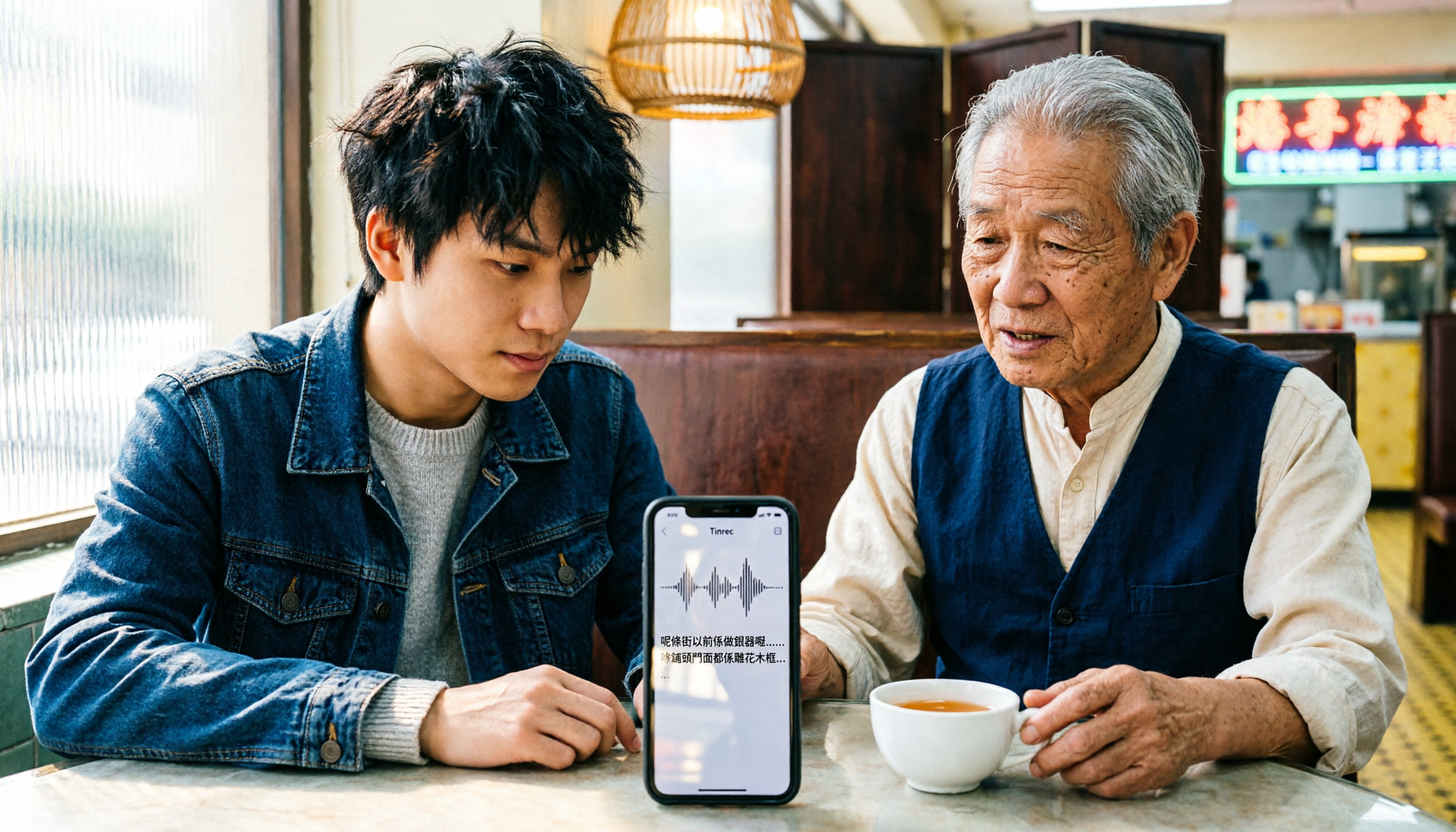
iPhone Cantonese Transcription in 2026: Built-in Voice Memos vs. Tinrec — Which Is Enough?
Recording Cantonese on iPhone — should you stick with the built-in Voice Memos transcript, or install a dedicated AI recording tool? This article compares iPhone's built-in Voice Memos with Tinrec across six dimensions: recording sources, Cantonese and mixed Chinese-English recognition, post-meeting organization, online meetings, cross-platform use, and team collaboration. It also covers pricing and FAQs to help you decide which approach fits your needs.

3 Taiwanese Input Methods Compared: Which One Should You Install on Your Phone or Computer?
Can't find a keyboard that types Taiwanese Hokkien? This article compares three tools: FHL Taiwanese & Hakka Input Method, PhahTaigi Taiwanese Input Method, and Ministry of Education Taiwanese Input Method. It covers download sources, input methods, candidate word design, offline use, and target users, with setup steps and FAQs to help you choose.

4 Best Cantonese to English Translation Apps in 2026: From Single Sentences to Meeting Transcripts
Can you understand Cantonese meetings and Hong Kong client interviews but dread the post-meeting wrap-up? This article breaks down how to choose a Cantonese to English translation app using 4 key criteria, and compares Tinrec, Cantonese Translation Assistant, Otter.ai, and Notta to help you match the right tool to your needs.

4 WhatsApp Voice-to-Text Tools Tested in 2026: What Android Users Who Speak Cantonese Should Choose
Can WhatsApp voice-to-text recognize Cantonese on Android? This article addresses common misconceptions and compares four approaches: WhatsApp's built-in transcription, WeChat, iMyFone VoxBox, and Tinrec. It covers three key buying factors: platform language differences, privacy risks, and free quotas. It also explains how Tinrec turns a Cantonese voice message into a searchable, queryable, and actionable transcript with to-dos.

3 Taiwanese Input Method Apps for Mobile Tested and Compared in 2026: How to Choose Between Missing Characters and Speech-to-Text?
Struggling to type Taiwanese on your phone? This article starts with common misconceptions, compares keyboard-based Taiwanese input methods with audio-to-text tools, and uses Tinrec to demonstrate how to turn Taiwanese conversations, interviews, and bilingual meetings into searchable, organized transcripts and action items, with 5 key purchasing considerations and an FAQ.

Cantonese to English Translation App 2026: Cantonese Transcription + Real-Time English Bilingual Comparison
When looking for a Cantonese to English translation app, first clarify whether you need to 'look up a word' or 'turn an entire Cantonese conversation into an English record.' This article compares Tinrec and Otter.ai across 5 dimensions—Cantonese/Chinese context, recording method, post-meeting organization, team collaboration, and pricing/quotas—to give you scenario-based recommendations.

Taiwanese Hokkien Input Methods in 2026: 3 Ways to Type and Tinrec Transcription Guide
How do you type in Taiwanese Hokkien? This guide covers three common input methods (romanization, character selection, and speech-to-text) and shows how Tinrec turns Taiwanese Hokkien interviews, meetings, and class recordings into searchable transcripts, summaries, and action items. It also explains the differences between the personal and team plans.
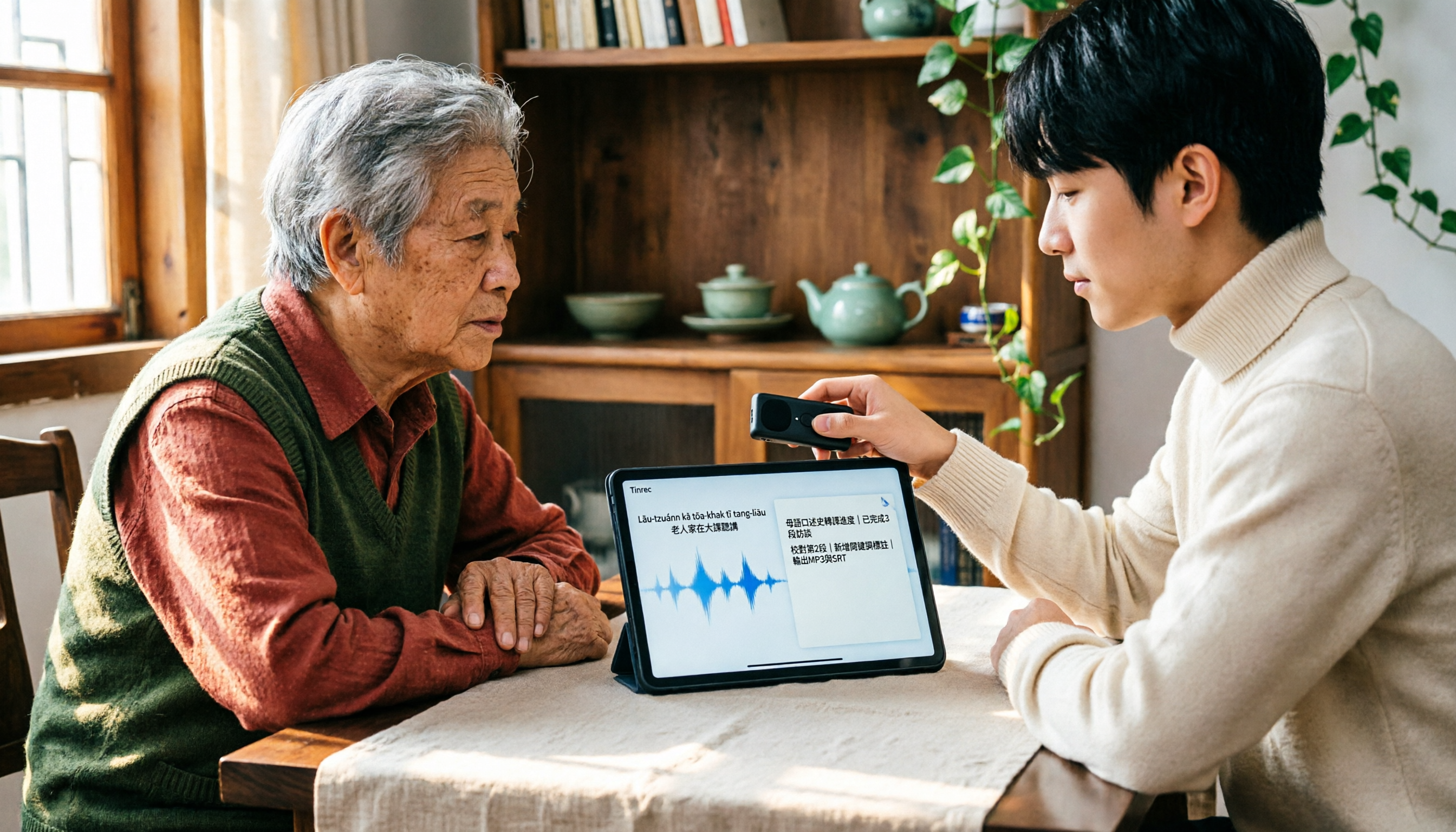
2026 Taiwanese Input Method Apps: 3 Typing Approaches + Audio-to-Text Workflow Guide
How to choose and use a Taiwanese input method app? This guide breaks down common challenges with the three typing approaches—POJ, Tâi-lô, and Ministry of Education recommended characters—then explains how to upgrade from typing to organizing with Tinrec, turning Taiwanese interviews, heritage language classes, and bilingual meetings into transcripts, summaries, and action items that are searchable and reusable.