

Turn recordings into transcripts and summaries in minutes
Upload audio or video for multilingual transcription, AI notes, and action items
4 Best Cantonese to English Translation Apps in 2026: From Single Sentences to Meeting Transcripts
After the Cantonese Meeting, the Real Work Begins
Last week I had a 90-minute meeting with a Hong Kong client who spoke Cantonese mixed with English the whole time—"呢個 case 我哋要跟緊啲", "下個 quarter 先落實". The meeting itself went smoothly, but the problem came after: my boss wanted an English summary, and I had to extract key decisions, who was responsible for what, and deadlines.
I had three options: re-listen to the 90-minute recording, write from memory, or throw the transcript into a translator. The first takes too long, the second is risky—because you think you remember, but you only remember the last 20 minutes.
If you're searching for a "Cantonese to English translation app," you're probably not looking to look up individual words, but to turn a whole Cantonese conversation into English content that you can understand, search, and deliver. These two tasks have completely different requirements for tools, which is why some people download three apps and still aren't satisfied.
Before Choosing a Cantonese to English Translation App, Understand These 4 Key Points
1. Are you translating a "sentence" or a "whole meeting"? Single-sentence translation apps are fast and great for travel, ordering food, or confirming how to say something to a colleague. But they won't segment, won't indicate who said what, and won't organize action items. If you're translating a meeting or interview, what you really need is transcription + translation + organization combined.
2. The ceiling of translation quality is actually the transcript If the original has one wrong keyword, the English will be off. So I look at three things: can it handle sentences mixing Cantonese and English, can you review the transcript against the recording afterwards, and is there a hotword list to correct internal product names and project codes. If these three don't pass, no matter how beautiful the translation, it's useless.
3. Can you use the translation directly afterwards? There's a gap between a translated paragraph and a deliverable meeting record: summary, sections, action items, and export formats. And this is exactly what eats up your after-work time.
4. How free quotas work, and whether you need desktop support Most tools have free quotas, but with different limitations: some limit monthly minutes, some limit single file length, some limit number of files. Also, if you often use Zoom, Meet, Teams on your computer like me, whether the tool can record directly on desktop will determine whether you're scrambling during meetings.
Tinrec – Our Top Pick After Testing
Tinrec is an AI meeting notes and collaboration tool for individuals and teams, available on iOS, Android, and web. It's not positioned as a "dictionary-style translation app," but rather organizes meeting recordings into workable data—exactly what's most troublesome about Cantonese meetings.
Get transcripts while meeting, no bot needed in the room Tinrec's desktop version captures system audio directly, handling Zoom, Google Meet, Microsoft Teams, Webex, and other online meetings without adding an extra meeting bot. This is practical for Hong Kong clients or international teams: no unfamiliar account appears in the participant list. Offline meetings can also be recorded in real-time via mobile or desktop, transcribing as you record.
View original, translation, or bilingual during recording Tinrec supports real-time translation; during recording you can choose to view the original, translation, or bilingual content. This means you don't have to wait until after the meeting—you can roughly follow what the other party is saying during the meeting, and then check sentence by sentence against the transcript afterwards. It covers Chinese, Traditional Chinese, and multilingual meeting scenarios, and can handle mixed Chinese-English content, with team hotwords to maintain recognition of professional terminology.
After recording, the point is not the text, but that you can ask it questions After the meeting, Tinrec automatically generates summaries, sections, key points, and action items. Even better is AI Q&A: you can directly ask "What was the budget cap the client mentioned?" "Who is responsible for next month's delivery?" It answers based on meeting semantics, not a bunch of keyword search results. Most competitors at the same price don't have this feature yet. Additionally, results can be exported to Notion, Google Docs, OneNote, Dropbox, etc., and can be post-processed via Agent to generate reports, tables, and documents.
Stop organizing recordings by hand
Upload audio or video and automatically get a transcript, summary, and action items
Limitations, I'll be honest Tinrec's actual recognition and translation performance can be affected by recording quality, background noise, accents, multiple people talking over each other, and specialized terminology—no tool is exempt from this. Also, quota rules differ by source: team version under an active plan and active seat, real-time recording currently does not deduct minutes, but file import and web link import consume the team's shared import quota; personal free version is a basic quota for trial. If you organize Cantonese meetings weekly, you'll usually need to upgrade.
Who it's for If you handle meetings or interviews mixing Cantonese, Chinese, and English, want transcripts, summaries, and action items right after recording, and are used to switching between phone and computer—Tinrec is currently the best match for this need.
Besides Tinrec, What Other Options Are There?
Cantonese Translation Assistant - Cantonese Mandarin English Translation A translation tool available on both App Store and Google Play, focusing on Mandarin-Cantonese mutual translation and English translation, with voice playback and offline/online Cantonese pronunciation. Suitable for travel, ordering food, and confirming how to say something in real-time. But its focus is "sentences" not "whole meetings"—no transcript segmentation, no summaries or action items; some users in Google Play reviews mention limited language support and inconsistent font display. What Tinrec can do that it can't: turn a whole recording into searchable, queryable meeting data.
Otter.ai A veteran choice for English business meetings, mature in meeting automation and English transcription, with a generous free plan of 300 minutes per month. If your meetings are almost entirely in English, Otter.ai is a reasonable option. But mixed Chinese and Cantonese content is not its main advertised scenario, and its meeting bot mode joins meetings as a participant. Tinrec's difference is desktop bot-free recording, plus Chinese meeting transcription, bilingual viewing, and team data accumulation.
Notta The competitor with the highest overlap with Tinrec, offering multi-platform transcription, meeting notes, file import, translation, and team plans; free version has 120 minutes per month, max 3 minutes per file, Pro annual billing about USD 8.17/month, 1,800 minutes per month, suitable for users needing translation and subtitles. Tinrec can emphasize bot-free online meeting recording, AI Q&A, and Agent post-processing—after recording, you don't just get a transcript.
Prices and benefits of the above competitors are subject to their official pages and may change over time.
Pitfall Guide: 3 Most Common Mistakes When Choosing a Cantonese to English Translation App
Pitfall 1: Using a single-sentence translation app as a meeting translation tool Travel translation apps are designed to translate a sentence. If you use it to translate a 90-minute meeting recording, you'll get a long wall of text without segmentation, speakers, or key points, and you'll still have to review it yourself. To translate meetings, first check if the tool has transcript and paragraph structure.
Pitfall 2: Only looking at translation results, not whether you can review Translation will always have errors; the key is whether you can quickly find where the error is. If the tool keeps both the original recording and transcript timestamps, you can verify in 30 seconds; if it only has translated text, you have to re-listen to the whole thing.
Pitfall 3: Buying a tool and only using it as a voice recorder If you only use an AI meeting tool as "recording to text," you're only using one-third of its capabilities. For example, Tinrec's AI Q&A—after recording, directly ask "What was the conclusion of this meeting?" is much faster than manually flipping through a 30-minute transcript. Also a reminder: before recording and transcribing, please comply with local regulations and obtain consent from participants.
Conclusion: Which One Should You Choose?
To sum up: if your "Cantonese to English translation" need comes from meetings, interviews, or client communication, Tinrec is currently the most complete choice; if you just need to look up a sentence, use a translation app on your phone.
- Want to instantly look up how to say a sentence → Translation apps like Cantonese Translation Assistant
- Cantonese/Chinese/English mixed meetings, need transcript + translation + summary + action items → Tinrec
- After recording, want to use AI to find key points and ask for details → Tinrec (rare AI Q&A at this price)
- Record on phone, organize on computer, cross-platform → Tinrec (iOS + Android + web)
- Team needs to share meeting data, manage seats and usage → Tinrec Team version
- Zero budget, meetings almost all English → Otter.ai (few exceptions in this article)
- Need to batch transcribe many long files and subtitles → Tools like Notta
Practical advice: start with Tinrec's personal free basic quota, try it with a real Cantonese meeting recording, confirm whether the transcript and summary are usable before deciding to upgrade. If a department wants to use it together, the team version offers a 7-day trial for first-time eligible users (1 free seat, 300 minutes team shared import quota), monthly USD 29.80 per paid seat, annual USD 199 per paid seat (about USD 16.58/month), each paid seat provides 2,000 minutes team shared import quota per month—test with two or three colleagues first, it's more accurate than trying alone. Actual prices, currencies, and promotions are subject to the official purchase page.
References
- Cantonese English Translation - Google Play App
- Cantonese Translation Master - Easily Learn Cantonese Translation Software App - App Store - Apple
- Cantonese Translation Assistant - Cantonese Mandarin English Translation App - App Store
- Cantonese Translation Assistant - Cantonese Mandarin English Translation - Google Play App
- Love Cantonese - Cantonese Translator
Turn every recording into actionable outcomes
Get 60 free transcription minutes when you sign in. No credit card required.
Related Reading
You might also like

WhatsApp Voice to Text vs Tinrec in 2026: Which Handles Cantonese Transcripts Better?
Can WhatsApp's built-in voice message transcription handle Cantonese? This hands-on comparison puts WhatsApp's built-in transcription and Tinrec side by side across five dimensions: audio sources, Cantonese and mixed Chinese-English scenarios, post-transcription processing, team collaboration, and setup cost and pricing. Find out which one fits your situation.
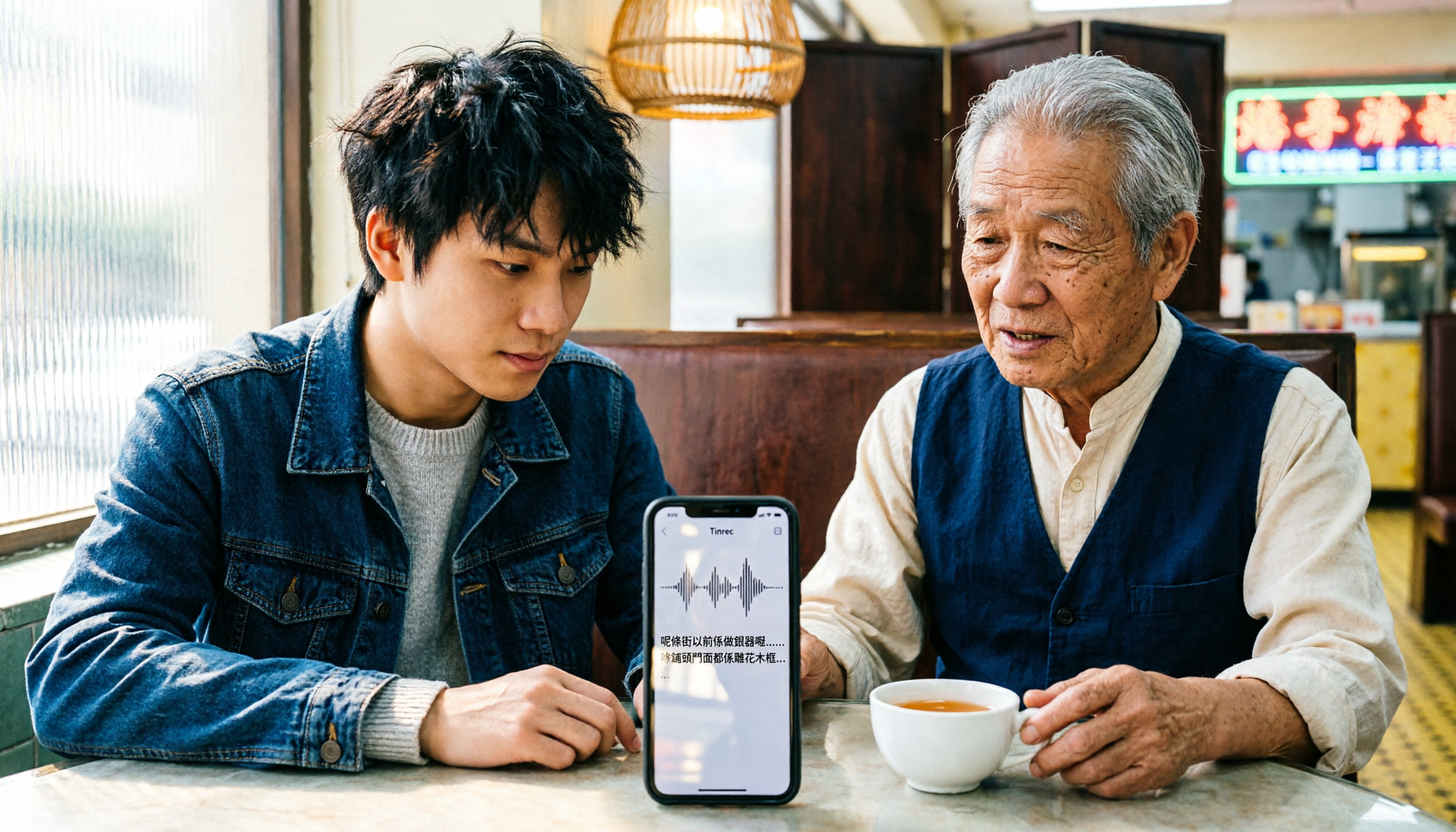
iPhone Cantonese Transcription in 2026: Built-in Voice Memos vs. Tinrec — Which Is Enough?
Recording Cantonese on iPhone — should you stick with the built-in Voice Memos transcript, or install a dedicated AI recording tool? This article compares iPhone's built-in Voice Memos with Tinrec across six dimensions: recording sources, Cantonese and mixed Chinese-English recognition, post-meeting organization, online meetings, cross-platform use, and team collaboration. It also covers pricing and FAQs to help you decide which approach fits your needs.

3 Taiwanese Input Methods Compared: Which One Should You Install on Your Phone or Computer?
Can't find a keyboard that types Taiwanese Hokkien? This article compares three tools: FHL Taiwanese & Hakka Input Method, PhahTaigi Taiwanese Input Method, and Ministry of Education Taiwanese Input Method. It covers download sources, input methods, candidate word design, offline use, and target users, with setup steps and FAQs to help you choose.

4 WhatsApp Voice-to-Text Tools Tested in 2026: What Android Users Who Speak Cantonese Should Choose
Can WhatsApp voice-to-text recognize Cantonese on Android? This article addresses common misconceptions and compares four approaches: WhatsApp's built-in transcription, WeChat, iMyFone VoxBox, and Tinrec. It covers three key buying factors: platform language differences, privacy risks, and free quotas. It also explains how Tinrec turns a Cantonese voice message into a searchable, queryable, and actionable transcript with to-dos.

3 Taiwanese Input Method Apps for Mobile Tested and Compared in 2026: How to Choose Between Missing Characters and Speech-to-Text?
Struggling to type Taiwanese on your phone? This article starts with common misconceptions, compares keyboard-based Taiwanese input methods with audio-to-text tools, and uses Tinrec to demonstrate how to turn Taiwanese conversations, interviews, and bilingual meetings into searchable, organized transcripts and action items, with 5 key purchasing considerations and an FAQ.

Cantonese to English Translation App 2026: Cantonese Transcription + Real-Time English Bilingual Comparison
When looking for a Cantonese to English translation app, first clarify whether you need to 'look up a word' or 'turn an entire Cantonese conversation into an English record.' This article compares Tinrec and Otter.ai across 5 dimensions—Cantonese/Chinese context, recording method, post-meeting organization, team collaboration, and pricing/quotas—to give you scenario-based recommendations.

Taiwanese Hokkien Input Methods in 2026: 3 Ways to Type and Tinrec Transcription Guide
How do you type in Taiwanese Hokkien? This guide covers three common input methods (romanization, character selection, and speech-to-text) and shows how Tinrec turns Taiwanese Hokkien interviews, meetings, and class recordings into searchable transcripts, summaries, and action items. It also explains the differences between the personal and team plans.
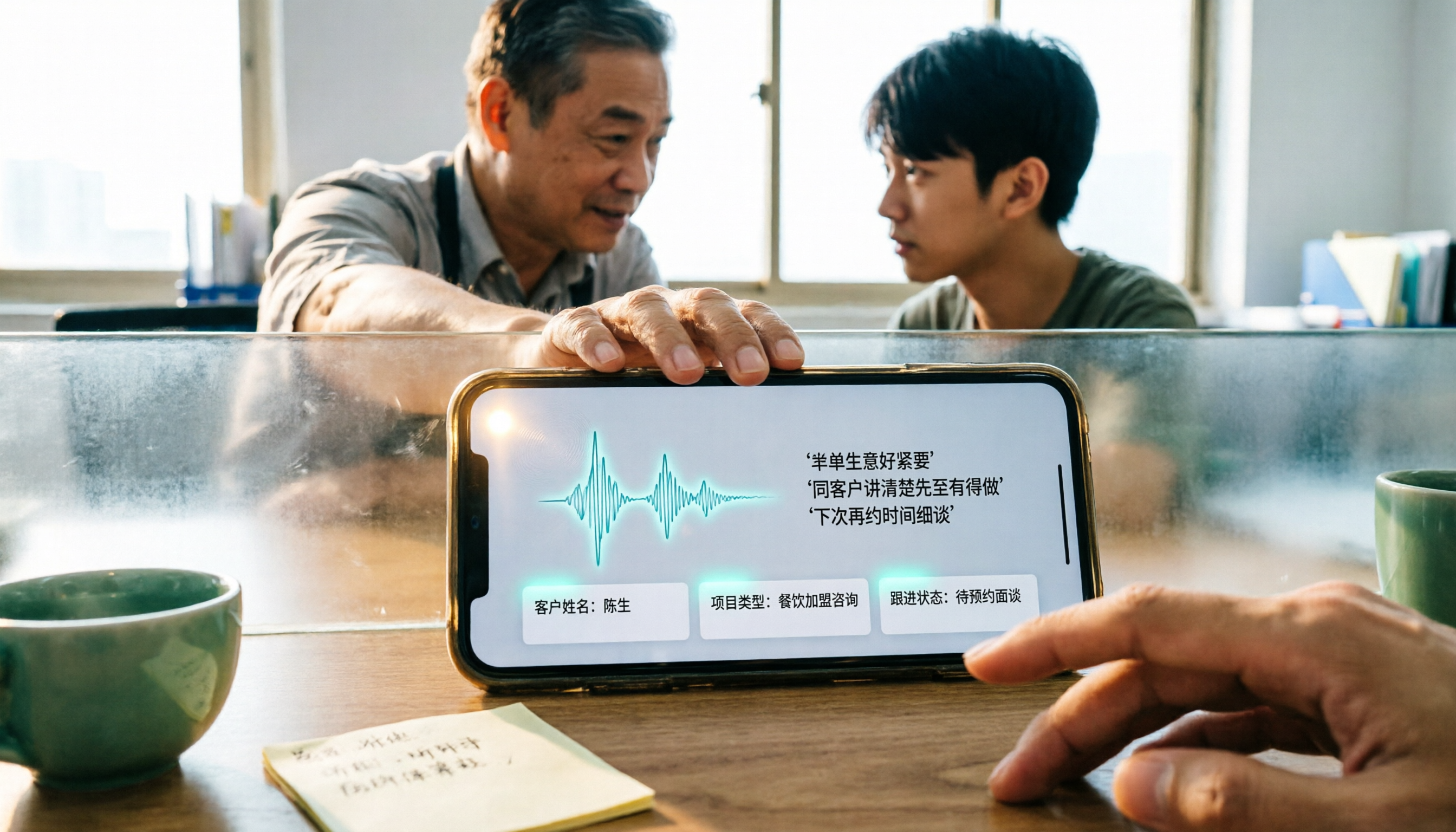
4 WhatsApp Voice-to-Text Methods Tested for 2026: Which Is Easiest for Cantonese Transcription on iPhone?
Transcribing WhatsApp Cantonese voice messages on iPhone: what are the limitations of the built-in transcription, iOS Shortcuts, and third-party tools? This guide covers setup steps and use cases for 4 methods, explains the iOS 16+ requirement, the two conflicting claims about Cantonese support, and what you can do when you want to turn customer conversations and meeting content into searchable, queryable data—not just read a single voice message.
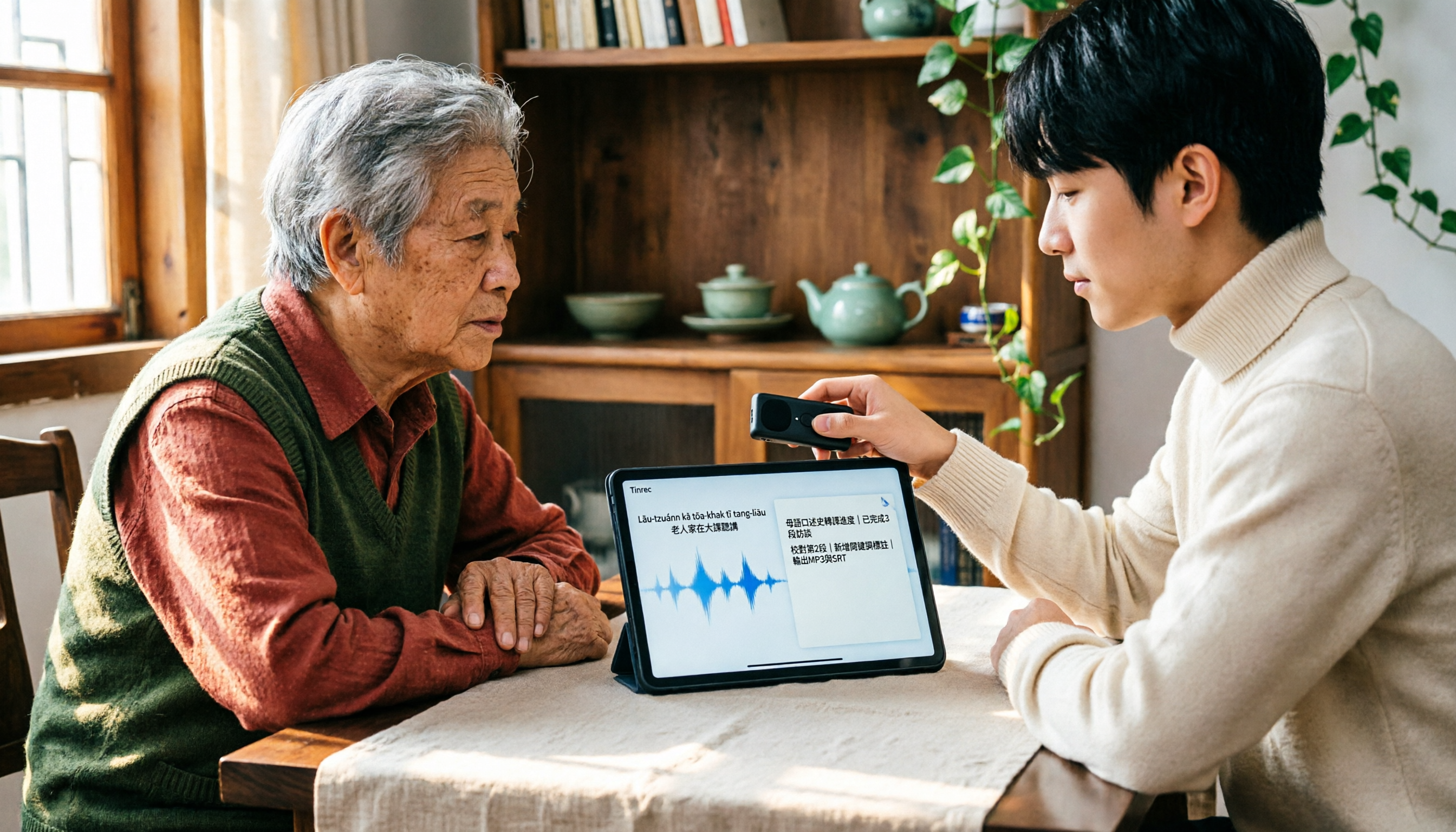
2026 Taiwanese Input Method Apps: 3 Typing Approaches + Audio-to-Text Workflow Guide
How to choose and use a Taiwanese input method app? This guide breaks down common challenges with the three typing approaches—POJ, Tâi-lô, and Ministry of Education recommended characters—then explains how to upgrade from typing to organizing with Tinrec, turning Taiwanese interviews, heritage language classes, and bilingual meetings into transcripts, summaries, and action items that are searchable and reusable.