

Turn recordings into transcripts and summaries in minutes
Upload audio or video for multilingual transcription, AI notes, and action items
First, a question: How do you plan to handle Cantonese voice messages on Android?
"You wake up in the morning and your client sent 7 voice messages last night, each 40 seconds long. You're on a crowded subway commute, no headphones, and you can't play them out loud for the whole car to hear."
I've encountered this scenario at least 20 times this past year. My old approach was to screenshot, mark them, and wait until I got to the office to listen one by one—15 minutes gone in a flash. Team group chats are even worse: waking up to 20+ voice messages, just listening takes half an hour.
Now the question becomes: WhatsApp already has voice-to-text built in, do I still need another tool?
The answer depends on one thing—are you dealing with "voice messages in WhatsApp" or "all work-related audio"? For the former, built-in is enough; for the latter, built-in is definitely not enough. This article lays out four approaches.
Before Choosing Between WhatsApp Built-in and Third-Party Tools, Understand These 4 Key Points
Key Point 1: Language support differs between Android and iPhone. WhatsApp's "voice message transcription" is currently rolling out globally in phases, available on both Android and iOS, but language support varies. iPhone uses iOS's built-in speech recognition system; when Hong Kong media (ezone, Sing Tao Headline) tested it, Cantonese was generally transcribed correctly, and mixed English and Mandarin could also be recognized. On Android, it depends more on the device and version—many users report no Chinese output, which is exactly why many search for "Android Cantonese."
Key Point 2: It only handles voice messages within WhatsApp. Messages sent via LINE by clients, meetings started by colleagues in Teams, or meetings you record yourself on your phone—the built-in feature can't help with any of these.
Key Point 3: The output is text only. What you get is just a block of text—no summary, no to-do list, no ability to ask questions. A 5-minute voice message with 3 decisions still requires you to read through and extract them yourself.
Key Point 4: Transcription does not involve cloud processing. This is the real advantage of the built-in feature—for the privacy-conscious, it's reassuring that audio never leaves your phone. Third-party tools typically require uploading files for processing, so it's best to clarify this with your team upfront.
Once you understand these 4 points, you'll know when to use built-in and when to look for a tool.
Tinrec – My Team's Current Go-To Tool
Bottom line first: Tinrec is an AI meeting notes and collaboration tool for individuals and teams, supporting iOS, Android, and web, connecting "recording → transcript → summary → action items → follow-up questions → export" into one workflow.
I initially just wanted something to convert Cantonese voice to text, but after three months it became a standard part of my team's post-meeting process. Here are a few scenarios where I actually use it.
Scenario 1: Client voice messages I don't have to listen to on the spot. Previously, when a client sent a 60-second Cantonese request on WhatsApp, I had to find a place to listen. Now I import the audio into Tinrec, it automatically detects the language and produces a transcript, and crucially, it also generates a summary. Spending 30 seconds reading the summary before a meeting tells me what the client wants.
Scenario 2: Online meetings without inviting a bot. Tinrec's desktop version captures system audio directly, handling Zoom, Google Meet, Microsoft Teams, and Webex without needing an extra meeting bot to join. For meetings with external clients, having one less unfamiliar account on the list makes communication much cleaner.
Scenario 3: After recording, just ask it. This is my most-used feature. Last week, after a 50-minute cross-department meeting, I didn't re-listen; I directly asked in Tinrec: "Who mentioned the budget in this meeting?" It didn't give me keyword search results—it directly named the person and that conclusion. At this price point, I haven't seen another tool with the same AI conversational query capability.
Scenario 4: Team meeting data no longer scattered across personal phones. We later adopted the team version. Meeting data belongs to the team; if a colleague leaves or switches projects, the data doesn't disappear with them and can be handed over to other active members. Managers can see seat allocation, usage trends, and activity logs—when you need to report to your boss "how many meetings we actually had," this saves a lot of hassle.
Testing notes: I tested a ~2-minute client voice message with Cantonese mixed with English proper nouns (played on an Android phone, indoor environment). The transcript was mostly usable; names and product names needed manual correction. To be clear, accuracy is affected by recording quality, accent, background noise, and multiple people talking over each other. I don't believe any claim of a "fixed 98%."
Pros:
Stop organizing recordings by hand
Upload audio or video and automatically get a transcript, summary, and action items
- Handles Chinese and multilingual scenarios, supports real-time translation and bilingual comparison; Cantonese mixed with English requires no setting changes.
- Transcription is just the start—summaries, chapters, action items, AI Q&A, and export to Notion/Google Docs are all in the same workflow.
- Team version separates roles and seats: active members can view and play team data even without a seat; a seat is required to upload and edit. Very practical for teams that want everyone to see but not everyone to edit.
Limitations, to be clear:
- The free version has only basic quota; if you have daily meetings and upload files every day, you'll likely want to upgrade within a week or two.
- Accuracy isn't magic. In noisy environments or with multiple people talking over each other, the transcript will need editing. For important content, I still go back and verify against the recording timestamps.
- The team version is primarily team-level sharing, not file-level permissions. If you need "this file visible to only 3 people," the current design doesn't work that way.
Who it's for: People who frequently handle Cantonese or mixed Chinese-English voice messages, want to use AI to find key points right after recording, need to switch between phone and computer, and want meeting data to stay with the team rather than personal accounts.
(Team version is currently USD 29.80 per paid seat per month, or USD 199 per paid seat per year. Paid seats include 2,000 minutes of team shared import quota per month; eligible teams get a 7-day trial, 1 free seat, and 300 minutes of shared import quota. Real-time recording does not deduct minutes under an active team plan and seat. Actual prices and benefits are subject to the official purchase page.)
Besides Tinrec, What Other Options Are There?
WhatsApp Built-in Transcription If 90% of your needs are reading voice messages in WhatsApp and you use an iPhone, the built-in feature is actually sufficient—free, no extra app, audio stays on your phone. But it only recognizes WhatsApp voice messages and can't organize summaries or action items. This is the first gap Tinrec fills.
Notta A veteran tool with solid multilingual transcription, strong in file import and translation. If you mainly convert existing meeting recordings to transcripts and don't need real-time online meeting processing, Notta can handle it. But it lacks bot-free desktop meeting recording and doesn't have Tinrec's AI conversational query for meeting content.
Otter.ai A mature choice for English meetings, with a generous free tier of 300 minutes per month. But its strength is English business scenarios and it doesn't support Cantonese—if you're looking for a tool specifically for Cantonese, Otter.ai won't help. Conversely, if your team's meetings are almost entirely in English, it's more cost-effective than Tinrec—this is the only scenario in this article where I recommend another option.
Pitfall Guide: 3 Most Common Mistakes When Choosing a Voice-to-Text Tool
Pitfall 1: Assuming Android and iPhone are identical. WhatsApp's official feature has language support differences between the two platforms. Online reviews saying "iPhone transcribes accurately" may not hold for Android. Test a Cantonese voice message on your own phone first before deciding whether to look for another tool.
Pitfall 2: Stopping at "free." Built-in is free, but it only solves "reading WhatsApp voice messages." What actually takes your time isn't listening—it's organizing, tracking, and confirming with others after listening. Calculate how much time you spend re-listening each day, then decide if the cost is worth it.
Pitfall 3: Using an AI transcription tool as a pure typewriter. If you only use it for "voice-to-text," you're using only a third of its capability. After recording, directly ask it "What was the conclusion of this meeting?" or "Who is responsible for what?"—much faster than manually scanning the transcript.
Conclusion: Which One Should You Choose?
To sum up: For Cantonese voice on Android, built-in can handle emergencies, but to turn it into work data, you still need a dedicated tool.
Scenario breakdown:
- Only use iPhone, needs only reading voice in WhatsApp → WhatsApp built-in transcription (free, good privacy)
- Android user, frequently receives Cantonese or mixed Chinese-English voice → Tinrec (Chinese and multilingual scenarios, cross Android/iOS/web)
- Online meetings without bots, plus summaries and action items → Tinrec (desktop system audio capture)
- Want to ask questions directly about content after recording, find decisions and owners → Tinrec (AI conversational query)
- Team needs to share meeting data, manage seats and usage → Tinrec Team version
- Meetings almost entirely in English, budget priority → Otter.ai
A final piece of advice for pragmatic people like me: don't rush to pay. Use the free quota to throw in two or three of your most troublesome Cantonese voice messages and see if the transcript and summary are what you want. If it works smoothly, then consider upgrading—tools are meant to save time, not become another thing to learn.
(Reminder: When recording and transcribing involve others' privacy, please comply with local laws and obtain necessary consent.)
References
- WhatsApp Voice-to-Text Officially Launches in Hong Kong! Simple 3-Step Setup for iOS/Android, Plus Unofficial AI Conversion Methods
- WhatsApp Voice-to-Text Cantonese Android Recommendations: 4 Efficient Tools Tested and Tinrec AI Summary Comparison - Tinrec Blog
- "Latest" WhatsApp Voice-to-Text 2026 Official Method!
- Hands-on with WhatsApp's Official "Voice-to-Text" Feature! Cantonese Recognition Super Accurate? See Usage, Interface, and Limitations! | ezone
- Reporter Test: WhatsApp Voice-to-Text Available, Simple 3-Step Setup for iOS/Android
Turn every recording into actionable outcomes
Get 60 free transcription minutes when you sign in. No credit card required.
Related Reading
You might also like

WhatsApp Voice to Text vs Tinrec in 2026: Which Handles Cantonese Transcripts Better?
Can WhatsApp's built-in voice message transcription handle Cantonese? This hands-on comparison puts WhatsApp's built-in transcription and Tinrec side by side across five dimensions: audio sources, Cantonese and mixed Chinese-English scenarios, post-transcription processing, team collaboration, and setup cost and pricing. Find out which one fits your situation.
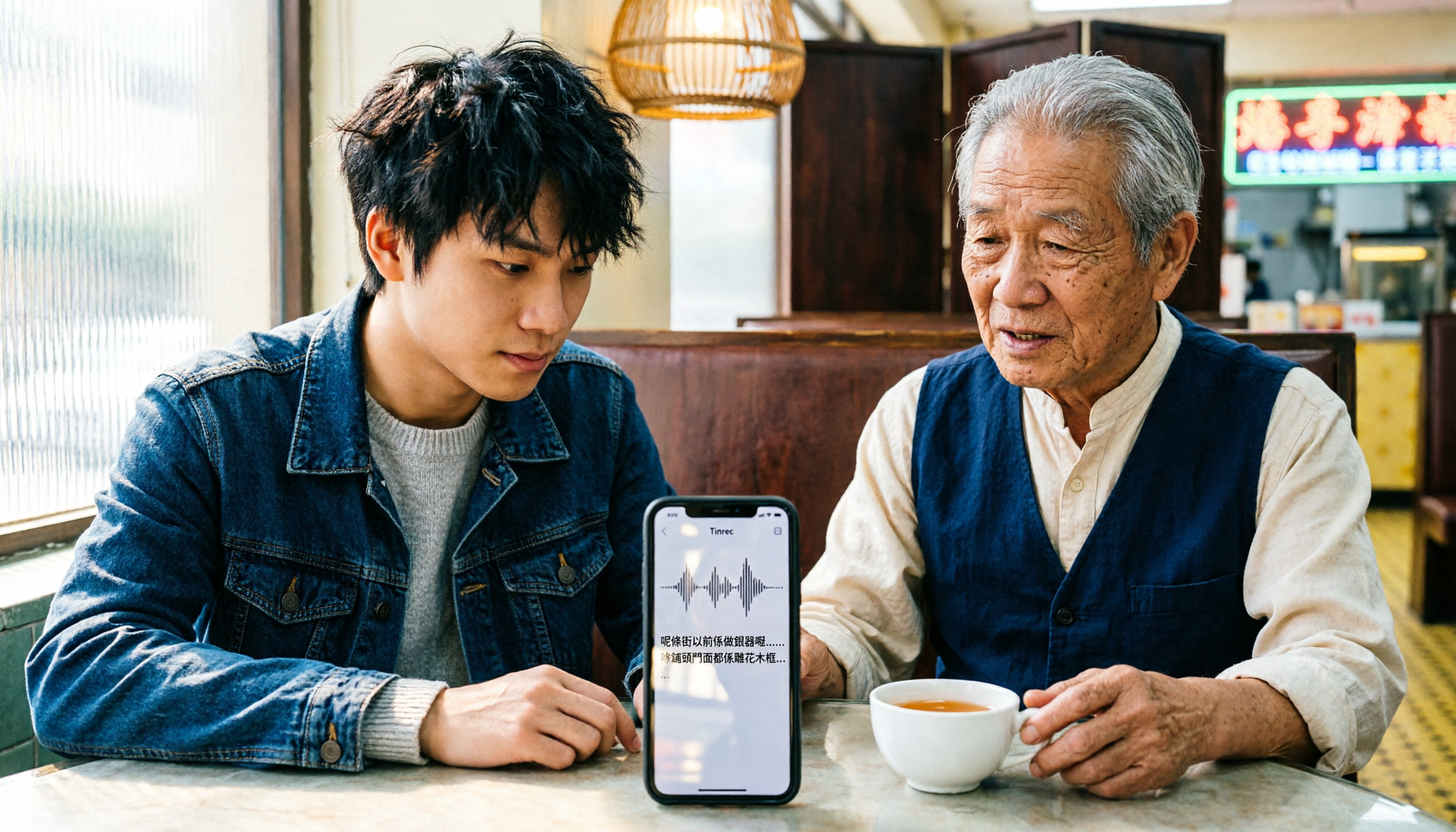
iPhone Cantonese Transcription in 2026: Built-in Voice Memos vs. Tinrec — Which Is Enough?
Recording Cantonese on iPhone — should you stick with the built-in Voice Memos transcript, or install a dedicated AI recording tool? This article compares iPhone's built-in Voice Memos with Tinrec across six dimensions: recording sources, Cantonese and mixed Chinese-English recognition, post-meeting organization, online meetings, cross-platform use, and team collaboration. It also covers pricing and FAQs to help you decide which approach fits your needs.

3 Taiwanese Input Methods Compared: Which One Should You Install on Your Phone or Computer?
Can't find a keyboard that types Taiwanese Hokkien? This article compares three tools: FHL Taiwanese & Hakka Input Method, PhahTaigi Taiwanese Input Method, and Ministry of Education Taiwanese Input Method. It covers download sources, input methods, candidate word design, offline use, and target users, with setup steps and FAQs to help you choose.

4 Best Cantonese to English Translation Apps in 2026: From Single Sentences to Meeting Transcripts
Can you understand Cantonese meetings and Hong Kong client interviews but dread the post-meeting wrap-up? This article breaks down how to choose a Cantonese to English translation app using 4 key criteria, and compares Tinrec, Cantonese Translation Assistant, Otter.ai, and Notta to help you match the right tool to your needs.

4 WhatsApp Voice-to-Text Tools Tested in 2026: What Android Users Who Speak Cantonese Should Choose
Can WhatsApp voice-to-text recognize Cantonese on Android? This article addresses common misconceptions and compares four approaches: WhatsApp's built-in transcription, WeChat, iMyFone VoxBox, and Tinrec. It covers three key buying factors: platform language differences, privacy risks, and free quotas. It also explains how Tinrec turns a Cantonese voice message into a searchable, queryable, and actionable transcript with to-dos.

3 Taiwanese Input Method Apps for Mobile Tested and Compared in 2026: How to Choose Between Missing Characters and Speech-to-Text?
Struggling to type Taiwanese on your phone? This article starts with common misconceptions, compares keyboard-based Taiwanese input methods with audio-to-text tools, and uses Tinrec to demonstrate how to turn Taiwanese conversations, interviews, and bilingual meetings into searchable, organized transcripts and action items, with 5 key purchasing considerations and an FAQ.

Cantonese to English Translation App 2026: Cantonese Transcription + Real-Time English Bilingual Comparison
When looking for a Cantonese to English translation app, first clarify whether you need to 'look up a word' or 'turn an entire Cantonese conversation into an English record.' This article compares Tinrec and Otter.ai across 5 dimensions—Cantonese/Chinese context, recording method, post-meeting organization, team collaboration, and pricing/quotas—to give you scenario-based recommendations.

Taiwanese Hokkien Input Methods in 2026: 3 Ways to Type and Tinrec Transcription Guide
How do you type in Taiwanese Hokkien? This guide covers three common input methods (romanization, character selection, and speech-to-text) and shows how Tinrec turns Taiwanese Hokkien interviews, meetings, and class recordings into searchable transcripts, summaries, and action items. It also explains the differences between the personal and team plans.
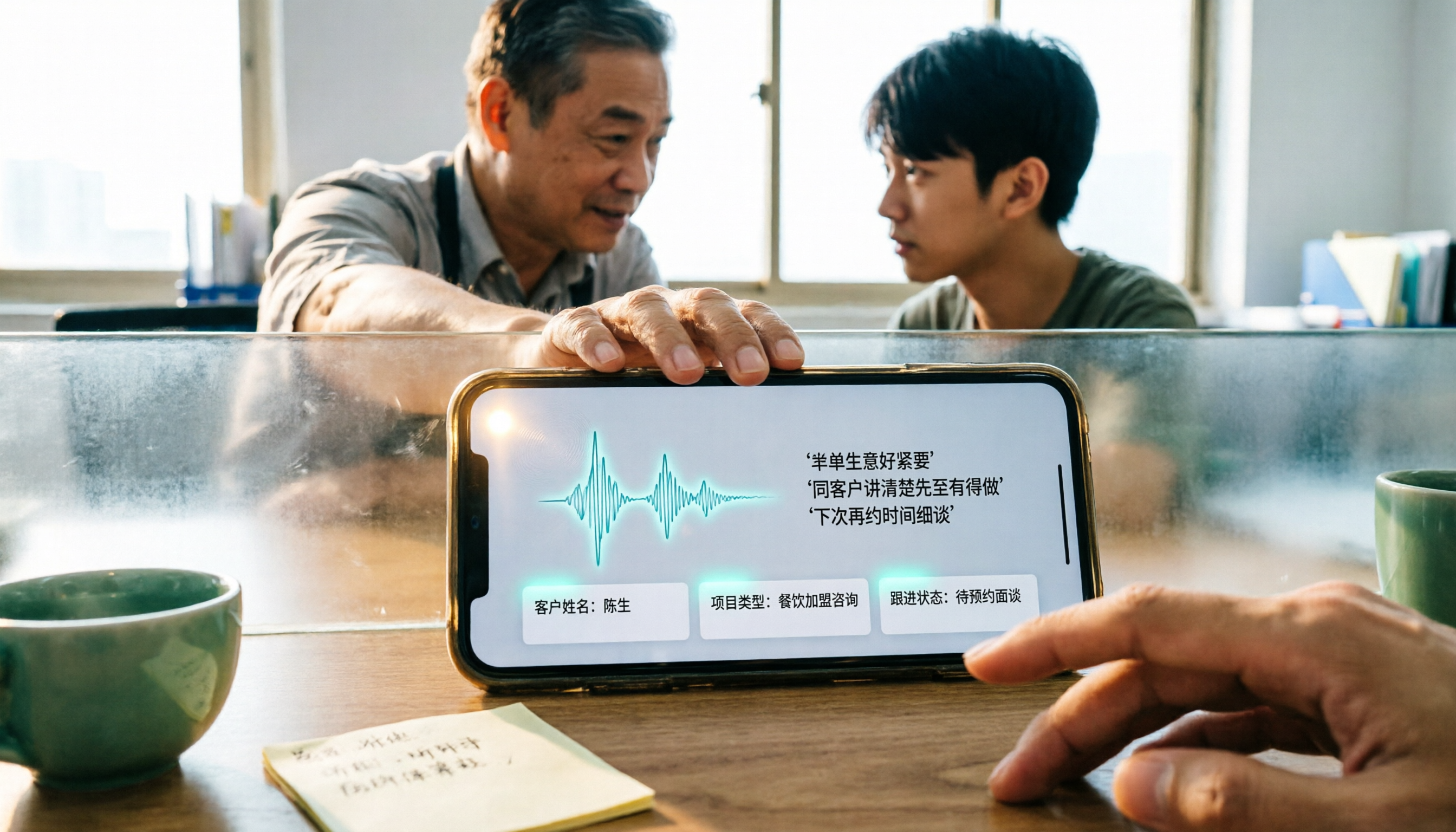
4 WhatsApp Voice-to-Text Methods Tested for 2026: Which Is Easiest for Cantonese Transcription on iPhone?
Transcribing WhatsApp Cantonese voice messages on iPhone: what are the limitations of the built-in transcription, iOS Shortcuts, and third-party tools? This guide covers setup steps and use cases for 4 methods, explains the iOS 16+ requirement, the two conflicting claims about Cantonese support, and what you can do when you want to turn customer conversations and meeting content into searchable, queryable data—not just read a single voice message.